Noneexempt
Description
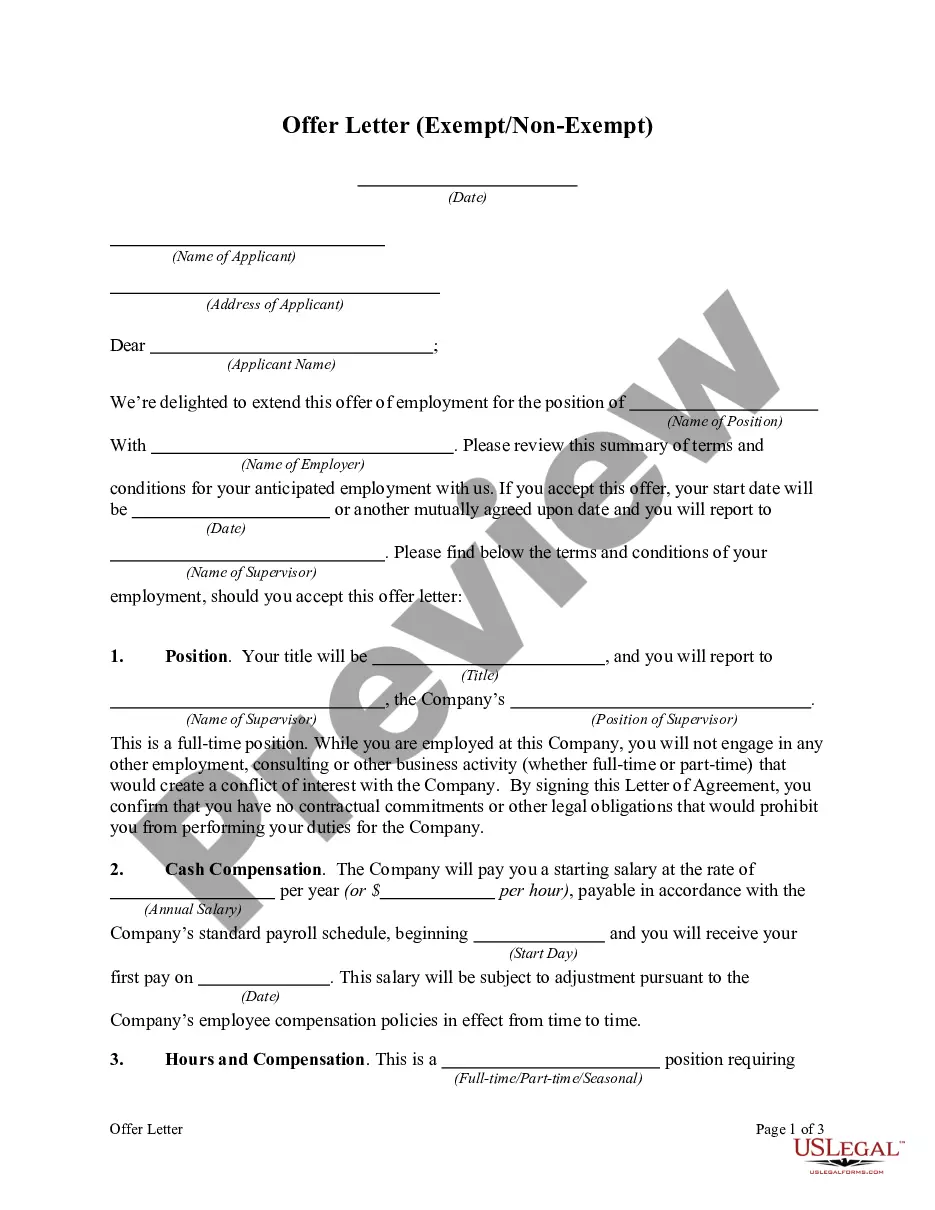
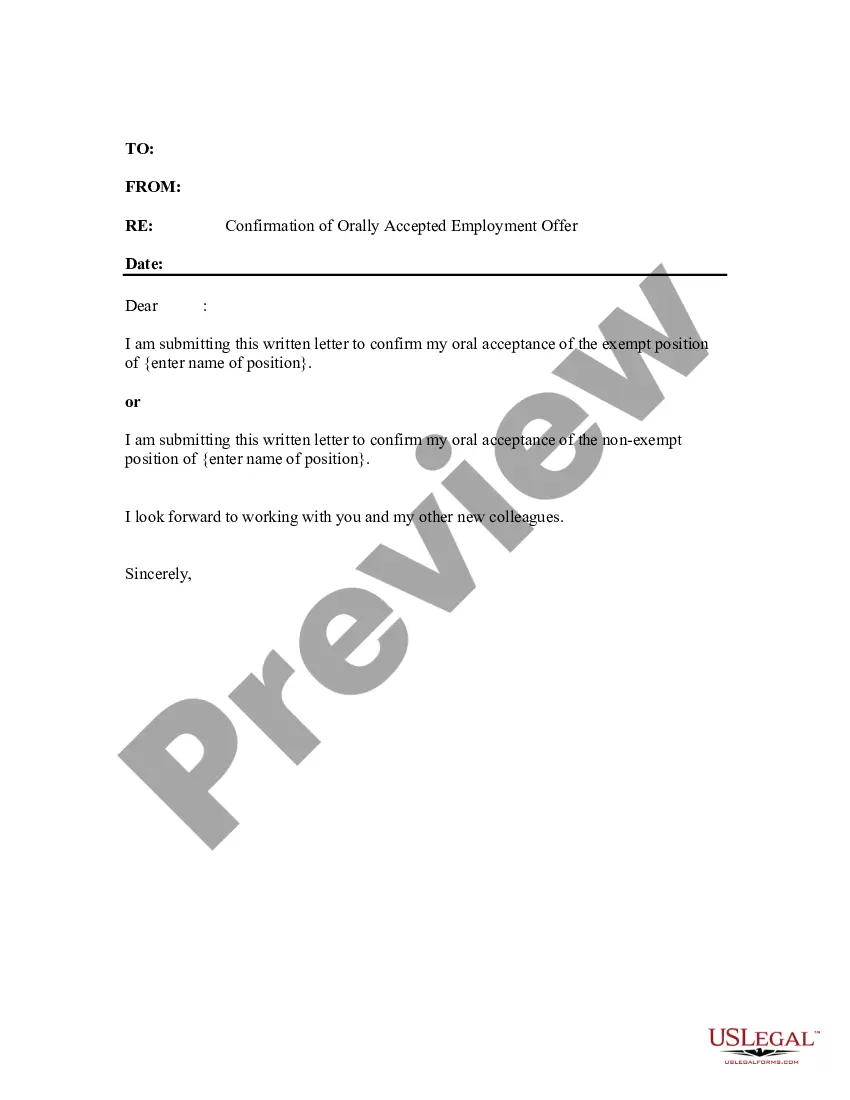
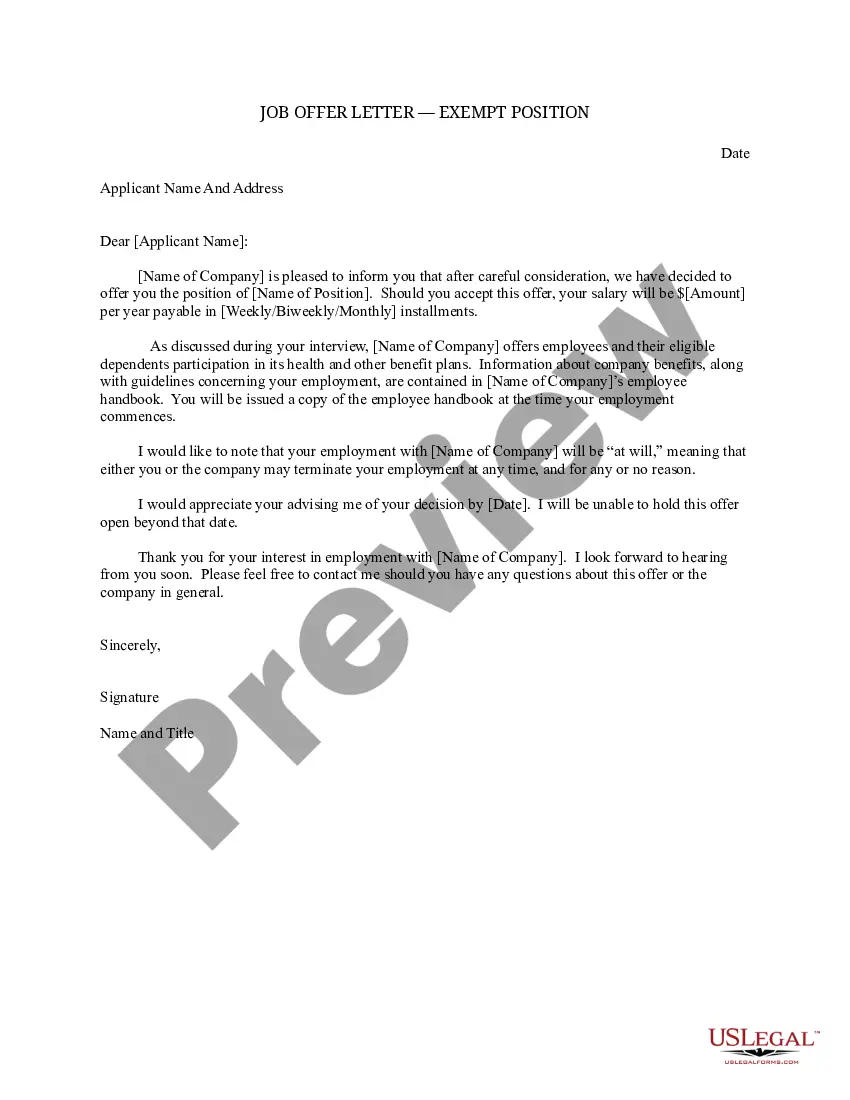
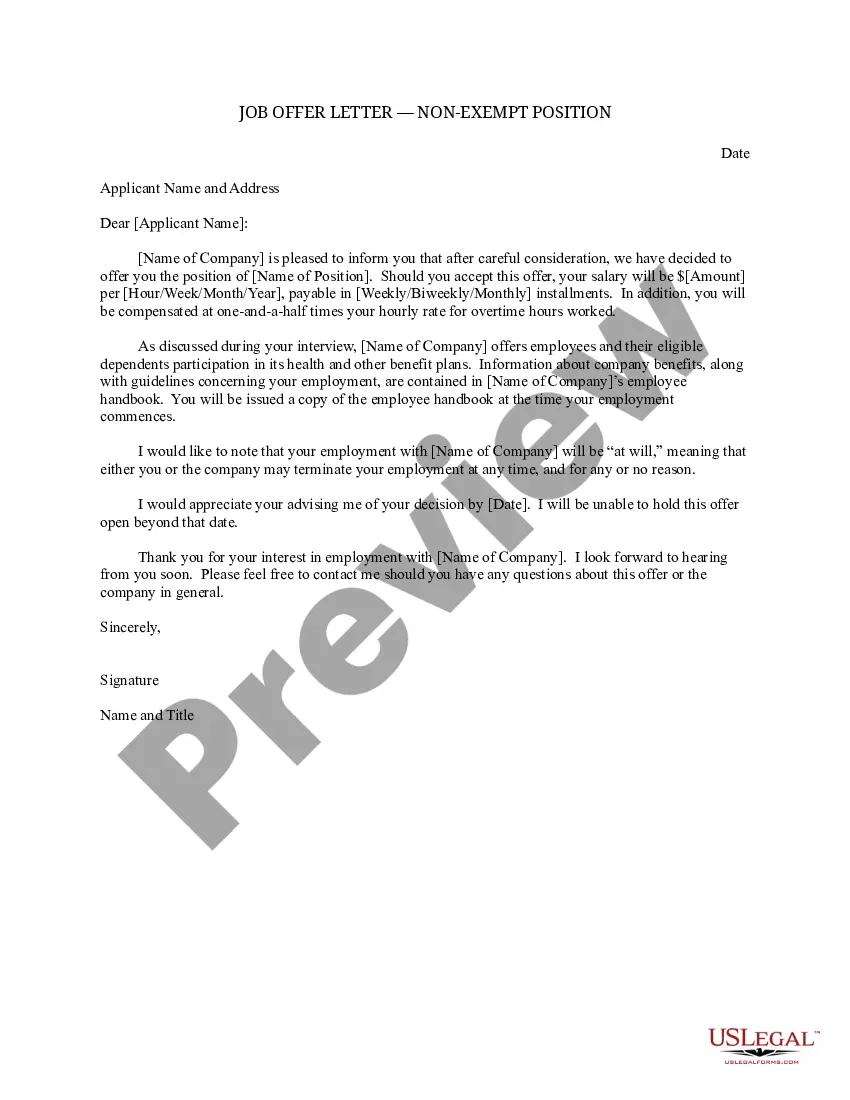
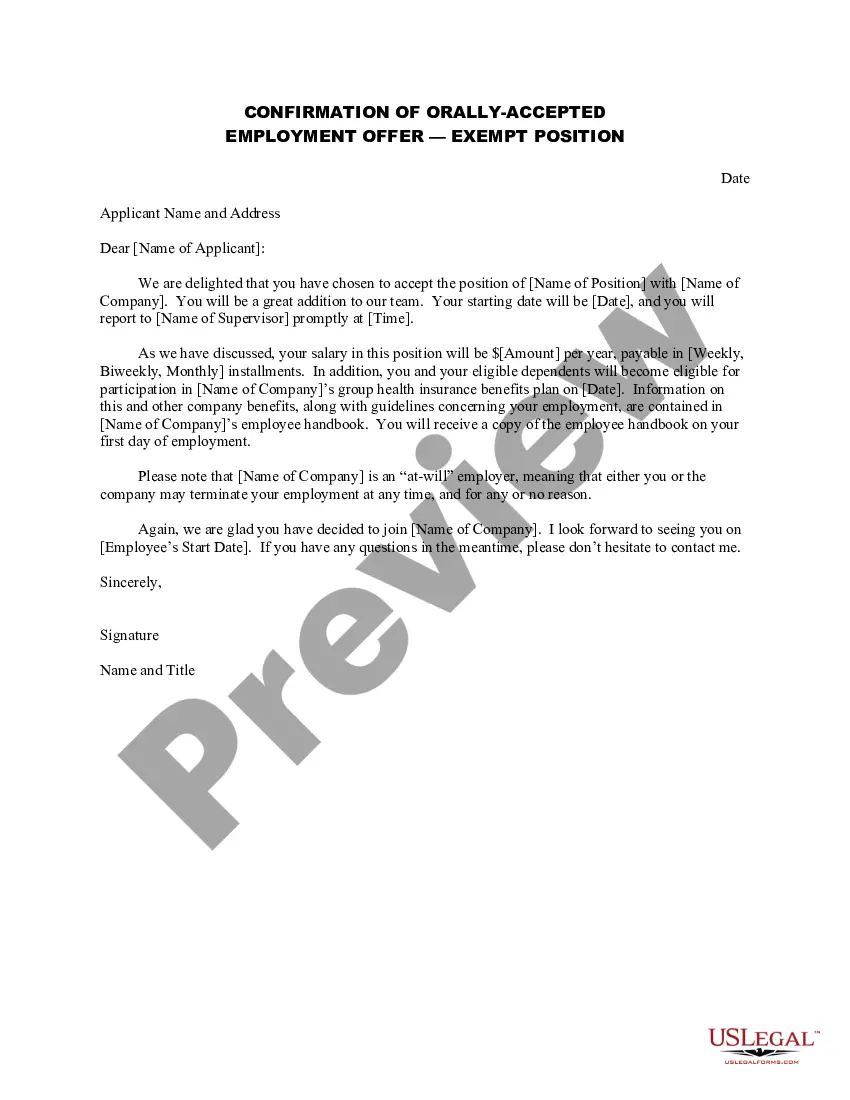

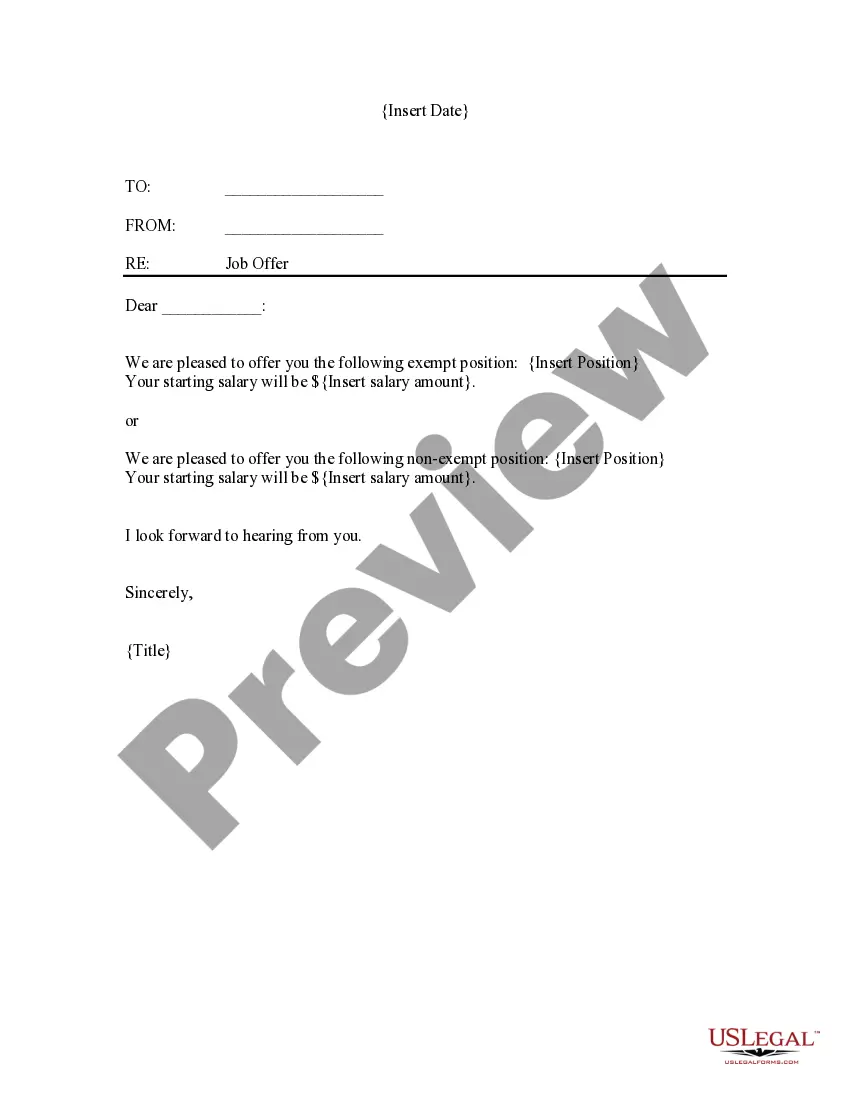
How to fill out Job Offer Letter - Exempt Or Nonexempt Position?
- If you're a returning user, log in to access your account and retrieve your document by clicking the Download button. Please verify that your subscription remains active, and renew as necessary if you need continued access.
- For first-time users, start at the Preview mode to review the form description carefully. Confirm that you select a form that aligns with your requirements and complies with local jurisdiction regulations.
- If you need a different form, utilize the Search tab to find the correct template. Ensure any form you choose is precisely what you need before proceeding.
- Click the Buy Now button associated with your chosen document and select your preferred subscription plan. You will be prompted to create an account to gain access to the full array of resources available.
- Complete your purchase by entering your payment information, either through credit card or PayPal, to finalize your subscription.
- Once your payment is confirmed, download the template directly to your device. You can find it at any time in the My Forms section of your profile.
US Legal Forms is dedicated to empowering both individuals and attorneys by providing an extensive and user-friendly library. With over 85,000 easily fillable and editable legal documents, the platform stands out for offering more forms than most competitors at a similar cost.
In conclusion, utilizing the powerful features of US Legal Forms can help you efficiently manage your legal documentation needs. Get started today and experience the ease and speed by accessing Noneexempt and its vast resources.
Form popularity
FAQ
The three factors that help determine whether an employee is exempt or non-exempt include the nature of their job duties, their salary level, and the amount of discretion they have in their role. Specific tasks often categorize an employee's status under labor law. Additionally, certain minimum salary thresholds must be met for exempt classification. Familiarizing yourself with these factors can help you make informed employment decisions.
Yes, you can switch an employee's status from exempt to non-exempt, but it requires careful consideration and compliance with labor laws. This transition often occurs if the employee's job duties change or if you want to ensure fair overtime compensation. Clear communication with the employee is essential during this process. By outlining the reason for the change and any new responsibilities, you foster a positive work environment.
Being classified as non-exempt can have significant advantages for many employees. This status ensures that you receive compensation for overtime hours worked, which can enhance your overall earnings. Additionally, non-exempt workers are often eligible for labor protections, providing peace of mind and security in the workplace.
If you claim exempt status, you will not have federal income tax withheld from your paycheck. However, you may still owe taxes at the end of the year, depending on your total income and deductions. It's important to review your tax situation, as claiming exempt may lead to a tax bill if you do not qualify for the exemption based on your income.
To classify employees as exempt or non-exempt, employers should evaluate job duties, salary levels, and specific roles within the organization. The Fair Labor Standards Act (FLSA) provides clear guidelines for this classification, focusing on the nature of the job responsibilities. A thorough understanding of these criteria is essential to ensure proper compliance and avoid potential legal issues.
Yes, you can change your W4 at any time to reflect your current tax situation, whether you want to adjust withholdings or change your exemption status. Simply fill out a new W-4 and submit it to your employer. It’s advisable to review your withholding amounts regularly, especially after significant life changes. If you need assistance with this process, uslegalforms provides valuable templates and guidance.
Filing as non-exempt means that you are subject to federal income tax withholding based on your income level. Your employer will deduct taxes from your paycheck, ensuring that you contribute to your tax responsibilities throughout the year. This option typically leads to a balanced tax situation without a large tax bill at year's end. For more clarity and support, consider utilizing uslegalforms to navigate your filing options.
To change your exemption status on your W4, simply fill out a new W-4 form. Indicate your new status and provide it to your employer without delay. It's important to review your decision carefully, as incorrect information can lead to unexpected tax consequences. With the help of uslegalforms, you can access easy-to-follow guides for completing tax forms accurately.
Forming a non-profit organization that qualifies for tax-exempt status involves several steps. You'll need to establish a formal organization structure, file for an Employer Identification Number (EIN), and complete the IRS Form 1023 or Form 1023-EZ application. It's essential to draft your bylaws and mission statement carefully. To streamline this process, consider using resources from uslegalforms for accurate filings.
To change your W4 to non-exempt, you need to fill out a new W-4 form provided by your employer. Indicate that you are no longer claiming exempt status, and include your estimated taxes. Make sure to submit the new form to your employer's payroll department promptly. If you're unsure about how to fill out the W-4 correctly, uslegalforms offers helpful resources to guide you.