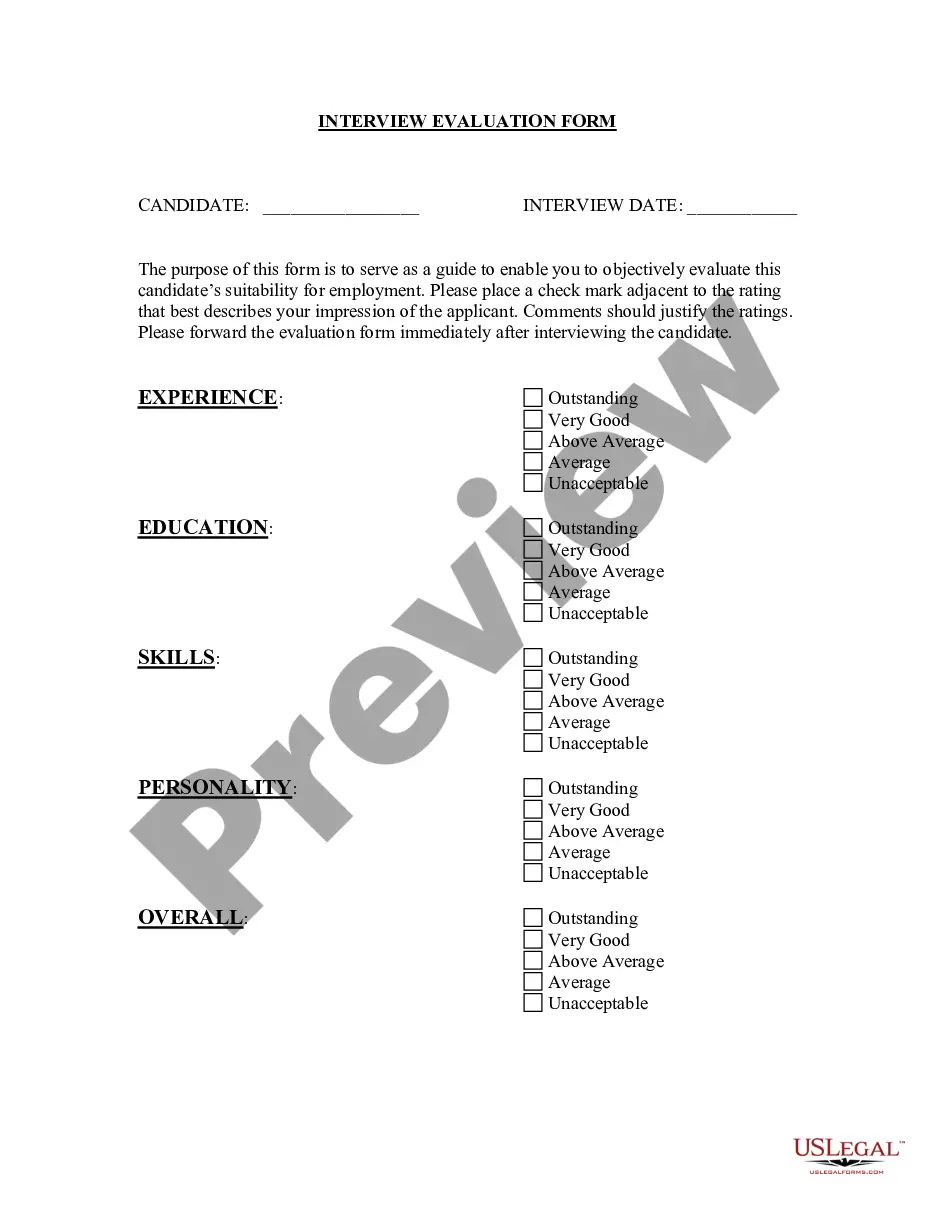
System Evaluation Form For Students
Description


Get your form ready online
Our built-in tools help you complete, sign, share, and store your documents in one place.
Make edits, fill in missing information, and update formatting in US Legal Forms—just like you would in MS Word.
Download a copy, print it, send it by email, or mail it via USPS—whatever works best for your next step.
Sign and collect signatures with our SignNow integration. Send to multiple recipients, set reminders, and more. Go Premium to unlock E-Sign.
If this form requires notarization, complete it online through a secure video call—no need to meet a notary in person or wait for an appointment.
We protect your documents and personal data by following strict security and privacy standards.

Make edits, fill in missing information, and update formatting in US Legal Forms—just like you would in MS Word.

Download a copy, print it, send it by email, or mail it via USPS—whatever works best for your next step.

Sign and collect signatures with our SignNow integration. Send to multiple recipients, set reminders, and more. Go Premium to unlock E-Sign.

If this form requires notarization, complete it online through a secure video call—no need to meet a notary in person or wait for an appointment.

We protect your documents and personal data by following strict security and privacy standards.
Looking for another form?





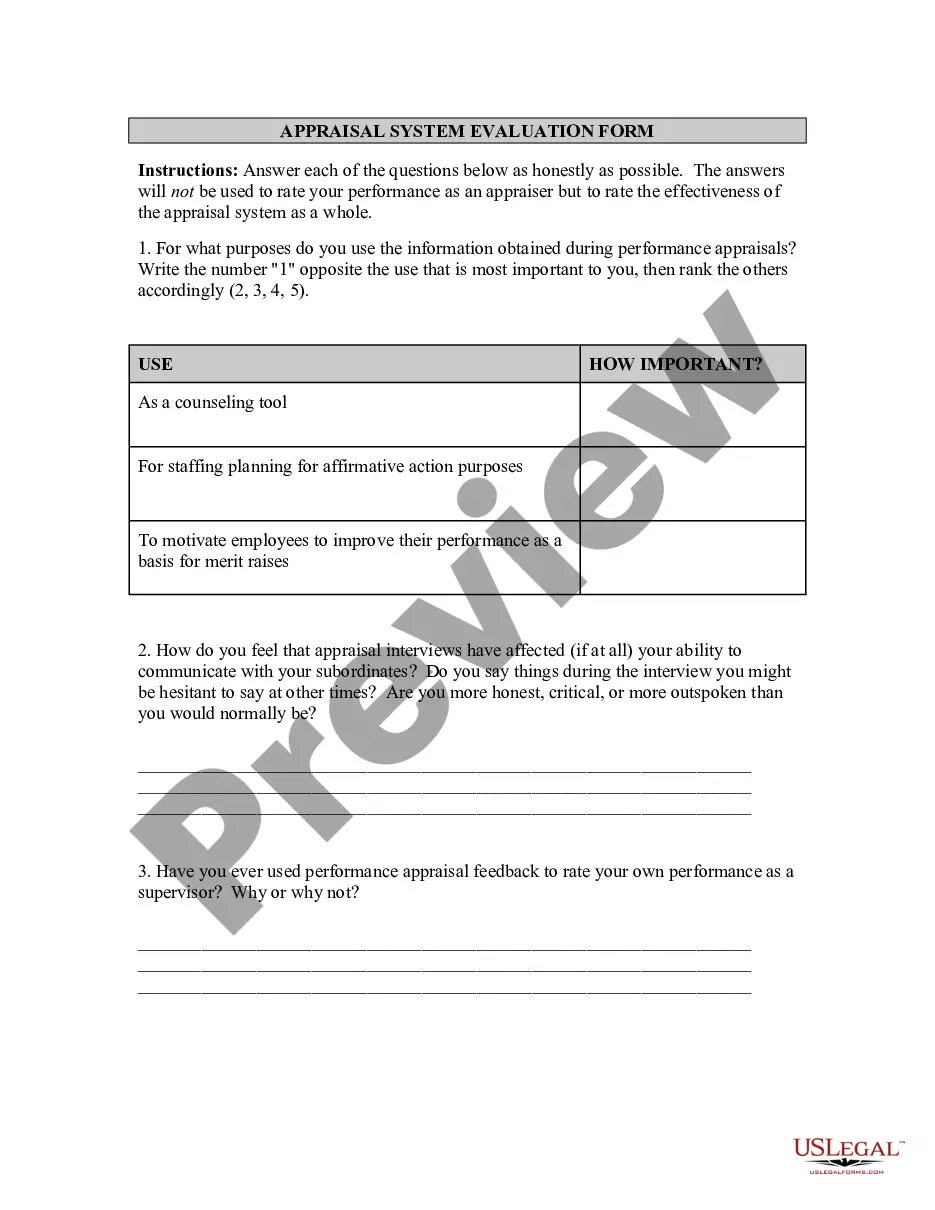
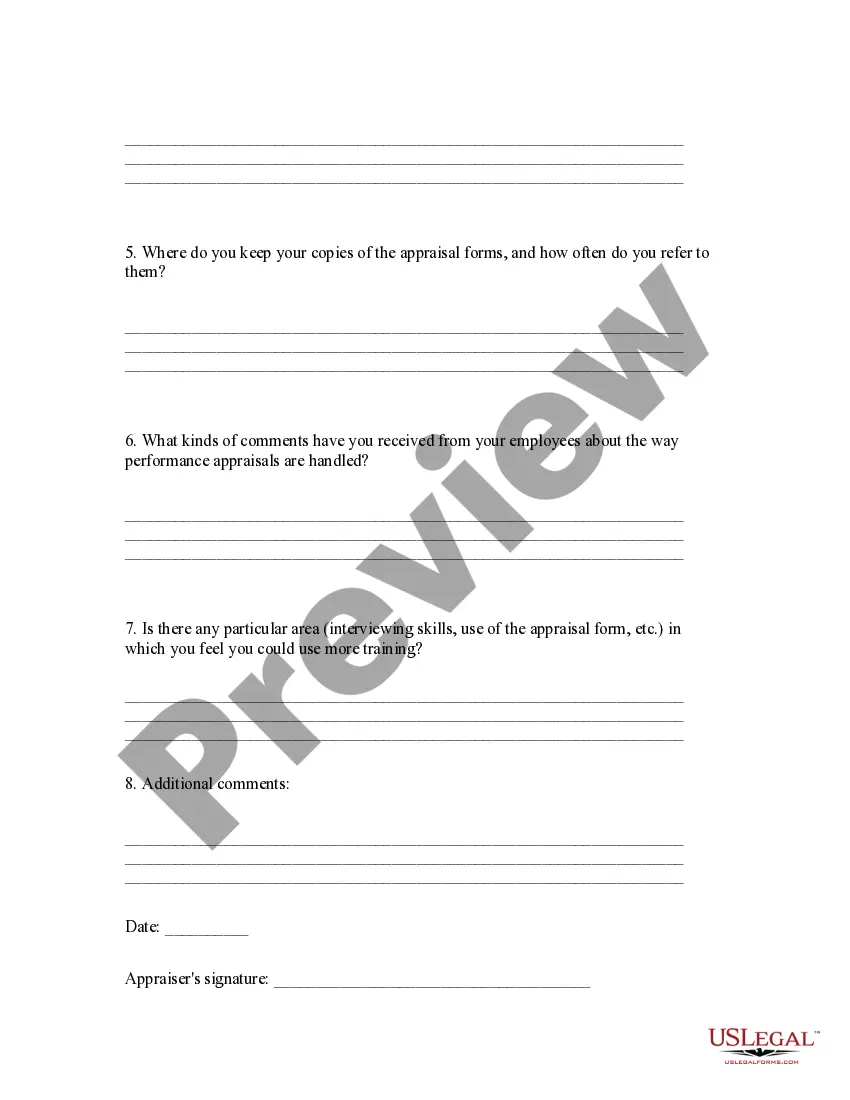
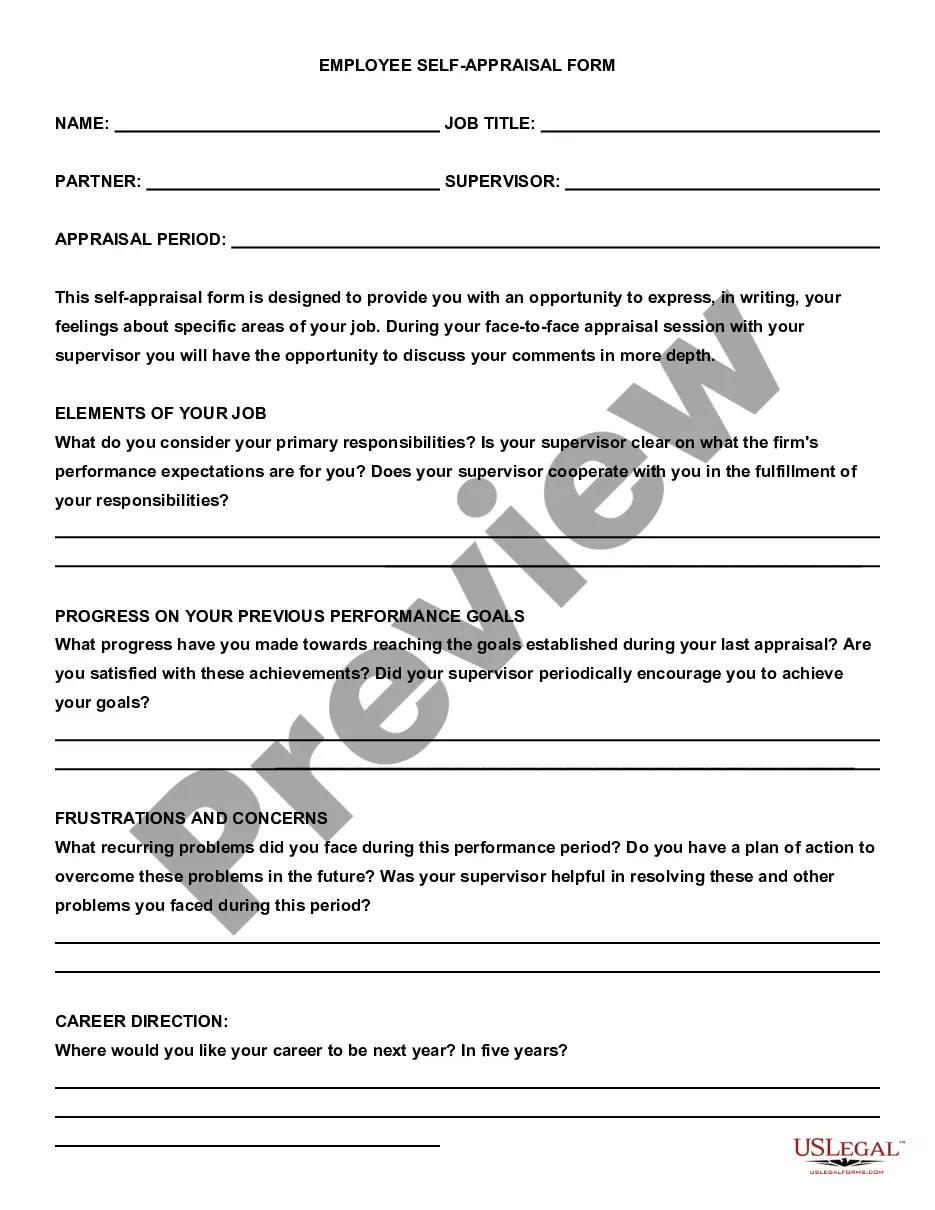
How to fill out Appraisal System Evaluation Form?
The System Assessment Document For Learners you observe on this page is a versatile legal template crafted by experienced attorneys in accordance with federal and local statutes and regulations.
For over 25 years, US Legal Forms has supplied individuals, companies, and legal practitioners with more than 85,000 validated, state-specific documents for any business and personal occasion.
Complete and sign the document. Print the template to finish it manually. Alternatively, use an online multi-functional PDF editor to swiftly and accurately fill out and sign your form with an eSignature. Download your documents again. Use the same document again whenever needed. Access the My documents tab in your profile to redownload any previously purchased forms. Sign up for US Legal Forms to have verified legal templates for all of life’s situations available at your fingertips.
- It’s the quickest, easiest, and most reliable method to obtain the paperwork you require, as the service guarantees bank-level data security and anti-malware safeguards.
- Acquiring this System Assessment Document For Learners will require just a few straightforward steps.
- Search for the document you require and examine it. Browse the file you looked for and preview it or review the form description to confirm it meets your requirements. If it doesn’t, use the search bar to find the appropriate one.
- Subscribe and Log In. Choose the pricing plan that fits you and register for an account. Use PayPal or a credit card to make an immediate payment. If you already possess an account, Log In and verify your subscription to proceed.
- Obtain the editable template. Choose the format you prefer for your System Assessment Document For Learners (PDF, Word, RTF) and save the template on your device.
Form popularity
FAQ
1. student evaluation is an assessment by learners of the service provided by the institution, be it solely of the classroom experience or of all aspects of the learning experience. 2. in some countries, such as the United States and Canada, 'student evaluation' has the same meaning as assessment of students' learning.
Describe specific behaviors and concrete examples in your evaluation. Discuss midpoint feedback using competency-based language. Build upon your midpoint feedback in your written evaluation and comment on student achievement of the expectations you discussed.
Evaluation Forms Examples Employee Evaluation Form. Customer Service Evaluation Form. Peer Evaluation Form. Performance Improvement Plan Form. Event Evaluation Form. Training Course Feedback Template.
When you fill the form: Be honest and critical. Analyze your failures and mention the reasons for it. ... Keep the words minimal. ... Identify weaknesses. ... Mention your achievements. ... Link achievements to the job description and the organization's goals. ... Set the goals for the next review period. ... Resolve conflicts and grievances.