Continuation Coverage Form For Cobra Coverage
Description
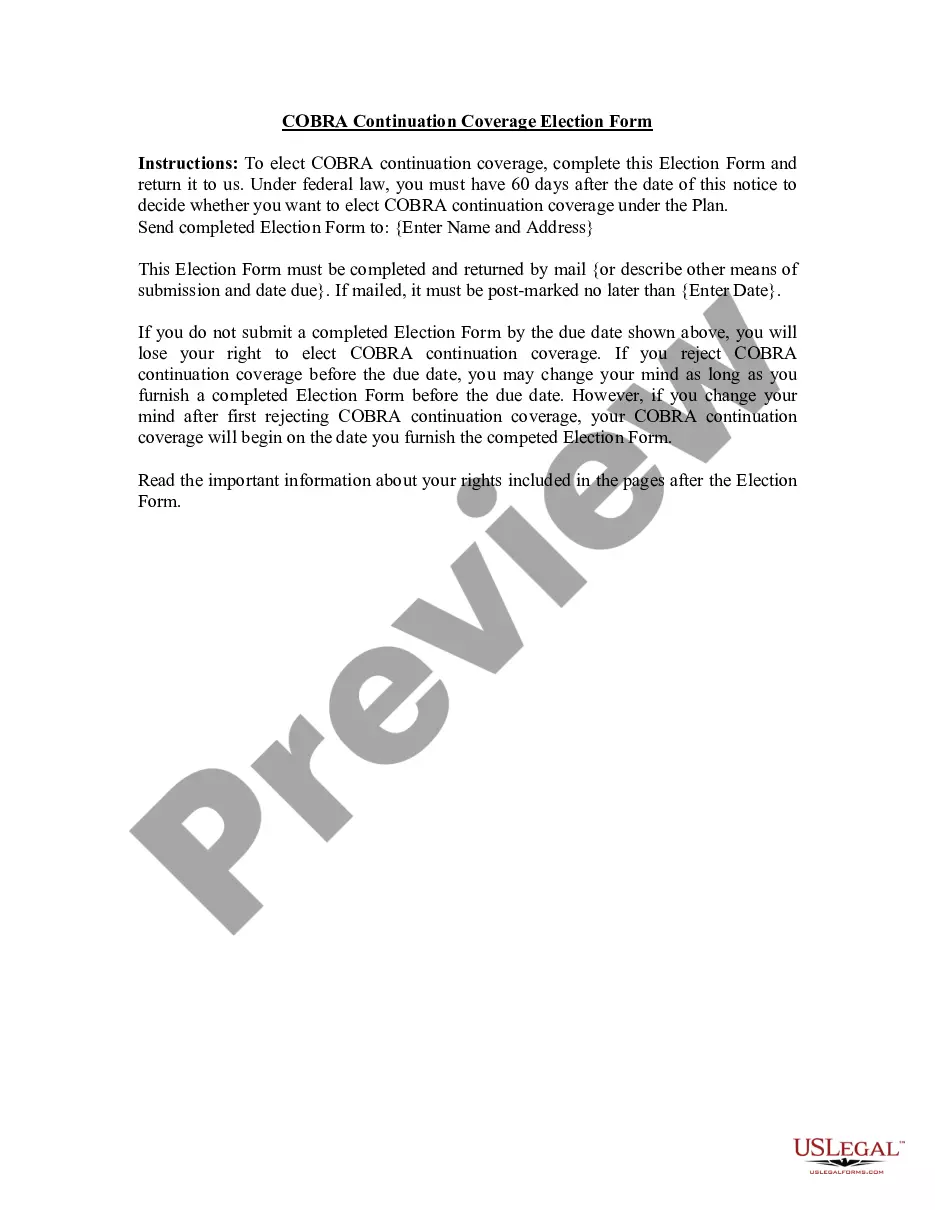
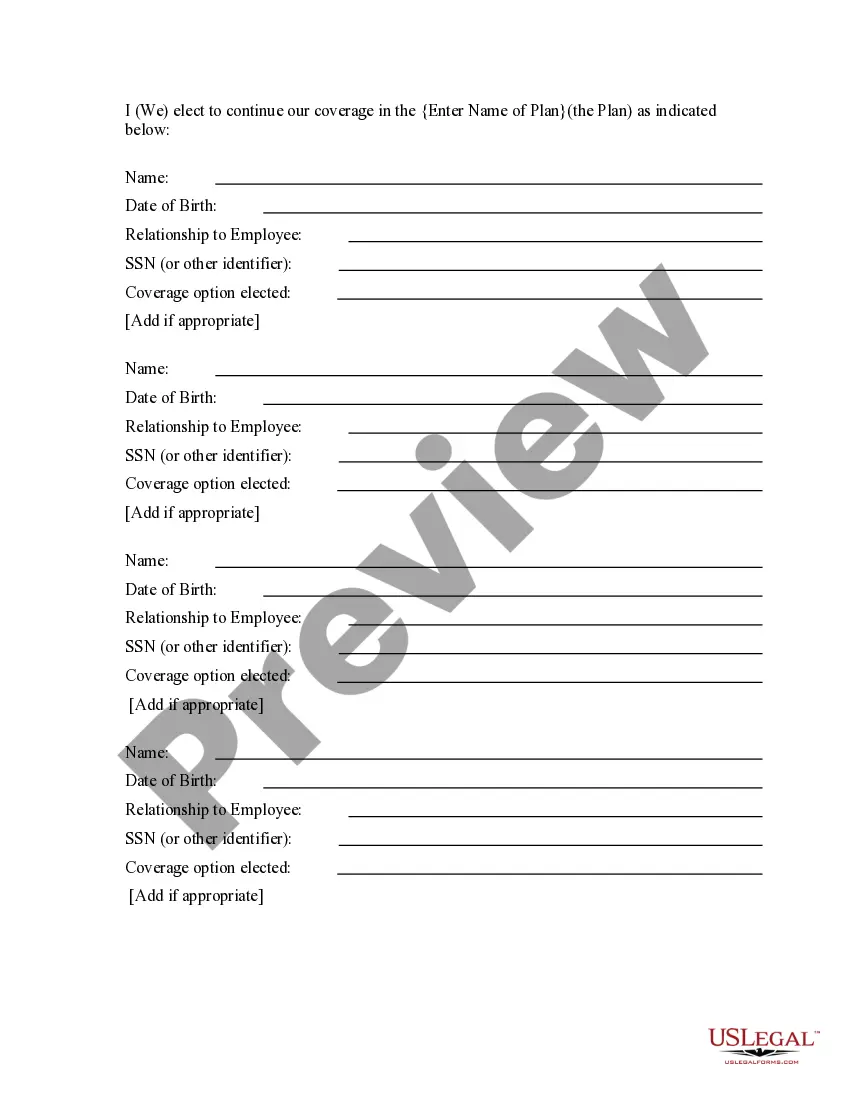
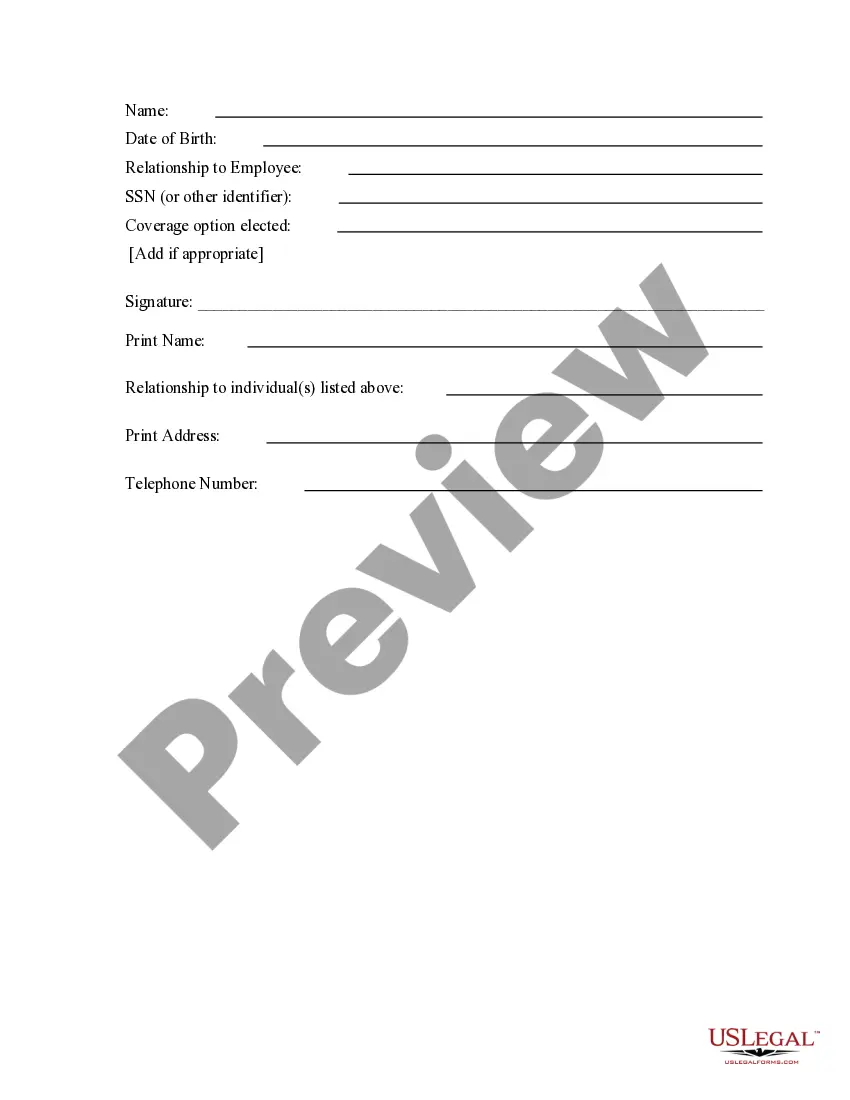
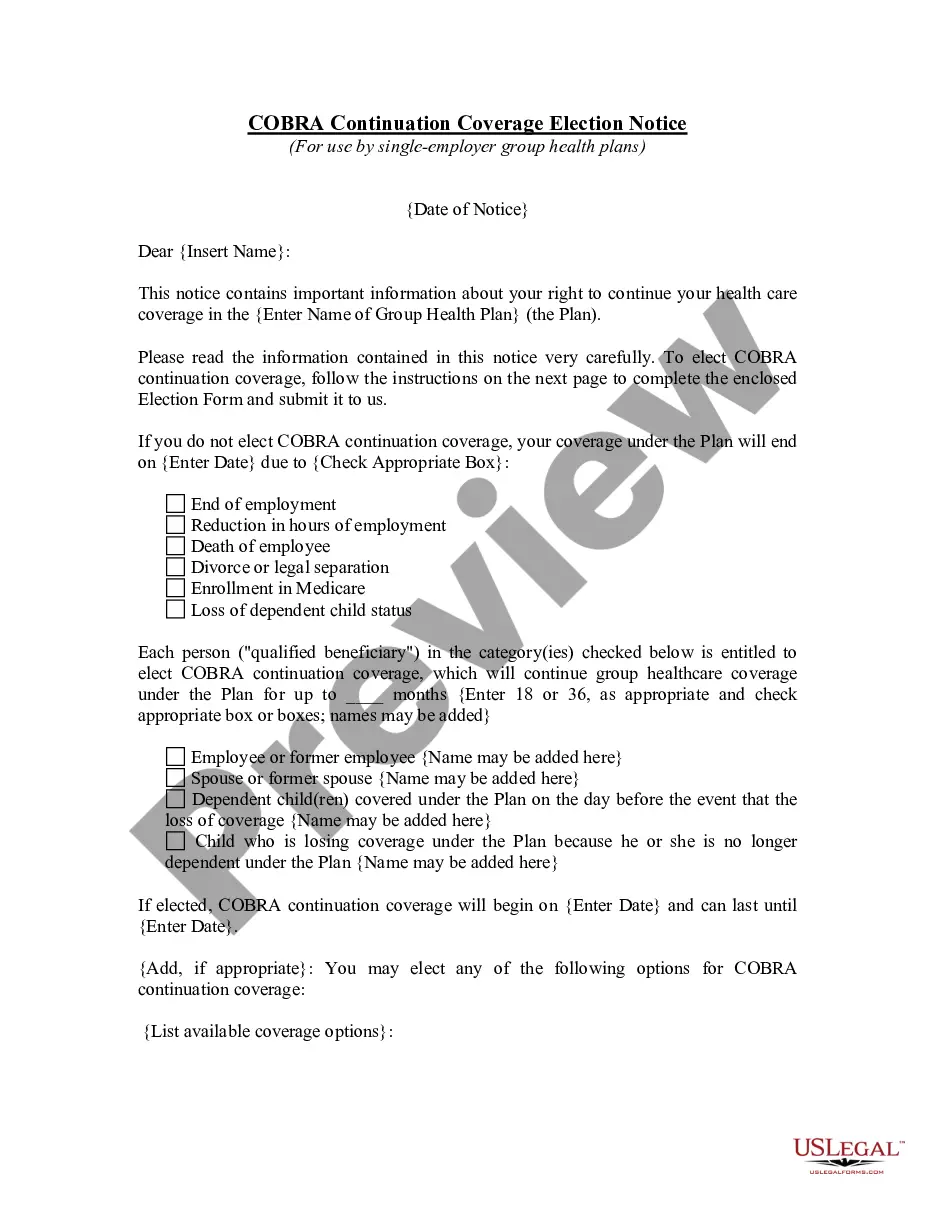
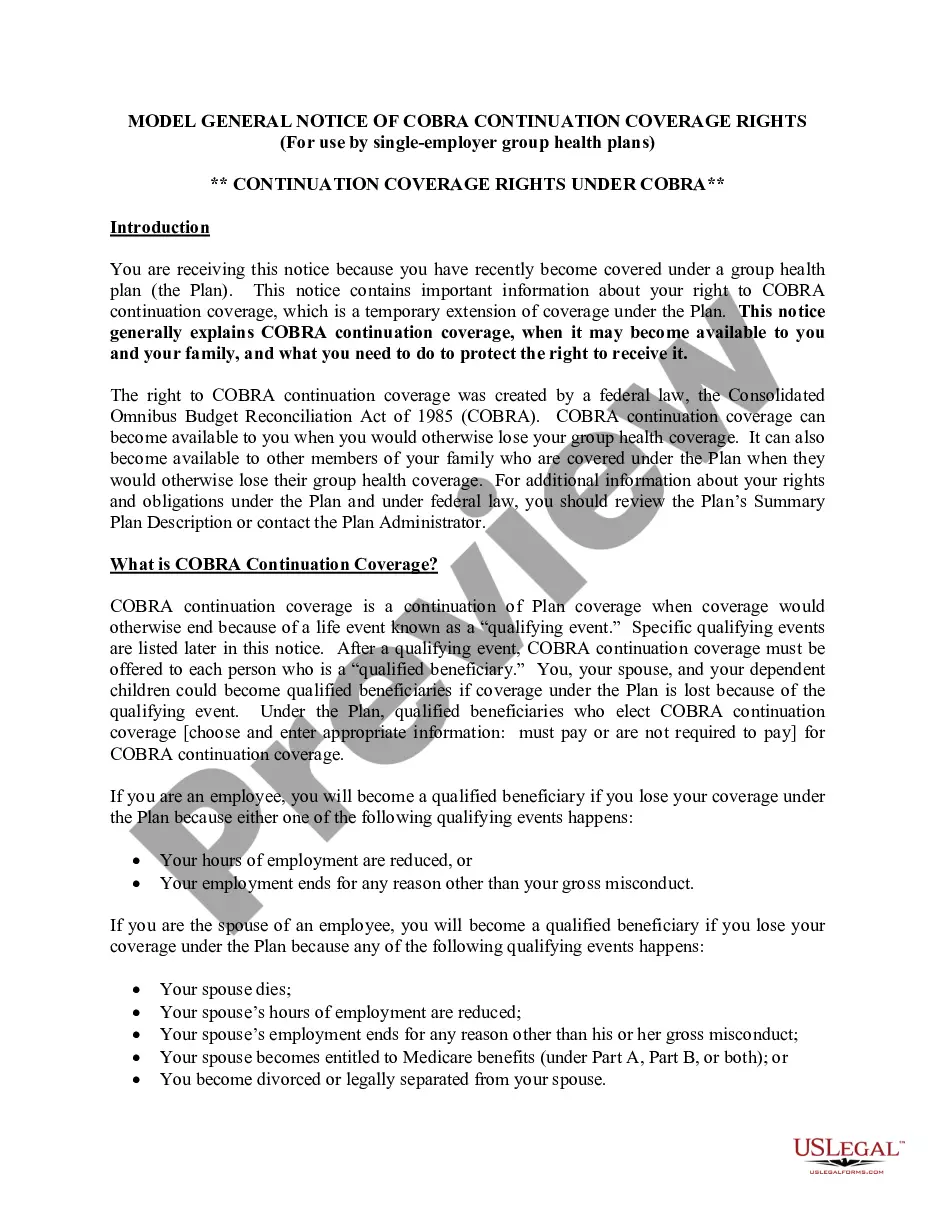
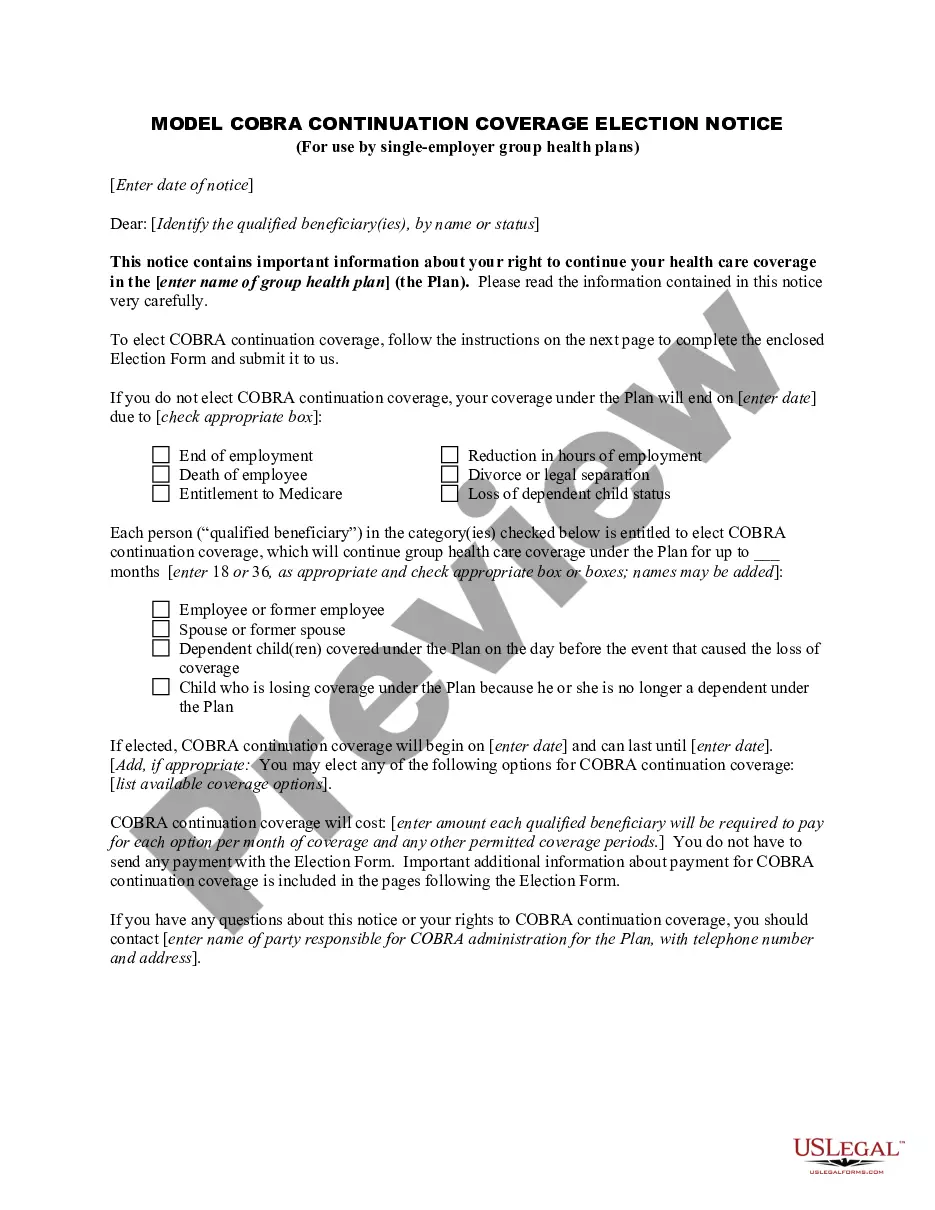






How to fill out COBRA Continuation Coverage Election Form?
Whether for business purposes or for individual matters, everybody has to manage legal situations at some point in their life. Filling out legal paperwork requires careful attention, beginning from selecting the right form template. For instance, if you choose a wrong edition of the Continuation Coverage Form For Cobra Coverage, it will be declined when you send it. It is therefore essential to have a dependable source of legal files like US Legal Forms.
If you need to get a Continuation Coverage Form For Cobra Coverage template, stick to these simple steps:
- Find the template you need by utilizing the search field or catalog navigation.
- Check out the form’s information to make sure it fits your situation, state, and county.
- Click on the form’s preview to see it.
- If it is the wrong document, get back to the search function to find the Continuation Coverage Form For Cobra Coverage sample you require.
- Get the file when it meets your needs.
- If you already have a US Legal Forms account, simply click Log in to access previously saved templates in My Forms.
- In the event you don’t have an account yet, you may download the form by clicking Buy now.
- Choose the proper pricing option.
- Complete the account registration form.
- Select your transaction method: use a bank card or PayPal account.
- Choose the document format you want and download the Continuation Coverage Form For Cobra Coverage.
- After it is downloaded, you can complete the form by using editing applications or print it and finish it manually.
With a substantial US Legal Forms catalog at hand, you never have to spend time searching for the appropriate template across the web. Use the library’s straightforward navigation to get the proper form for any situation.
Form popularity
FAQ
If you get COBRA, you must pay for the entire premium, including any portion that your employer may have paid in the past. This means your payment is often more expensive than what you paid as an employee. You can collect COBRA benefits for up to 18 months. This may be extended to 36 months under certain circumstances.
The plan must allow qualified beneficiaries to pay the required premiums on a monthly basis if they ask to do so, and may allow payments at other intervals (for example, weekly or quarterly). Plans cannot require qualified beneficiaries to pay a premium when they make the COBRA election.
The three ways to pay COBRA premiums are through ACH (linked to your bank account), credit/debit card or check. We recommend paying by ACH.
To access the COBRA portal, click on the Login button in the upper right hand corner of the website, then click "Members" from the dropdown menu. From the Member Login page, click the "COBRA Login" button and you will be directed to the COBRA portal page.
You can also make a one-time payment in your online account. For more information, see How to make a one-time COBRA premium payment in your online account. You also have the option to log in to the COBRA Mobile App to make a one-time or recurring payment.