Search Form With Javascript
Description
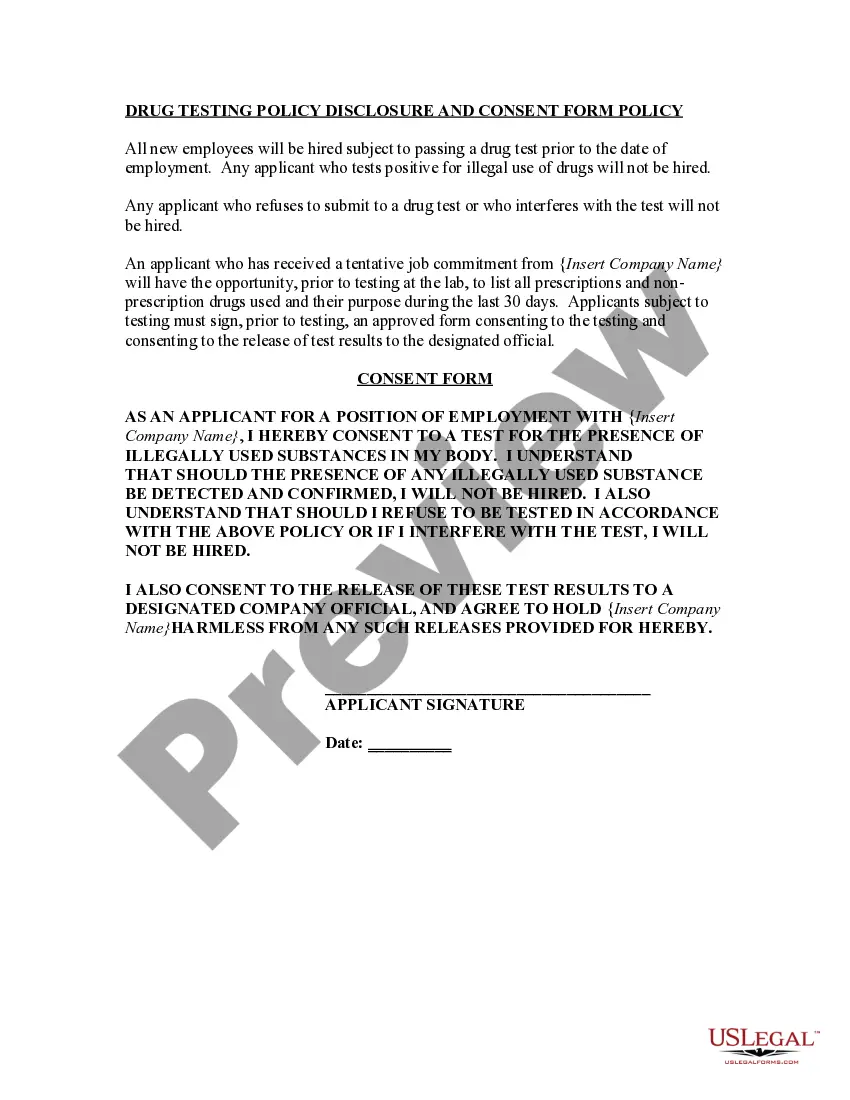
Get your form ready online
Our built-in tools help you complete, sign, share, and store your documents in one place.
Make edits, fill in missing information, and update formatting in US Legal Forms—just like you would in MS Word.
Download a copy, print it, send it by email, or mail it via USPS—whatever works best for your next step.
Sign and collect signatures with our SignNow integration. Send to multiple recipients, set reminders, and more. Go Premium to unlock E-Sign.
If this form requires notarization, complete it online through a secure video call—no need to meet a notary in person or wait for an appointment.
We protect your documents and personal data by following strict security and privacy standards.

Make edits, fill in missing information, and update formatting in US Legal Forms—just like you would in MS Word.

Download a copy, print it, send it by email, or mail it via USPS—whatever works best for your next step.

Sign and collect signatures with our SignNow integration. Send to multiple recipients, set reminders, and more. Go Premium to unlock E-Sign.

If this form requires notarization, complete it online through a secure video call—no need to meet a notary in person or wait for an appointment.

We protect your documents and personal data by following strict security and privacy standards.
Looking for another form?
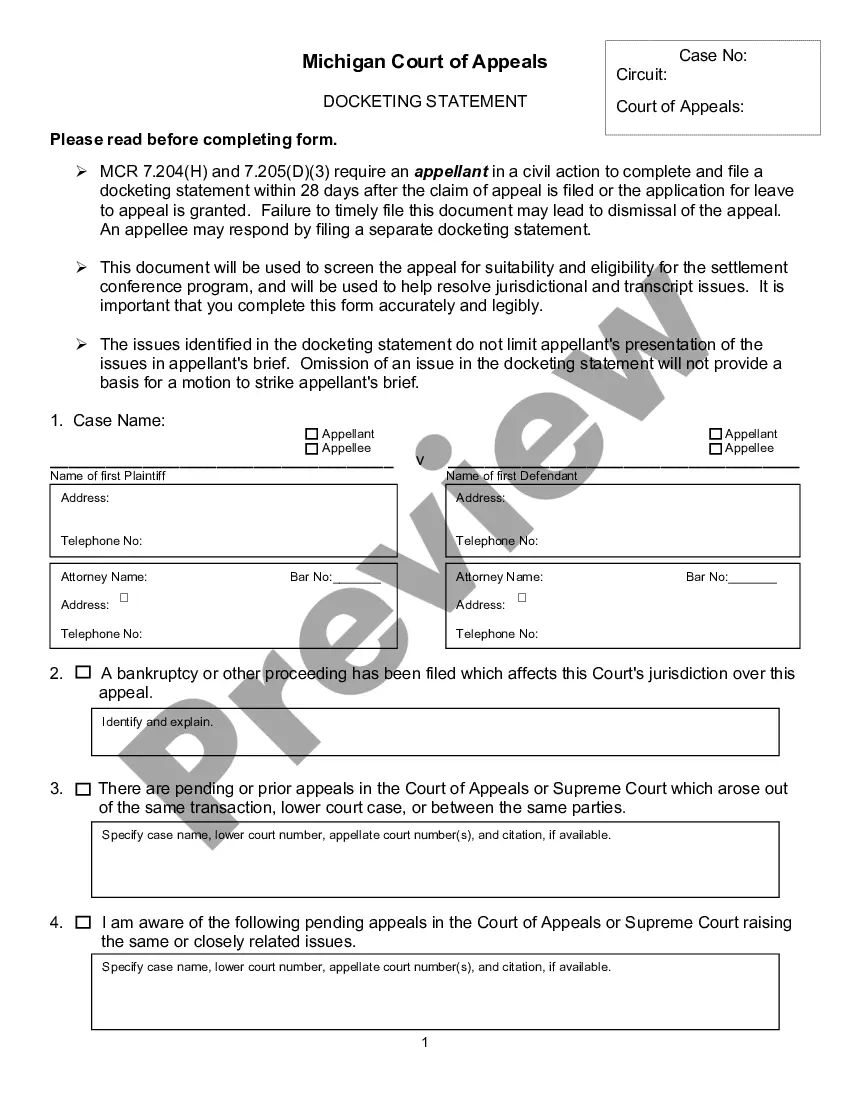
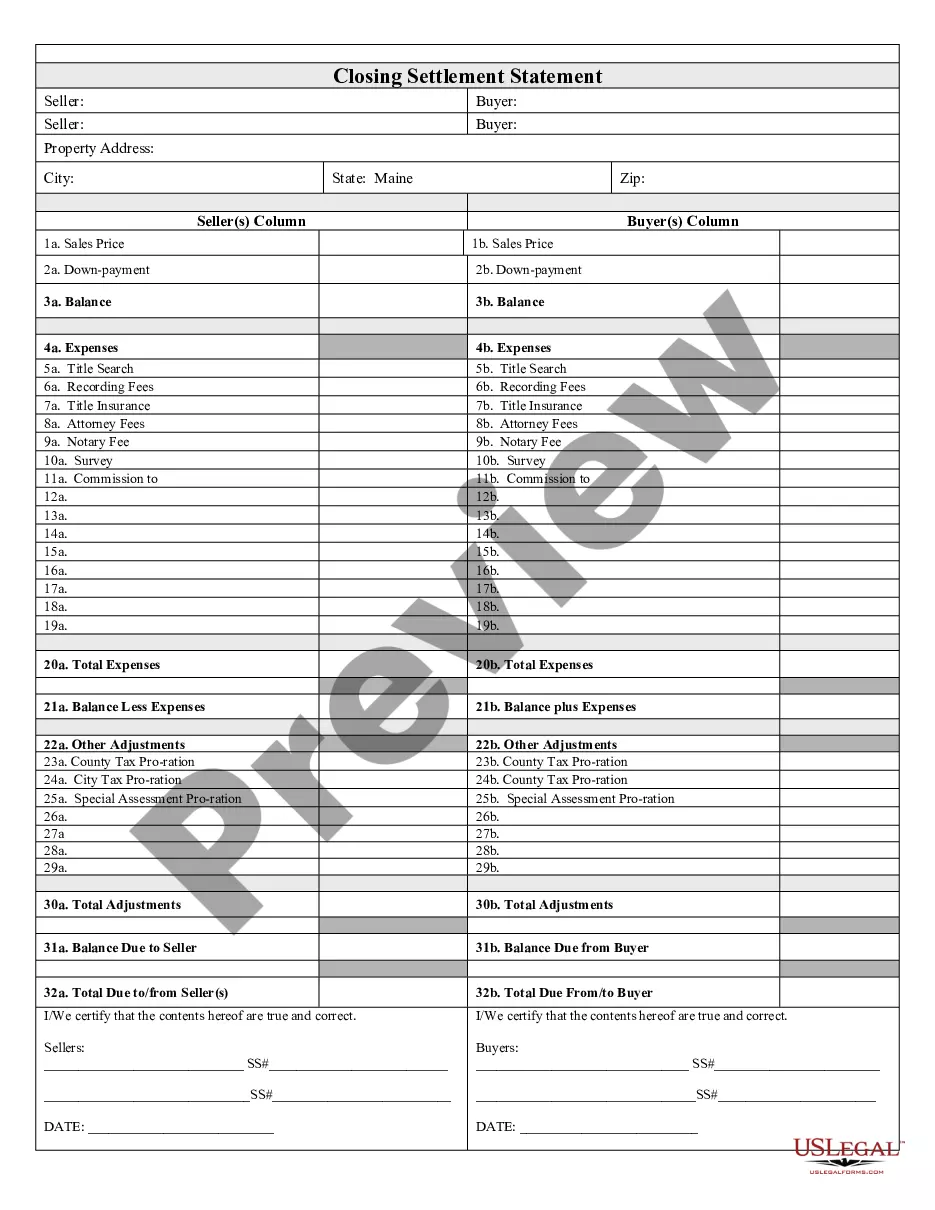
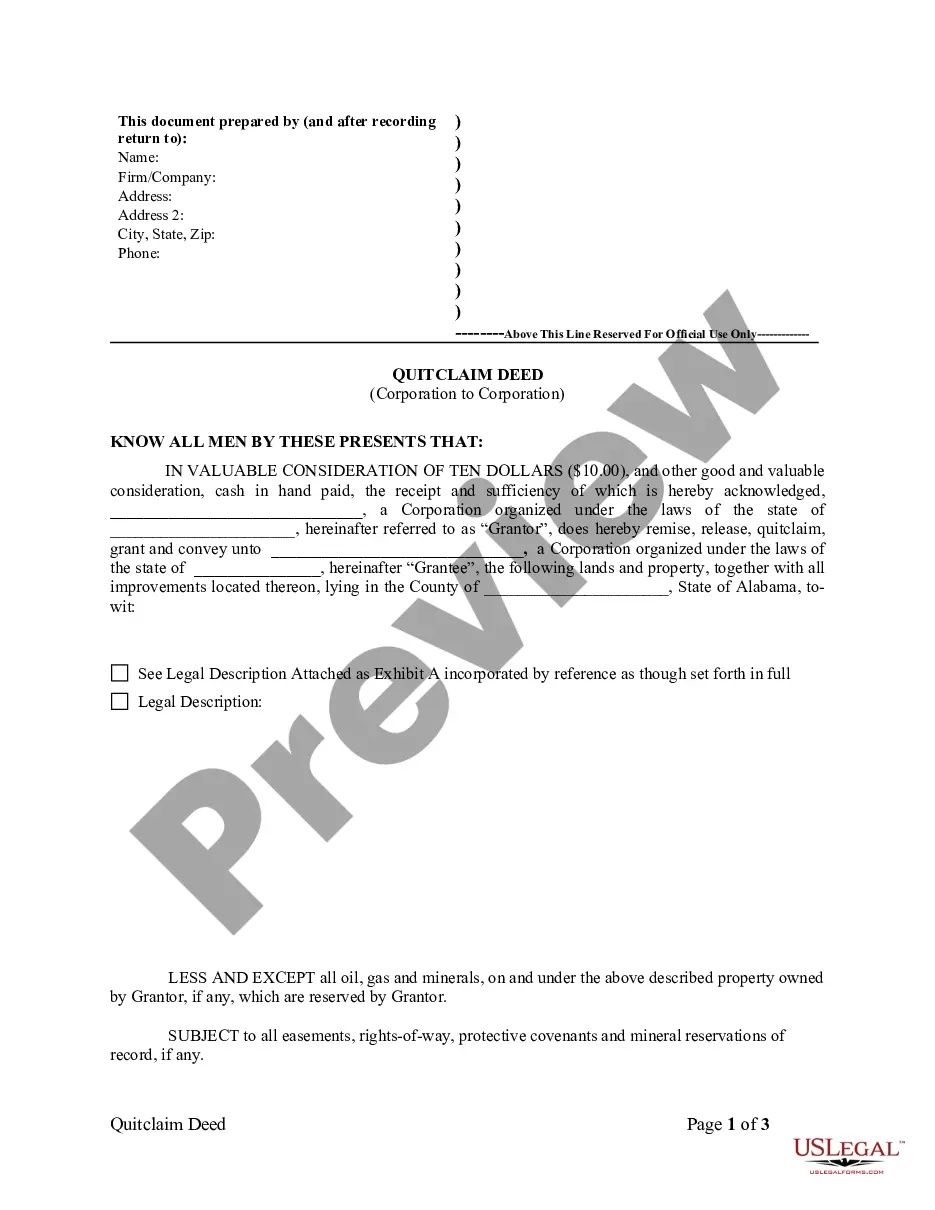

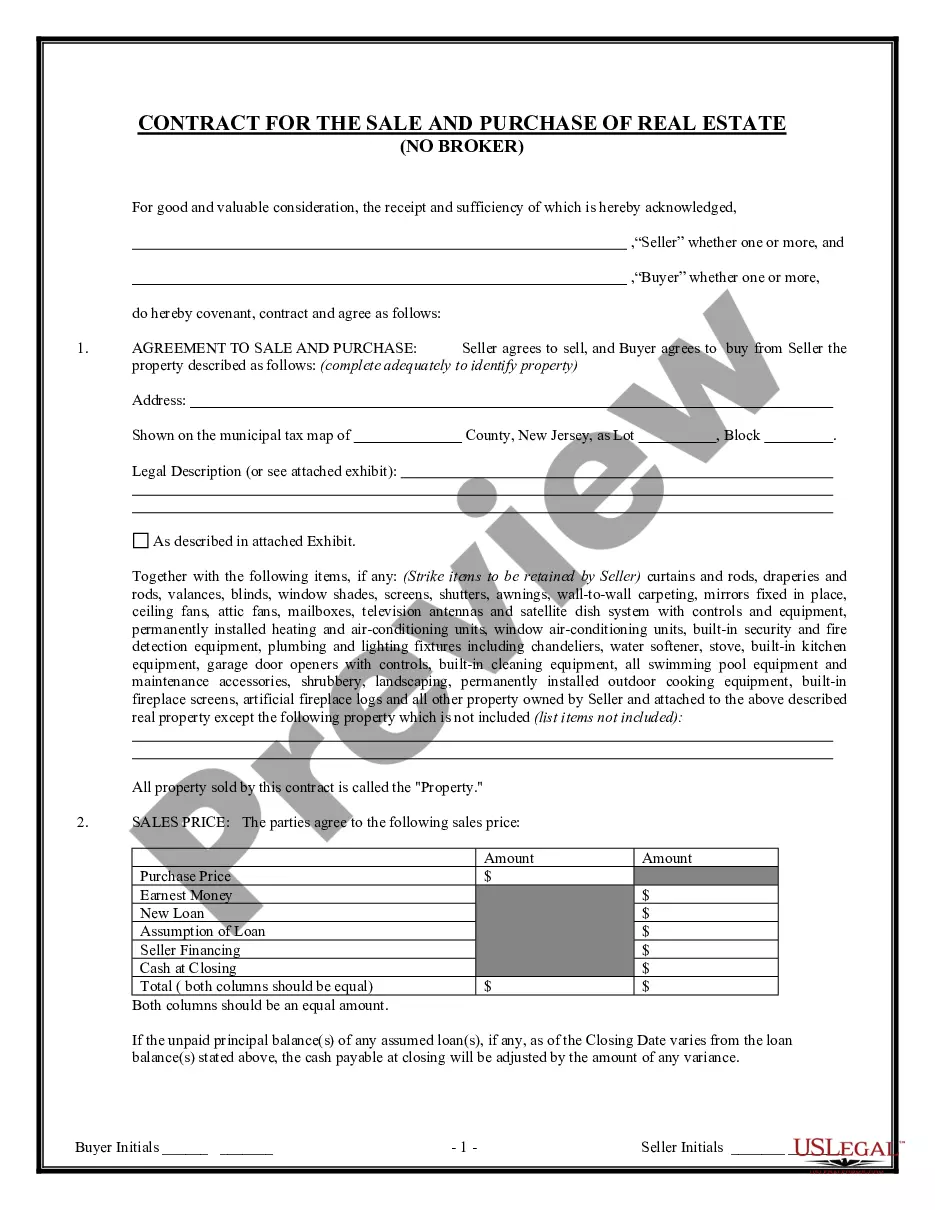
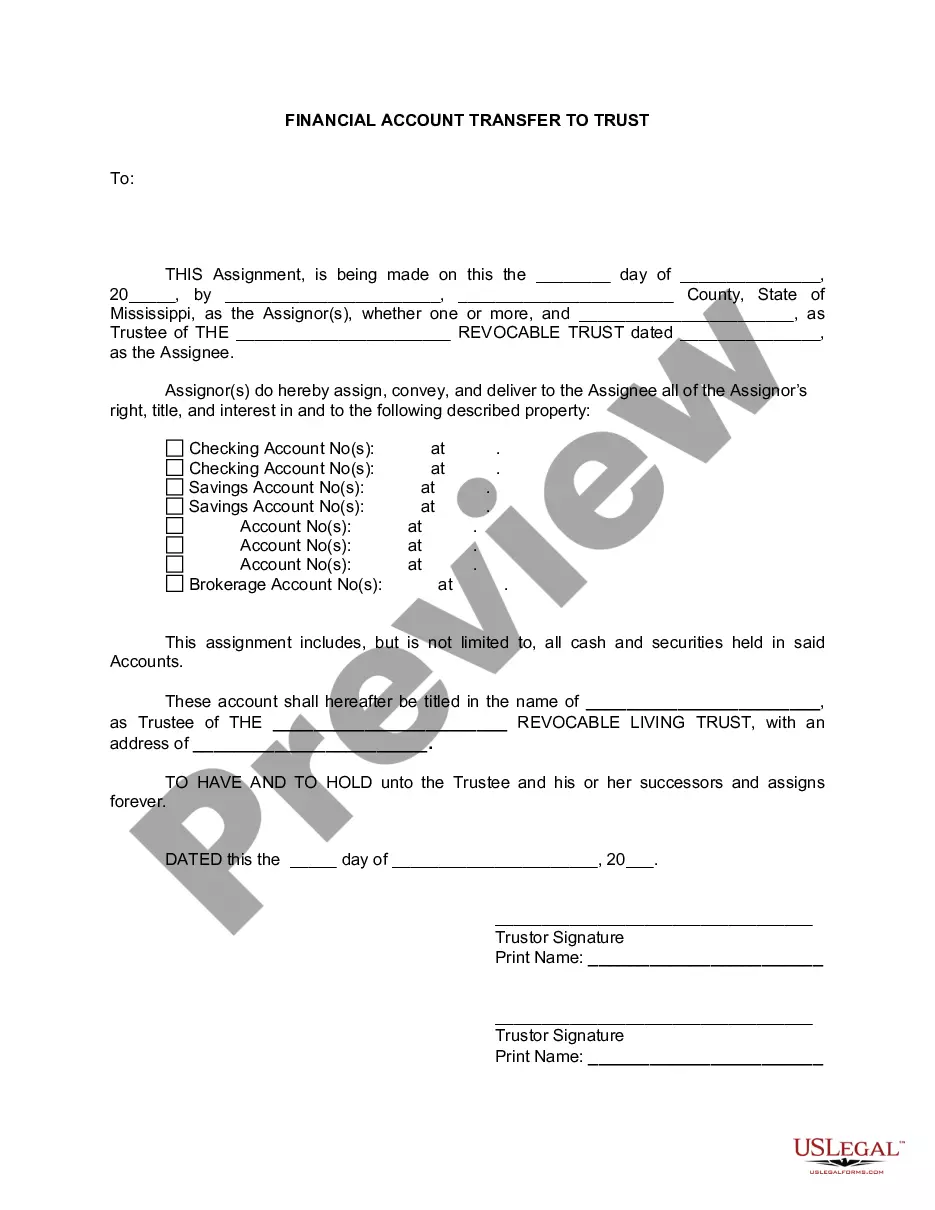
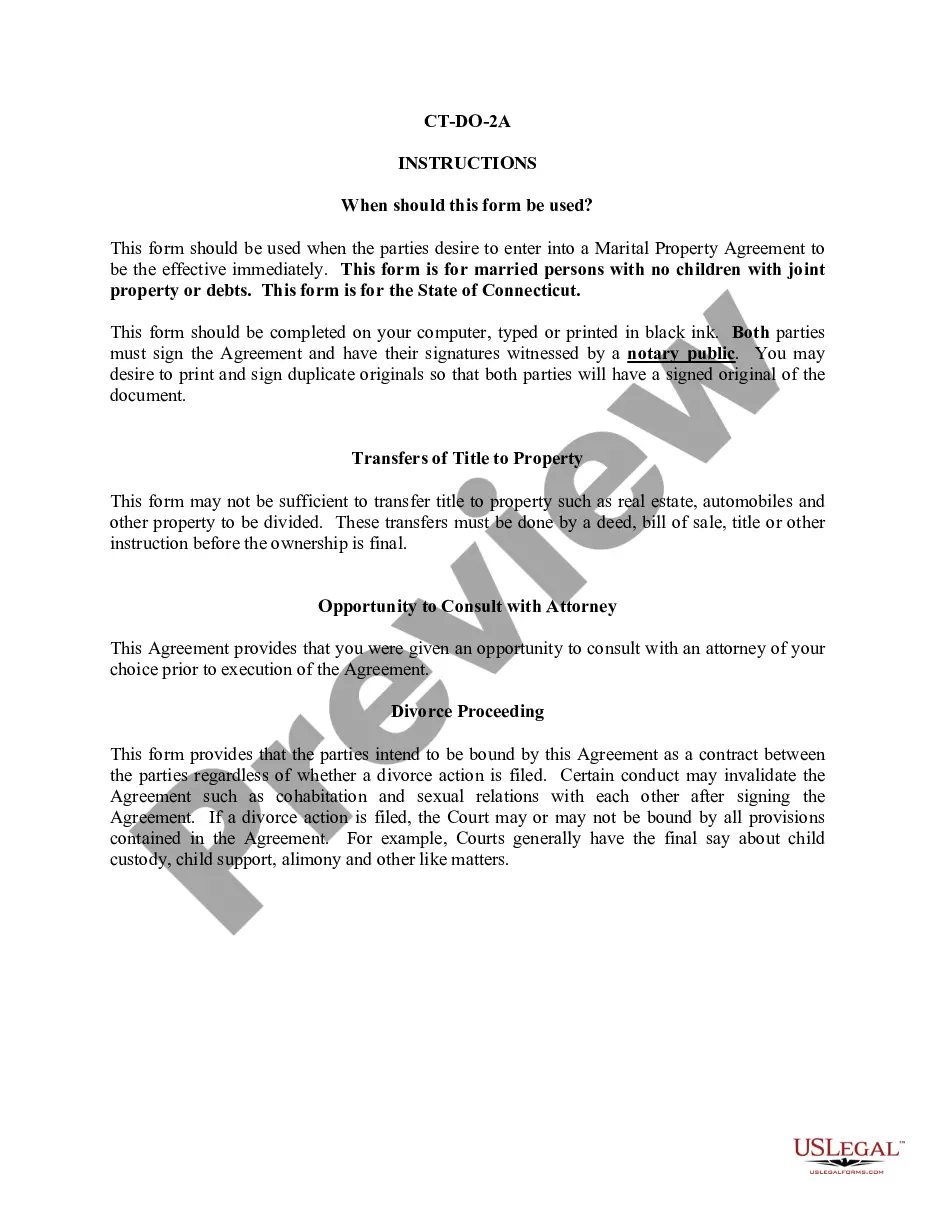
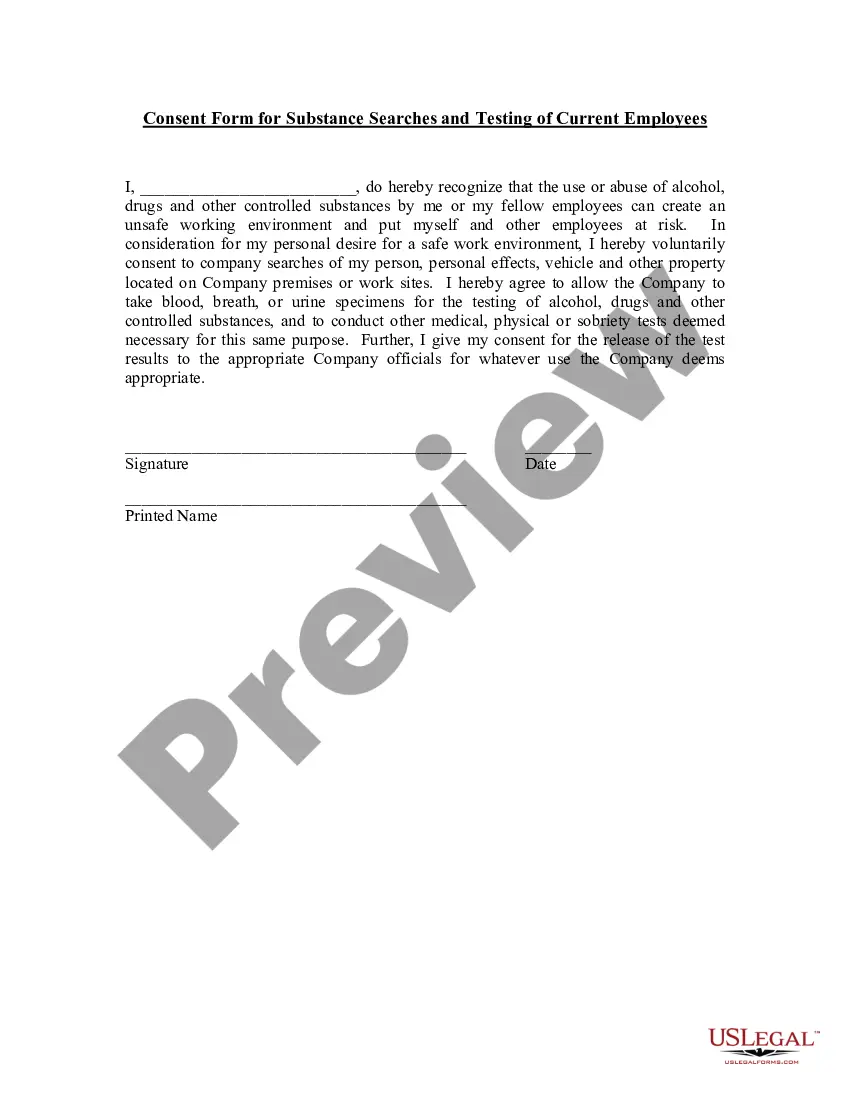
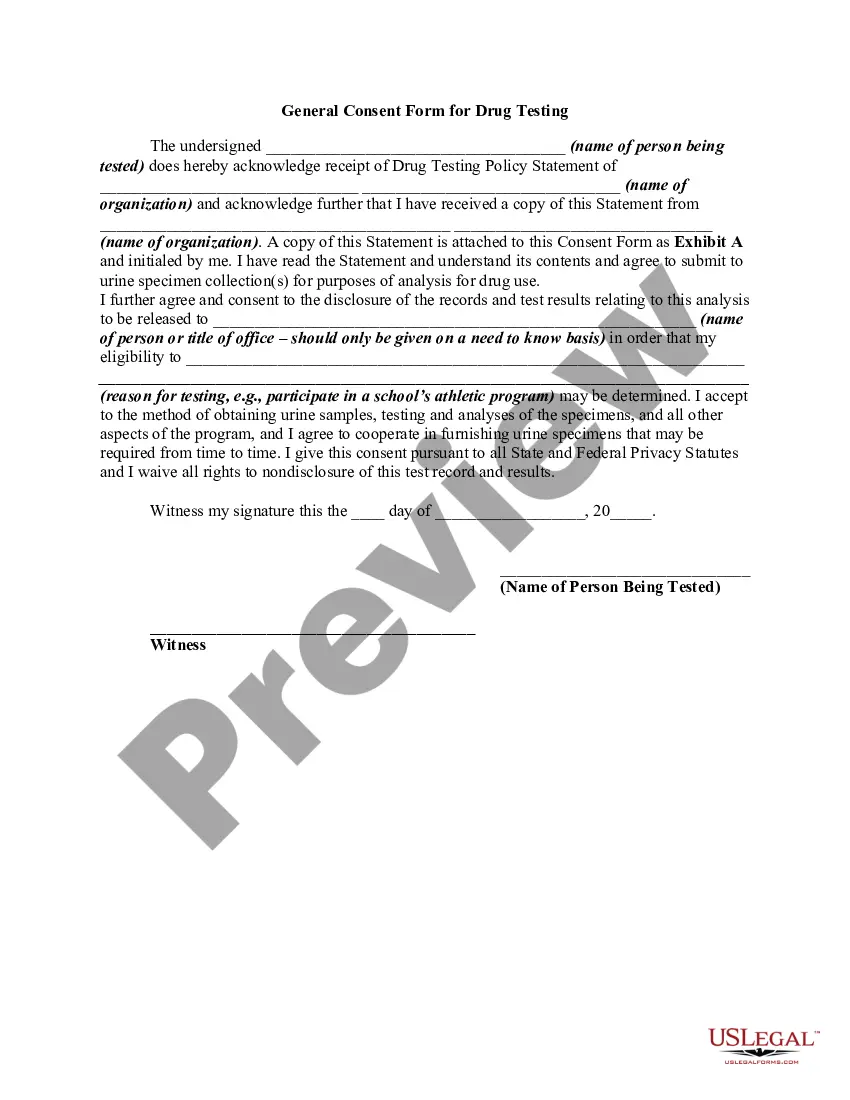
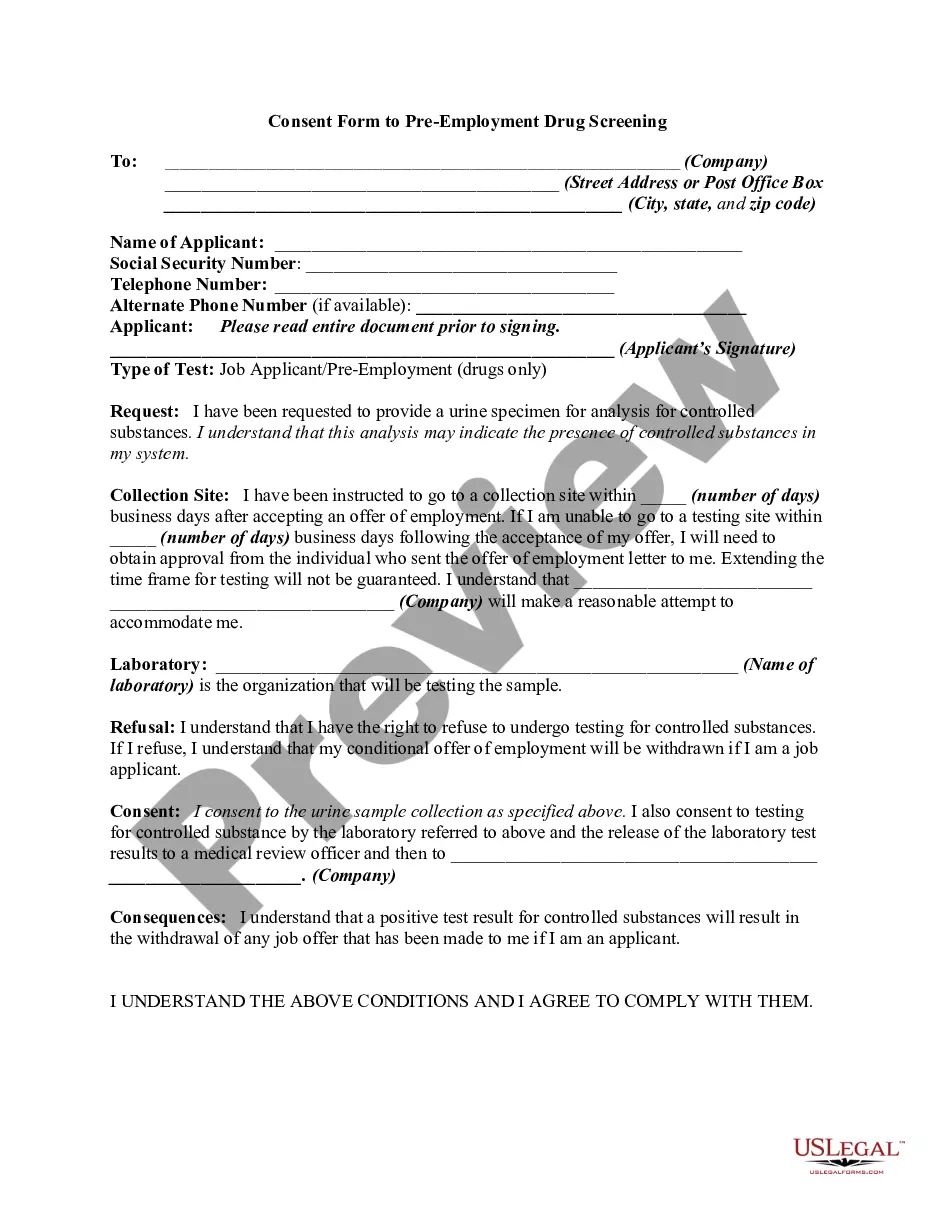
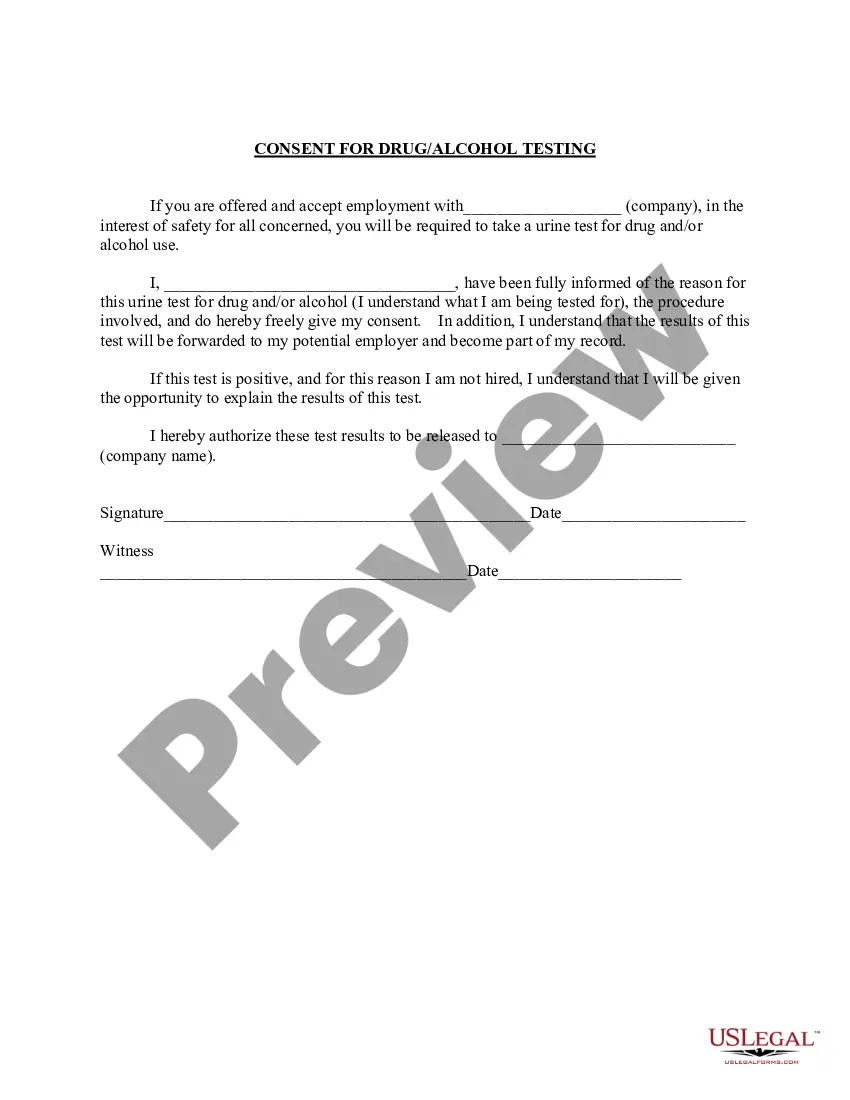
How to fill out Consent Form For Substance Searches Of Vehicles And Personal Effects And For Testing Of Employees?
Acquiring legal document samples that comply with federal and local regulations is essential, and the web provides numerous choices to select from.
However, what’s the benefit of spending time searching for the suitable Search Form With Javascript sample online when the US Legal Forms online repository has already compiled such templates in one location.
US Legal Forms is the most comprehensive online legal directory with over 85,000 fillable templates created by lawyers for various professional and personal circumstances.
Examine the template using the Preview feature or by reviewing the textual description to verify it suits your needs.
- They are easy to navigate with all documents categorized by state and intended use.
- Our experts keep updated with legislative modifications, so you can always trust that your form is current and compliant when acquiring a Search Form With Javascript from our site.
- Receiving a Search Form With Javascript is quick and straightforward for both existing and new users.
- If you possess an account with an active subscription, Log In and save the document sample you need in your preferred format.
- If you’re unfamiliar with our site, follow the instructions below.
Form popularity
FAQ
Using JavaScript in HTML forms <form> declares a new form: name="myForm" names the form. ... <input> starts an input element: type="text" defines the type of input. ... <input type="button"> defines a button object. ... The testResults() function is defined in our JavaScript.
GetElementById('searchButton'); // add event listener to the button searchButton. addEventListener('click', function() { // get the search input value const searchTerm = searchInput. value; // do something with the search term (e.g. redirect to a search results page) console.
The search() method searches a string for a string (or a regular expression) and returns the position of the match: Examples. let text = "Please locate where 'locate' occurs!"; ... Examples. Perform a search for "ain": ... Examples. Check if a string includes "world": ... Examples. Returns true: ... Returns false: ... Examples.
Using JavaScript in HTML forms <form> declares a new form: name="myForm" names the form. ... <input> starts an input element: type="text" defines the type of input. ... <input type="button"> defines a button object. ... The testResults() function is defined in our JavaScript.
Add the following line to the top of the JavaScript file. const searchBar = document. getElementById("searchBar"); Now that we have a reference to the searchBar , we can add a keyup event listener to retrieve the input from the user.