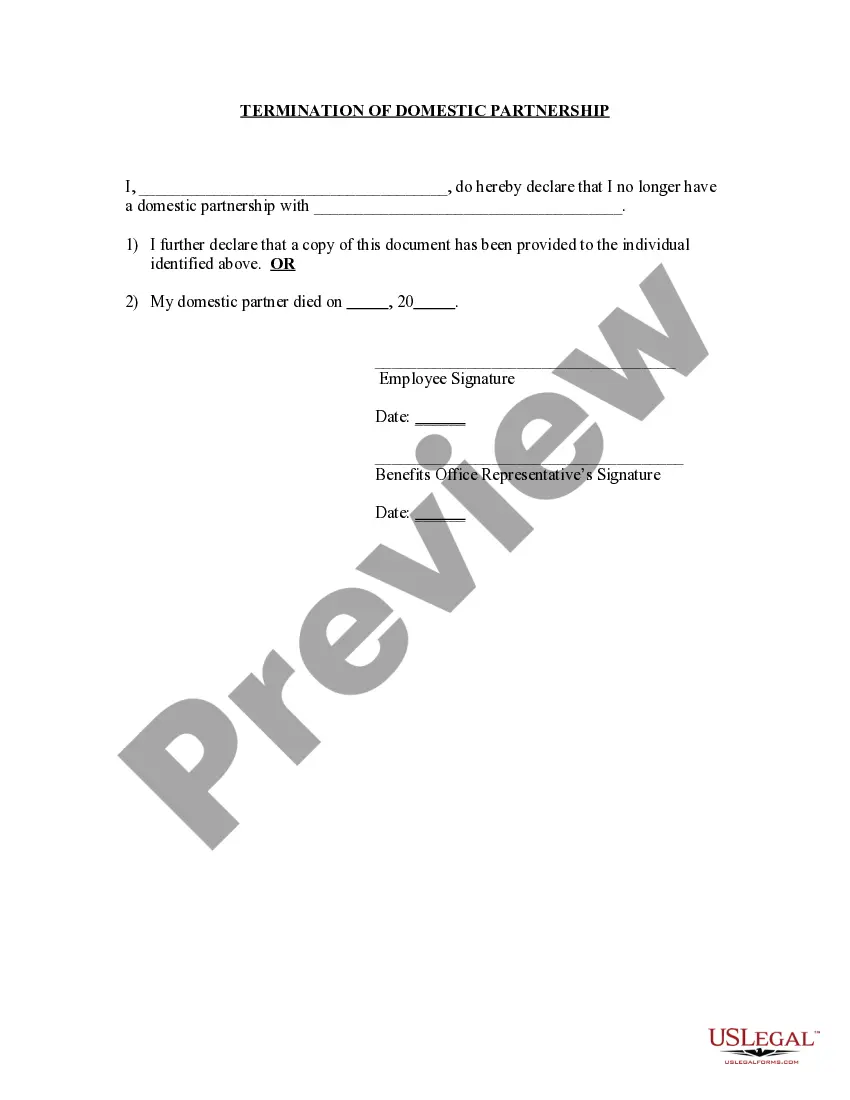
Partner Domestic Provided With The
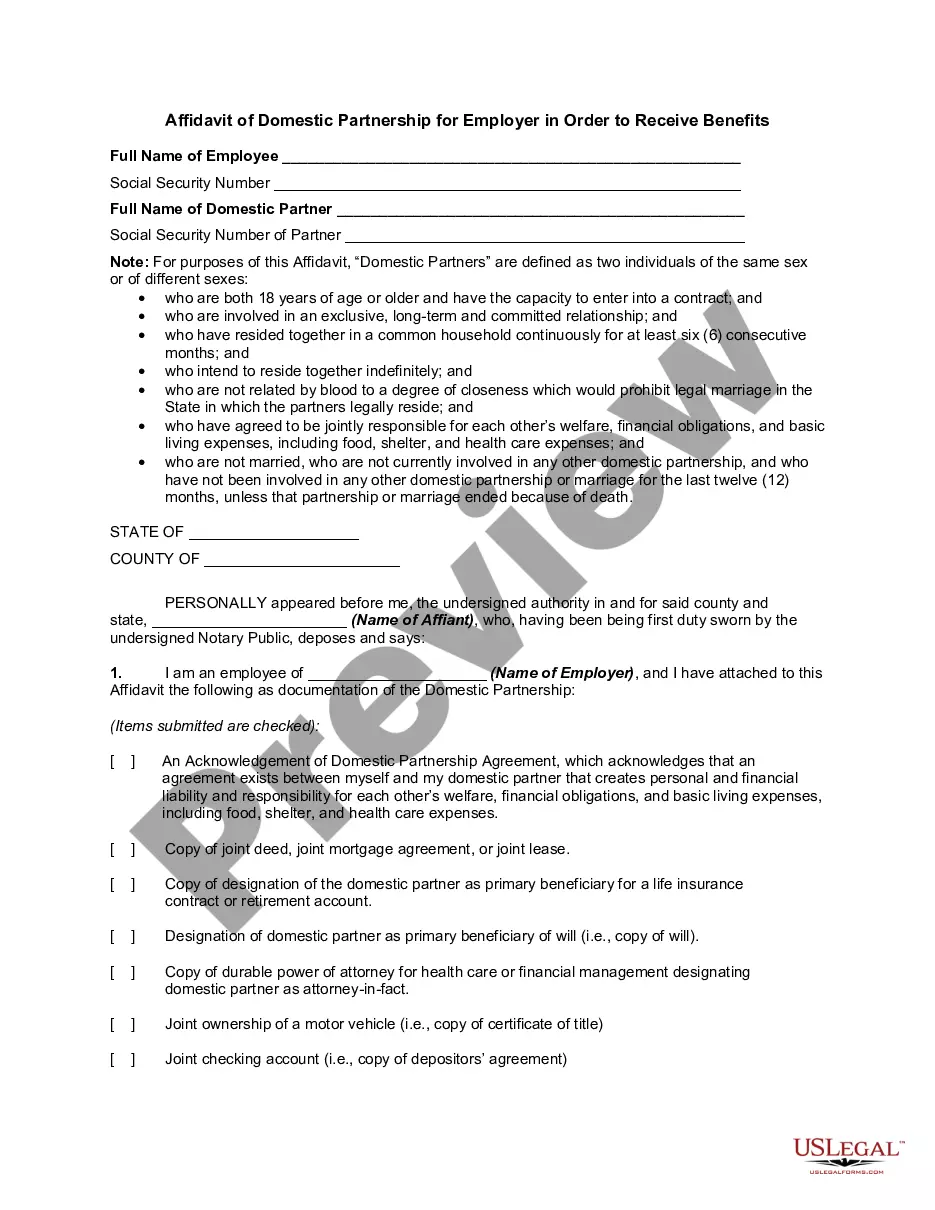
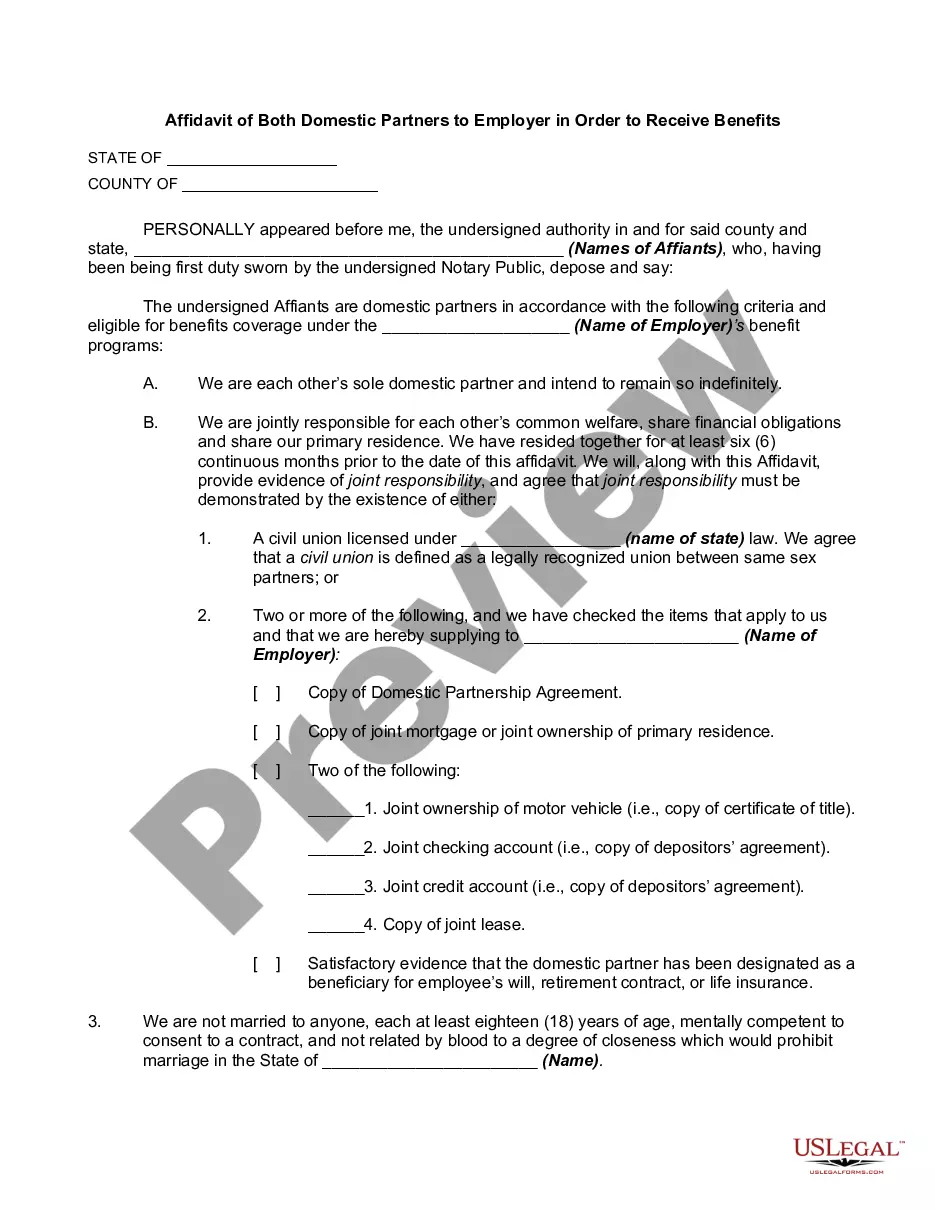
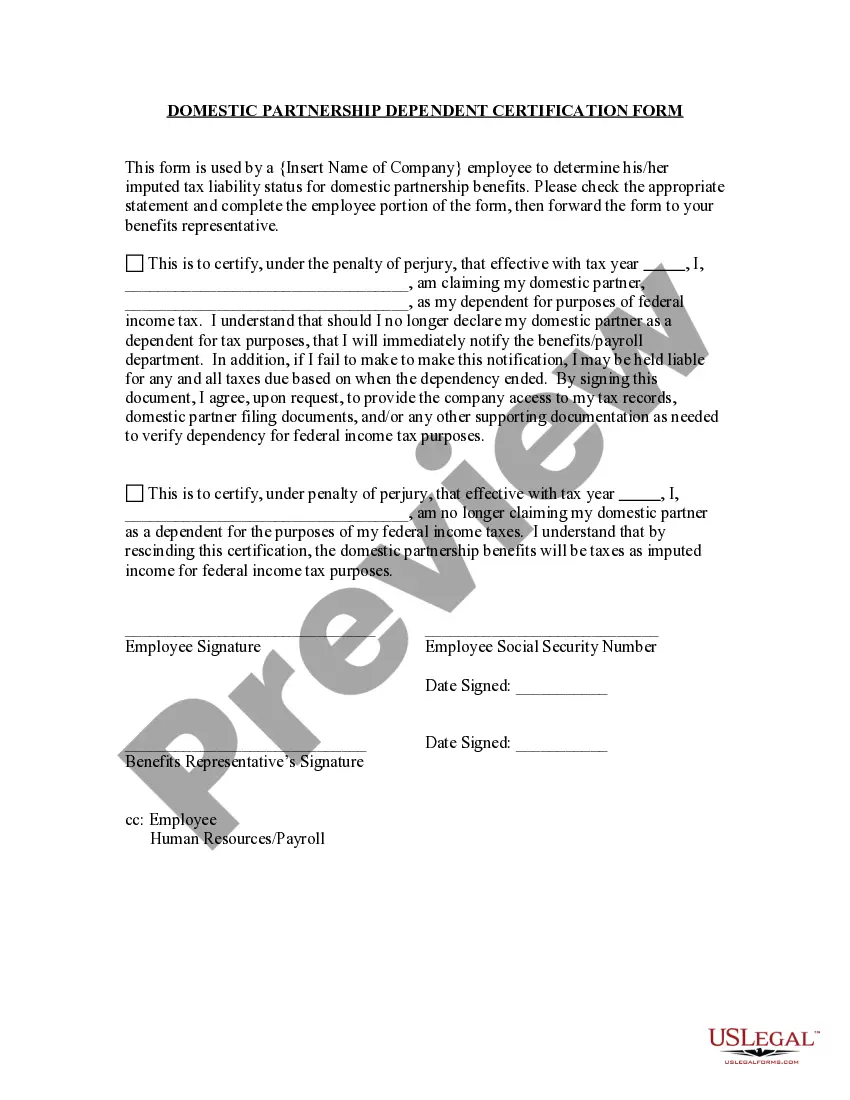
Description
Get your form ready online
Our built-in tools help you complete, sign, share, and store your documents in one place.
Make edits, fill in missing information, and update formatting in US Legal Forms—just like you would in MS Word.
Download a copy, print it, send it by email, or mail it via USPS—whatever works best for your next step.
Sign and collect signatures with our SignNow integration. Send to multiple recipients, set reminders, and more. Go Premium to unlock E-Sign.
If this form requires notarization, complete it online through a secure video call—no need to meet a notary in person or wait for an appointment.
We protect your documents and personal data by following strict security and privacy standards.

Make edits, fill in missing information, and update formatting in US Legal Forms—just like you would in MS Word.

Download a copy, print it, send it by email, or mail it via USPS—whatever works best for your next step.

Sign and collect signatures with our SignNow integration. Send to multiple recipients, set reminders, and more. Go Premium to unlock E-Sign.

If this form requires notarization, complete it online through a secure video call—no need to meet a notary in person or wait for an appointment.

We protect your documents and personal data by following strict security and privacy standards.
Looking for another form?








How to fill out Termination Of Domestic Partnership?
Handling legal documentation and processes can be an exhausting addition to your whole day.
Partner Domestic Provided With The and forms similar to it generally necessitate that you locate them and grasp the optimal way to fill them out accurately.
For this reason, if you are managing financial, legal, or personal issues, utilizing a comprehensive and convenient online directory of forms readily available will significantly help.
US Legal Forms is the premier online resource for legal templates, featuring over 85,000 state-specific forms and a variety of tools to help you complete your documentation promptly.
Is this your first time using US Legal Forms? Register and create an account in a few moments to gain access to the form directory and Partner Domestic Provided With The. Then, follow the steps below to fill out your form: Ensure you have the correct form using the Review feature and reading the form description. Select Buy Now when prepared, and choose the subscription plan that fits you. Click Download then complete, sign, and print the form. US Legal Forms has 25 years of expertise assisting users manage their legal documentation. Find the form you need today and streamline any process without breaking a sweat.
- Browse the collection of relevant documents accessible to you with just a single click.
- US Legal Forms provides you with state- and county-specific forms available for download at any time.
- Protect your document management processes with a high-quality service that enables you to assemble any form in minutes without any extra or concealed fees.
- Simply Log In to your account, find Partner Domestic Provided With The and download it immediately within the My documents section.
- You can also retrieve previously downloaded forms.
Form popularity
FAQ
If you and your partner are over 18, or one or both partners are under 18 and have obtained a court order granting permission to establish a domestic partnership, and meet the requirements of California Family Code section 297, you may register a domestic partnership with the California Secretary of State.
The IRS doesn't allow you to claim a domestic partner as your only dependent and file as a Head of Household. The only way to claim a domestic partner as a dependent and also file under the Head of Household filing status is also to have another qualifying dependent on your return.
The IRS doesn't recognize domestic partners or civil unions as a marriage. This means that on your federal return, you should file as single, head of household, or qualifying widow(er).
A domestic partner can be broadly defined as an unrelated and unmarried person who shares common living quarters with an employee and lives in a committed, intimate relationship that is not legally defined as marriage by the state in which the partners reside.
Domestic partner benefits generally include medical and dental insurance, but they may also include disability and life insurance, family and bereavement leave, education and tuition assistance, relocation and travel expenses, and inclusion of partners in company events.