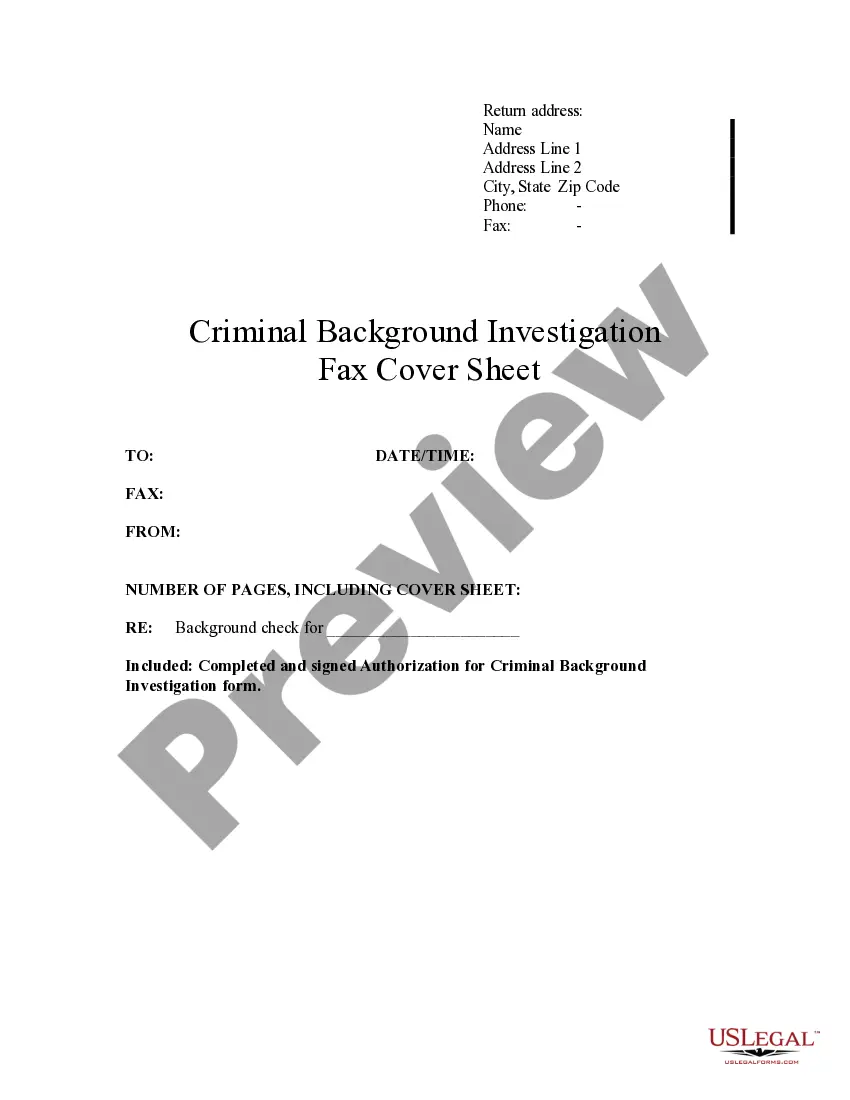
Fax Cover Sheet Template With Logo
Description
Get your form ready online
Our built-in tools help you complete, sign, share, and store your documents in one place.
Make edits, fill in missing information, and update formatting in US Legal Forms—just like you would in MS Word.
Download a copy, print it, send it by email, or mail it via USPS—whatever works best for your next step.
Sign and collect signatures with our SignNow integration. Send to multiple recipients, set reminders, and more. Go Premium to unlock E-Sign.
If this form requires notarization, complete it online through a secure video call—no need to meet a notary in person or wait for an appointment.
We protect your documents and personal data by following strict security and privacy standards.

Make edits, fill in missing information, and update formatting in US Legal Forms—just like you would in MS Word.

Download a copy, print it, send it by email, or mail it via USPS—whatever works best for your next step.

Sign and collect signatures with our SignNow integration. Send to multiple recipients, set reminders, and more. Go Premium to unlock E-Sign.

If this form requires notarization, complete it online through a secure video call—no need to meet a notary in person or wait for an appointment.

We protect your documents and personal data by following strict security and privacy standards.
Looking for another form?








How to fill out Criminal Background Investigation Fax Cover Sheet?
Legal administration can be daunting, even for the most well-informed experts.
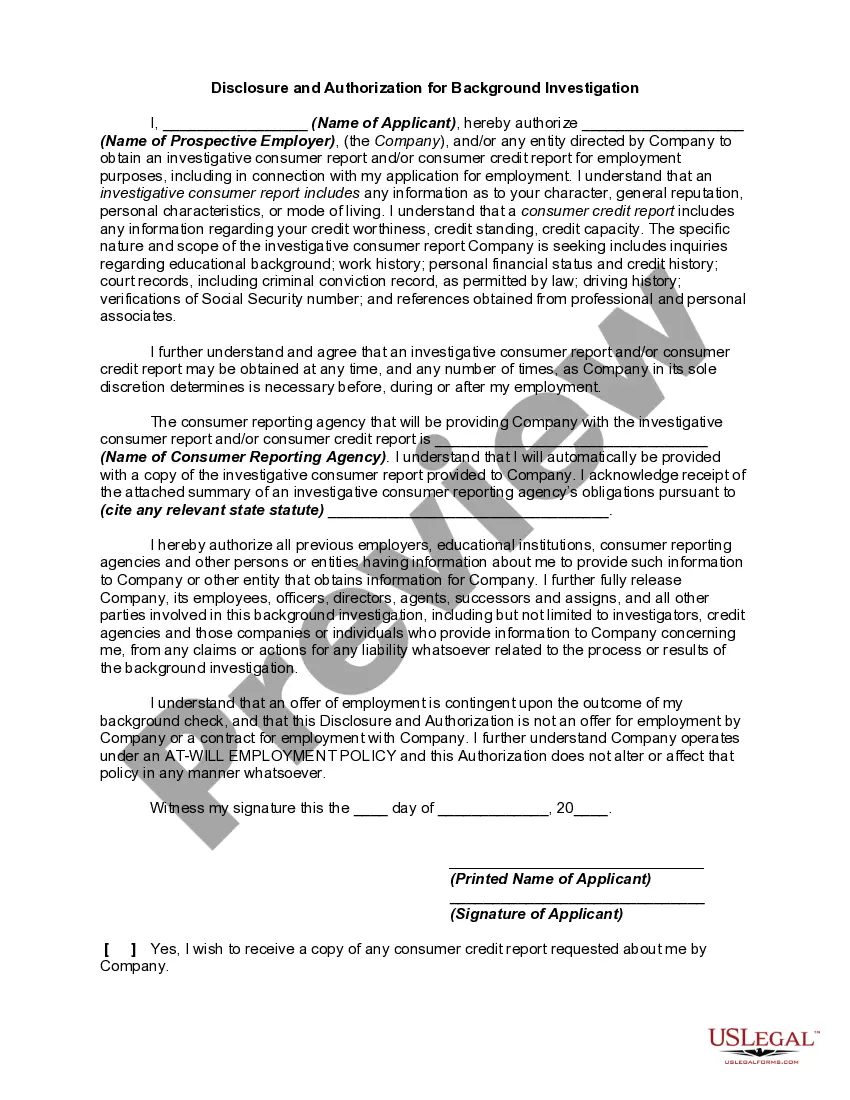
When you are looking for a Fax Cover Sheet Template With Logo and lack the time to spend searching for the right and updated version, the tasks can be challenging.
US Legal Forms addresses any requirements you might have, from personal to corporate paperwork, all in one location.
Utilize advanced tools to complete and manage your Fax Cover Sheet Template With Logo.
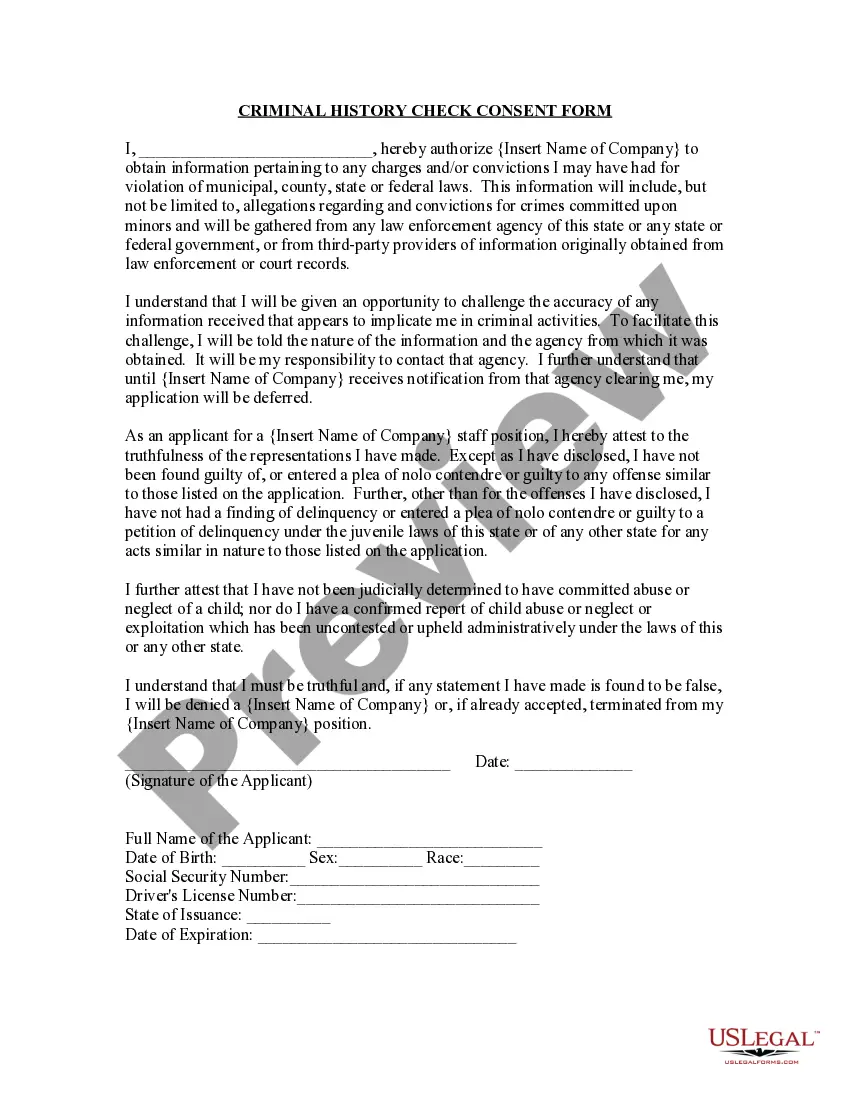
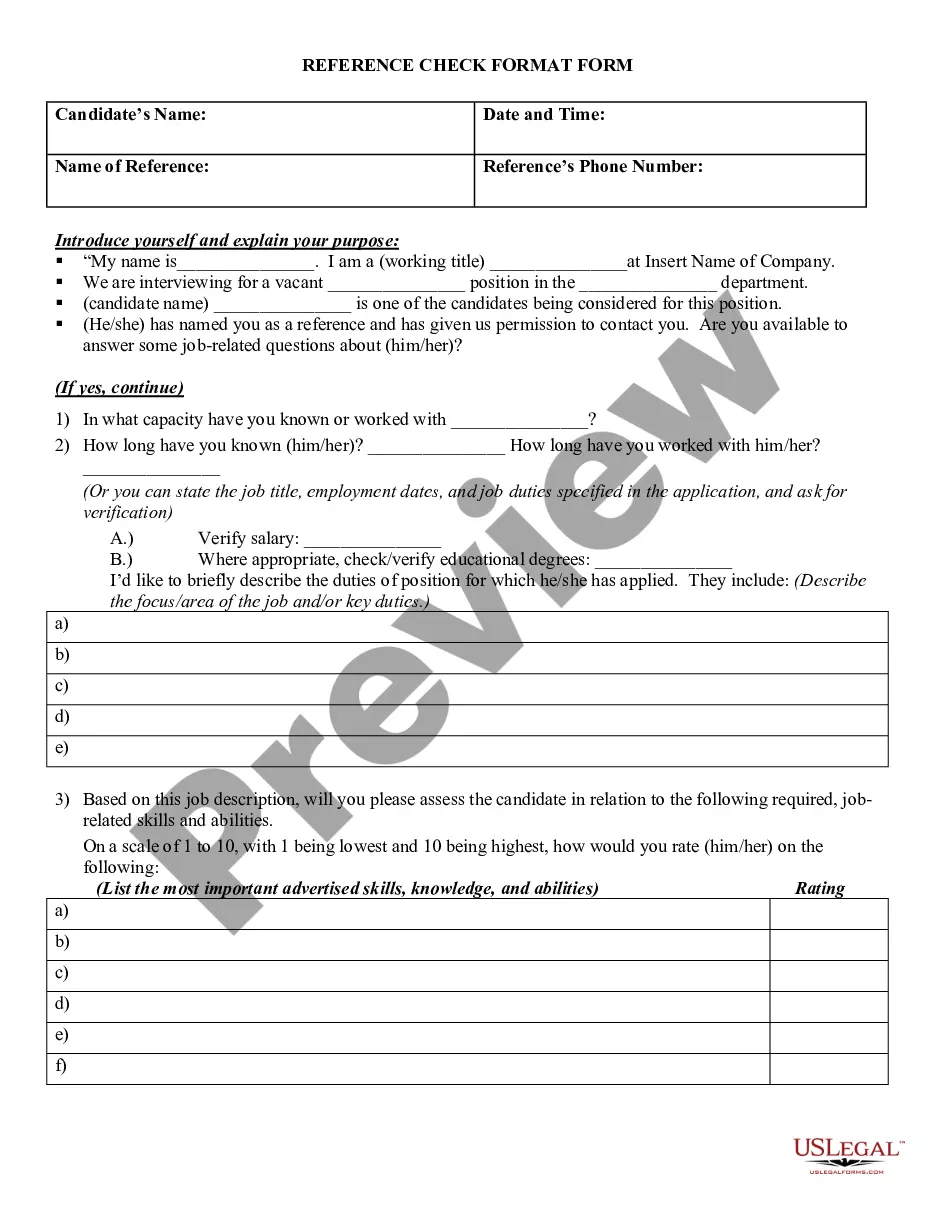
Here are the steps to follow after downloading the form you want: Validate that this is the correct form by previewing it and reading its description.
- Gain access to a comprehensive resource library of articles, tutorials, guides, and materials related to your circumstances and requirements.
- Save time and energy searching for the documents you need, and use US Legal Forms’ advanced search and Review tool to find Fax Cover Sheet Template With Logo and obtain it.
- If you have a monthly subscription, Log In to your US Legal Forms account, search for the form, and acquire it.
- Check the My documents tab to view the documents you have previously saved and to organize your folders as you prefer.
- If this is your first time with US Legal Forms, create a free account and enjoy unrestricted access to all the benefits of the library.
- A robust online form directory could be a crucial factor for anyone who wants to manage these circumstances effectively.
- US Legal Forms is a leader in online legal documents, with more than 85,000 state-specific legal forms accessible to you at any time.
- With US Legal Forms, you can access state- or county-specific legal and business documents.
Form popularity
FAQ
A fax cover sheet (sometimes also called a fax cover page) is a page that is faxed to your recipient before your actual fax message and is used to identify the sender, the intended recipient, the subject, and maybe a few lines about the content of the attached documents.
What is Included on a Fax Cover Sheet? From: (your name). Fax: (your fax number). Phone: (your phone number). To: (the company or person who is receiving the fax message). Attn: (the specific person who needs to get the fax). Fax: (their fax number). Phone: (their phone number).
A fax cover sheet typically has basic contact information: who the fax is going to, who the fax is from, the subject matter, how many pages are included, company name (address is optional), a phone number, and a check box to mark whether it's urgent or needs a reply.
5. Add an image, such as a company logo, to the fax template by clicking the ?Insert? tab. Click ?Picture.? Browse to the logo and double-click the file name, then drag it into place on the fax, such as in the top center. This is also a way to dress up a fax with seasonal artwork and designs.
A fax cover sheet typically includes the recipient's name and fax number, the sender's name and fax number, the number of pages being sent, and a brief message or subject line. It may also include the date, the fax machine's phone number, and any additional information or instructions.