Affirmative Statements Claims For Sale
Description
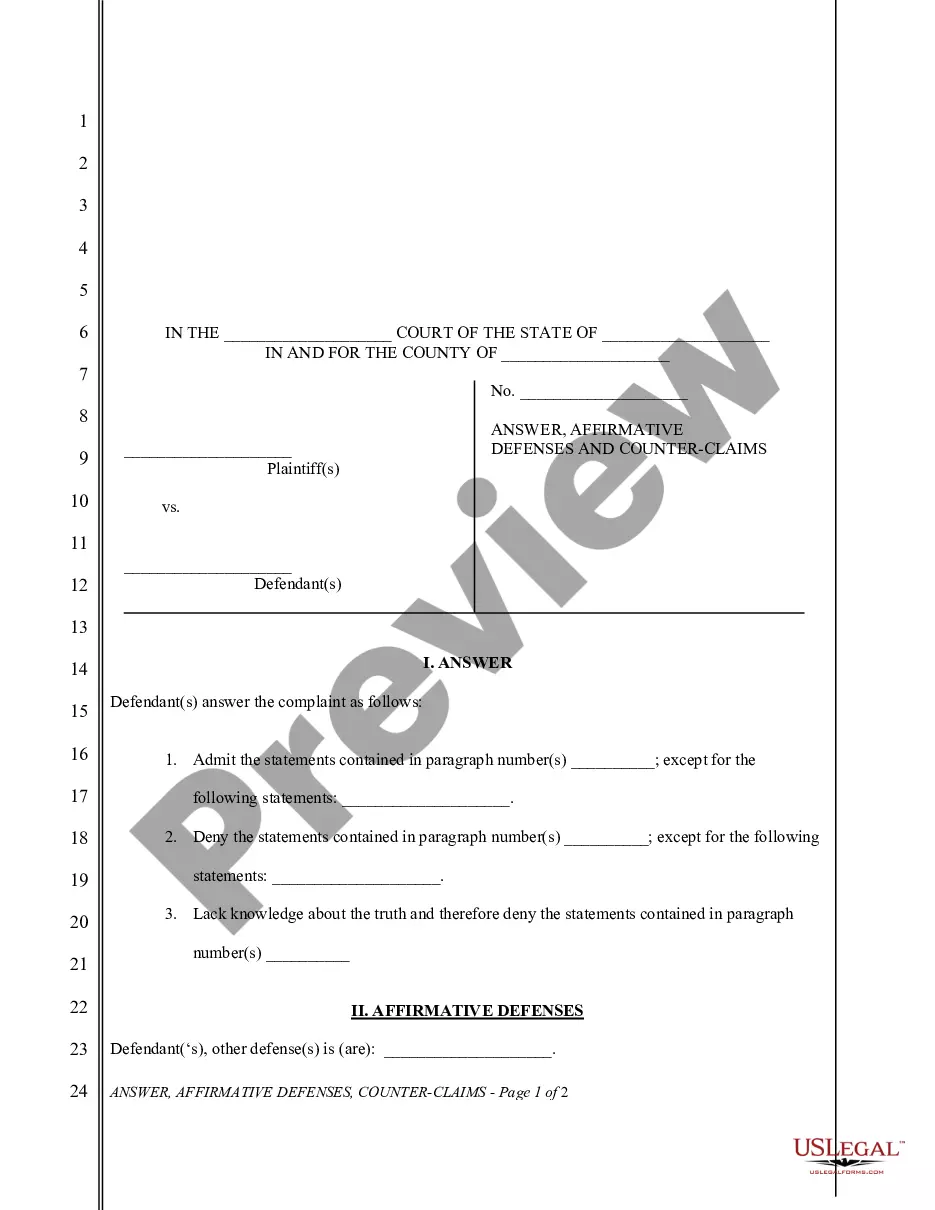
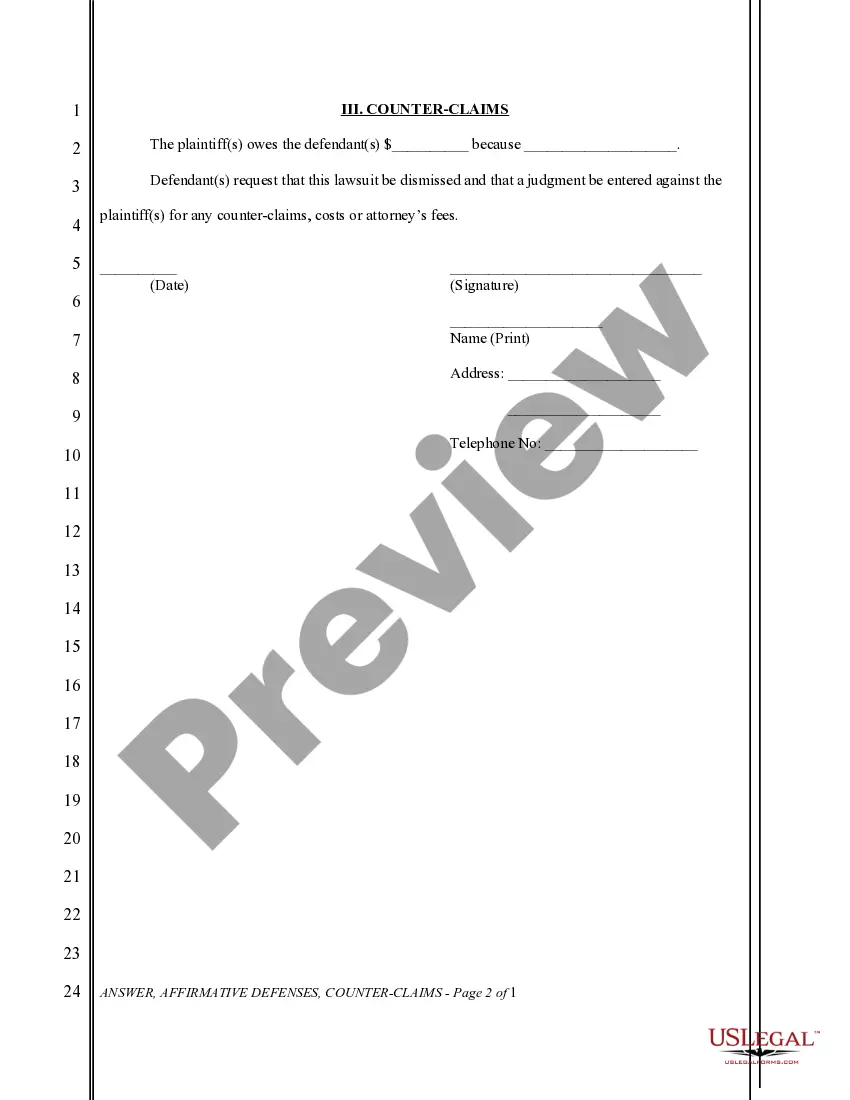
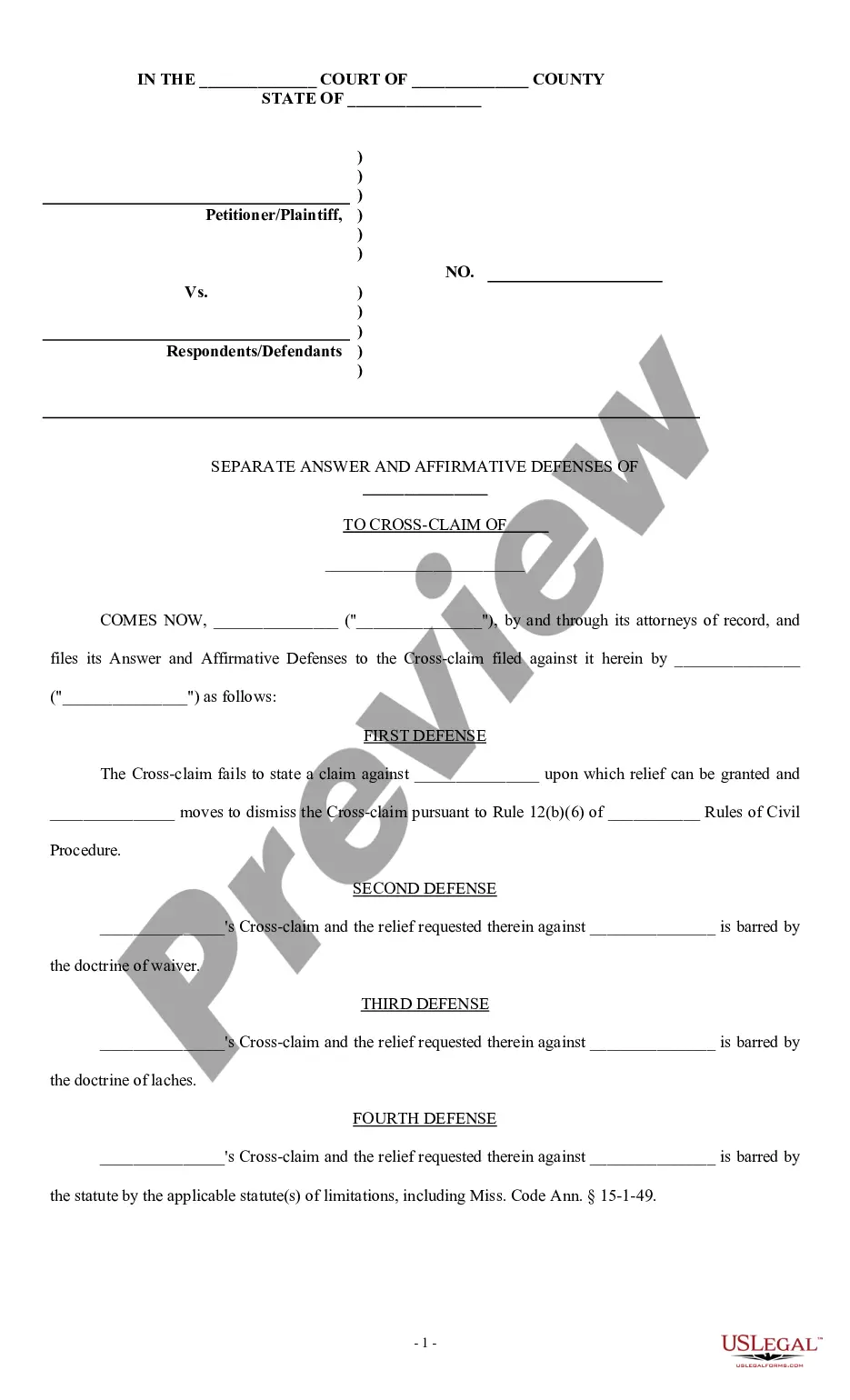

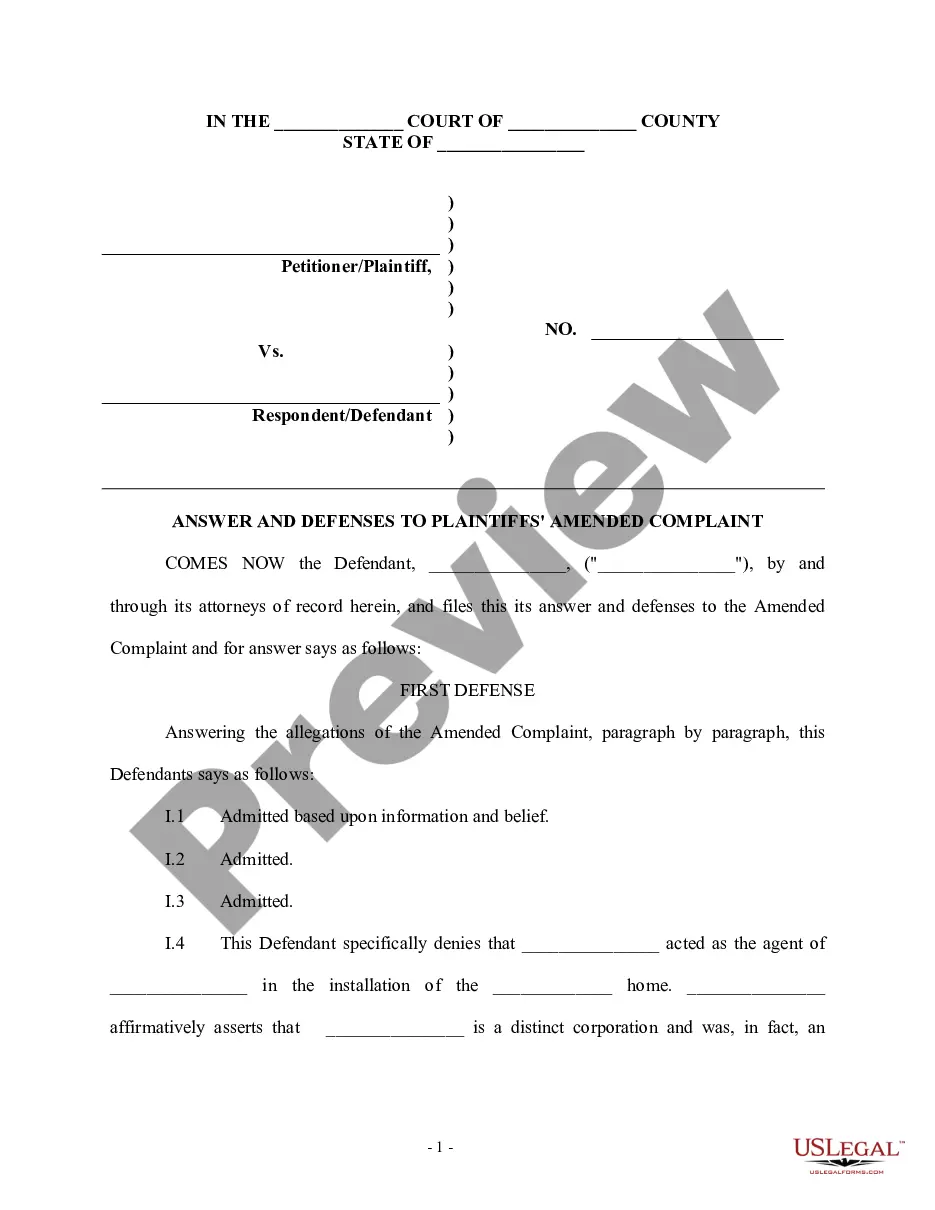
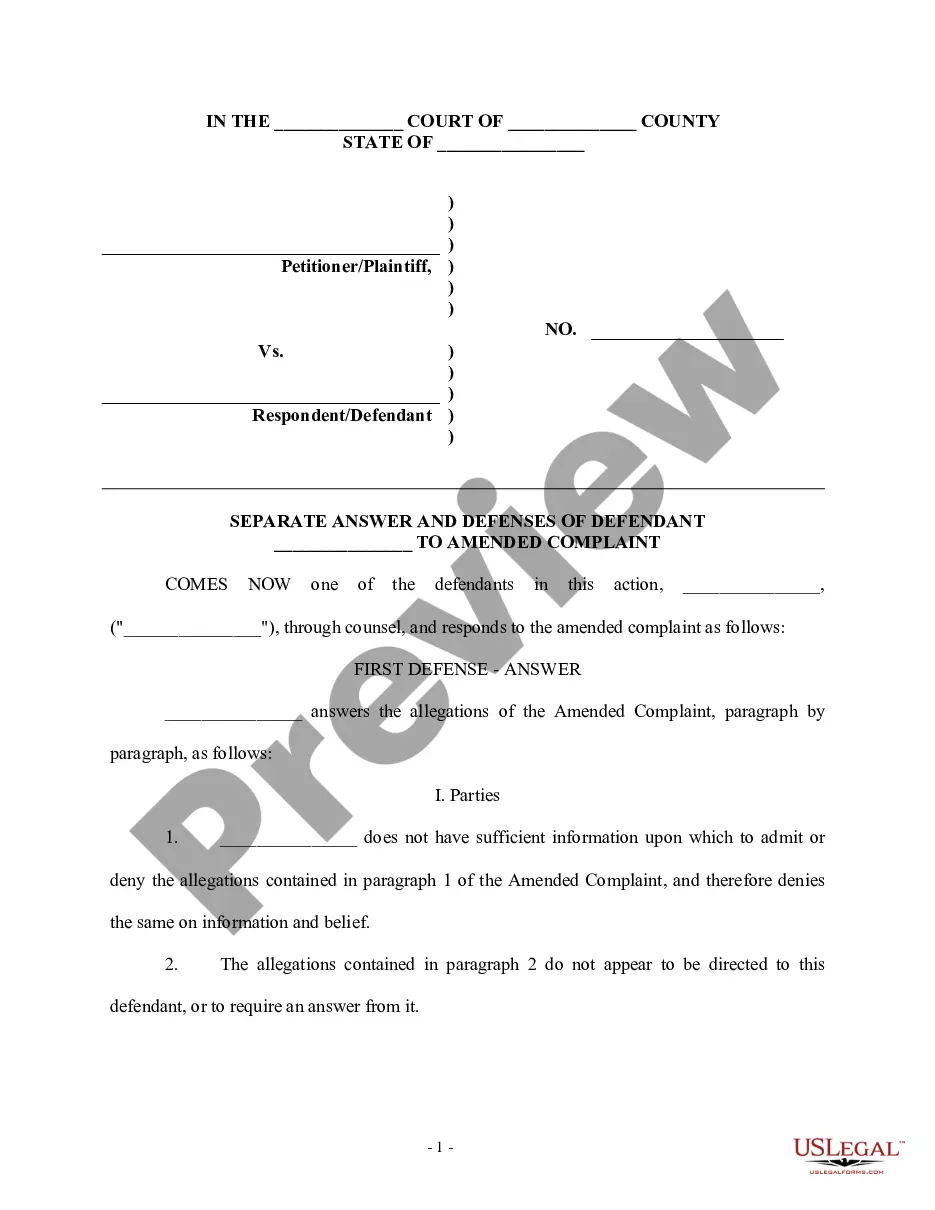
Get your form ready online
Our built-in tools help you complete, sign, share, and store your documents in one place.
Make edits, fill in missing information, and update formatting in US Legal Forms—just like you would in MS Word.
Download a copy, print it, send it by email, or mail it via USPS—whatever works best for your next step.
Sign and collect signatures with our SignNow integration. Send to multiple recipients, set reminders, and more. Go Premium to unlock E-Sign.
If this form requires notarization, complete it online through a secure video call—no need to meet a notary in person or wait for an appointment.
We protect your documents and personal data by following strict security and privacy standards.

Make edits, fill in missing information, and update formatting in US Legal Forms—just like you would in MS Word.

Download a copy, print it, send it by email, or mail it via USPS—whatever works best for your next step.

Sign and collect signatures with our SignNow integration. Send to multiple recipients, set reminders, and more. Go Premium to unlock E-Sign.

If this form requires notarization, complete it online through a secure video call—no need to meet a notary in person or wait for an appointment.

We protect your documents and personal data by following strict security and privacy standards.
Looking for another form?

How to fill out General Form Of Civil Answer With Affirmative Defenses And Counterclaim?
Whether for business purposes or for individual affairs, everyone has to handle legal situations at some point in their life. Filling out legal documents needs careful attention, beginning from selecting the correct form template. For instance, when you pick a wrong version of the Affirmative Statements Claims For Sale, it will be turned down once you submit it. It is therefore essential to get a dependable source of legal files like US Legal Forms.
If you need to get a Affirmative Statements Claims For Sale template, follow these simple steps:
- Get the template you need by utilizing the search field or catalog navigation.
- Examine the form’s information to make sure it matches your situation, state, and county.
- Click on the form’s preview to see it.
- If it is the wrong form, return to the search function to locate the Affirmative Statements Claims For Sale sample you require.
- Download the template if it matches your needs.
- If you already have a US Legal Forms account, simply click Log in to access previously saved documents in My Forms.
- In the event you do not have an account yet, you can obtain the form by clicking Buy now.
- Pick the correct pricing option.
- Complete the account registration form.
- Pick your payment method: use a bank card or PayPal account.
- Pick the file format you want and download the Affirmative Statements Claims For Sale.
- When it is downloaded, you are able to complete the form by using editing applications or print it and complete it manually.
With a vast US Legal Forms catalog at hand, you never need to spend time looking for the right template across the web. Make use of the library’s simple navigation to get the proper form for any situation.
Form popularity
FAQ
Box F. Report on a Part II with box F checked all long-term transactions for which you can't check box D or E because you didn't receive a Form 1099-B (or substitute statement).
Enter all sales and exchanges of capital assets, including stocks, bonds, and real estate (if not reported on line 1a or 8a of Schedule D or on Form 4684, 4797, 6252, 6781, or 8824). Include these transactions even if you didn't receive a Form 1099-B or 1099-S (or substitute statement) for the transaction.
Form 8949 tells the IRS all of the details about each stock trade you make during the year, not just the total gain or loss that you report on Schedule D.
As you complete Form 8949, you'll need a few different pieces of information, including the date you acquired the property, the date you sold the property, the sales price (amount the property was sold for), and the cost or other basis (amount you paid for the property plus any fees or commissions).
You'll have to file a Schedule D form if you realized any capital gains or losses from your investments in taxable accounts. That is, if you sold an asset in a taxable account, you'll need to file. Investments include stocks, ETFs, mutual funds, bonds, options, real estate, futures, cryptocurrency and more.