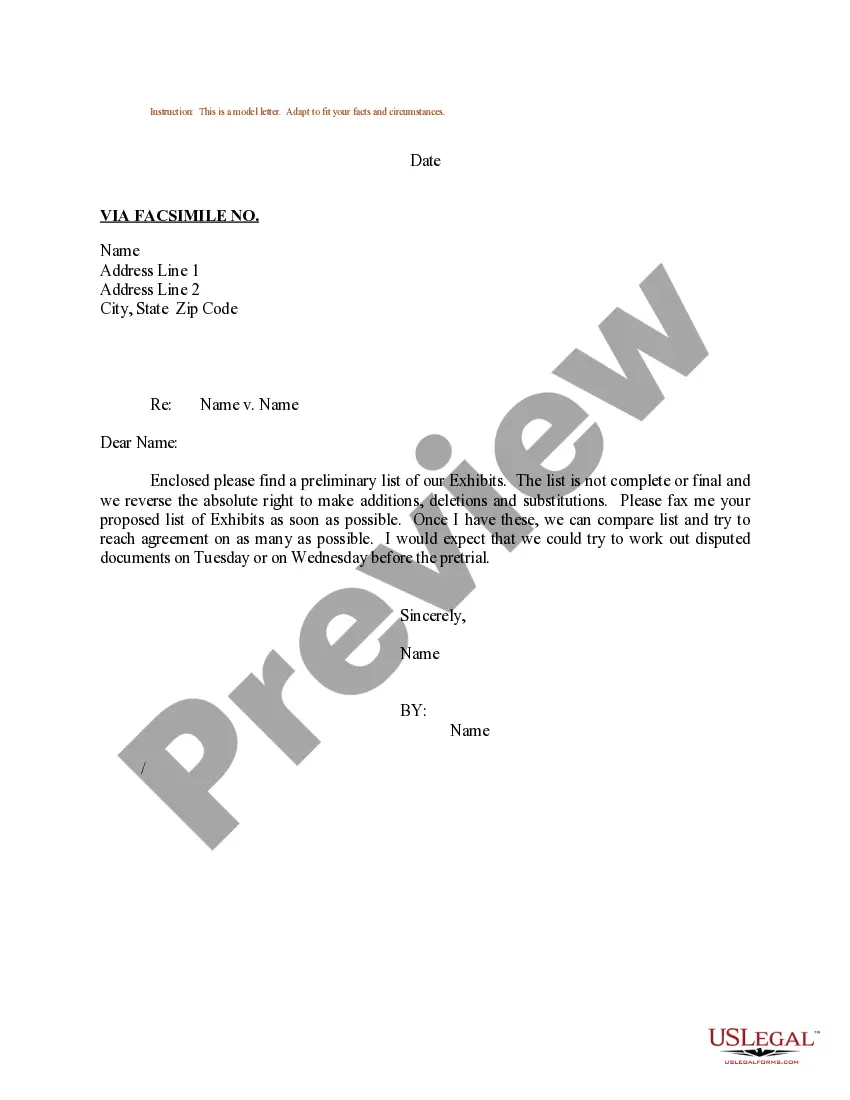
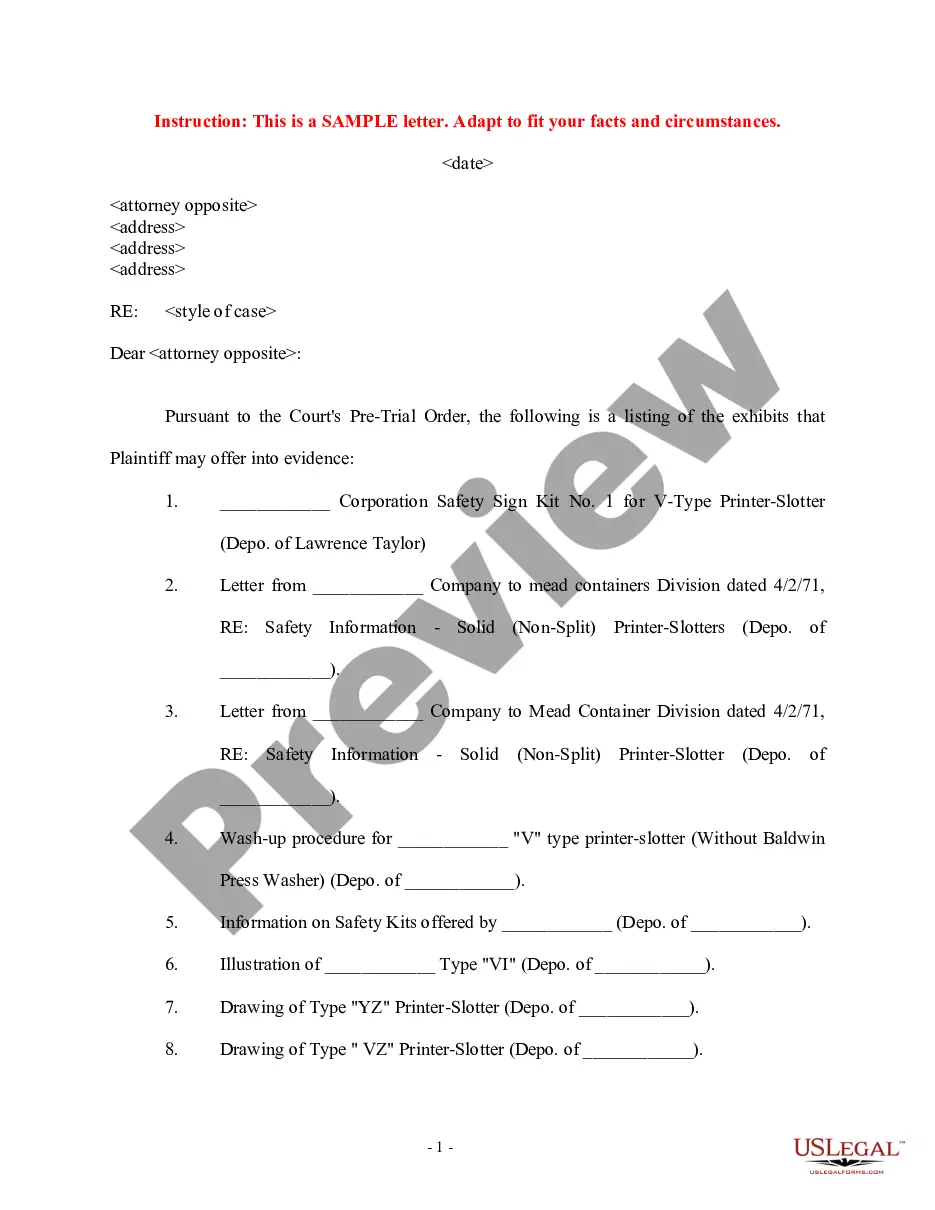
Exhibit List Form Tf-200
Description
Get your form ready online
Our built-in tools help you complete, sign, share, and store your documents in one place.
Make edits, fill in missing information, and update formatting in US Legal Forms—just like you would in MS Word.
Download a copy, print it, send it by email, or mail it via USPS—whatever works best for your next step.
Sign and collect signatures with our SignNow integration. Send to multiple recipients, set reminders, and more. Go Premium to unlock E-Sign.
If this form requires notarization, complete it online through a secure video call—no need to meet a notary in person or wait for an appointment.
We protect your documents and personal data by following strict security and privacy standards.

Make edits, fill in missing information, and update formatting in US Legal Forms—just like you would in MS Word.

Download a copy, print it, send it by email, or mail it via USPS—whatever works best for your next step.

Sign and collect signatures with our SignNow integration. Send to multiple recipients, set reminders, and more. Go Premium to unlock E-Sign.

If this form requires notarization, complete it online through a secure video call—no need to meet a notary in person or wait for an appointment.

We protect your documents and personal data by following strict security and privacy standards.
Looking for another form?






How to fill out Sample Letter Regarding List Of Exhibits?
It’s well known that you cannot become a legal practitioner instantly, nor can you understand how to swiftly prepare Exhibit List Form Tf-200 without possessing a specific skill set.
Generating legal documents is a lengthy process that necessitates unique training and abilities.
So why not entrust the preparation of the Exhibit List Form Tf-200 to the experts.
Preview it (if this option is available) and read the accompanying description to verify whether Exhibit List Form Tf-200 is what you need.
Set up a free account and choose a subscription plan to purchase the form.
- With US Legal Forms, one of the most extensive libraries of legal templates, you can locate anything from court documents to templates for in-office communication.
- We recognize how crucial compliance and adherence to federal and state laws and regulations are.
- That’s why, on our platform, all templates are jurisdiction-specific and current.
- Here’s how to get started with our platform and obtain the form you need in just a few minutes.
- Find the document you require using the search bar at the top of the page.
Form popularity
FAQ
An example of an exhibit is a photograph presented in a personal injury case to show the extent of damages. This visual evidence can significantly impact how a judge or jury perceives the situation. Utilizing the exhibit list form tf-200 can streamline the process of submitting and referencing such evidence during the trial.
The three types of trial exhibits are documents, physical items, and demonstrative evidence. Documents include anything from contracts to emails, physical items are tangible evidence like tools or clothing, and demonstrative evidence consists of charts or models created to illustrate a point. For an organized collection of your exhibits, the exhibit list form tf-200 is an excellent tool to support your arguments in court.
An example of an exhibit in court could be a contract that is central to a case, such as a lease agreement in a rental dispute. This document helps establish the facts and provides clarity on the obligations of each party. When preparing your case, consider using the exhibit list form tf-200 to categorize and summarize your exhibits for easy reference during the trial.
A stipulated exhibit is a document or item that both parties in a legal case agree to accept as evidence without needing further proof. It simplifies the trial process, as it removes the need to argue over the exhibit's authenticity during the proceedings. Using the exhibit list form tf-200 can help you organize and present these stipulated exhibits effectively.
To put together exhibits for court, start by collecting all relevant documents and items. Then, organize them in a logical sequence and label each one appropriately. It can be beneficial to use the Exhibit List Form TF-200, as this tool helps you compile your exhibits methodically and ensures that each item is properly documented. With a well-prepared set of exhibits, you will present your case more effectively.
An example of a court exhibit can include documents such as contracts, photographs, or emails relevant to the case. These materials serve as evidence to support claims made in court. Utilize an organized approach by creating an Exhibit List Form TF-200, ensuring each exhibit is clearly marked and described for the judge and jury. This clarity enhances the credibility of your presentation.
Writing an exhibit list for court involves clarity and organization. First, ensure you have the correct details for each exhibit, including identification and a succinct description. Use the Exhibit List Form TF-200 to streamline your process, making sure each item is numbered and corresponds accurately to your evidence. This prepared list will help both you and the court stay organized during the proceedings.
To write an exhibit list, start by gathering all your documents and items that you intend to present in court. Next, label each exhibit clearly with a number or letter, and provide a brief description of the content. It's also important to organize your exhibits logically to ensure easy reference during the proceedings. Consider using the Exhibit List Form TF-200, as it simplifies the process by providing a structured format for your list.
Making a list of exhibits is a straightforward process that can greatly streamline your legal documentation. Begin by reviewing all evidence you plan to present and use the Exhibit list form TF-200 to categorize each piece effectively. Include descriptions and any necessary annotations, which will assist in clarity and make it easier for others to understand your evidence.
Formatting an exhibit for court requires attention to detail and adherence to legal standards. Start by using the Exhibit list form TF-200 format, ensuring each exhibit is numbered or labeled distinctly. Additionally, include a cover page if necessary, and ensure all documents are clear, legible, and organized in the order they will be presented in court.