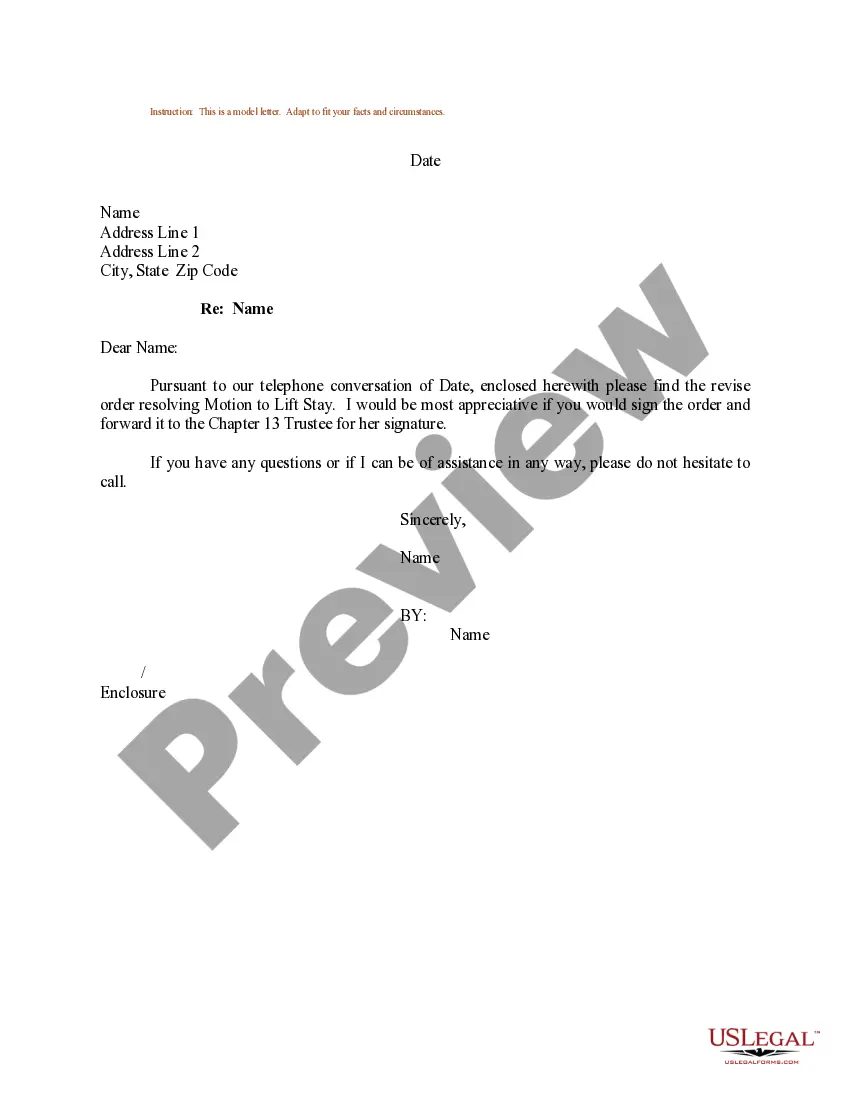
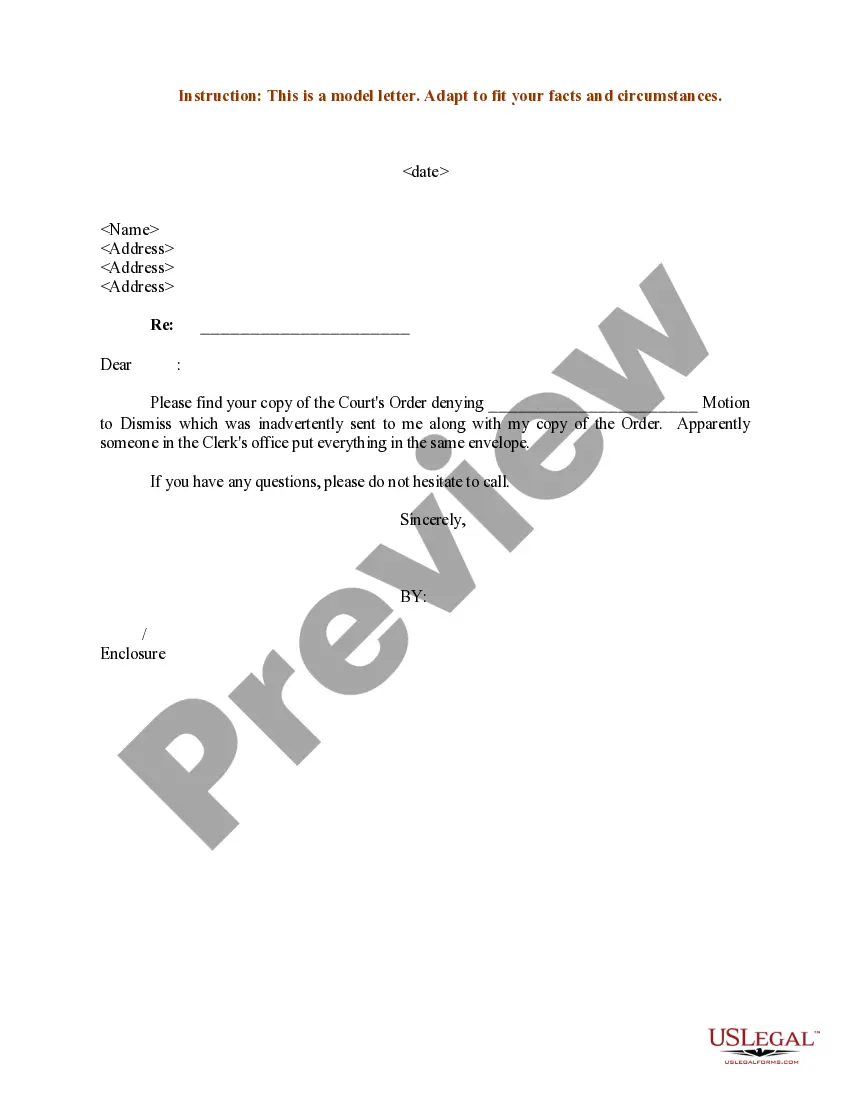
Motion To Lift Stay Sample Form California
Description
Get your form ready online
Our built-in tools help you complete, sign, share, and store your documents in one place.
Make edits, fill in missing information, and update formatting in US Legal Forms—just like you would in MS Word.
Download a copy, print it, send it by email, or mail it via USPS—whatever works best for your next step.
Sign and collect signatures with our SignNow integration. Send to multiple recipients, set reminders, and more. Go Premium to unlock E-Sign.
If this form requires notarization, complete it online through a secure video call—no need to meet a notary in person or wait for an appointment.
We protect your documents and personal data by following strict security and privacy standards.

Make edits, fill in missing information, and update formatting in US Legal Forms—just like you would in MS Word.

Download a copy, print it, send it by email, or mail it via USPS—whatever works best for your next step.

Sign and collect signatures with our SignNow integration. Send to multiple recipients, set reminders, and more. Go Premium to unlock E-Sign.

If this form requires notarization, complete it online through a secure video call—no need to meet a notary in person or wait for an appointment.

We protect your documents and personal data by following strict security and privacy standards.
Looking for another form?
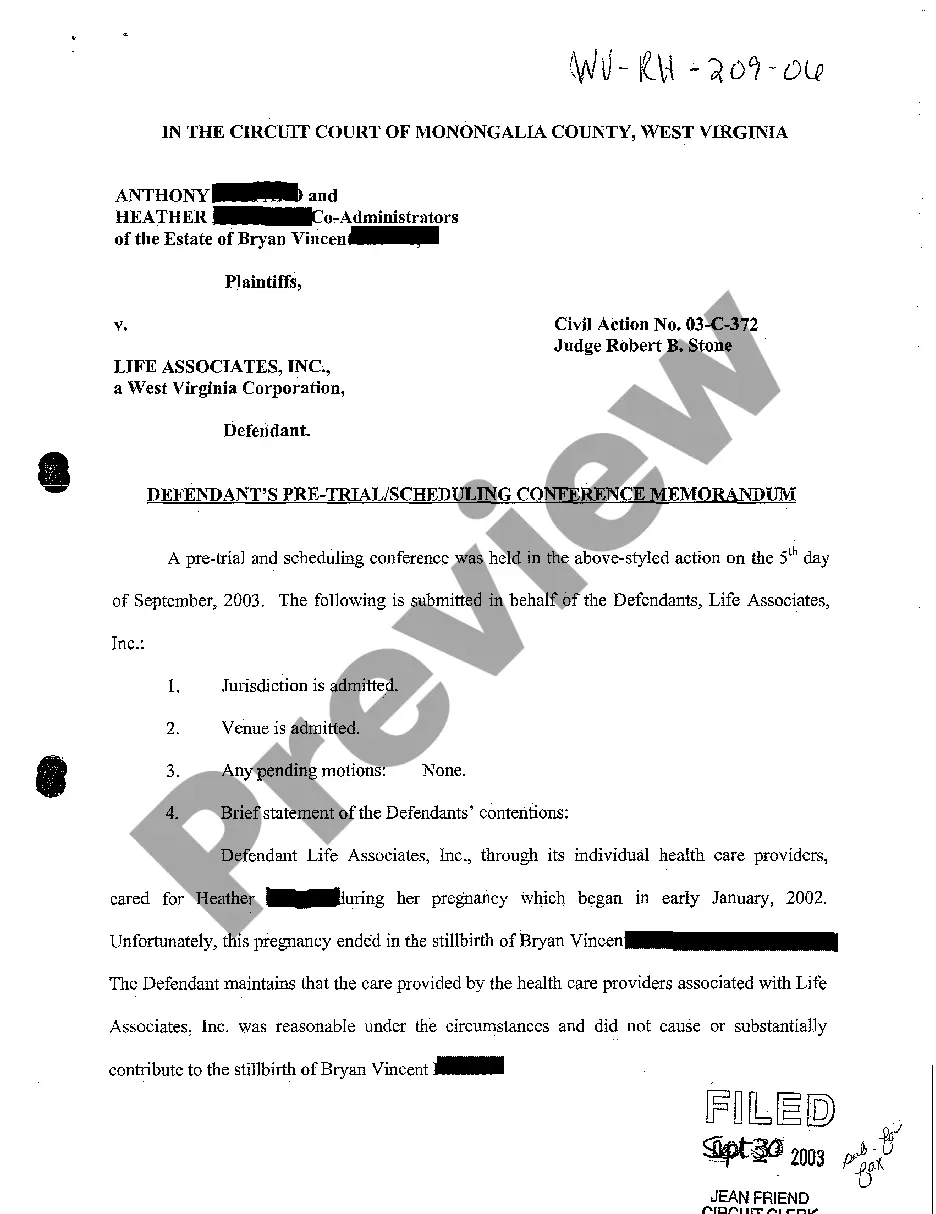

How to fill out Sample Letter For Revised Order To Resolve Motion To Lift Stay?
Whether for professional objectives or personal matters, everyone must confront legal issues at some stage in their lives.
Filling out legal documents requires meticulous focus, starting with choosing the correct form template.
With an extensive US Legal Forms catalog available, you won't need to waste time searching for the suitable template across the web. Take advantage of the library's straightforward navigation to obtain the correct template for any situation.
- For instance, if you select an incorrect version of a Motion To Lift Stay Sample Form California, it will be rejected when you submit it.
- Therefore, it is vital to have a trustworthy source of legal documents like US Legal Forms.
- If you need to acquire a Motion To Lift Stay Sample Form California sample, follow these simple steps.
- Locate the template you require using the search bar or catalog browsing.
- Review the form's description to confirm it aligns with your case, state, and locality.
- Click on the form's preview to view it.
- If it is not the correct document, return to the search feature to find the Motion To Lift Stay Sample Form California sample you need.
- Download the template if it meets your requirements.
- If you possess a US Legal Forms account, click Log in to access previously saved documents in My documents.
- If you do not have an account yet, you may download the form by clicking Buy now.
- Select the appropriate pricing option.
- Complete the profile registration form.
- Choose your payment method: utilize a credit card or PayPal account.
- Select the document format you prefer and download the Motion To Lift Stay Sample Form California.
- Once it is downloaded, you can fill out the form using editing software or print it for manual completion.
Form popularity
FAQ
To file a motion to stay, you should first confirm the local court's rules regarding paperwork and formatting. Next, complete the required forms, including a motion to lift stay sample form California, which outlines the reasons for your request. After filling out the form, file it with the court and serve it to the opposing party. Don’t forget to include any additional documents or evidence that support your case.
Yes. 22 U.S.C. 2714a and 22 C.F.R 51.60(f) requires you to provide your Social Security number, if you have one, when you apply for a U.S. passport or renewal of a U.S. passport. If you fail to provide the information, you will encounter a delay in processing and/or denial of your passport application.
You can fill out the form using the online form filler of the Department of State website ( ) or print it out and fill it out by hand using a black pen.
Adult Renewals: All U.S. Citizens living in Canada who are eligible to use the DS-82 passport renewal form must renew their U.S. passports by mail either: To the U.S. Embassy Ottawa or closest U.S. Consulate General and pay for it via Pay.Gov, or. To the National Passport Processing Center and pay via certified check.
You can fill out the DS-11 form online or print out and fill out by hand. If you fill out the form electronically, at the end of the questionnaire you will need to print the form and bring it at the time of the interview.
Renewal Application (DS-82) You should complete this form if you meet our requirements to renew your passport. Keep in mind that children under age 16 cannot renew their passports and must apply using Form DS-11. Make sure to sign and date the form after you print it.
Fill Out Online and Print Application for a U.S. Passport (DS-11)
Visit and schedule your appointment. Pay your passport processing fee at any of our authorized Payment Centers. Print out the confirmed appointment packet that will be emailed to you after you have paid your passport processing fee.
Make sure you prepare the right form, e.g. for a minor child prepare the DS-11, for regular adult passport renewals you need the DS-82, etc.