Special Needs Trust Supplemental With An Annuity
Description

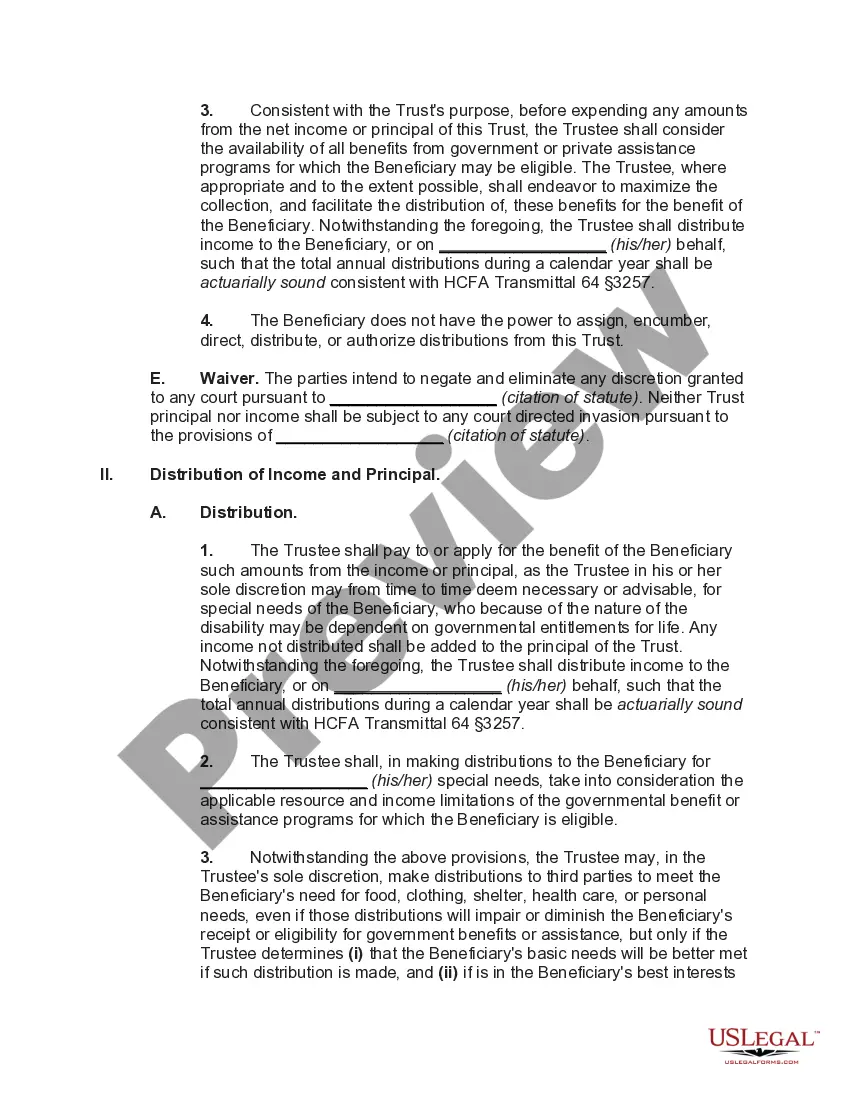
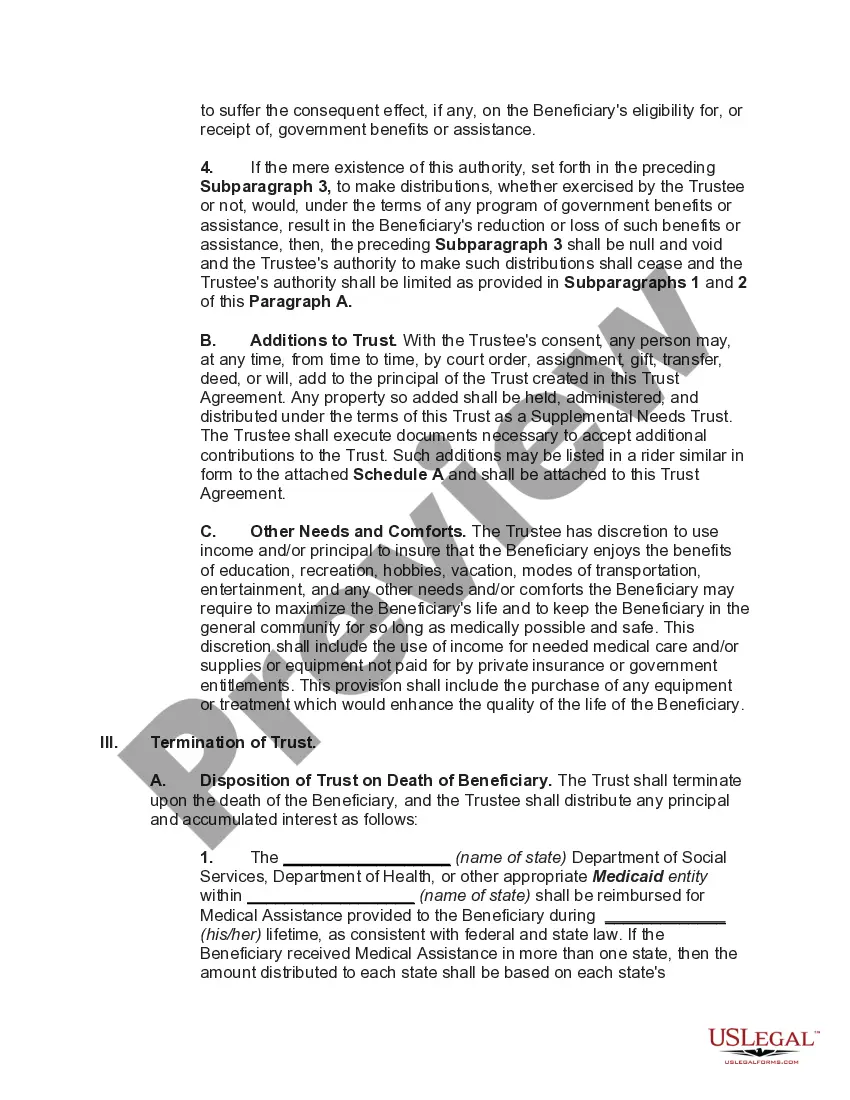
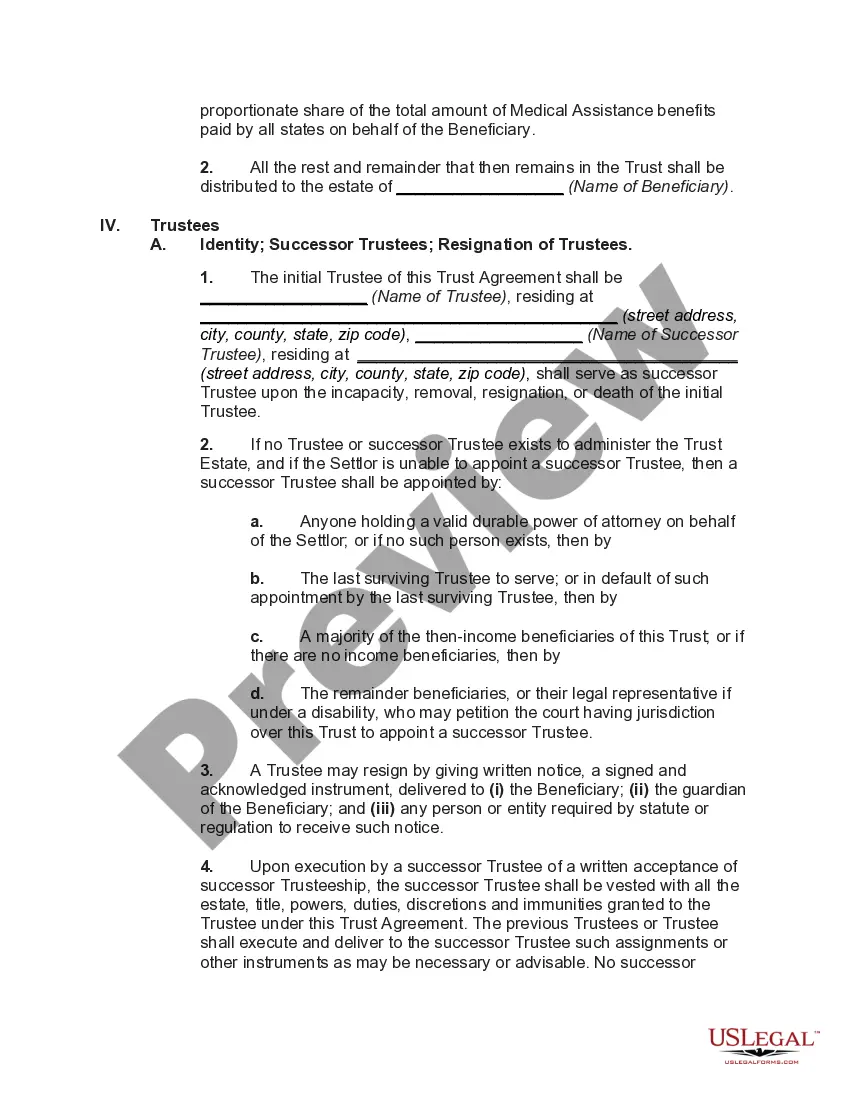
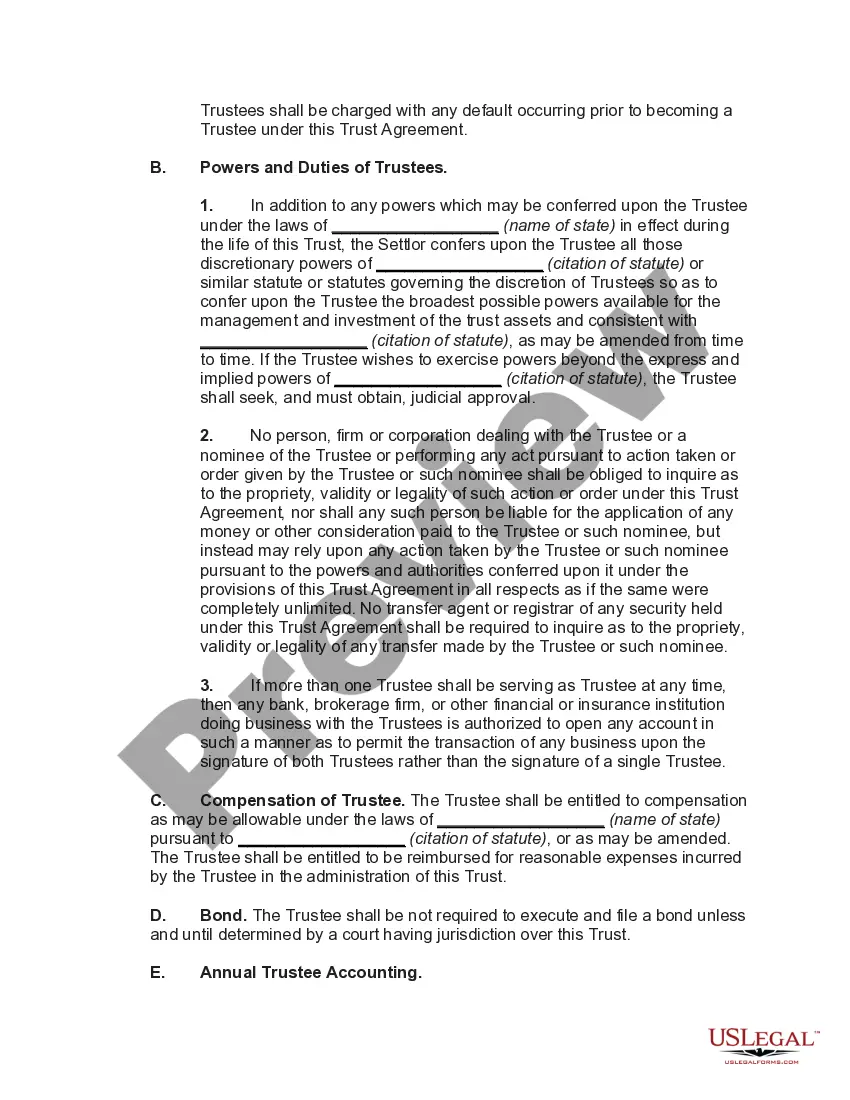
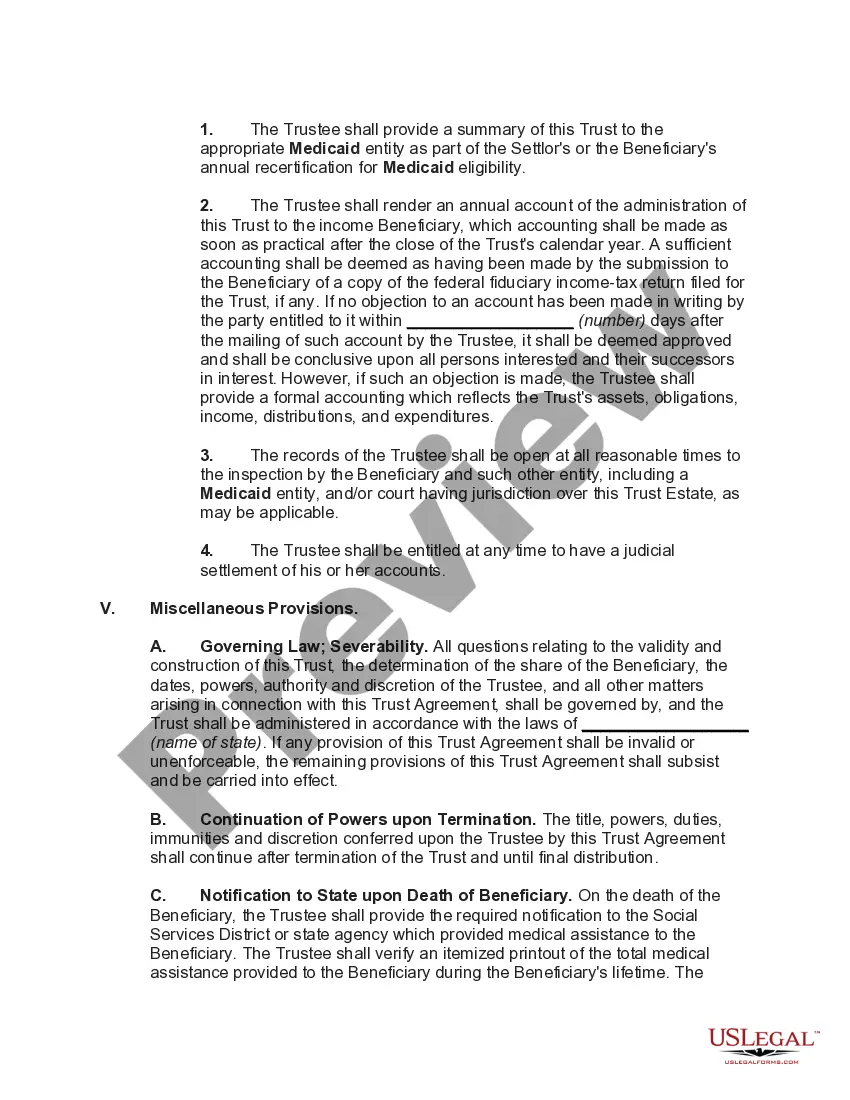




Get your form ready online
Our built-in tools help you complete, sign, share, and store your documents in one place.
Make edits, fill in missing information, and update formatting in US Legal Forms—just like you would in MS Word.
Download a copy, print it, send it by email, or mail it via USPS—whatever works best for your next step.
Sign and collect signatures with our SignNow integration. Send to multiple recipients, set reminders, and more. Go Premium to unlock E-Sign.
If this form requires notarization, complete it online through a secure video call—no need to meet a notary in person or wait for an appointment.
We protect your documents and personal data by following strict security and privacy standards.

Make edits, fill in missing information, and update formatting in US Legal Forms—just like you would in MS Word.

Download a copy, print it, send it by email, or mail it via USPS—whatever works best for your next step.

Sign and collect signatures with our SignNow integration. Send to multiple recipients, set reminders, and more. Go Premium to unlock E-Sign.

If this form requires notarization, complete it online through a secure video call—no need to meet a notary in person or wait for an appointment.

We protect your documents and personal data by following strict security and privacy standards.
Looking for another form?





How to fill out Special Needs Irrevocable Trust Agreement For Benefit Of Disabled Child Of Trustor?
It’s well-known that you cannot instantly become a legal authority, nor can you swiftly learn how to prepare Special Needs Trust Supplemental With An Annuity without possessing a specific set of expertise. Drafting legal documents is a lengthy process that requires a certain level of education and skills. So, why not entrust the creation of the Special Needs Trust Supplemental With An Annuity to the professionals.
With US Legal Forms, one of the largest legal document repositories, you can find anything from court paperwork to templates for internal communication. We understand how vital compliance and adherence to federal and state regulations are. That’s why, on our platform, all forms are location-specific and current.
Here’s how you can begin with our website and obtain the form you need in just a few minutes.
You can regain access to your forms from the My documents tab at any time. If you are an existing customer, you can simply Log In, and find and download the template from the same tab.
Regardless of the purpose of your documents—whether financial, legal, or personal—our website has you covered. Try US Legal Forms today!
- Find the form you require by utilizing the search bar at the top of the page.
- Preview it (if this option is available) and review the accompanying description to confirm whether Special Needs Trust Supplemental With An Annuity is what you are looking for.
- Restart your search if you need any other template.
- Create a free account and select a subscription option to acquire the template.
- Click Buy now. After the transaction is completed, you can receive the Special Needs Trust Supplemental With Annuity, fill it out, print it, and deliver or mail it to the necessary parties or organizations.
Form popularity
FAQ
How To Transfer Ownership of an Annuity to a Trust. It is not difficult for an annuity to own a trust. Typically, when the annuity is first purchased, the trust can be named as the owner. This means that the trust will serve as the beneficiary and can receive the benefit from the annuity when the annuitant dies.
Pooled trusts give people with disabilities a way to access vital health benefits while utilizing the excess funds they deposit into the trust to pay for items and services not covered by those benefits. In ance with Federal statute, first party pooled trust accounts close upon the death of the beneficiary.
Typically there is more flexibility with trusts as beneficiary of a qualified annuity, but there are still ways to plan for a trust beneficiary of either. Trust accounting is complex and should be referred to a tax advisor.
Supplemental Needs Trust (SNT) The SNT is a Medicaid planning tool used to shelter a disabled person's assets for: Maintaining eligibility for governmental benefits like Medicaid. Enhancing the disabled person's quality of life by paying for needs Medicaid does not cover.
Cons of Naming a Trust as Beneficiary of a Retirement Account. The primary disadvantage of naming a trust as beneficiary is that the retirement plan's assets will be subjected to required minimum distribution payouts, which are calculated based on the life expectancy of the oldest beneficiary.