Indiana Special Needs Trust For Minor Child
Description





Get your form ready online
Our built-in tools help you complete, sign, share, and store your documents in one place.
Make edits, fill in missing information, and update formatting in US Legal Forms—just like you would in MS Word.
Download a copy, print it, send it by email, or mail it via USPS—whatever works best for your next step.
Sign and collect signatures with our SignNow integration. Send to multiple recipients, set reminders, and more. Go Premium to unlock E-Sign.
If this form requires notarization, complete it online through a secure video call—no need to meet a notary in person or wait for an appointment.
We protect your documents and personal data by following strict security and privacy standards.

Make edits, fill in missing information, and update formatting in US Legal Forms—just like you would in MS Word.

Download a copy, print it, send it by email, or mail it via USPS—whatever works best for your next step.

Sign and collect signatures with our SignNow integration. Send to multiple recipients, set reminders, and more. Go Premium to unlock E-Sign.

If this form requires notarization, complete it online through a secure video call—no need to meet a notary in person or wait for an appointment.

We protect your documents and personal data by following strict security and privacy standards.
Looking for another form?

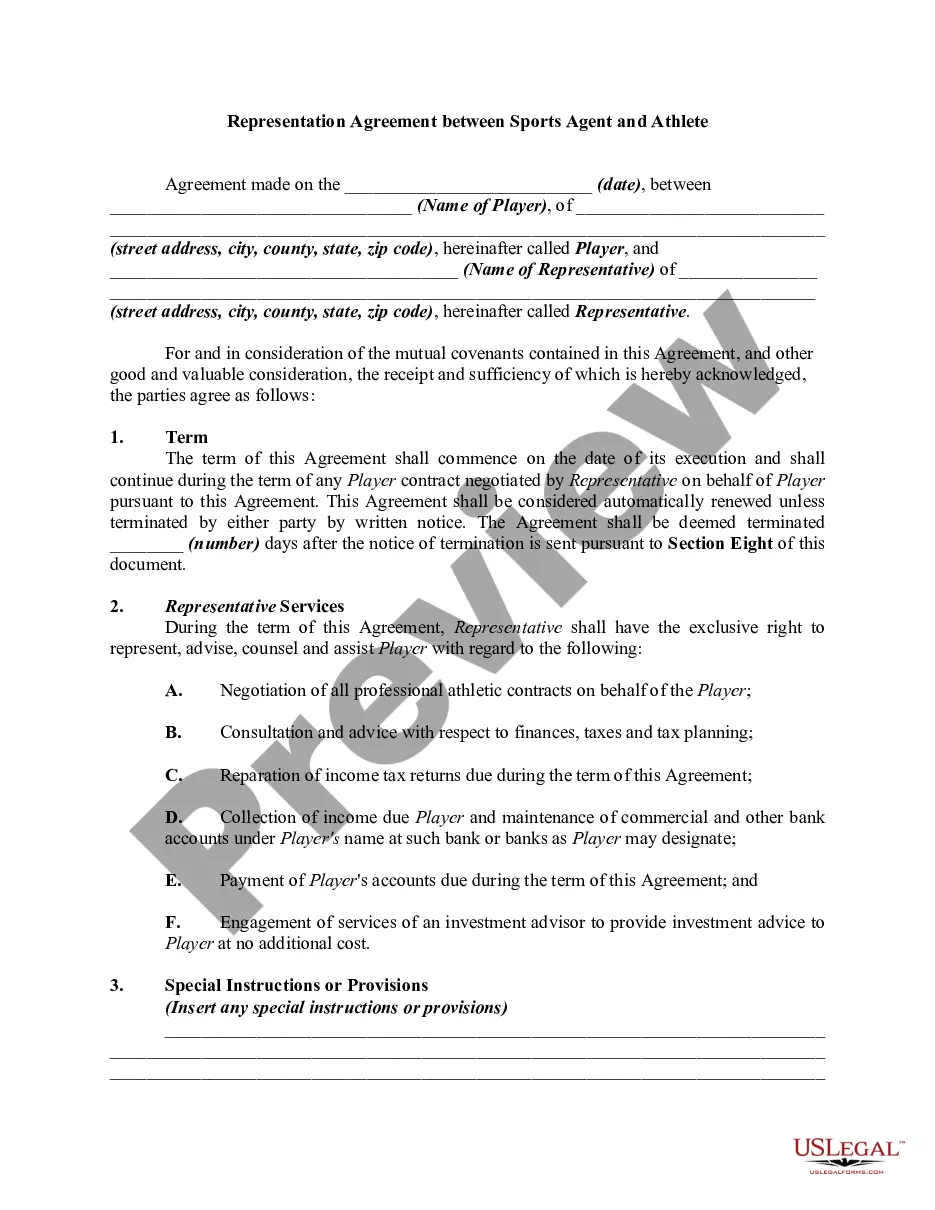
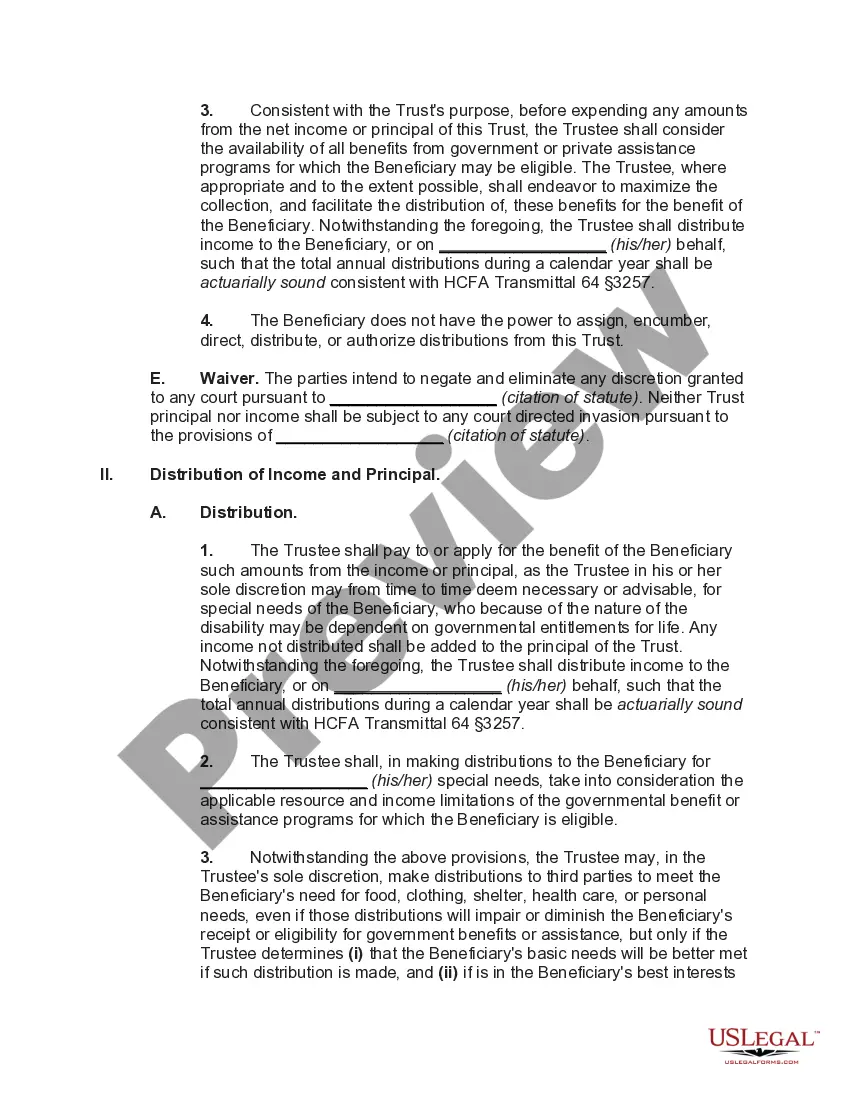
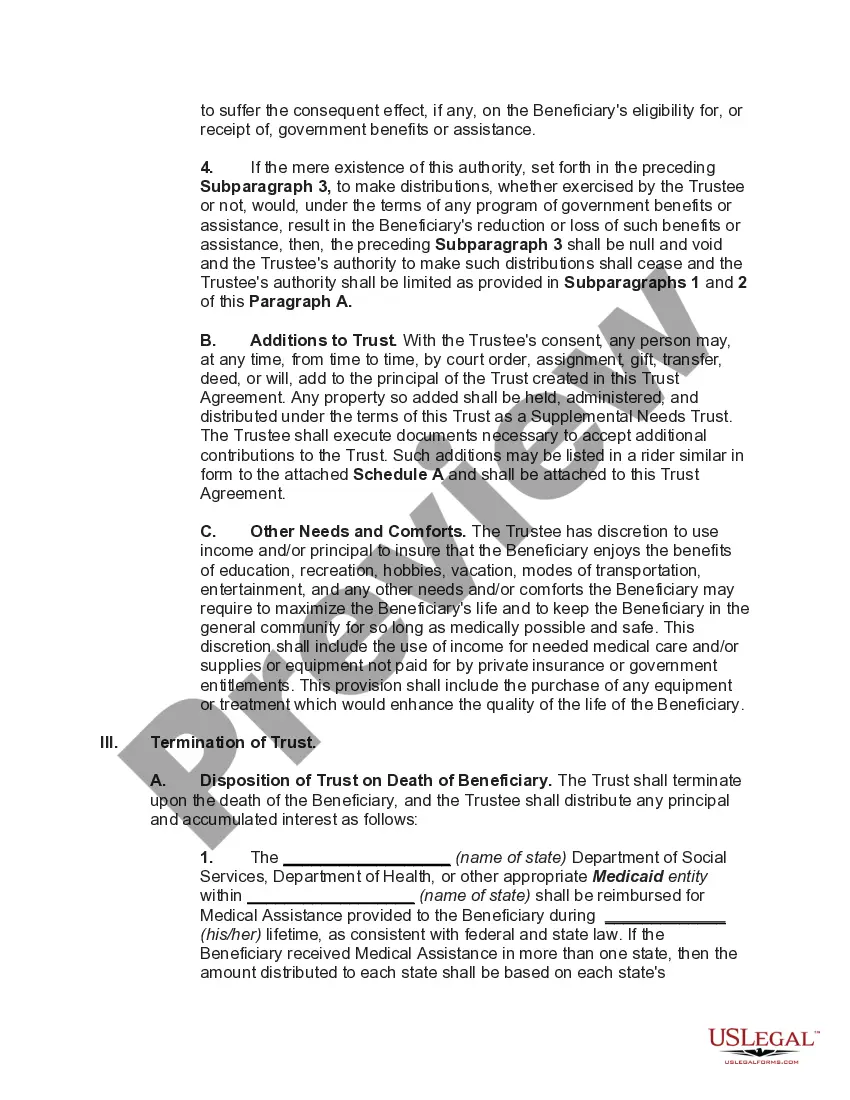
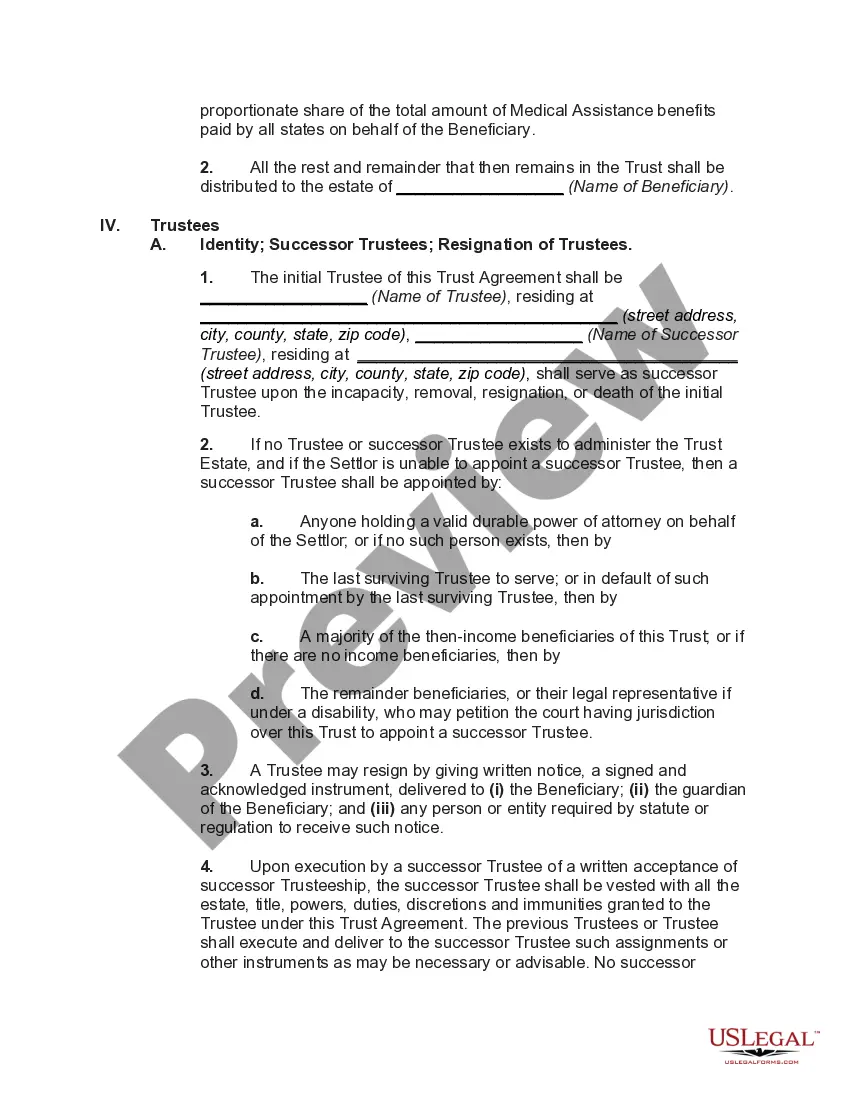
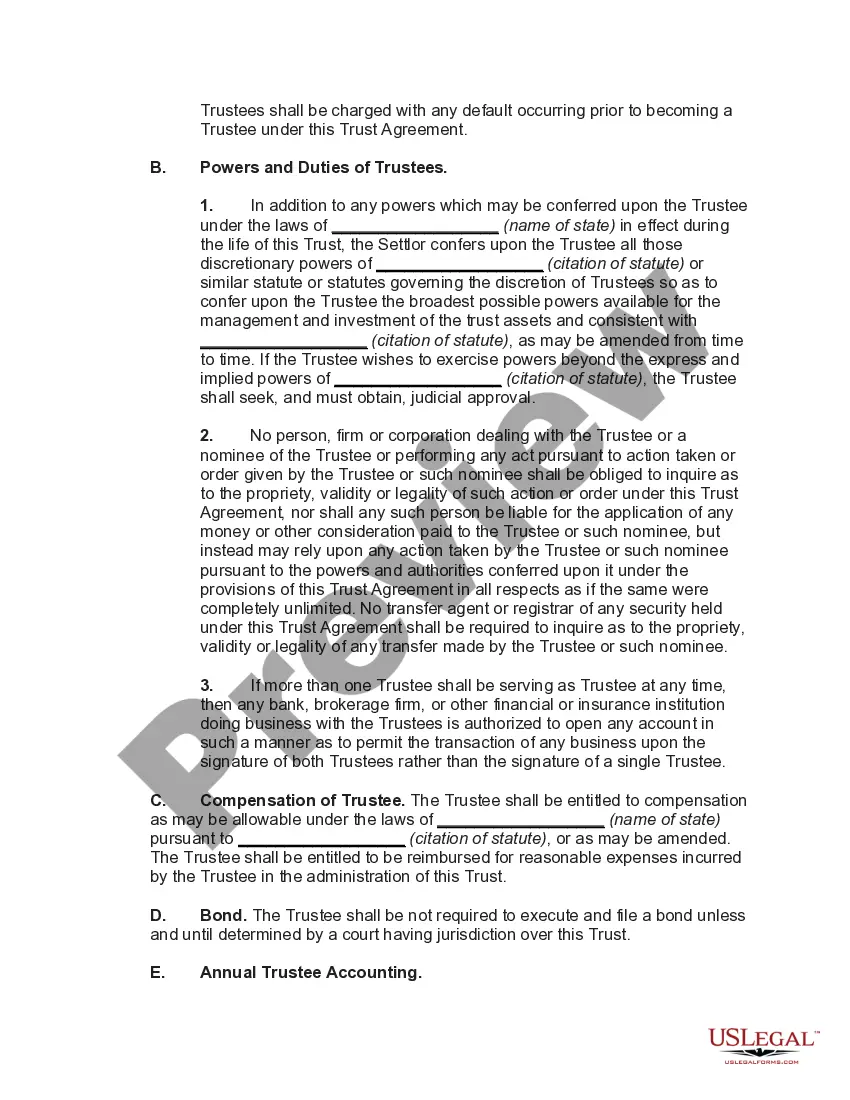
How to fill out Special Needs Irrevocable Trust Agreement For Benefit Of Disabled Child Of Trustor?
Finding a reliable destination to obtain the latest and pertinent legal templates is a significant part of dealing with bureaucracy.
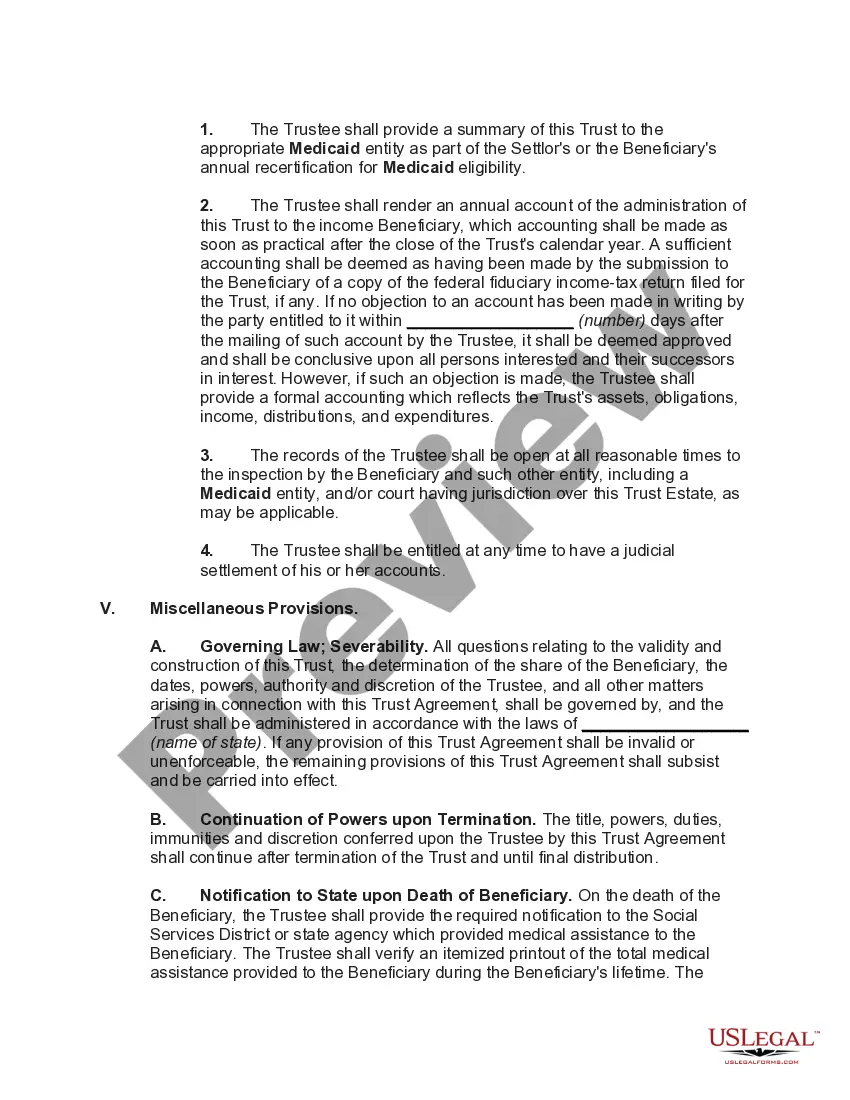
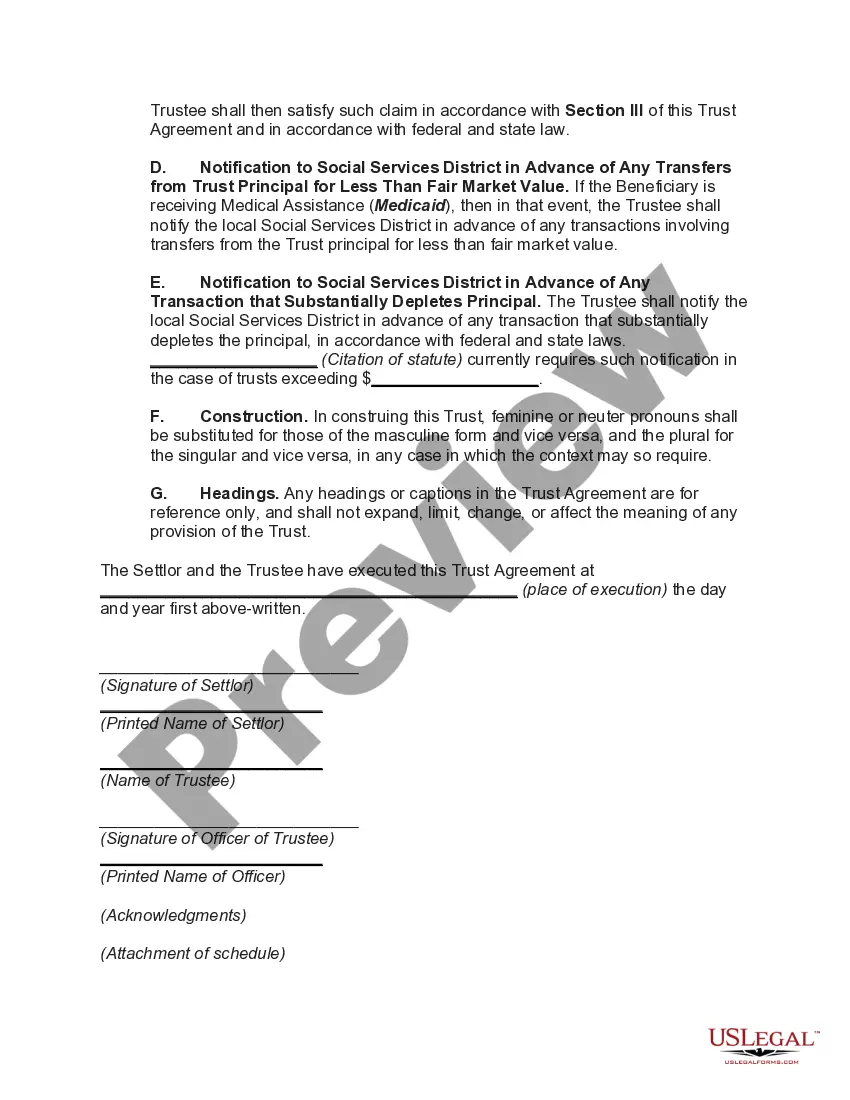
Identifying the appropriate legal documents requires precision and carefulness, which is why it is essential to obtain samples of Indiana Special Needs Trust For Minor Child exclusively from trustworthy sources, such as US Legal Forms. An incorrect template could squander your time and prolong your current situation. With US Legal Forms, your concerns are minimal. You can access and review all relevant information regarding the document's applicability to your situation and in your jurisdiction.
Once you have the form on your device, you can modify it with the editor or print it out to fill it out manually. Eliminate the inconvenience associated with your legal documentation. Explore the extensive US Legal Forms catalog to discover legal templates, verify their relevance to your situation, and download them instantly.
- Utilize the catalog navigation or search bar to locate your template.
- Examine the form's description to verify if it meets your state's and county's requirements.
- Inspect the form preview, if available, to confirm the template is what you seek.
- Return to the search to find the appropriate document if the Indiana Special Needs Trust For Minor Child does not fulfill your needs.
- If you are confident about the form's relevance, download it.
- If you are an authorized user, click Log in to validate and access your chosen templates in My documents.
- If you have not created an account yet, click Buy now to acquire the template.
- Choose the pricing plan that meets your needs.
- Proceed to registration to complete your purchase.
- Finalize your transaction by selecting a payment method (credit card or PayPal).
- Select the file format for downloading the Indiana Special Needs Trust For Minor Child.
Form popularity
FAQ
To create a first-party SNT, the government must officially recognize your disability status, and you need to be under the age of 65. The trust will only hold your assets and not serve as a receptacle for funds from other family members.
What are the main benefits of an SDT? The asset value limit of $781,250 (indexed annually on 1 July) and income from the trust may be disregarded for the purposes of the principal beneficiary's income support payment. Assets above that limit are added to the assessable assets of the principal beneficiary.
When you create and fund the trust, you draw up a trust agreement. In this agreement you name a trustee to administer the trust. The beneficiary cannot directly handle assets that have been conveyed into the trust. However, the trustee can use of the trust's assets to address the supplemental needs of the beneficiary.
Cons of Special Needs Trusts The trust must be maintained, and yearly management costs can be high. Depending on who manages the fund, there may be a minimum amount required to set up the trust. It may be financially difficult for the settlor to actually establish the trust, depending upon their circumstances.
Section 30-4-10-43 - Beneficiary with a disability (a) This section applies to any trust that has a beneficiary with a disability, without limitation, whenever a special-needs fiduciary for the trust determines that the beneficiary with a disability may qualify for governmental benefits based on a disability, whether ...