Trust Special Needs Benefits For Teachers
Description




Get your form ready online
Our built-in tools help you complete, sign, share, and store your documents in one place.
Make edits, fill in missing information, and update formatting in US Legal Forms—just like you would in MS Word.
Download a copy, print it, send it by email, or mail it via USPS—whatever works best for your next step.
Sign and collect signatures with our SignNow integration. Send to multiple recipients, set reminders, and more. Go Premium to unlock E-Sign.
If this form requires notarization, complete it online through a secure video call—no need to meet a notary in person or wait for an appointment.
We protect your documents and personal data by following strict security and privacy standards.

Make edits, fill in missing information, and update formatting in US Legal Forms—just like you would in MS Word.

Download a copy, print it, send it by email, or mail it via USPS—whatever works best for your next step.

Sign and collect signatures with our SignNow integration. Send to multiple recipients, set reminders, and more. Go Premium to unlock E-Sign.

If this form requires notarization, complete it online through a secure video call—no need to meet a notary in person or wait for an appointment.

We protect your documents and personal data by following strict security and privacy standards.
Looking for another form?










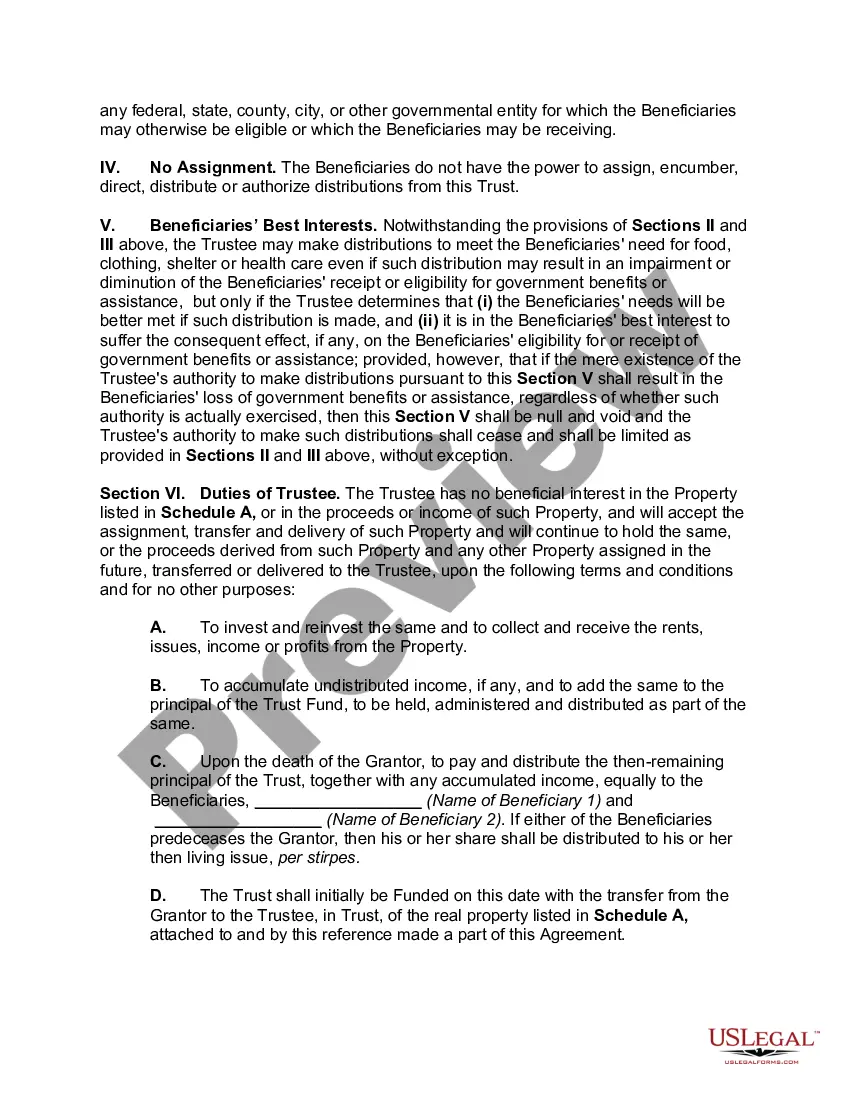
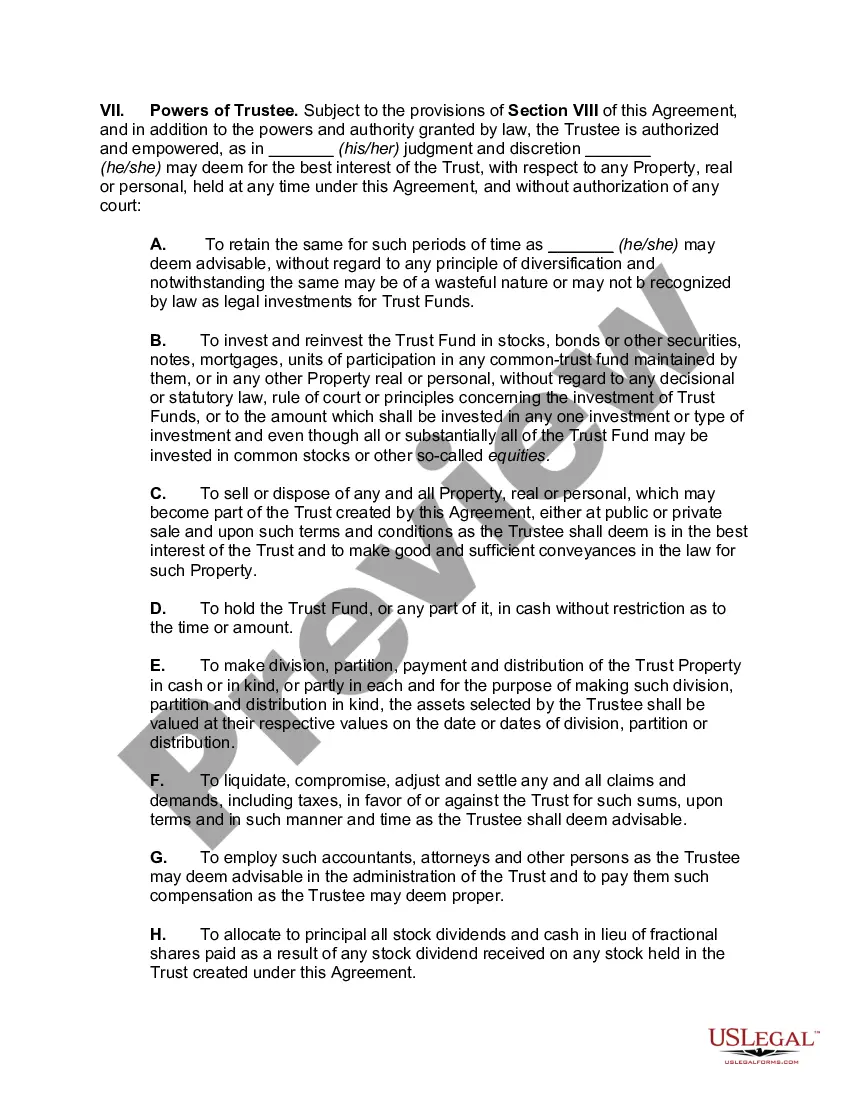
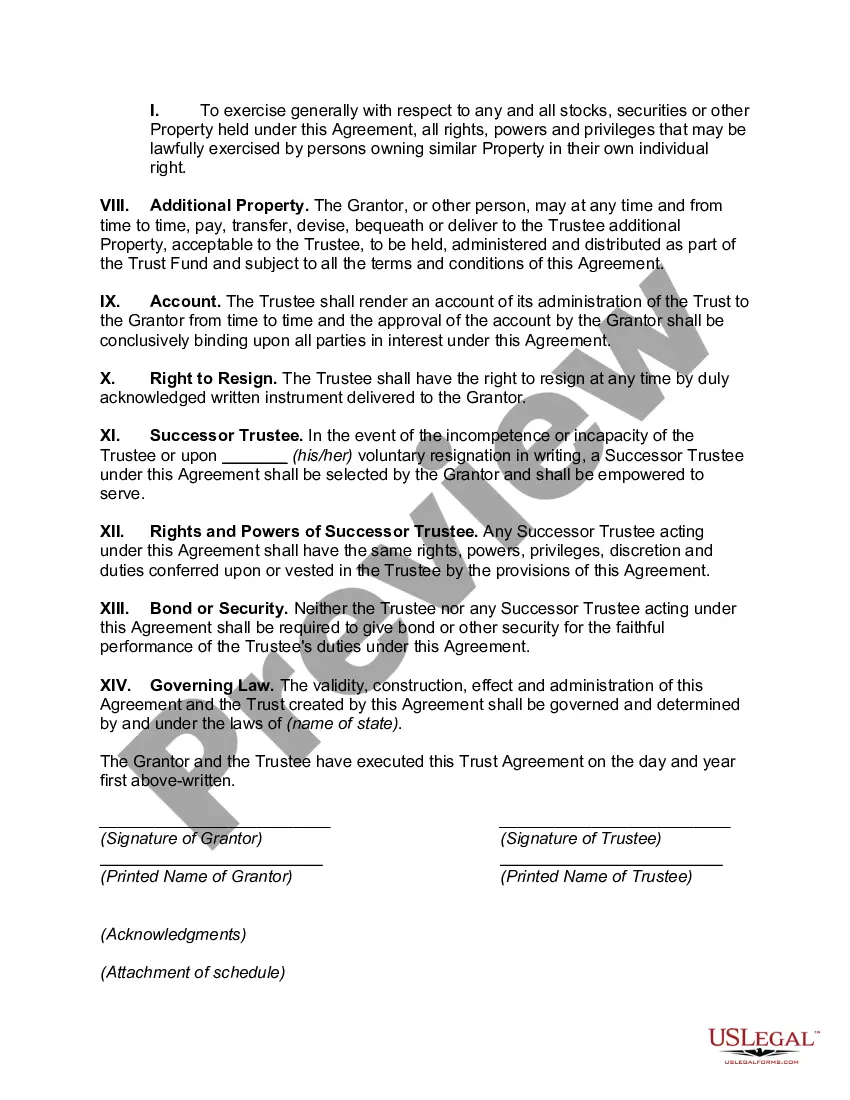
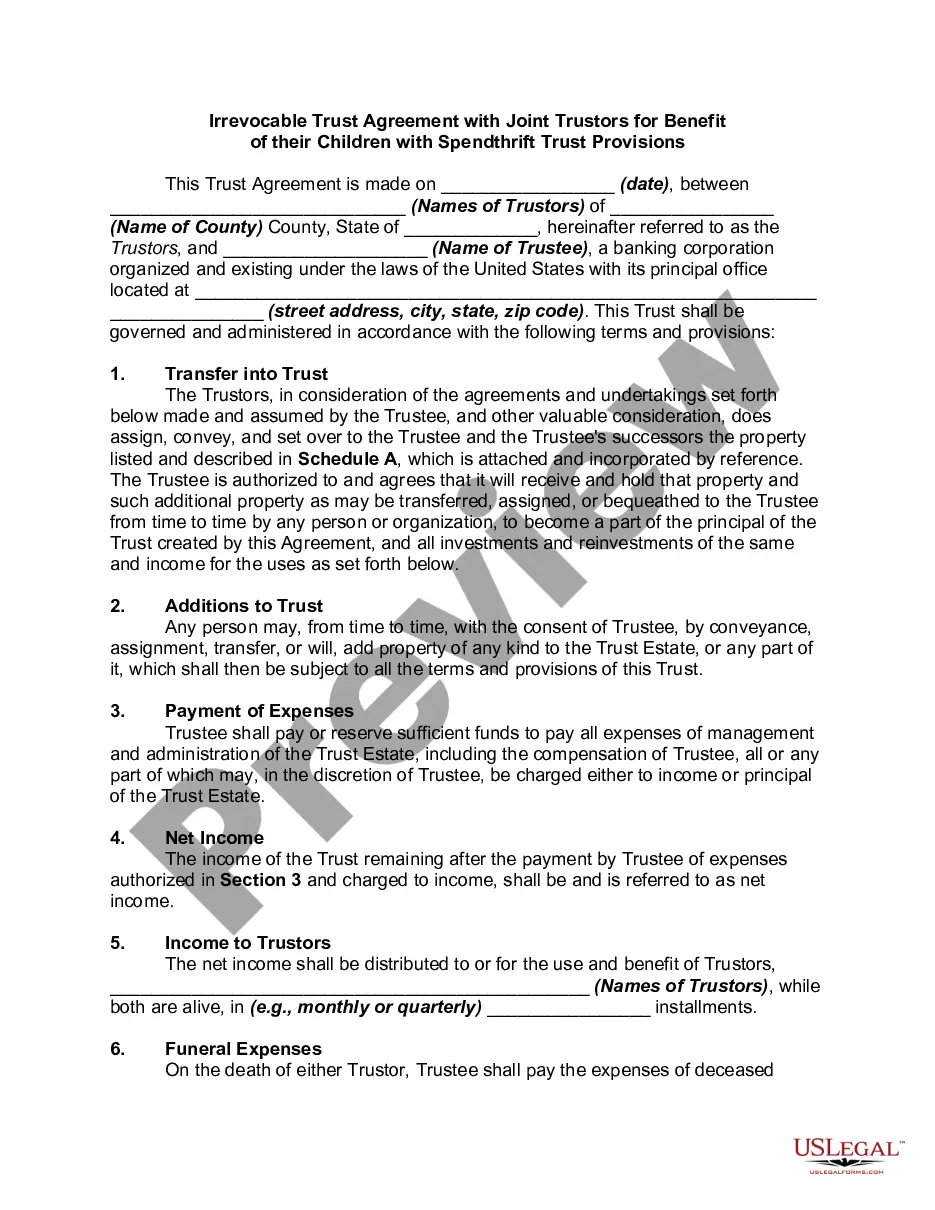
How to fill out Irrevocable Trust Agreement Setting Up Special Needs Trust For Benefit Of Multiple Children?
Obtaining legal documents that adhere to national and local regulations is crucial, and the web provides numerous choices to select from.
However, why squander time scouring the internet for the appropriate Trust Special Needs Benefits For Teachers template when the US Legal Forms online library already houses such documents conveniently in one location.
US Legal Forms is the largest online repository of legal forms with more than 85,000 editable templates prepared by lawyers for various business and personal situations. They are easy to navigate, with all documents categorized by state and intended use. Our experts keep pace with legal updates, ensuring that your form is always current and compliant when procuring a Trust Special Needs Benefits For Teachers from our platform.
- Review the template using the Preview function or by browsing the text structure to ensure it fits your requirements.
- Search for an alternative template using the search feature at the top of the page if necessary.
- Click Buy Now once you’ve found the appropriate document and select a subscription plan.
- Create an account or Log In and make a payment via PayPal or a credit card.
- Choose the most suitable format for your Trust Special Needs Benefits For Teachers and download it.
Form popularity
FAQ
In order for an SNT to qualify as an AMBT, the trust must be a see-through trust with its own taxpayer identification so that the required minimum distributions payable to the SNT can be tracked and traced to the AMBT beneficiary or beneficiaries.
The IRS will not look ?through? a trust to another trust. You could leave ½ of the IRA to a SNT as long as the SNT meets the criteria. If a SNT is named, it cannot have a charity as a remainder beneficiary because a charity is not considered a ?life in being?.
First-Party or Self-Funded Special Needs Trusts Any income earned on the funds invested in the first-party trust is always taxable to the beneficiary in the year it is earned, regardless of when or if it is distributed to the beneficiary.
Income from a QDisT is reported on Internal Revenue Service (IRS) Form 1041, with a unique Employer Identification Number (EIN), while distributions to the beneficiary will be taxed on their own Form 1040 tax return.
Year Trust, also known as a ?Legacy Trust? or ?Medicaid Asset Protection Trust,? can be established to protect assets from being spent down on long term care in a nursing home. The assets you place in the Legacy Trust will become exempt from the Medicaid spend down requirements after a 5 year look back period.