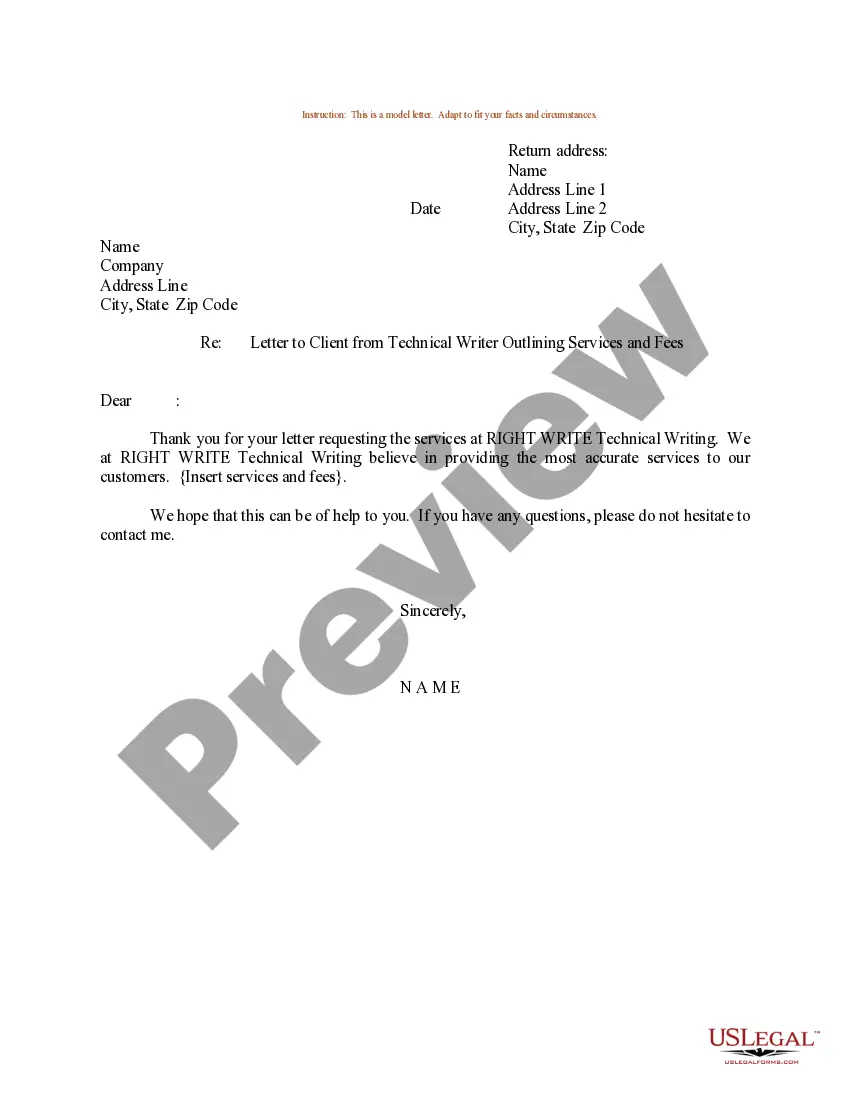
Services Letter Write Format
Description
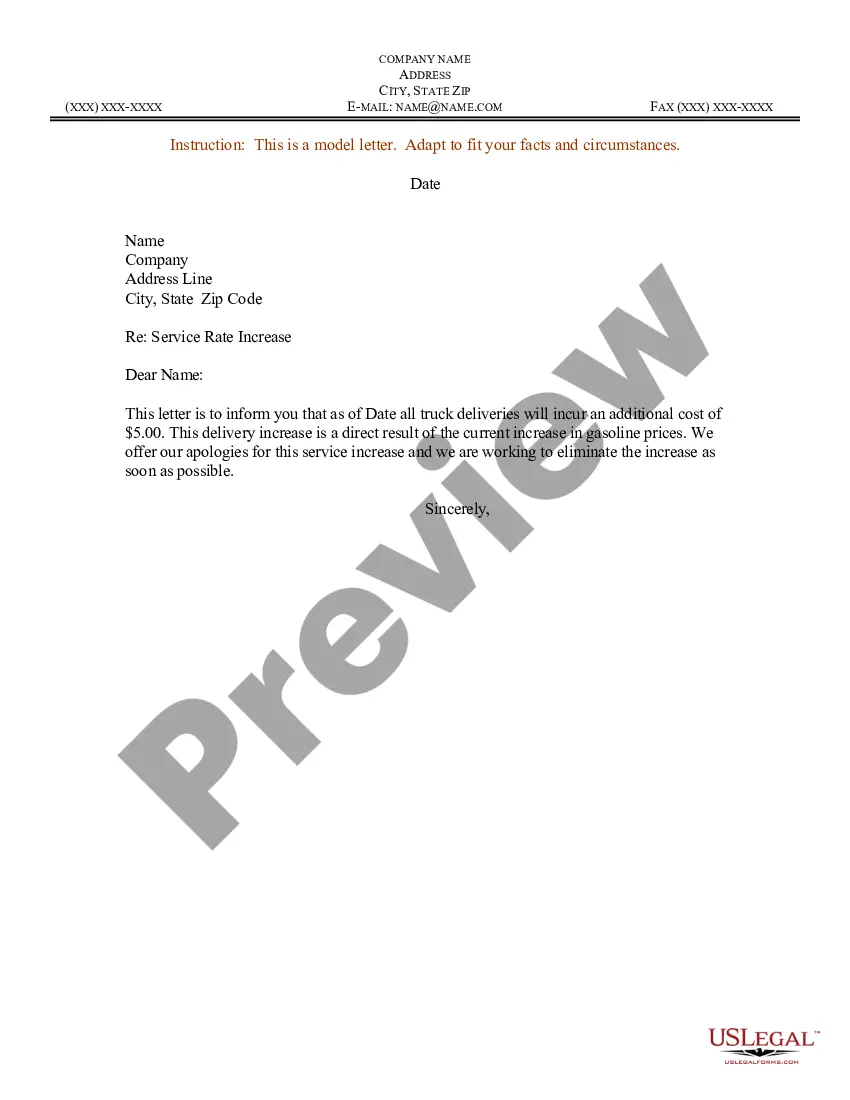
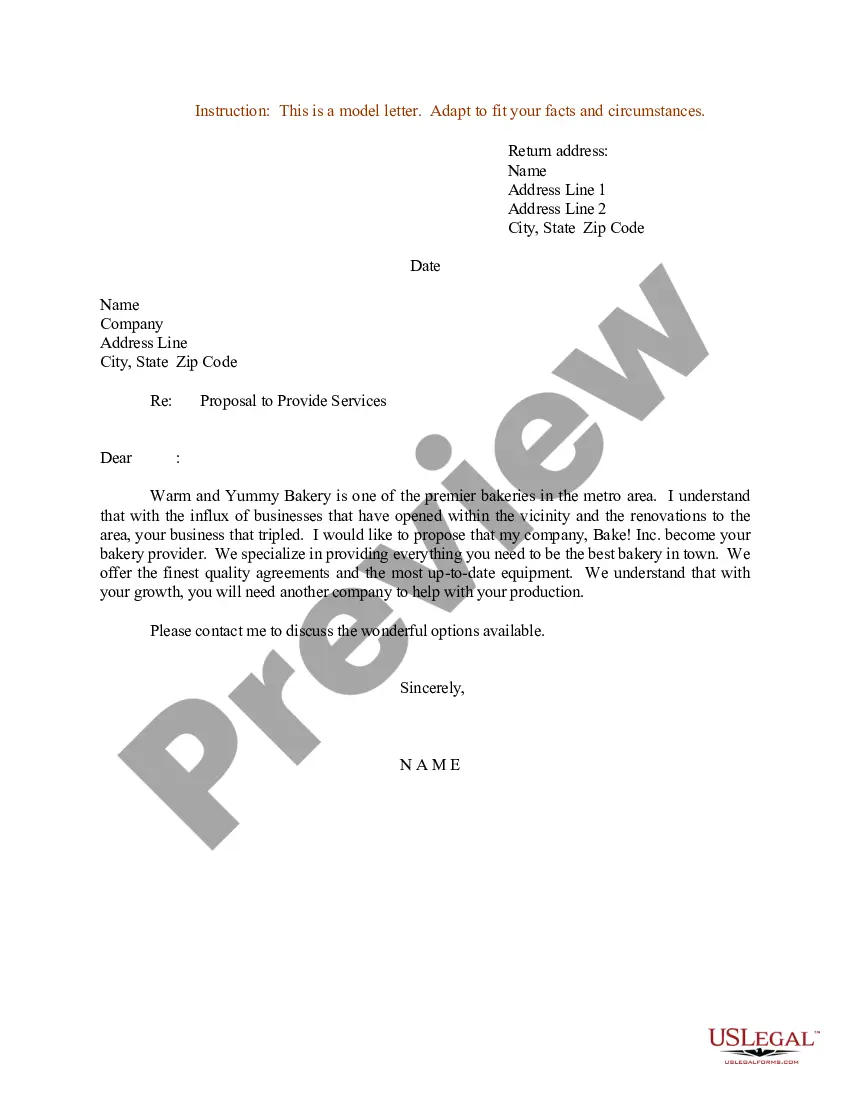
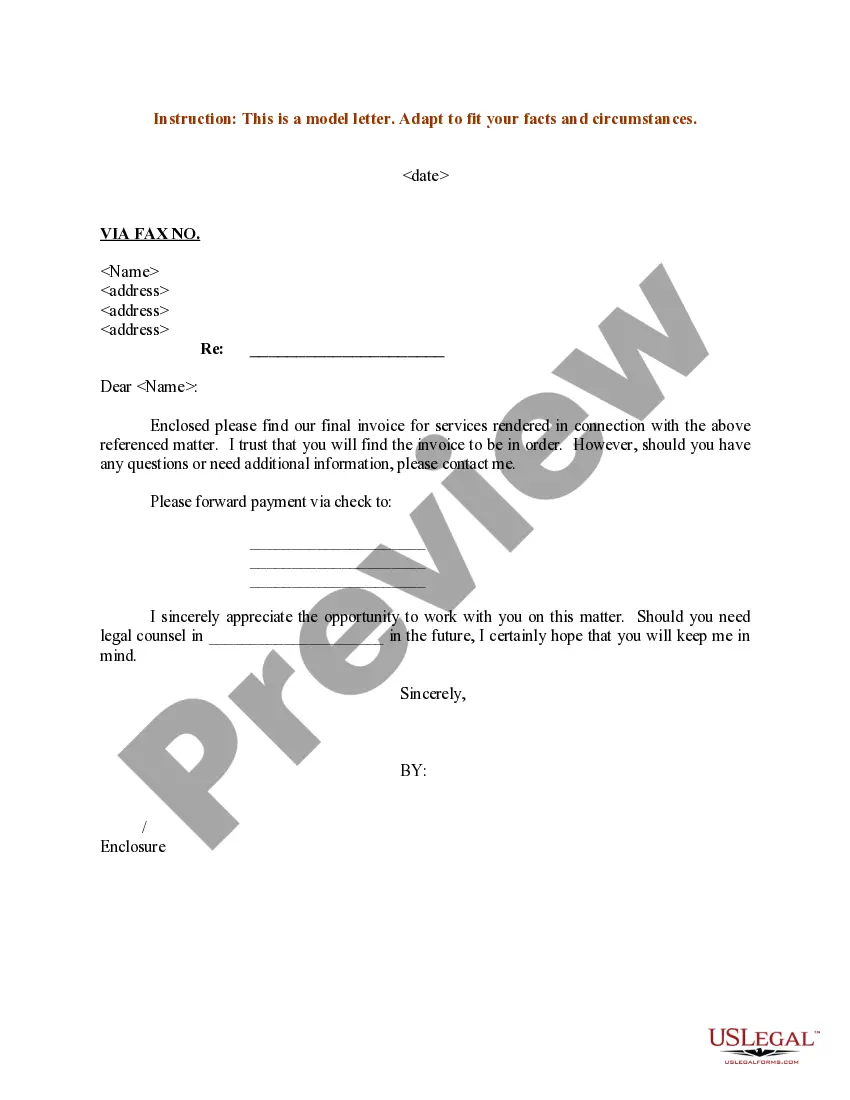
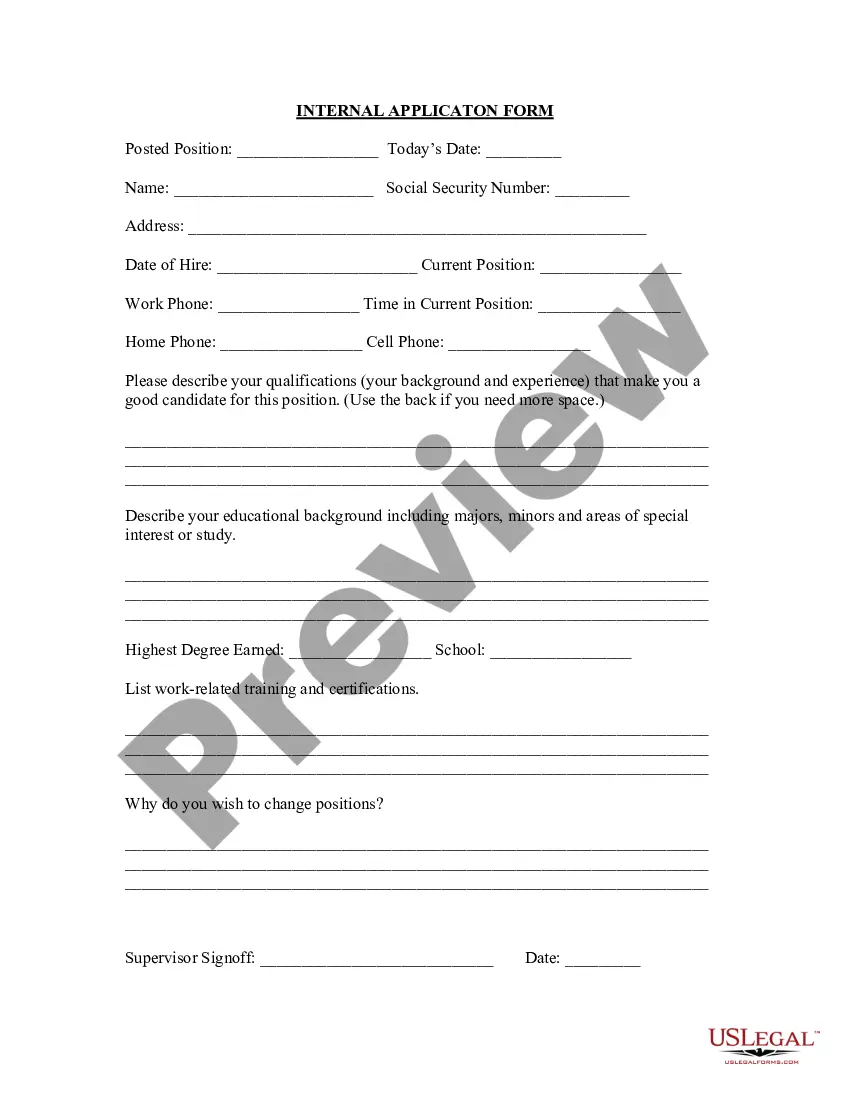
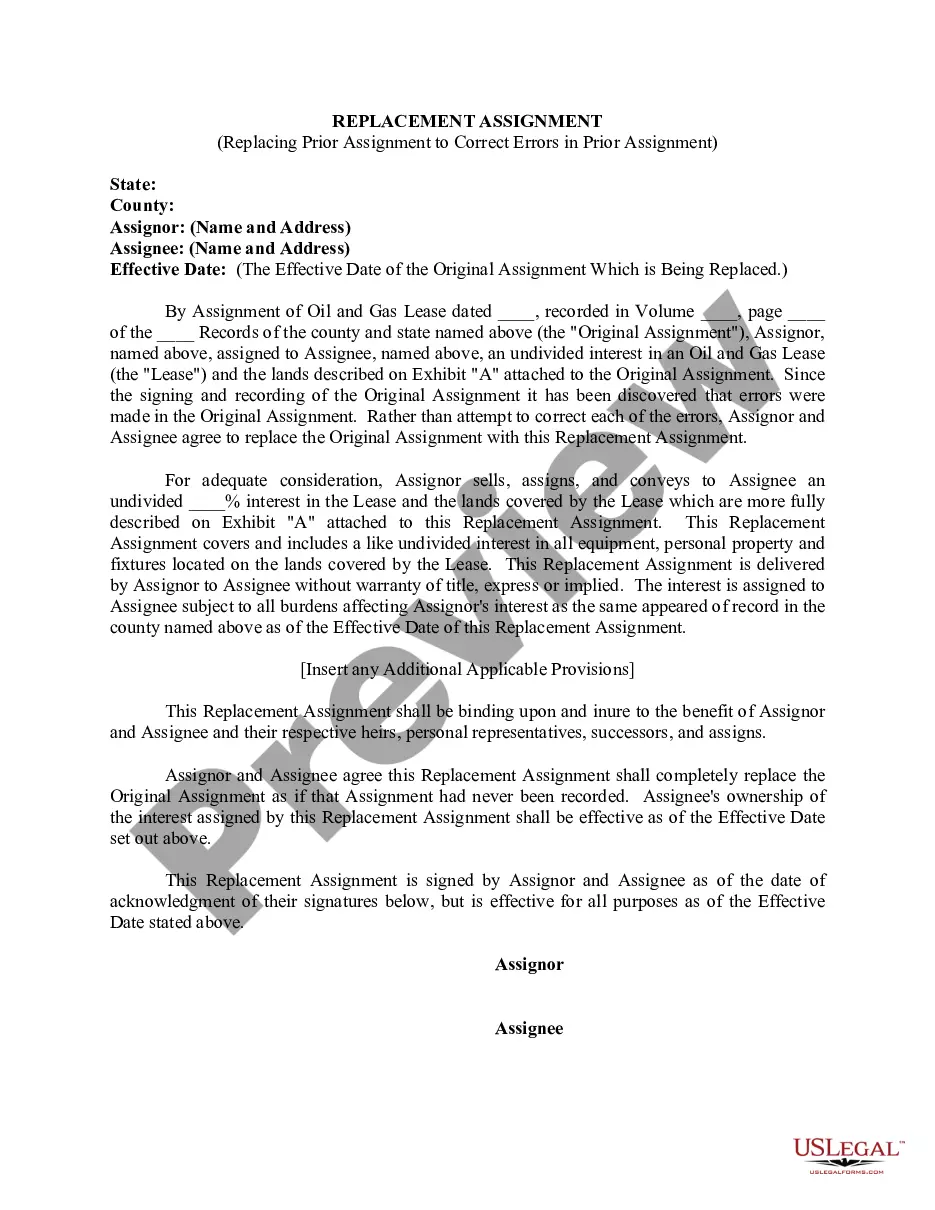
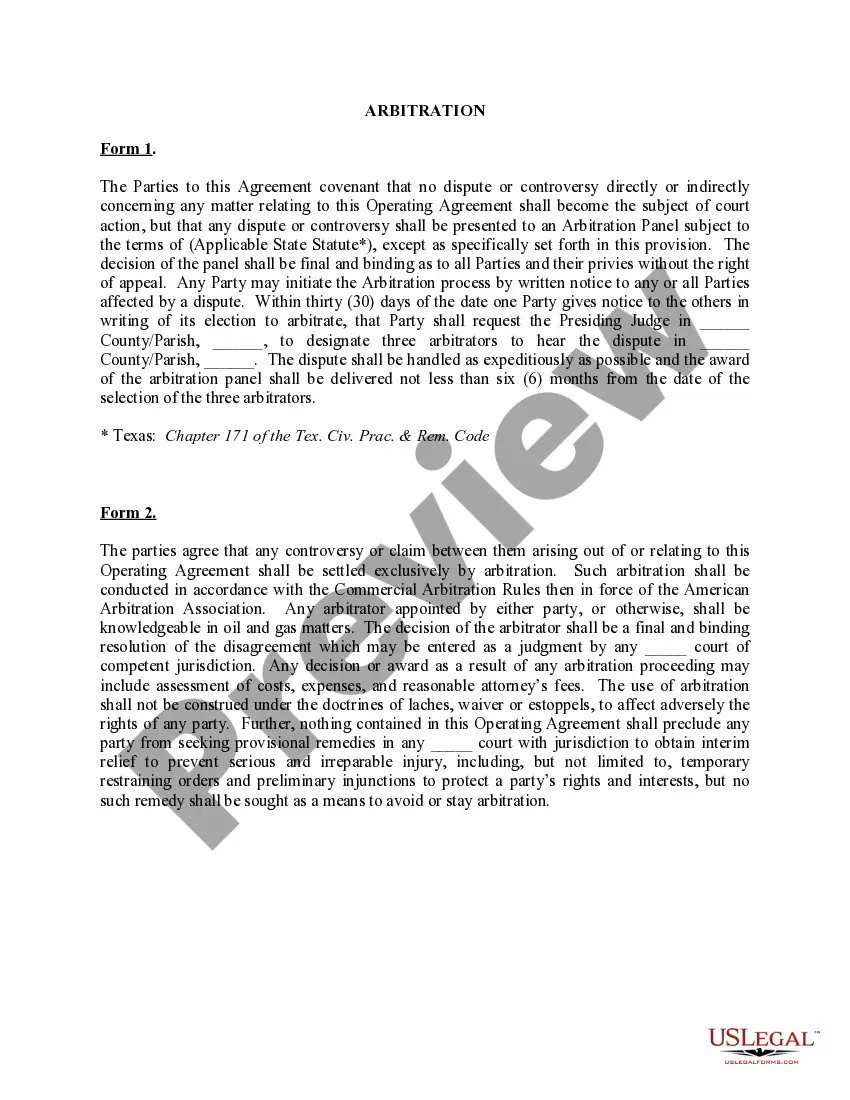
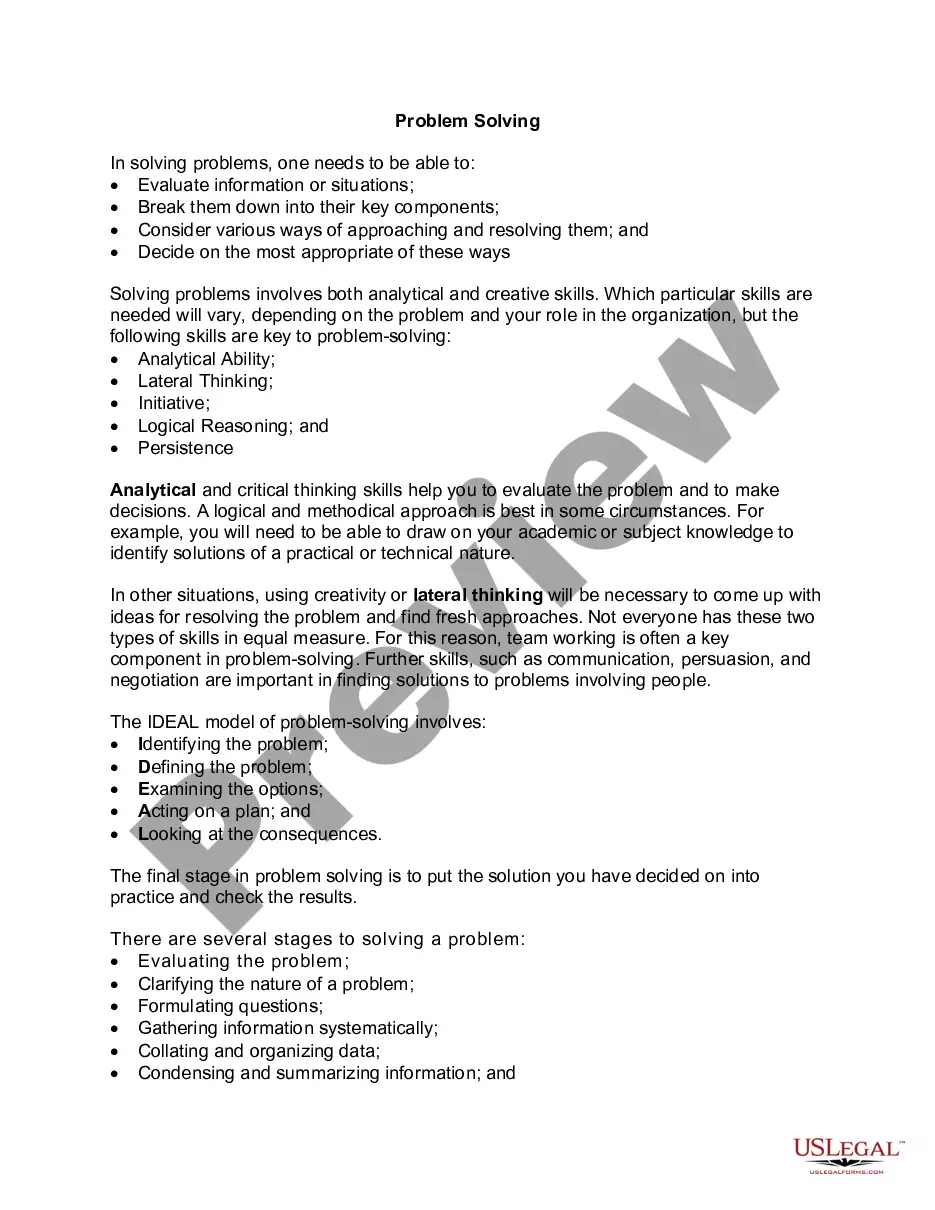
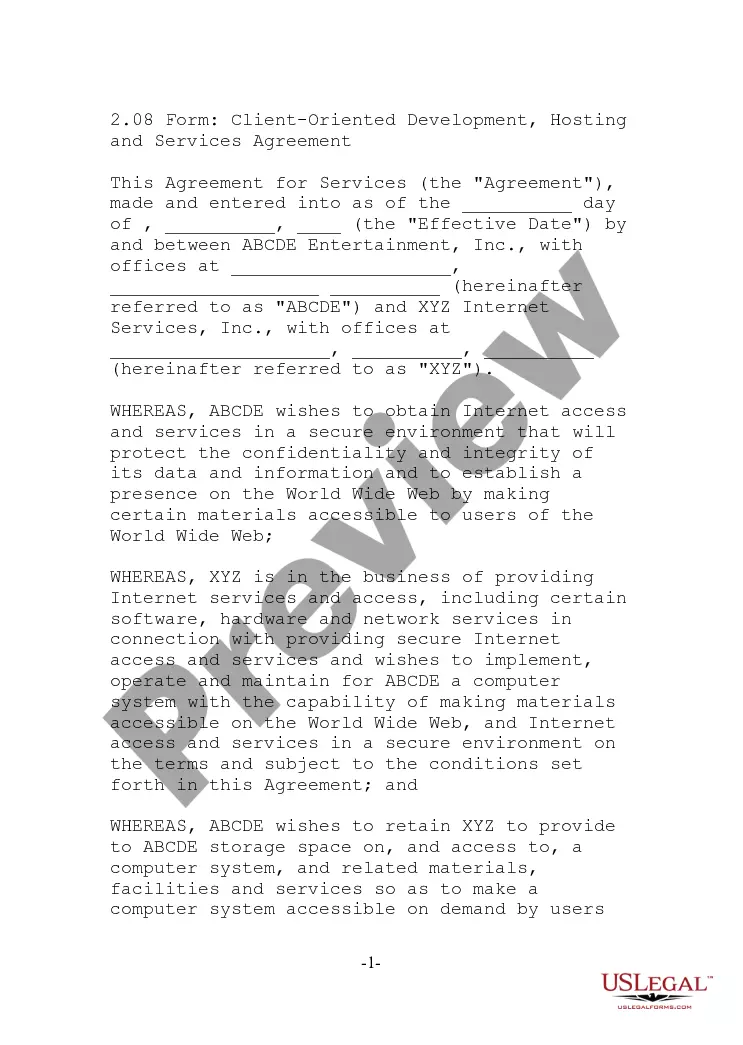
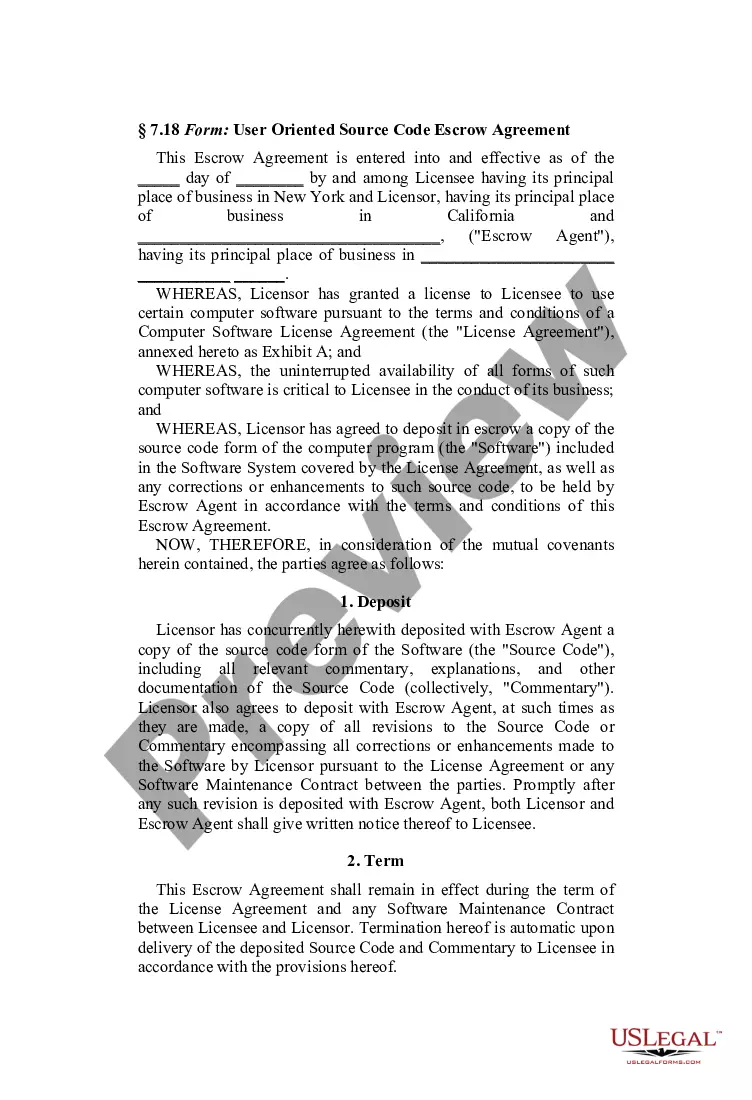
How to fill out Sample Letter For Letter To Client From Technical Writer Outlining Services And Fees?
Whether for business purposes or for individual matters, everyone has to deal with legal situations sooner or later in their life. Completing legal papers needs careful attention, starting with selecting the proper form sample. For example, when you pick a wrong edition of the Services Letter Write Format, it will be turned down when you send it. It is therefore crucial to get a trustworthy source of legal files like US Legal Forms.
If you need to obtain a Services Letter Write Format sample, stick to these easy steps:
- Find the sample you need by utilizing the search field or catalog navigation.
- Look through the form’s information to make sure it fits your case, state, and region.
- Click on the form’s preview to examine it.
- If it is the wrong form, go back to the search function to locate the Services Letter Write Format sample you need.
- Get the template when it matches your requirements.
- If you already have a US Legal Forms profile, simply click Log in to access previously saved files in My Forms.
- If you do not have an account yet, you can obtain the form by clicking Buy now.
- Pick the appropriate pricing option.
- Complete the profile registration form.
- Choose your payment method: use a bank card or PayPal account.
- Pick the file format you want and download the Services Letter Write Format.
- Once it is saved, you are able to complete the form with the help of editing applications or print it and complete it manually.
With a large US Legal Forms catalog at hand, you do not need to spend time looking for the appropriate sample across the internet. Take advantage of the library’s straightforward navigation to find the proper form for any occasion.
Form popularity
FAQ
Include a signature line. Use company letterhead. ... Include the date of issuance. ... Write a salutation. ... Include the employee's full name. ... Include the employee's title or designation. ... Include your company's name. ... State the employee's period of employment with your company. ... Describe the employee.
How to write a formal letter Write your name and contact information. ... Include the date. ... Include the recipient's name and contact information. ... Write a subject line for AMS style. ... Write a salutation for block style. ... Write the body of the letter. ... Include a sign-off. ... Proofread your letter.
How to Format a Business Letter Write the date and your recipient's name, company, and address. Choose a professional greeting, like ?Dear,?. Craft a compelling introduction. State your intent in the letter's body text. End your letter with a strong call-to-action. Choose a professional closing, like ?Sincerely,?.
<<<Name of the Employee>>> was a permanent employee of <<<Company Name>>>. <<<Name of the Employee>>> joined <<<Company Name>>>on <<<Date>>> as a <<<Designation>>>> and was promoted to the post of <<<Designation>>>> in <<<Date>>>. He / She worked as a <<<Designation>>>> Lead from <<<Date>>> to <<<Date>>> .
Write your contact information and date at the top if you're using block style (see below). On a new line write a salutation, such as ?Dear Ms. Smith,? or ?To Whom It May Concern.? Write the body of your letter in a standard paragraph format. On a new line write a complimentary close, such as ?Sincerely,? or ?Best,?