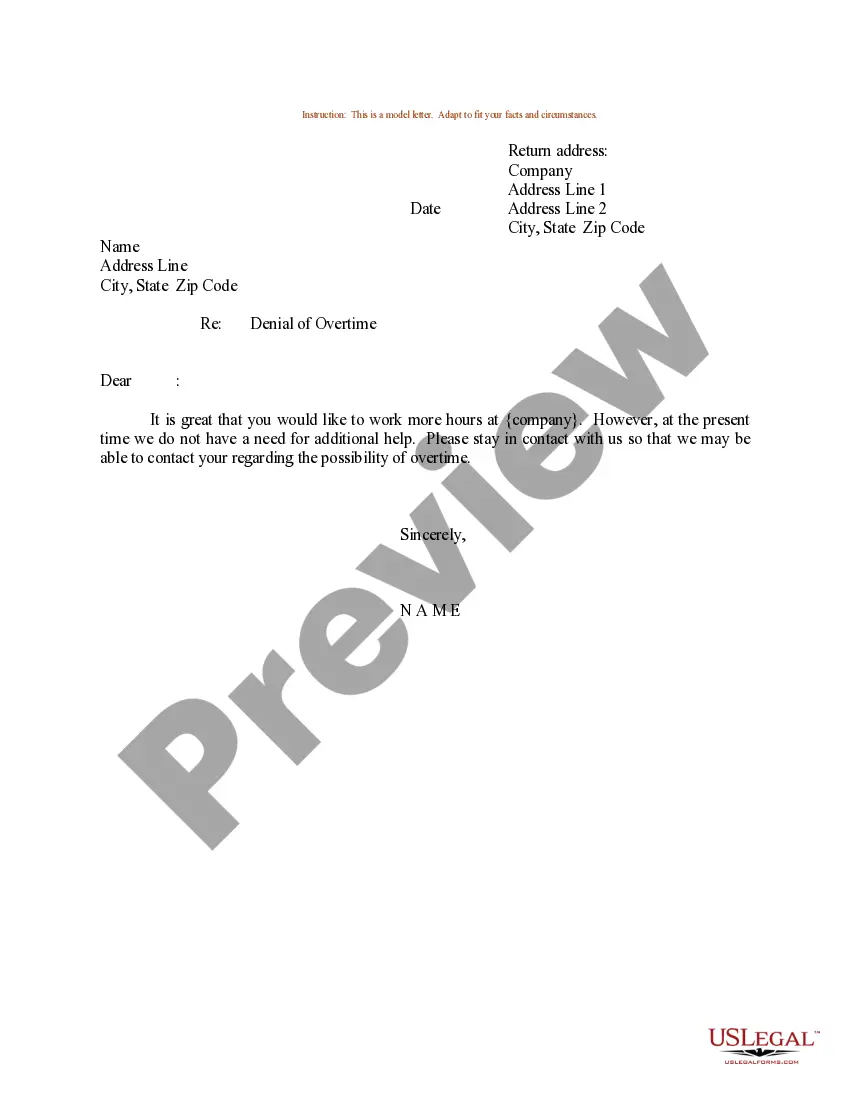
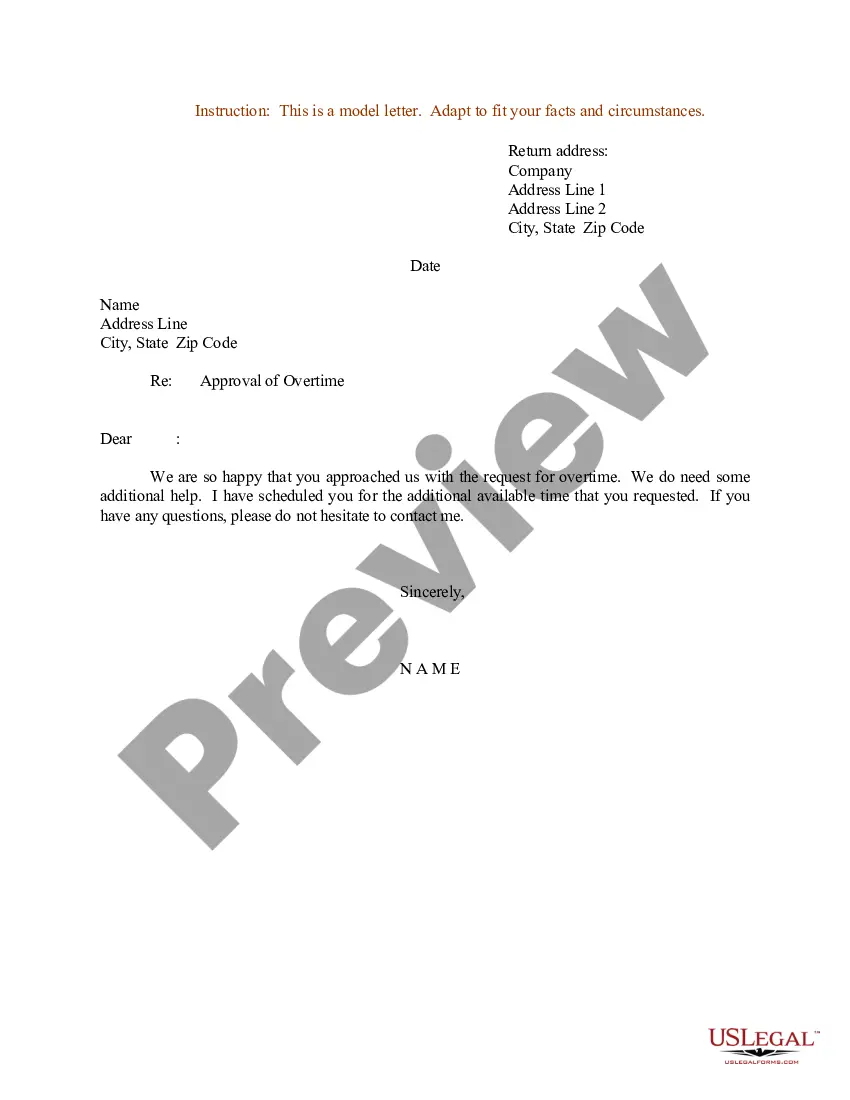
No Overtime Email To Employees Examples With Pay
Description
Get your form ready online
Our built-in tools help you complete, sign, share, and store your documents in one place.
Make edits, fill in missing information, and update formatting in US Legal Forms—just like you would in MS Word.
Download a copy, print it, send it by email, or mail it via USPS—whatever works best for your next step.
Sign and collect signatures with our SignNow integration. Send to multiple recipients, set reminders, and more. Go Premium to unlock E-Sign.
If this form requires notarization, complete it online through a secure video call—no need to meet a notary in person or wait for an appointment.
We protect your documents and personal data by following strict security and privacy standards.

Make edits, fill in missing information, and update formatting in US Legal Forms—just like you would in MS Word.

Download a copy, print it, send it by email, or mail it via USPS—whatever works best for your next step.

Sign and collect signatures with our SignNow integration. Send to multiple recipients, set reminders, and more. Go Premium to unlock E-Sign.

If this form requires notarization, complete it online through a secure video call—no need to meet a notary in person or wait for an appointment.

We protect your documents and personal data by following strict security and privacy standards.
Looking for another form?
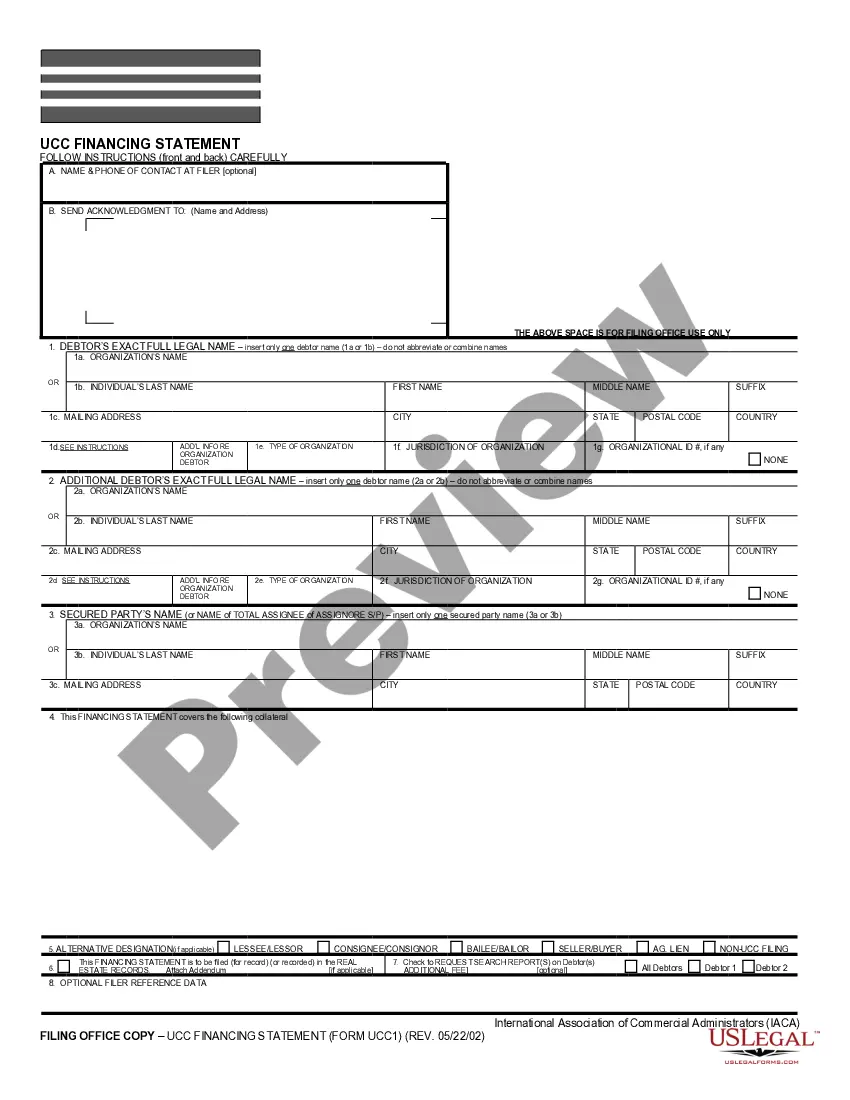
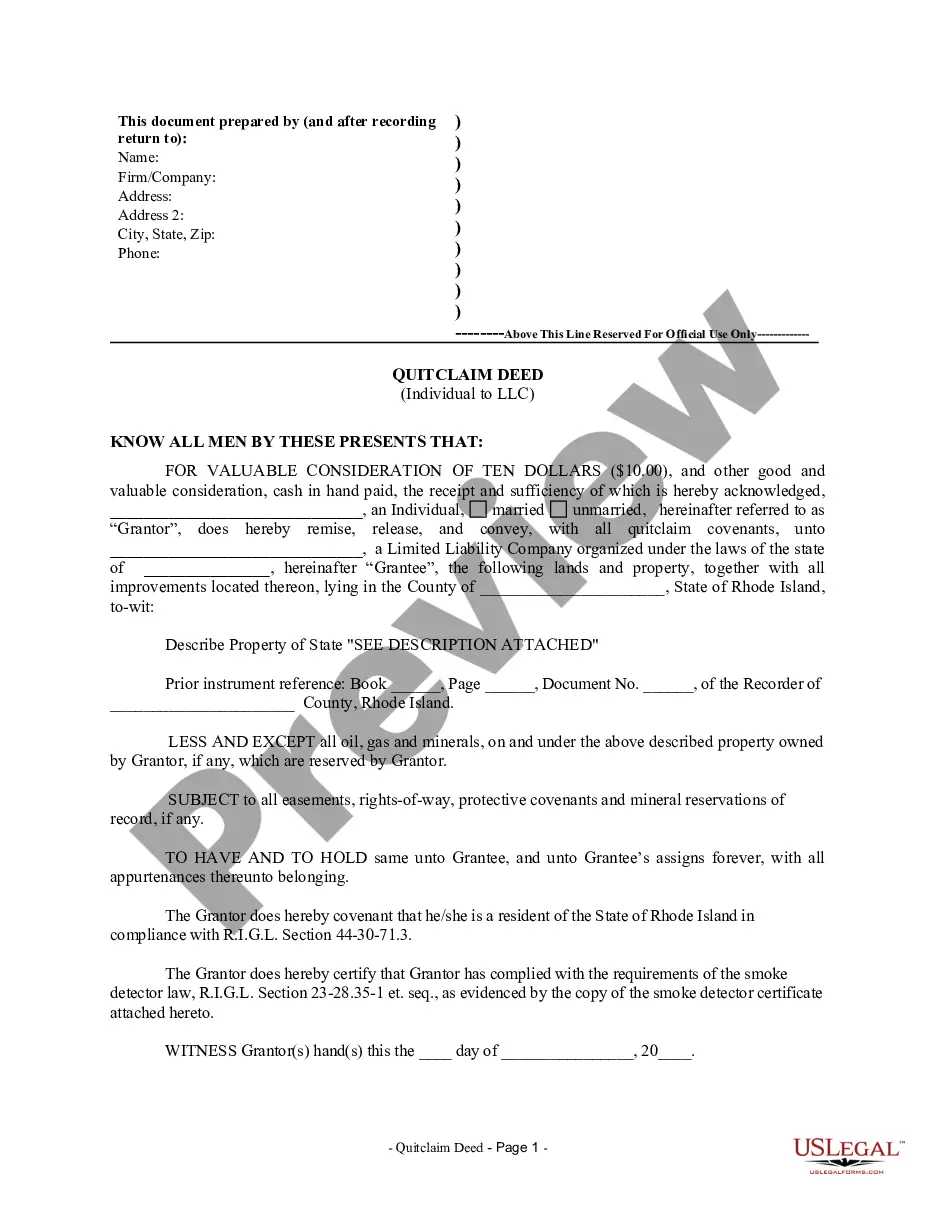
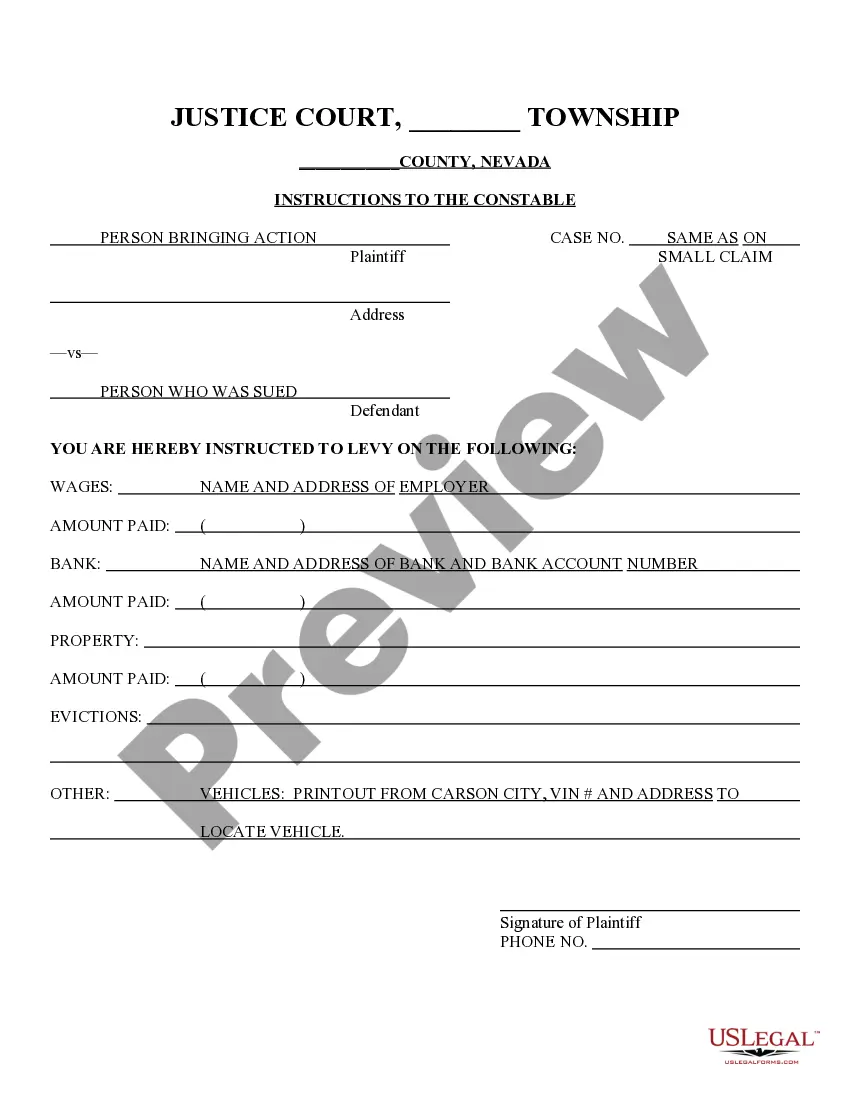
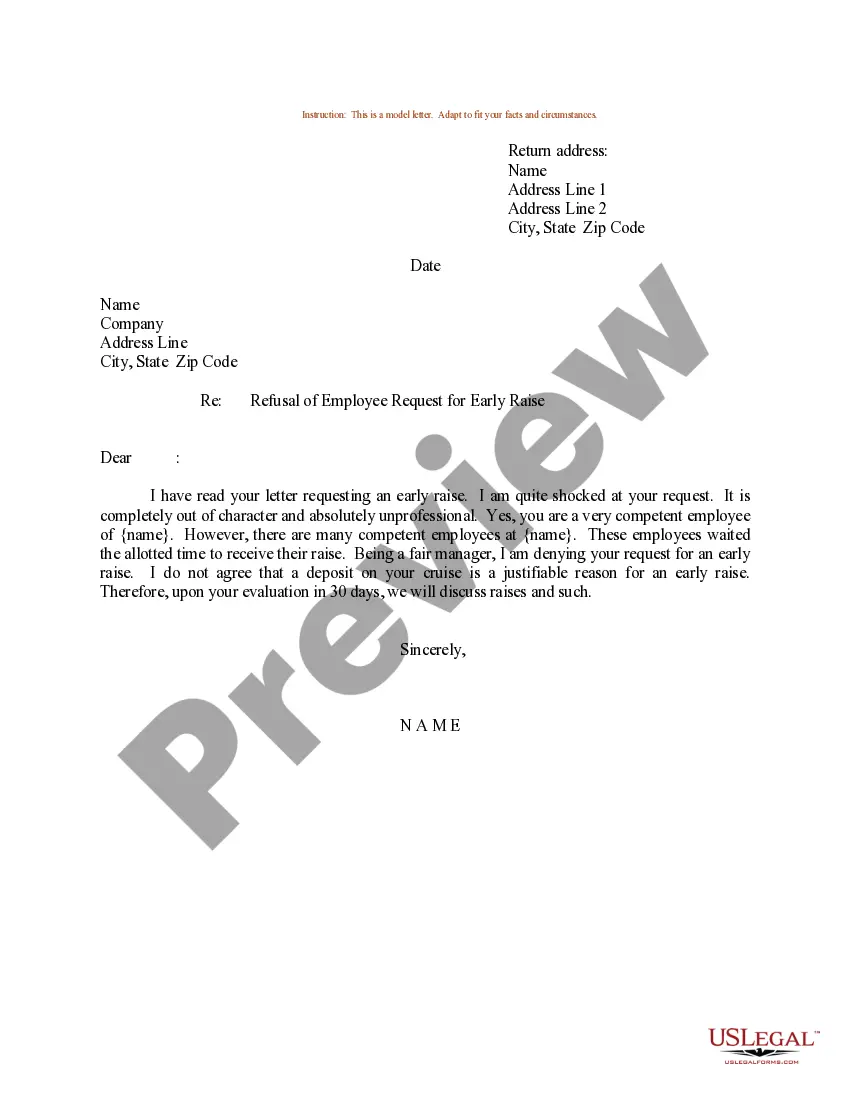
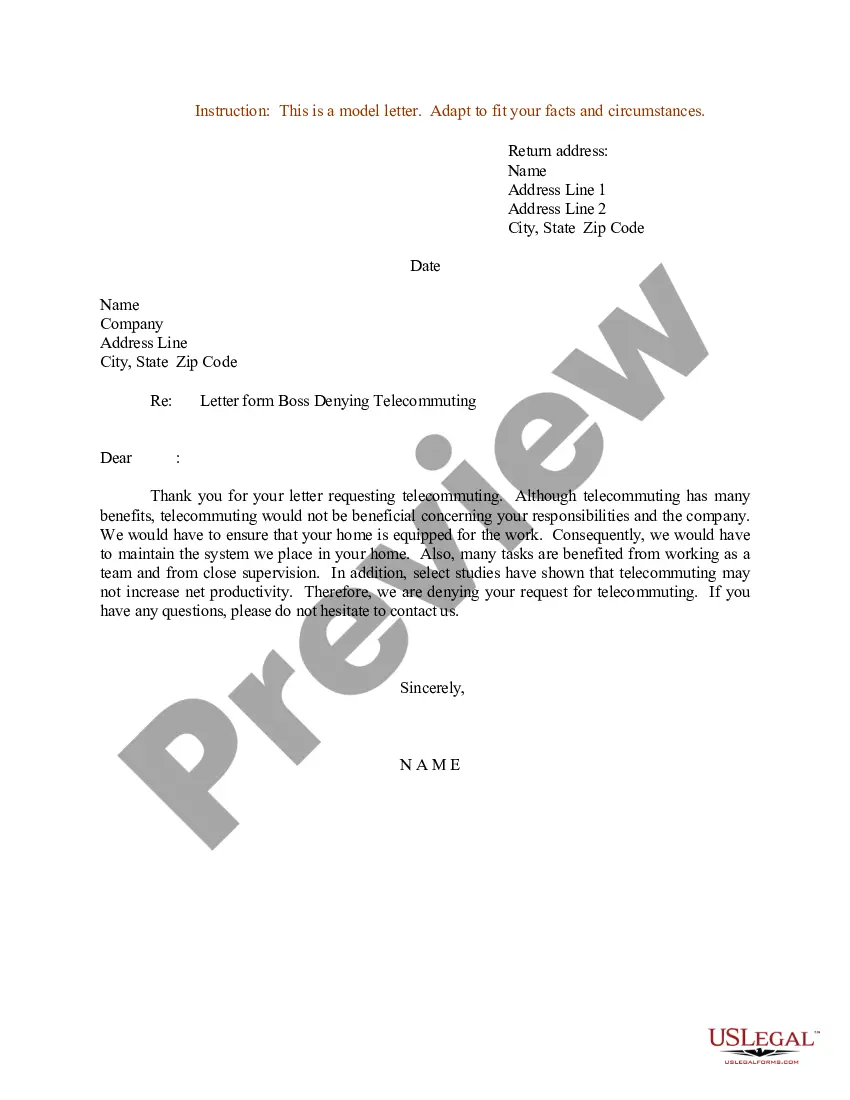
How to fill out Sample Letter For Denial Of Overtime?
Regardless of whether it is for corporate reasons or for personal affairs, everyone inevitably has to navigate legal issues at some point in their lives.
Completing legal documentation requires meticulous attention, starting with selecting the correct form template.
Choose your payment method: you can utilize a credit card or PayPal account. Select the file format you desire and download the No Overtime Email To Employees Examples With Pay. Once it is downloaded, you can fill out the form with the assistance of editing software or print it and complete it manually. With an extensive US Legal Forms collection available, you do not need to waste time searching for the suitable sample online. Utilize the library’s straightforward navigation to find the right template for any circumstance.
- For instance, if you choose an incorrect version of the No Overtime Email To Employees Examples With Pay, it will be rejected when you send it.
- Thus, it is essential to have a reliable source of legal documents like US Legal Forms.
- If you need to acquire a No Overtime Email To Employees Examples With Pay template, adhere to these straightforward steps.
- Locate the sample you require by using the search box or catalog navigation.
- Review the form’s description to confirm it fits your circumstances, state, and county.
- Click on the preview of the form to view it.
- If it is the wrong form, return to the search feature to locate the No Overtime Email To Employees Examples With Pay sample you need.
- Obtain the template if it aligns with your requirements.
- If you already have a US Legal Forms account, simply click Log in to access previously saved documents in My documents.
- If you do not possess an account yet, you may acquire the form by clicking Buy now.
- Select the appropriate pricing option.
- Complete the account registration form.
Form popularity
FAQ
To quit a month-to-month lease, tenants or landlords must provide written notice 30 days before the end of the last month the tenant plans to live in the rental unit. It's important to note that Arizona rental law does not cover sublease and assignment provisions.
The Arizona Notice to Vacate could be given in the form of a 30 Day Notice to Vacate, 60 Day Notice to Vacate, or a 90 Day Notice to Vacate, depending on the circumstances. The notice period required is typically defined in the rental lease terms.
The eviction process is legal in nature, and legal notice must be provided to the tenant in writing notifying them that the landlord wishes to evict them, and either giving the tenant a five or ten day advance notice depending on the reason for eviction.
To end a month-to-month tenancy in Arizona, the landlord must give the tenant at least 30 days' written notice. The notice must inform the tenant that the tenancy will be ending in 30 days and the tenant must move out of the rental unit by then.
Both federal and Arizona law prohibits landlords from refusing to rent to an individual because of his or her race, color, religion, gender, familial status, disability, or national origin.? If you have been denied a rental and you believe it may be for one or more of these reasons, you may have legal recourse.
2. Timeline Lease AgreementNotice to ReceiveWeek-to-week10-Day Notice To QuitMonth-to-month30-Day Notice to QuitFixed Term (6 months - 1 year)The landlord is not obliged to remiund the tenant unless stated in the lease