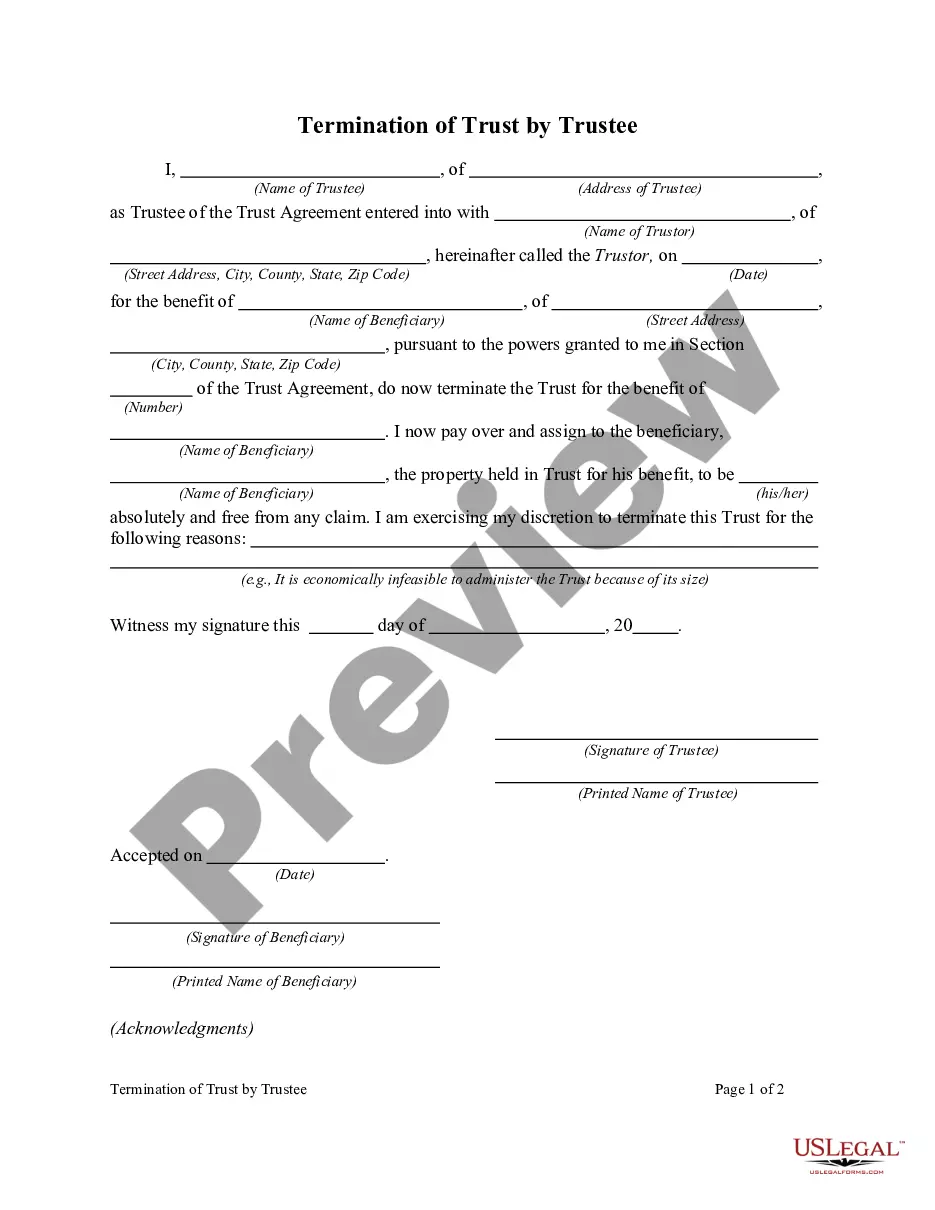
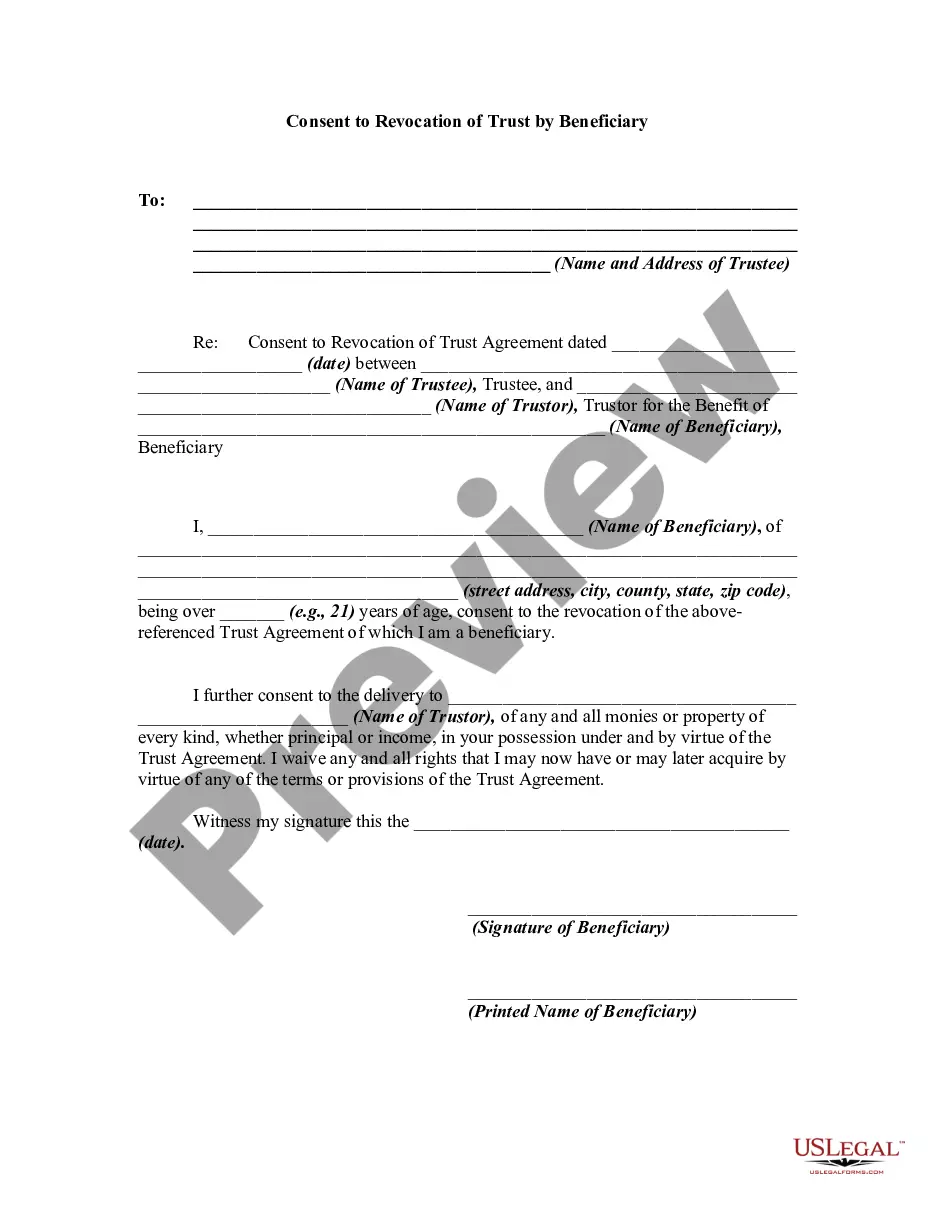
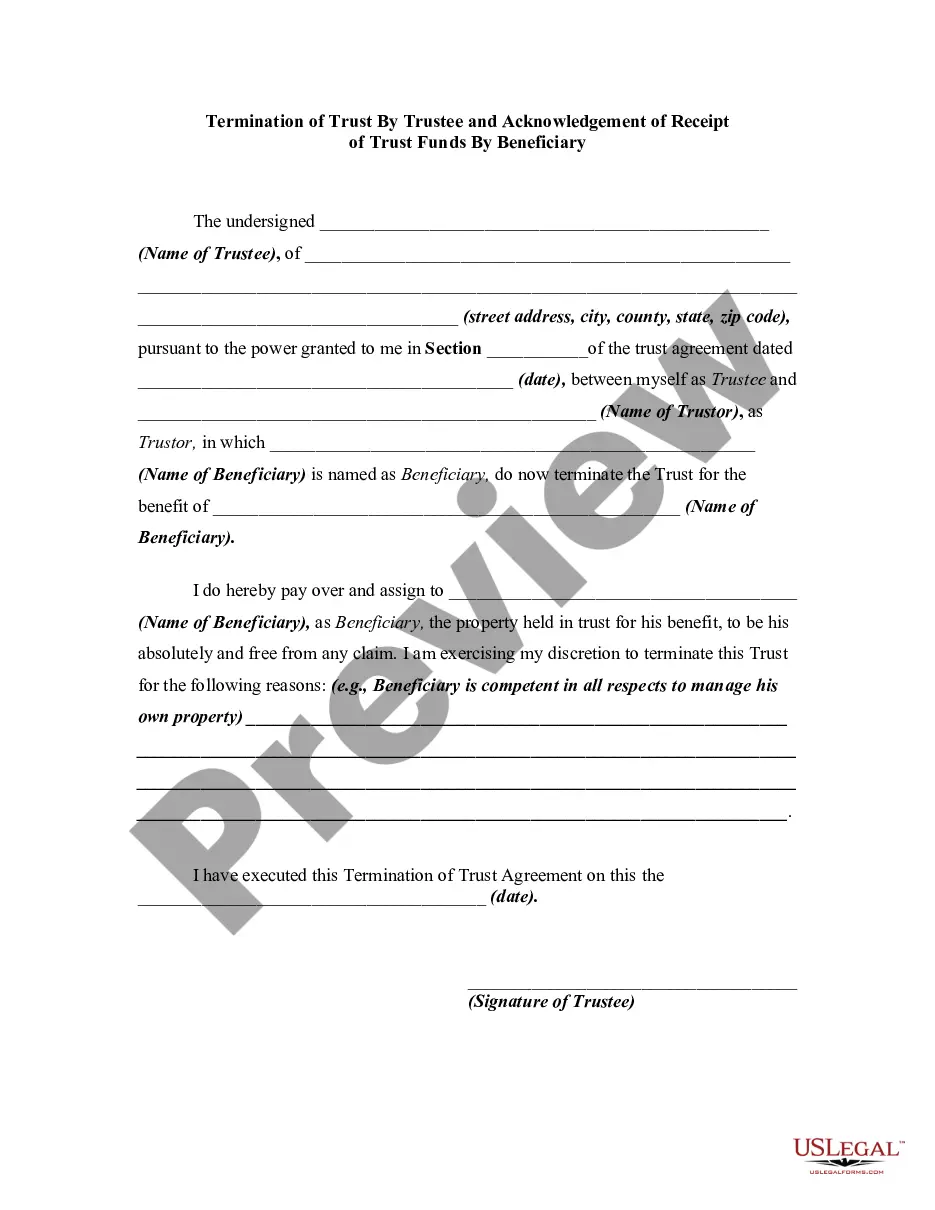
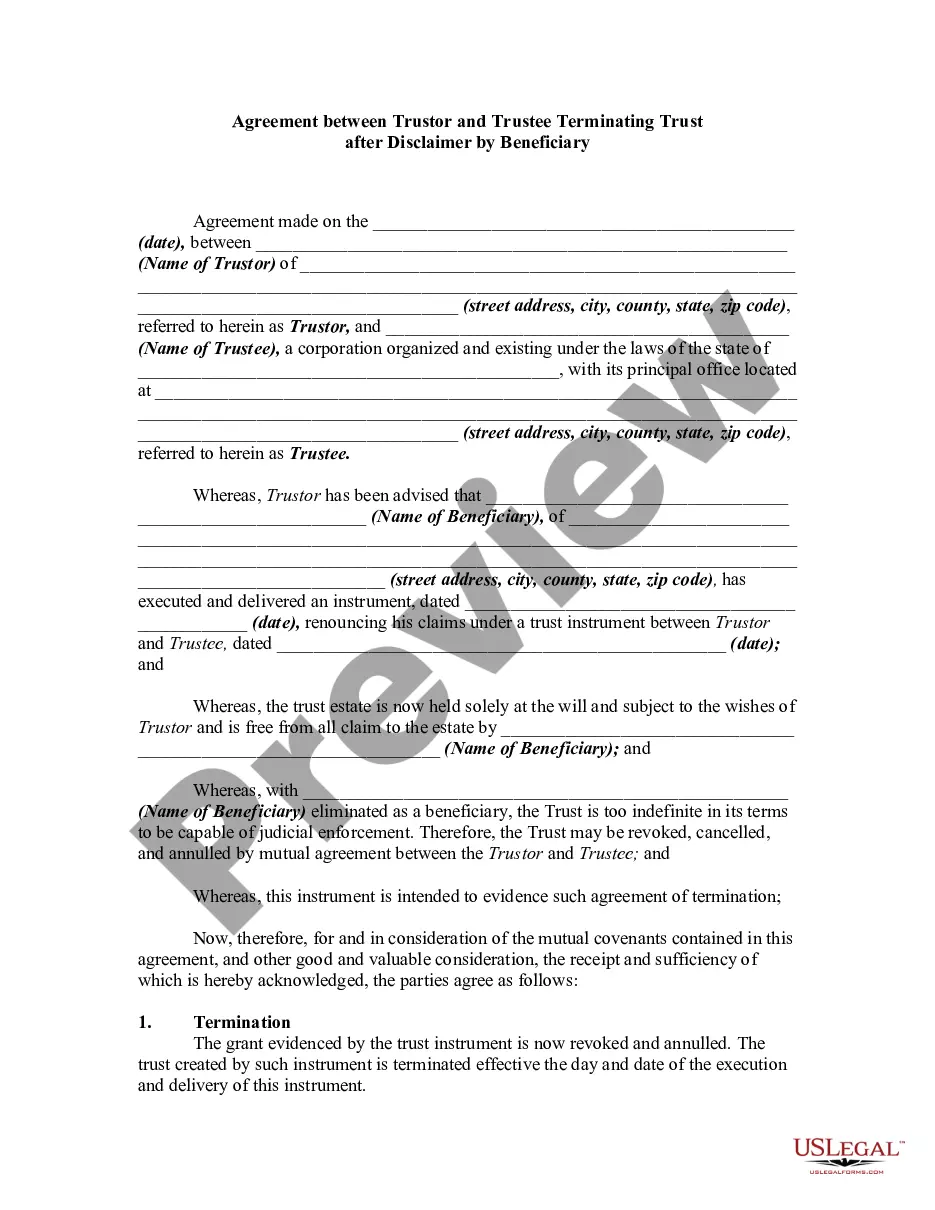
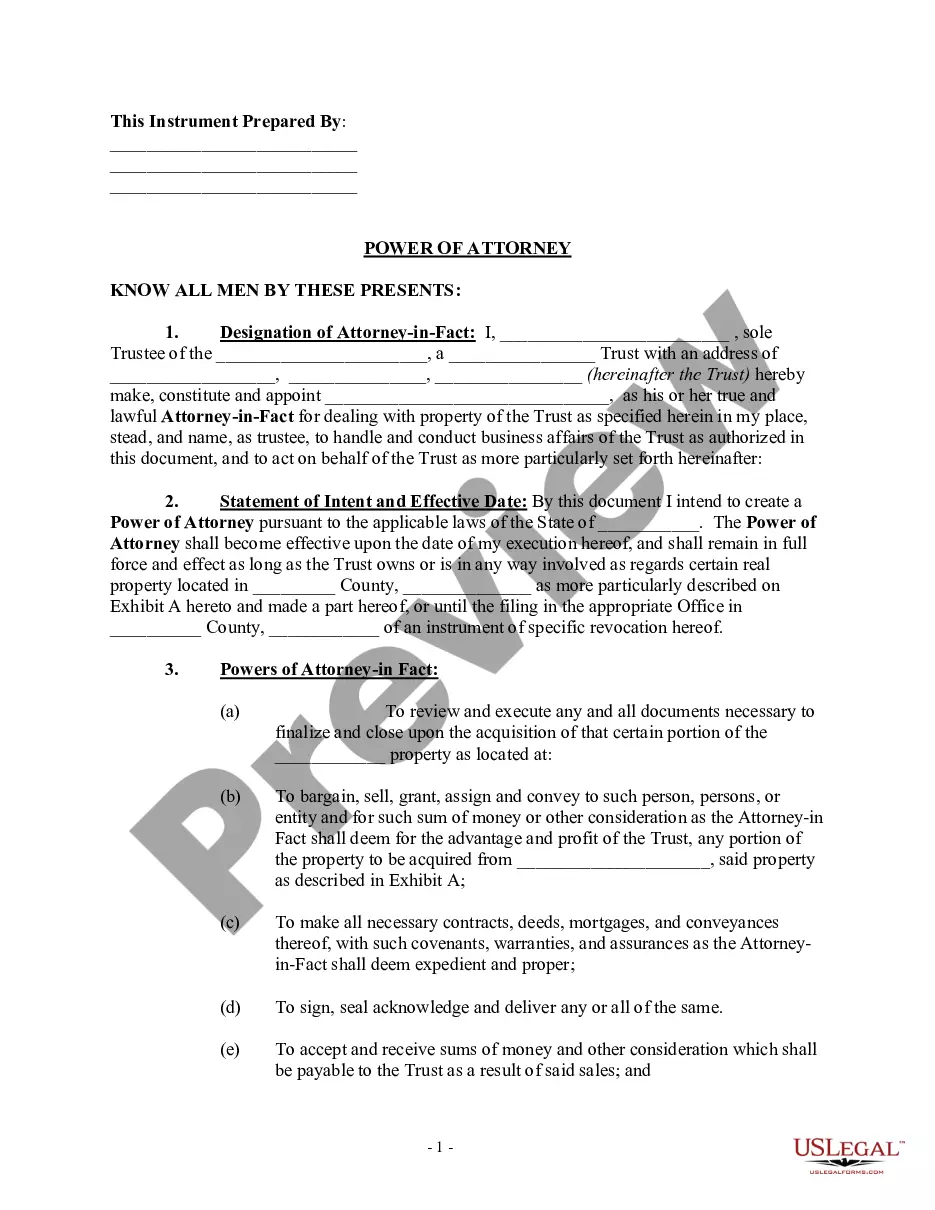
Dissolution Of Revocable Trust Form With Irs
Description
Get your form ready online
Our built-in tools help you complete, sign, share, and store your documents in one place.
Make edits, fill in missing information, and update formatting in US Legal Forms—just like you would in MS Word.
Download a copy, print it, send it by email, or mail it via USPS—whatever works best for your next step.
Sign and collect signatures with our SignNow integration. Send to multiple recipients, set reminders, and more. Go Premium to unlock E-Sign.
If this form requires notarization, complete it online through a secure video call—no need to meet a notary in person or wait for an appointment.
We protect your documents and personal data by following strict security and privacy standards.

Make edits, fill in missing information, and update formatting in US Legal Forms—just like you would in MS Word.

Download a copy, print it, send it by email, or mail it via USPS—whatever works best for your next step.

Sign and collect signatures with our SignNow integration. Send to multiple recipients, set reminders, and more. Go Premium to unlock E-Sign.

If this form requires notarization, complete it online through a secure video call—no need to meet a notary in person or wait for an appointment.

We protect your documents and personal data by following strict security and privacy standards.
Looking for another form?



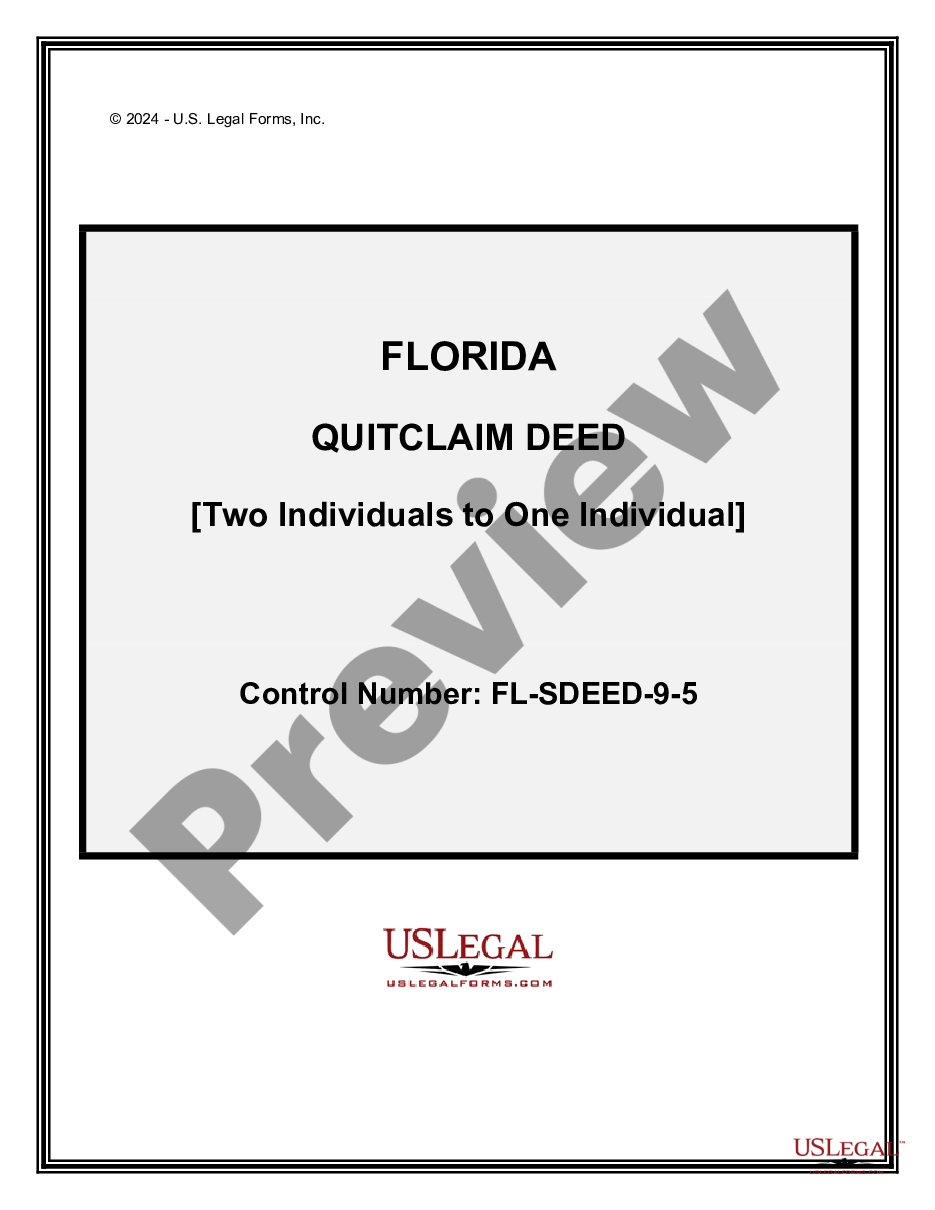


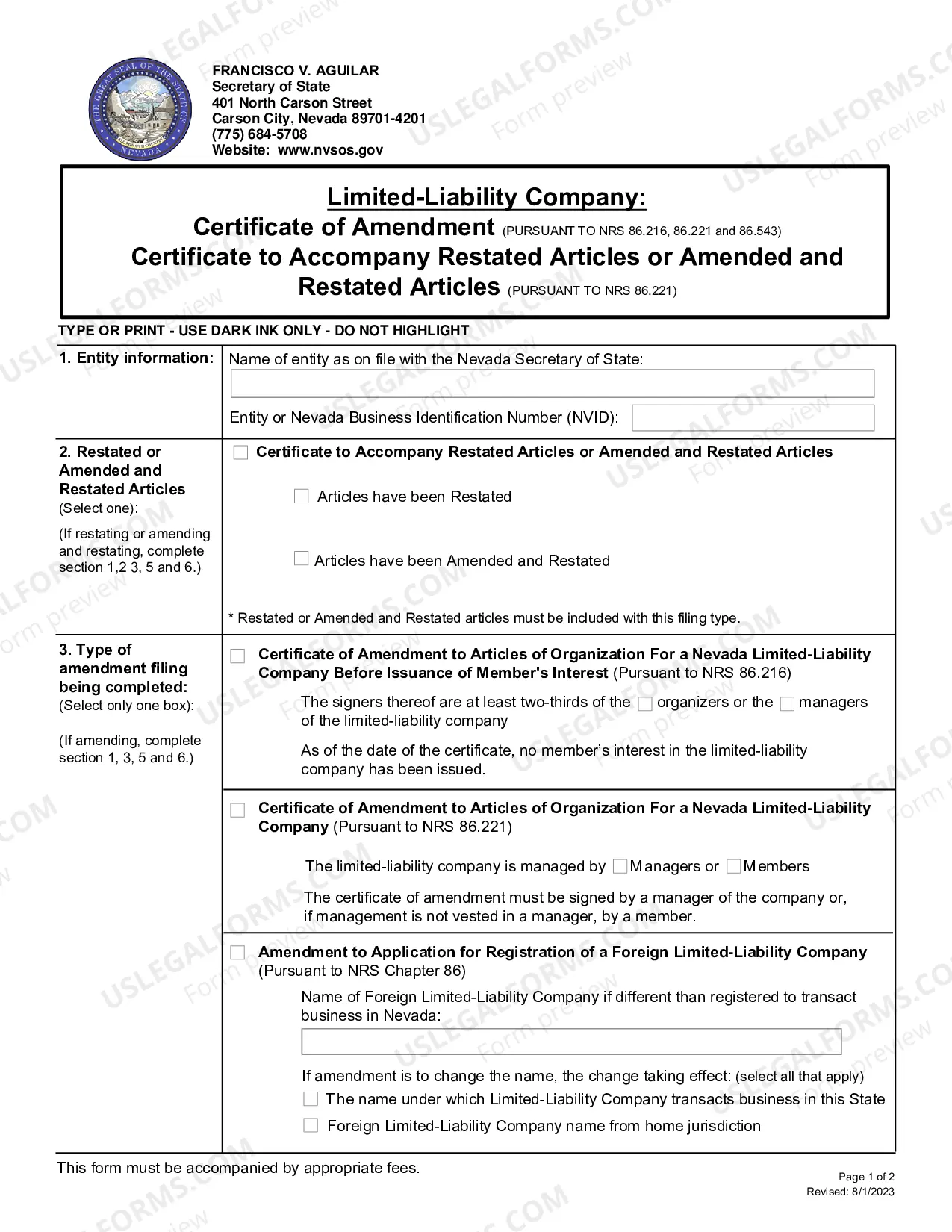



How to fill out Termination Of Trust By Trustee?
The Cancellation Of Revocable Trust Document With IRS you see on this page is a reusable legal template crafted by expert attorneys in compliance with federal and local statutes.
For over 25 years, US Legal Forms has supplied individuals, organizations, and legal professionals with over 85,000 verified, state-specific documents for any business and personal situation. It’s the quickest, most uncomplicated, and most reliable method to secure the documents you require, as the service ensures the highest degree of data protection and anti-malware security.
Subscribe to US Legal Forms to have authentic legal templates for all aspects of life at your fingertips.
- Search for the document you require and review it.
- Examine the sample you sought and preview it or check the document description to confirm it meets your requirements. If it does not, use the search feature to locate the correct one. Click Buy Now when you have identified the template you need.
- Register and Log In.
- Choose the payment plan that fits you and set up an account. Use PayPal or a credit card for fast payment. If you already have an account, Log In and verify your subscription to proceed.
- Acquire the fillable template.
- Select the format you desire for your Cancellation Of Revocable Trust Document With IRS (PDF, DOCX, RTF) and store the document on your device.
- Finish and sign the paperwork.
- Print the template to fill it out manually. Alternatively, use an online multifunctional PDF editor to promptly and accurately complete and sign your form digitally.
- Retrieve your paperwork once more.
- Utilize the same document again whenever needed. Access the My documents tab in your profile to redownload any forms previously downloaded.
Form popularity
FAQ
How can I copyright my own writing? In the US, your work is automatically copyrighted as soon as it is put in "tangible" form, such as writing it down or creating an electronic version of it. To ensure that you have the fullest protection available, you need to register your works with the US Copyright Office.
Fees Registration of a claim in an original work of authorshipStandard Application$65Paper Filing (Forms PA, SR, TX, VA, SE)$125Registration of a claim in a group of unpublished works$85Registration of a claim in a group of published photographs or a claim in a group of unpublished photographs$5523 more rows
Which form should I use? Online registration through the electronic Copyright Office (eCO) is the preferred way to register basic claims. Paper versions of Form TX (literary works); Form VA (visual arts works); Form PA (performing arts); Form SR (sound recordings) are available on the Copyright Office website.
How do you check if something is copyrighted? We found out earlier that every original creative work is ?copyrighted? as soon as it's written down or saved in some tangible form. If you want to check registrations, though, you need to use the search engine on copyright.gov.
Order forms and other publications from Library of Congress, Copyright Office- COPUBS, 101 Independence Avenue SE, Washington, DC 20559 or call (202) 707-9100 or 1-877-476-0778 (toll free). Access and download circulars and other information from the Copyright Office website at .copyright.gov.
Can I get a copyright for free? If you are a creator looking to obtain copyright for your creations, you may be surprised to learn that you automatically gain copyright for your original creative works from the moment that work is "fixed in a tangible form of expression."
Copyrights Are Quick and Easy To Make There are only four simple components you need to include: The copyright symbol © or the word ?copyright? The name of the copyright owner or author of the work. The year the content was published, which can be different from the year of creation.
Online registration through the electronic Copyright Office (eCO) is the preferred way to register basic claims.