Order To Vacate Judgment Form For Default
Description
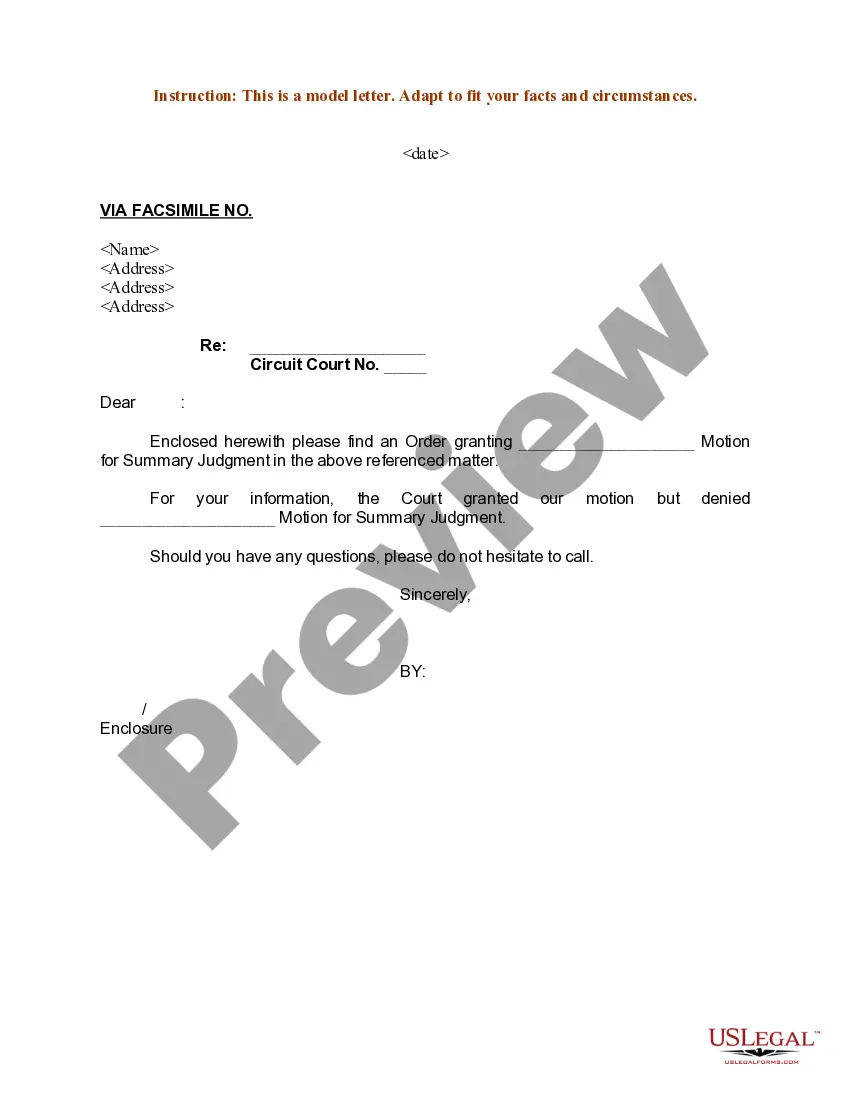
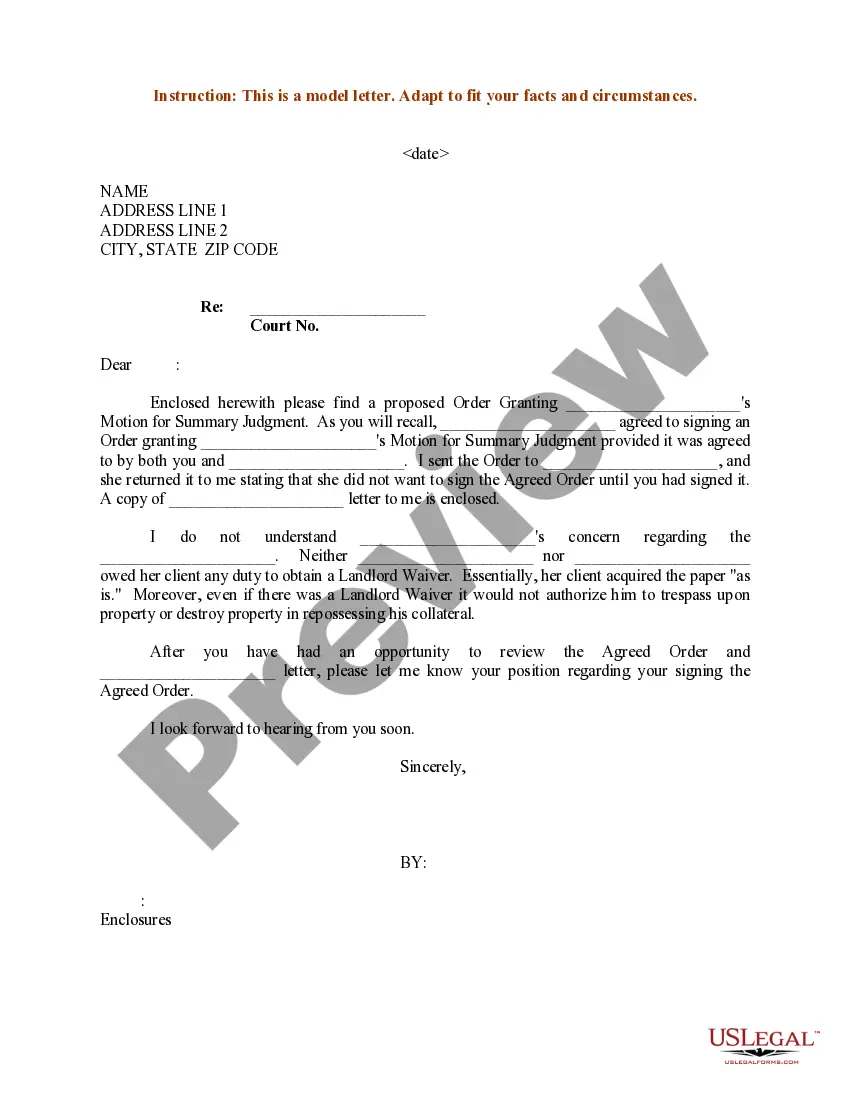
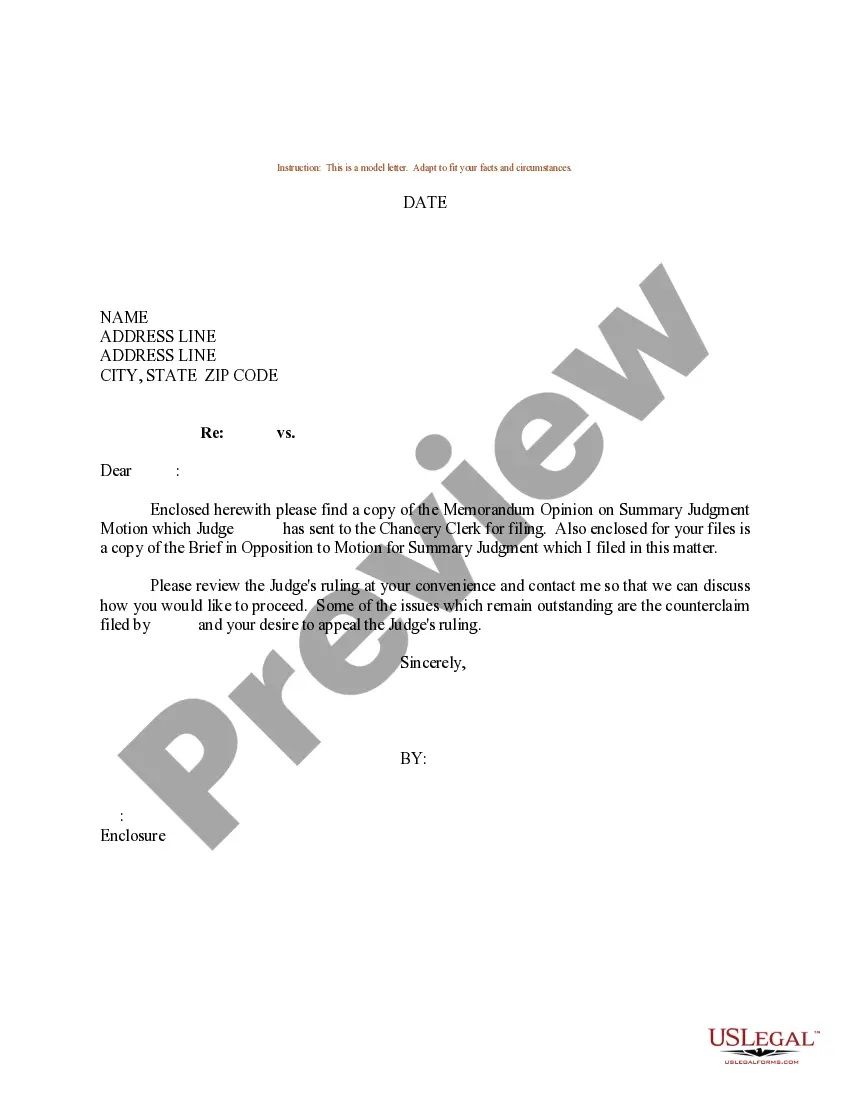

Get your form ready online
Our built-in tools help you complete, sign, share, and store your documents in one place.
Make edits, fill in missing information, and update formatting in US Legal Forms—just like you would in MS Word.
Download a copy, print it, send it by email, or mail it via USPS—whatever works best for your next step.
Sign and collect signatures with our SignNow integration. Send to multiple recipients, set reminders, and more. Go Premium to unlock E-Sign.
If this form requires notarization, complete it online through a secure video call—no need to meet a notary in person or wait for an appointment.
We protect your documents and personal data by following strict security and privacy standards.

Make edits, fill in missing information, and update formatting in US Legal Forms—just like you would in MS Word.

Download a copy, print it, send it by email, or mail it via USPS—whatever works best for your next step.

Sign and collect signatures with our SignNow integration. Send to multiple recipients, set reminders, and more. Go Premium to unlock E-Sign.

If this form requires notarization, complete it online through a secure video call—no need to meet a notary in person or wait for an appointment.

We protect your documents and personal data by following strict security and privacy standards.
Looking for another form?
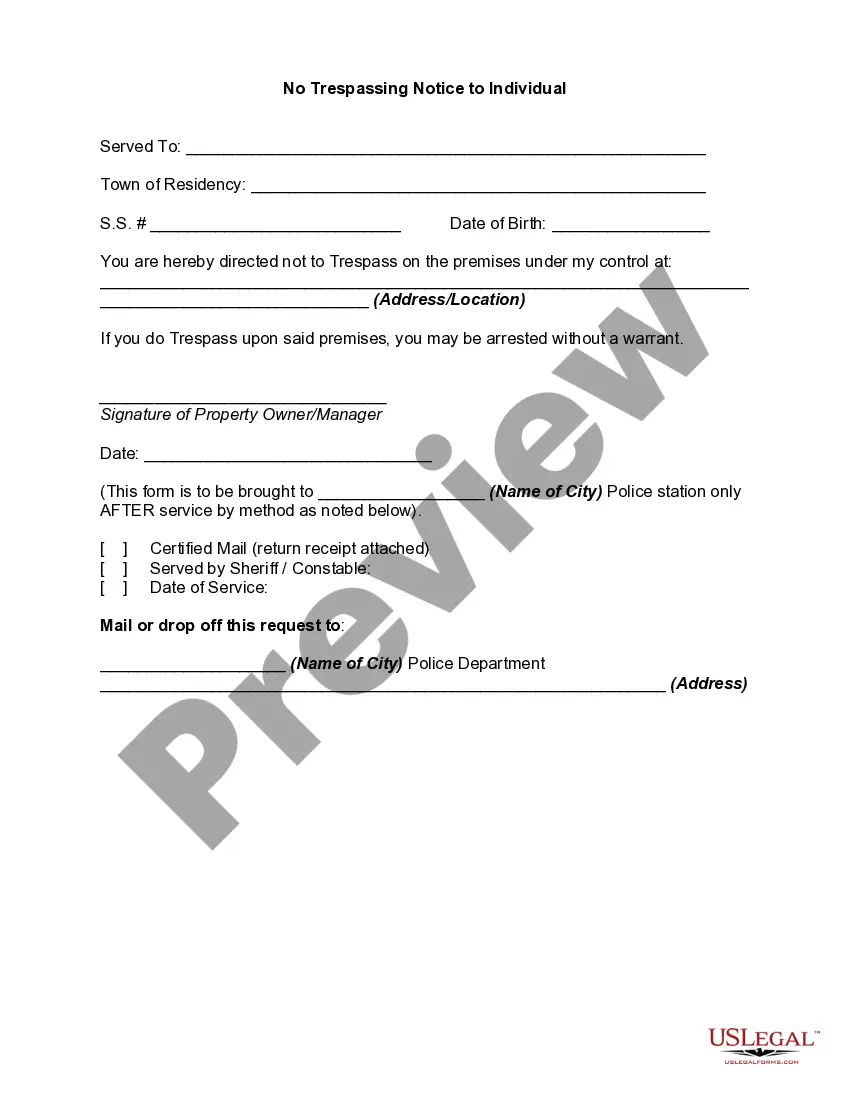
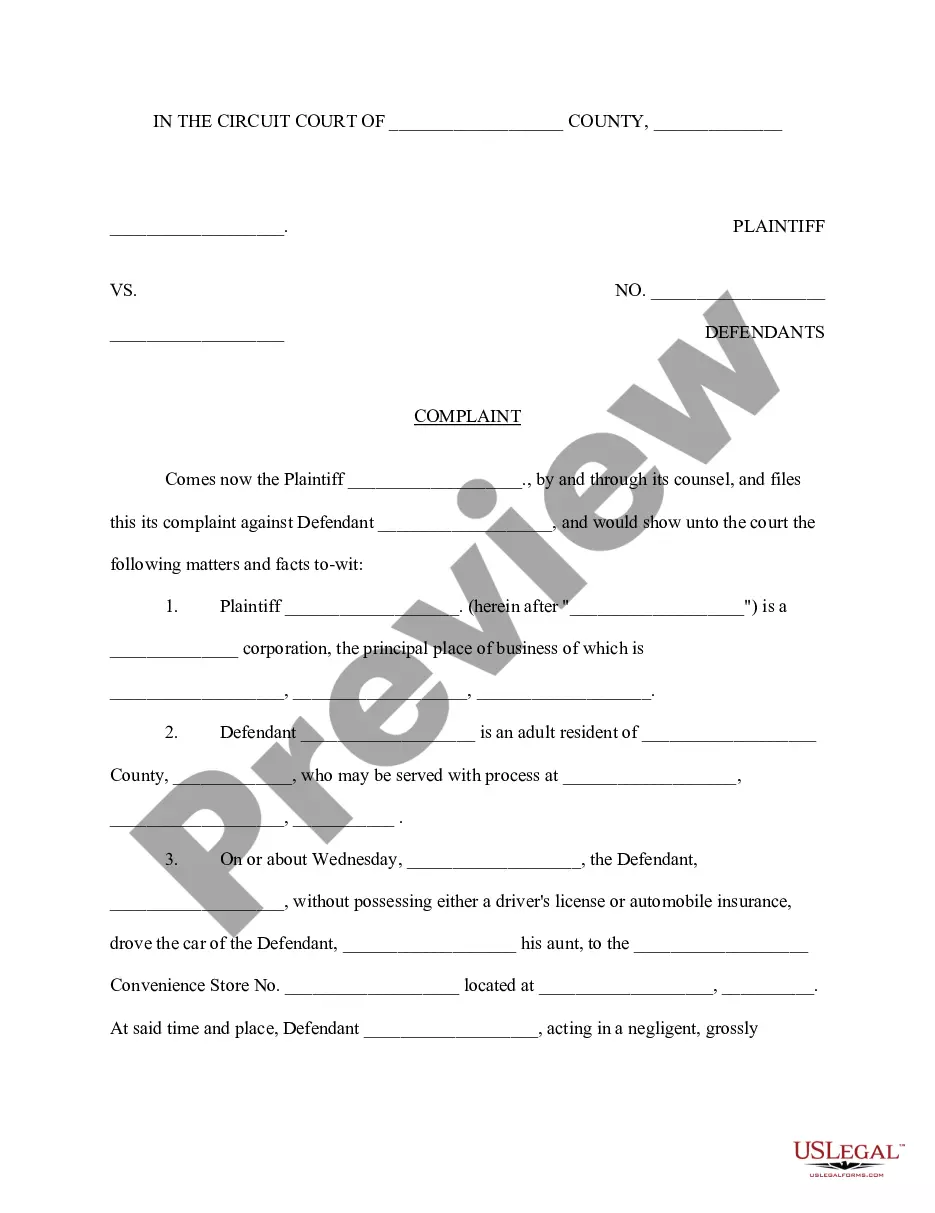
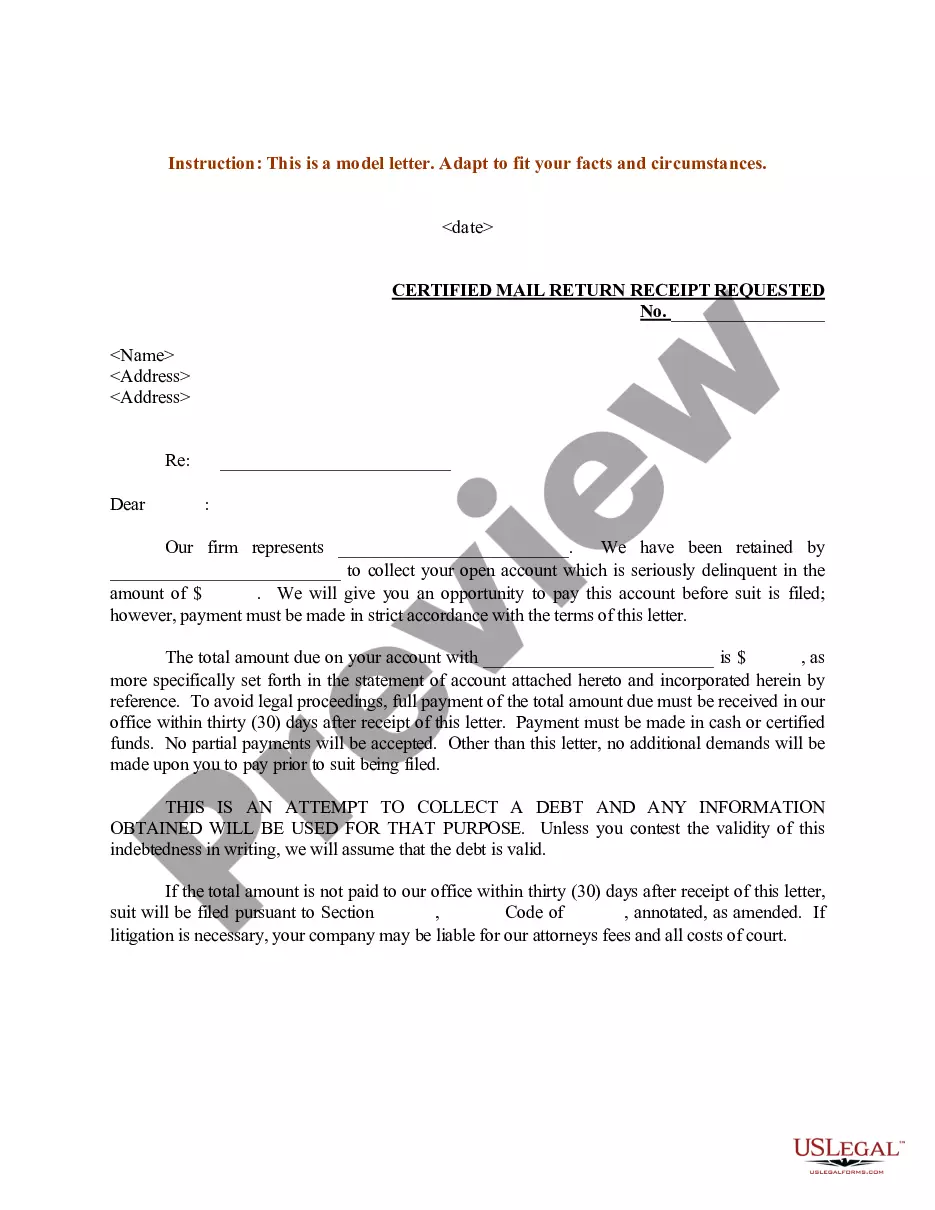

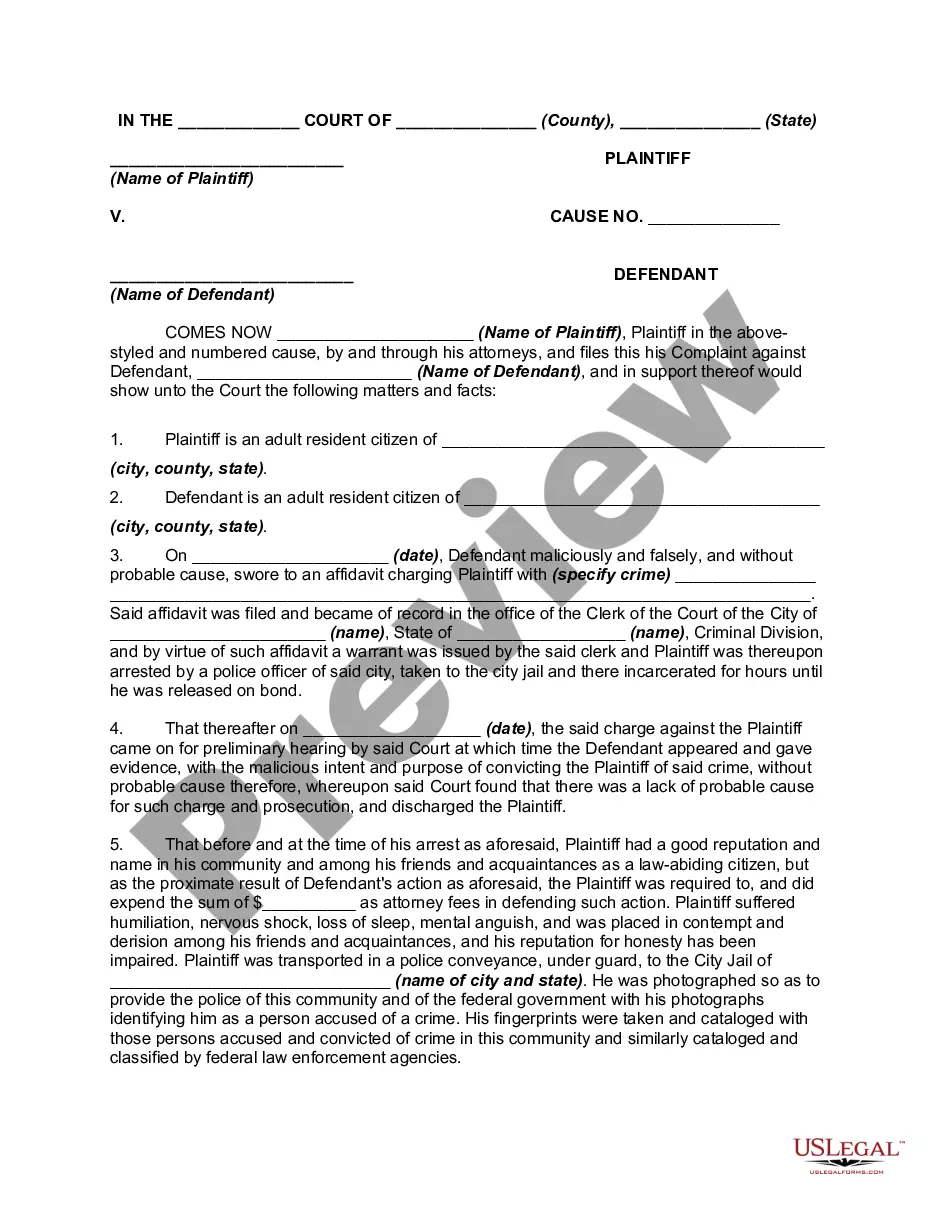
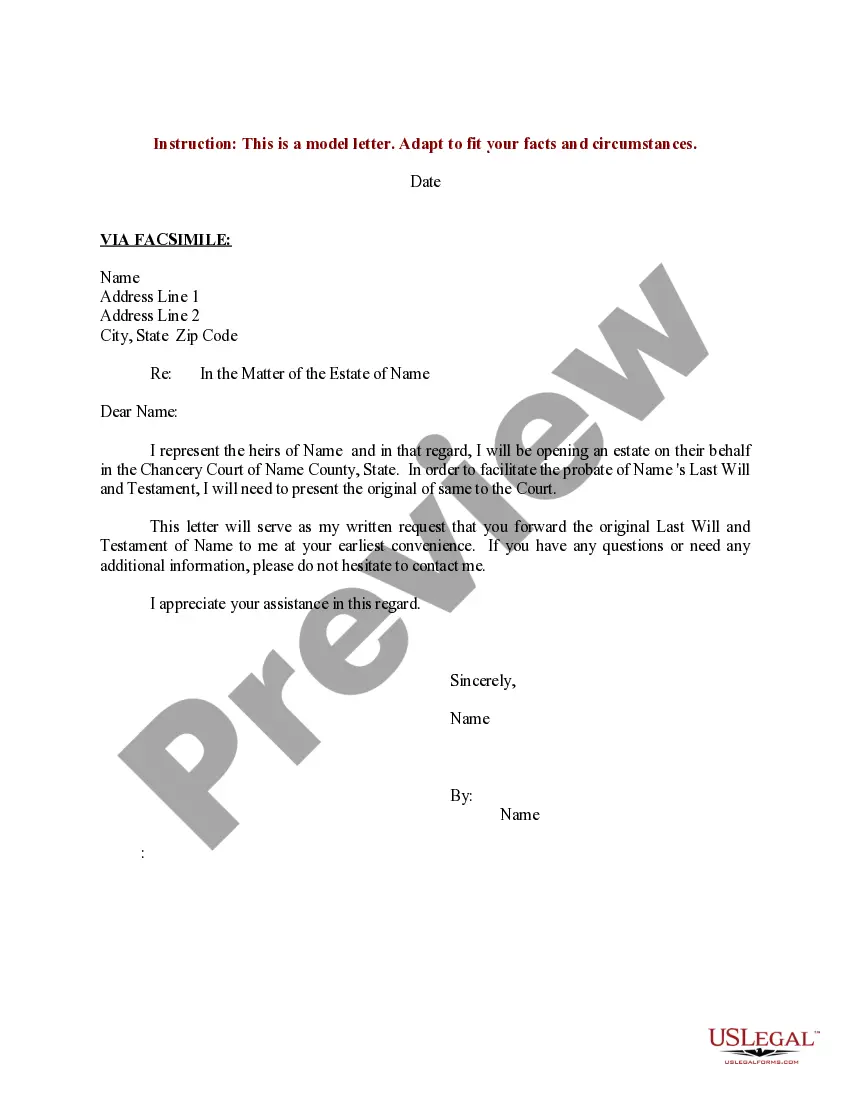
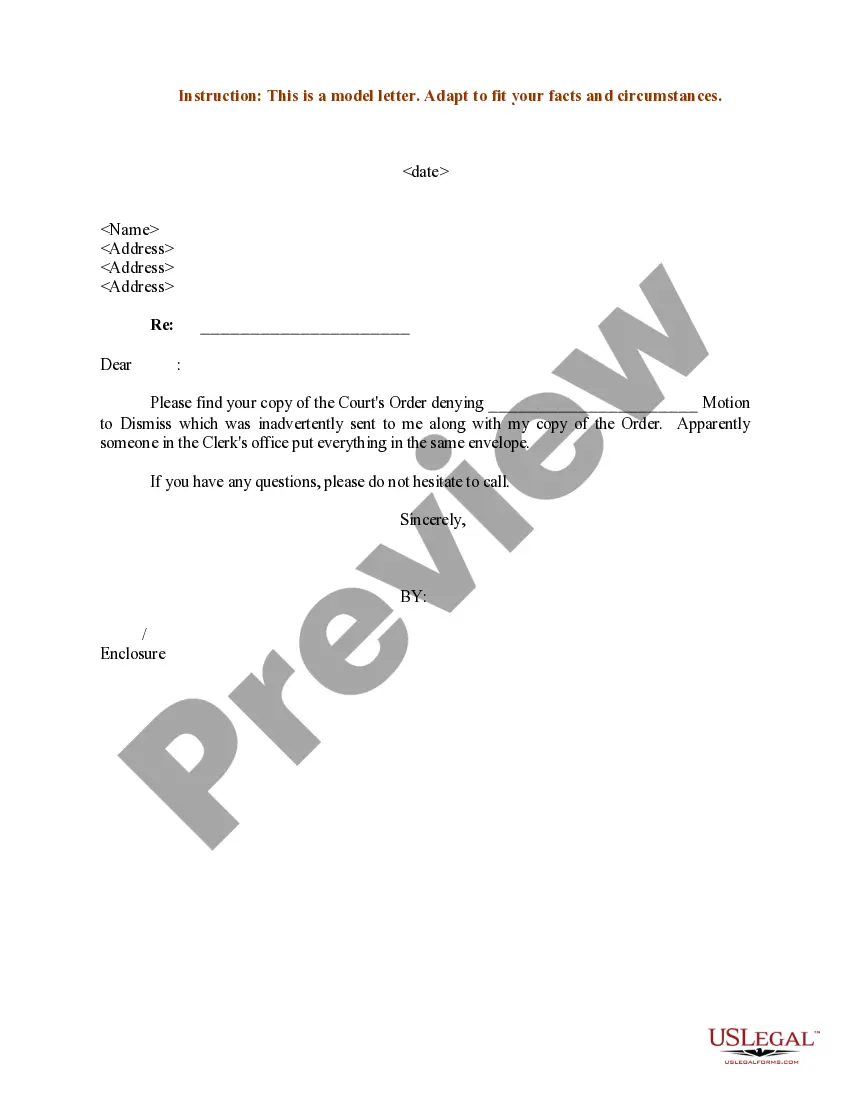

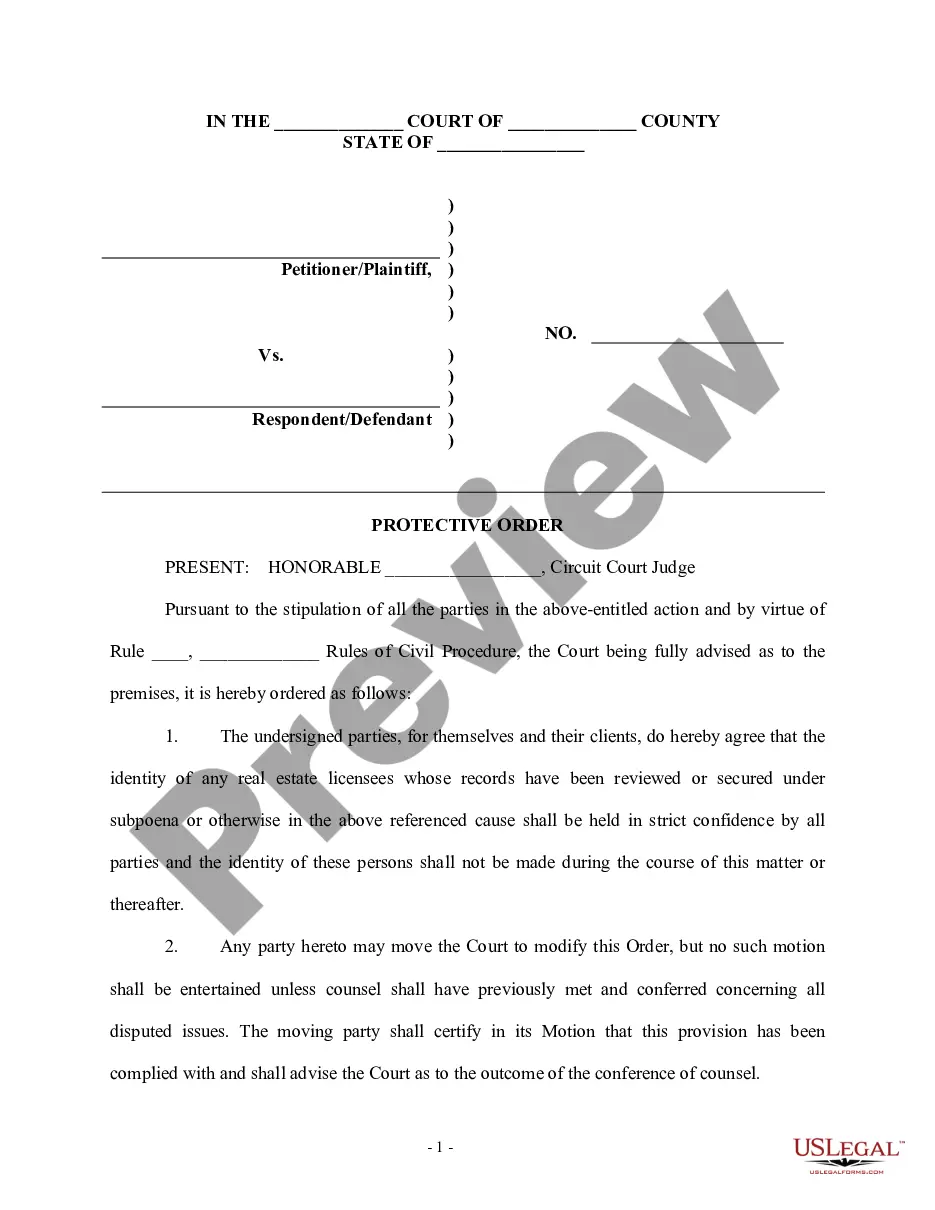
How to fill out Sample Letter For Motion For Summary Judgment?
Legal papers management may be mind-boggling, even for knowledgeable professionals. When you are interested in a Order To Vacate Judgment Form For Default and don’t get the a chance to spend in search of the correct and updated version, the processes might be stressful. A robust web form library might be a gamechanger for anyone who wants to take care of these situations effectively. US Legal Forms is a industry leader in online legal forms, with over 85,000 state-specific legal forms accessible to you whenever you want.
With US Legal Forms, it is possible to:
- Gain access to state- or county-specific legal and business forms. US Legal Forms handles any demands you could have, from personal to enterprise papers, in one spot.
- Make use of innovative resources to complete and handle your Order To Vacate Judgment Form For Default
- Gain access to a resource base of articles, tutorials and handbooks and resources highly relevant to your situation and requirements
Help save effort and time in search of the papers you will need, and utilize US Legal Forms’ advanced search and Preview feature to find Order To Vacate Judgment Form For Default and acquire it. If you have a membership, log in for your US Legal Forms profile, search for the form, and acquire it. Take a look at My Forms tab to view the papers you previously saved and also to handle your folders as you see fit.
Should it be your first time with US Legal Forms, make a free account and get unlimited use of all benefits of the platform. Here are the steps for taking after getting the form you want:
- Verify it is the proper form by previewing it and reading its description.
- Ensure that the sample is acknowledged in your state or county.
- Pick Buy Now once you are all set.
- Select a monthly subscription plan.
- Pick the file format you want, and Download, complete, eSign, print out and send your papers.
Enjoy the US Legal Forms web library, supported with 25 years of expertise and trustworthiness. Enhance your daily papers managing into a easy and easy-to-use process right now.
Form popularity
FAQ
How do I get rid of a default judgment? If it has been 30 days or less, you can get rid of ("vacate") a default judgment by filing a motion. This is a written request to the judge asking them to throw out the judgment.
If you file a motion to vacate a default or a default judgment, you must file an answer to the original complaint along with any cross claims or counterclaims you may wish to assert, and the motion must be accompanied by the appropriate fee.
You can tell the clerk that you want to file an order to show cause (?OSC?). On the OSC form you can tell the court why they should vacate this judgment based on either excusable default, lack of personal jurisdiction, or both. The OSC should include 1) a reasonable excuse and 2) a good defense.
You must show two things: a good reason why you missed your court date or did not answer (reasonable excuse, see examples listed below); and. a good reason why the plaintiff should not win the case (good defense, see examples listed below).
In a Nutshell But you can have this judgment vacated or removed. To do so, you need to have a reasonable excuse for not appearing in court and a defense to the allegations against you. You also have grounds to vacate if the person suing you didn't properly serve the required documents.
