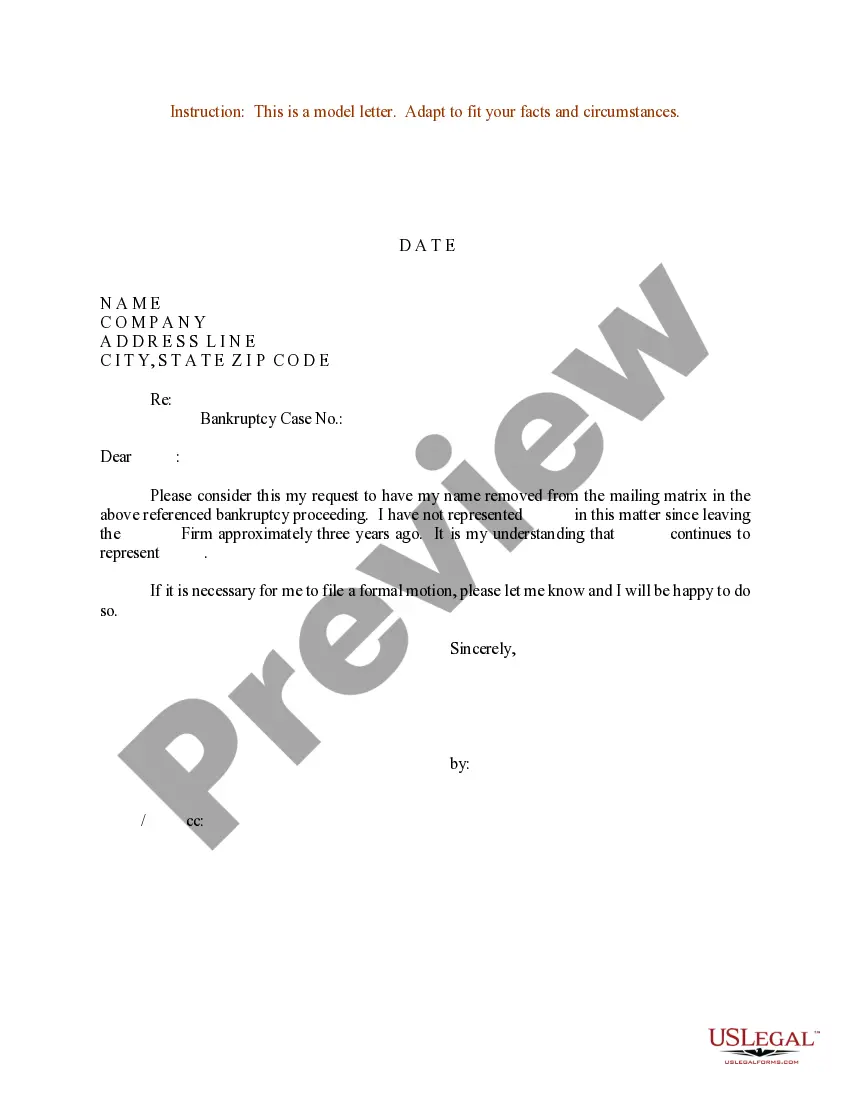
Sample Business Letter Format With Subject Line
Description
Get your form ready online
Our built-in tools help you complete, sign, share, and store your documents in one place.
Make edits, fill in missing information, and update formatting in US Legal Forms—just like you would in MS Word.
Download a copy, print it, send it by email, or mail it via USPS—whatever works best for your next step.
Sign and collect signatures with our SignNow integration. Send to multiple recipients, set reminders, and more. Go Premium to unlock E-Sign.
If this form requires notarization, complete it online through a secure video call—no need to meet a notary in person or wait for an appointment.
We protect your documents and personal data by following strict security and privacy standards.

Make edits, fill in missing information, and update formatting in US Legal Forms—just like you would in MS Word.

Download a copy, print it, send it by email, or mail it via USPS—whatever works best for your next step.

Sign and collect signatures with our SignNow integration. Send to multiple recipients, set reminders, and more. Go Premium to unlock E-Sign.

If this form requires notarization, complete it online through a secure video call—no need to meet a notary in person or wait for an appointment.

We protect your documents and personal data by following strict security and privacy standards.
Looking for another form?


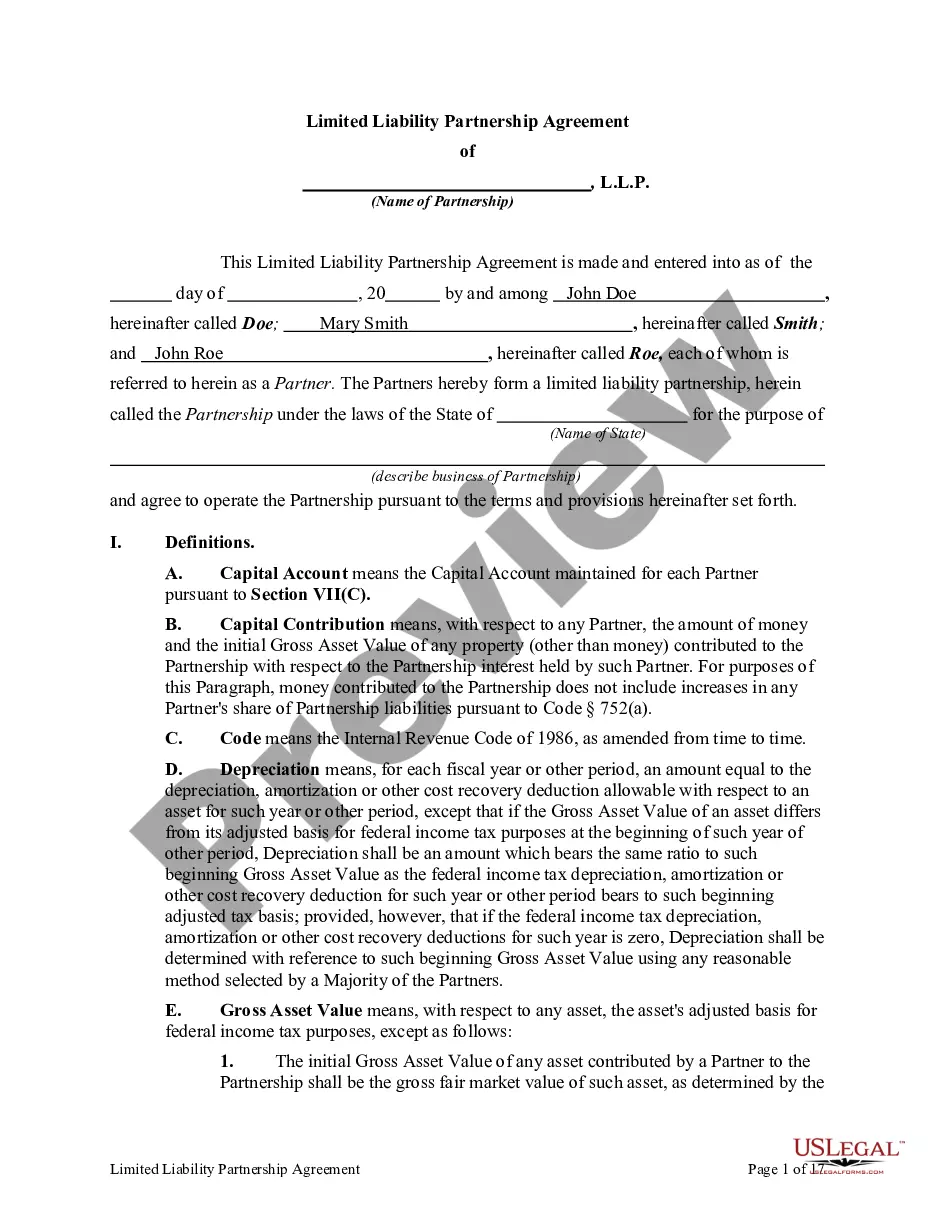

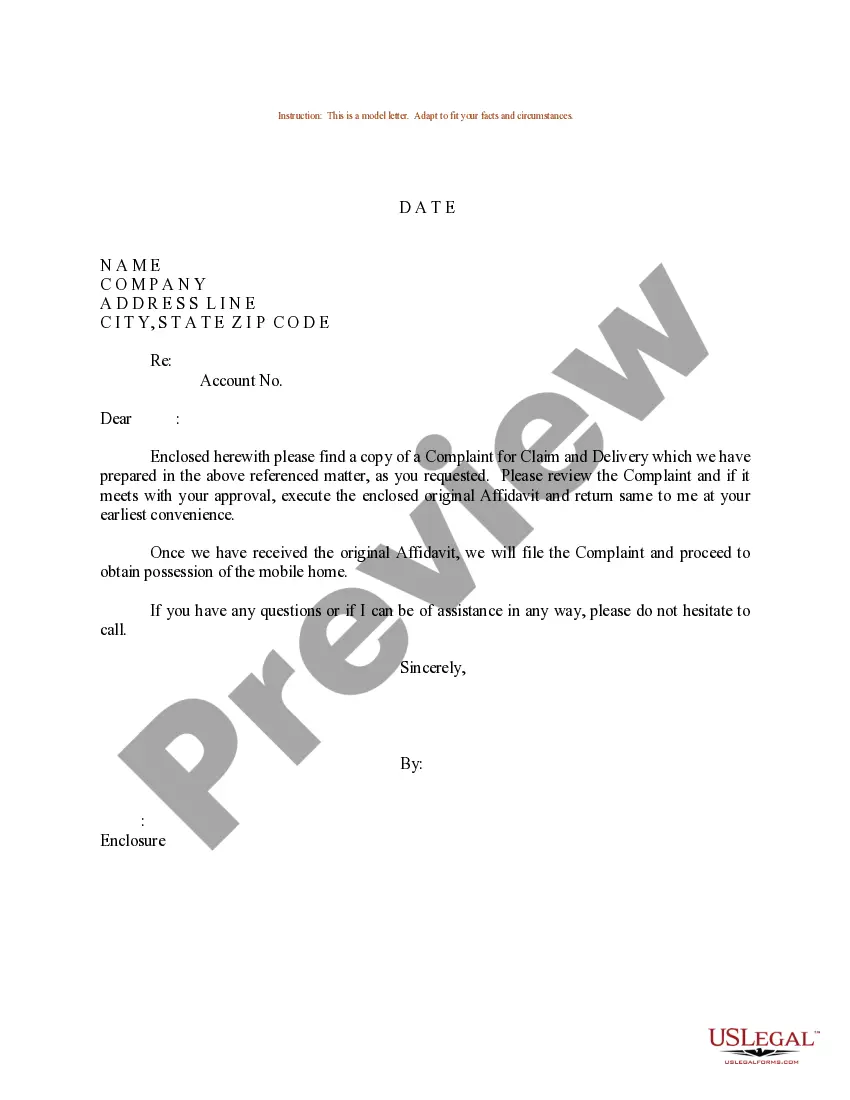

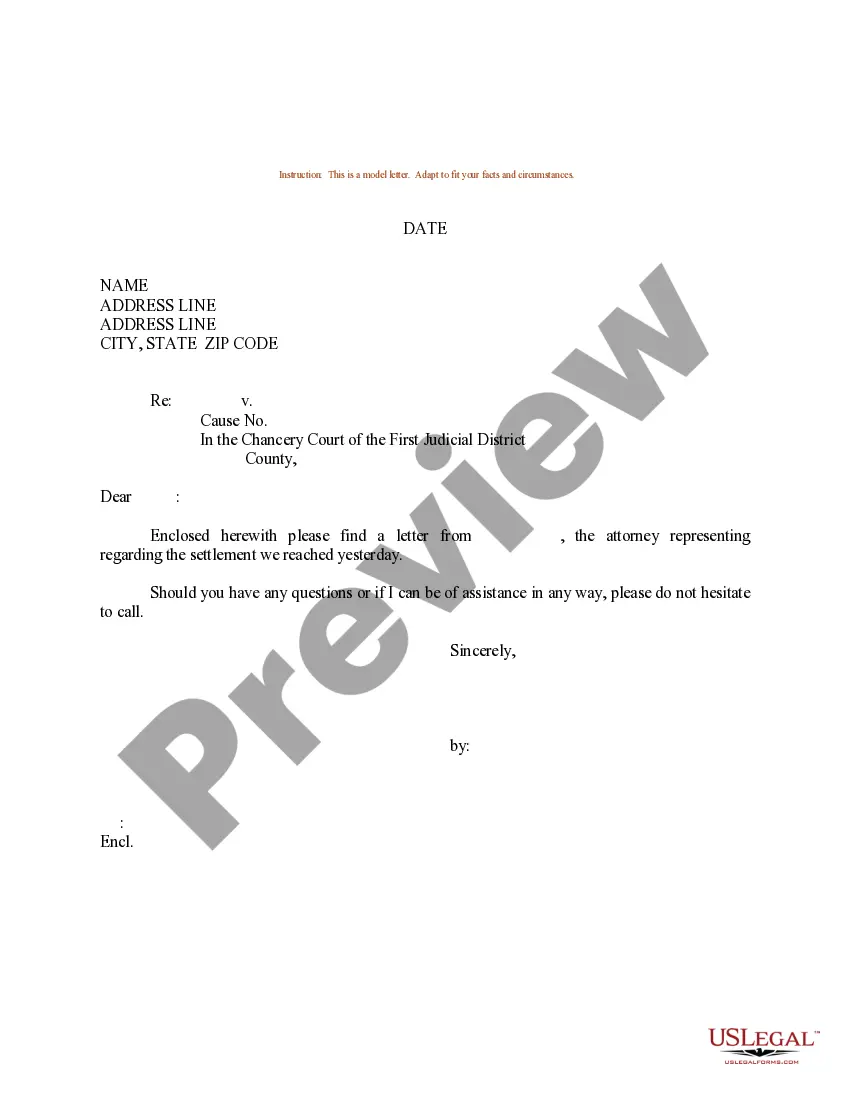
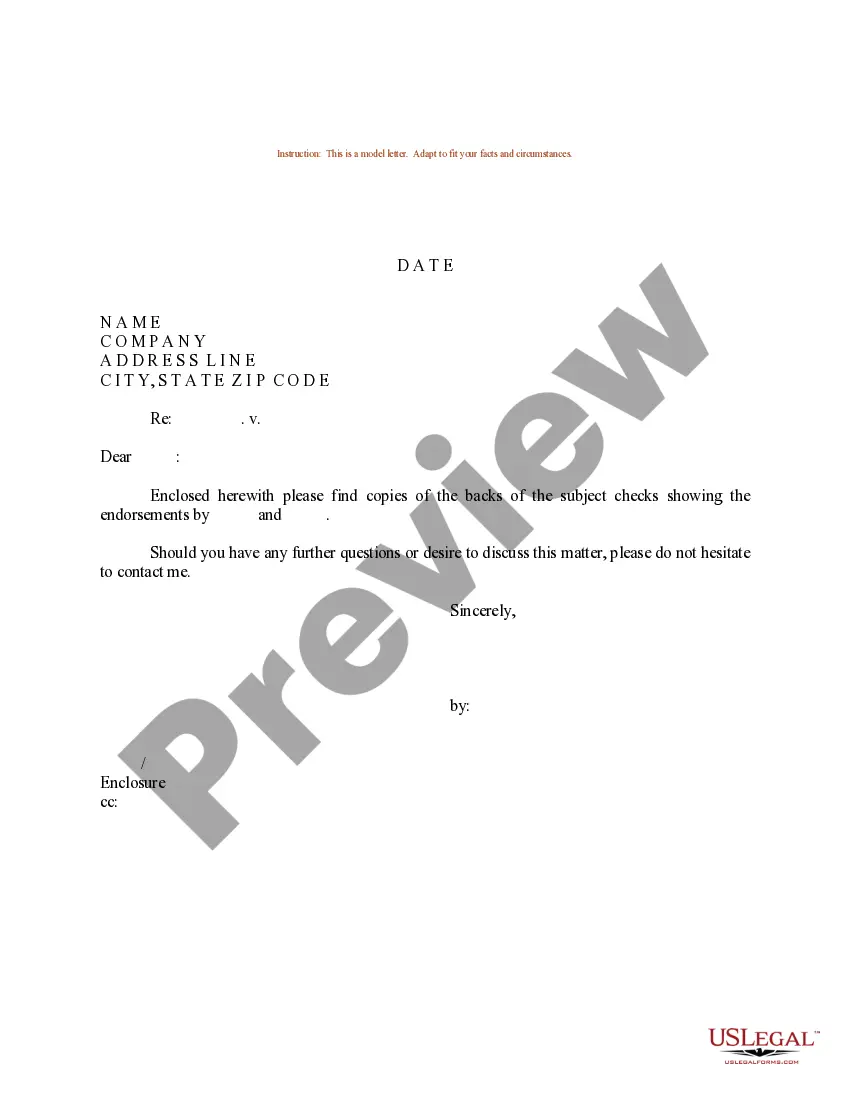
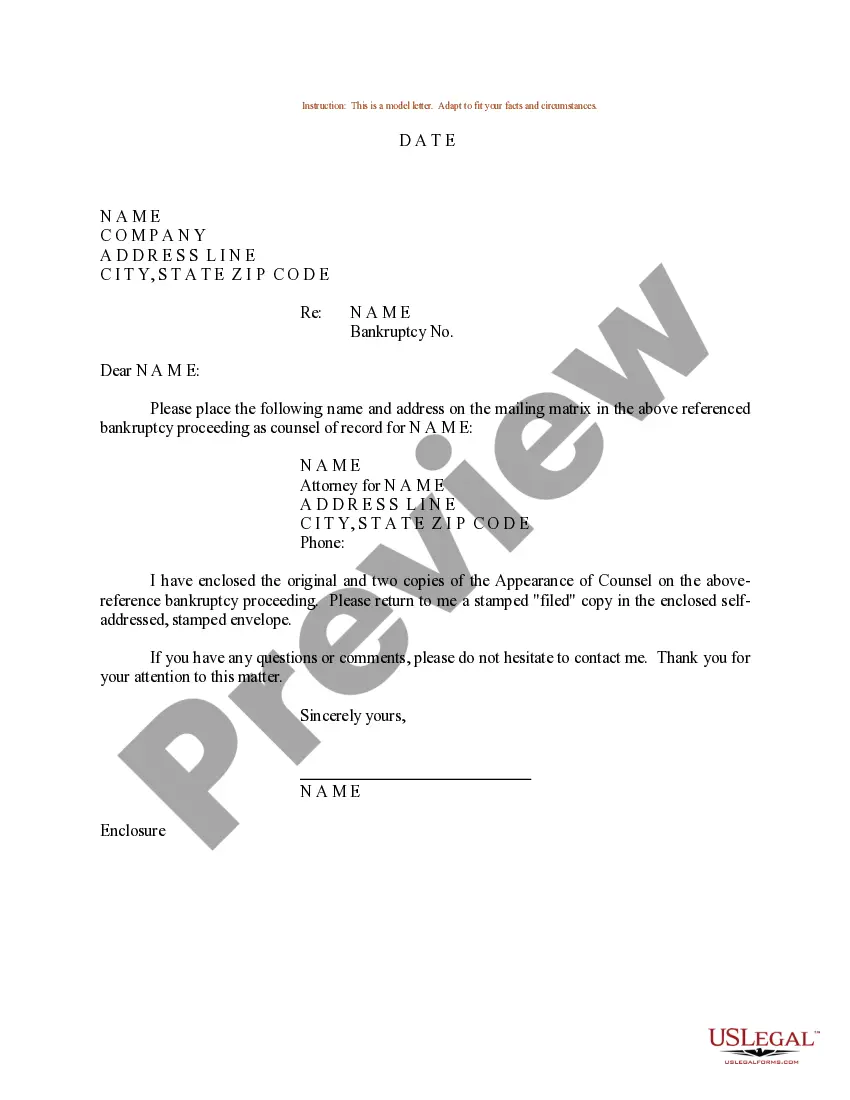
How to fill out Sample Letter For Bankruptcy Mailing Matrix?
Utilizing legal document examples that comply with federal and state regulations is essential, and the internet provides numerous options to select from.
However, what is the purpose of spending time searching for the suitable Sample Business Letter Format With Subject Line template online when the US Legal Forms digital library has already compiled such documents in one location.
US Legal Forms is the largest online legal repository with more than 85,000 editable templates created by attorneys for various business and personal situations. They are easy to navigate with all documents organized by state and intended use.
Find an alternative sample using the search feature at the top of the page if necessary. Click Buy Now once you have found the appropriate form and select a subscription plan. Create an account or Log In and process payment via PayPal or a credit card. Choose the most suitable format for your Sample Business Letter Format With Subject Line and download it. All documents you discover through US Legal Forms are reusable. To re-download and complete previously purchased forms, access the My documents section in your account. Take advantage of the most comprehensive and user-friendly legal document service!
- Our experts keep up with legal changes, ensuring your documents are always current and compliant when you acquire a Sample Business Letter Format With Subject Line from our site.
- Obtaining a Sample Business Letter Format With Subject Line is straightforward for both existing and new users.
- If you already possess an account with an active subscription, Log In and download the document template you require in your desired format.
- If you are new to our platform, follow the steps below.
- Review the template using the Preview feature or by examining the text outline to confirm it meets your requirements.
Form popularity
FAQ
A subject line specifying the topic of the letter, if included, comes between the salutation and the body of the letter. The introductory word Subject may be used, but is not essential.
Most business letters must include a return address (letterhead or your name and address), date, an inside address (receiver's name and address), a salutation, body paragraphs, and a closing.
Welcome to the Purdue OWL Sender's Address. The sender's address usually is included in letterhead. ... Date. The date line is used to indicate the date the letter was written. ... Inside Address. The inside address is the recipient's address. ... Salutation. ... Body. ... Closing. ... Enclosures. ... Typist initials.
A subject line specifying the topic of the letter, if included, comes between the salutation and the body of the letter. The introductory word Subject may be used, but is not essential. The terms Re and In re should be reserved for legal correspondence.
How to Format a Business Letter Write the date and your recipient's name, company, and address. Choose a professional greeting, like ?Dear,?. Craft a compelling introduction. State your intent in the letter's body text. End your letter with a strong call-to-action. Choose a professional closing, like ?Sincerely,?.