Distribution Estate Form For Corporation
Description
Get your form ready online
Our built-in tools help you complete, sign, share, and store your documents in one place.
Make edits, fill in missing information, and update formatting in US Legal Forms—just like you would in MS Word.
Download a copy, print it, send it by email, or mail it via USPS—whatever works best for your next step.
Sign and collect signatures with our SignNow integration. Send to multiple recipients, set reminders, and more. Go Premium to unlock E-Sign.
If this form requires notarization, complete it online through a secure video call—no need to meet a notary in person or wait for an appointment.
We protect your documents and personal data by following strict security and privacy standards.

Make edits, fill in missing information, and update formatting in US Legal Forms—just like you would in MS Word.

Download a copy, print it, send it by email, or mail it via USPS—whatever works best for your next step.

Sign and collect signatures with our SignNow integration. Send to multiple recipients, set reminders, and more. Go Premium to unlock E-Sign.

If this form requires notarization, complete it online through a secure video call—no need to meet a notary in person or wait for an appointment.

We protect your documents and personal data by following strict security and privacy standards.
Looking for another form?



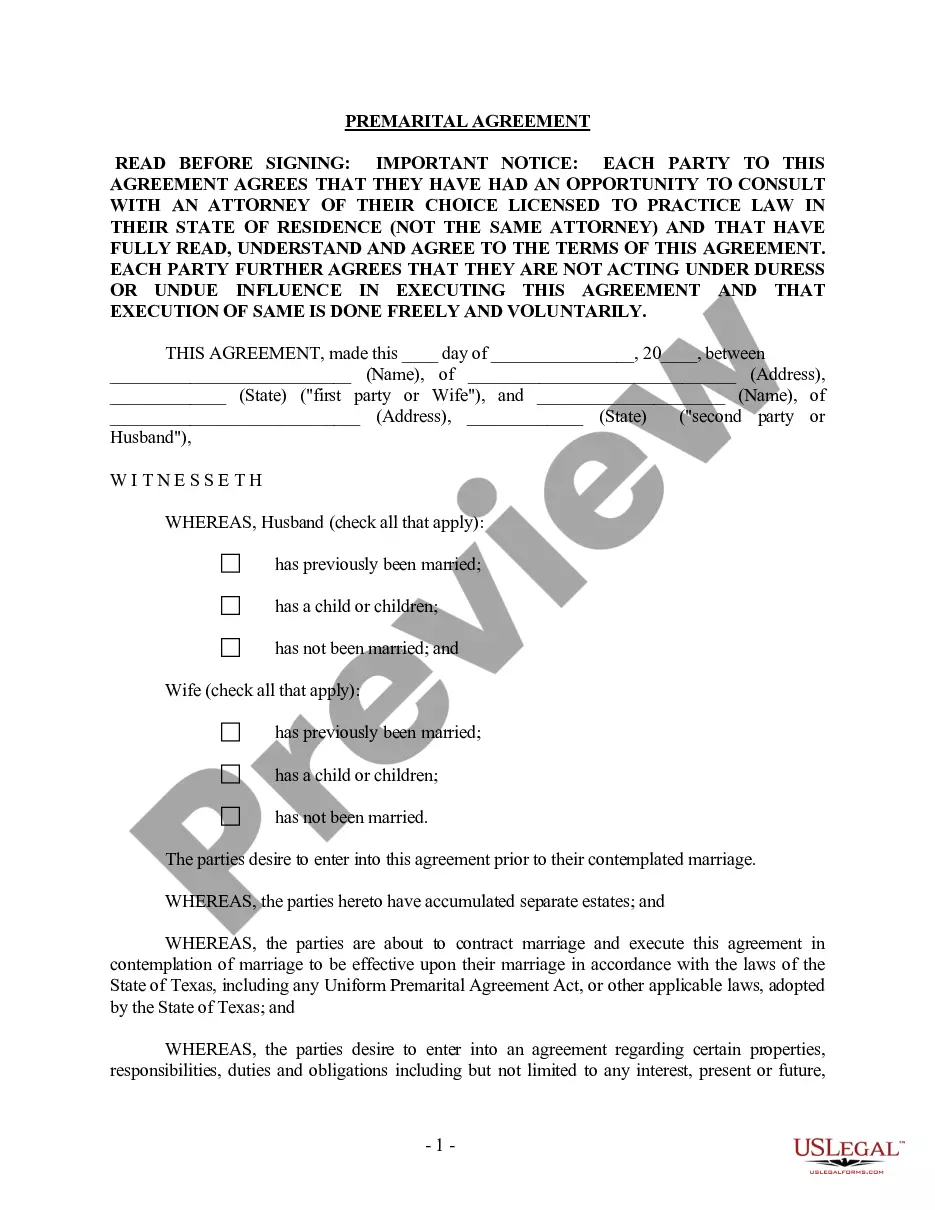




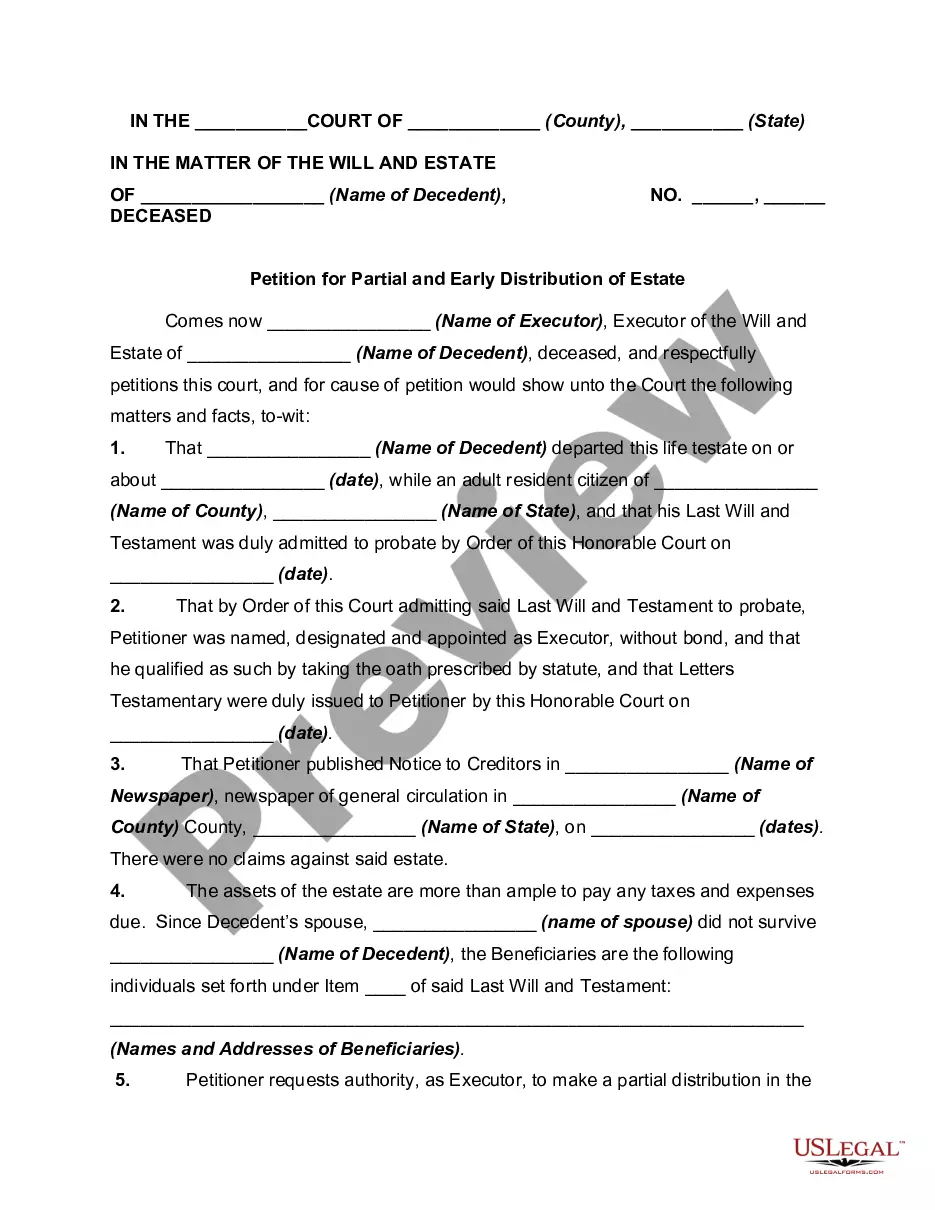
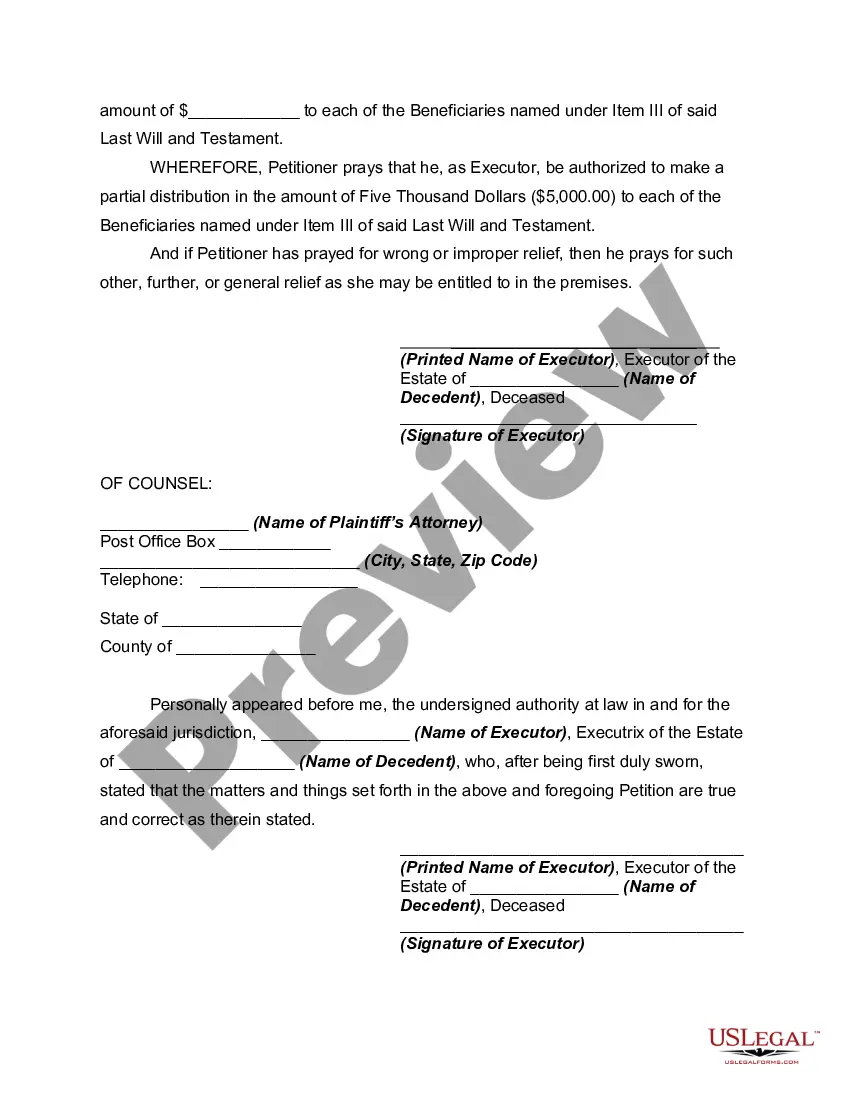
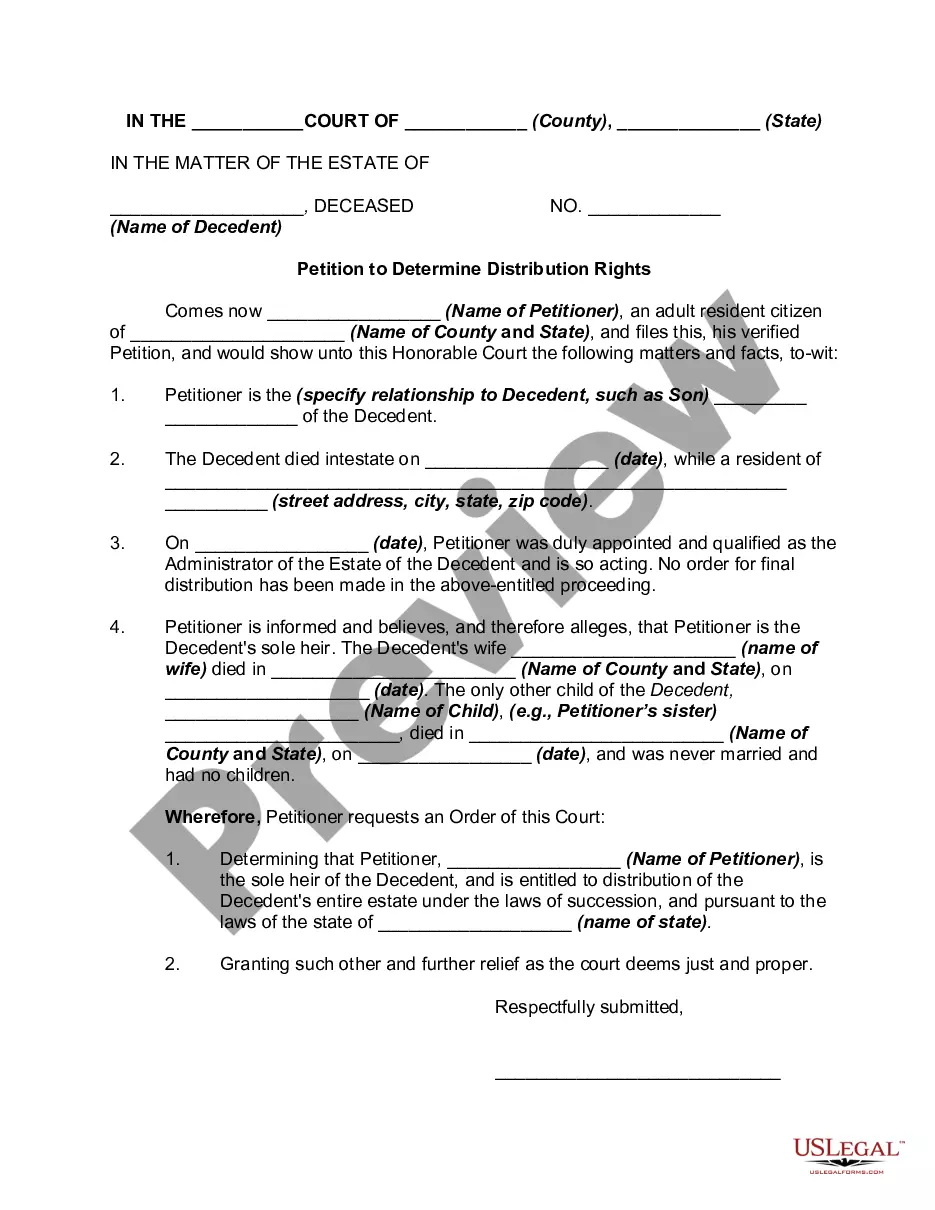
How to fill out Petition For Partial And Early Distribution Of Estate?
Regardless of whether it's for professional reasons or personal matters, everyone must confront legal issues at some point in their lives.
Completing legal documents demands meticulous care, starting with selecting the right form template. For example, if you select an incorrect version of a Distribution Estate Form For Corporation, it will be rejected upon submission.
After saving it, you can fill out the form using editing software or print it out and complete it by hand. With an extensive US Legal Forms catalog available, you will never have to waste time searching for the appropriate template across the web. Utilize the library’s straightforward navigation to find the right form for any circumstance.
- Acquire the template you require by utilizing the search bar or catalog navigation.
- Review the form’s description to ensure it aligns with your situation, state, and area.
- Click on the form’s preview to inspect it.
- If it is the wrong form, return to the search feature to find the Distribution Estate Form For Corporation template you need.
- Download the document once it fits your requirements.
- If you have a US Legal Forms account, click Log in to access previously saved templates in My documents.
- If you do not possess an account yet, you can acquire the form by clicking Buy now.
- Choose the appropriate pricing option.
- Complete the account registration form.
- Select your payment method: you may use a credit card or PayPal account.
- Choose the desired file format and download the Distribution Estate Form For Corporation.
Form popularity
FAQ
Each shareholder's distribution amount for the corporation's fiscal year should be reported on Schedule K-1 (Form 1120-S) Shareholder's Share of Income, Deductions, Credits, etc., Line 16, with "D" as the reference code.
Go to Screen 28, Schedule M-2 (Capital Account). Scroll down to the Distributions section and locate the Cash input field. Enter the amount of the cash distributed to all partners in the Federal column.
Schedule K-1 is an Internal Revenue Service (IRS) tax form issued annually for an investment in a partnership. The purpose of the Schedule K-1 is to report each partner's share of the partnership's earnings, losses, deductions, and credits. Schedule K-1 serves a similar purpose as Form 1099.
When a trust distributes income to one or more beneficiaries, the trust takes a deduction using Form 1041. It then issues a K-1 Trust Distribution Form to each beneficiary. This form shows the amount that was distributed and how much was attributed to income versus principal.
Consider capital gain distributions as long-term capital gains no matter how long you've owned shares in the mutual fund. Report the amount shown in box 2a of Form 1099-DIV on line 13 of Schedule D (Form 1040), Capital Gains and Losses.