Stock Company Sell With Limit
Description
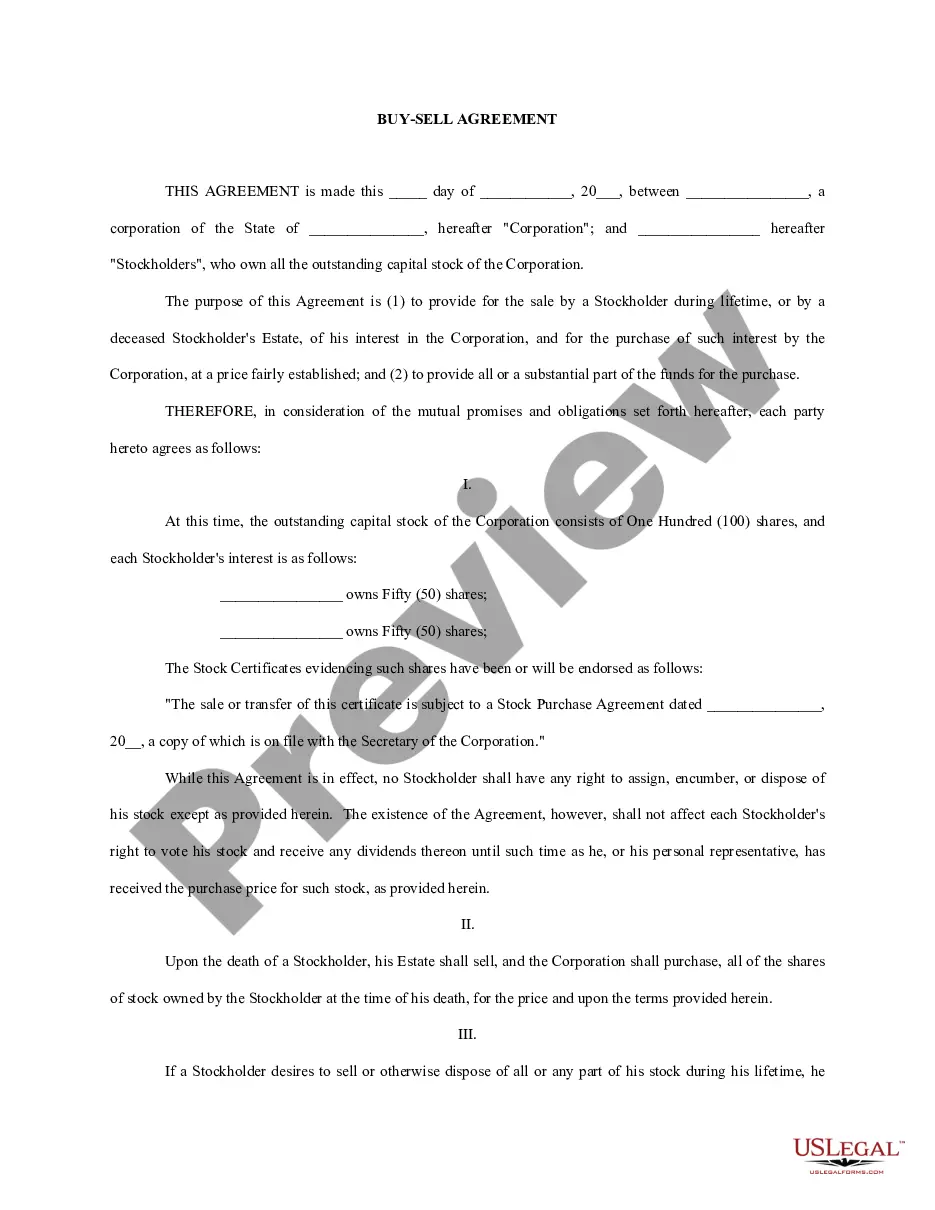
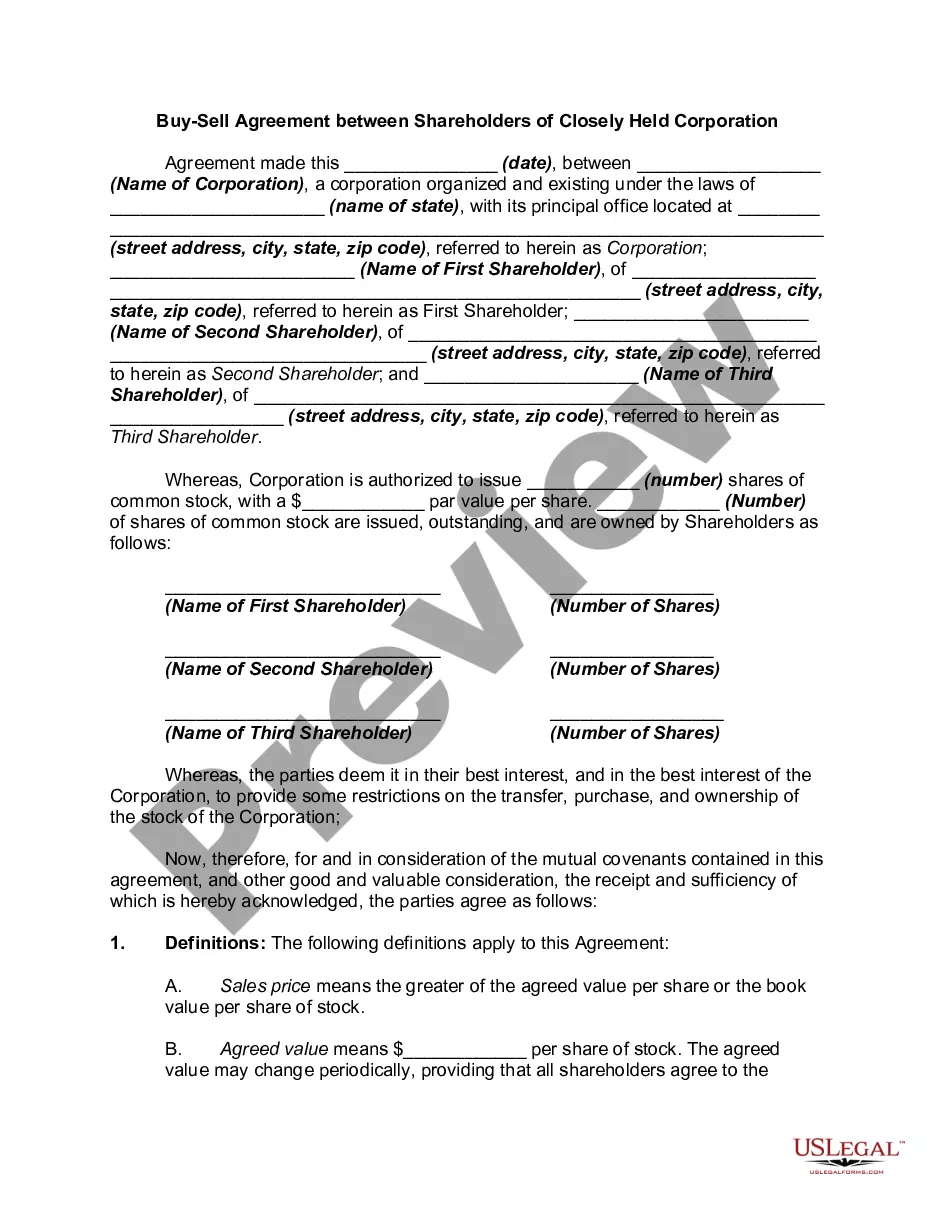
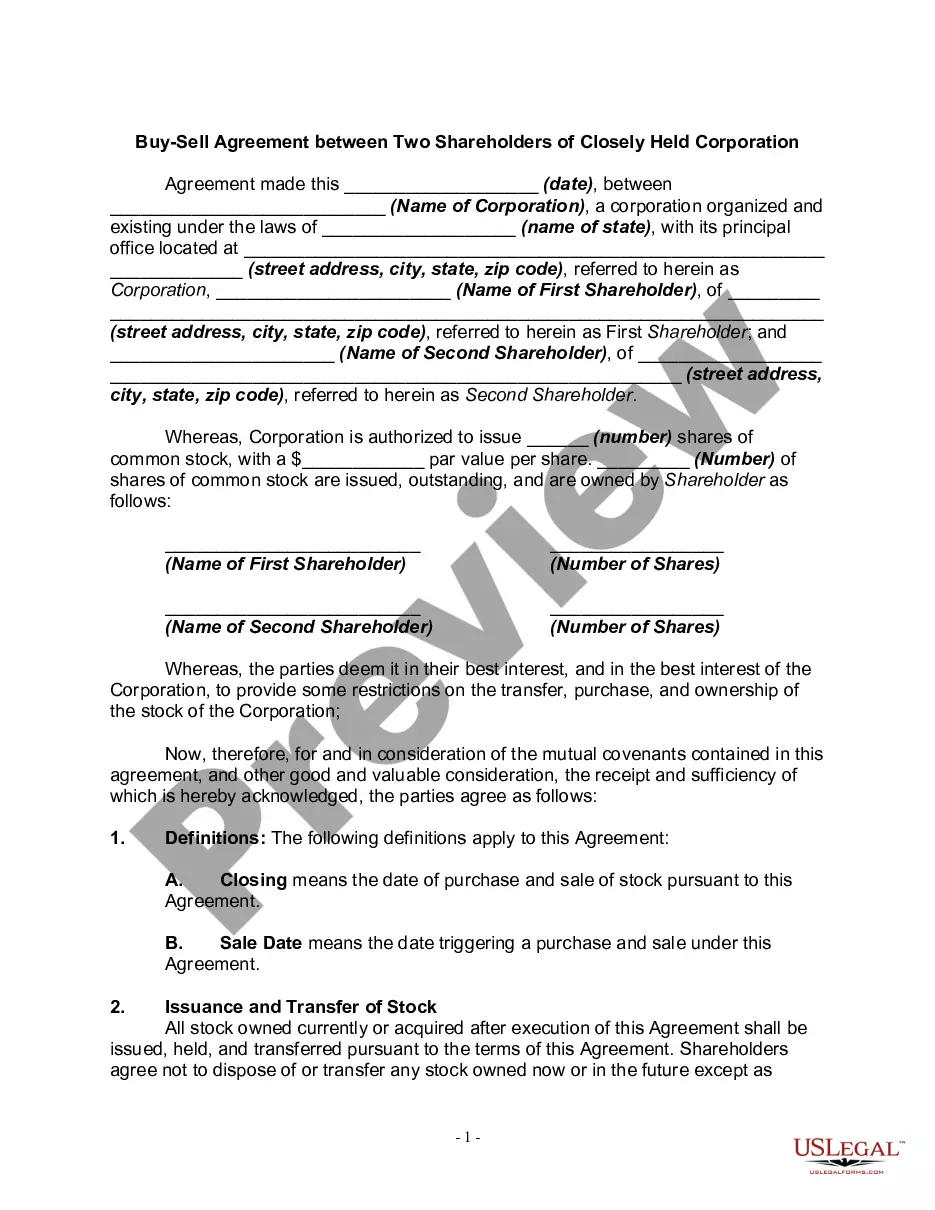
Get your form ready online
Our built-in tools help you complete, sign, share, and store your documents in one place.
Make edits, fill in missing information, and update formatting in US Legal Forms—just like you would in MS Word.
Download a copy, print it, send it by email, or mail it via USPS—whatever works best for your next step.
Sign and collect signatures with our SignNow integration. Send to multiple recipients, set reminders, and more. Go Premium to unlock E-Sign.
If this form requires notarization, complete it online through a secure video call—no need to meet a notary in person or wait for an appointment.
We protect your documents and personal data by following strict security and privacy standards.

Make edits, fill in missing information, and update formatting in US Legal Forms—just like you would in MS Word.

Download a copy, print it, send it by email, or mail it via USPS—whatever works best for your next step.

Sign and collect signatures with our SignNow integration. Send to multiple recipients, set reminders, and more. Go Premium to unlock E-Sign.

If this form requires notarization, complete it online through a secure video call—no need to meet a notary in person or wait for an appointment.

We protect your documents and personal data by following strict security and privacy standards.
Looking for another form?
How to fill out Stock Agreement - Buy Sell Agreement Between Shareholders And Corporation?
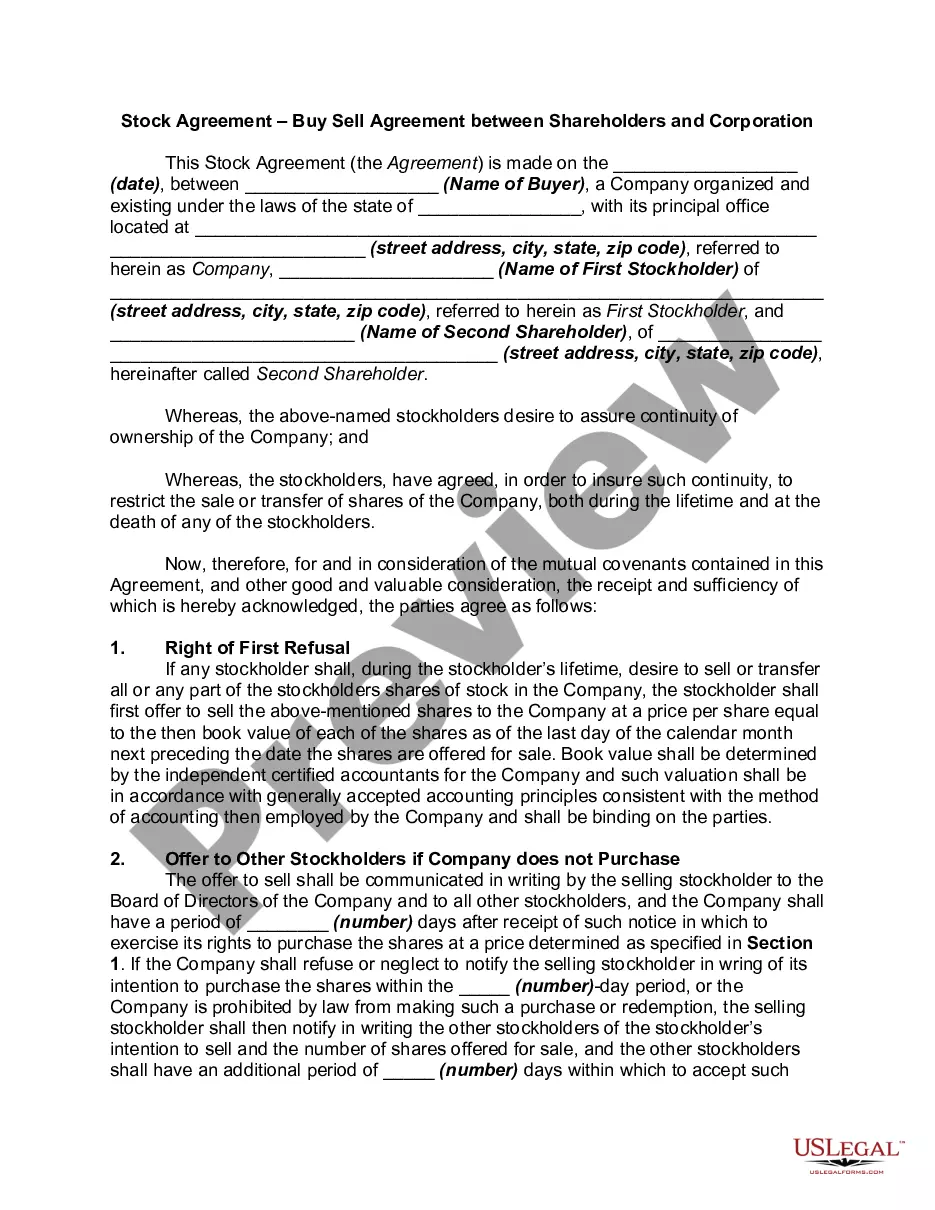
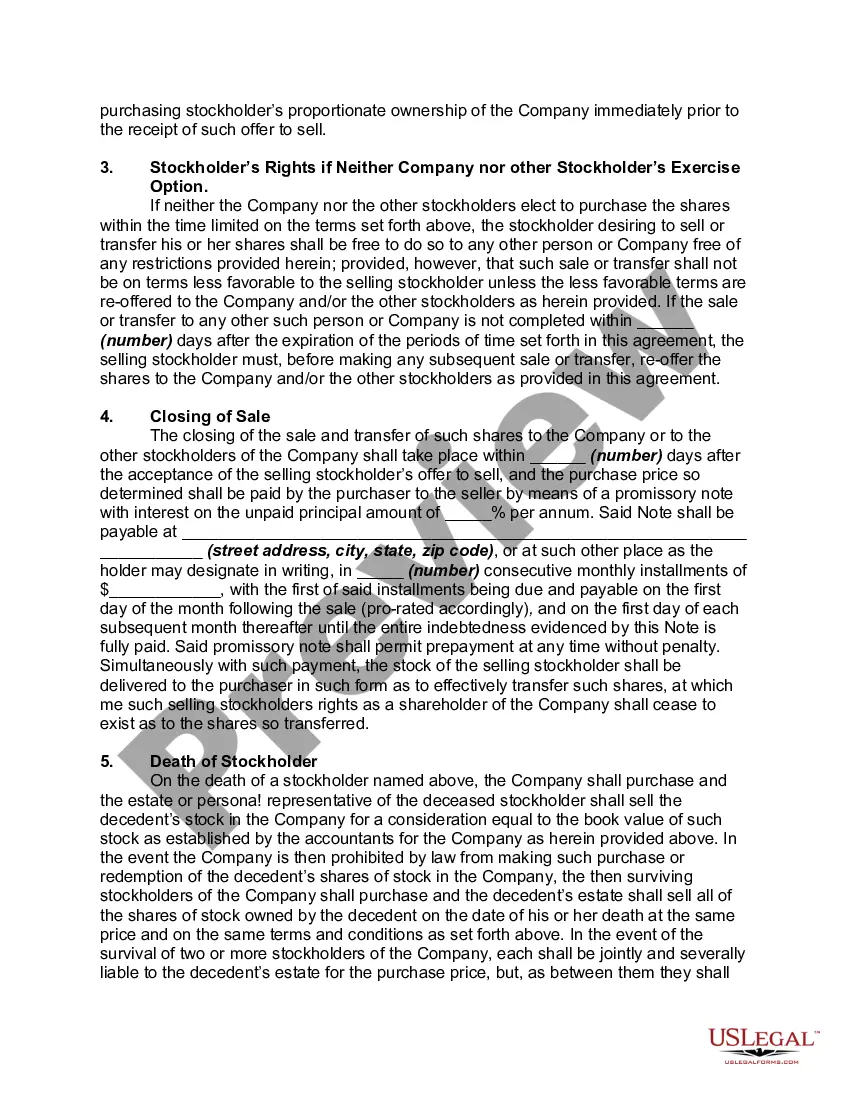
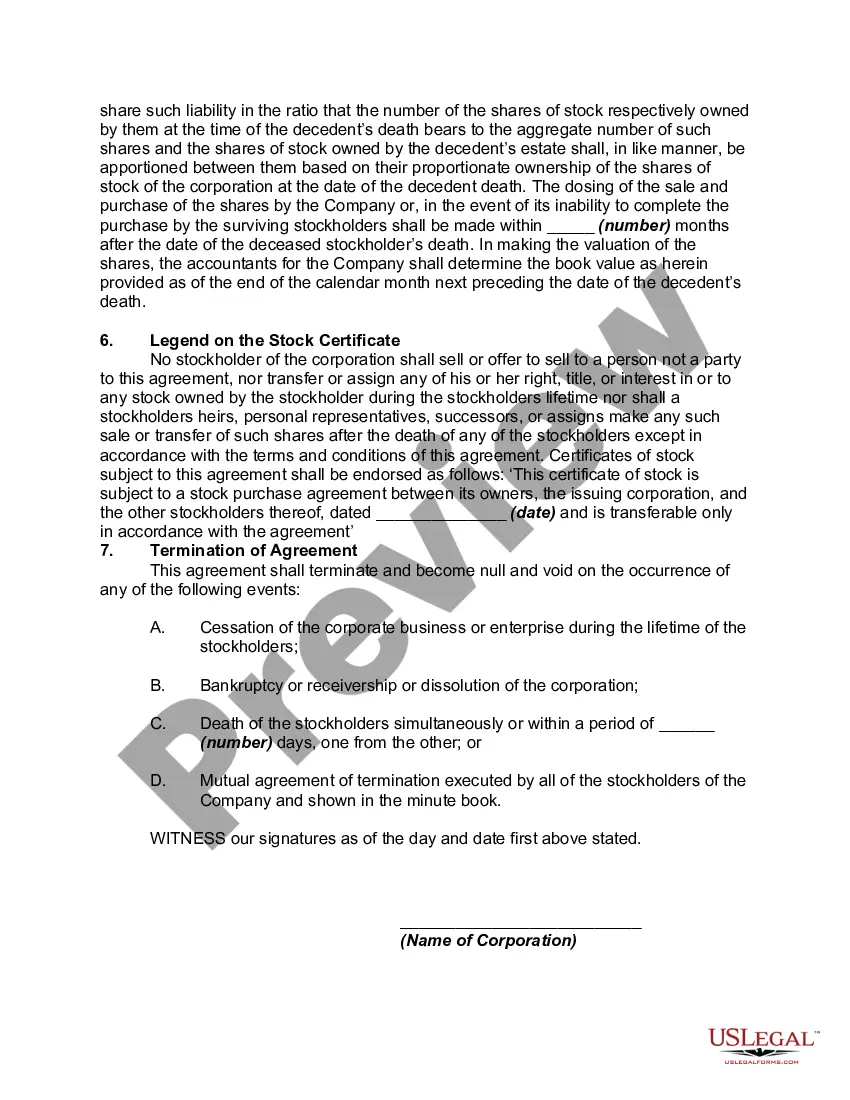
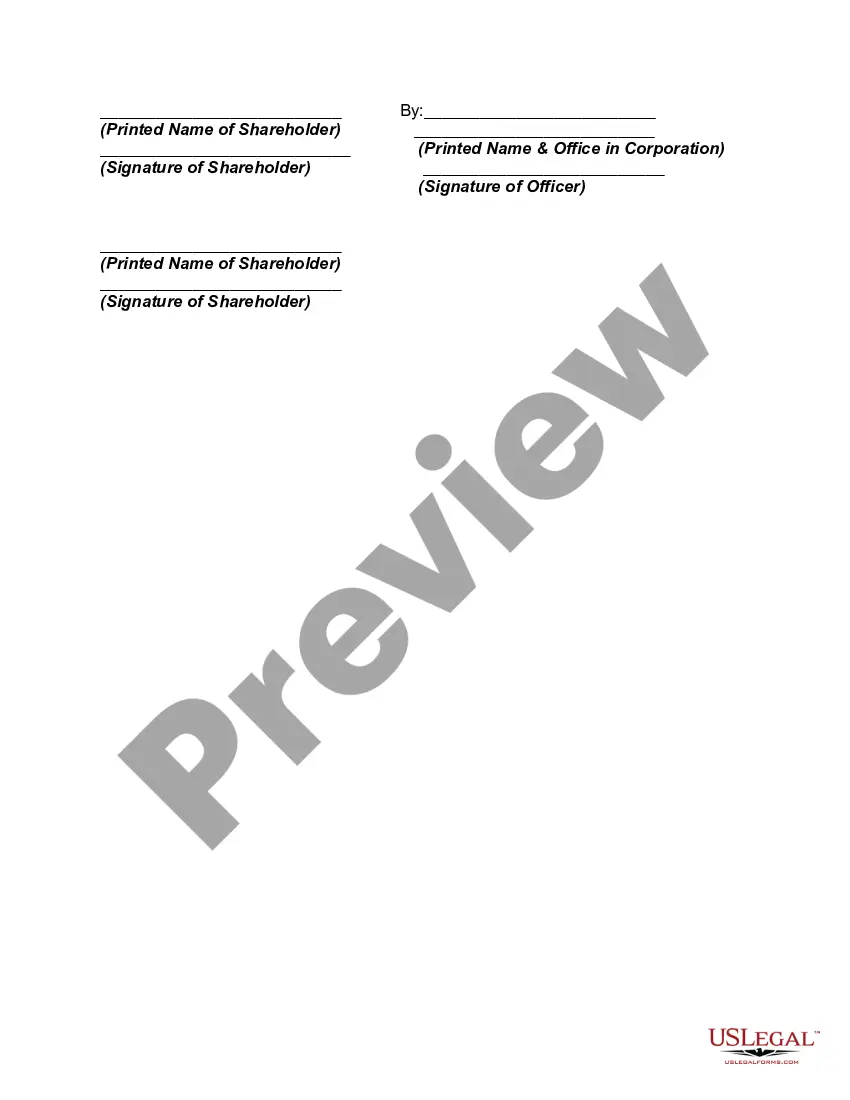
The Stock Company Sell With Limit you see on this page is a reusable formal template created by professional attorneys in accordance with federal and local regulations.
For over 25 years, US Legal Forms has supplied individuals, businesses, and lawyers with more than 85,000 validated, state-specific documents for any commercial and personal situation. It’s the fastest, simplest, and most dependable way to get the documentation you require, as the service ensures the highest level of data security and anti-malware safeguards.
Download the format you prefer for your Stock Company Sell With Limit (PDF, Word, RTF) and save the example on your device. Complete and sign the documents. Print the template to finish it manually. Alternatively, use an online multifunctional PDF editor to swiftly and precisely complete and sign your document with a legally-binding electronic signature.
- Search for the document you require and review it.
- Browse the file you looked up and preview it or read the form description to confirm it meets your requirements. If it doesn’t, use the search bar to find the correct one. Click Buy Now when you have identified the template you want.
- Choose and Log In to your account.
- Select the pricing plan that fits you and create an account. Use PayPal or a credit card to make an immediate payment. If you already have an account, Log In and check your subscription to proceed.
- Obtain the editable template.
Form popularity
FAQ
Narrator: To enter a Sell Stop Limit Order, you must enter a Stop price below the current security price and a Limit price less than or equal to the Stop price, ideally the lowest price you're willing to accept. $85 is entered as Stop price and $80 is set as Limit price.
For buy limit orders, you're essentially setting a price ceiling?the highest price you'd be willing to pay for each share. For sell limit orders, you're setting a price floor?the lowest amount you'd be willing to accept for each share you sell.
How Do You Place a Buy Limit Order? To place a buy limit order, you will first need to determine your limit price for the security you want to buy. The limit price is the maximum amount you are willing to pay to buy the security. If your order is triggered, it will be filled at your limit price or lower.
In a limit order, the investor has to specify a quantity and the desired price at which he or she wants to make the transaction. Say a share is currently trading at Rs 100 per share but the investor wants to buy it at Rs 95 per share. A limit order of say 10 shares at Rs 95 per share is placed.
For a buy stop-limit order, set the stop price at or above the current market price and set your limit price above, not equal to, your stop price. For a sell stop-limit order, set the stop price at or below the current market price and set your limit price below, not equal to, your stop price.