Media Release Form For Students
Description
Get your form ready online
Our built-in tools help you complete, sign, share, and store your documents in one place.
Make edits, fill in missing information, and update formatting in US Legal Forms—just like you would in MS Word.
Download a copy, print it, send it by email, or mail it via USPS—whatever works best for your next step.
Sign and collect signatures with our SignNow integration. Send to multiple recipients, set reminders, and more. Go Premium to unlock E-Sign.
If this form requires notarization, complete it online through a secure video call—no need to meet a notary in person or wait for an appointment.
We protect your documents and personal data by following strict security and privacy standards.

Make edits, fill in missing information, and update formatting in US Legal Forms—just like you would in MS Word.

Download a copy, print it, send it by email, or mail it via USPS—whatever works best for your next step.

Sign and collect signatures with our SignNow integration. Send to multiple recipients, set reminders, and more. Go Premium to unlock E-Sign.

If this form requires notarization, complete it online through a secure video call—no need to meet a notary in person or wait for an appointment.

We protect your documents and personal data by following strict security and privacy standards.
Looking for another form?

How to fill out Multimedia Publicity And Privacy Release?
Whether for business purposes or for individual affairs, everyone has to deal with legal situations sooner or later in their life. Filling out legal documents needs careful attention, starting with picking the proper form template. For instance, when you pick a wrong edition of the Media Release Form For Students, it will be rejected when you send it. It is therefore crucial to have a dependable source of legal papers like US Legal Forms.
If you need to obtain a Media Release Form For Students template, stick to these simple steps:
- Get the sample you need by using the search field or catalog navigation.
- Examine the form’s information to make sure it suits your case, state, and region.
- Click on the form’s preview to view it.
- If it is the wrong form, return to the search function to locate the Media Release Form For Students sample you require.
- Download the file if it meets your requirements.
- If you already have a US Legal Forms profile, simply click Log in to gain access to previously saved files in My Forms.
- If you don’t have an account yet, you can obtain the form by clicking Buy now.
- Select the appropriate pricing option.
- Finish the profile registration form.
- Select your transaction method: use a credit card or PayPal account.
- Select the file format you want and download the Media Release Form For Students.
- After it is downloaded, you can complete the form with the help of editing applications or print it and finish it manually.
With a vast US Legal Forms catalog at hand, you do not need to spend time seeking for the right sample across the web. Use the library’s easy navigation to get the right template for any situation.
Form popularity
FAQ
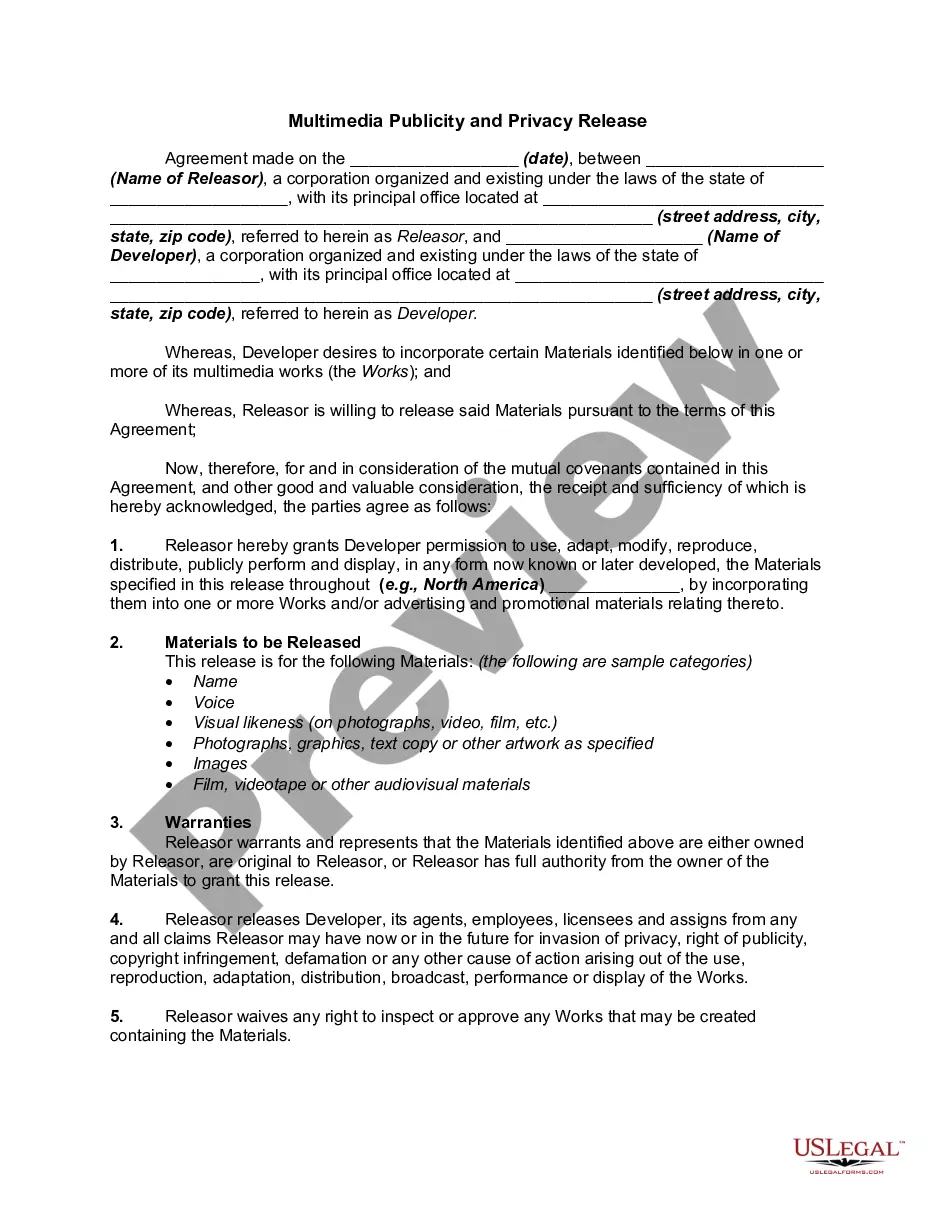
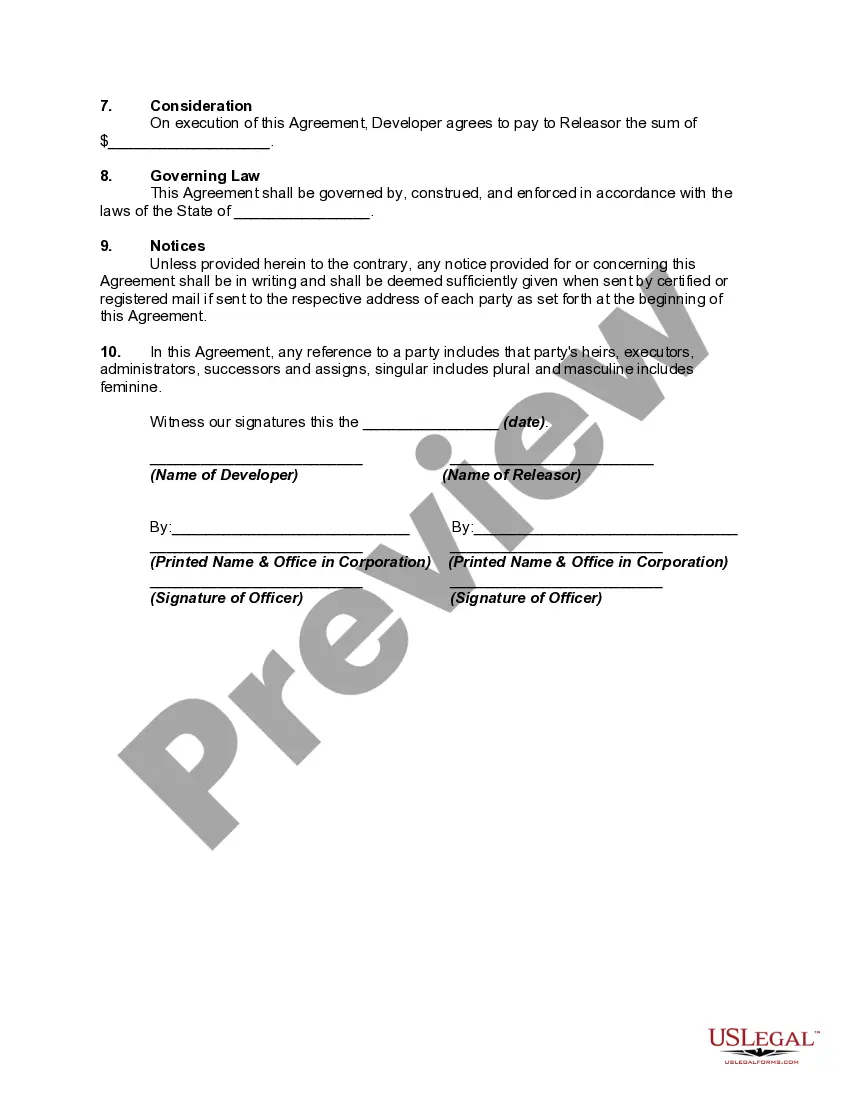
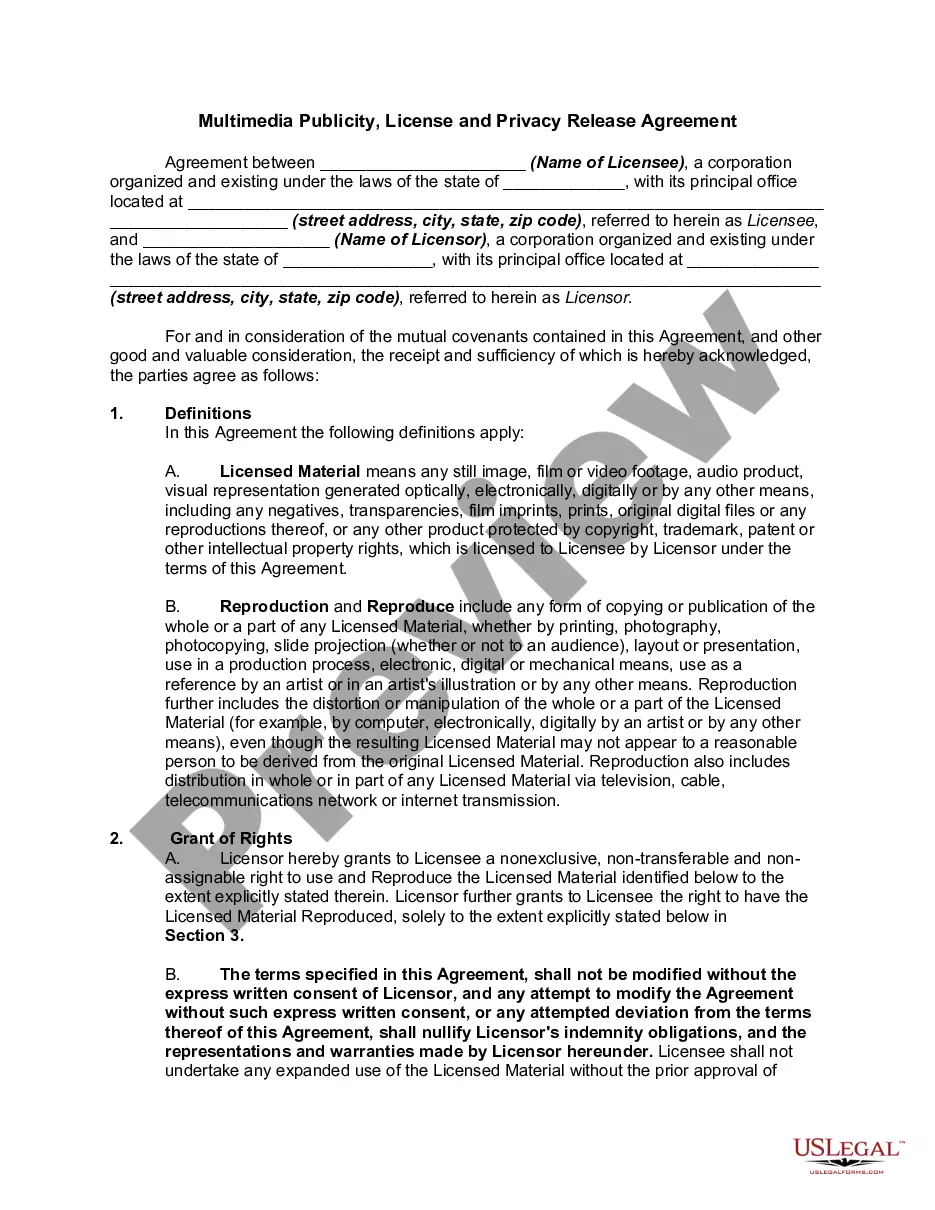
Parties involved: The form should clearly identify the individual giving consent (the releasor) and the organization receiving it (the releasee). This includes names, addresses, and other contact information. Description of the media: The form should provide a detailed description of the media being used.
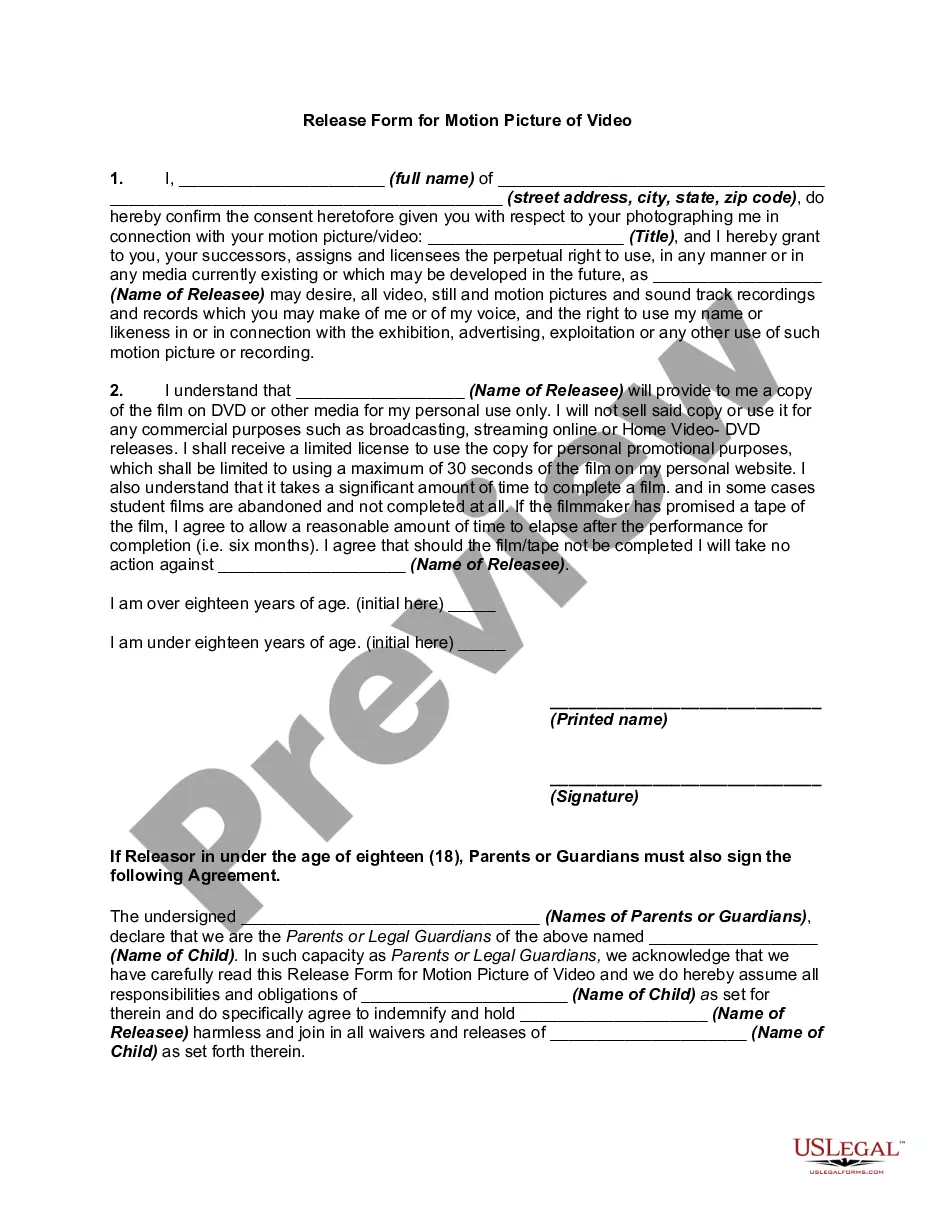
A release form, also known as a waiver, is a legal document that grants permission for a person or organization to use someone else's image, likeness, or property in a specific context. They are commonly used in various settings, including photography, video production, and events.
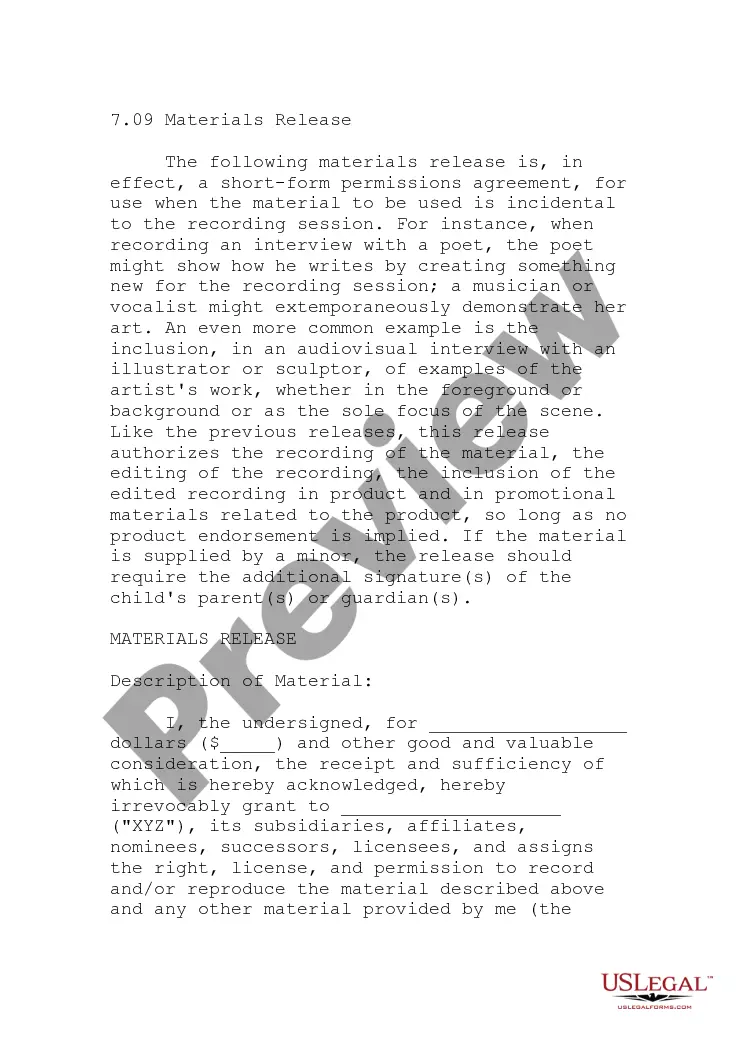
I hereby give consent to ______________________________________ (the ?organization?) to photograph, videotape, or otherwise digitally record and use images and/or sound recordings of myself or my child or children (if applicable) to use in any public media, including radio, television, internet, social media, print or ...
AUTHORIZING RELEASE OF EDUCATIONAL RECORDS TO A THIRD PARTY. The college has one release form maintained through the Registrar's office that allows a student to designate a third party to be given information about the student's educational records.
How Do You Write a Media Release Form? Name of the parties involved, i.e., releasor and releasee. Detailed information about the project. Explicit information of the permissions granted. Any special considerations, including payment obligations or credit, if any. A space for all parties to sign.