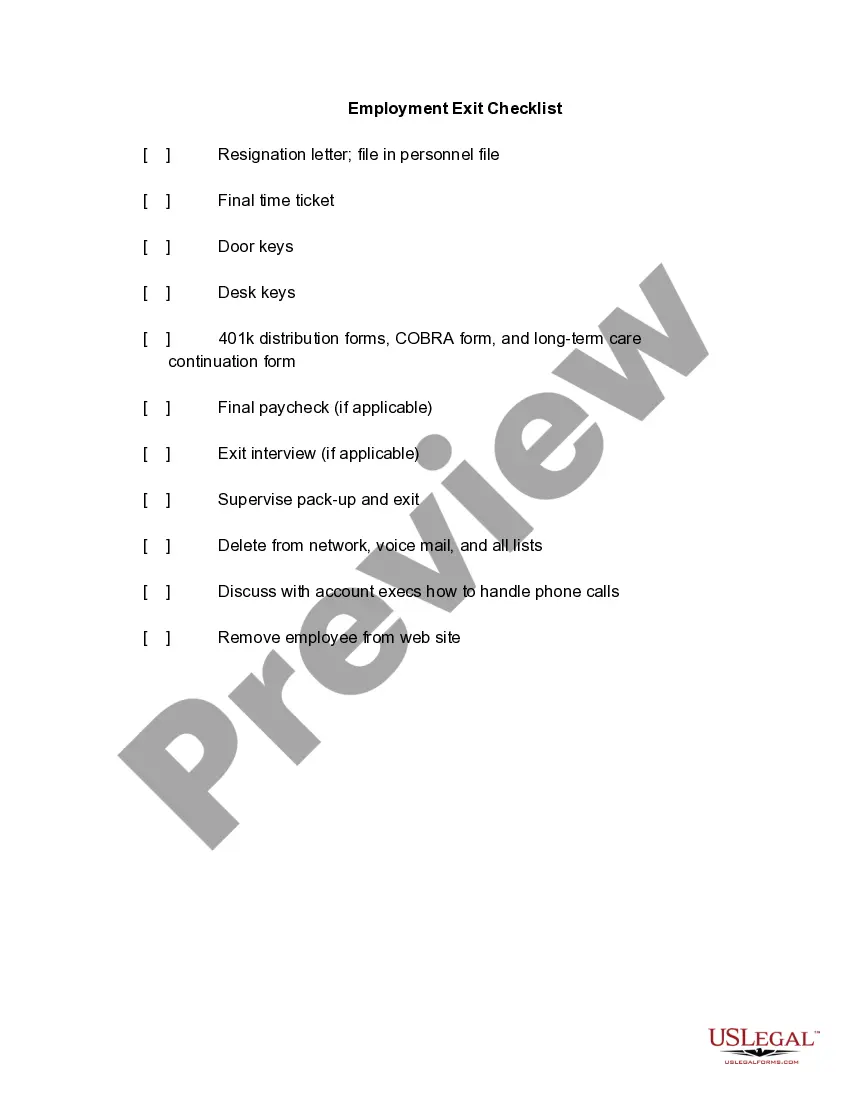
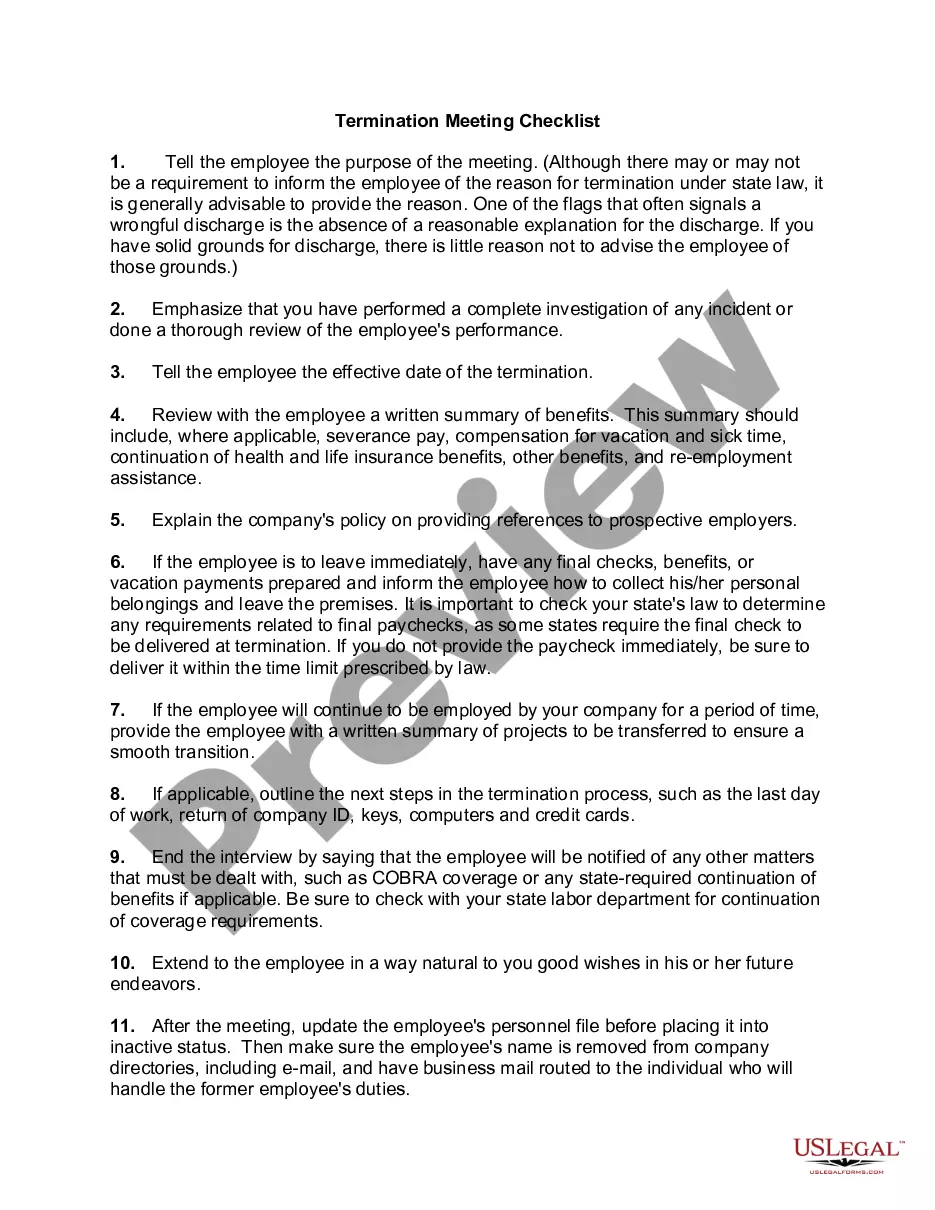
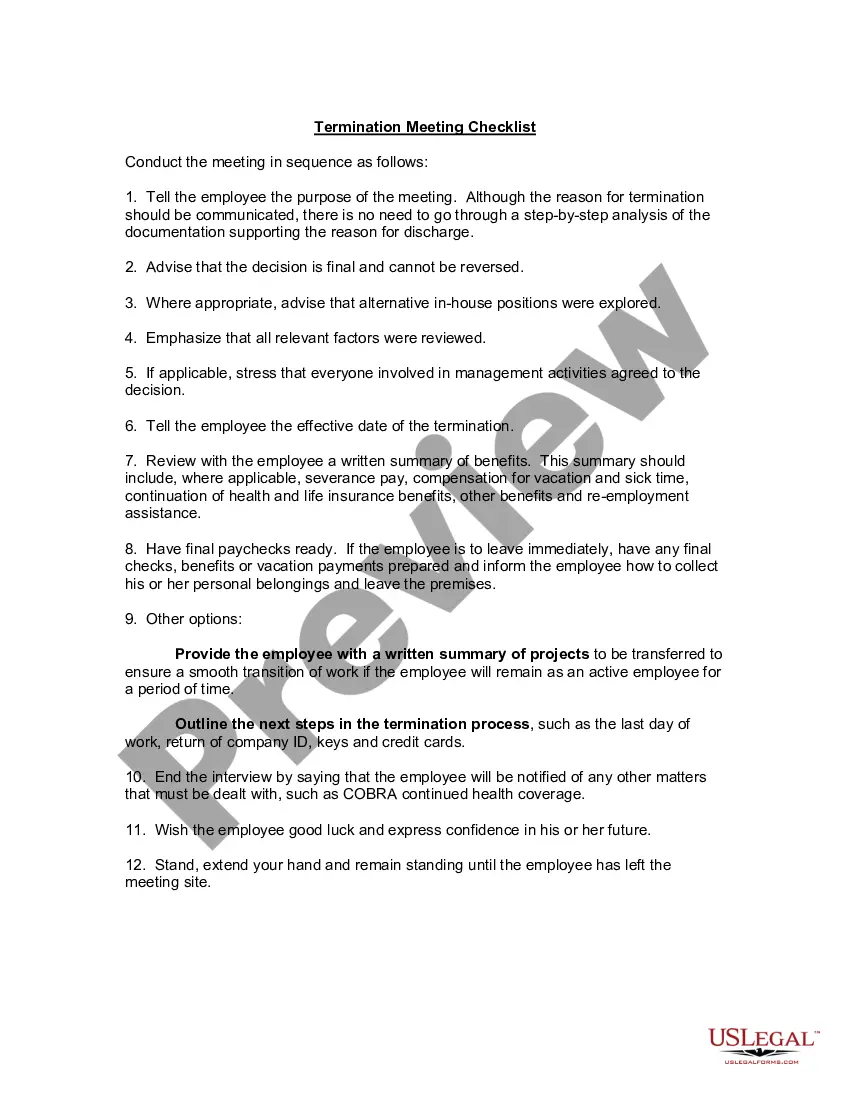
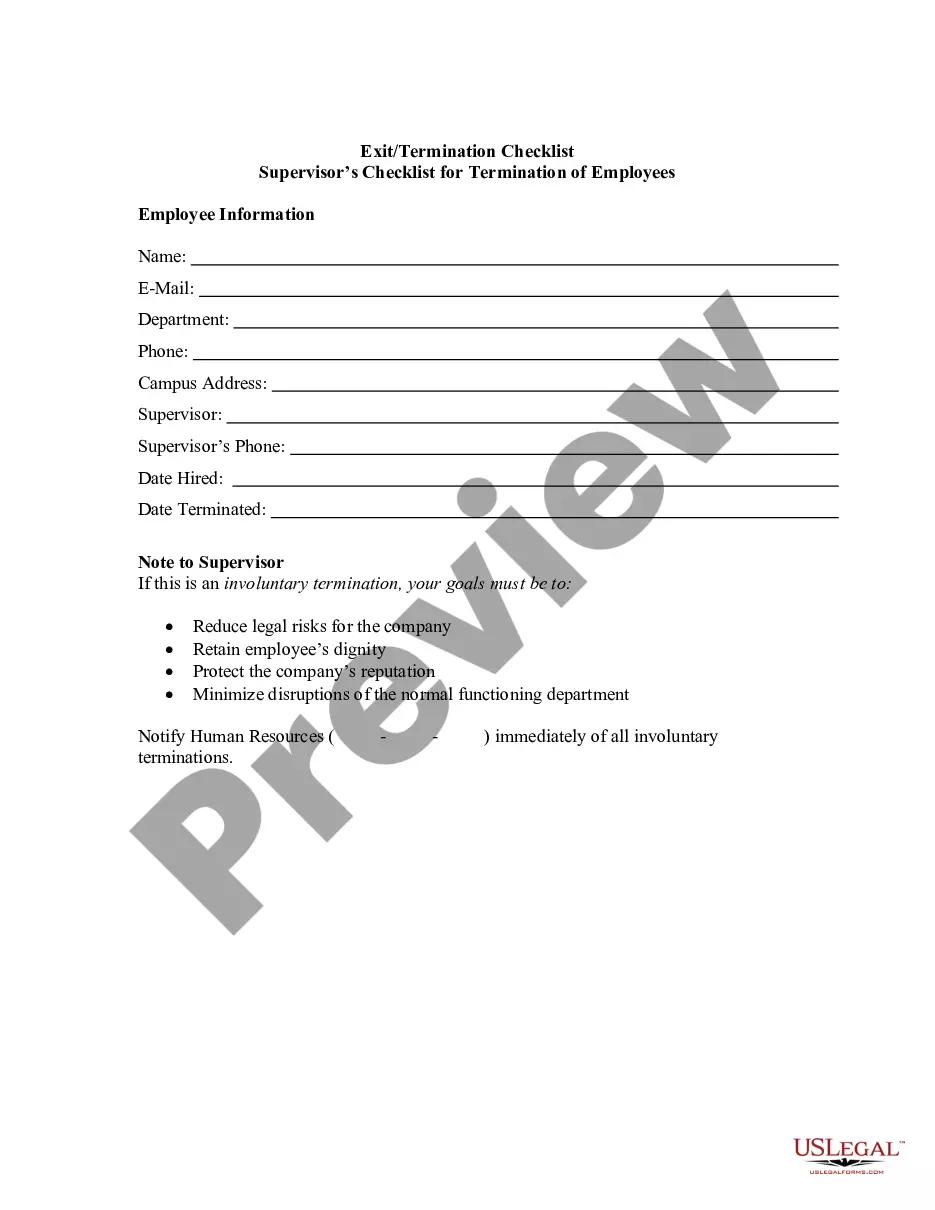
Exit Form For Dominican Republic
Description
Get your form ready online
Our built-in tools help you complete, sign, share, and store your documents in one place.
Make edits, fill in missing information, and update formatting in US Legal Forms—just like you would in MS Word.
Download a copy, print it, send it by email, or mail it via USPS—whatever works best for your next step.
Sign and collect signatures with our SignNow integration. Send to multiple recipients, set reminders, and more. Go Premium to unlock E-Sign.
If this form requires notarization, complete it online through a secure video call—no need to meet a notary in person or wait for an appointment.
We protect your documents and personal data by following strict security and privacy standards.

Make edits, fill in missing information, and update formatting in US Legal Forms—just like you would in MS Word.

Download a copy, print it, send it by email, or mail it via USPS—whatever works best for your next step.

Sign and collect signatures with our SignNow integration. Send to multiple recipients, set reminders, and more. Go Premium to unlock E-Sign.

If this form requires notarization, complete it online through a secure video call—no need to meet a notary in person or wait for an appointment.

We protect your documents and personal data by following strict security and privacy standards.
Looking for another form?







How to fill out Employment Exit Checklist?
Creating legal documents from the ground up can often feel a bit daunting.
Certain situations may require extensive research and significant financial investment.
If you’re looking for a simpler and more economical method of generating an Exit Form For Dominican Republic or any other documentation without unnecessary obstacles, US Legal Forms is always here to assist you.
Don’t have an account? No problem. It takes mere minutes to set one up and browse the library. But before diving straight into downloading the Exit Form For Dominican Republic, consider these suggestions.
Review the document preview and descriptions to ensure you’ve located the form you require.
- Our digital repository of over 85,000 current legal forms encompasses nearly every aspect of your financial, legal, and personal matters.
- With just a few clicks, you can swiftly retrieve state- and county-specific templates meticulously crafted for you by our legal experts.
- Utilize our platform whenever you seek trustworthy and dependable services to swiftly locate and download the Exit Form For Dominican Republic.
- If you’re familiar with our services and have registered an account with us before, simply Log In to your account, select the form, and download it or access it again anytime in the My documents section.
Form popularity
FAQ
The difference has to do with whether the powers remain effective after the onset of a disability. That is, the regular power of attorney ceases to be effective if you become disabled, whereas the ?durable? power of attorney continues to be effective despite your subsequent disability.
In Wisconsin, there are two main types of powers of attorney: the power of attorney for finances and property (also called a financial power of attorney) and the power of attorney for health care.
This Power of Attorney authorizes another person (your agent) to make decisions concerning your property for you (the principal). Your agent will be able to make decisions and act with respect to your property (including your money) whether or not you are able to act for yourself.
When Does an Agent's Authority to Make Decisions Begin? Most Power of Attorney for Health Care documents provide that the document becomes ?activated? when two physicians or one physician and one psychologist personally examine the principal and then sign a statement certifying that the principal is incapacitated.
While Wisconsin does not technically require you to get your POA notarized, notarization is strongly recommended. Under Wisconsin law, when you sign your POA in the presence of a notary public, you signature is presumed to be genuine?meaning your POA is more ironclad.
In 1982, Wisconsin (and other states) passed the Uniform Durable Power of Attorney Act (sec. 243.07, Stats.), which allows the Principal to appoint an Agent whose authority may continue even if the Principal becomes incompetent or incapacitated. A power of attorney giving an Agent this authority is ?durable.?