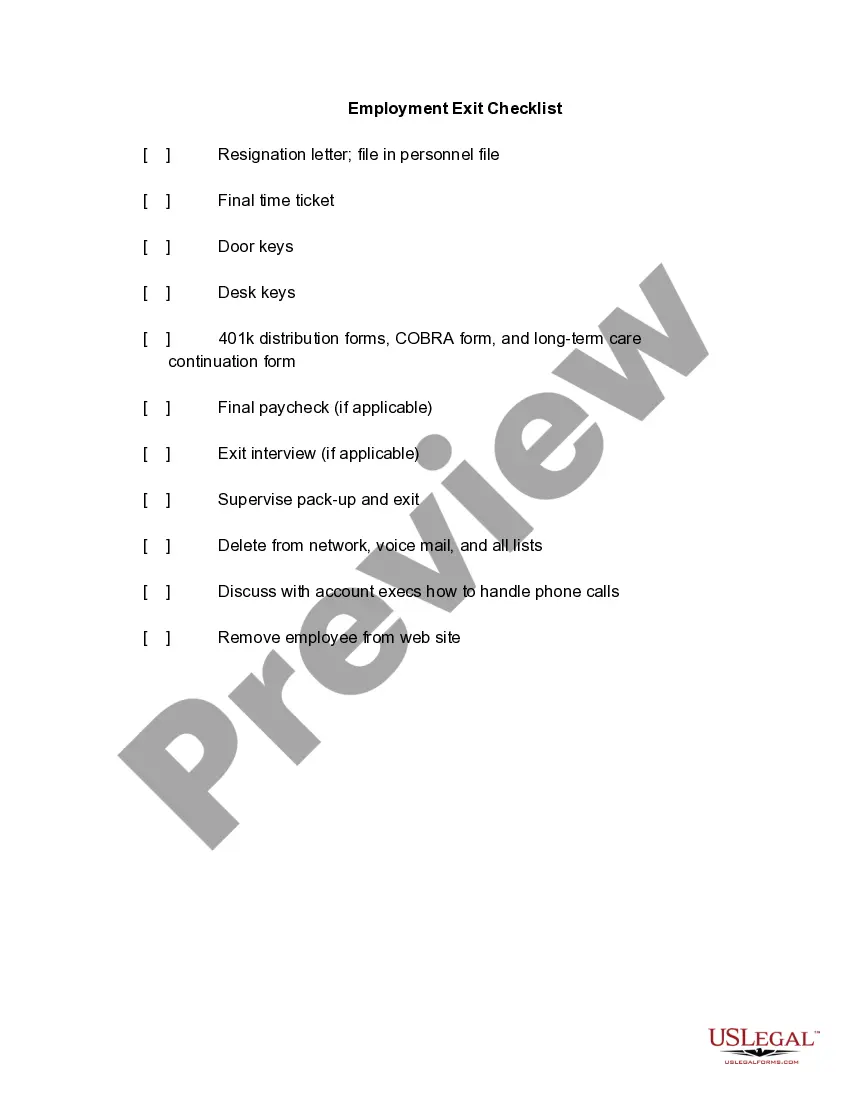
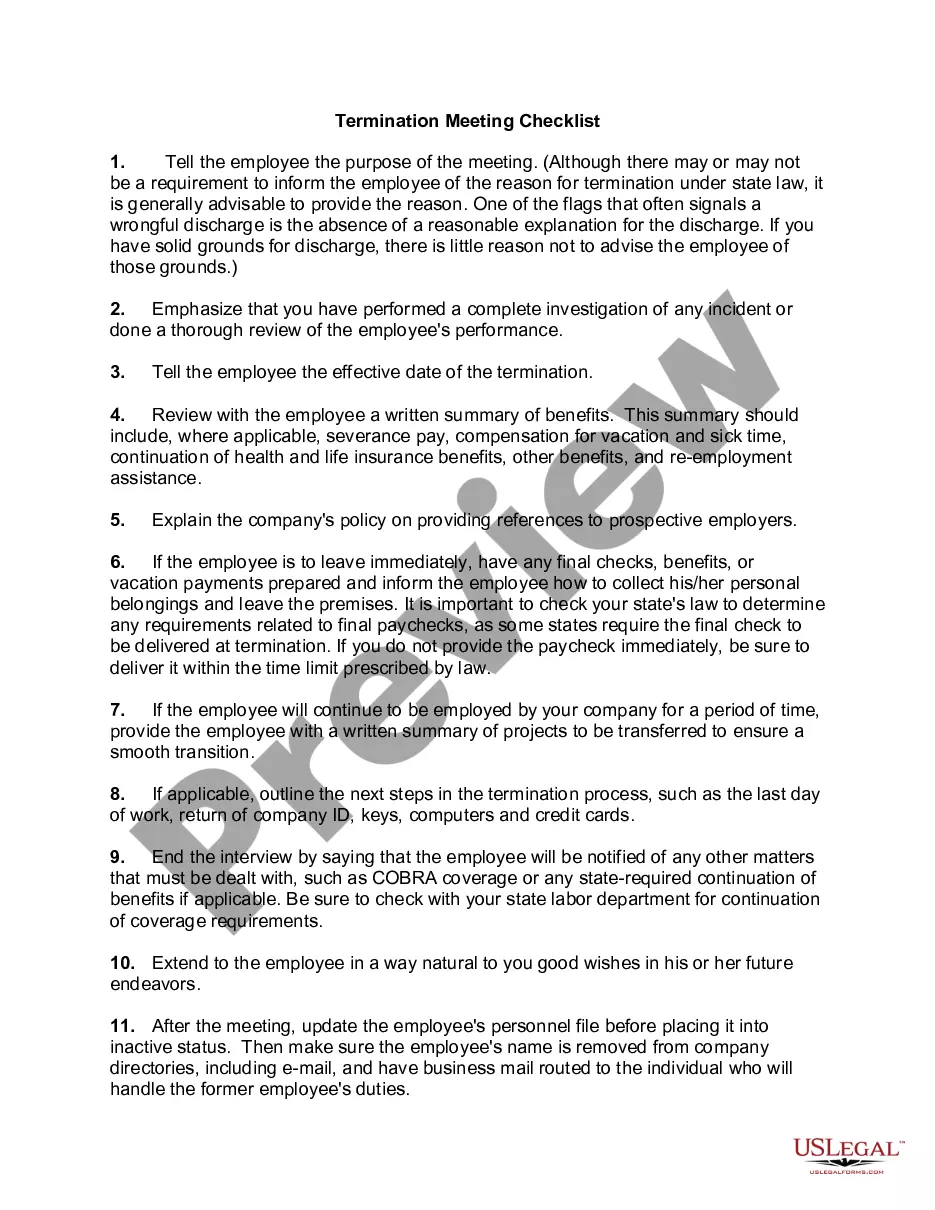
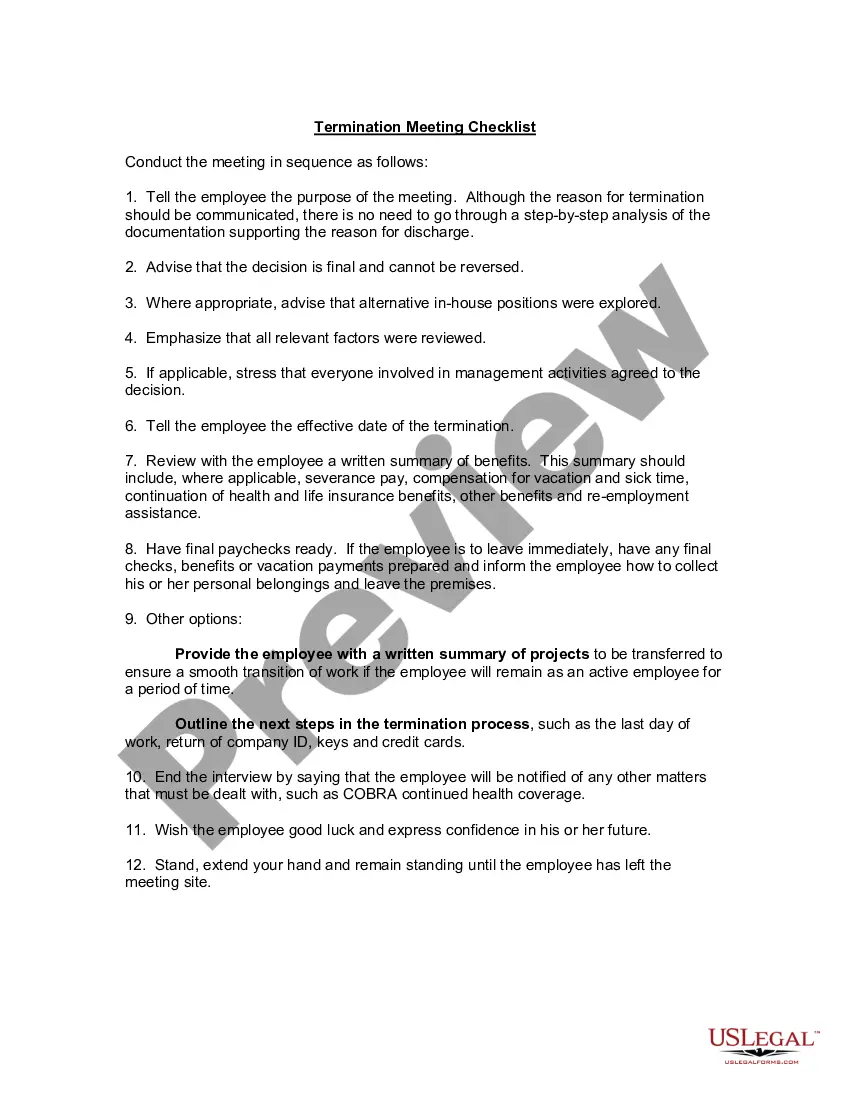
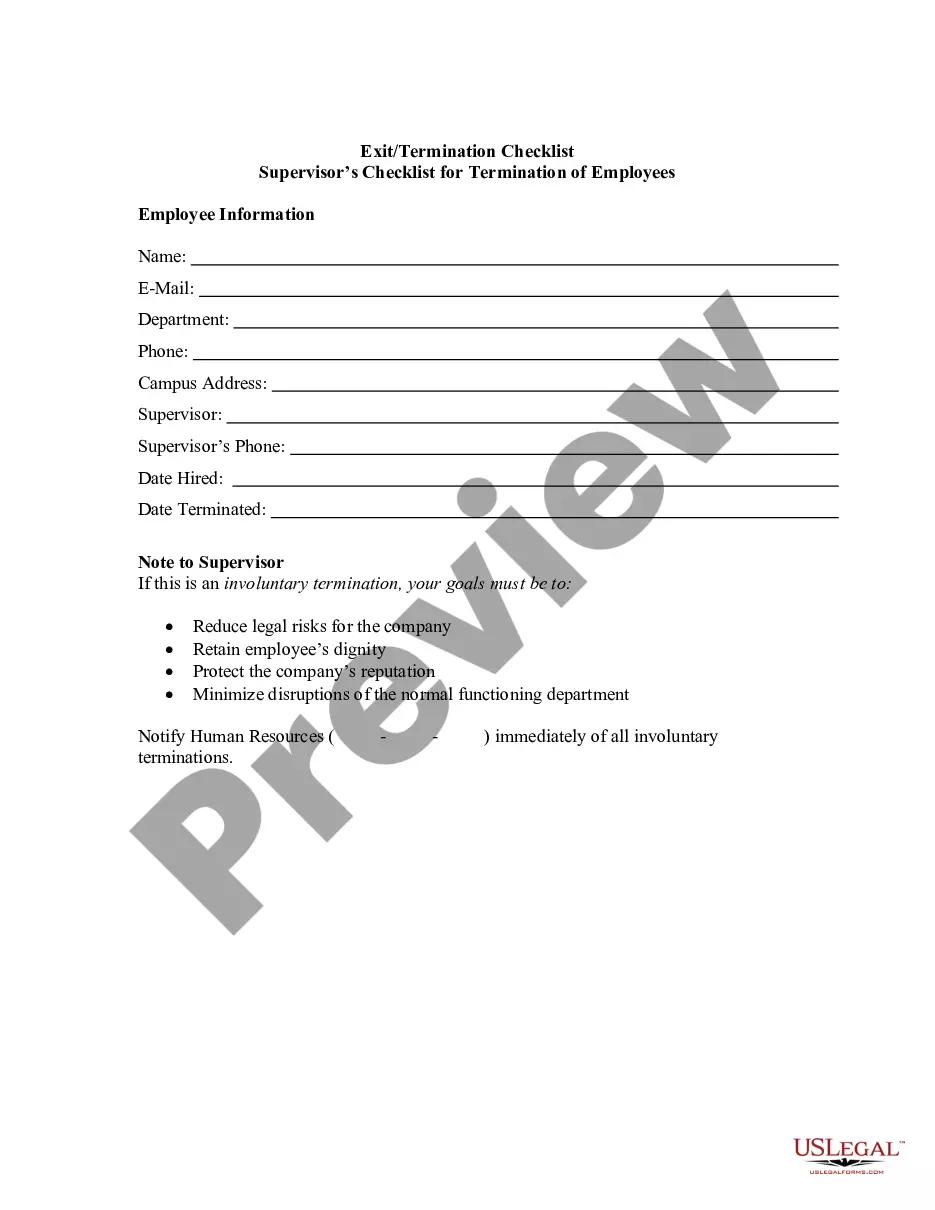
Exit Checklist Format
Description
Get your form ready online
Our built-in tools help you complete, sign, share, and store your documents in one place.
Make edits, fill in missing information, and update formatting in US Legal Forms—just like you would in MS Word.
Download a copy, print it, send it by email, or mail it via USPS—whatever works best for your next step.
Sign and collect signatures with our SignNow integration. Send to multiple recipients, set reminders, and more. Go Premium to unlock E-Sign.
If this form requires notarization, complete it online through a secure video call—no need to meet a notary in person or wait for an appointment.
We protect your documents and personal data by following strict security and privacy standards.

Make edits, fill in missing information, and update formatting in US Legal Forms—just like you would in MS Word.

Download a copy, print it, send it by email, or mail it via USPS—whatever works best for your next step.

Sign and collect signatures with our SignNow integration. Send to multiple recipients, set reminders, and more. Go Premium to unlock E-Sign.

If this form requires notarization, complete it online through a secure video call—no need to meet a notary in person or wait for an appointment.

We protect your documents and personal data by following strict security and privacy standards.
Looking for another form?


How to fill out Employment Exit Checklist?
The Exit Checklist Template you see on this page is a versatile legal document crafted by expert attorneys in accordance with national and regional regulations.
For over 25 years, US Legal Forms has supplied individuals, businesses, and legal practitioners with more than 85,000 authenticated, state-specific templates for any professional or personal need. It’s the quickest, simplest, and most reliable method to secure the documents required, as the service assures the utmost level of data protection and anti-virus safeguards.
Subscribe to US Legal Forms to have authenticated legal templates ready for every aspect of life.
- Search for the template you require and review it.
- Explore the sample you searched and preview it or examine the document description to ensure it meets your requirements. If it doesn't, use the search function to find the appropriate one. Click 'Buy Now' once you have found the template you need.
- Register and sign in.
- Select the pricing option that works for you and create an account. Make a quick payment using PayPal or a credit card. If you already possess an account, Log In and check your subscription status to continue.
- Obtain the editable template.
- Choose the format you prefer for your Exit Checklist Template (PDF, Word, RTF) and store the sample on your device.
- Complete and endorse the document.
- Print the template for manual completion. Alternatively, use an online multi-functional PDF editor to swiftly and accurately fill in and sign your form with a valid signature.
- Download your documents once more.
- Utilize the same document repeatedly as needed. Access the 'My documents' section in your profile to re-download any forms you have purchased earlier.
Form popularity
FAQ
Wisconsin irrevocable trusts are less flexible than their revocable cousins, as once these trusts are created, they cannot be changed.
A trust instrument is a writing declaration or agreement to allocate a settlor's property to their beneficiaries. It consists of the trust and regulates how the trust is executed. Trust instruments can be amended or revoked by the settlor at any time (but there are some exceptions, like irrevocable trusts).
It's important to know what you want to change and where in your trust document this information lives (such as the article number you're amending). Fill out the amendment form. Complete the entire form. It's important to be clear and detailed in describing your changes.
If there is no amendment clause in the Trust Deed, any amendment has to be done with the permission of a Civil Court. Once the Civil Court has allowed permission for amendment, it is not open on the part of the Income Tax Officer or any other person to challenge such amendment.
By its very nature, a revocable trust can generally be revoked, amended, and modified by the grantor (aka settlor, trust or). This, so long as the grantor is alive and not incapacitated. And provided the trust instrument permits the grantor to make such changes.
?Amended? means that the document has ?changed?? that someone has revised the document. ?Restated? means ?presented in its entirety?, ? as a single, complete document. ingly, ?amended and restated? means a complete document into which one or more changes have been incorporated.
How to get a certificate of trust With a lawyer. An estate planning attorney can draft a certificate of trust for you to accompany your trust. With estate planning software. ... With a state-specific form from a financial institution or notary public.
If you are creating a trust in Wisconsin, you will need to sign the final trust document in front of a notary. Once you have the trust document complete and signed in front of a notary, you will place assets into the trust, a process known as ?funding the trust.? Once the trust is funded, it is active.