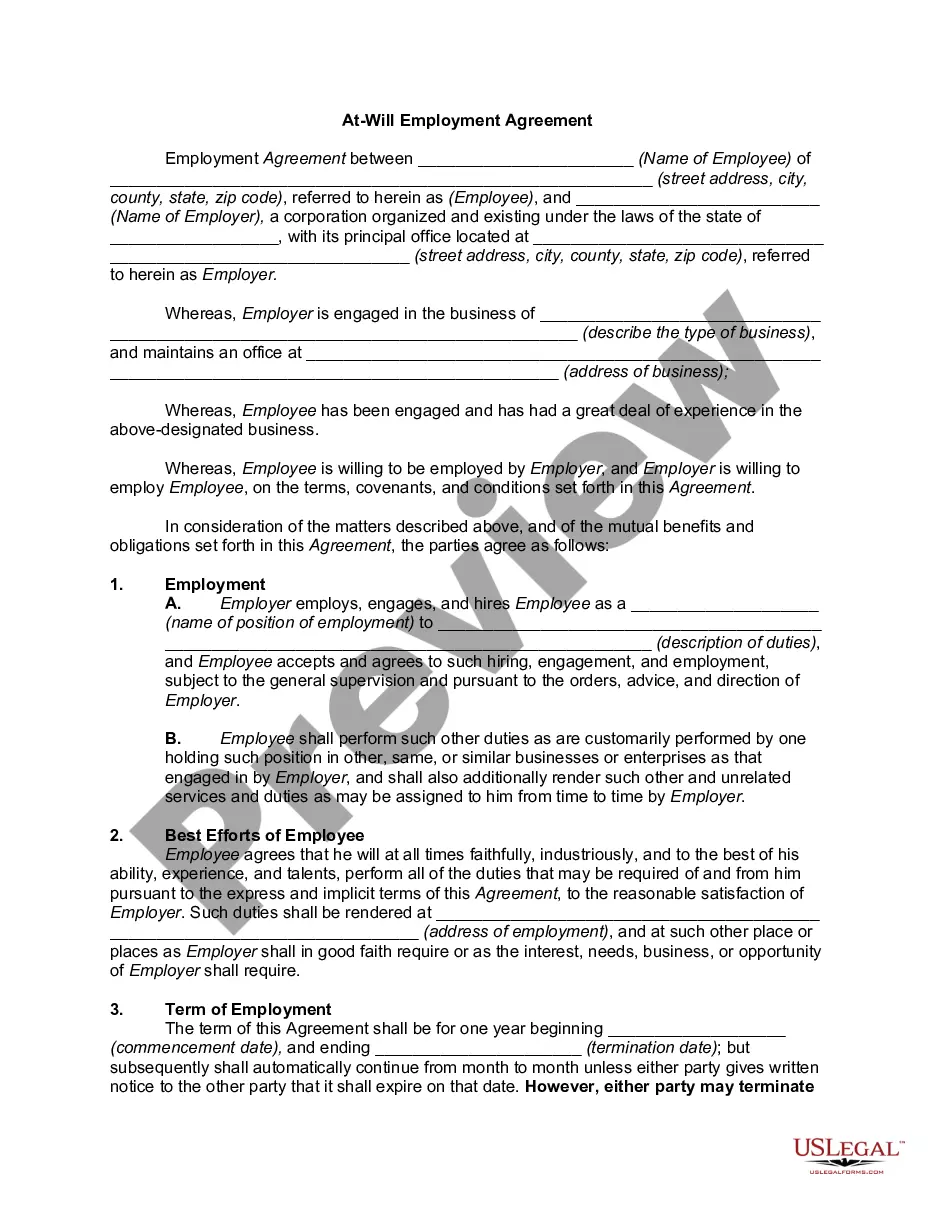
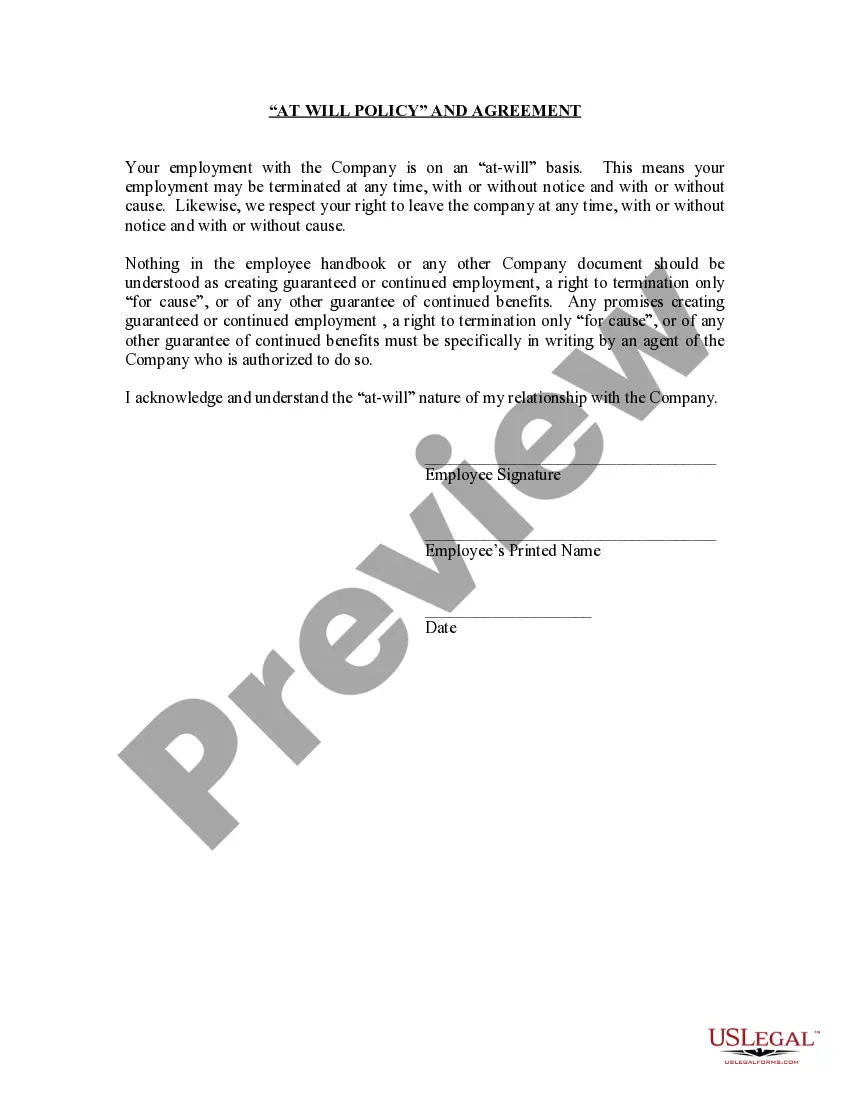
Will Policy With 3 Points
Description
Get your form ready online
Our built-in tools help you complete, sign, share, and store your documents in one place.
Make edits, fill in missing information, and update formatting in US Legal Forms—just like you would in MS Word.
Download a copy, print it, send it by email, or mail it via USPS—whatever works best for your next step.
Sign and collect signatures with our SignNow integration. Send to multiple recipients, set reminders, and more. Go Premium to unlock E-Sign.
If this form requires notarization, complete it online through a secure video call—no need to meet a notary in person or wait for an appointment.
We protect your documents and personal data by following strict security and privacy standards.

Make edits, fill in missing information, and update formatting in US Legal Forms—just like you would in MS Word.

Download a copy, print it, send it by email, or mail it via USPS—whatever works best for your next step.

Sign and collect signatures with our SignNow integration. Send to multiple recipients, set reminders, and more. Go Premium to unlock E-Sign.

If this form requires notarization, complete it online through a secure video call—no need to meet a notary in person or wait for an appointment.

We protect your documents and personal data by following strict security and privacy standards.
Looking for another form?







How to fill out Employment At Will Policy?
Locating a reliable resource for obtaining the latest and suitable legal documents is a significant part of managing red tape.
Selecting the correct legal forms demands accuracy and careful consideration, which is why it is vital to take examples of Will Policy With 3 Points solely from trustworthy sources, such as US Legal Forms.
Once the form is on your device, you can modify it with the editor or print it out to fill in manually. Eliminate the hassle associated with your legal documents. Browse through the extensive US Legal Forms library to find legal templates, assess their appropriateness for your circumstances, and download them immediately.
- Use the catalog or search feature to locate your sample.
- Check the description of the form to confirm it meets your state's and locality's criteria.
- Preview the form, if available, to verify that it is the template you need.
- Return to the search if the Will Policy With 3 Points isn't suitable for your requirements.
- When you are certain about the form's appropriateness, download it.
- If you're an established customer, click Log in to verify and access your chosen templates in My documents.
- If you do not yet have an account, click Buy now to obtain the form.
- Select the pricing option that best fits your needs.
- Continue to register to finalize your transaction.
- Complete the purchase by selecting a payment method (credit card or PayPal).
- Choose the file format for downloading Will Policy With 3 Points.
Form popularity
FAQ
Grace decided to e-file her taxes this year. Why should Grace file her state and federal taxes through the same software? Grace will have just one submission ID, which makes it less likely the state will reject her tax return.
?When you use two separate services to file your state and federal returns, the returns aren't linked in the e-filing system,? she explains. ?Using the same software means you'll have just one submission ID, which can help prevent the state from rejecting your electronically filed return.?
The TurboTax state program is designed to transfer information from your federal return. For this reason, TurboTax state isn't sold as a standalone tax-preparation product. You can use TurboTax to prepare and file your federal return without your state?but not the other way around.
Requesting copies by phone ? 800-TAX-FORM (800-829-3676). Hours of operation are 7 a.m. to 10 p.m., Monday-Friday, your local time ? except Alaska and Hawaii which are Pacific time.
How to File Your Taxes This Year: 6 Simple Steps Step 1: Determine if You Need to File. First things first. ... Step 2: Gather Your Tax Documents. ... Step 3: Pick a Filing Status. ... Step 4: Choose Between the Standard Deduction or Itemizing. ... Step 5: Choose How to File. ... Step 6: File Your Taxes.
Get federal tax forms Download them from IRS.gov. Order online and have them delivered by U.S. mail. Order by phone at 1-800-TAX-FORM (1-800-829-3676)
The wizard guides the preparer through the steps of completing the tax return. Using tax preparation software, many taxpayers can prepare both the federal and state returns at the same time. Your chances of getting an error notice are significantly reduced.
If you need to file using one filing status on the federal form and a different filing status on the state form, you will have to prepare multiple returns in TaxAct. The exception is when a state allows for the filing status of married filing separate on a combined return.