Printable Texas Title Transfer Form With Spanish

Description
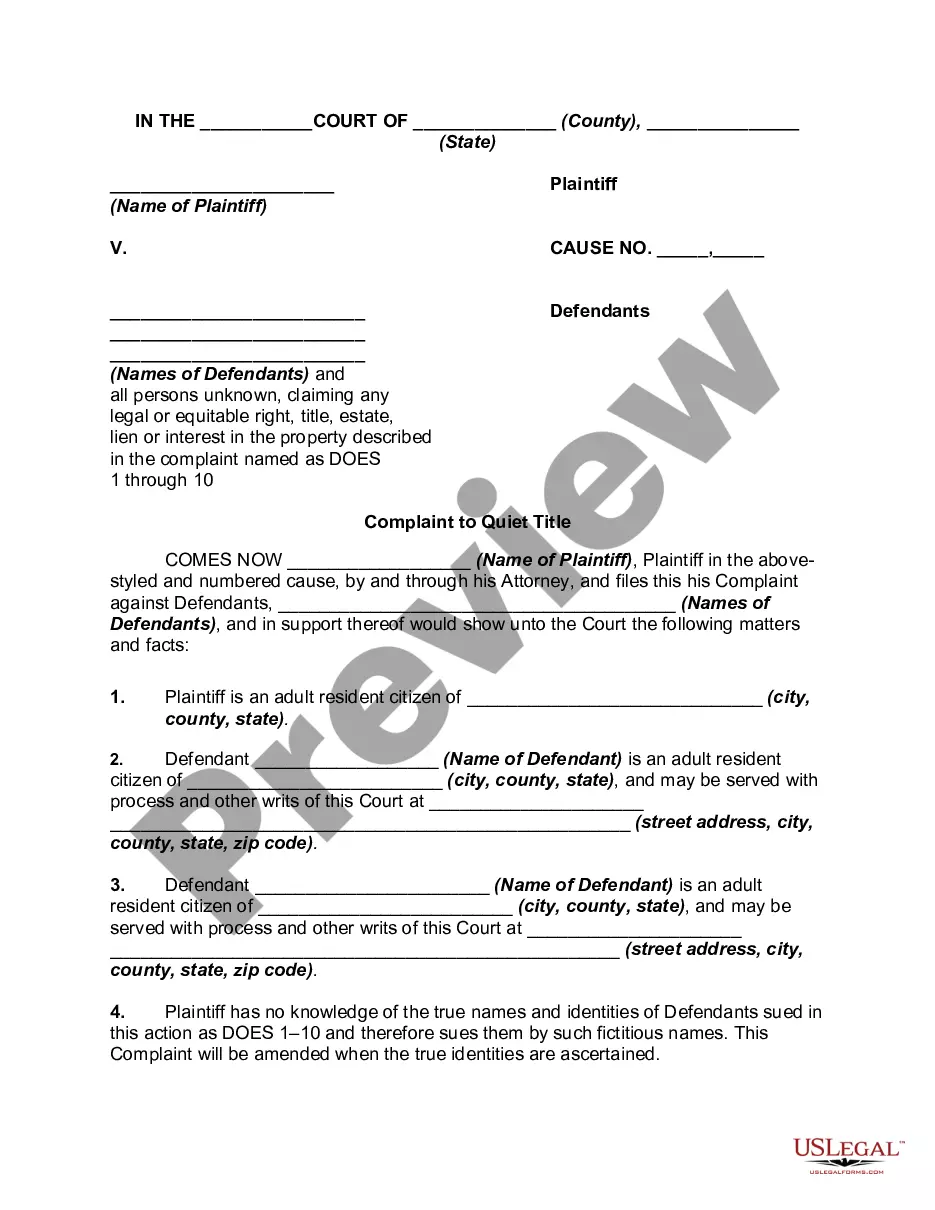
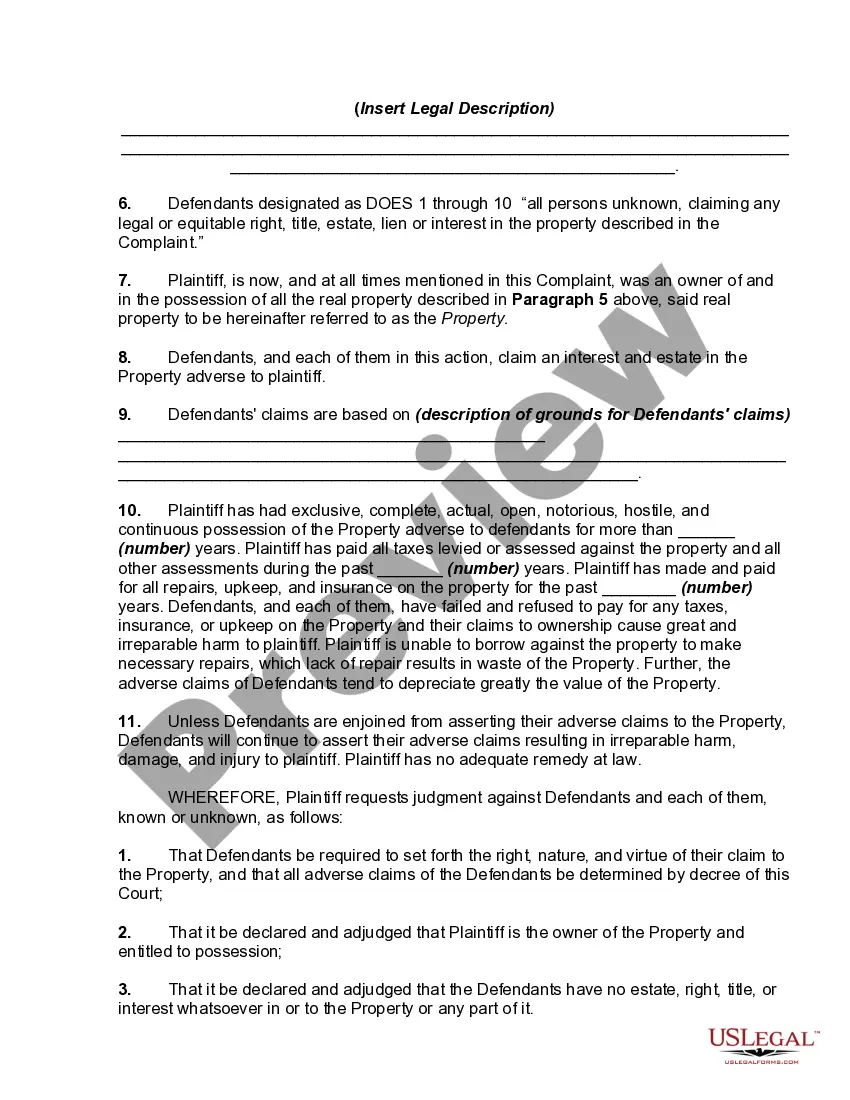
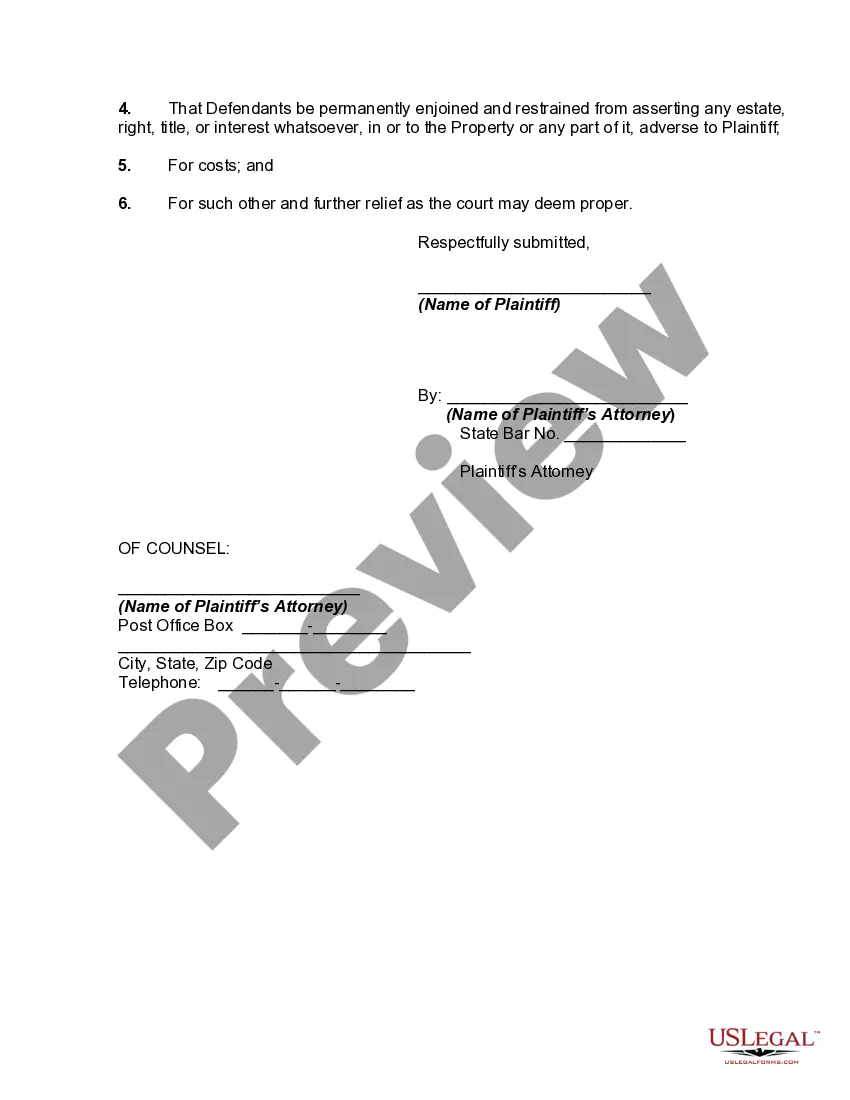
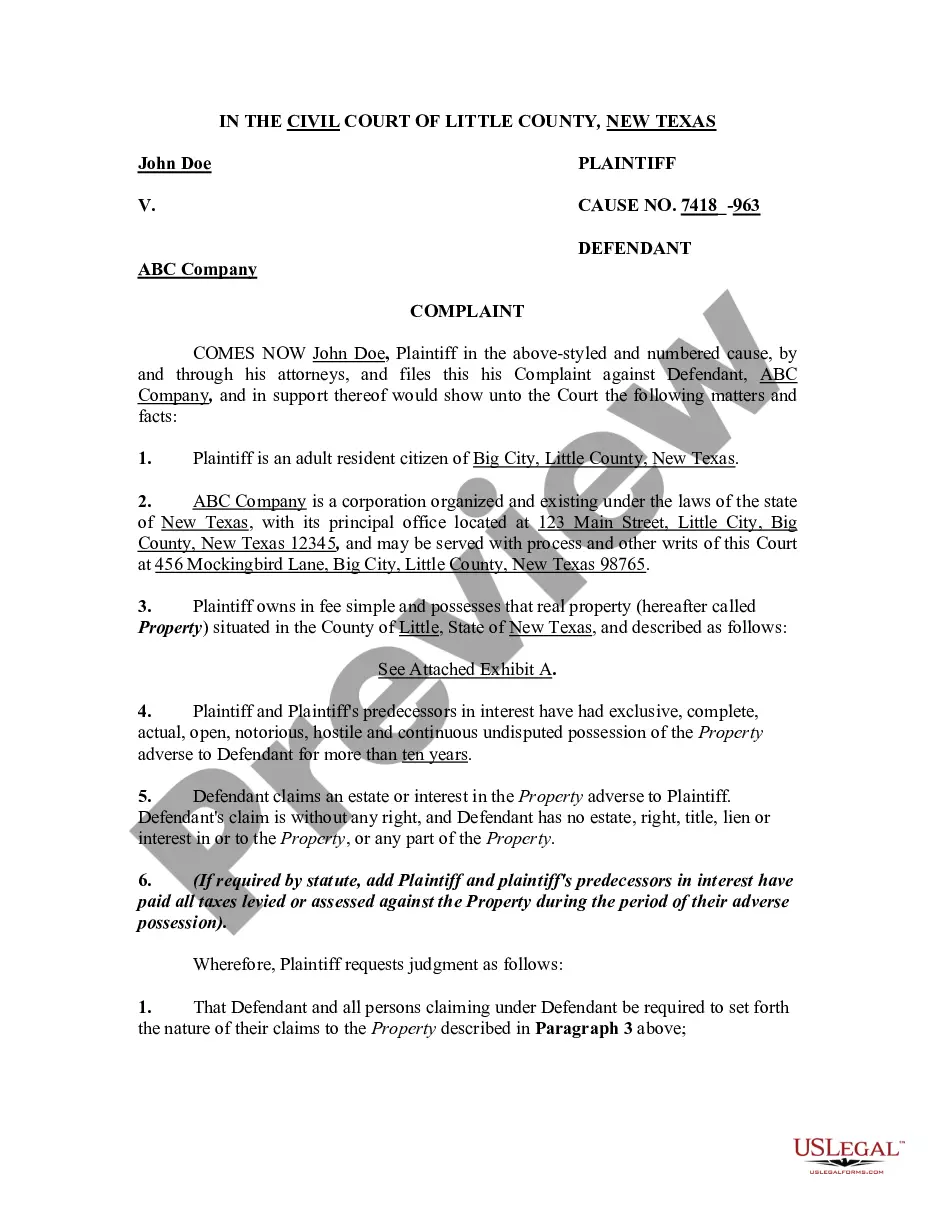
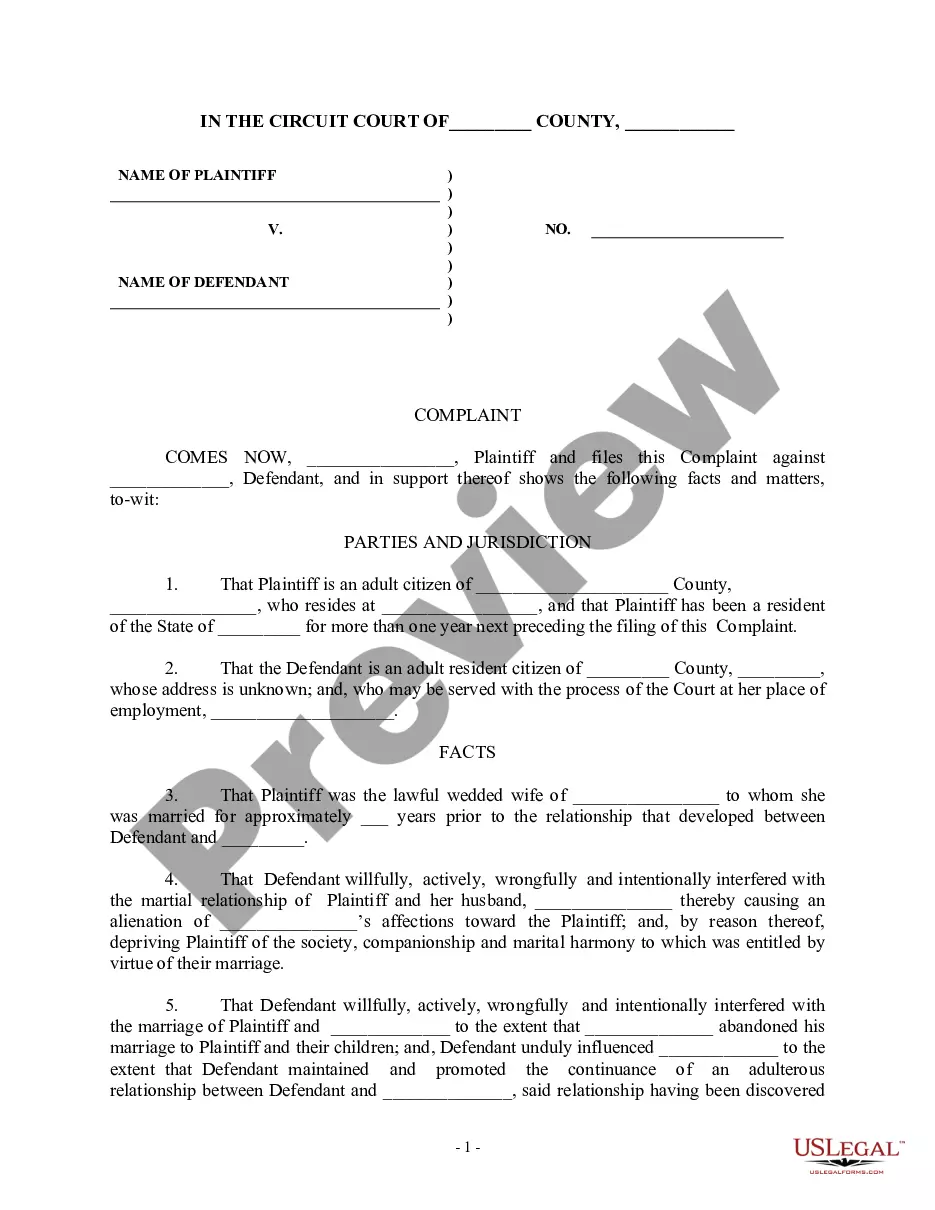
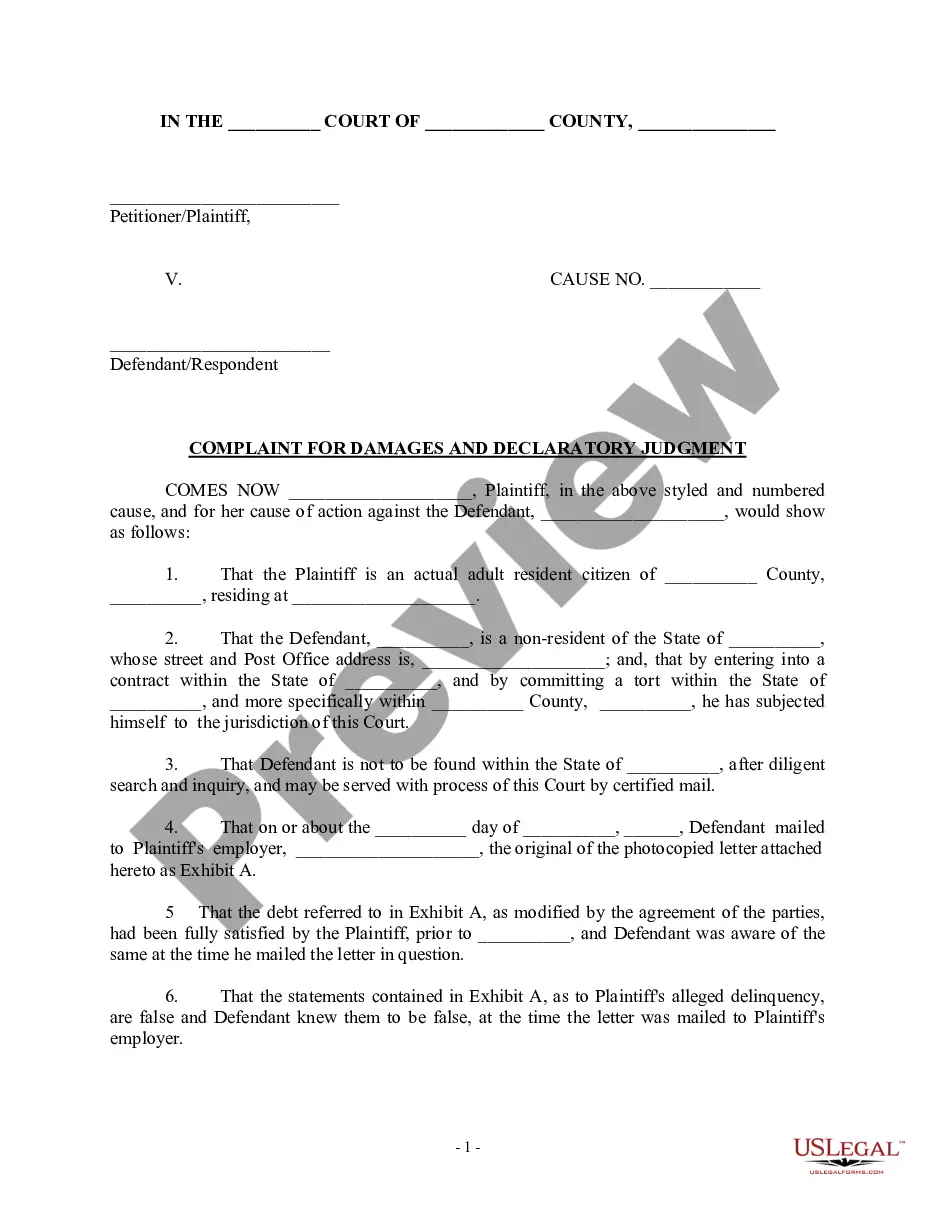
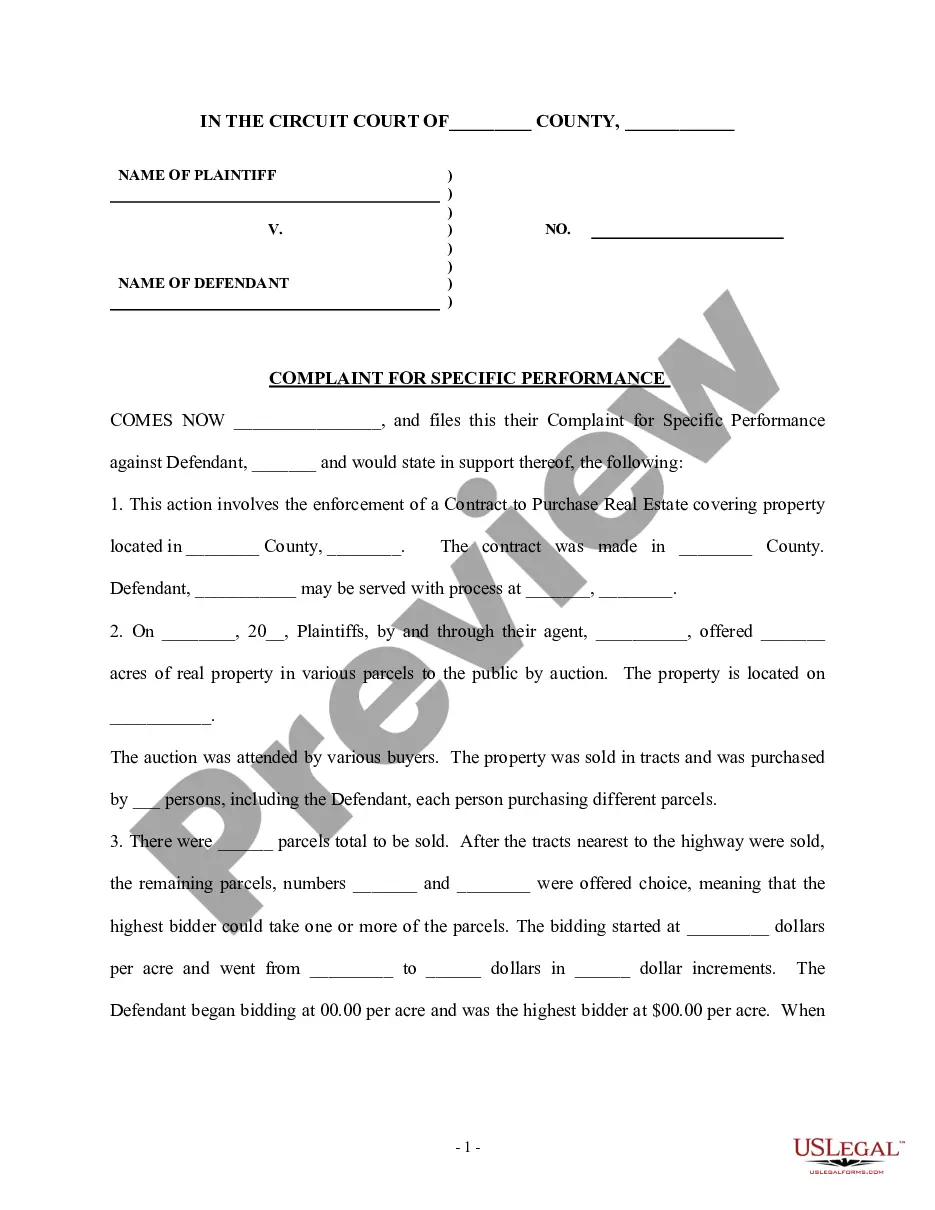
Get your form ready online
Our built-in tools help you complete, sign, share, and store your documents in one place.
Make edits, fill in missing information, and update formatting in US Legal Forms—just like you would in MS Word.
Download a copy, print it, send it by email, or mail it via USPS—whatever works best for your next step.
Sign and collect signatures with our SignNow integration. Send to multiple recipients, set reminders, and more. Go Premium to unlock E-Sign.
If this form requires notarization, complete it online through a secure video call—no need to meet a notary in person or wait for an appointment.
We protect your documents and personal data by following strict security and privacy standards.

Make edits, fill in missing information, and update formatting in US Legal Forms—just like you would in MS Word.

Download a copy, print it, send it by email, or mail it via USPS—whatever works best for your next step.

Sign and collect signatures with our SignNow integration. Send to multiple recipients, set reminders, and more. Go Premium to unlock E-Sign.

If this form requires notarization, complete it online through a secure video call—no need to meet a notary in person or wait for an appointment.

We protect your documents and personal data by following strict security and privacy standards.
Looking for another form?
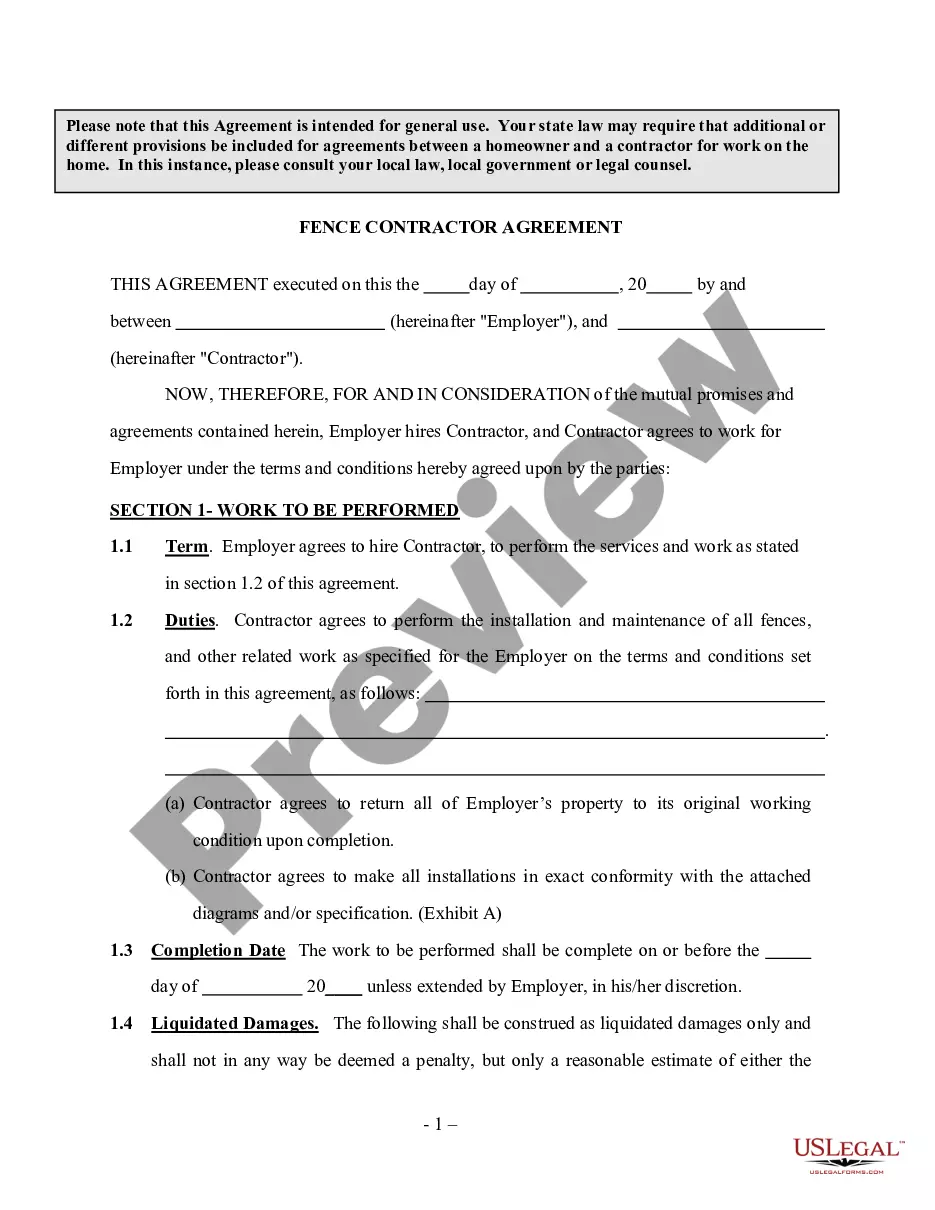
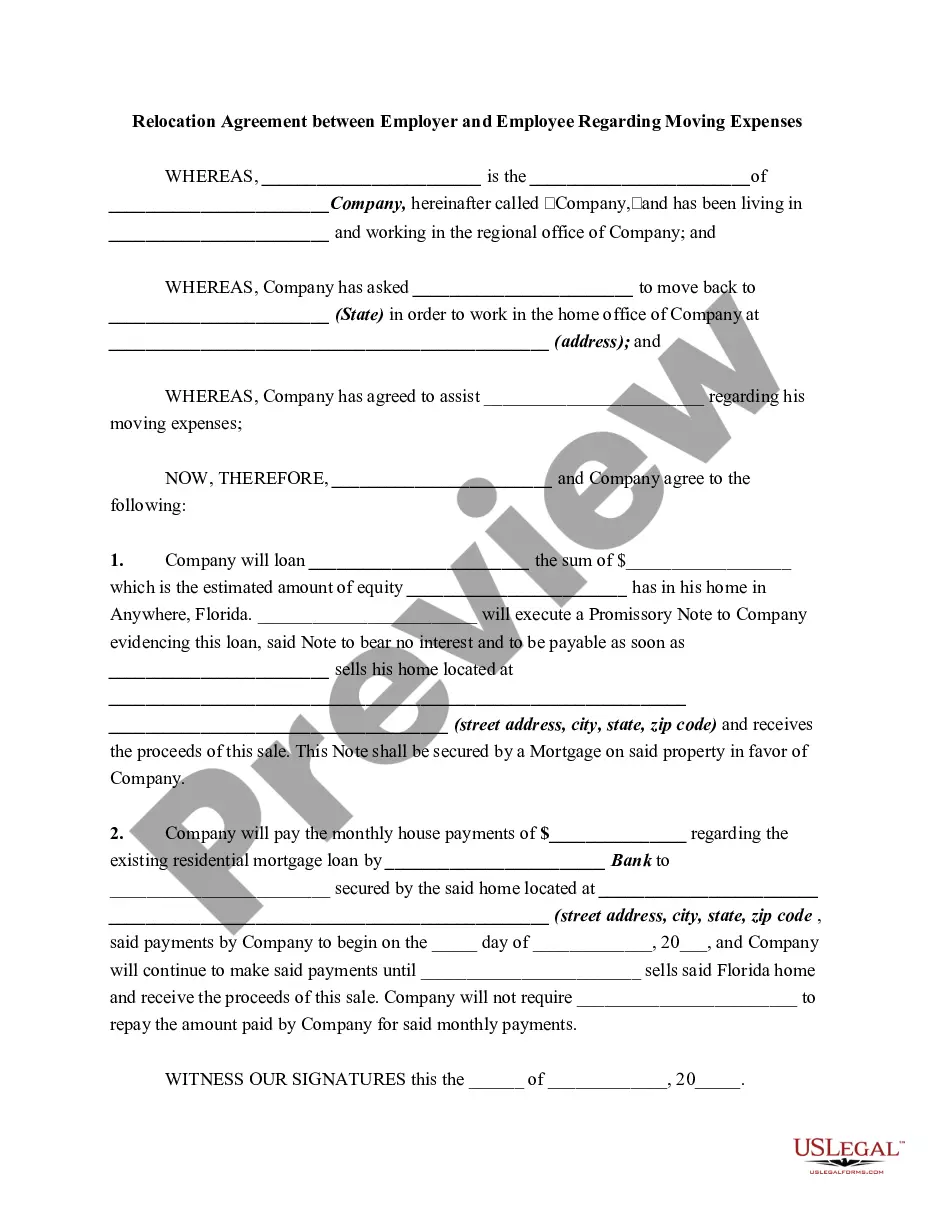
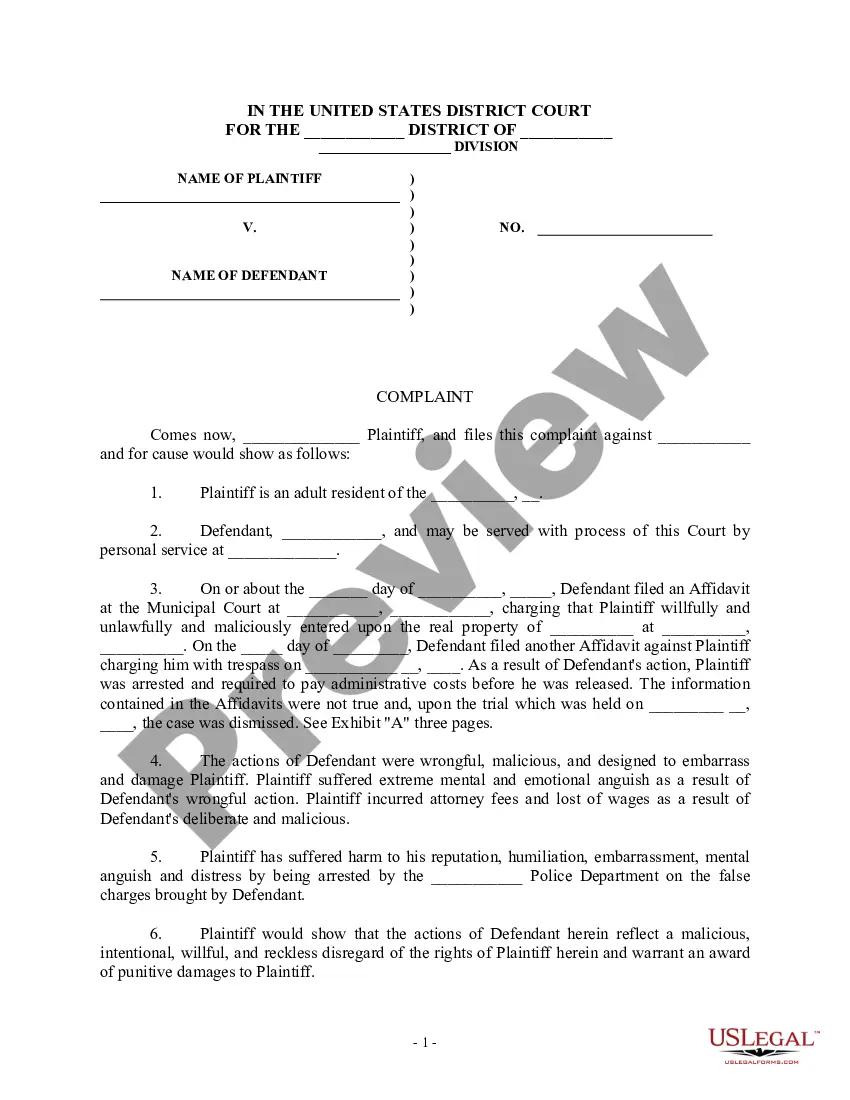
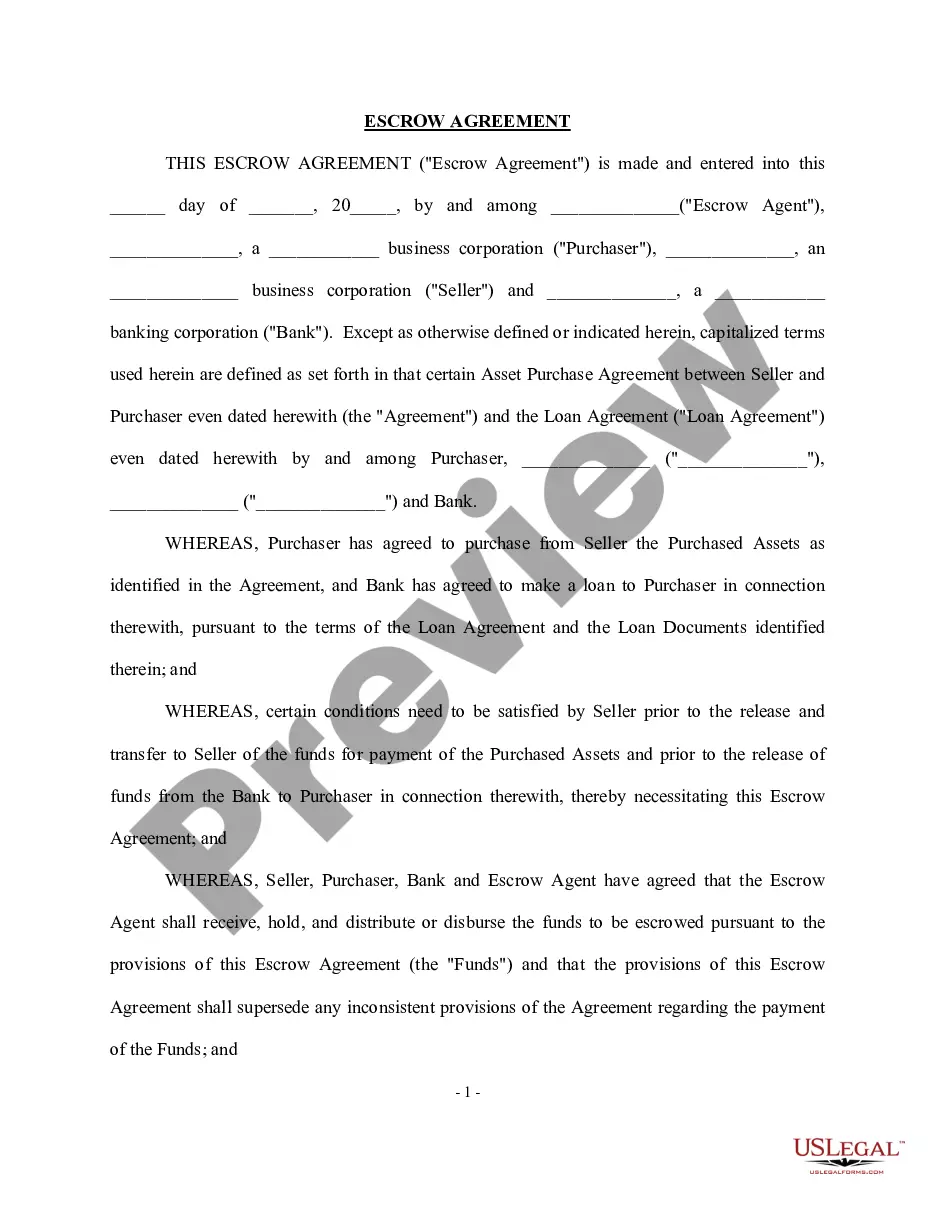

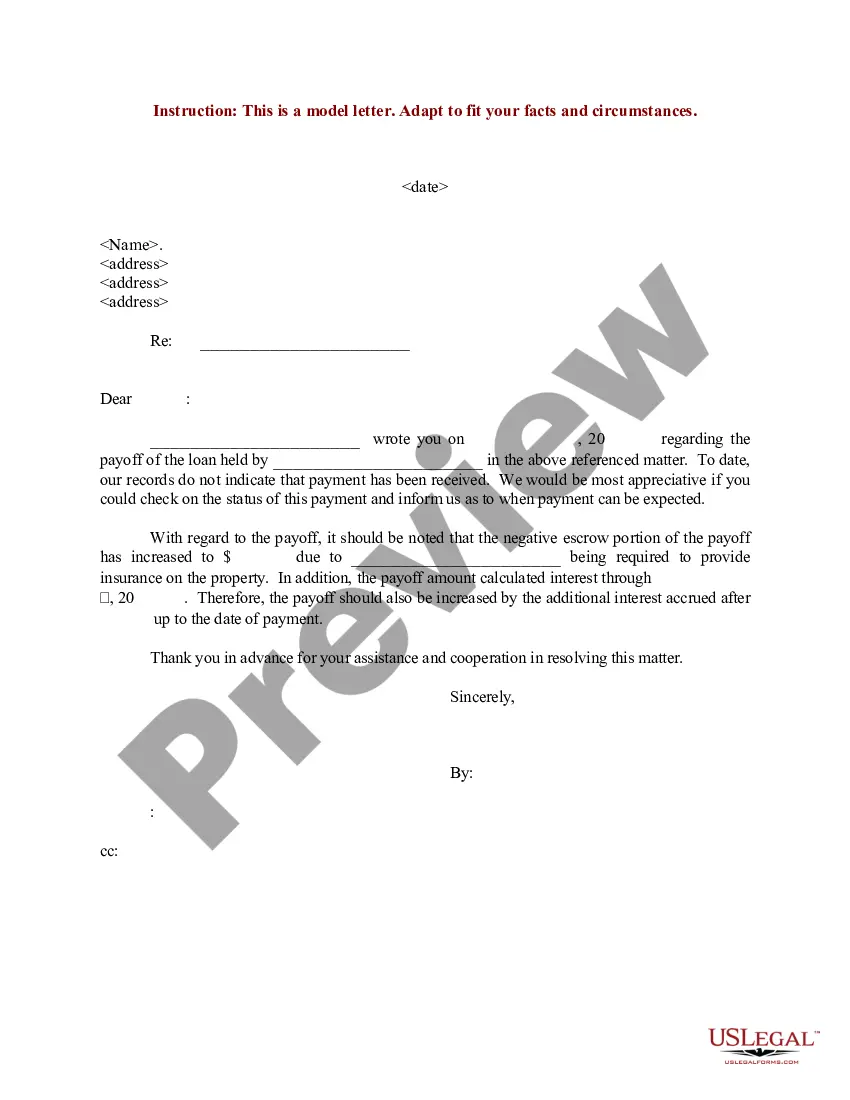
How to fill out Complaint To Quiet Title By Adverse Possessor With Unknown Defendants?
The Printable Texas Title Transfer Document in Spanish displayed on this page is a reusable official template created by qualified attorneys in accordance with national and local laws and regulations.
For over 25 years, US Legal Forms has supplied individuals, businesses, and legal practitioners with more than 85,000 authenticated, state-specific documents for any personal and professional scenario. It’s the quickest, simplest, and most dependable method to acquire the forms you require, as the service assures the utmost level of data protection and anti-virus security.
Register with US Legal Forms to access verified legal templates for all of life's situations.
- Search for the document you require and examine it.
- Explore the sample you searched for and preview it or review the form description to ensure it meets your requirements. If it doesn't, utilize the search bar to find the right one. Click Buy Now when you locate the template you need.
- Register and Log Into your account.
- Select the pricing plan that fits you and create an account. Use PayPal or a credit card to make a quick payment. If you already possess an account, Log In and verify your subscription to continue.
- Obtain the fillable template.
- Choose the format you prefer for your Printable Texas Title Transfer Document in Spanish (PDF, DOCX, RTF) and download the sample onto your device.
- Complete and sign the document.
- Print the template to fill it out manually. Alternatively, use an online multi-functional PDF editor to swiftly and accurately complete and sign your form with an eSignature.
- Download your paperwork again.
- Use the same document again whenever necessary. Access the My documents section in your profile to re-download any previously saved documents.
Form popularity
FAQ
New Address Mail to: North Carolina Department of Revenue, P.O. Box 25000, Raleigh, North Carolina 27640-0001 (Do not send this form with a tax return.) *If you registered via the Streamlined Sales Tax Registration System, do not use this form. Any updates must be made at .sstregister.org.
To update your address, please complete the Change of Address Form for Individuals, call the Department toll-free at 1-877-252-3052, or write to: North Carolina Department of Revenue, Attn: Customer Service, P.O. Box 1168, Raleigh, NC 27602-1168.
Change of Name or Address: If your preprinted name or address on the privilege license is incorrect, please call the Department at (877) 252-3052 (toll-free) to request a Form NC-AC, Business Address Correction, or you may write to Privilege License Tax, Customer Service, PO Box 1168, Raleigh, NC 27602-1168.
Some goods are exempt from sales tax under North Carolina law. Examples include most non-prepared food items, food stamps, and medical supplies. We recommend businesses review the laws and rules put forth by the NCDOR to stay up to date on which goods are taxable and which are exempt, and under what conditions.
What are the steps for changing an LLC name in North Carolina? Check if your new LLC name is available. File the North Carolina LLC Amendment form (and wait for approval) Update the IRS. Update the NC Department of Revenue. Update financial institutions (credit card companies, banks) Update business licenses.
Form NC-BR Business Registration Application for Income Tax Withholding, Sales and Use Tax, and Other Taxes and Service Charge.
New Address Mail to: North Carolina Department of Revenue, P.O. Box 25000, Raleigh, North Carolina 27640-0001 (Do not send this form with a tax return.) *If you registered via the Streamlined Sales Tax Registration System, do not use this form. Any updates must be made at .sstregister.org.
Marked ?Amended Return? in the coupon booklet or write ?Amended? at the top of a Form E-500 to report corrections for that period. The amended return should reflect your figures as corrected. ? Ensure the return is filled out completely. ? Ensure handwritten numbers are legible.