Motion Vacate Judgment Form With Court
Description







Get your form ready online
Our built-in tools help you complete, sign, share, and store your documents in one place.
Make edits, fill in missing information, and update formatting in US Legal Forms—just like you would in MS Word.
Download a copy, print it, send it by email, or mail it via USPS—whatever works best for your next step.
Sign and collect signatures with our SignNow integration. Send to multiple recipients, set reminders, and more. Go Premium to unlock E-Sign.
If this form requires notarization, complete it online through a secure video call—no need to meet a notary in person or wait for an appointment.
We protect your documents and personal data by following strict security and privacy standards.

Make edits, fill in missing information, and update formatting in US Legal Forms—just like you would in MS Word.

Download a copy, print it, send it by email, or mail it via USPS—whatever works best for your next step.

Sign and collect signatures with our SignNow integration. Send to multiple recipients, set reminders, and more. Go Premium to unlock E-Sign.

If this form requires notarization, complete it online through a secure video call—no need to meet a notary in person or wait for an appointment.

We protect your documents and personal data by following strict security and privacy standards.
Looking for another form?

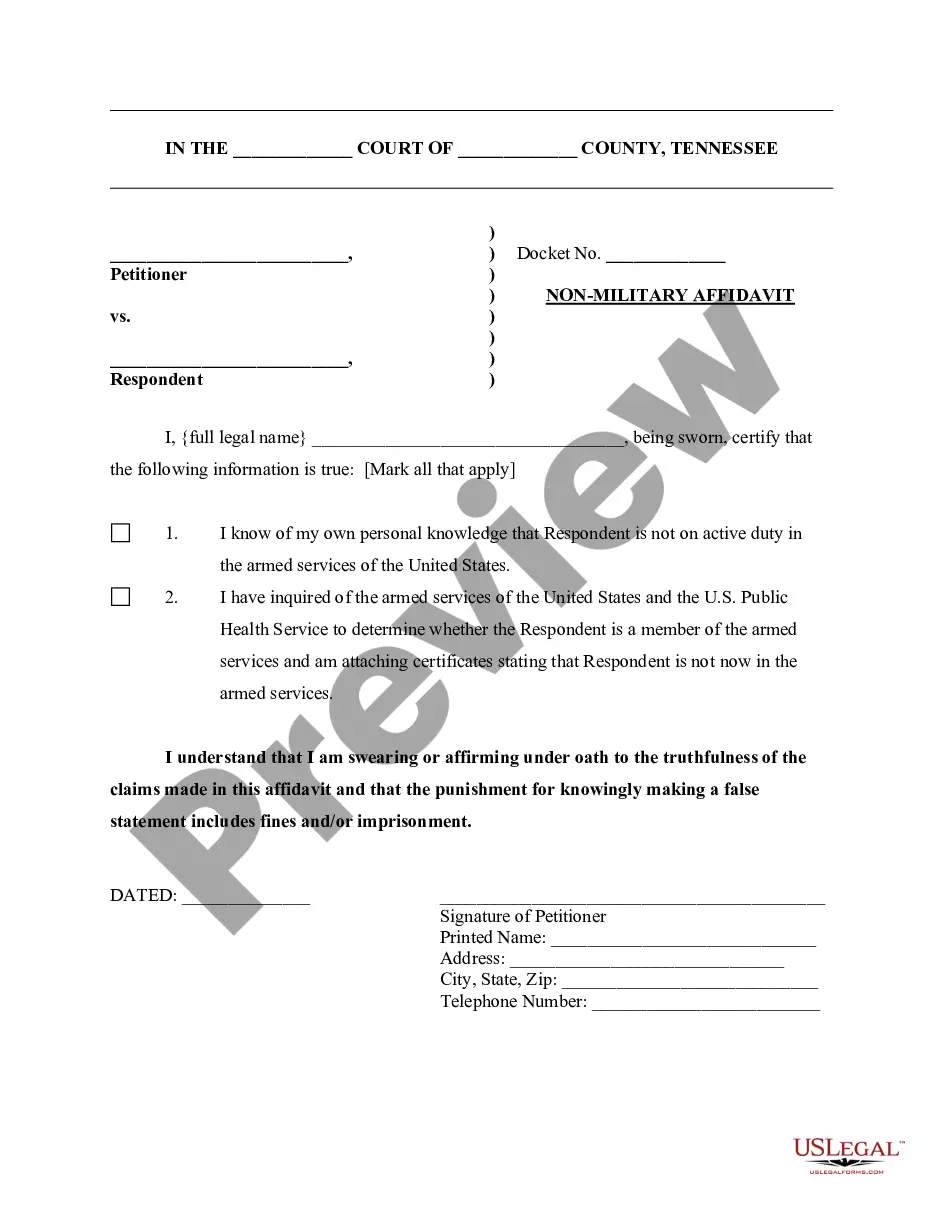





How to fill out Motion To Vacate Judgment, Quash Subpoena Duces Tecum, Dismiss Writ Of Garnishment, And For Leave To File An Answer To Complaint?
Whether for commercial purposes or personal matters, everyone eventually needs to handle legal situations in their lifetime.
Completing legal documents requires meticulous attention, beginning with selecting the correct form template.
With an extensive US Legal Forms catalog available, you do not need to waste time searching for the suitable template online. Utilize the library's straightforward navigation to find the right template for any situation.
- Obtain the template you require by using the search bar or directory navigation.
- Review the form's details to ensure it aligns with your case, state, and county.
- Click on the form's preview to inspect it.
- If it's not the correct document, return to the search option to find the Motion Vacate Judgment Form With Court template you need.
- Download the file if it satisfies your criteria.
- If you already possess a US Legal Forms account, simply click Log in to access previously saved templates in My documents.
- If you do not have an account yet, you can download the form by clicking Buy now.
- Select the appropriate pricing option.
- Complete the account registration form.
- Choose your payment method: use a credit card or PayPal account.
- Select the file format you desire and download the Motion Vacate Judgment Form With Court.
- Once saved, you can fill out the form using editing software or print it and complete it by hand.
Form popularity
FAQ
In Texas, to vacate a judgment, you must first file a motion vacate judgment form with court. Your motion must explain why the judgment should be overturned, often citing reasons like improper notice or clerical errors. Following submission, the court may schedule a hearing to review your motion. Ensure you follow local rules for the best chance of success.
In Washington State, a motion to vacate judgment allows individuals to request the court to nullify or set aside an existing judgment. This request often stems from new evidence, fraud, or a lack of proper notice about the original court proceedings. Utilizing the appropriate motion vacate judgment form with court ensures that your request is presented correctly. It's important to follow both state rules and procedures when filing this motion.
Removing A Judgment from Your Record There are only three ways in which a judgment can be made to go away: paying the debt, vacating the judgment or discharging the debt through bankruptcy.
Get the form SC-135: Notice of Motion to Vacate Judgment. You must explain on the form why you did not come to court. File the form with the Small Claims Court Clerk's Office at the court where your case was heard. Pay the filing fee.
You can file a motion to revise or vacate (cancel) the judgment in writing within 30 days after the date of the judgment. This motion is usually filed to correct clerical errors, or to vacate a judgment if you believe that you were not served with the court papers or were not notified of the court date.
If you file a motion to vacate a default or a default judgment, you must file an answer to the original complaint along with any cross claims or counterclaims you may wish to assert, and the motion must be accompanied by the appropriate fee.
To set aside a default judgment, the defendant must demonstrate that its failure to answer or otherwise appear and defend was due to excusable neglect under the circumstances and that it has a meritorious defense either to the cause of action itself or the quantum of damages assessed.