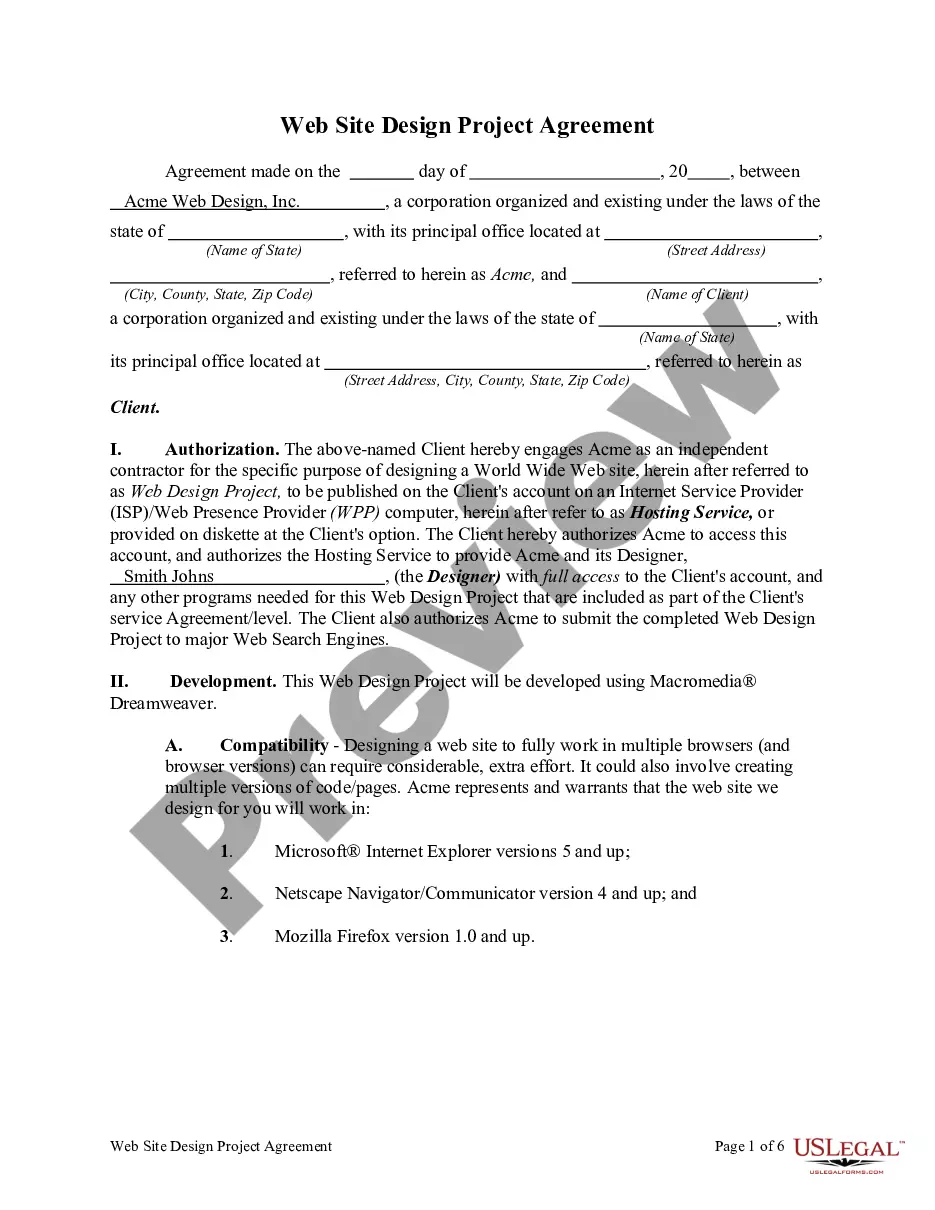
Contract Web Designer Form With Html And Css
Description
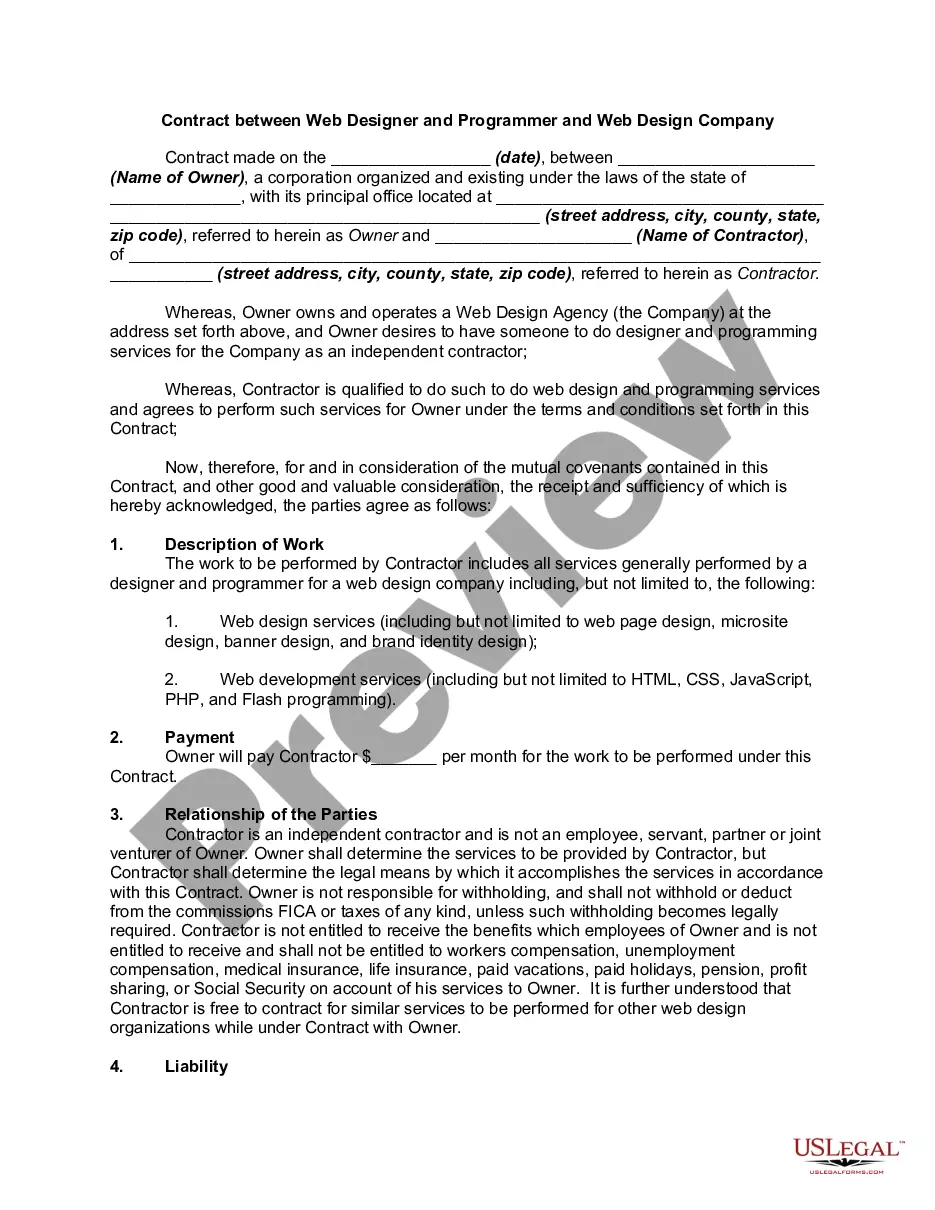
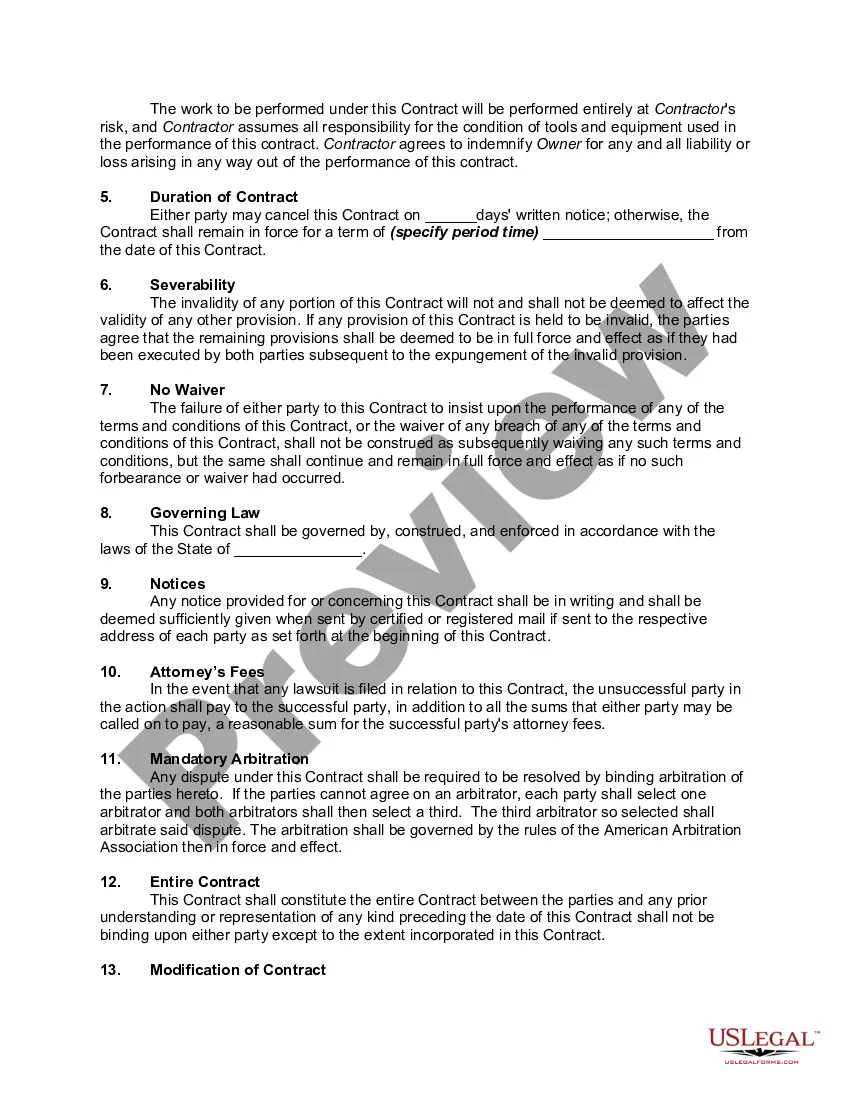
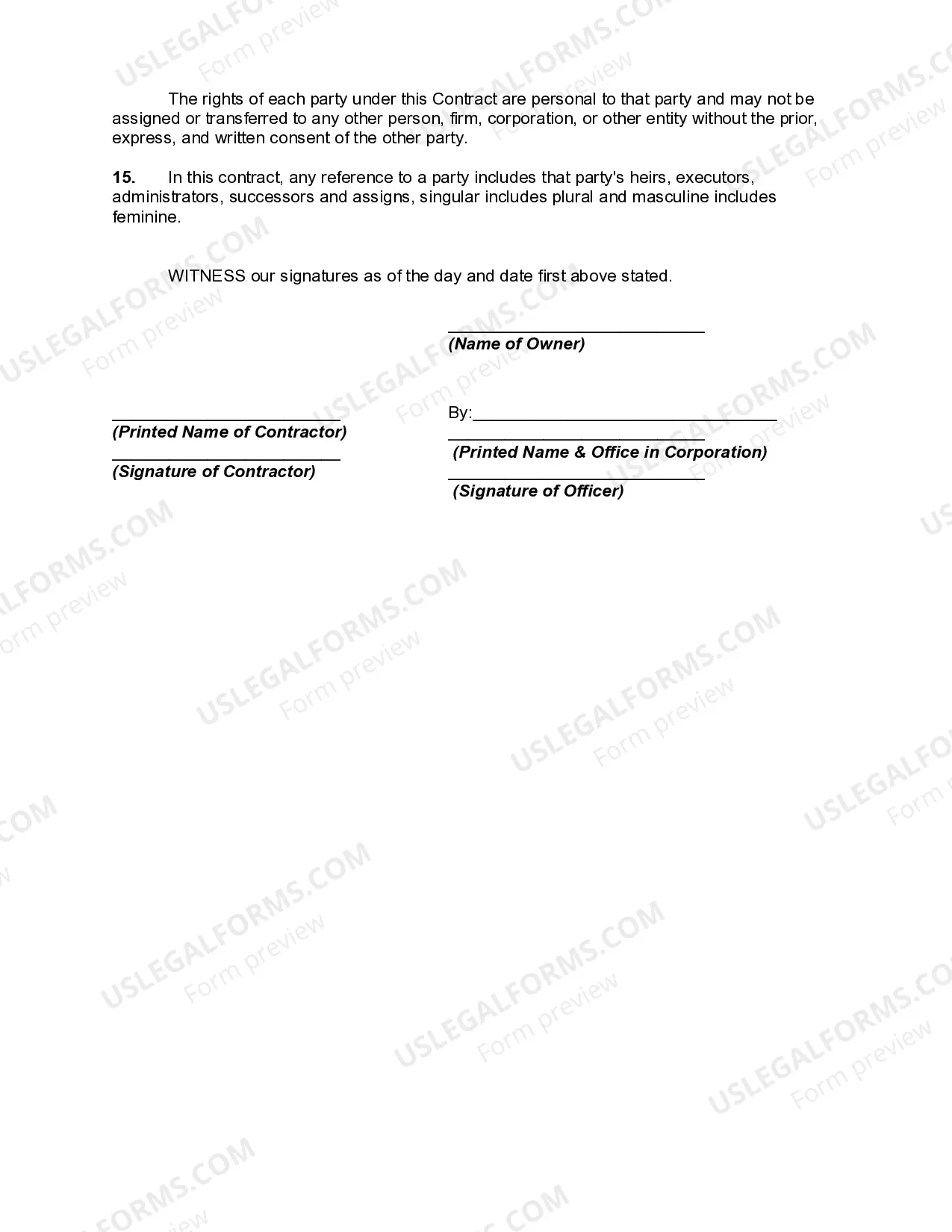
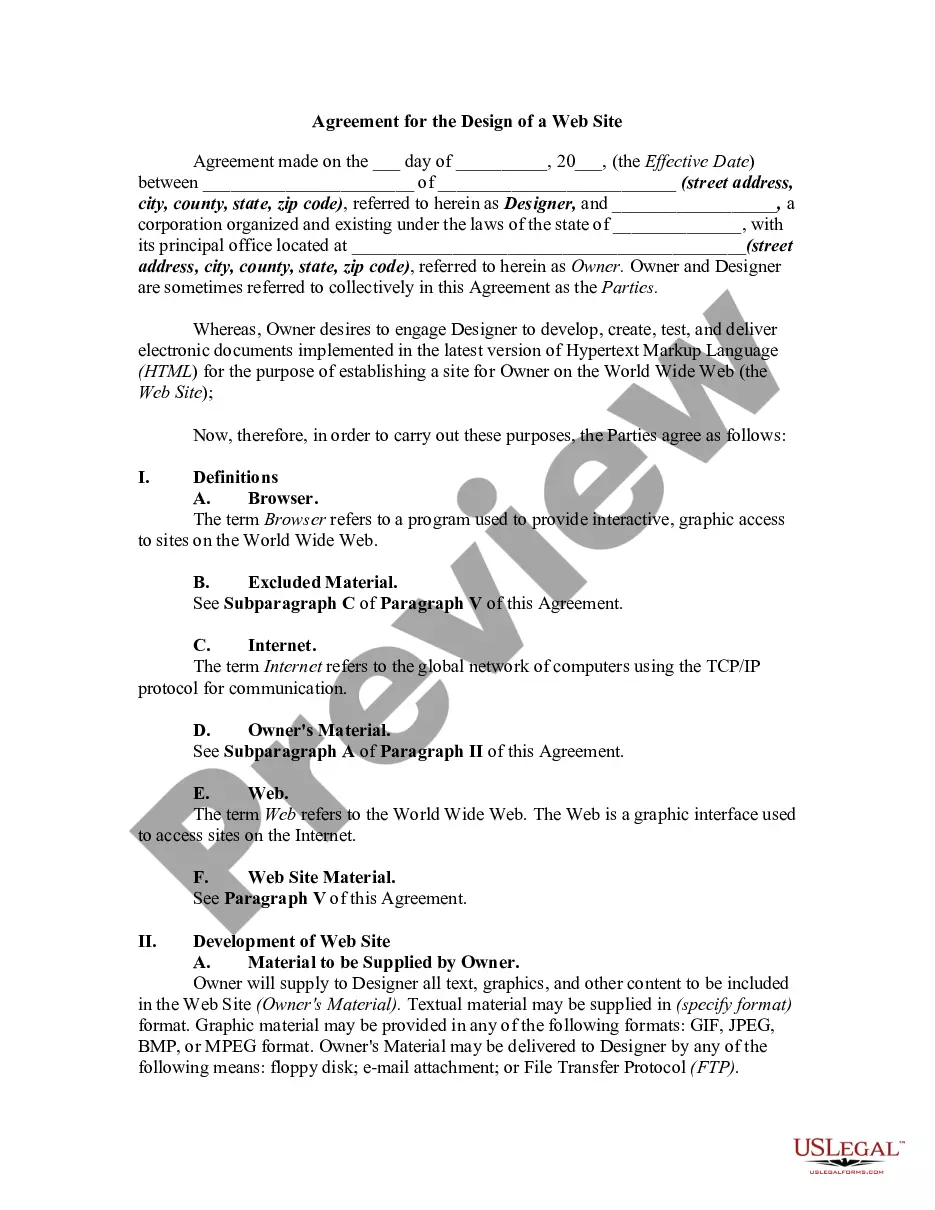
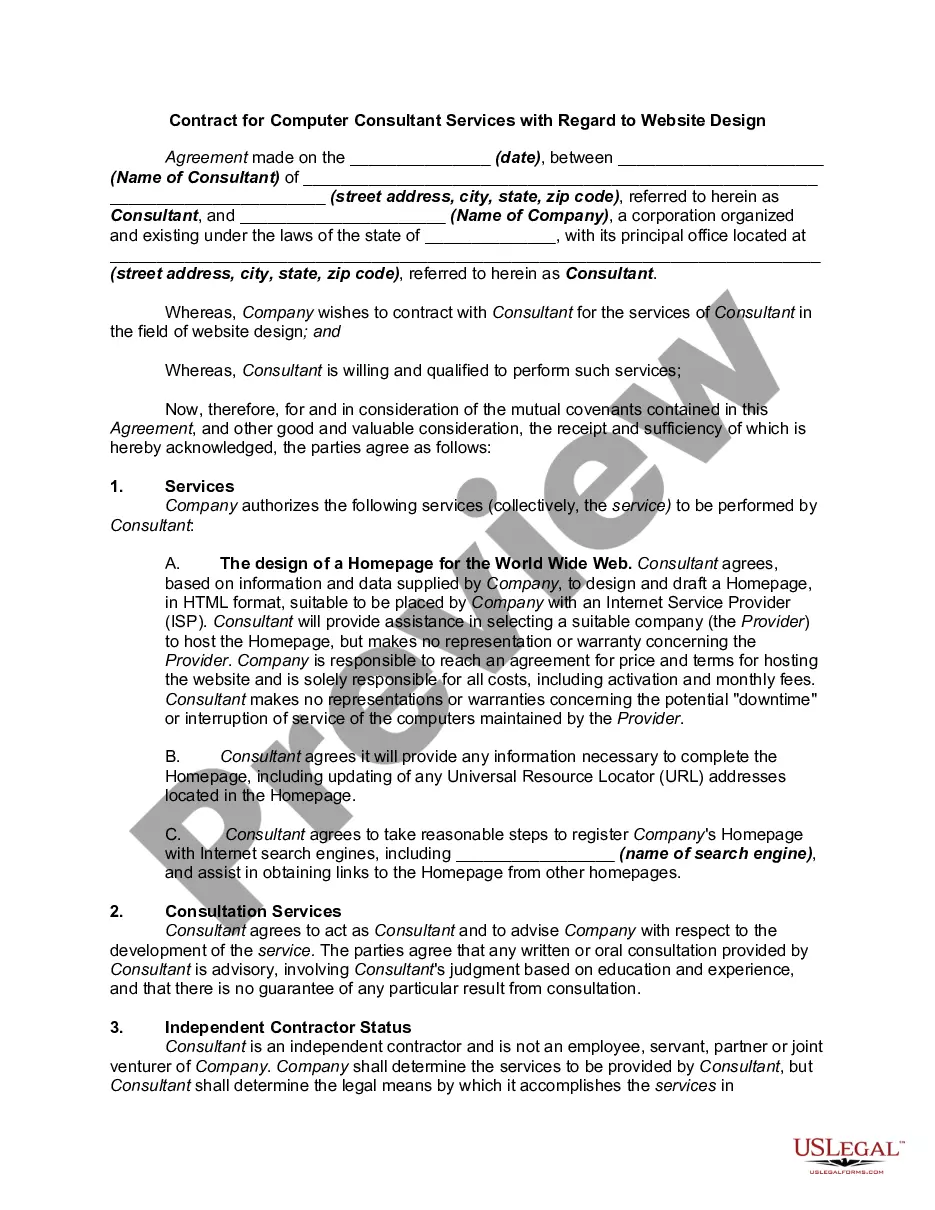
Get your form ready online
Our built-in tools help you complete, sign, share, and store your documents in one place.
Make edits, fill in missing information, and update formatting in US Legal Forms—just like you would in MS Word.
Download a copy, print it, send it by email, or mail it via USPS—whatever works best for your next step.
Sign and collect signatures with our SignNow integration. Send to multiple recipients, set reminders, and more. Go Premium to unlock E-Sign.
If this form requires notarization, complete it online through a secure video call—no need to meet a notary in person or wait for an appointment.
We protect your documents and personal data by following strict security and privacy standards.

Make edits, fill in missing information, and update formatting in US Legal Forms—just like you would in MS Word.

Download a copy, print it, send it by email, or mail it via USPS—whatever works best for your next step.

Sign and collect signatures with our SignNow integration. Send to multiple recipients, set reminders, and more. Go Premium to unlock E-Sign.

If this form requires notarization, complete it online through a secure video call—no need to meet a notary in person or wait for an appointment.

We protect your documents and personal data by following strict security and privacy standards.
Looking for another form?

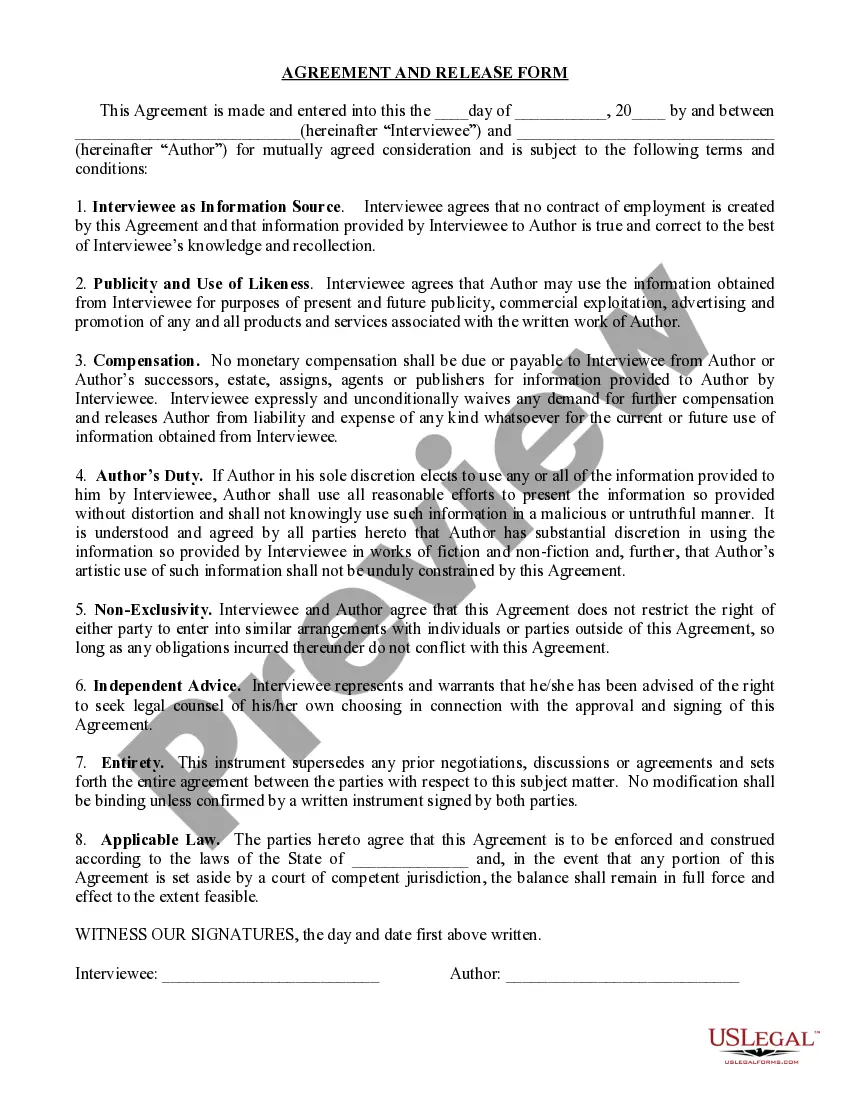


How to fill out Contract Between Web Designer And Programmer And Web Design Company?
It’s clear that you cannot instantly transform into a legal authority, nor can you comprehend how to swiftly compile the Contract Web Designer Form With Html And Css without the necessity of a specialized education.
Assembling legal documents is an extensive process that demands particular training and expertise. So, why not entrust the creation of the Contract Web Designer Form With Html And Css to the specialists.
With US Legal Forms, one of the most extensive libraries of legal templates, you can find anything from court documents to templates for internal corporate correspondence. We recognize how crucial compliance and adherence to federal and state laws and regulations are.
You can regain access to your documents from the My documents tab at any moment. If you are an existing user, you can simply Log In, and find and download the template from the same tab.
No matter the intent of your paperwork—whether financial and legal, or personal—our platform has you covered. Try US Legal Forms today!
- Identify the document you require by utilizing the search bar located at the top of the page.
- View it (if this option is available) and read the supporting description to determine if the Contract Web Designer Form With Html And Css is what you need.
- Restart your search if you need a different document.
- Sign up for a complimentary account and select a subscription plan to purchase the document.
- Click Buy now. Once the payment is successful, you can obtain the Contract Web Designer Form With Html And Css, complete it, print it out, and send or mail it to the appropriate individuals or organizations.
Form popularity
FAQ
How do I register a name? The state of Kansas does not have name registration. We have name reservation in which you can reserve a name online, if available, for 120 days and a fee of $30.00 (non refundable).
Perform a Search Welcome to the Business Entity Search Station (BESS) for the Secretary of State's office. Below you will see a list of the various databases our office maintains, along with a brief description of each. Select the link to perform a search.
All for-profit entities with a tax period other than a calendar year must file an annual report no later than the 15th day of the fourth month following the end of the entity's tax period. Not-for-profit entities with a calendar year tax period may file an annual report any time after the end of the tax period.
How much does it cost to form an LLC in Kansas? The Kansas Secretary of State charges $165 to file the Articles of Organization. You can reserve your LLC name with the Kansas Secretary of State for $30 when filing online or $35 when filing by mail.
Start a business in Kansas Choose a business idea. Name your business. Create a business plan. Choose a business structure. Obtain a business license and permits. Examine business insurance options in Kansas. Understand financial considerations.
Step 1: Name Your Kansas LLC. ... Step 2: Choose a Resident Agent. ... Step 3: File the Kansas Articles of Organization. ... Step 4: Create an Operating Agreement. ... Step 5: File Form 2553 to Elect Kansas S Corp Tax Designation.
Kansas doesn't have a general business license at the state level, so there are no fees there. However, your business may need a state-level occupational license or municipal-level license or permit to operate.
Kansas LLC Cost. Filing the formation paperwork to start your Kansas LLC will cost $165 ($160 online). You'll also need to pay $55 ($50 online) every year to file your Kansas Annual Report.