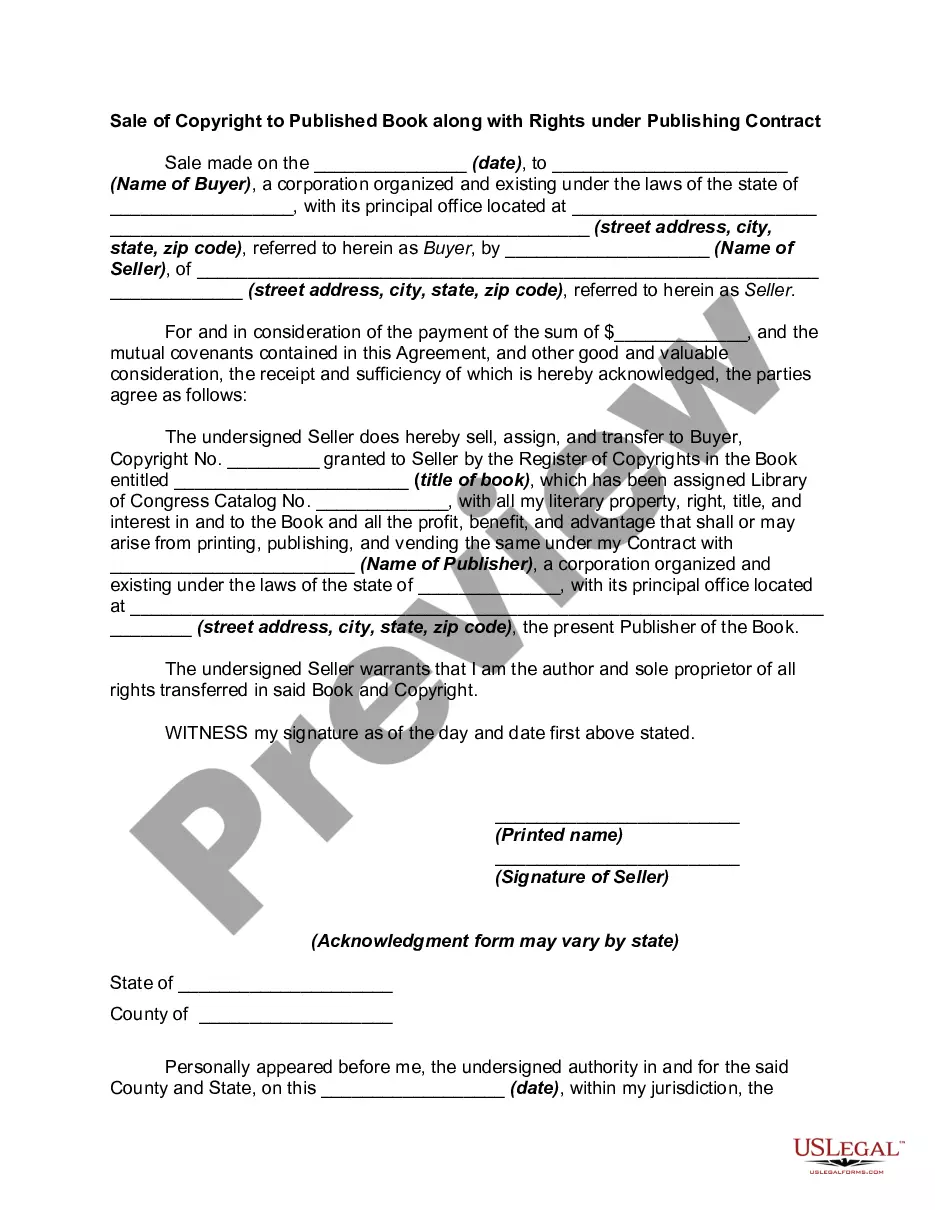
Copyright Book Rights Format
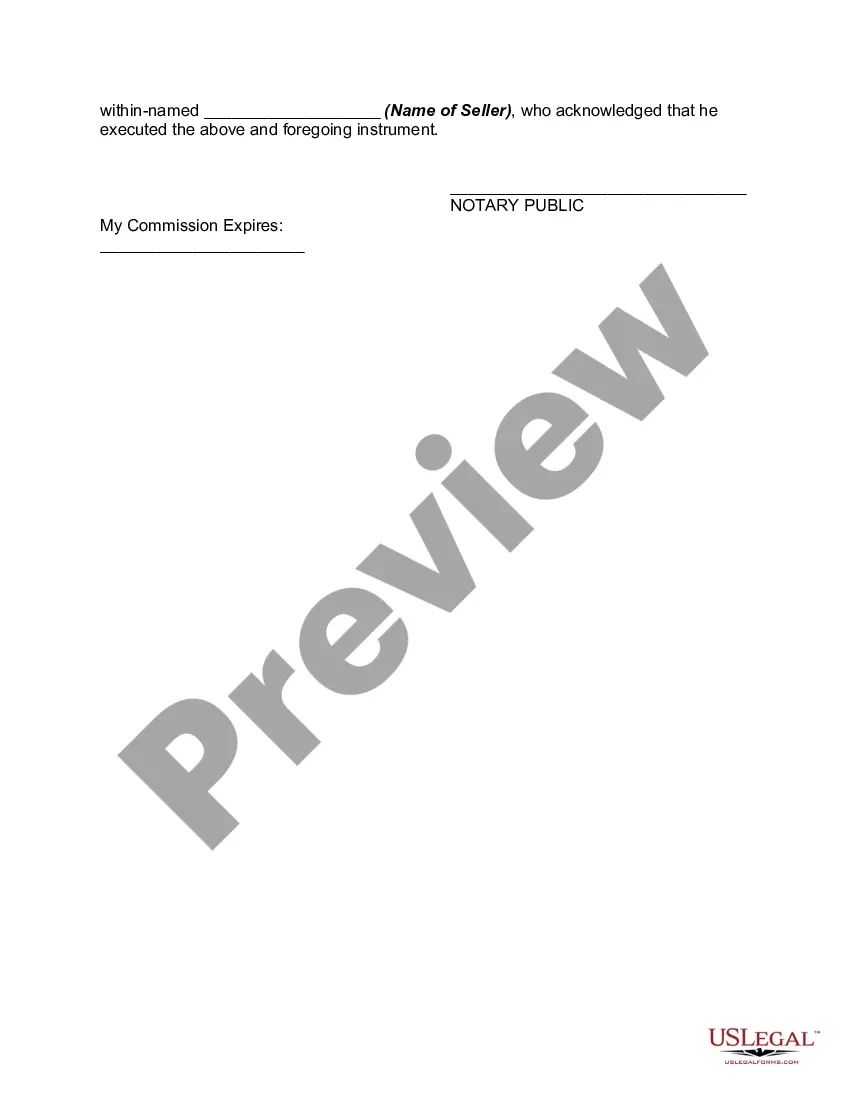
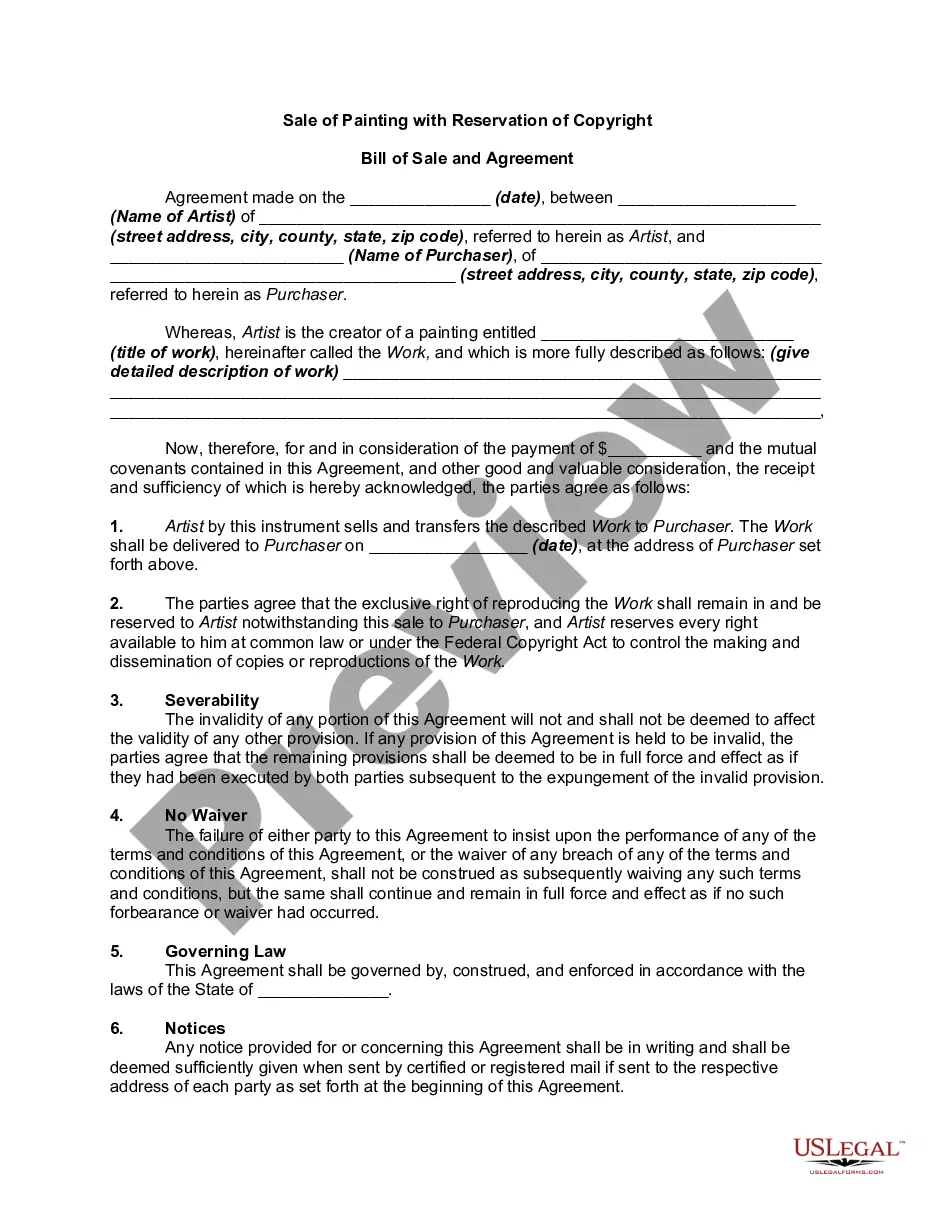
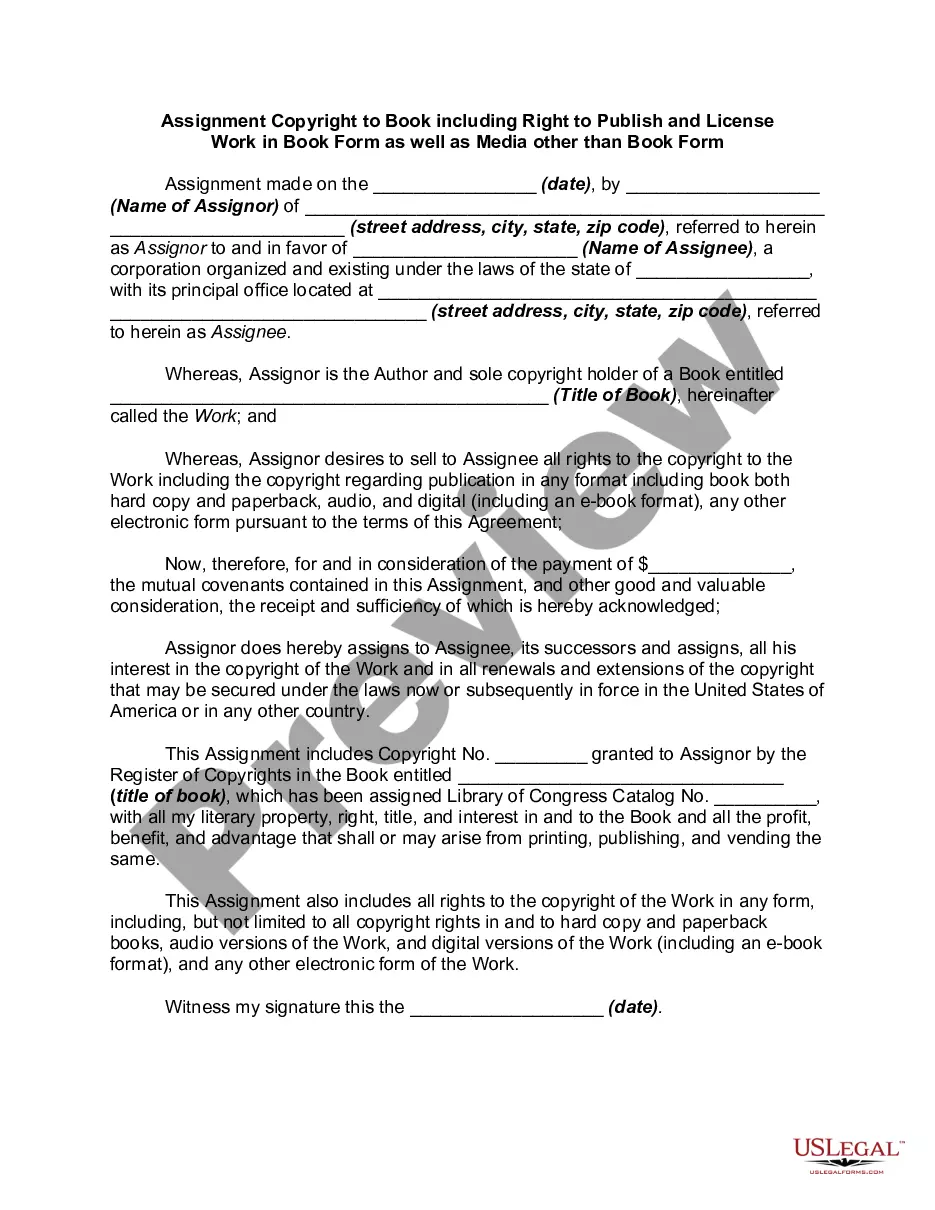
Description
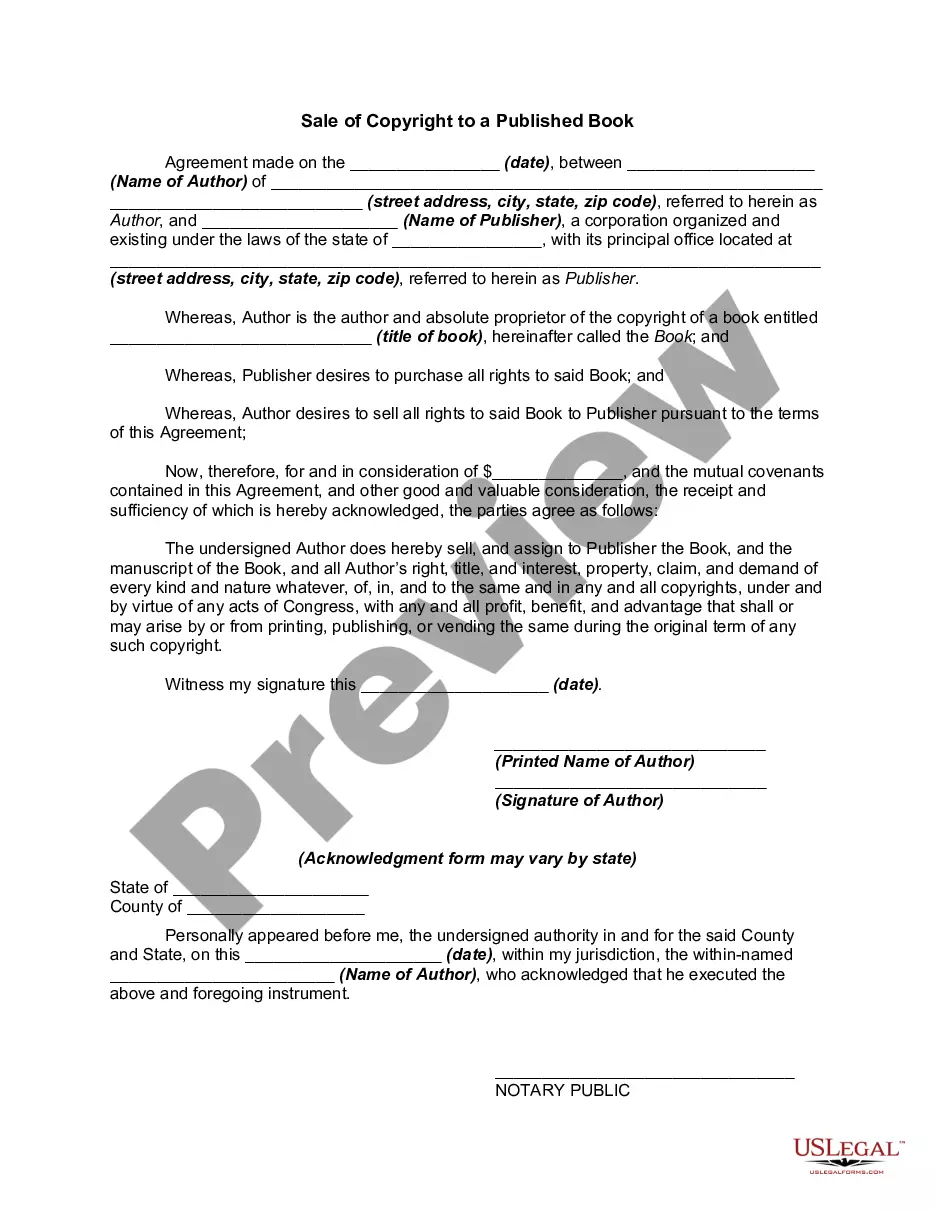
Get your form ready online
Our built-in tools help you complete, sign, share, and store your documents in one place.
Make edits, fill in missing information, and update formatting in US Legal Forms—just like you would in MS Word.
Download a copy, print it, send it by email, or mail it via USPS—whatever works best for your next step.
Sign and collect signatures with our SignNow integration. Send to multiple recipients, set reminders, and more. Go Premium to unlock E-Sign.
If this form requires notarization, complete it online through a secure video call—no need to meet a notary in person or wait for an appointment.
We protect your documents and personal data by following strict security and privacy standards.

Make edits, fill in missing information, and update formatting in US Legal Forms—just like you would in MS Word.

Download a copy, print it, send it by email, or mail it via USPS—whatever works best for your next step.

Sign and collect signatures with our SignNow integration. Send to multiple recipients, set reminders, and more. Go Premium to unlock E-Sign.

If this form requires notarization, complete it online through a secure video call—no need to meet a notary in person or wait for an appointment.

We protect your documents and personal data by following strict security and privacy standards.
Looking for another form?
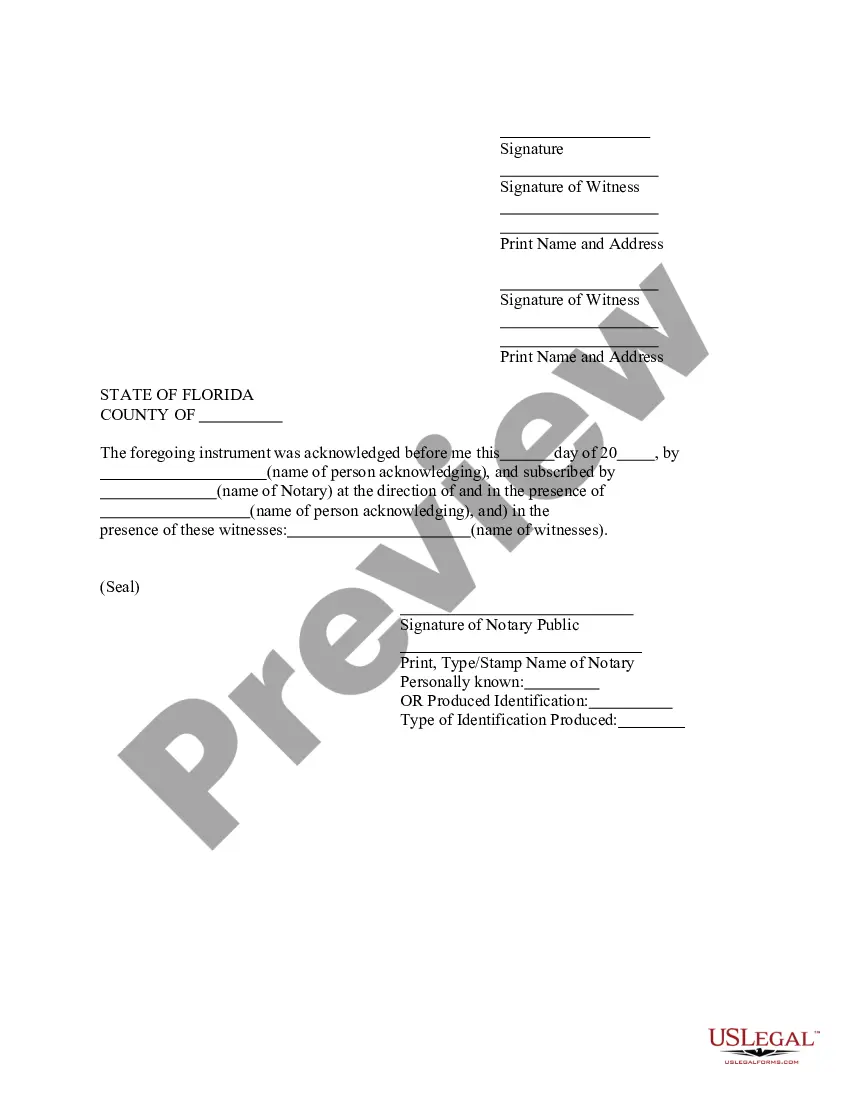

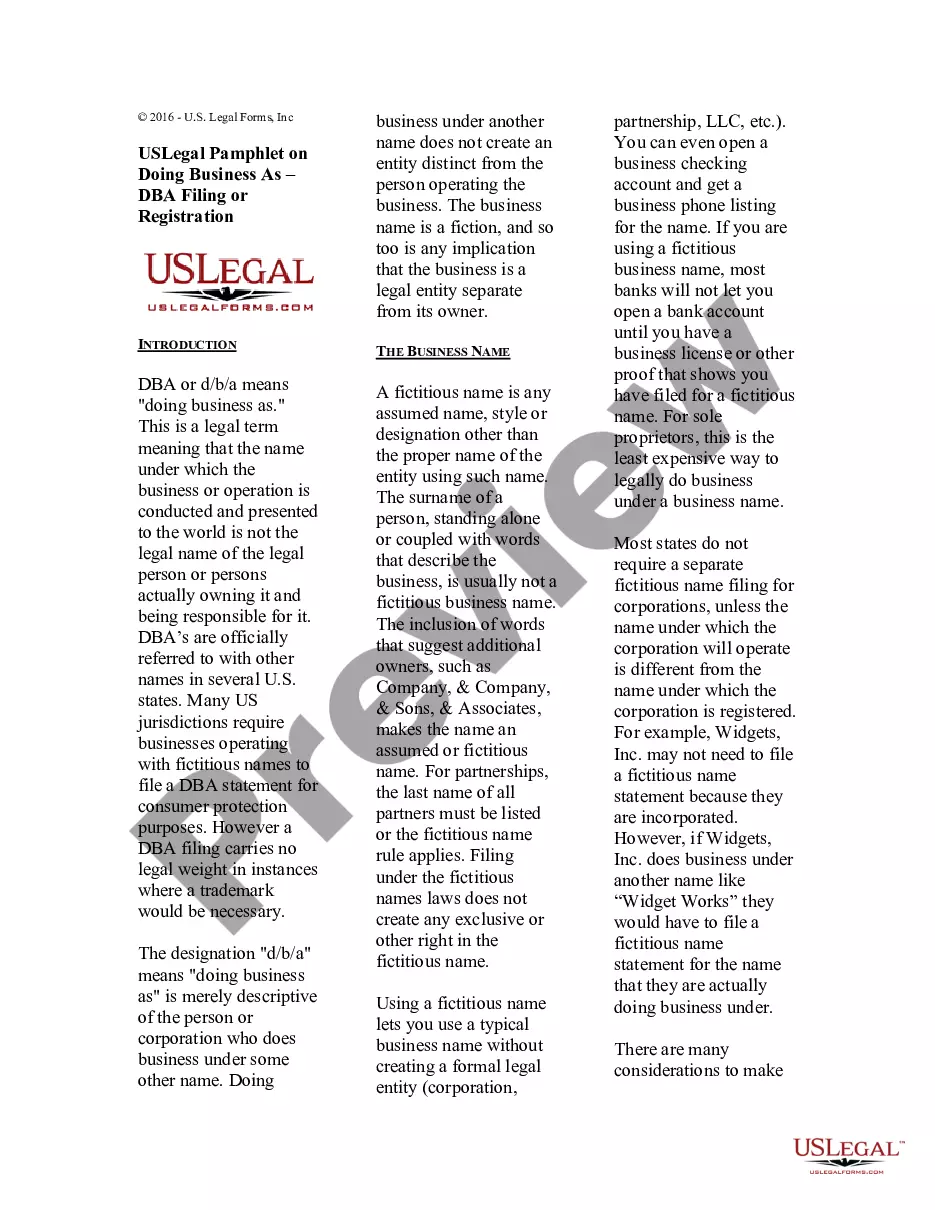

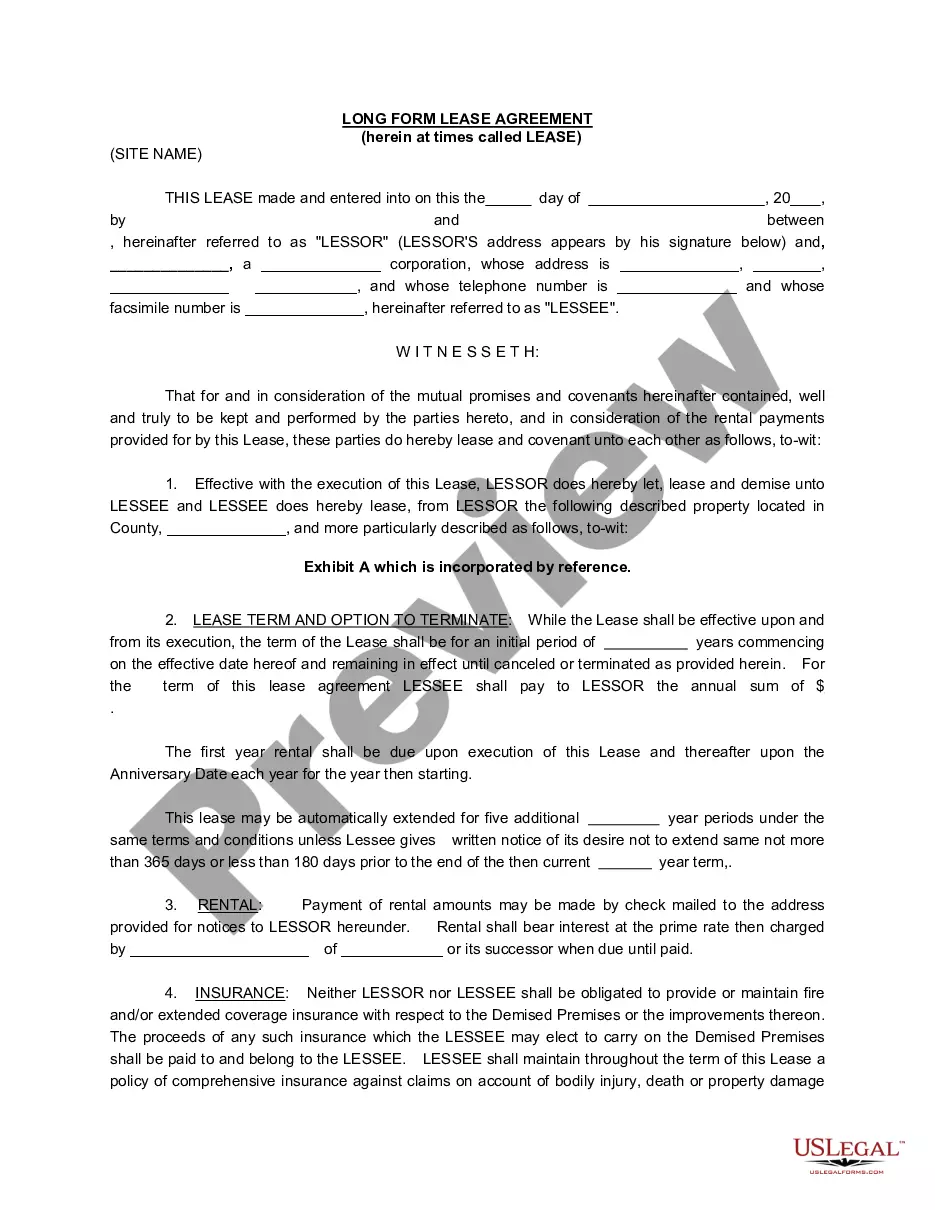
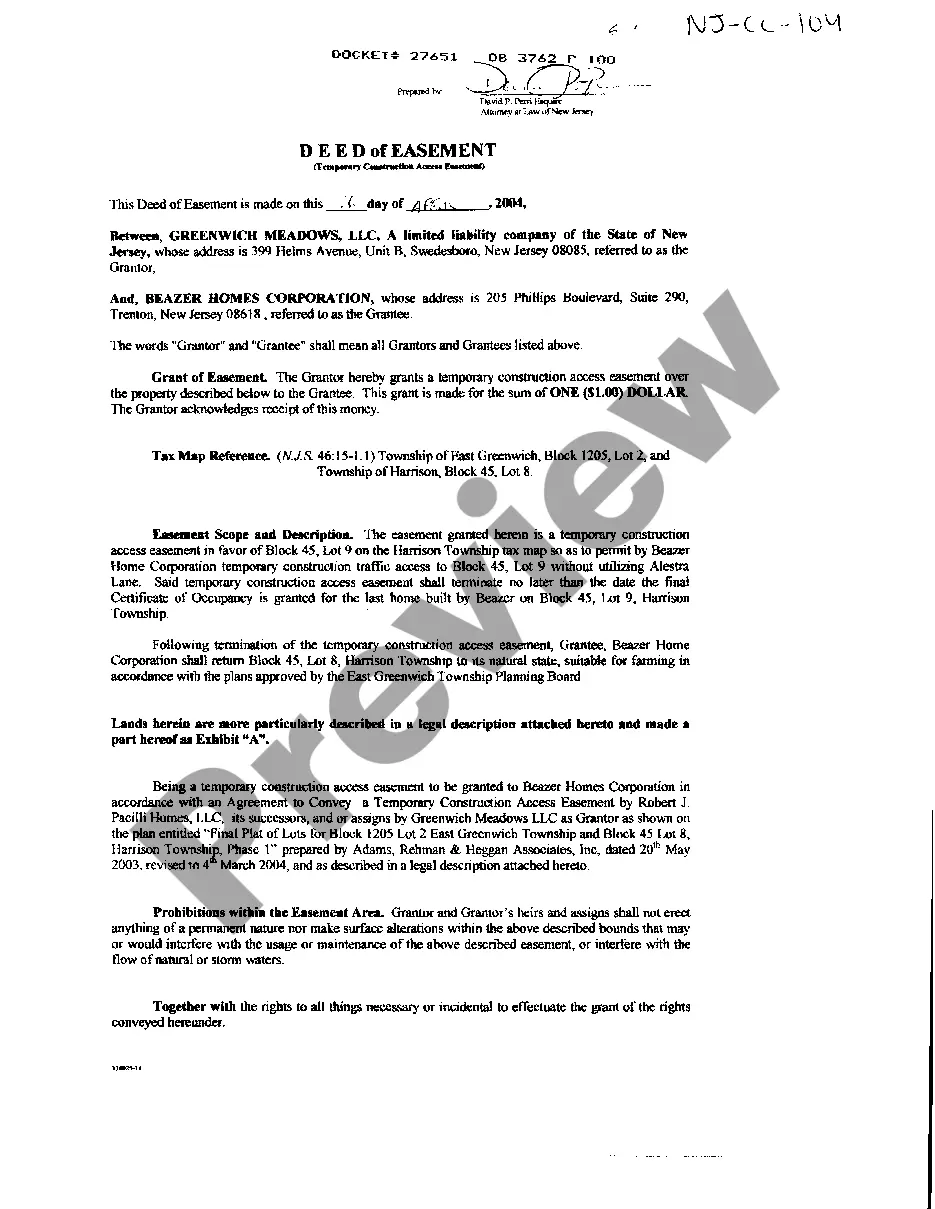
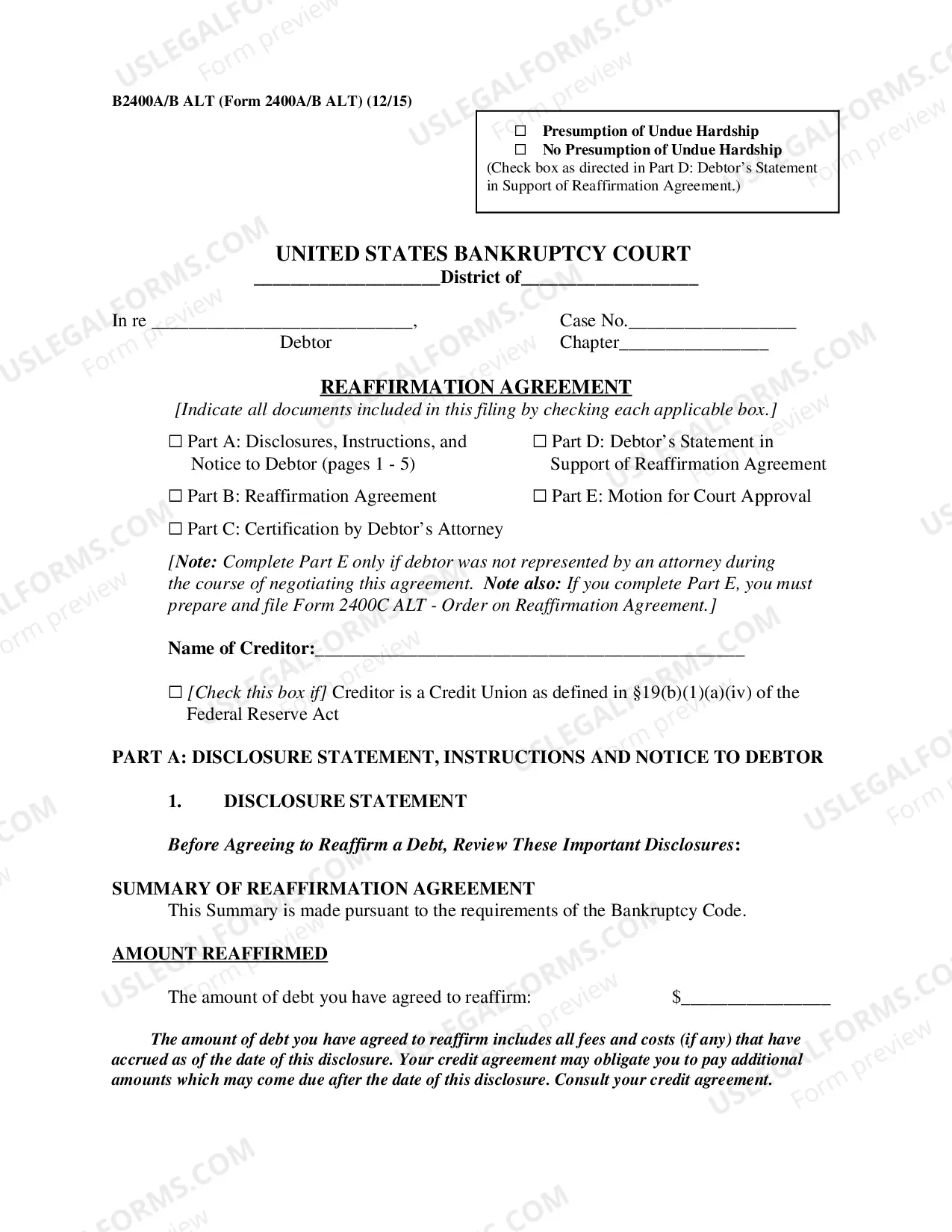



How to fill out Sale Of Copyright To Published Book Along With Rights Under Publishing?
Creating legal documents from the ground up can often feel overwhelming.
Certain situations may necessitate extensive research and significant financial expenditure.
If you seek a more straightforward and cost-effective method of preparing Copyright Book Rights Format or various other forms without excessive complications, US Legal Forms is readily accessible.
Our online collection of over 85,000 current legal forms encompasses nearly every facet of your financial, legal, and personal affairs.
However, before proceeding to download the Copyright Book Rights Format, consider these recommendations: Check the form preview and descriptions to verify that you are locating the form you need. Ensure that the template you select adheres to the requirements of your state and county. Choose the most appropriate subscription option to purchase the Copyright Book Rights Format. Download the form, then complete, validate, and print it out. US Legal Forms enjoys an impeccable reputation and over 25 years of experience. Join us today and transform form completion into a straightforward and efficient process!
- With just a few clicks, you can gain immediate access to state- and county-compliant forms painstakingly crafted for you by our legal experts.
- Utilize our website whenever you require a dependable and trustworthy service through which you can effortlessly locate and download the Copyright Book Rights Format.
- If you’re not a newcomer to our website and have previously established an account with us, simply Log In to your account, find the template, and download it or re-download it at any moment in the My documents section.
- Don’t possess an account? No problem. Registering takes little to no time, and you can easily navigate the catalog.
Form popularity
FAQ
Formatting Your Copyright Page Come right after the Title page (basically it's the second thing you will ever see in a book). The text should be formatted to align on the bottom-left (for print). Some publishers will center it, but it should definitely float at the bottom of the page.
The copyright symbol consists of a letter ?c? in a circle, followed by the name of the owner of the copyright and the year the work was first published. For example, the copyright symbol, followed by Jane Doe, comma, 1999, indicates that Jane Doe is the author of the work that was first published in 1999.
Our content may not be sold, reproduced, or distributed without our written permission. Any third-party trademarks, service marks and logos are the property of their respective owners. Any further rights not specifically granted herein are reserved.
While it is simple, the Copyright Disclaimer does have some distinct, important parts: The copyright symbol © (or a proper substitute) The year of the website's most recent update and publication. The name of the site's owner (either person or company)
It's easy. If you want to reserve all the rights you're entitled to hold, simply write "All Rights Reserved." You should put this phrase after the symbol, the date, and your name.