Ending An Irrevocable Trust For Dummies
Description





Get your form ready online
Our built-in tools help you complete, sign, share, and store your documents in one place.
Make edits, fill in missing information, and update formatting in US Legal Forms—just like you would in MS Word.
Download a copy, print it, send it by email, or mail it via USPS—whatever works best for your next step.
Sign and collect signatures with our SignNow integration. Send to multiple recipients, set reminders, and more. Go Premium to unlock E-Sign.
If this form requires notarization, complete it online through a secure video call—no need to meet a notary in person or wait for an appointment.
We protect your documents and personal data by following strict security and privacy standards.

Make edits, fill in missing information, and update formatting in US Legal Forms—just like you would in MS Word.

Download a copy, print it, send it by email, or mail it via USPS—whatever works best for your next step.

Sign and collect signatures with our SignNow integration. Send to multiple recipients, set reminders, and more. Go Premium to unlock E-Sign.

If this form requires notarization, complete it online through a secure video call—no need to meet a notary in person or wait for an appointment.

We protect your documents and personal data by following strict security and privacy standards.
Looking for another form?




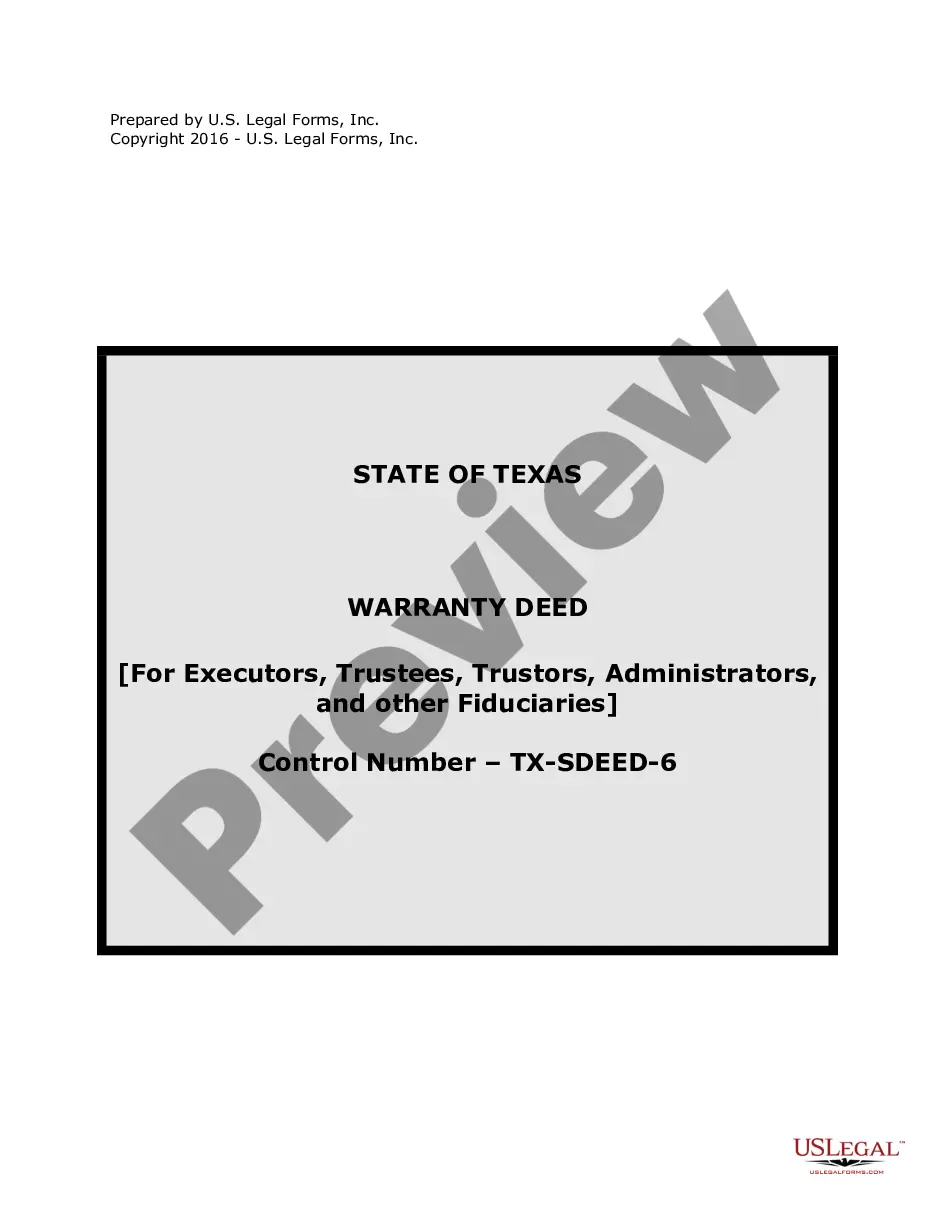


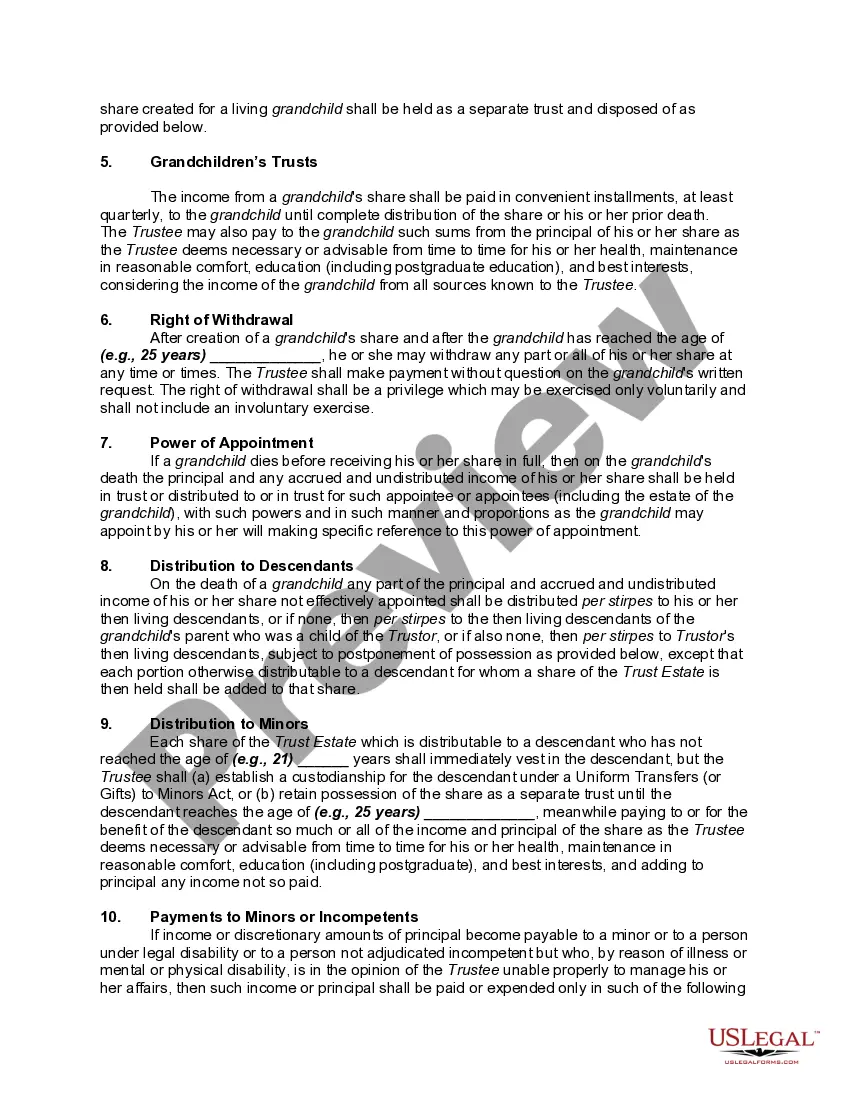
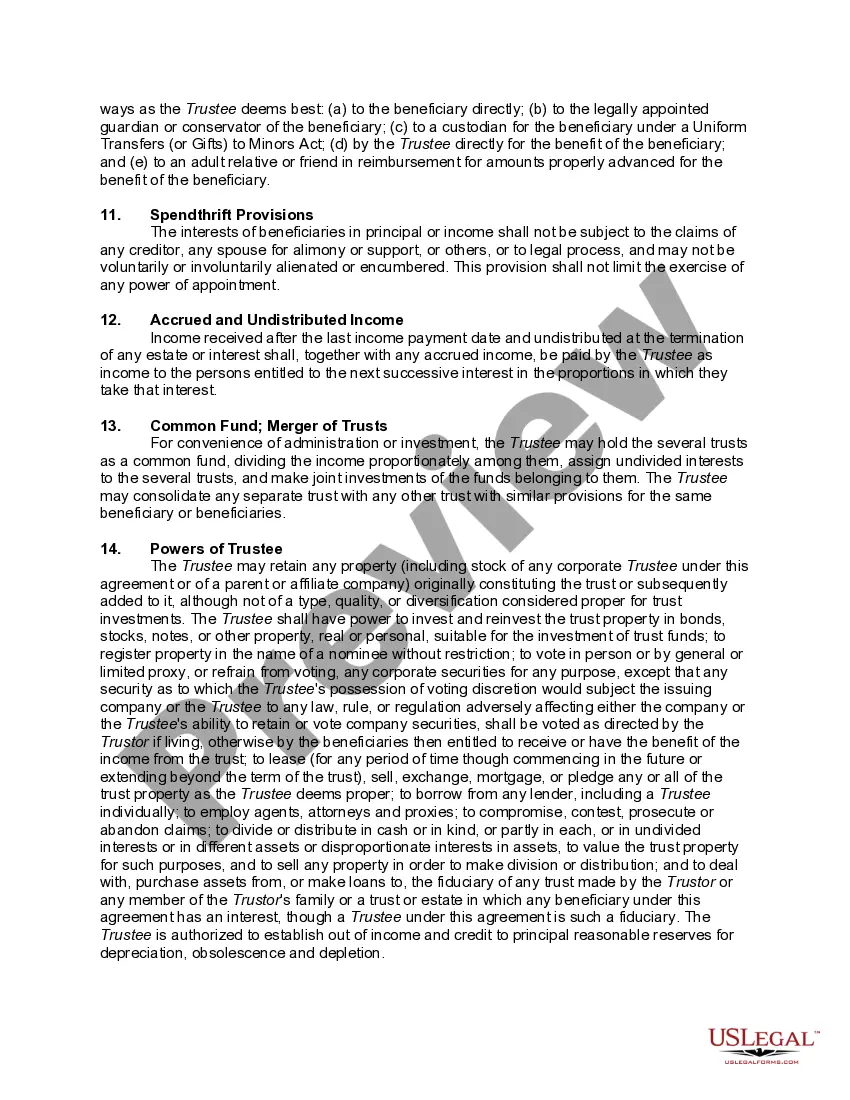
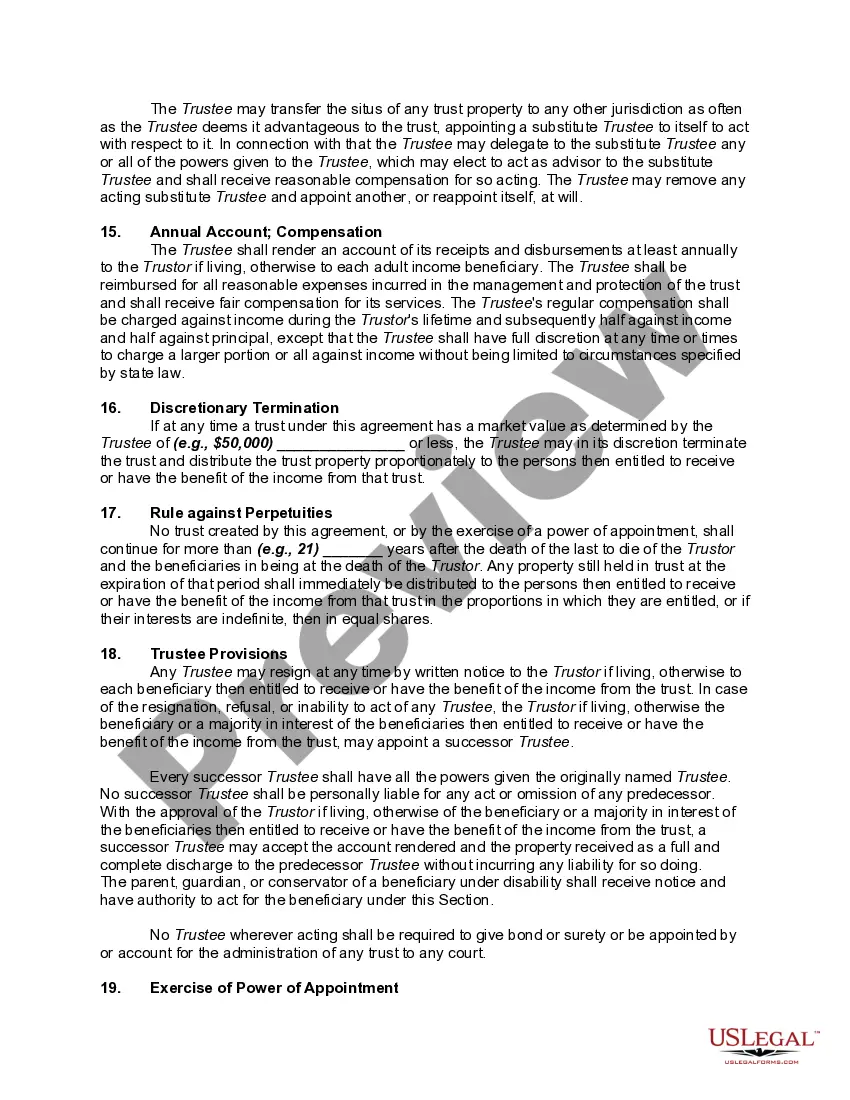
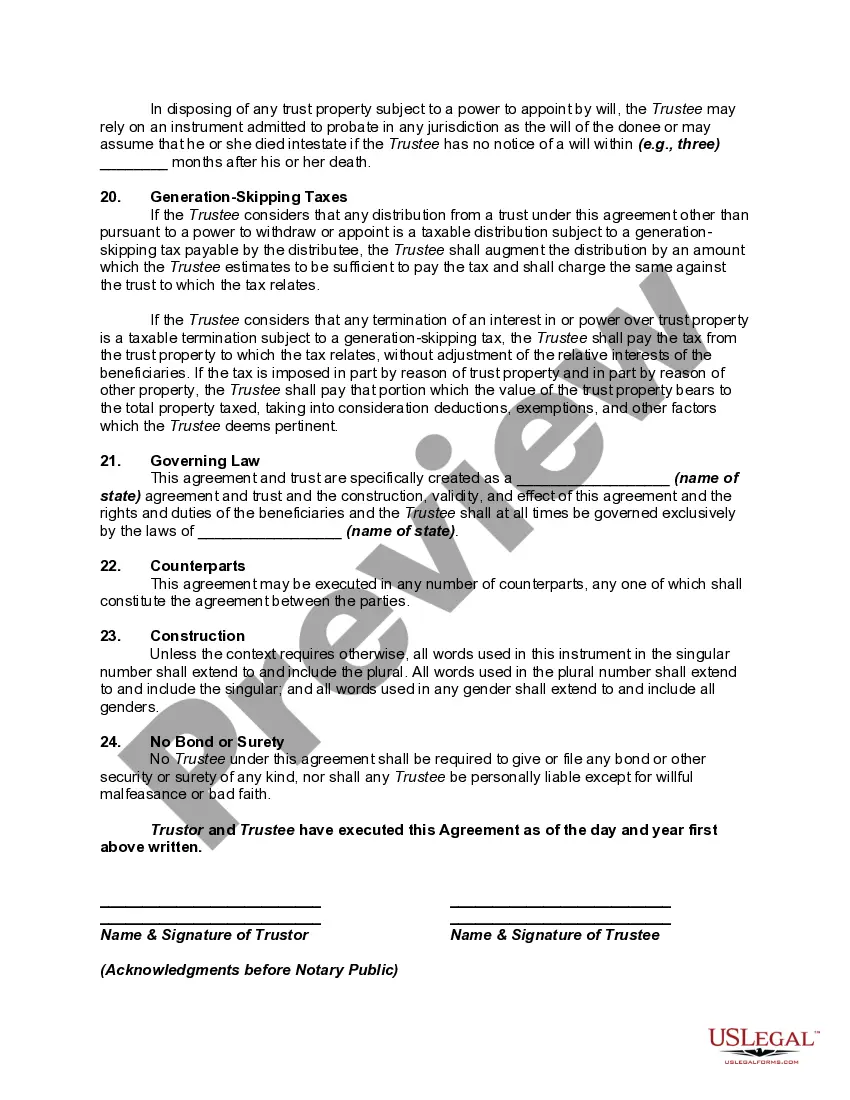
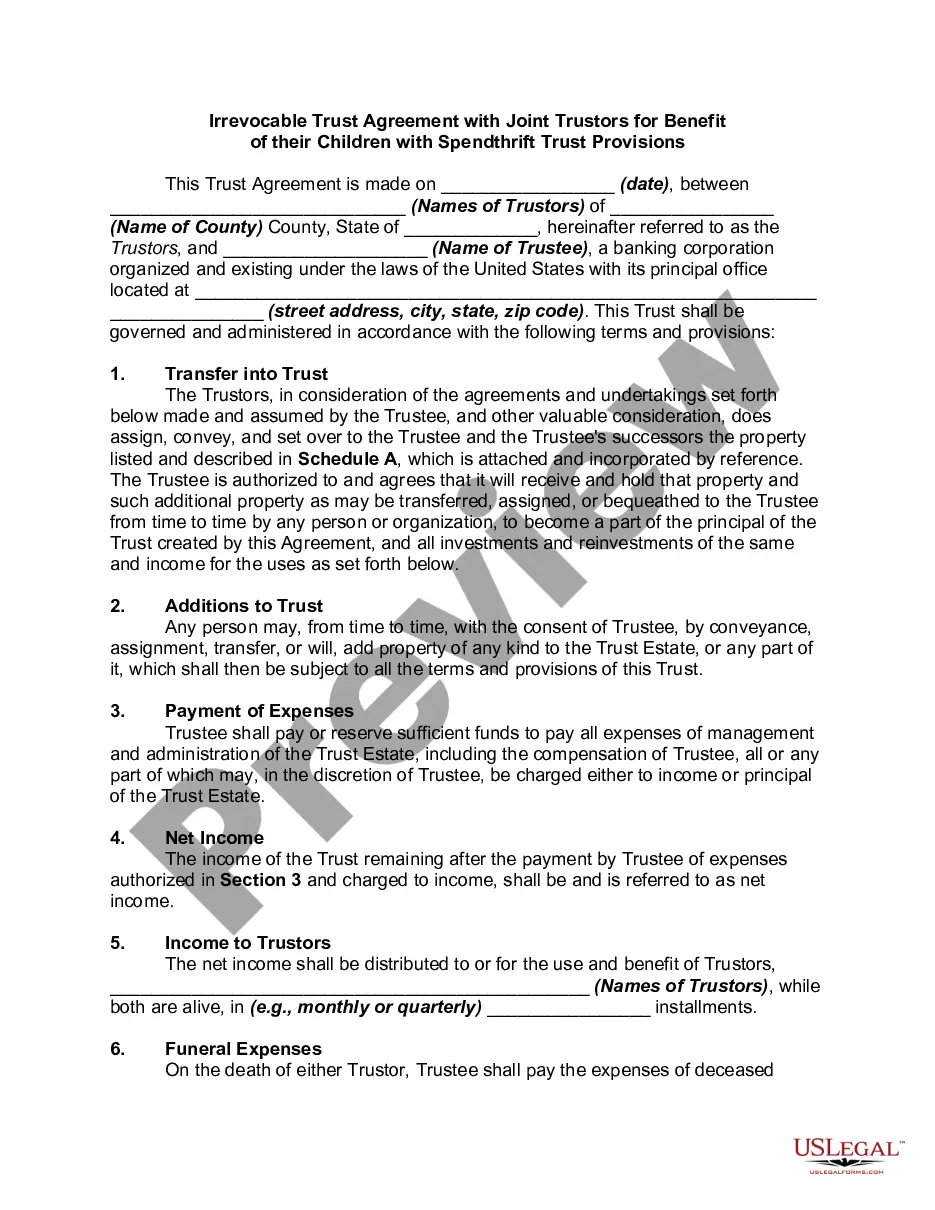
How to fill out Irrevocable Trust Agreement For Benefit Of Trustor's Children And Grandchildren With Spendthrift Trust Provisions?
It’s well-known that you cannot become a legal expert instantly, nor can you swiftly learn how to draft Ending An Irrevocable Trust For Dummies without a specialized education.
The creation of legal documents is a labor-intensive task that necessitates specific knowledge and abilities. So why not entrust the preparation of the Ending An Irrevocable Trust For Dummies to the experts.
With US Legal Forms, one of the most extensive legal template collections, you can access everything from court papers to templates for internal corporate communication.
You can revisit your documents from the My documents section at any time. If you’re a current customer, you can easily Log In, and locate and download the template from the same section.
Irrespective of the reason for your forms—whether financial and legal or personal—our website has you covered. Experience US Legal Forms today!
- Determine the document you need by utilizing the search bar at the top of the page.
- Preview it (if this option is available) and read the accompanying description to see if Ending An Irrevocable Trust For Dummies meets your needs.
- Start your search again if you require a different template.
- Create a free account and select a subscription plan to purchase the form.
- Click Buy now. Once the payment is finalized, you can download the Ending An Irrevocable Trust For Dummies, complete it, print it, and send or mail it to the appropriate individuals or entities.
Form popularity
FAQ
A trust, decedent's estate, and bankruptcy estate of an individual is a separate entity that requires the filing of its own income tax return. The fiduciary reports the income, deductions, gains, losses, etc. on Form 1041.
To close the trust, the trustee must: determine all the assets of the trust; determine how to deal with each asset (for example, transferring an asset to a beneficiary or selling it and distributing the net proceeds to beneficiaries); discharge all the liabilities of the trust, including tax liabilities;
Irrevocable trusts cannot be modified, amended, or terminated without permission from the grantor's beneficiaries or by court order. The grantor transfers all ownership of assets into the trust and legally removes all of their ownership rights to the assets and the trust.
You can dissolve a revocable trust by removing assets from the trust, and signing the proper legal document, called a trust dissolution form, which you can find online or hire a lawyer to write for you.
The two most common ways to terminate and/or modify an irrevocable trust is to 1) argue that there has been a change of circumstances not anticipated by the settlors at the time they created the trust (for example changes in tax law, and 2) argue that all beneficiaries consent to the proposed termination and or ...