Order Contempt Document With Iphone
Description

Get your form ready online
Our built-in tools help you complete, sign, share, and store your documents in one place.
Make edits, fill in missing information, and update formatting in US Legal Forms—just like you would in MS Word.
Download a copy, print it, send it by email, or mail it via USPS—whatever works best for your next step.
Sign and collect signatures with our SignNow integration. Send to multiple recipients, set reminders, and more. Go Premium to unlock E-Sign.
If this form requires notarization, complete it online through a secure video call—no need to meet a notary in person or wait for an appointment.
We protect your documents and personal data by following strict security and privacy standards.

Make edits, fill in missing information, and update formatting in US Legal Forms—just like you would in MS Word.

Download a copy, print it, send it by email, or mail it via USPS—whatever works best for your next step.

Sign and collect signatures with our SignNow integration. Send to multiple recipients, set reminders, and more. Go Premium to unlock E-Sign.

If this form requires notarization, complete it online through a secure video call—no need to meet a notary in person or wait for an appointment.

We protect your documents and personal data by following strict security and privacy standards.
Looking for another form?


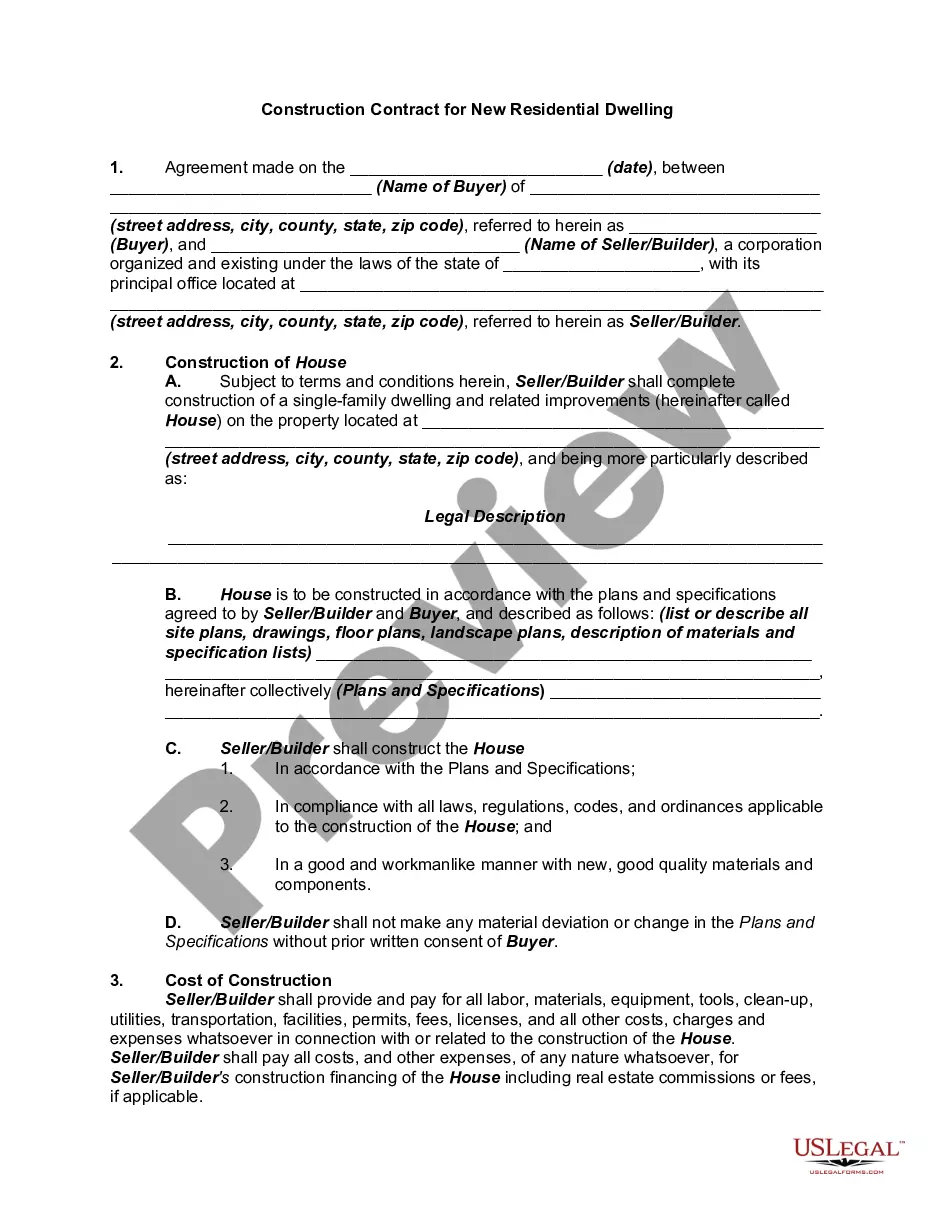



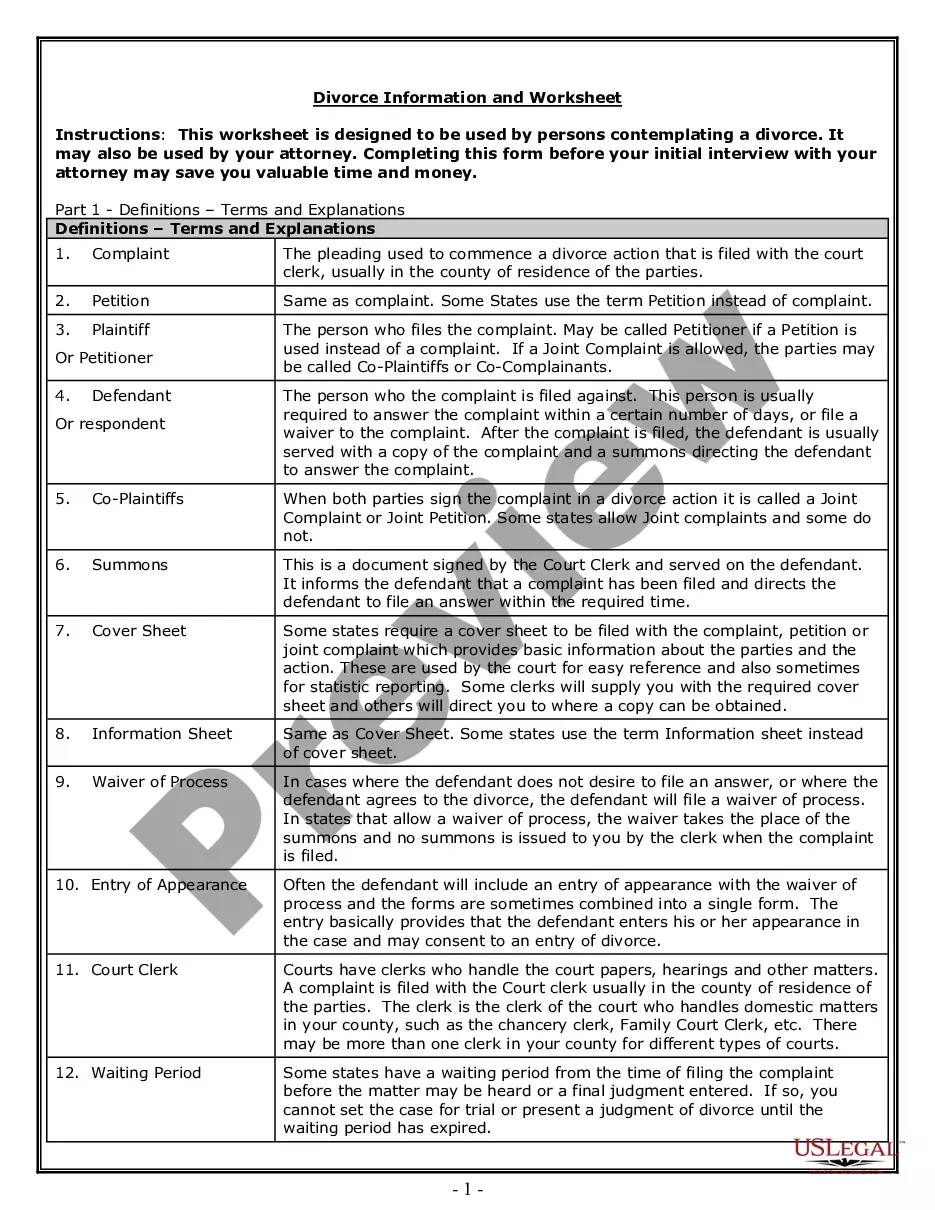
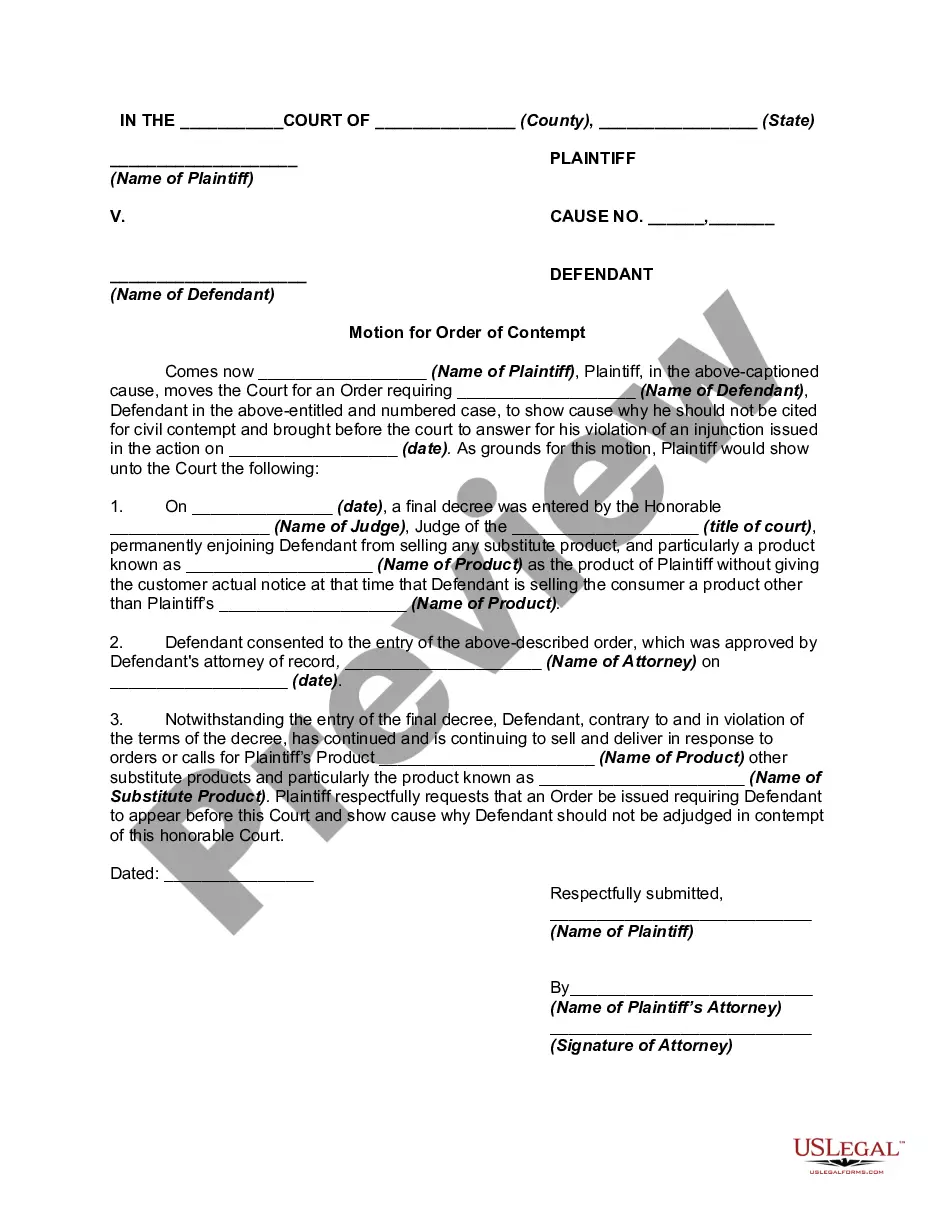
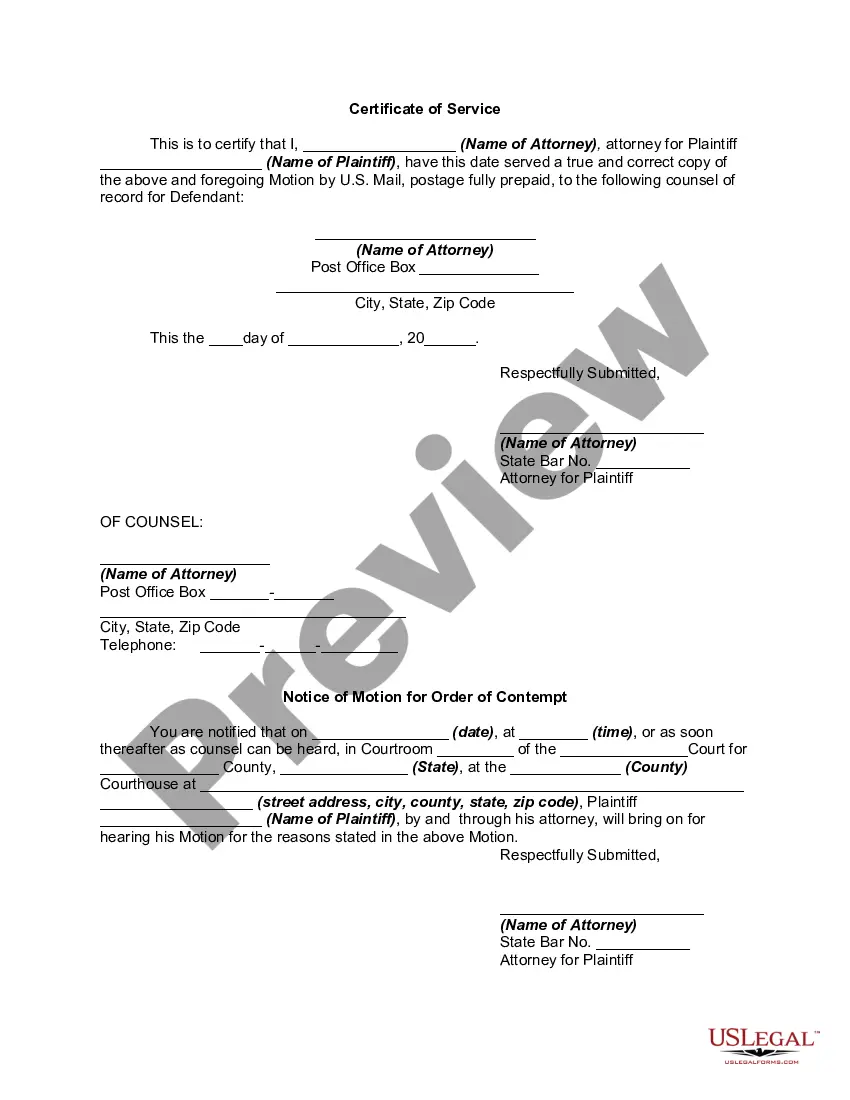
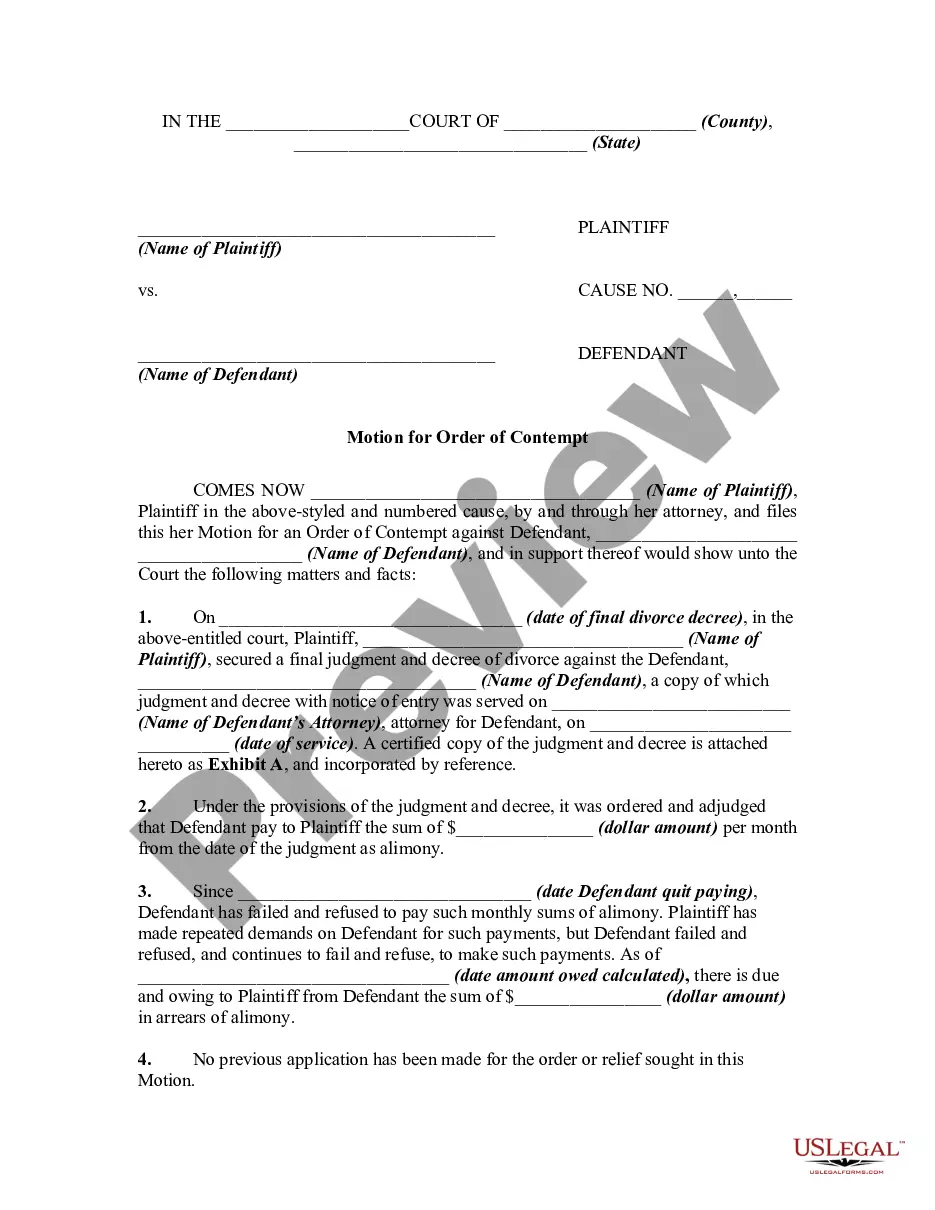
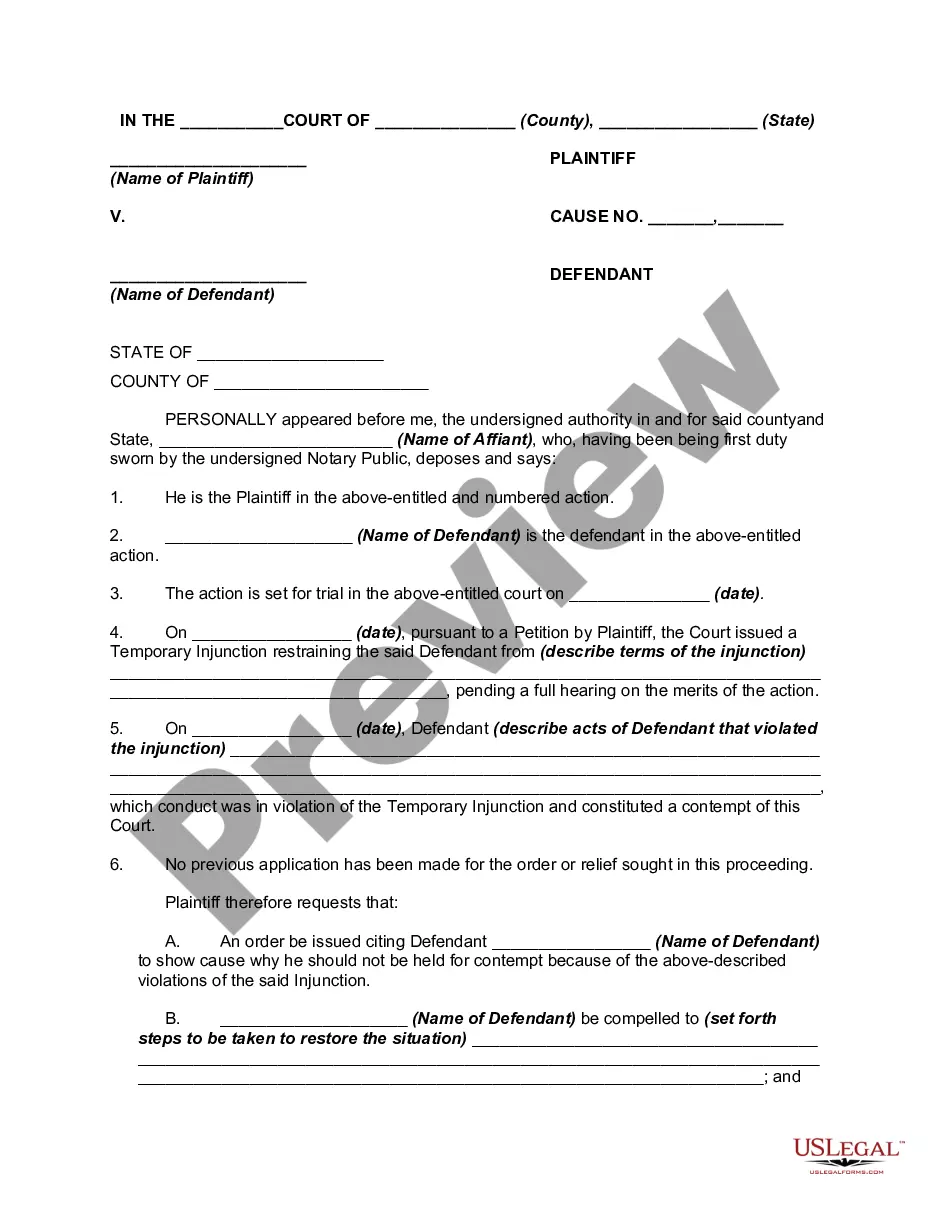
How to fill out Motion For An Order Of Contempt For Violation Of Injunction?
It’s well-known that you can’t become a legal expert overnight, nor can you quickly learn to prepare an Order Contempt Document With iPhone without possessing a specialized skill set.
Assembling legal documents is a lengthy endeavor that demands specific education and expertise. So why not entrust the creation of the Order Contempt Document With iPhone to the experts.
With US Legal Forms, one of the most extensive legal template repositories, you can access everything from court papers to templates for office correspondence. We recognize how vital compliance and adherence to federal and local regulations are. That’s why, on our platform, all templates are location-specific and current.
You can revisit your documents from the My documents tab anytime. If you’re an existing client, you can simply Log In, and find and download the template from the same tab.
Regardless of the purpose of your documents—whether financial, legal, or personal—our platform has you covered. Try US Legal Forms today!
- Find the document you need by utilizing the search bar at the top of the webpage.
- Preview it (if this option is available) and review the supporting description to see if the Order Contempt Document With iPhone is what you require.
- Start your search again if you need a different document.
- Create a free account and choose a subscription plan to purchase the document.
- Click Buy now. Once the transaction is complete, you can obtain the Order Contempt Document With iPhone, complete it, print it, and send or mail it to the necessary individuals or organizations.
Form popularity
FAQ
How to make a contempt application. (1) A contempt application made in existing High Court or county court proceedings is made by an application under Part 23 in those proceedings, whether or not the application is made against a party to those proceedings.
In order to find an individual in contempt, a court must be able to determine that the party in question acted in willful disobedience of the court's order. If an individual has to seek court intervention, a motion explaining the circumstances must be filed with the court and a hearing would be requested.
Fill out forms and add signatures to documents on iPhone Tap the file to open the document. ... Tap. ... To fill out another line, tap it, then enter text. To add additional text or to add your signature to the form, tap. ... When you're done, tap. ... Tap Done to close the form.
Per Indiana Code 34-47-3-6(c), the possible punishments for being found in contempt of court for parenting time violations in Indiana include fines, imprisonment, or a combination of both fines and imprisonment.
The Motion must be EFiled. You can come into the Clerks office to use an EFile hub provided at no additional cost. PAYING THE FILING FEE: If the contempt is on Non-Payment of Child Support, Alimony or Medical expenses, the filing fee is waived.