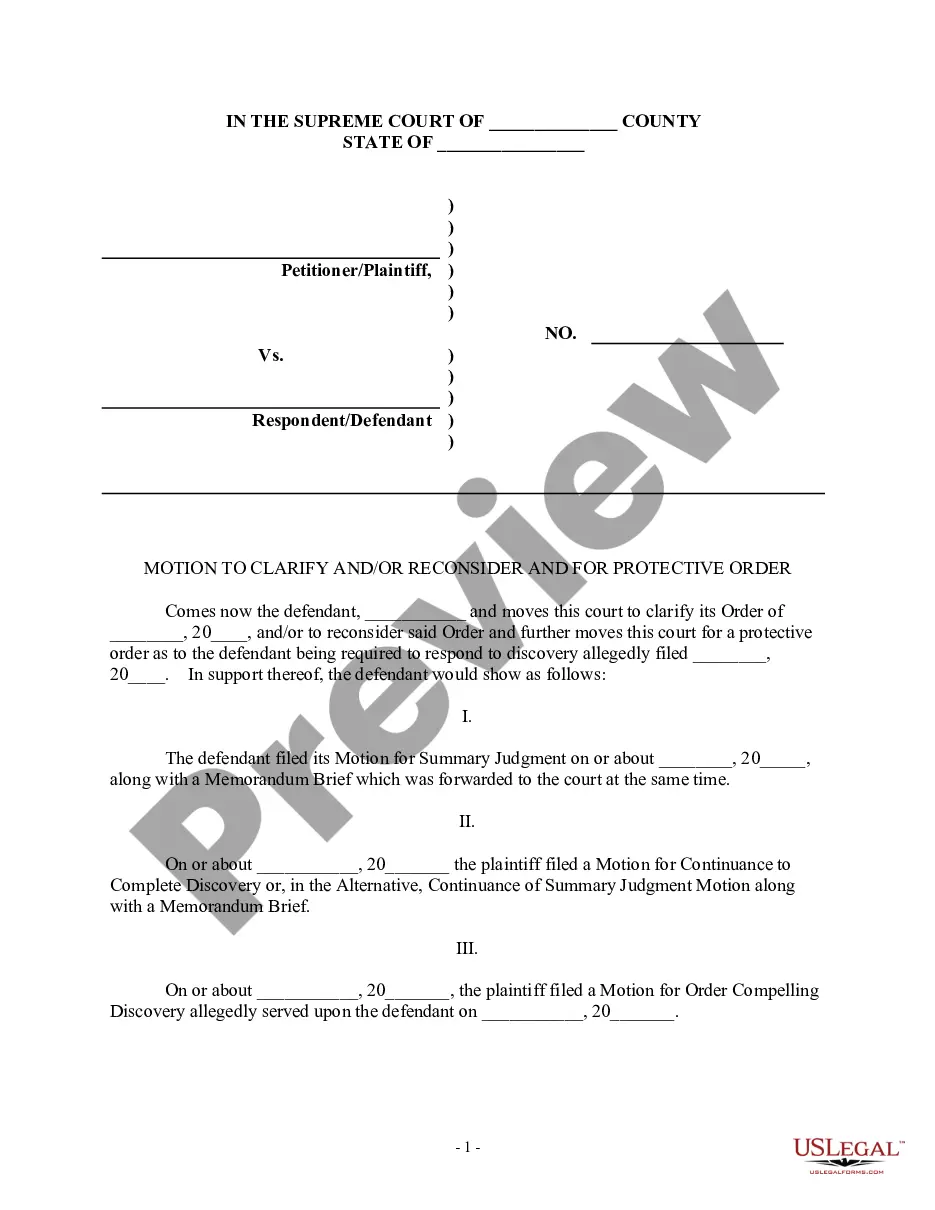
Motion Judge File For Reconsideration
Description


Get your form ready online
Our built-in tools help you complete, sign, share, and store your documents in one place.
Make edits, fill in missing information, and update formatting in US Legal Forms—just like you would in MS Word.
Download a copy, print it, send it by email, or mail it via USPS—whatever works best for your next step.
Sign and collect signatures with our SignNow integration. Send to multiple recipients, set reminders, and more. Go Premium to unlock E-Sign.
If this form requires notarization, complete it online through a secure video call—no need to meet a notary in person or wait for an appointment.
We protect your documents and personal data by following strict security and privacy standards.

Make edits, fill in missing information, and update formatting in US Legal Forms—just like you would in MS Word.

Download a copy, print it, send it by email, or mail it via USPS—whatever works best for your next step.

Sign and collect signatures with our SignNow integration. Send to multiple recipients, set reminders, and more. Go Premium to unlock E-Sign.

If this form requires notarization, complete it online through a secure video call—no need to meet a notary in person or wait for an appointment.

We protect your documents and personal data by following strict security and privacy standards.
Looking for another form?


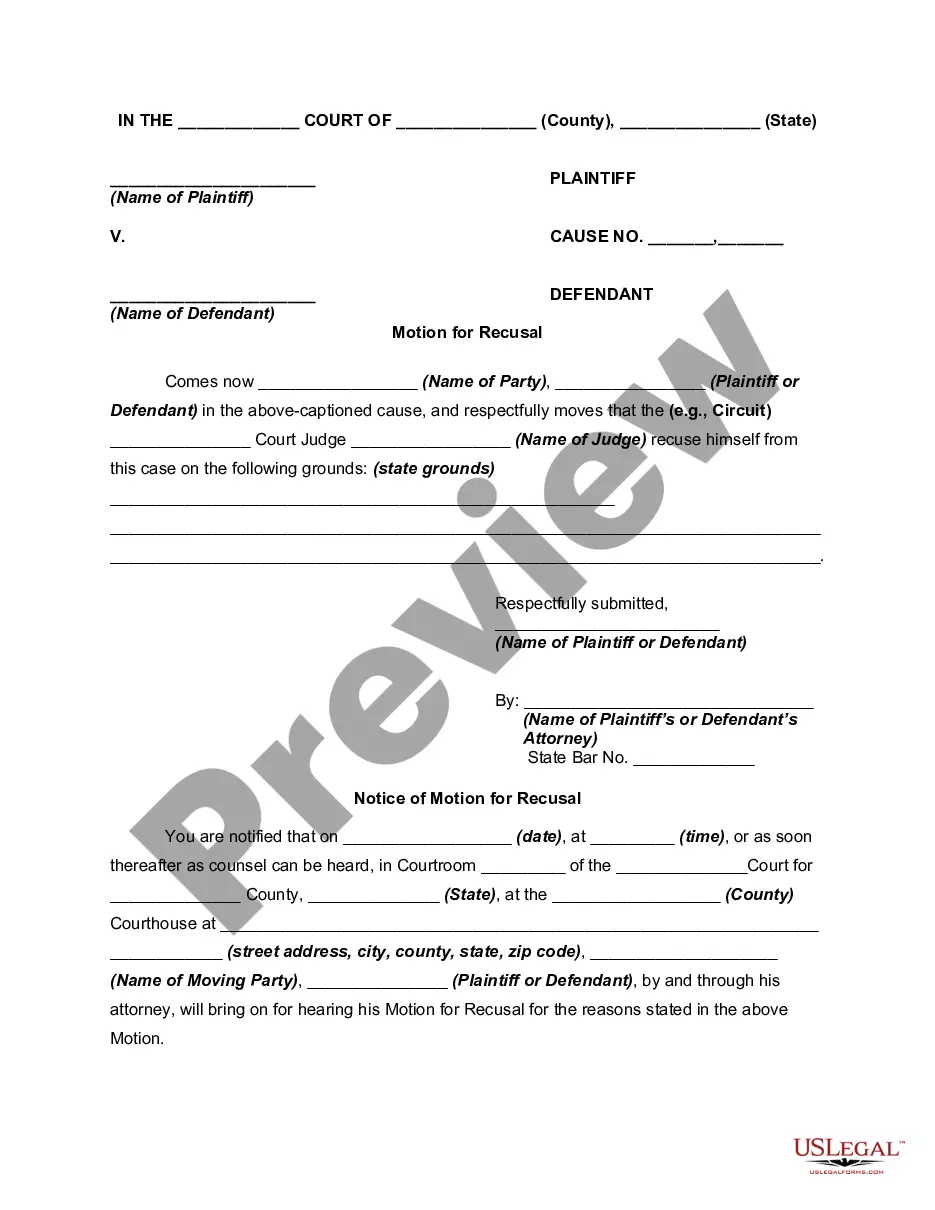
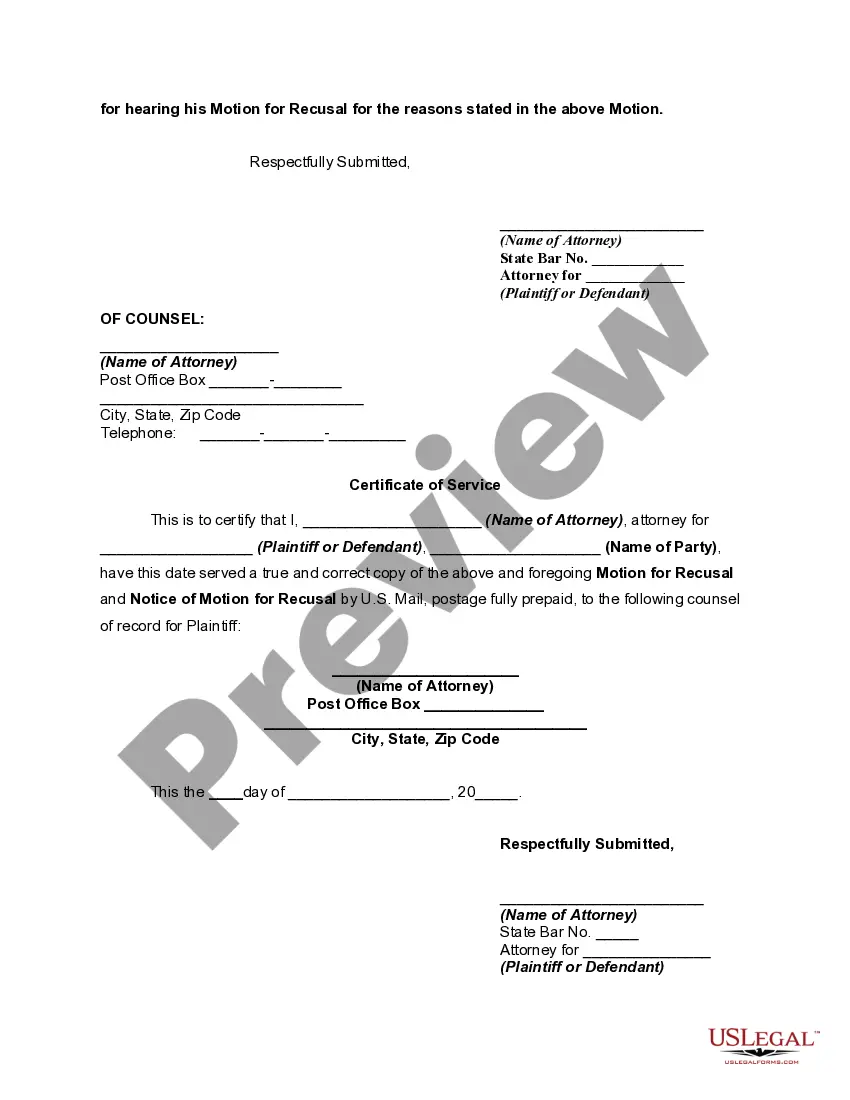
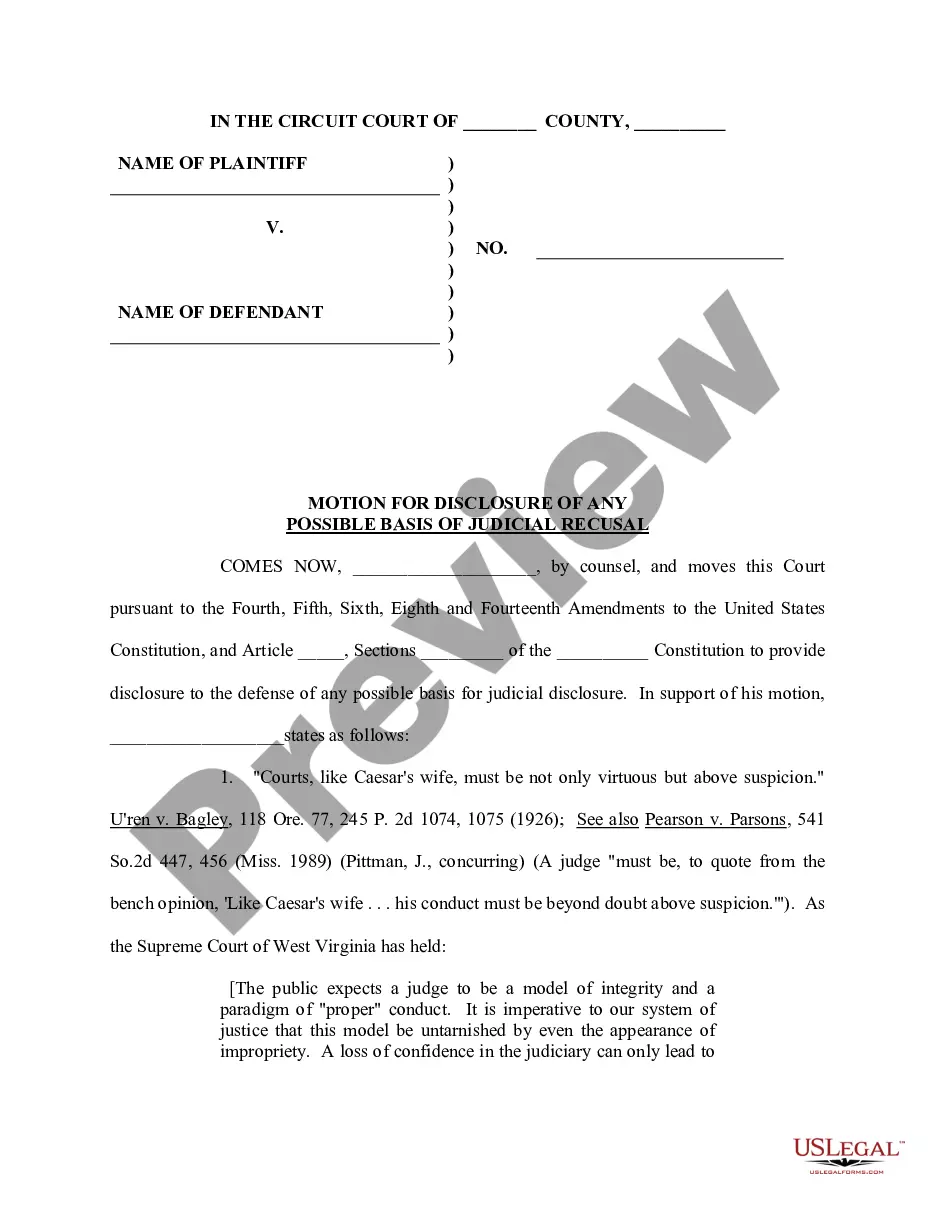
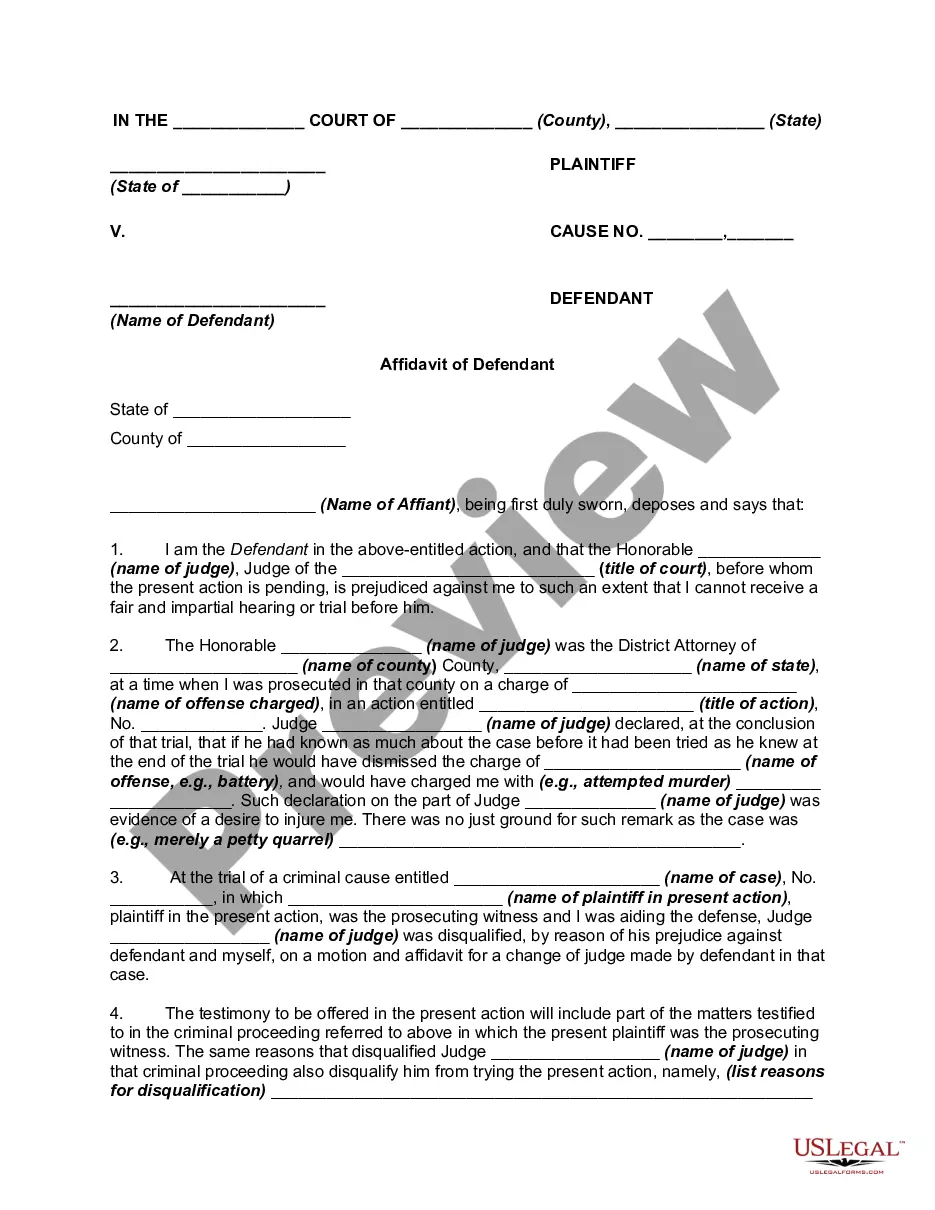
How to fill out Motion For Recusal Of Judge - Removal?
It’s well known that you cannot transform into a legal authority instantly, nor can you quickly understand how to efficiently prepare a Motion Judge File For Reconsideration without possessing a specific expertise.
Assembling legal documents is a labor-intensive task that necessitates particular training and abilities. So why not entrust the creation of the Motion Judge File For Reconsideration to the experts.
With US Legal Forms, one of the most extensive legal document repositories, you can obtain everything from court forms to templates for internal business communication. We recognize the importance of compliance and adherence to federal and local regulations.
Select Buy now. After the payment is finalized, you can access the Motion Judge File For Reconsideration, complete it, print it out, and send it to the relevant individuals or organizations by post.
You can revisit your forms from the My documents section at any time. If you are an existing user, you can simply Log In to locate and download the template from the same section. Regardless of your paperwork's intent—whether it be financial, legal, or personal—our site has you covered. Experience US Legal Forms today!
- Start by visiting our website to obtain the document you require in just minutes.
- Search for the form you need using the search bar located at the top of the page.
- Preview it (if this option is available) and review the accompanying description to see if the Motion Judge File For Reconsideration is suitable for your needs.
- If you require a different template, restart your search.
- Sign up for a free account and select a subscription plan to purchase the template.
Form popularity
FAQ
If s/he wishes to reconsider a motion that had passed, s/he would have to have voted for it in the original vote. A member who did not vote with the prevailing side may offer reasons why reconsideration is desirable and request that the motion be made by a member who is eligible to do so.
How much time do I have to file a Motion to Reconsider? Motions to reconsider are governed by the South Carolina Rules of Civil Procedure. Rule 59 gives you ten (10) days to file the motion after you receive the written order.
A motion to reconsider is a post-trial motion where you to ask the Judge who heard your case to amend his or her ruling. This is done for two primary reasons: One, you believe the Judge misunderstood your case, which led to the wrong decision. Two, the Judge failed to rule on an issue in your case.
You may file a motion to reconsider within thirty days after the court enters an order. You cannot file a motion to reconsider simply because you do not like the outcome.
A party may file a motion for reconsideration only of a decision by the judges (1) terminating review, or (2) granting or denying a personal restraint petition on the merits. The motion should be in the form and be served and filed as provided in he rules 17.3 (a), 17.4 (a) & (g), and 18.5.