Copyright Logo Copy Without Copyright
Description
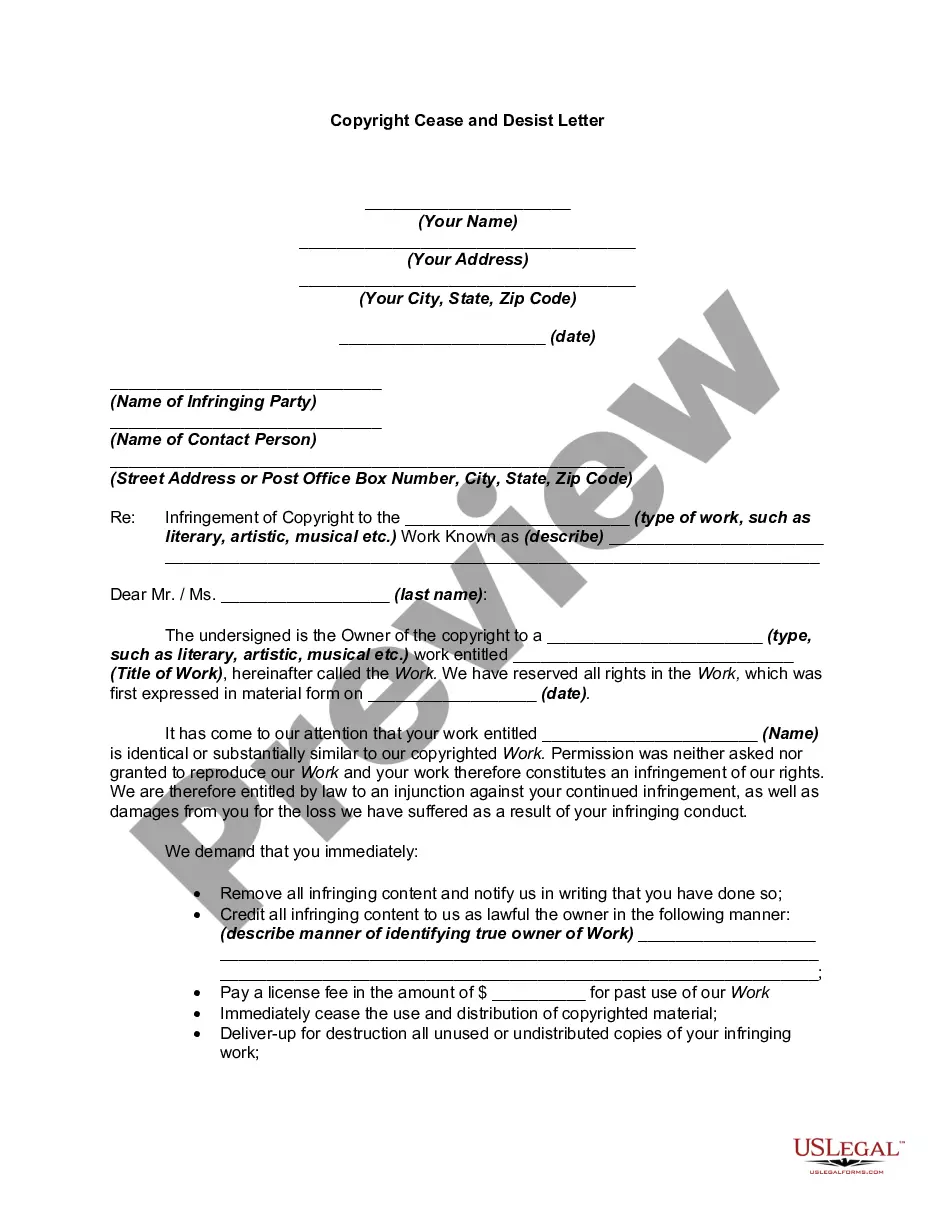

Get your form ready online
Our built-in tools help you complete, sign, share, and store your documents in one place.
Make edits, fill in missing information, and update formatting in US Legal Forms—just like you would in MS Word.
Download a copy, print it, send it by email, or mail it via USPS—whatever works best for your next step.
Sign and collect signatures with our SignNow integration. Send to multiple recipients, set reminders, and more. Go Premium to unlock E-Sign.
If this form requires notarization, complete it online through a secure video call—no need to meet a notary in person or wait for an appointment.
We protect your documents and personal data by following strict security and privacy standards.

Make edits, fill in missing information, and update formatting in US Legal Forms—just like you would in MS Word.

Download a copy, print it, send it by email, or mail it via USPS—whatever works best for your next step.

Sign and collect signatures with our SignNow integration. Send to multiple recipients, set reminders, and more. Go Premium to unlock E-Sign.

If this form requires notarization, complete it online through a secure video call—no need to meet a notary in person or wait for an appointment.

We protect your documents and personal data by following strict security and privacy standards.
Looking for another form?








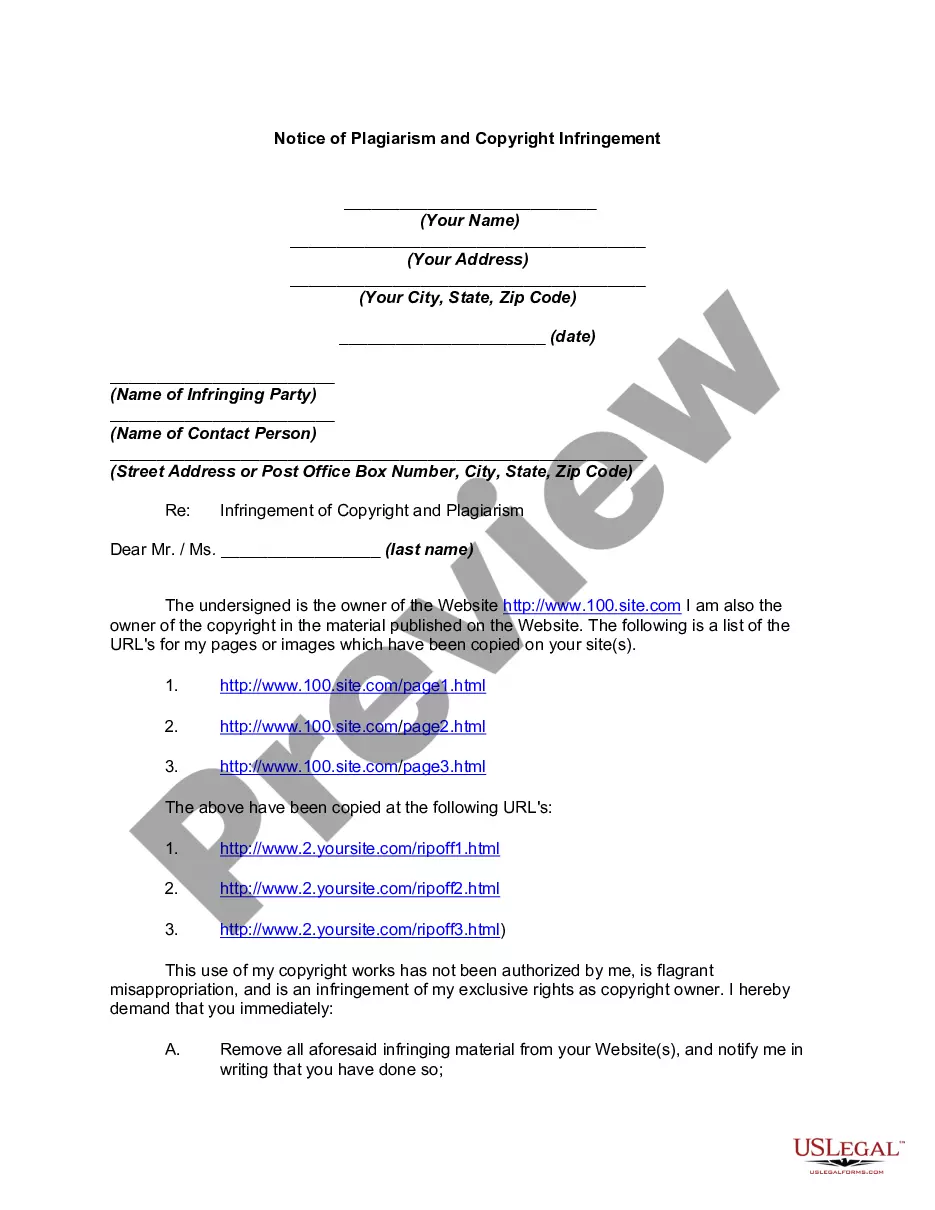
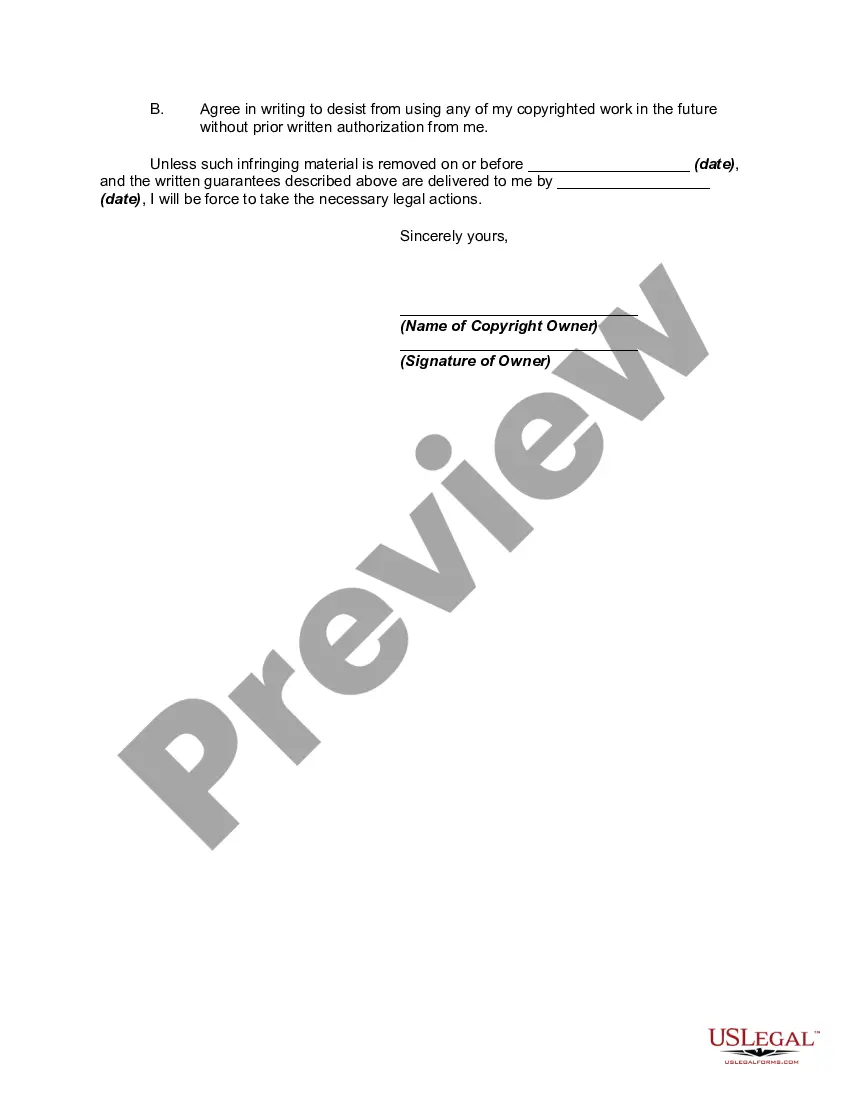
How to fill out Notice Of Plagiarism And Copyright Infringement?
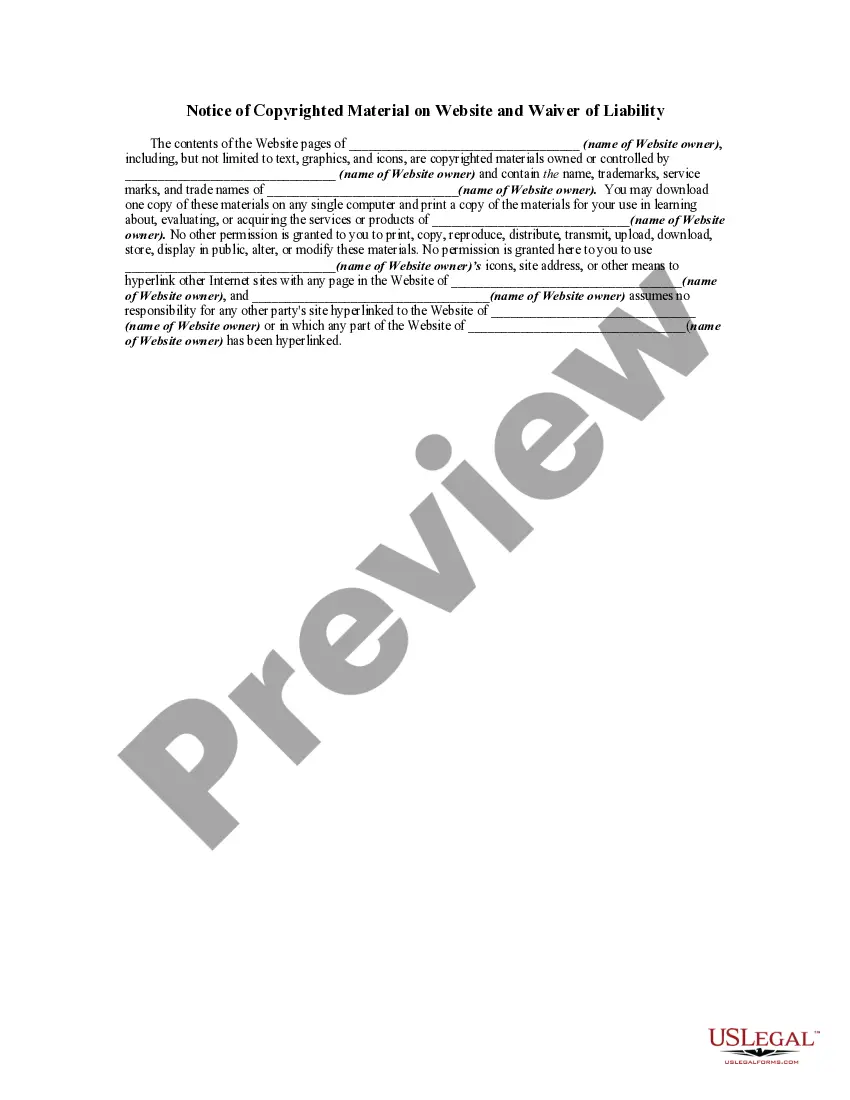
The Copyright Symbol Copy Without Copyright displayed on this page is a reusable legal model created by qualified attorneys in accordance with federal and state regulations.
For over 25 years, US Legal Forms has supplied individuals, businesses, and legal experts with more than 85,000 validated, state-specific documents for any business and personal situation. It’s the quickest, simplest, and most reliable method to acquire the forms you require, as the service assures bank-grade data protection and anti-malware defense.
Join US Legal Forms to access verified legal templates for all of life's situations at your fingertips.
- Browse for the document you need and review it.
- Look through the sample you searched and preview it or examine the document description to ensure it meets your needs. If it does not, utilize the search feature to find the suitable one. Click Buy Now once you have found the template you require.
- Register and Log In.
- Select the pricing plan that fits you and set up an account. Use PayPal or a credit card to make a swift payment. If you already possess an account, Log In and verify your subscription to proceed.
- Obtain the editable template.
- Choose the format you prefer for your Copyright Symbol Copy Without Copyright (PDF, DOCX, RTF) and download the document onto your device.
- Complete and sign the forms.
- Print out the template to fill it out by hand. Alternatively, use an online multifunctional PDF editor to quickly and accurately fill in and sign your document with a valid signature.
- Redownload your documents when necessary.
- Use the same paperwork again whenever required. Access the My documents tab in your profile to redownload any previously saved documents.
Form popularity
FAQ
To avoid copyright issues when creating a logo, ensure that your design is entirely original and does not resemble existing logos. Conduct thorough research to confirm that your logo does not infringe on others' trademarks or copyrights. Additionally, using platforms like USLegalForms can provide valuable resources and templates to guide you in making an original logo, ensuring your copyright logo copy without copyright is secure.
Using a copyright symbol on something that is not copyrighted can be misleading and may lead to legal issues. It is important to only use the symbol if you have actual copyright ownership of the work. If you are unsure about your rights, uslegalforms can assist you in navigating copyright logo copy without copyright effectively.
To copy a copyright symbol, simply select it from a document or website and use the copy command (Ctrl + C on Windows, Command + C on Mac). You can also find the symbol in your character map or special character menu. This is particularly useful when you need to replicate the copyright logo copy without copyright across multiple platforms.
You can insert a copyright symbol by using keyboard shortcuts or special character tools. On Windows, press Alt + 0169, and on Mac, press Option + G. If you are creating documents that require the copyright logo copy without copyright, these shortcuts are essential for accurate representation.
To type the ℗ symbol, which represents phonorecord copyright, you can use a specific shortcut. On Windows, hold the Alt key and type 8471 on the numeric keypad. On a Mac, you can use the Character Viewer to locate and insert the symbol. Understanding this helps in discussions about copyright logo copy without copyright.
To type the 'c' in a circle, use the copyright symbol, which looks like a 'C' encircled. On a Windows computer, you can type Alt + 0169 on the numeric keypad. On a Mac, you can simply press Option + G. This symbol is significant when discussing copyright logo copy without copyright.
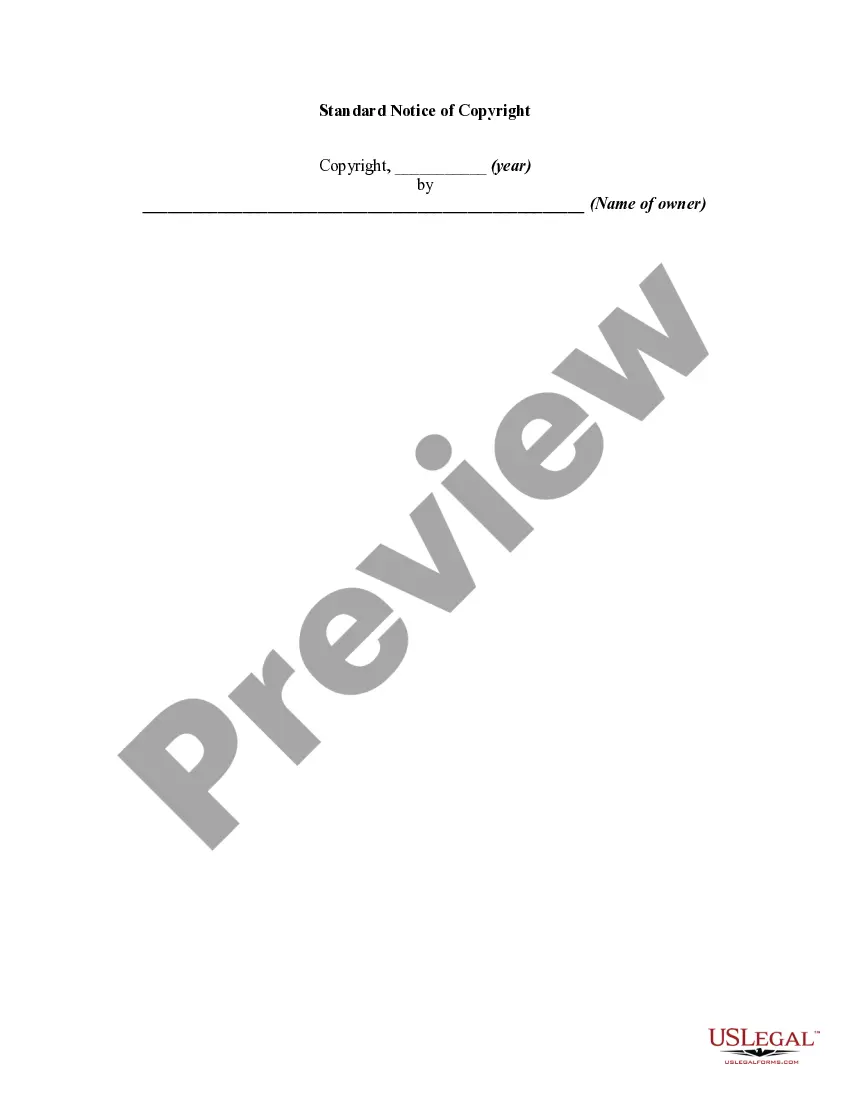
To write a copyright disclaimer, begin by stating that the work is protected by copyright law. You can include the copyright symbol, followed by the year of publication and your name or business name. This communicates ownership clearly and helps protect your intellectual property. For detailed templates, check out uslegalforms for copyright logo copy without copyright.
The (@) symbol is called the 'at' symbol. It is commonly used in email addresses and social media handles. While it doesn't directly relate to copyright, understanding symbols like this can help you navigate digital communications more effectively. If you need guidance on copyright logo copy without copyright, consider exploring our resources.