Business Associate Agreement With Google
Description

Get your form ready online
Our built-in tools help you complete, sign, share, and store your documents in one place.
Make edits, fill in missing information, and update formatting in US Legal Forms—just like you would in MS Word.
Download a copy, print it, send it by email, or mail it via USPS—whatever works best for your next step.
Sign and collect signatures with our SignNow integration. Send to multiple recipients, set reminders, and more. Go Premium to unlock E-Sign.
If this form requires notarization, complete it online through a secure video call—no need to meet a notary in person or wait for an appointment.
We protect your documents and personal data by following strict security and privacy standards.

Make edits, fill in missing information, and update formatting in US Legal Forms—just like you would in MS Word.

Download a copy, print it, send it by email, or mail it via USPS—whatever works best for your next step.

Sign and collect signatures with our SignNow integration. Send to multiple recipients, set reminders, and more. Go Premium to unlock E-Sign.

If this form requires notarization, complete it online through a secure video call—no need to meet a notary in person or wait for an appointment.

We protect your documents and personal data by following strict security and privacy standards.
Looking for another form?







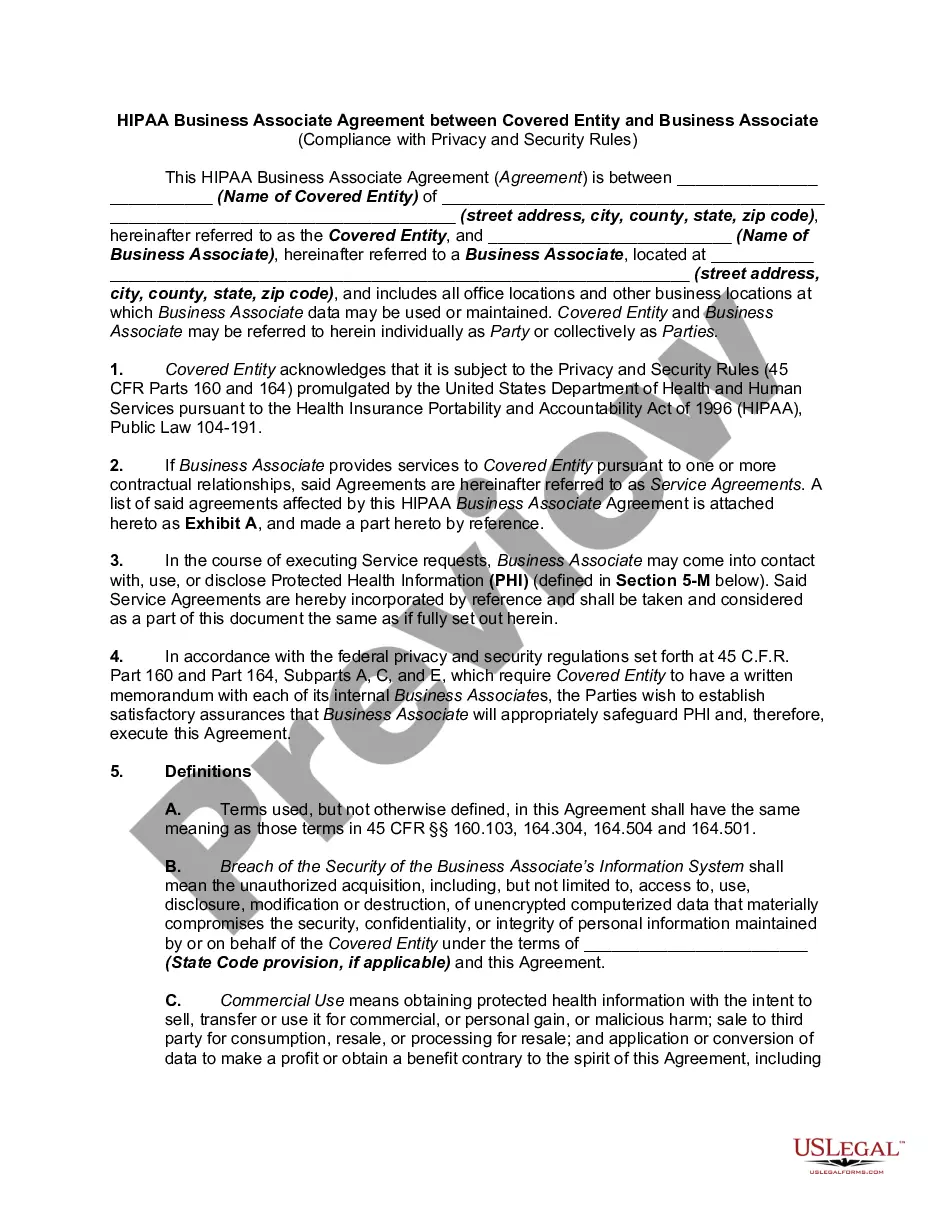
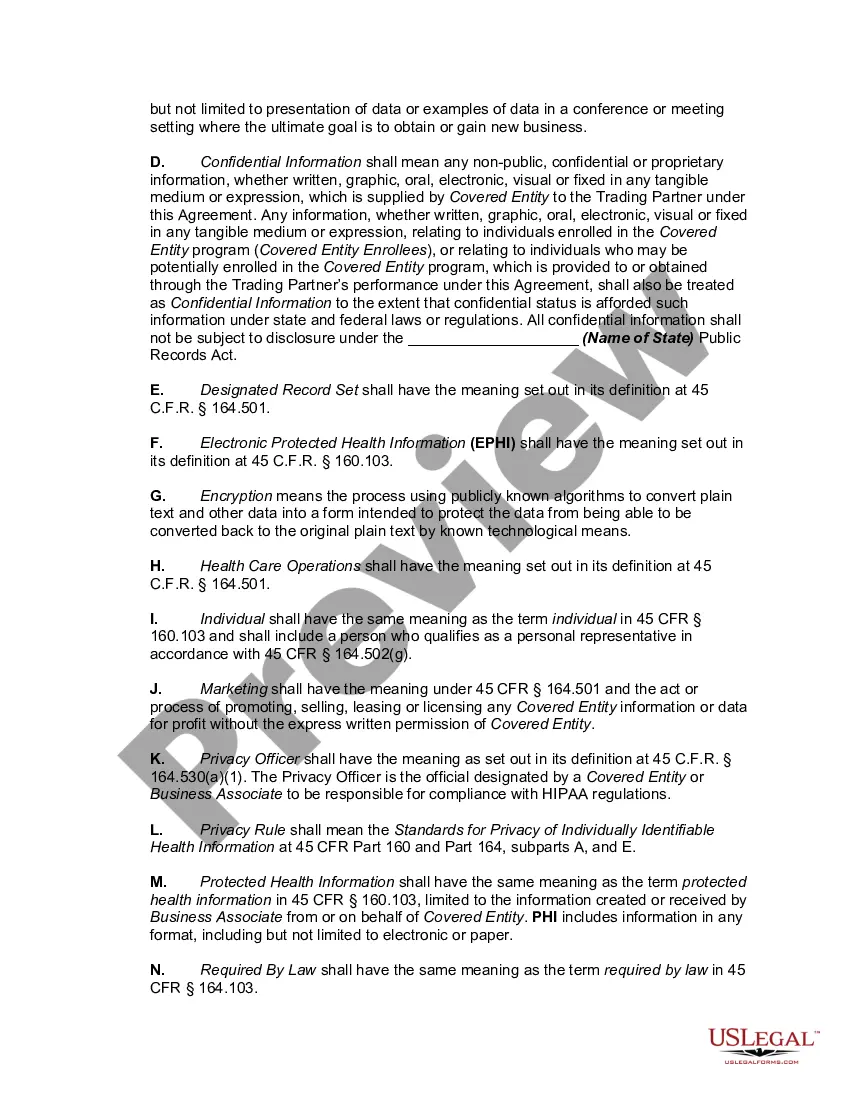
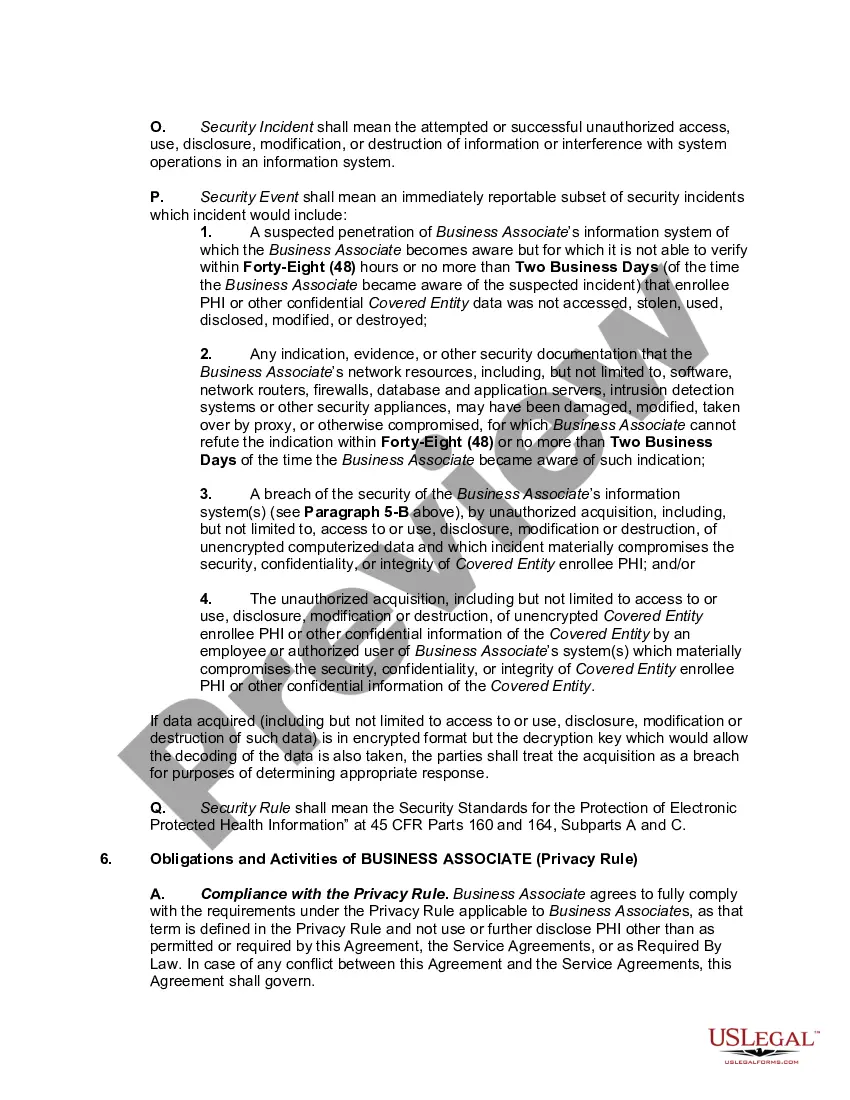
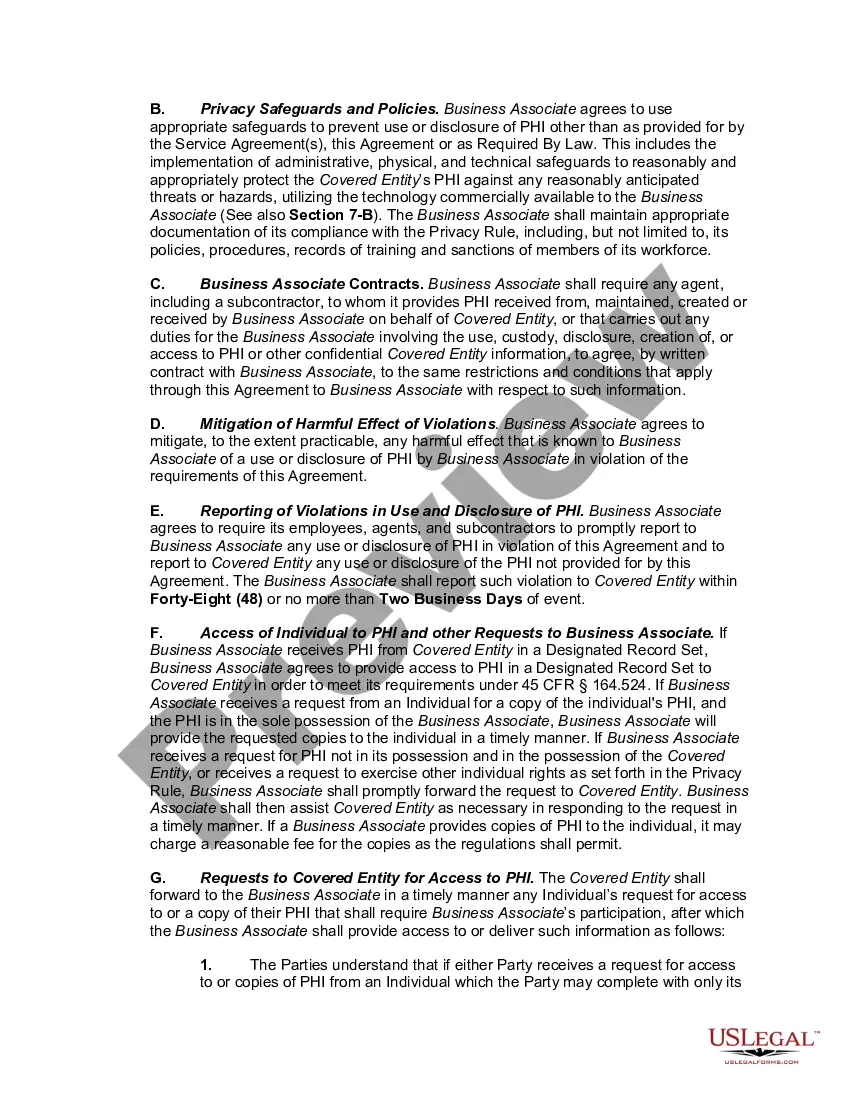
How to fill out HIPAA Business Associates Agreement?
Regardless of whether you handle documentation often or you need to submit a legal paper from time to time, it is crucial to obtain a helpful resource where all the samples are applicable and current.
One action you should take using a Business Associate Agreement With Google is to ensure that it is the latest version, as it determines whether it can be submitted.
If you wish to simplify your quest for the most recent document examples, search for them on US Legal Forms.
To obtain a document without an account, follow these instructions.
- US Legal Forms is a repository of legal documents featuring nearly every sample you may seek.
- Look for the templates you require, evaluate their relevance immediately, and discover more about their application.
- With US Legal Forms, you gain access to over 85,000 form templates across a broad range of areas.
- Locate the Business Associate Agreement With Google samples in just a few clicks and save them at any time in your account.
- A US Legal Forms account will enable you to access all the samples you need with added convenience and minimal hassle.
- All you need to do is click Log In in the site header and navigate to the My documents section where all the forms you require are available to you, eliminating the need to spend time searching for the appropriate template or verifying its authenticity.
Form popularity
FAQ
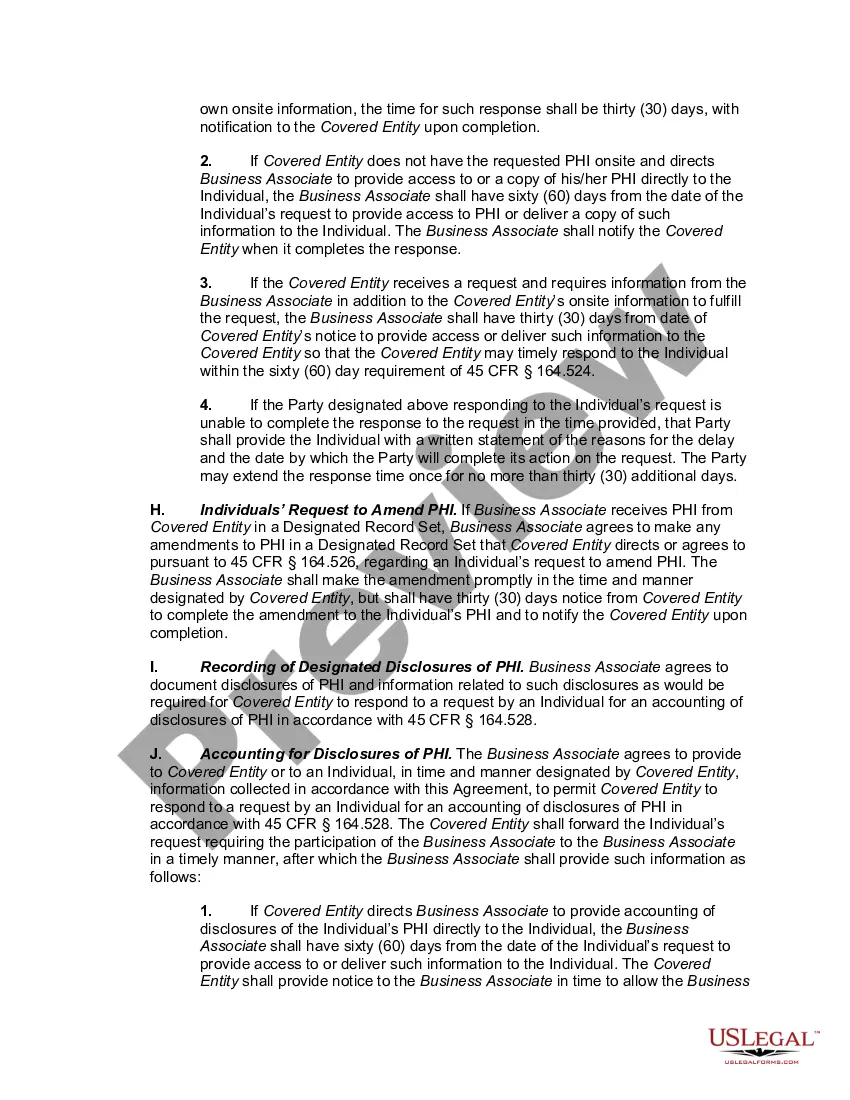
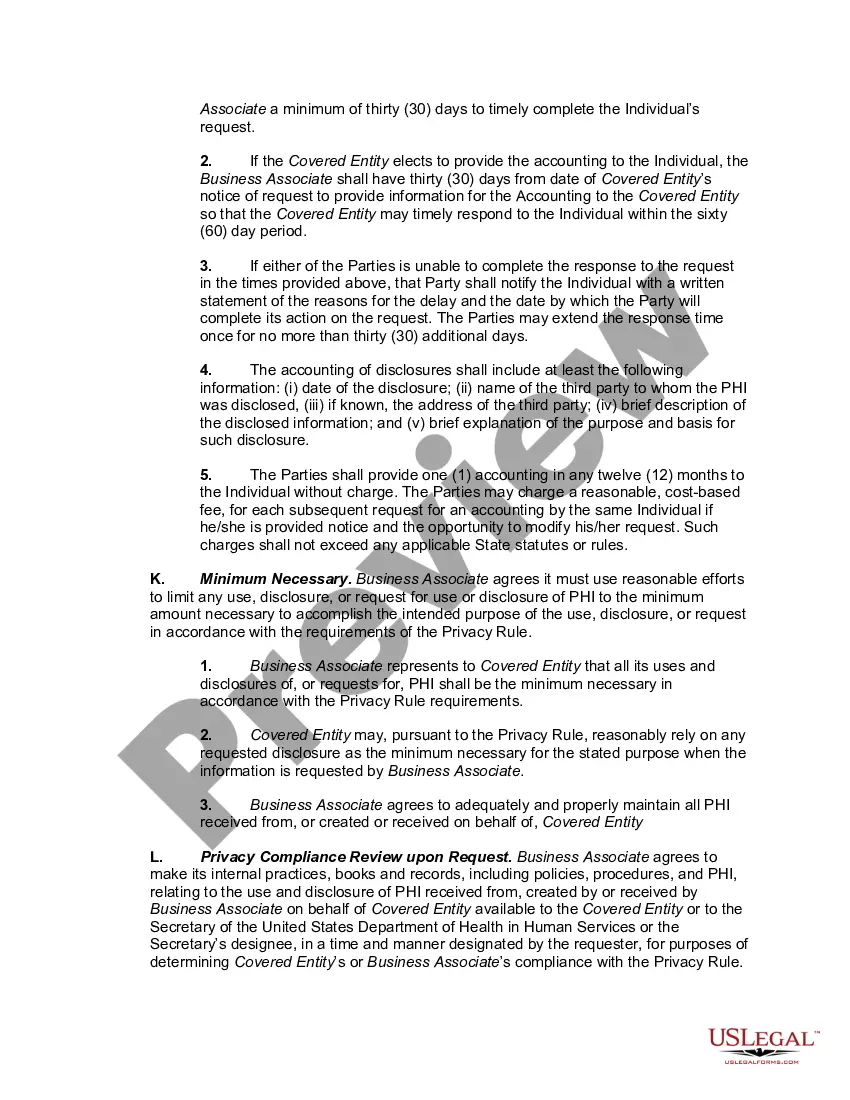
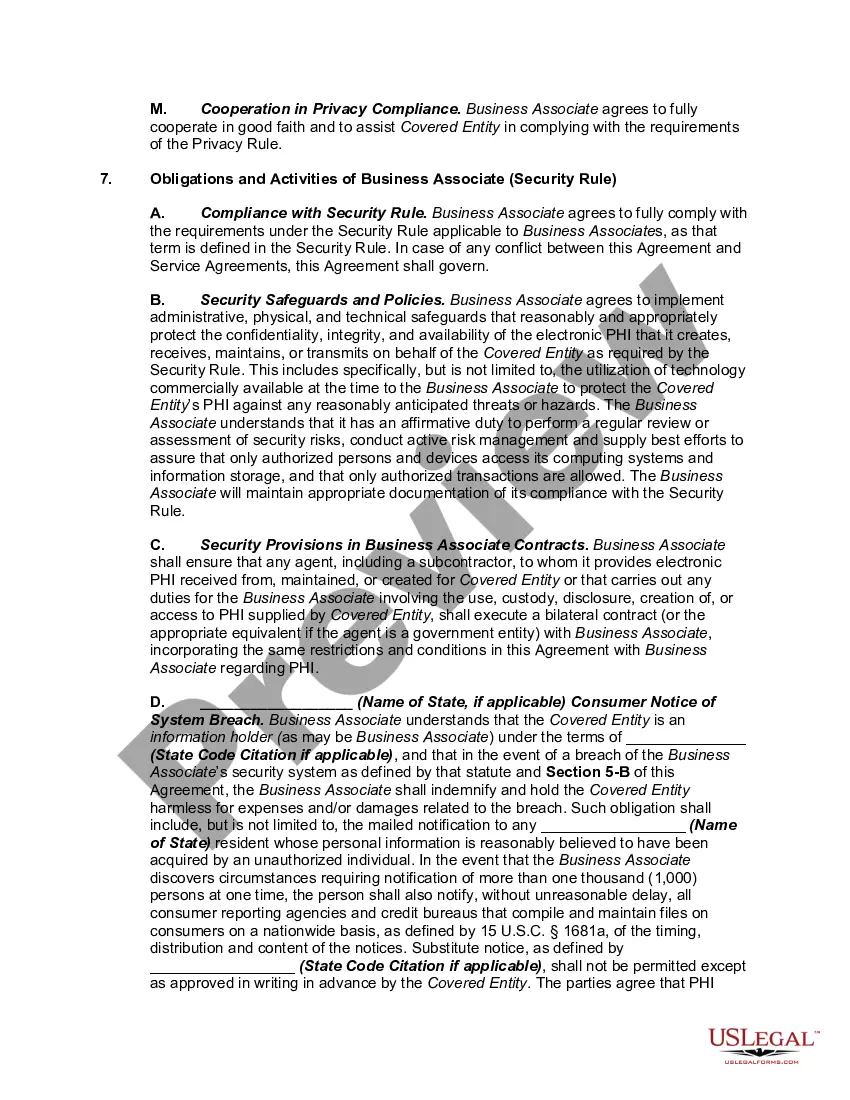
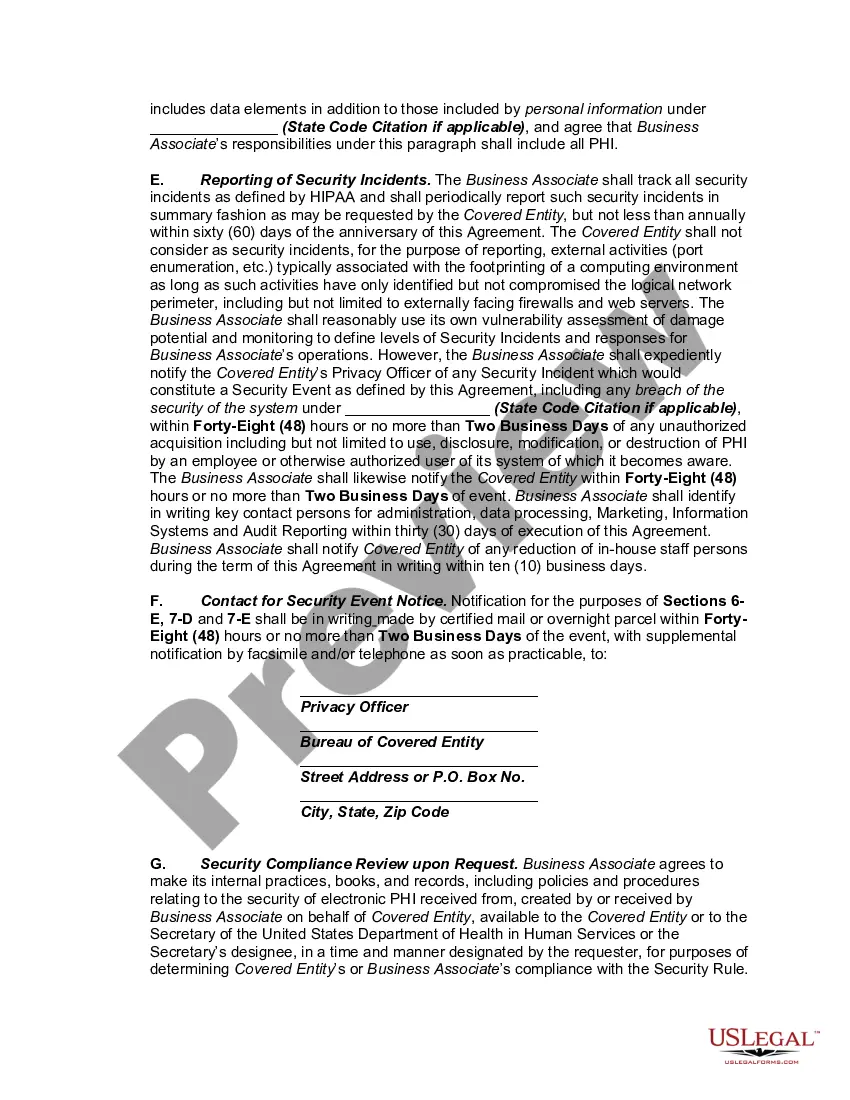
This HIPAA Business Associate Addendum (BAA) is entered into between Google and the customer agreeing to the terms below ("Customer"), and supplements, amends and is incorporated into the Services Agreement(s) (defined below) solely with respect to Covered Services (defined below).
Sign in to the Google Workspace Admin console. Click Company Profile. Click Show more > Legal & compliance. In the Security and Privacy Additional Terms next to HIPAA Business Associate Amendment, click Review and Accept.
Google only offers the option to enter a BAA to those using the paid version of Google, called G Suite. At the time of this writing, G Suite's introductory rate is six dollars per month.
Google Apps for Business starts at $5/month per user or $50/year per user.
For customers with HIPAA compliance needs, Google offers a Business Associate Amendment (BAA). To review and accept this BAA, you must be signed in to an administrator account for your organization's Google Workspace or Cloud Identity account.