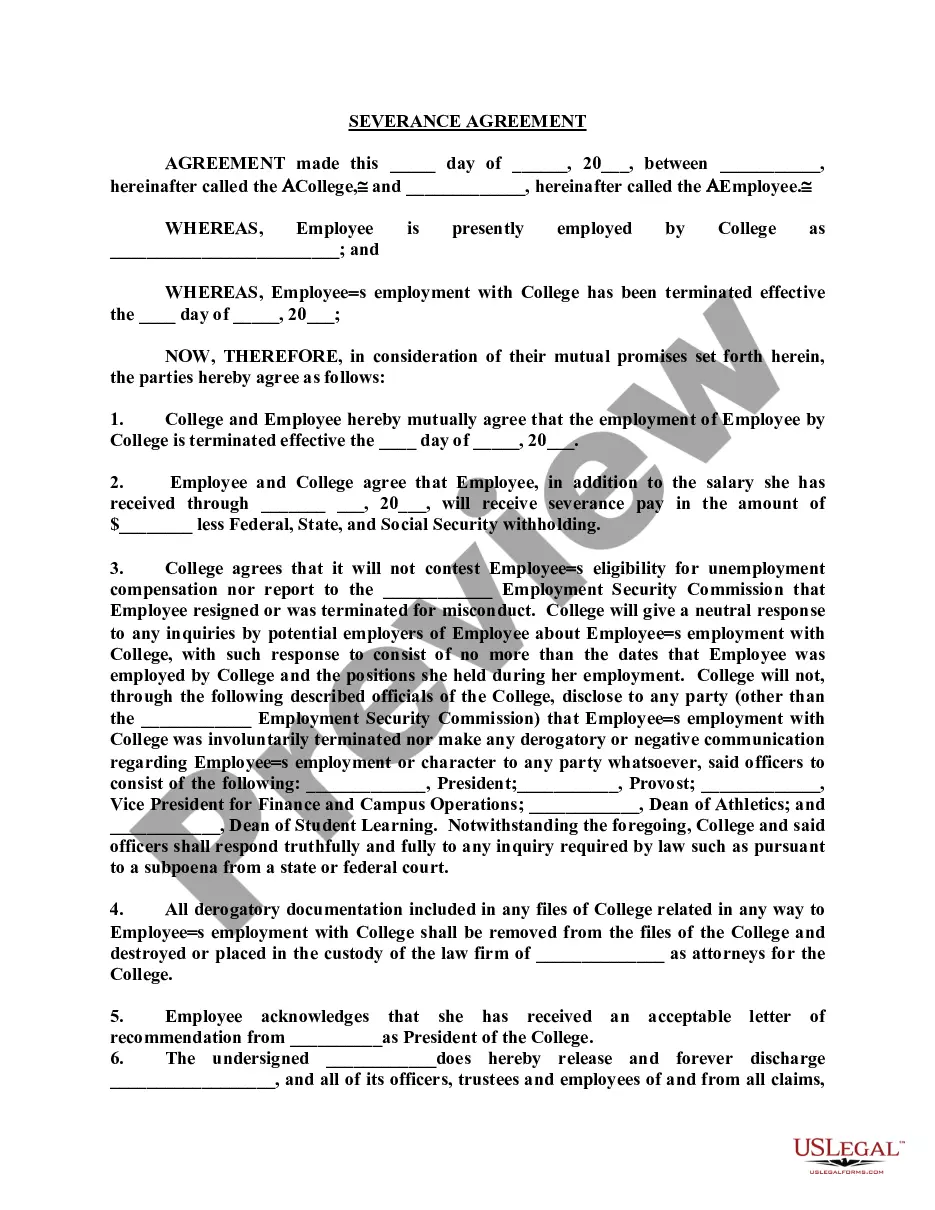
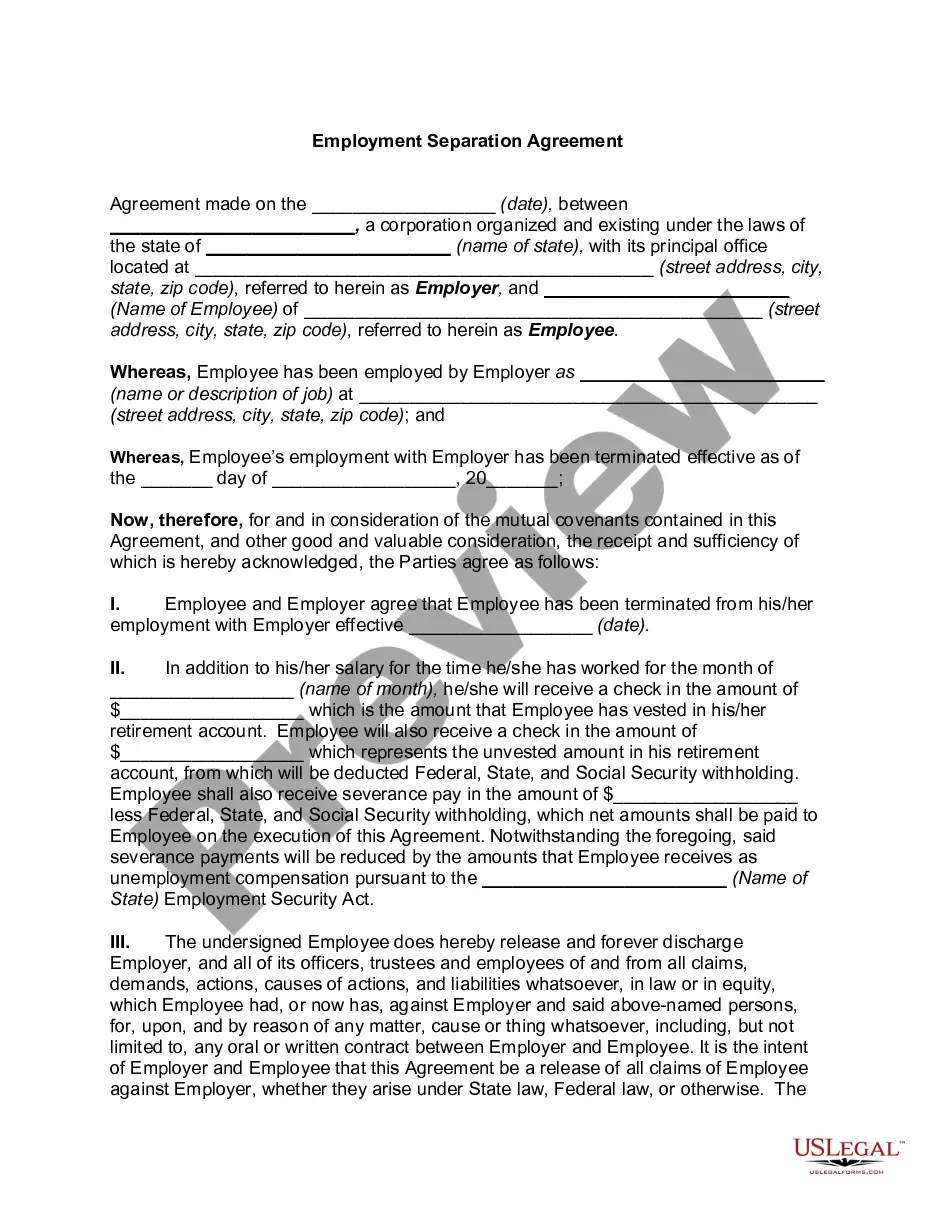
Employee Day Termination With Limited Contract
Description
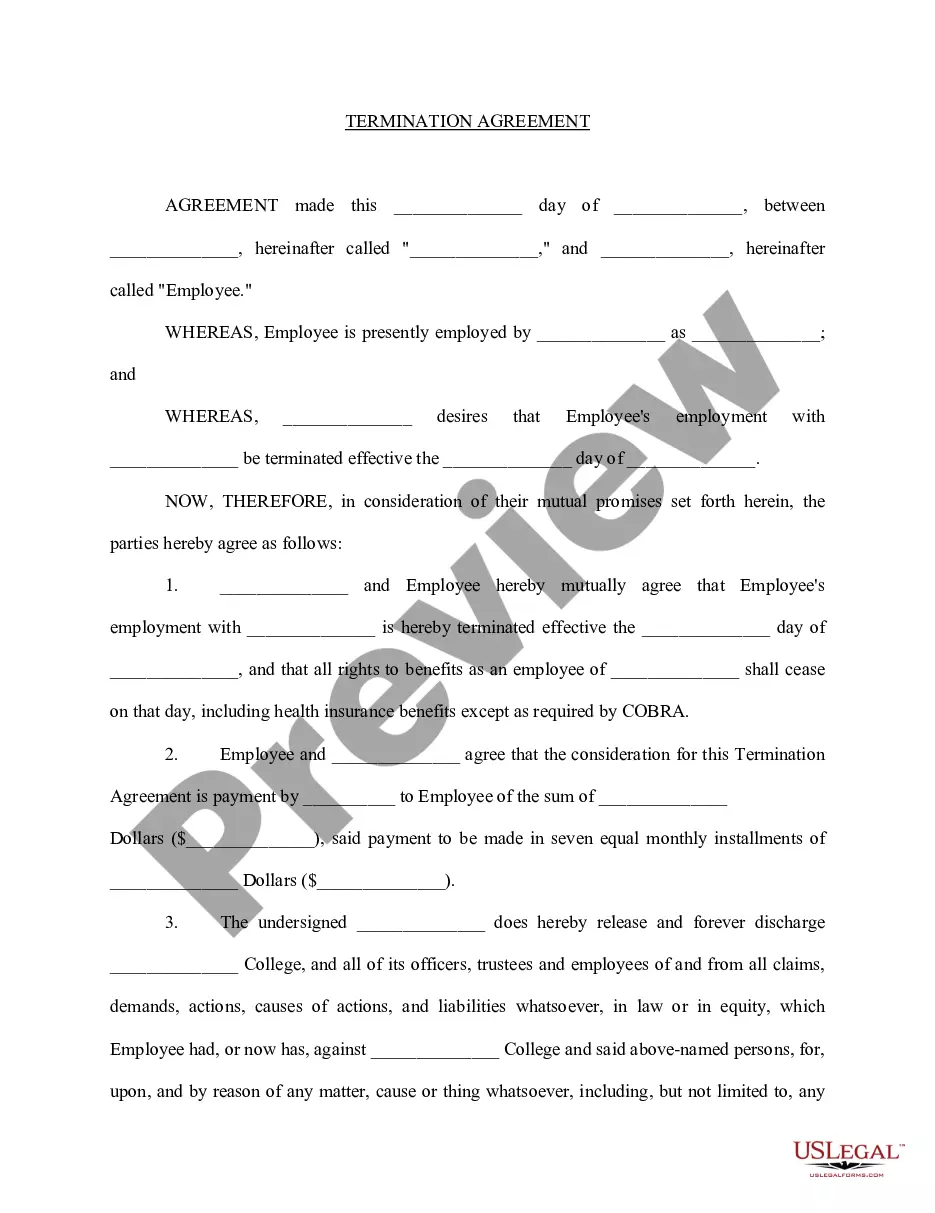
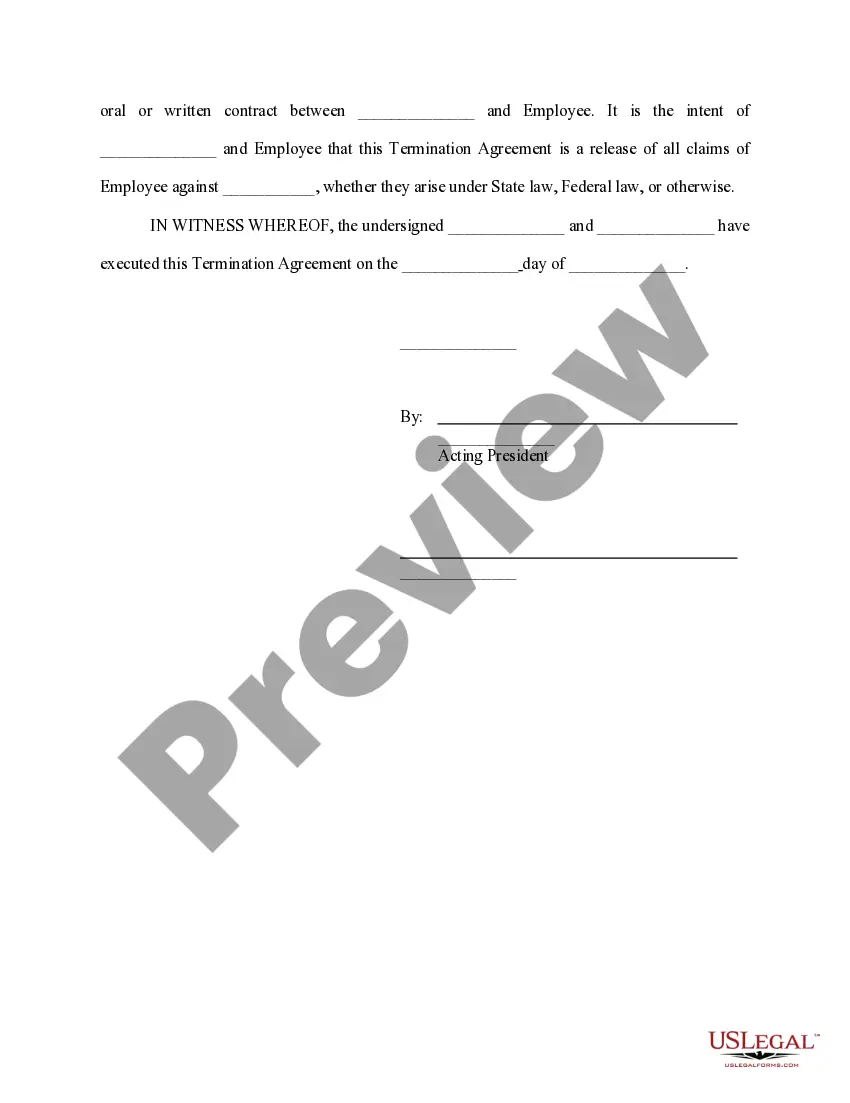
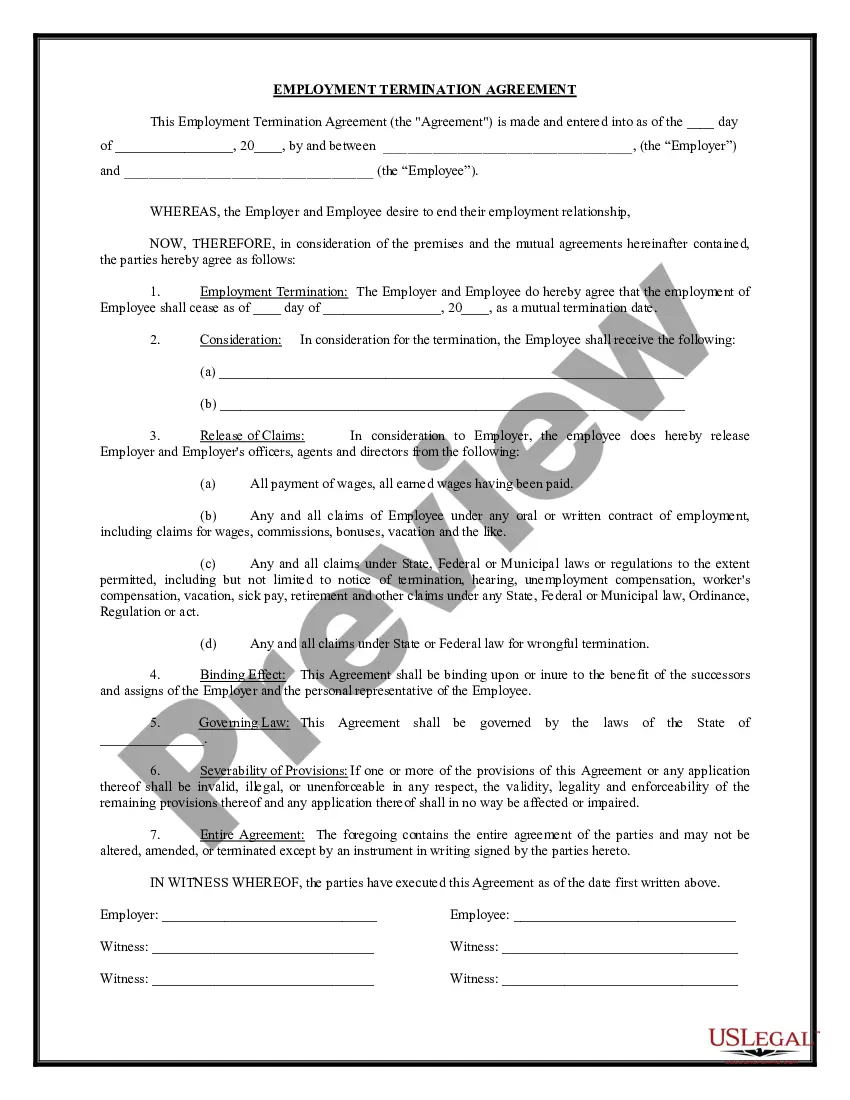
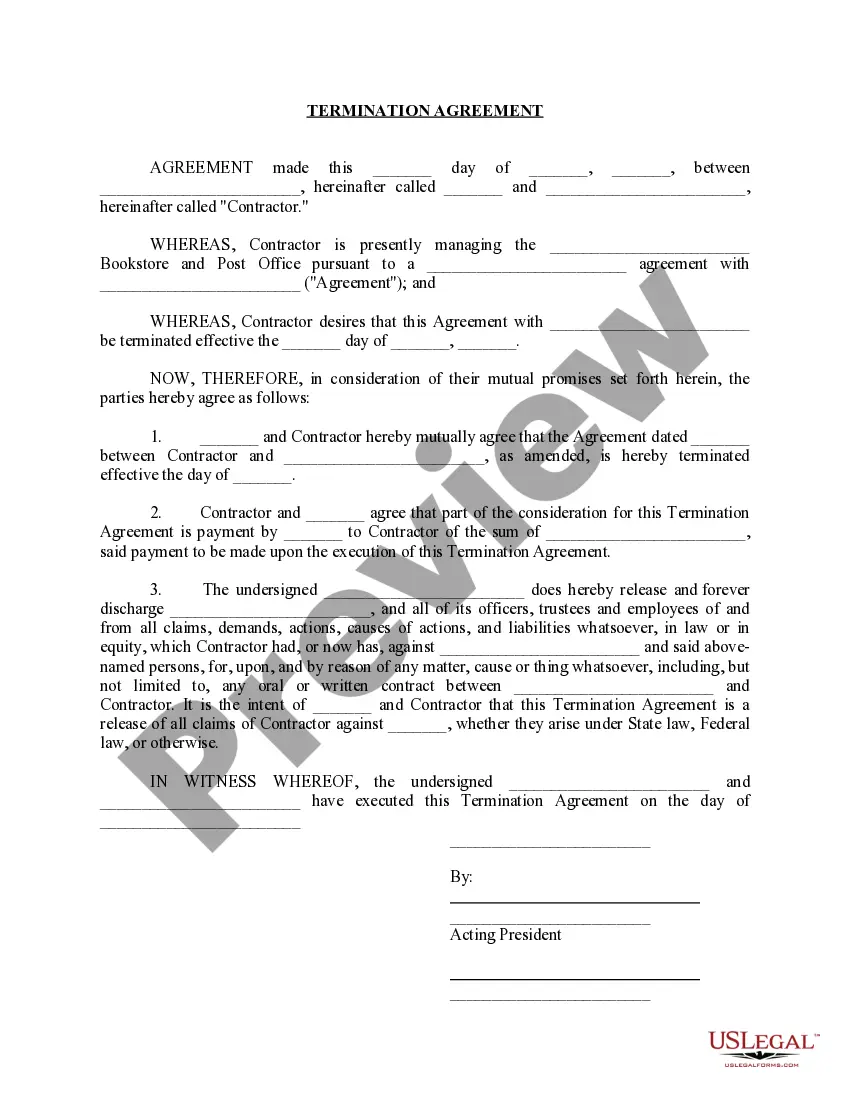
Get your form ready online
Our built-in tools help you complete, sign, share, and store your documents in one place.
Make edits, fill in missing information, and update formatting in US Legal Forms—just like you would in MS Word.
Download a copy, print it, send it by email, or mail it via USPS—whatever works best for your next step.
Sign and collect signatures with our SignNow integration. Send to multiple recipients, set reminders, and more. Go Premium to unlock E-Sign.
If this form requires notarization, complete it online through a secure video call—no need to meet a notary in person or wait for an appointment.
We protect your documents and personal data by following strict security and privacy standards.

Make edits, fill in missing information, and update formatting in US Legal Forms—just like you would in MS Word.

Download a copy, print it, send it by email, or mail it via USPS—whatever works best for your next step.

Sign and collect signatures with our SignNow integration. Send to multiple recipients, set reminders, and more. Go Premium to unlock E-Sign.

If this form requires notarization, complete it online through a secure video call—no need to meet a notary in person or wait for an appointment.

We protect your documents and personal data by following strict security and privacy standards.
Looking for another form?






How to fill out Termination Agreement College Employee?
Properly prepared official documents are a key assurance against complications and legal disputes, yet acquiring them without an attorney’s assistance may require time.
Whether you need to swiftly locate a current Employee Day Termination With Limited Contract or other forms for employment, familial, or business events, US Legal Forms is always ready to assist.
The process is even more straightforward for current users of the US Legal Forms library. If your subscription is active, simply Log In to your account and hit the Download button next to the chosen document. Moreover, you can retrieve the Employee Day Termination With Limited Contract at any time, as all documents ever acquired on the platform remain accessible within the My documents tab of your profile. Save time and money on preparing official documents. Test US Legal Forms today!
- Verify that the form is appropriate for your situation and area by reviewing the description and preview.
- Search for another example (if necessary) using the Search bar in the page header.
- Press Buy Now once you find the correct template.
- Select the pricing option, Log In to your account or create a new one.
- Choose your preferred payment method to purchase the subscription plan (via credit card or PayPal).
- Select PDF or DOCX format for your Employee Day Termination With Limited Contract.
- Click Download, then print the template to complete it or incorporate it into an online editor.
Form popularity
FAQ
You should begin with a clear and unambiguous statement such as: 'Your employment has been terminated as of today. ' Whatever you say, phrase it carefully to ensure there is no room for doubt. Even saying, 'will be' rather than 'has' may be interpreted by the employee as a situation they can change.
11 Things You Should Never Say When Firing an EmployeeThis is really hard for me.I'm not sure how to say this.We've decided to let you go.We've decided to go in a different direction.We'll work out the details later.Compared to Susan, your performance is subpar.More items...?
An employee's last day of work is often the termination or separation date. However, there may be times where an employee is no longer working, but the actual date of termination is delayed.
Click on the employee's name to enter their profile. Option 2: Click on the My Team worklet from the Workday home page, then click the employee's name to enter their profile. Click the Related Actions button next to the employee's name, hover over Job Change and select Terminate Employee.
Here are some steps you can follow to write an effective termination letter:Notify the employee or company of a termination date.Explain the terms for contract termination.Describe the next steps.List materials they may return or send.Include additional information.Employee termination letter.More items...?
