Website Terms Use Sample With Examples
Description
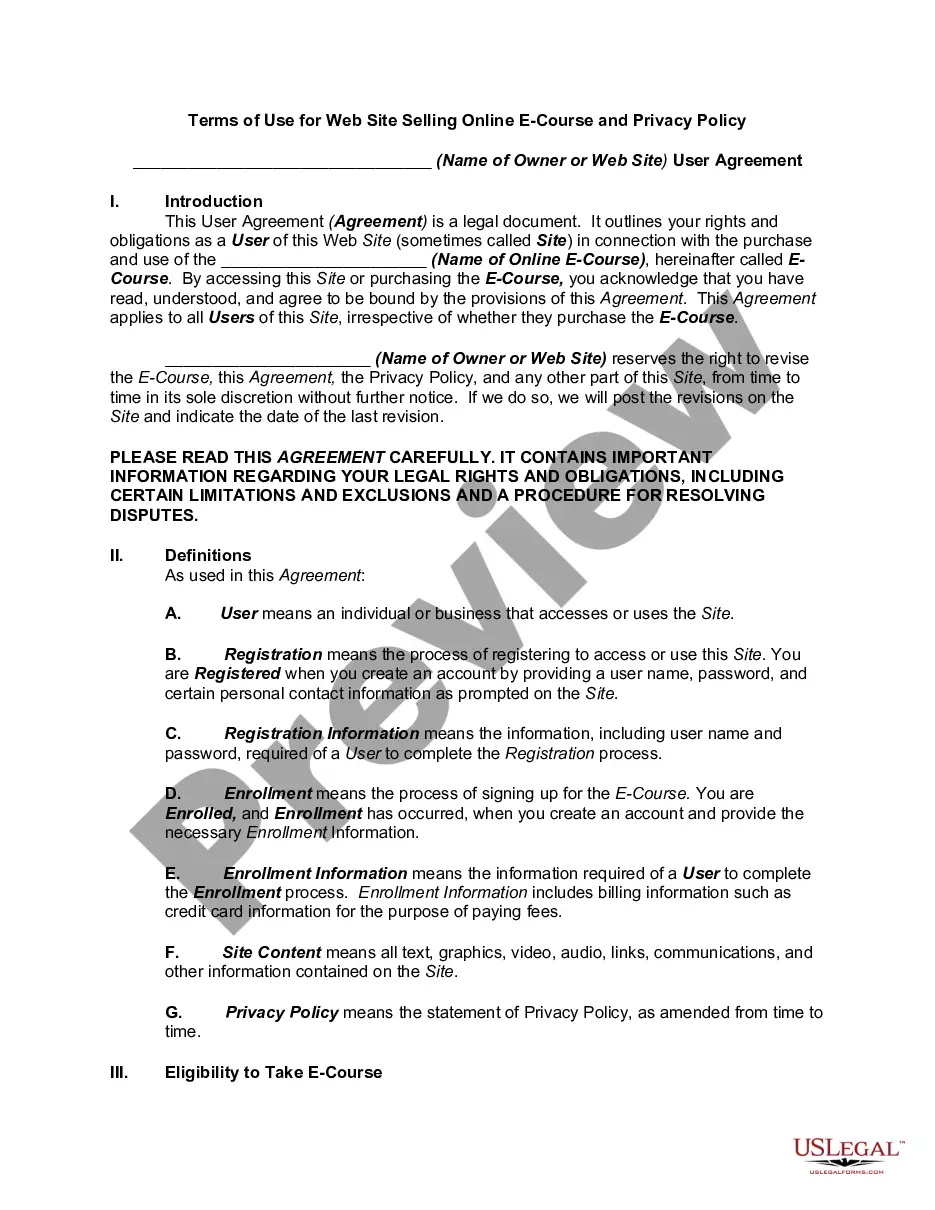
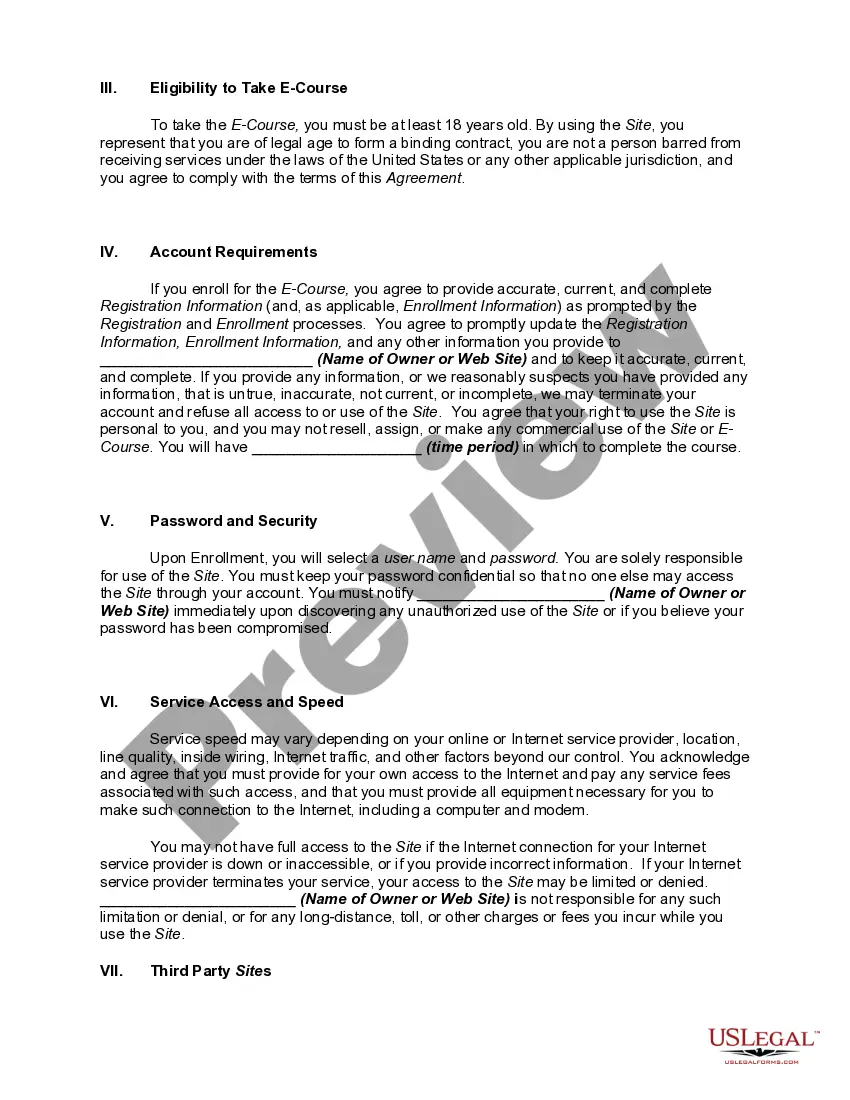
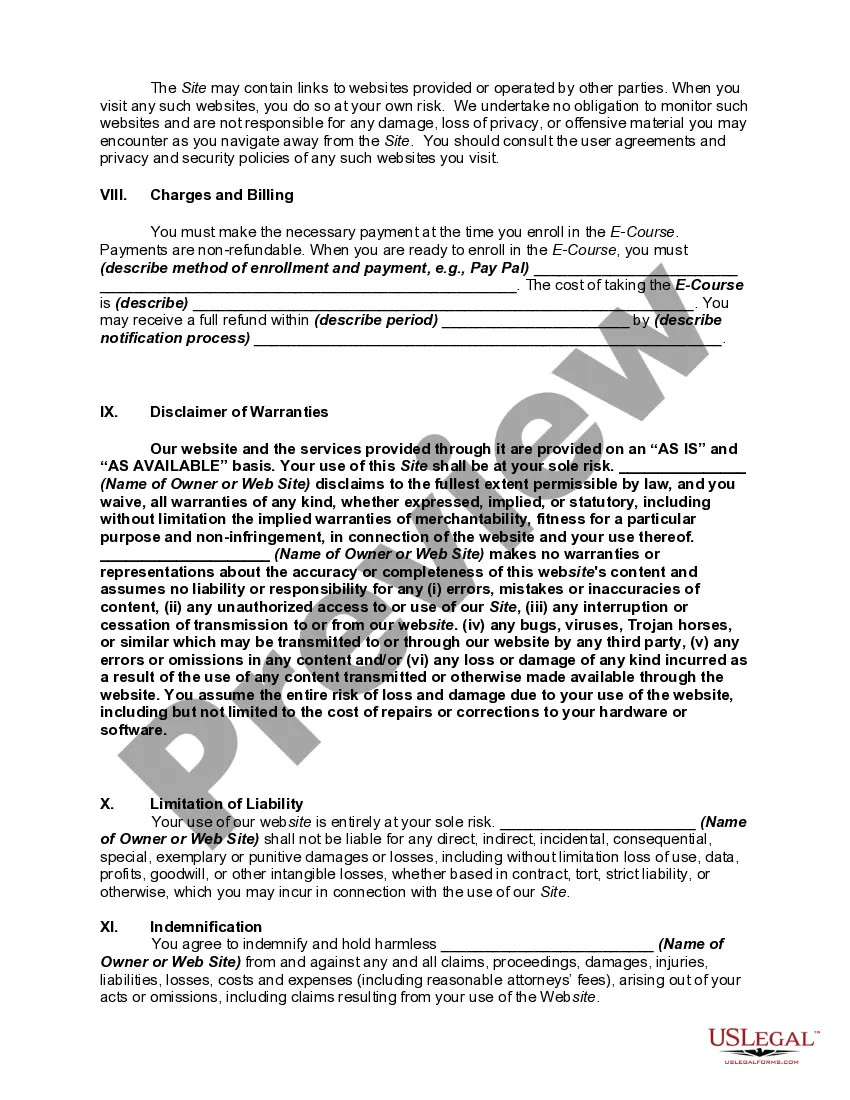
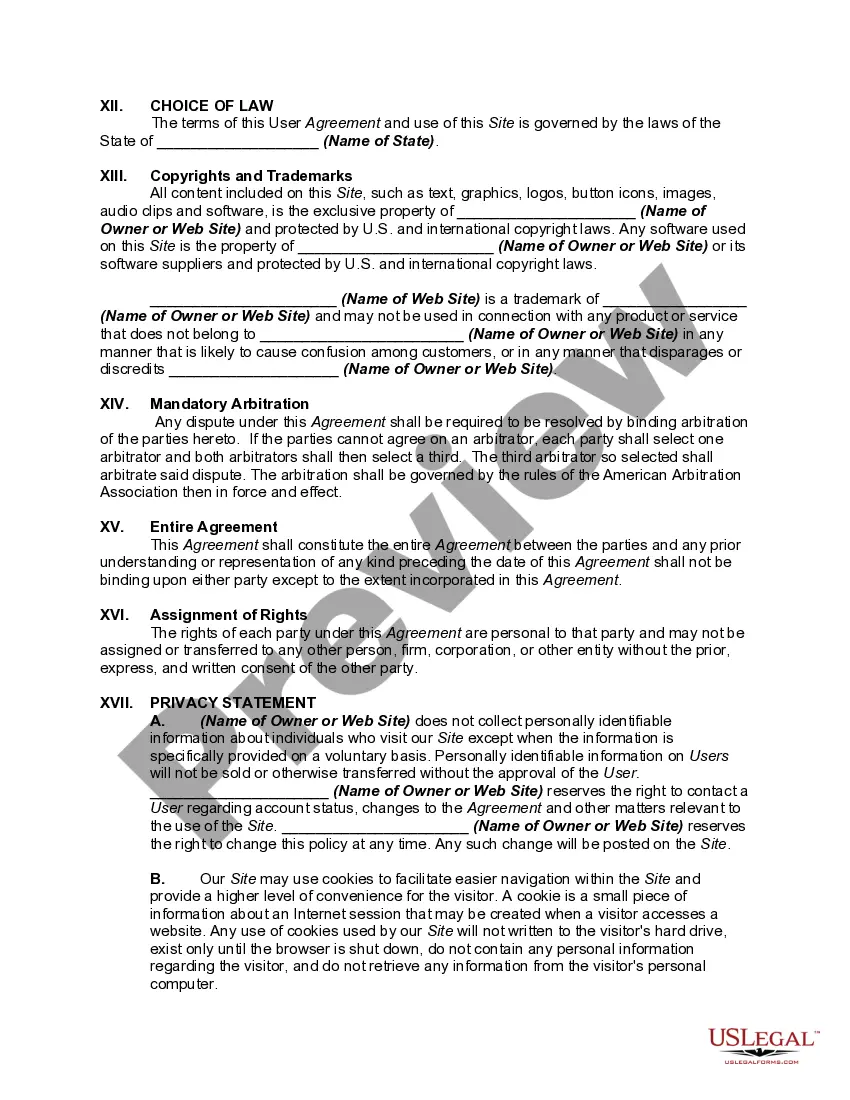
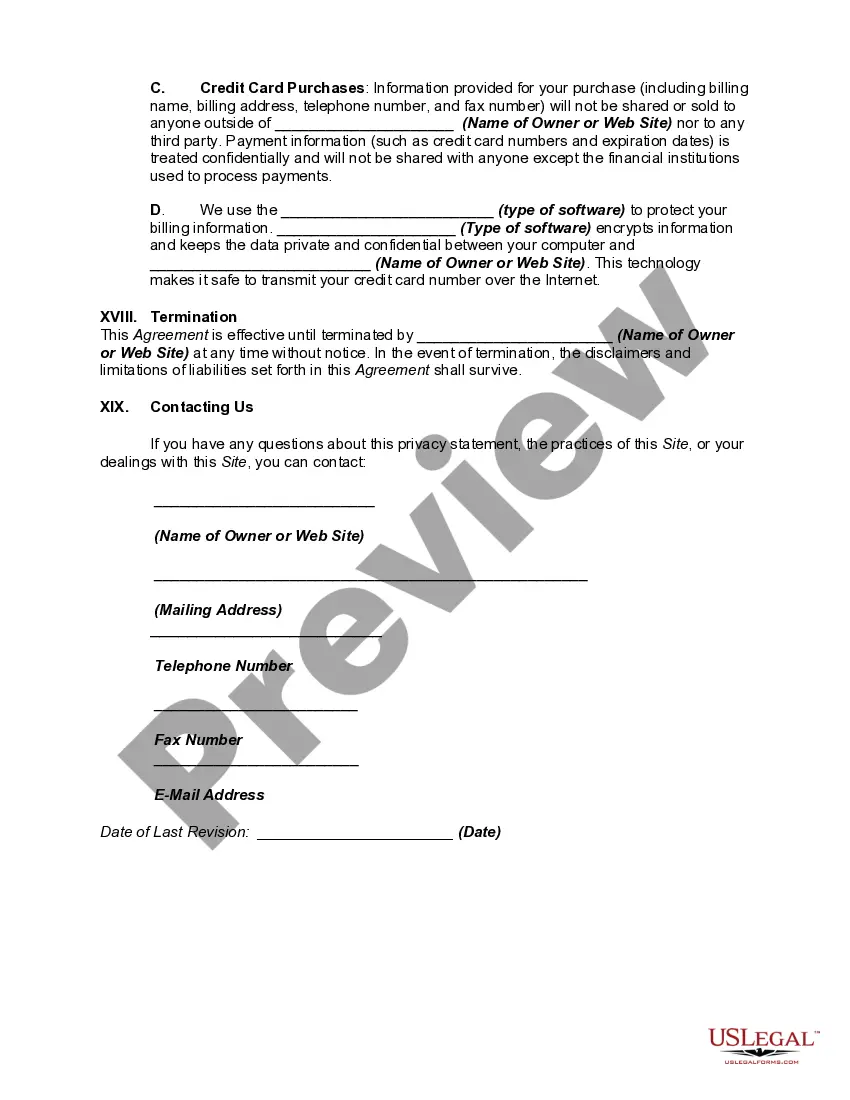
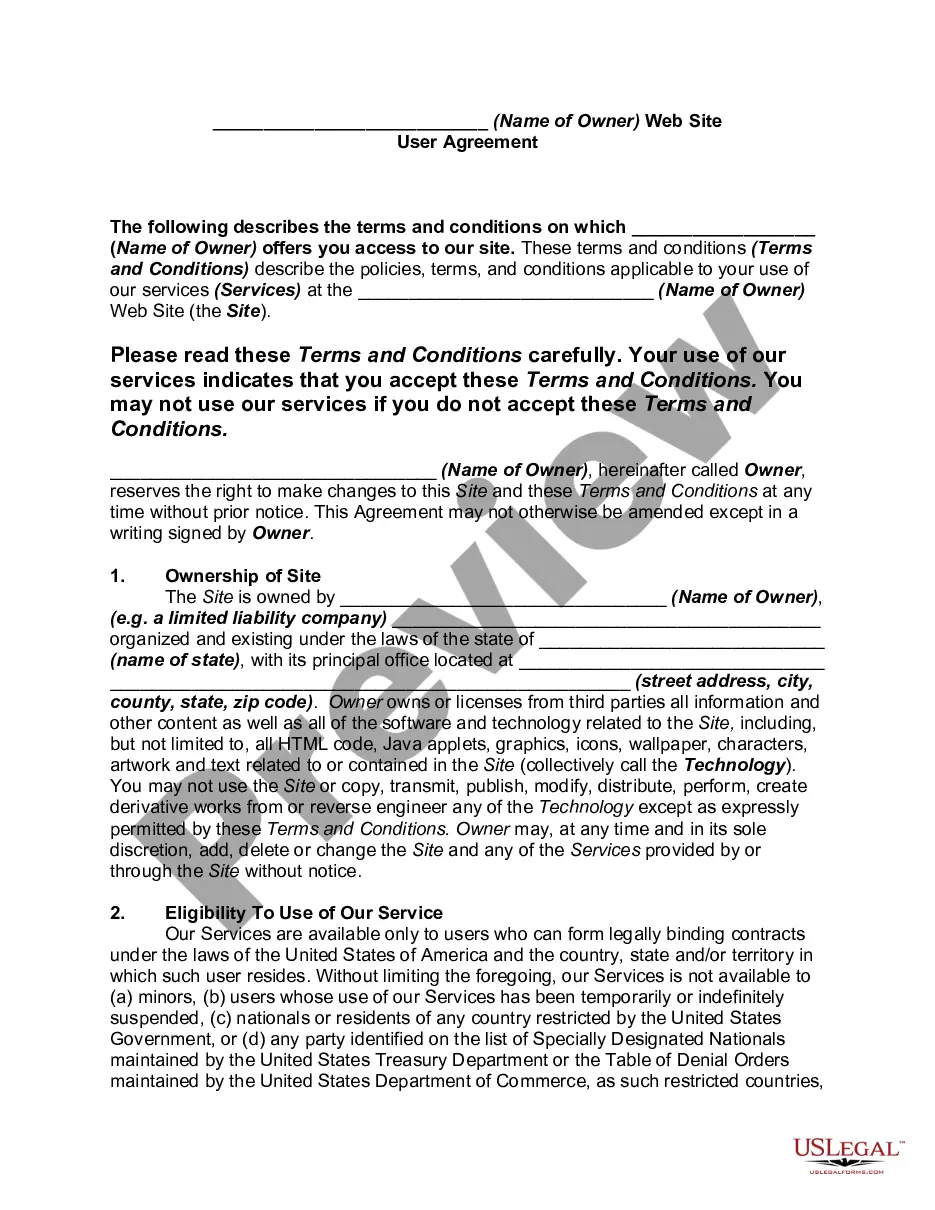
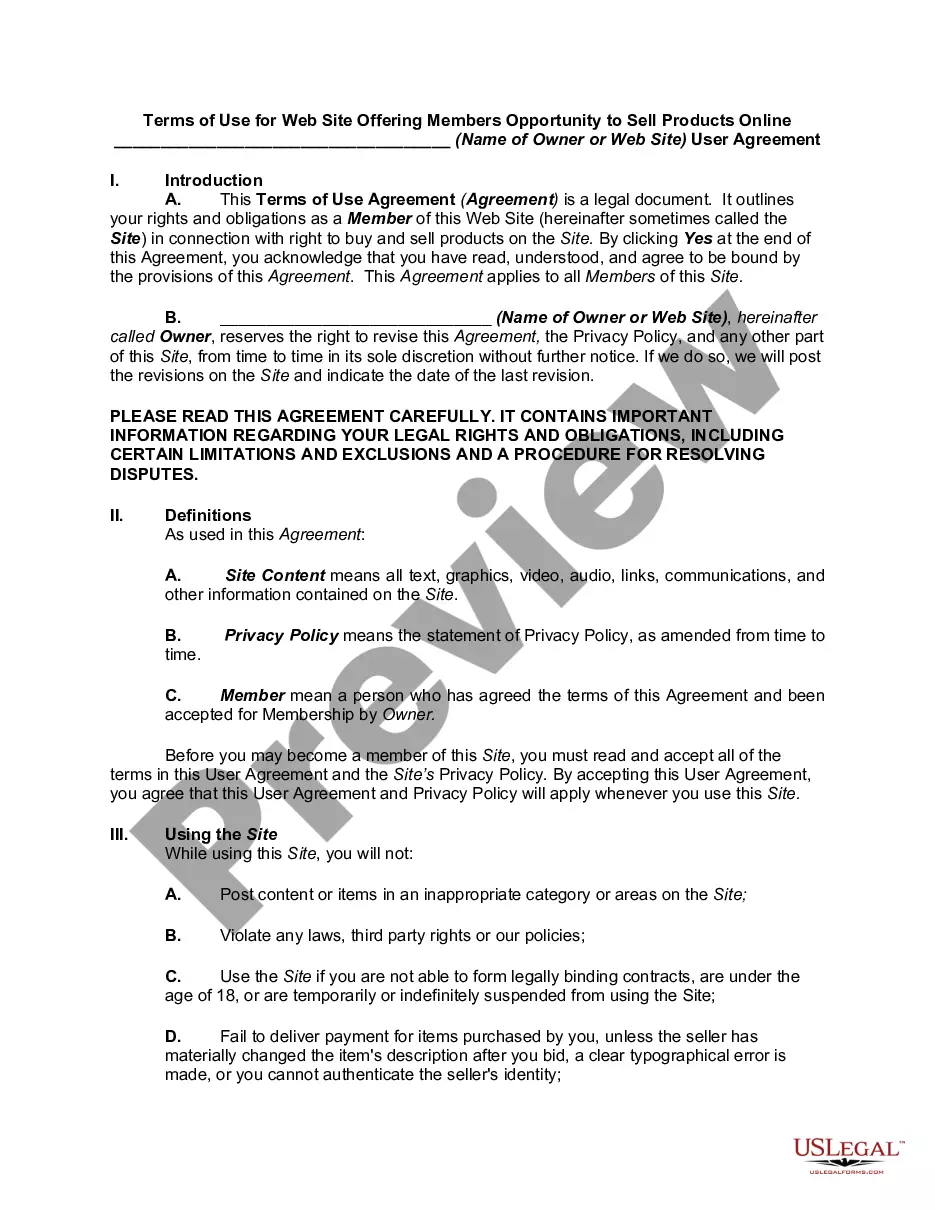
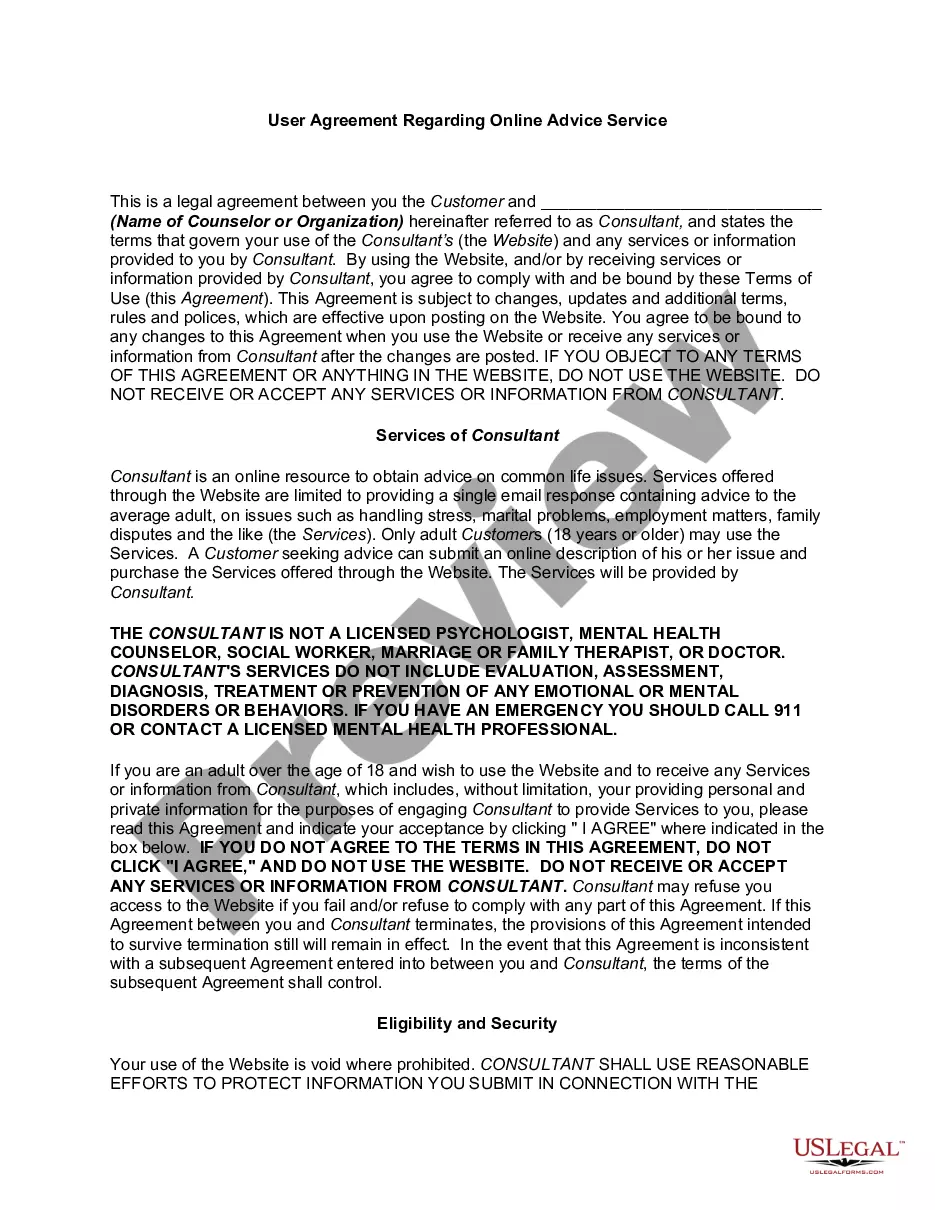
Get your form ready online
Our built-in tools help you complete, sign, share, and store your documents in one place.
Make edits, fill in missing information, and update formatting in US Legal Forms—just like you would in MS Word.
Download a copy, print it, send it by email, or mail it via USPS—whatever works best for your next step.
Sign and collect signatures with our SignNow integration. Send to multiple recipients, set reminders, and more. Go Premium to unlock E-Sign.
If this form requires notarization, complete it online through a secure video call—no need to meet a notary in person or wait for an appointment.
We protect your documents and personal data by following strict security and privacy standards.

Make edits, fill in missing information, and update formatting in US Legal Forms—just like you would in MS Word.

Download a copy, print it, send it by email, or mail it via USPS—whatever works best for your next step.

Sign and collect signatures with our SignNow integration. Send to multiple recipients, set reminders, and more. Go Premium to unlock E-Sign.

If this form requires notarization, complete it online through a secure video call—no need to meet a notary in person or wait for an appointment.

We protect your documents and personal data by following strict security and privacy standards.
Looking for another form?
How to fill out Website Subscription User Agreement - Terms Of Use For Website Selling Online E-Course Privacy Policy?
Finding a reliable source for the most up-to-date and pertinent legal templates is a significant part of managing bureaucratic processes.
Identifying the correct legal document necessities precision and meticulousness, which highlights the importance of sourcing samples of Website Terms Use Sample With Examples exclusively from reputable providers, such as US Legal Forms.
Once you have the form on your device, you can modify it with the editor or print it out to fill out manually. Eliminate the stress that comes with your legal documentation. Explore the comprehensive US Legal Forms library to locate legal templates, verify their suitability for your situation, and download them instantly.
- Utilize the catalog navigation or search bar to find your sample.
- Examine the description of the form to ensure it aligns with the requirements of your state and county.
- Preview the form, if available, to confirm it is indeed the template you require.
- If the Website Terms Use Sample With Examples does not meet your needs, continue your search for the appropriate document.
- If you are certain about the form's appropriateness, download it.
- If you are a registered user, click Log in to verify and retrieve your chosen forms in My documents.
- If you do not yet possess an account, click Buy now to acquire the template.
- Choose the pricing option that suits your requirements.
- Proceed to the registration to complete your transaction.
- Finalize your purchase by selecting a payment method (credit card or PayPal).
- Choose the file format for downloading Website Terms Use Sample With Examples.
Form popularity
FAQ
The website's terms and conditions?also called ?terms of use" or ?terms of service"?lay down the ground rules for users visiting your website and serve as a binding agreement between you and the user, or website visitor. The website terms and conditions protects you from legal liability should a dispute arise.
How to Write Terms and Conditions in 6 Easy Steps Step One: Determine what laws apply to your business. Step Two: Make an outline. Step Three: Pick all clauses relevant to your business. Step Four: Start writing using clear, straightforward language. Step Five: Link to other necessary legal and website policies.
A terms of use agreement should include: Clear rules for acceptable use of the site. Disclaimers limiting liability. Information on website ownership and copyright. A privacy policy on data collection and usage. Termination provisions. Applicable law and jurisdiction. Procedures for resolving disputes.
You assume all responsibility and risk with respect to your use of our website, which is provided ?as is? without warranties, representations or conditions of any kind, either express or implied, with regard to information accessed from or via our website, including without limitation, all content and materials, and ...
The most common clauses that every Terms of Use agreement should include are: User guidelines (your rules and restrictions on use) The right to terminate abusive accounts. How users can terminate accounts. Warranty disclaimer. Limitation of liability. Governing law and legal disputes. Contact information.