Line Credit Note For Overpayment
Description
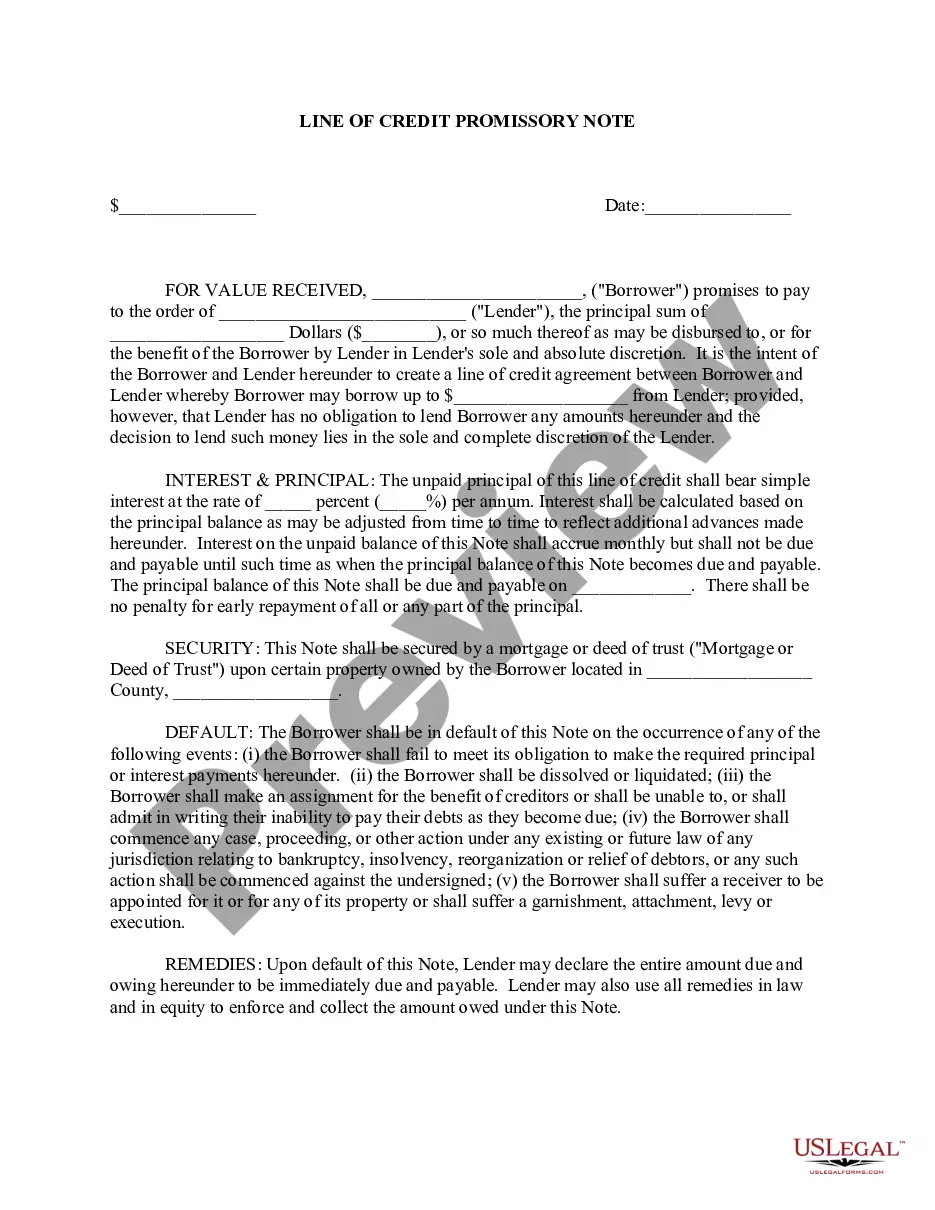

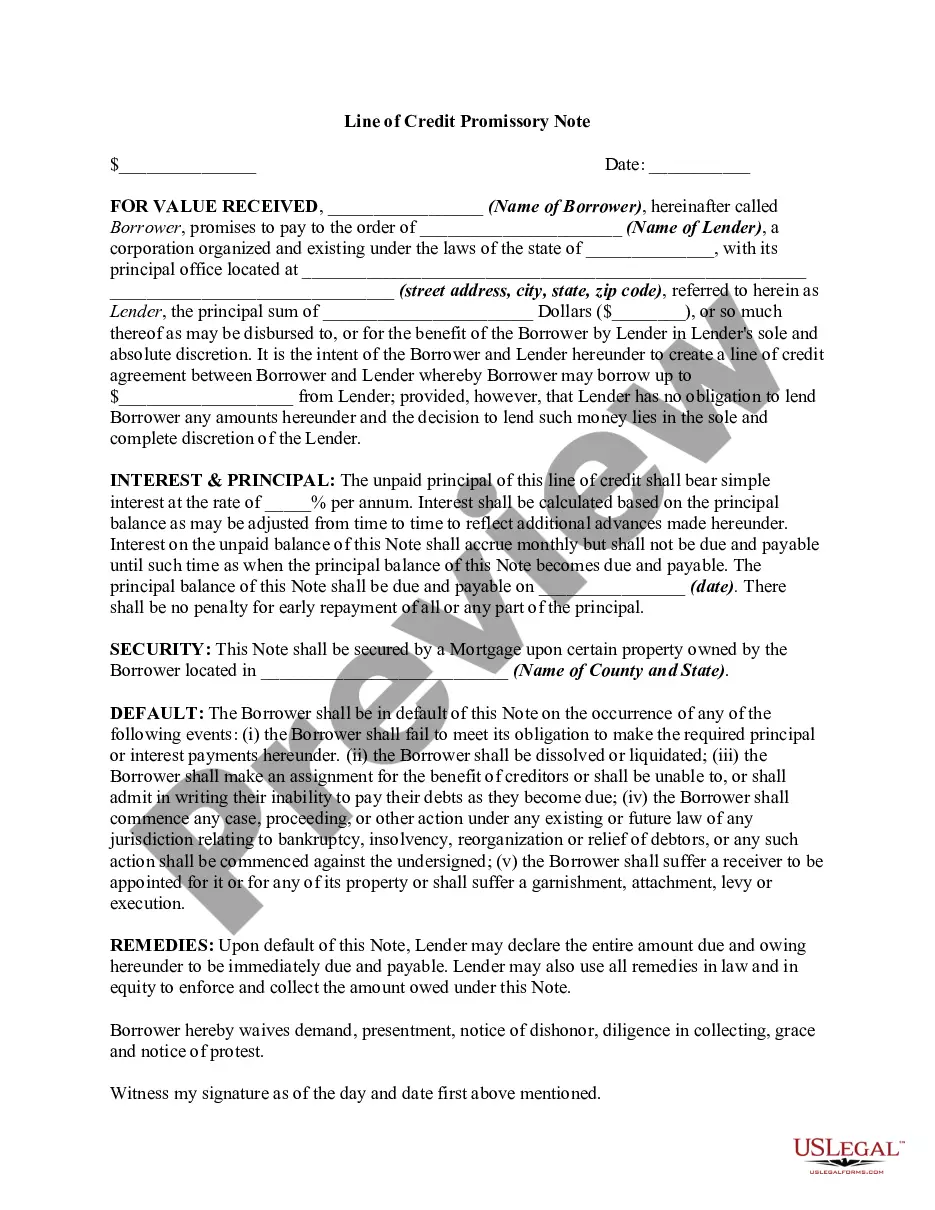




How to fill out Line Of Credit Promissory Note?
The Line Credit Note For Overpayment displayed on this page is a reusable legal template crafted by expert attorneys in accordance with federal and local regulations.
For over 25 years, US Legal Forms has supplied individuals, organizations, and legal practitioners with over 85,000 validated, state-specific documents for any business and personal situation. It’s the fastest, simplest, and most dependable method to acquire the papers you require, as the service ensures the utmost level of data protection and anti-malware security.
Subscribe to US Legal Forms to have authenticated legal templates for all of life’s situations readily available.
- Browse for the document you require and examine it.
- Select the pricing plan that fits you and create an account. Use PayPal or a credit card to complete a swift payment.
- Choose the format you prefer for your Line Credit Note For Overpayment (PDF, DOCX, RTF) and download the template onto your device.
- Print the template to complete it by hand. Alternatively, use an online versatile PDF editor to quickly and accurately fill out and sign your document with a legally-binding electronic signature.
- Utilize the same document again whenever necessary. Access the My documents tab in your profile to redownload any previously purchased templates.
Form popularity
FAQ
Steps to create a credit note Choose the credit note template to be used. Update the business logo. Input the date of issue of credit note and unique credit note number. Add the invoice reference number against which the credit note is issued. Add the GSTIN of the supplier and customer along with the place of supply.
Refund of an overpayment: If a customer overpays an invoice and requests a refund, the overpayment should be recorded as a liability in a separate account. When the refund is issued, the liability account should be debited, and the cash account should be credited.
After the overpayment has been correctly recorded, you then need to create a credit note to account for the refund to the customer. Rather than creating a credit note that is linked to the invoice, you should create a standalone credit note.
Here's the essential information to include on all credit notes: The words ?credit note? at the top. Customer information. Your business information. Date issued. Credit note number. Original invoice reference number. Item descriptions, quantities, and prices. Total amount credited.
The most common way is to create a journal entry to record the amount of the overpayment and the corresponding invoice number. Another method is to credit the supplier's account with the overpayment amount, and then debited the account for the corresponding invoice.