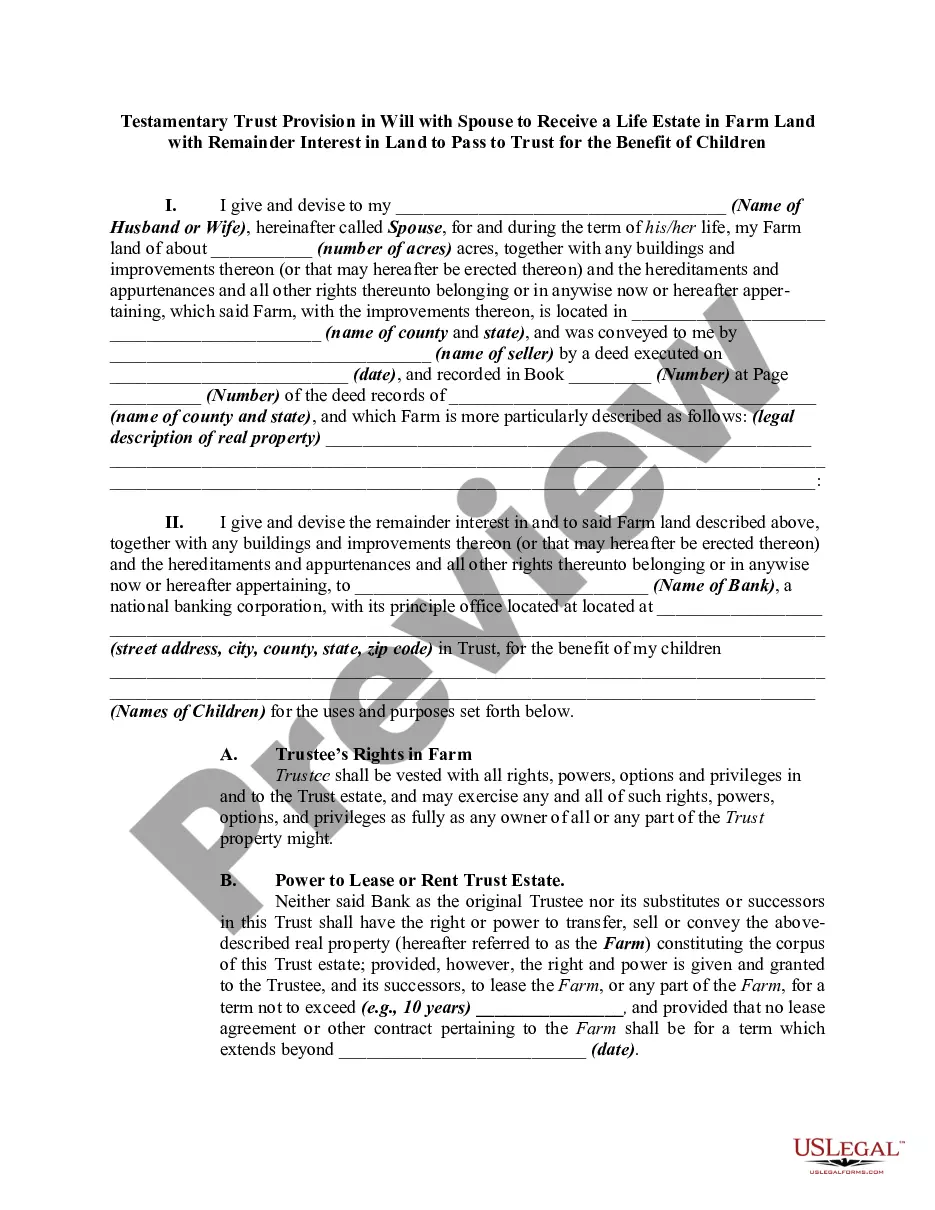
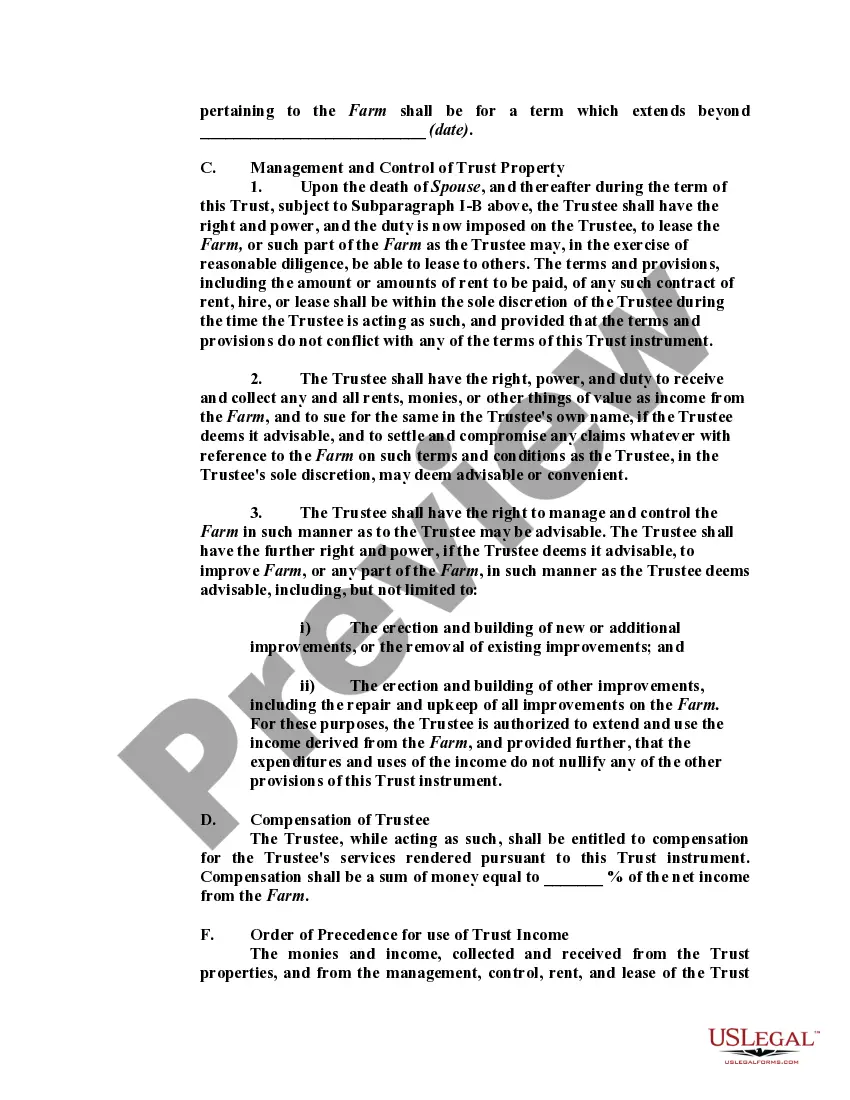
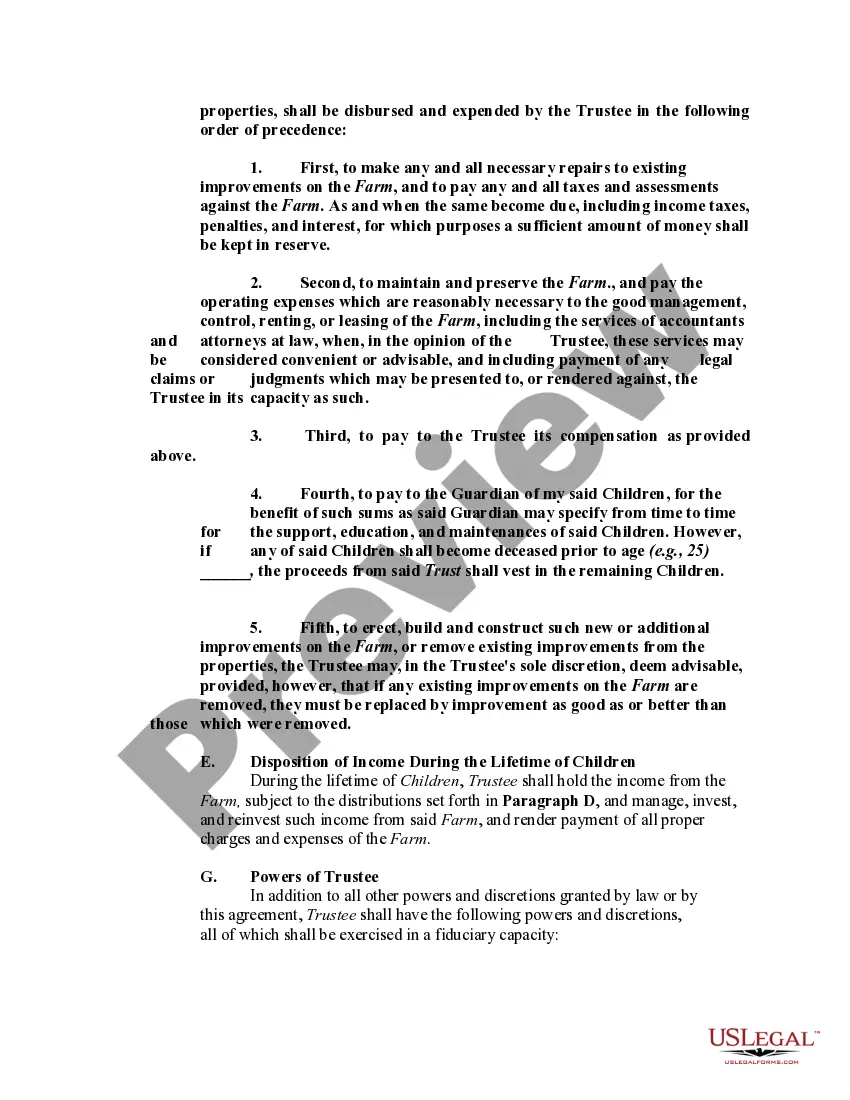
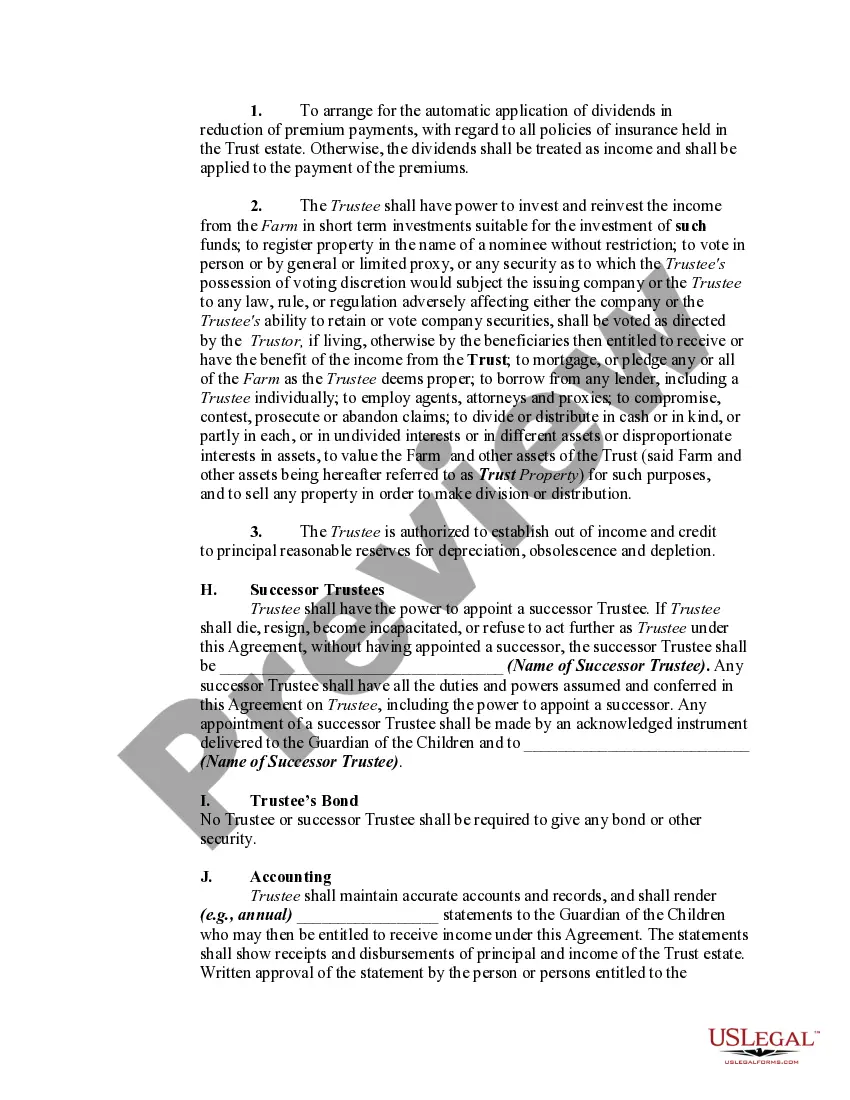
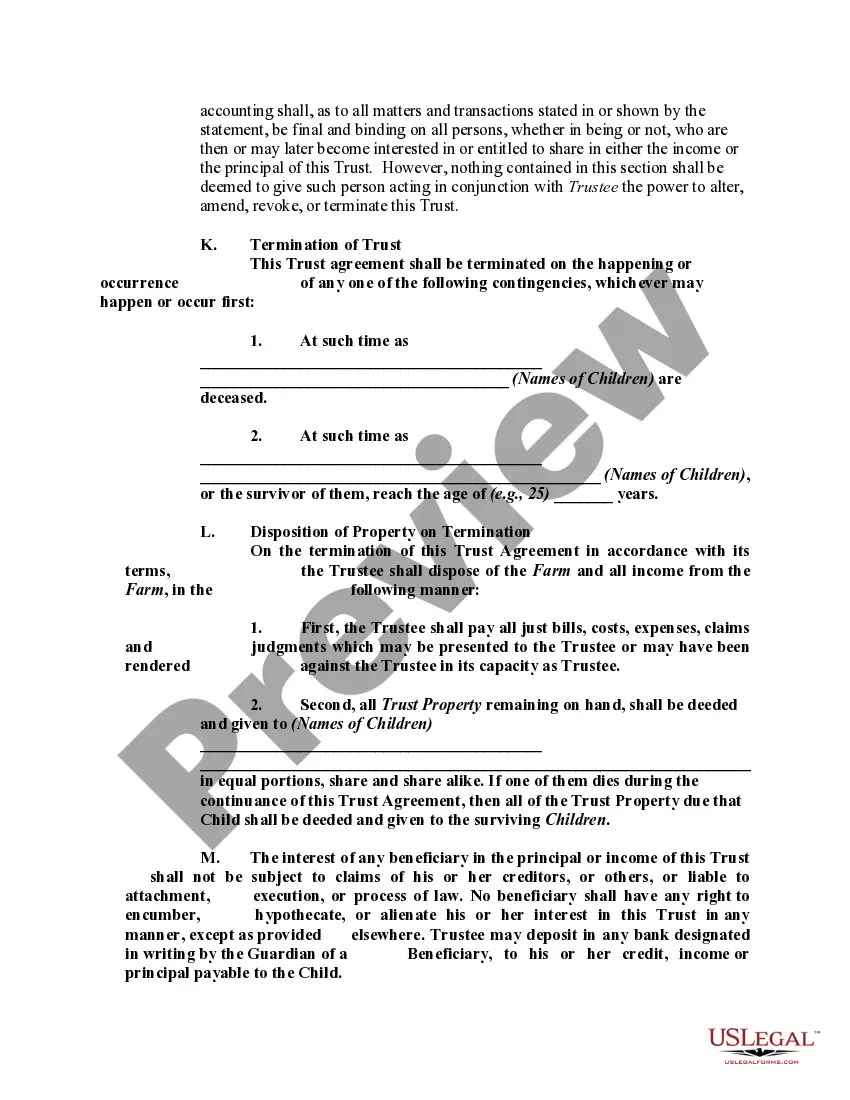
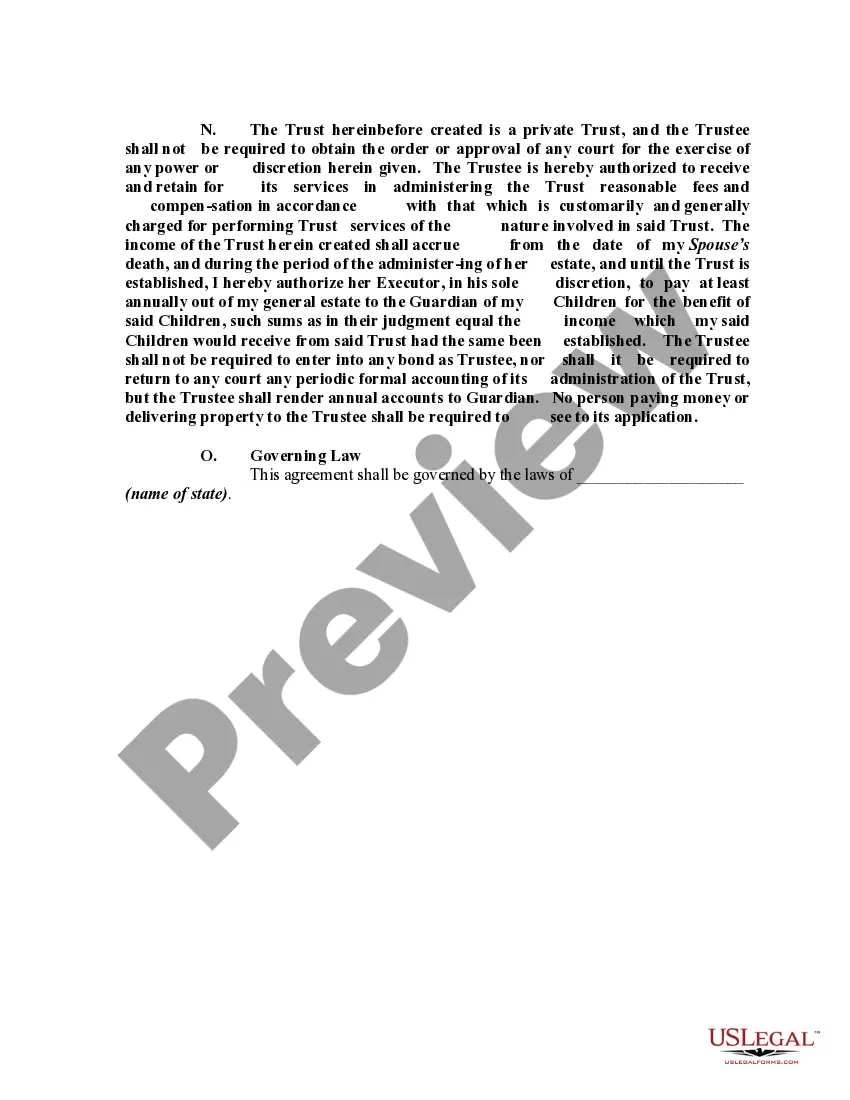
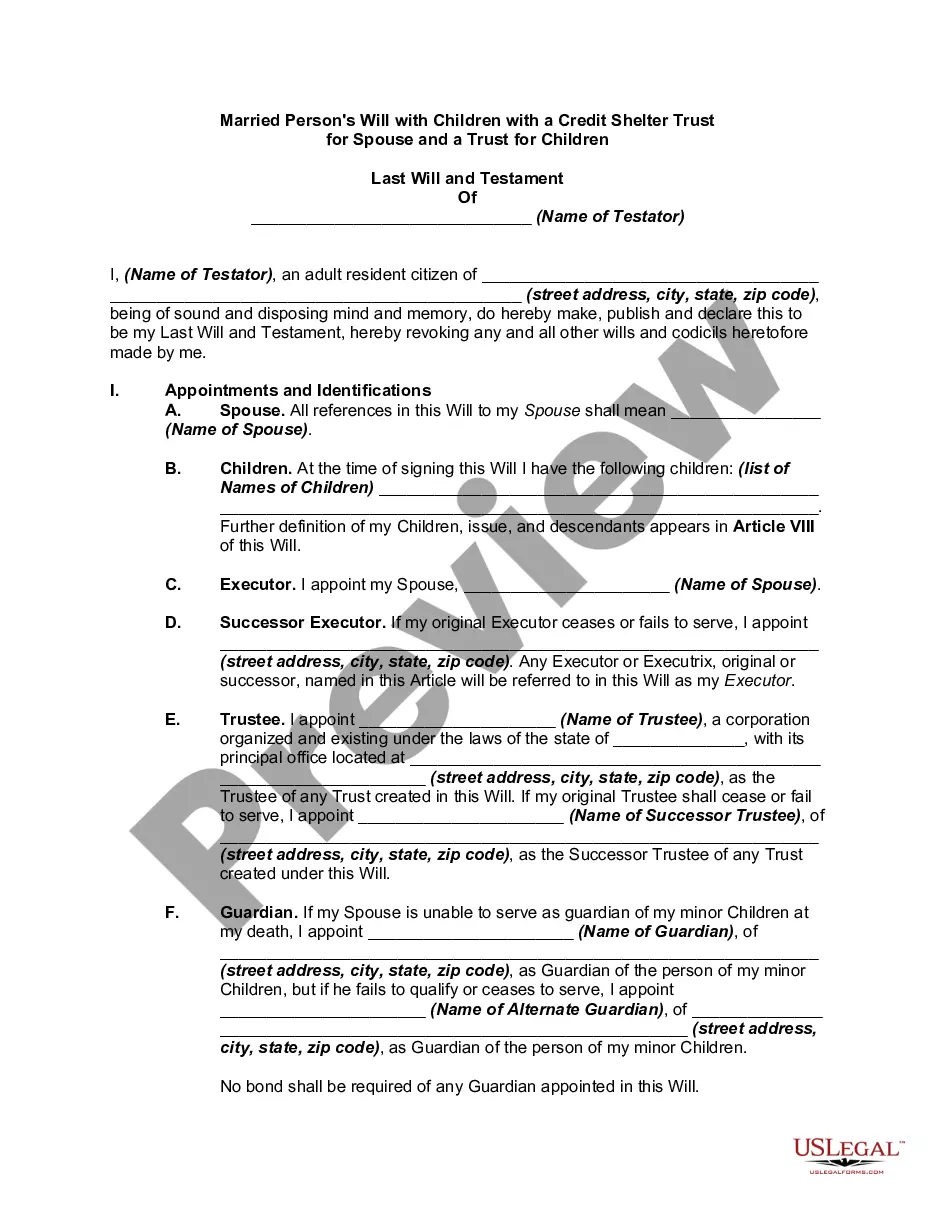
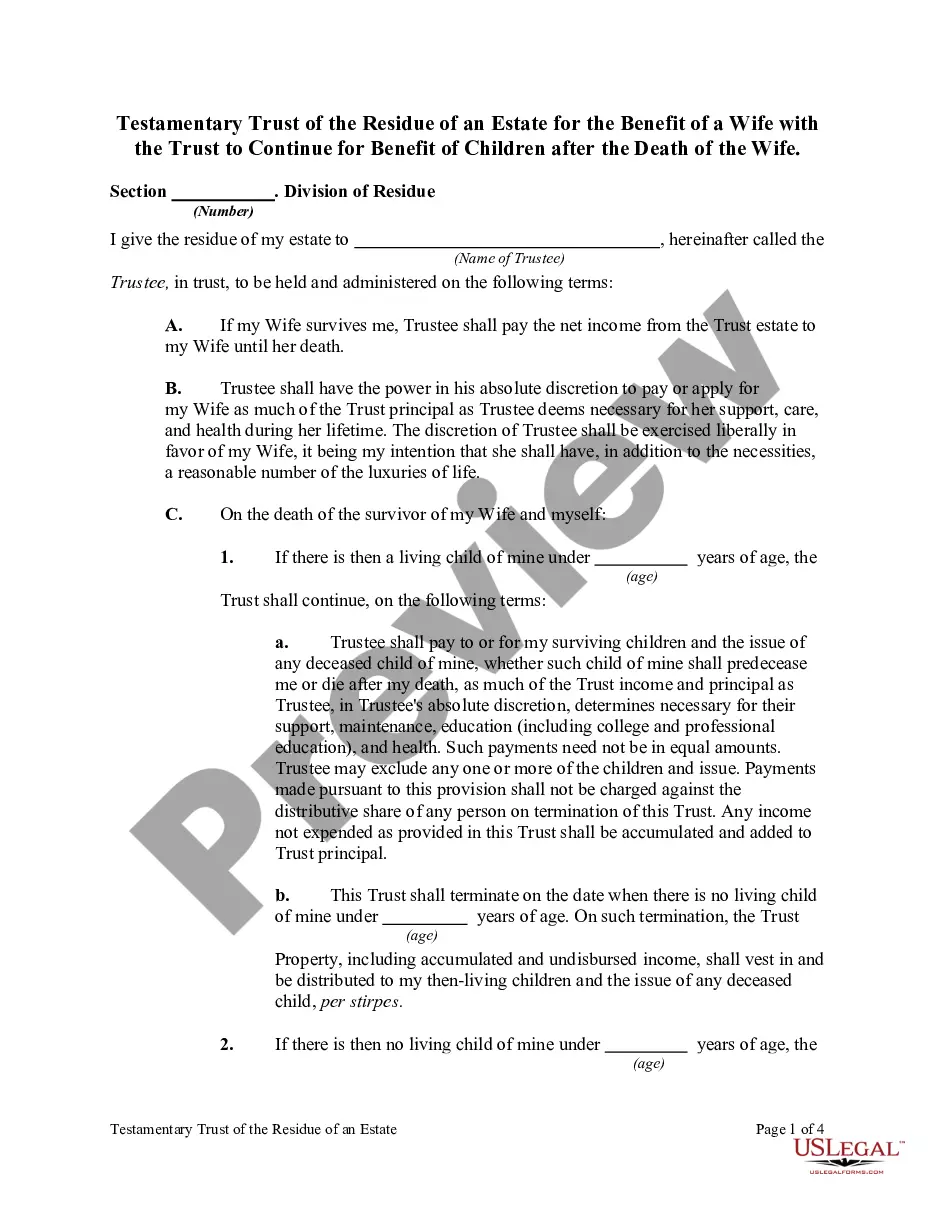
Testamentary Trust Agreement Form California
Description
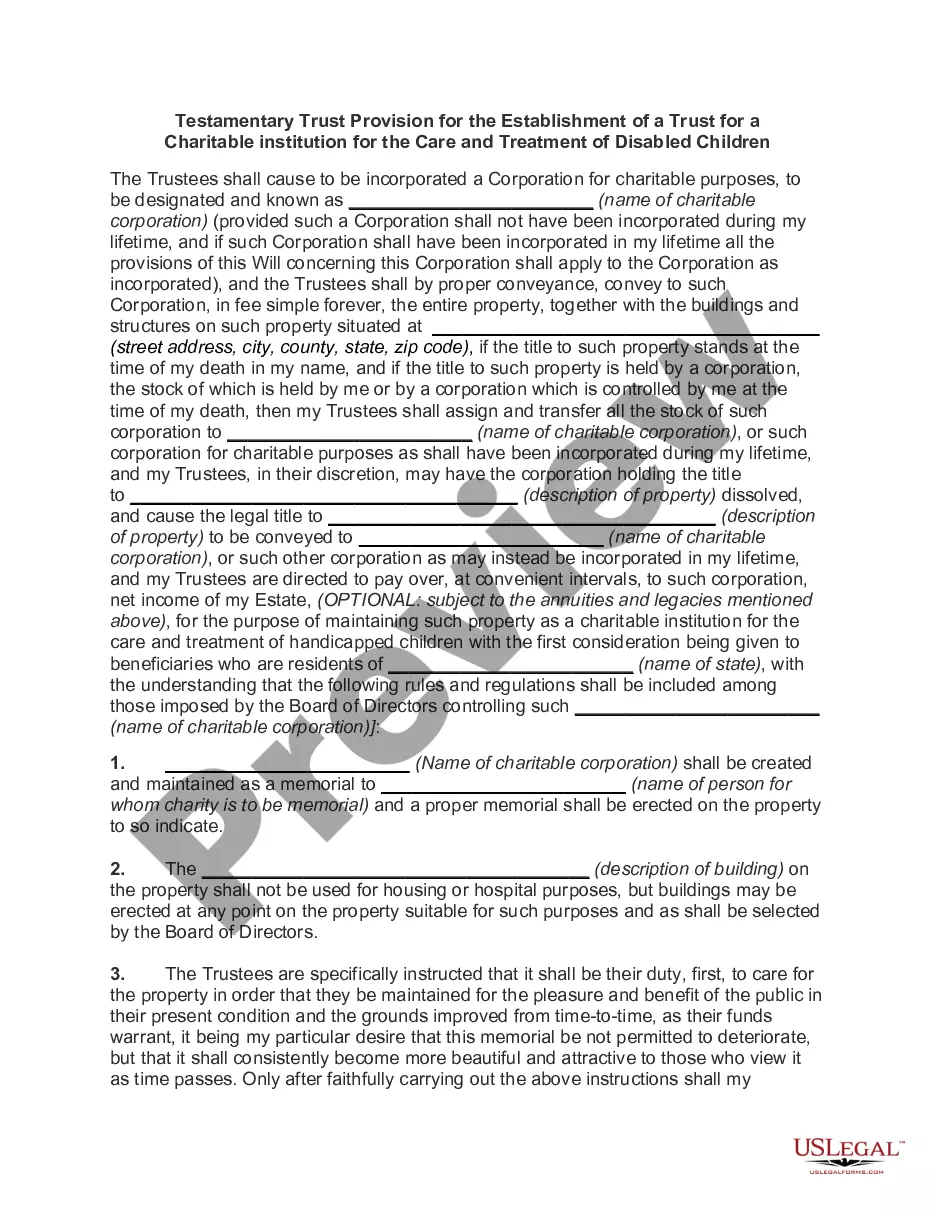
Get your form ready online
Our built-in tools help you complete, sign, share, and store your documents in one place.
Make edits, fill in missing information, and update formatting in US Legal Forms—just like you would in MS Word.
Download a copy, print it, send it by email, or mail it via USPS—whatever works best for your next step.
Sign and collect signatures with our SignNow integration. Send to multiple recipients, set reminders, and more. Go Premium to unlock E-Sign.
If this form requires notarization, complete it online through a secure video call—no need to meet a notary in person or wait for an appointment.
We protect your documents and personal data by following strict security and privacy standards.

Make edits, fill in missing information, and update formatting in US Legal Forms—just like you would in MS Word.

Download a copy, print it, send it by email, or mail it via USPS—whatever works best for your next step.

Sign and collect signatures with our SignNow integration. Send to multiple recipients, set reminders, and more. Go Premium to unlock E-Sign.

If this form requires notarization, complete it online through a secure video call—no need to meet a notary in person or wait for an appointment.

We protect your documents and personal data by following strict security and privacy standards.
Looking for another form?




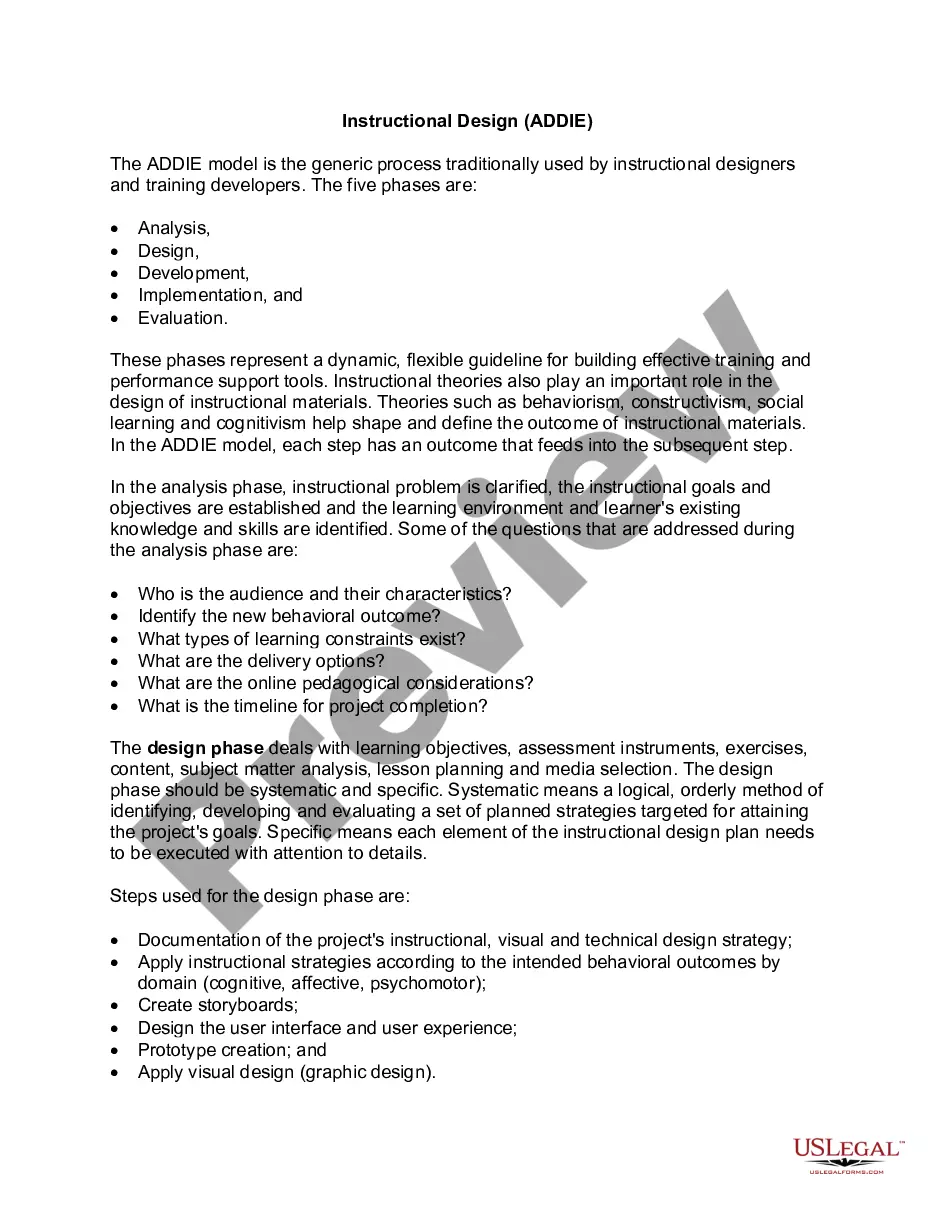
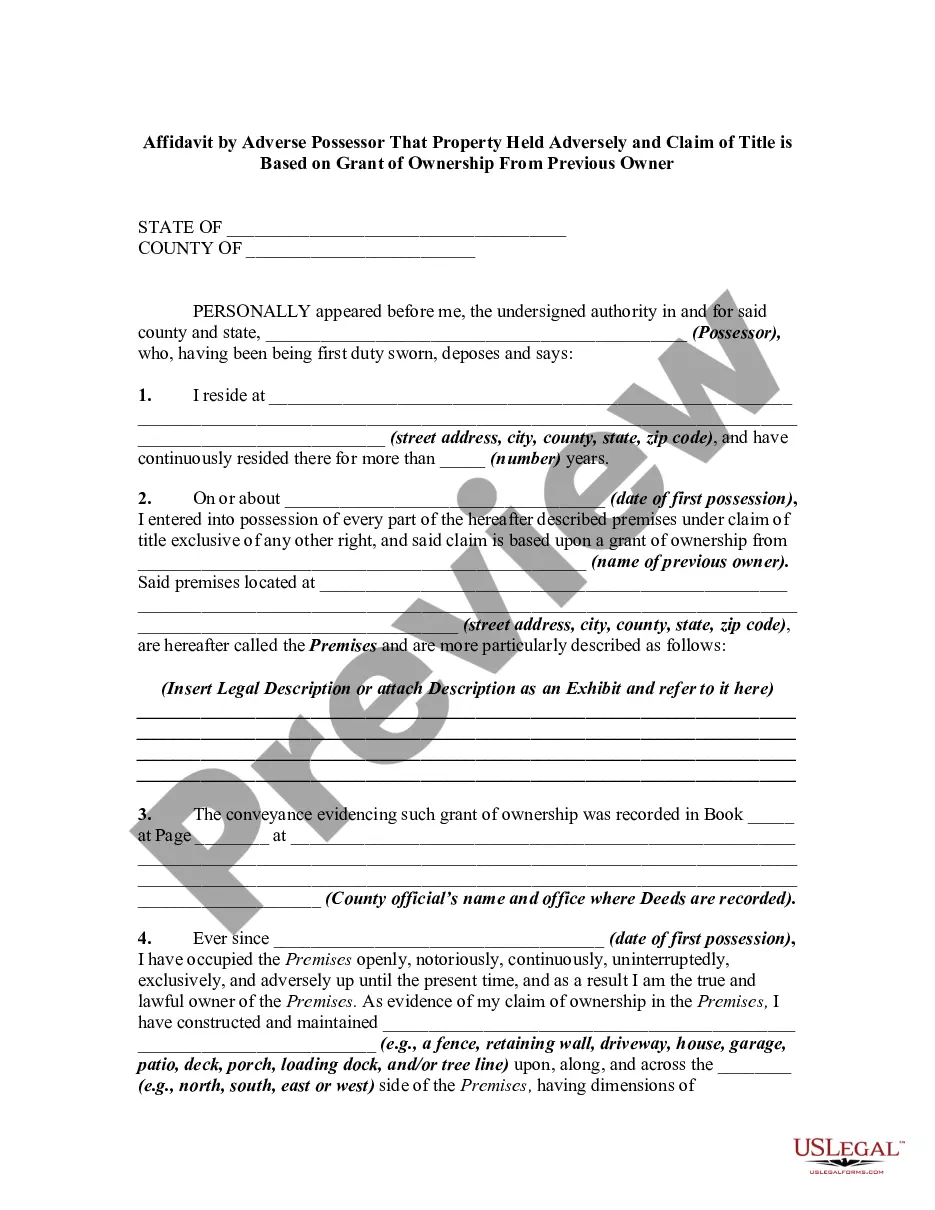


How to fill out Testamentary Trust Provision In Will With Spouse To Receive A Life Estate In Farm Land With Remainder Interest In Land To Pass To Trust For The Benefit Of Children?
Regardless of whether it's for corporate objectives or personal affairs, everyone must confront legal circumstances at some point in their life.
Completing legal paperwork requires meticulous attention, starting with choosing the correct form template. For example, if you select an incorrect version of the Testamentary Trust Agreement Form California, it will be rejected upon submission. Thus, it is essential to have a reliable source for legal documents like US Legal Forms.
With an extensive US Legal Forms collection available, you no longer need to waste time searching for the correct template online. Take advantage of the library’s straightforward navigation to find the appropriate form for any situation.
- Locate the template you require using the search bar or catalog browsing.
- Review the form’s details to ensure it aligns with your situation, region, and county.
- Click on the form’s preview to view it.
- If it is the incorrect document, return to the search feature to find the Testamentary Trust Agreement Form California template you need.
- Obtain the file once it satisfies your criteria.
- If you possess a US Legal Forms account, click Log in to access previously saved documents in My documents.
- If you do not have an account yet, you can acquire the form by clicking Buy now.
- Choose the suitable pricing option.
- Fill out the account registration form.
- Select your payment method: use a credit card or PayPal account.
- Choose the document format you wish and download the Testamentary Trust Agreement Form California.
- Once downloaded, you can complete the form using editing software or print it out and fill it in manually.
Form popularity
FAQ
There's no single standardized Declaration of Trust document in California. As long as your document includes the correct legal language and is properly executed, it's considered valid by the State of California. To create a living trust document in California, you have a few options: Use an online platform.
Disadvantages of a Testamentary Trust Lack of Privacy: Testamentary trusts are part of a person's will, which becomes public record upon their death. This means that the details of the trust and its beneficiaries are accessible to the public.
To make your trust valid in California, you simply need to sign the trust document ? that's it! You don't need to have your document witnessed or notarized to make it valid. However, many people choose to sign their document in the presence of a notary public to help authenticate the document.
Creating a living trust in California is not terribly difficult, but it takes some planning. You might find it helpful to work with a financial advisor or another professional when drafting up your living trust. However, you can also download the forms online and then take them to a notary public yourself.
The fiduciary (or one of the fiduciaries) must file Form 541 for a trust if any of the following apply: Gross income for the taxable year of more than $10,000 (regardless of the amount of net income) Net income for the taxable year of more than $100. An alternative minimum tax liability.