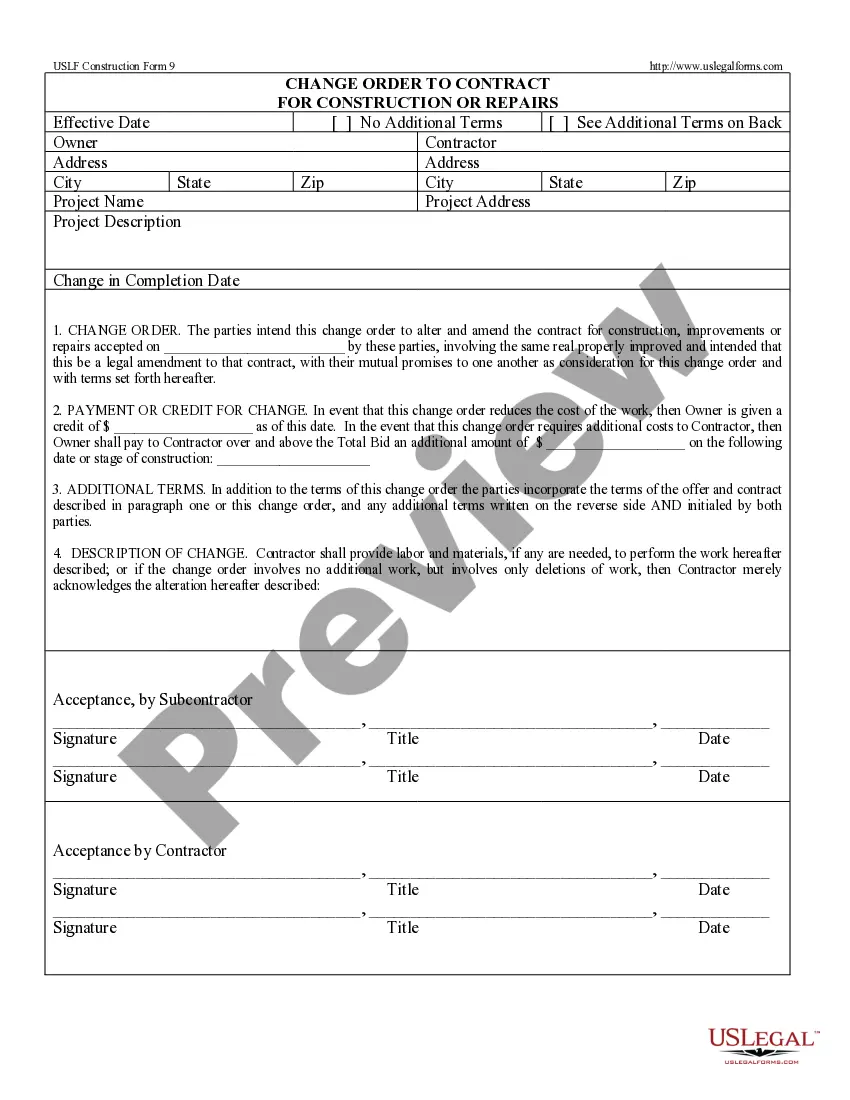
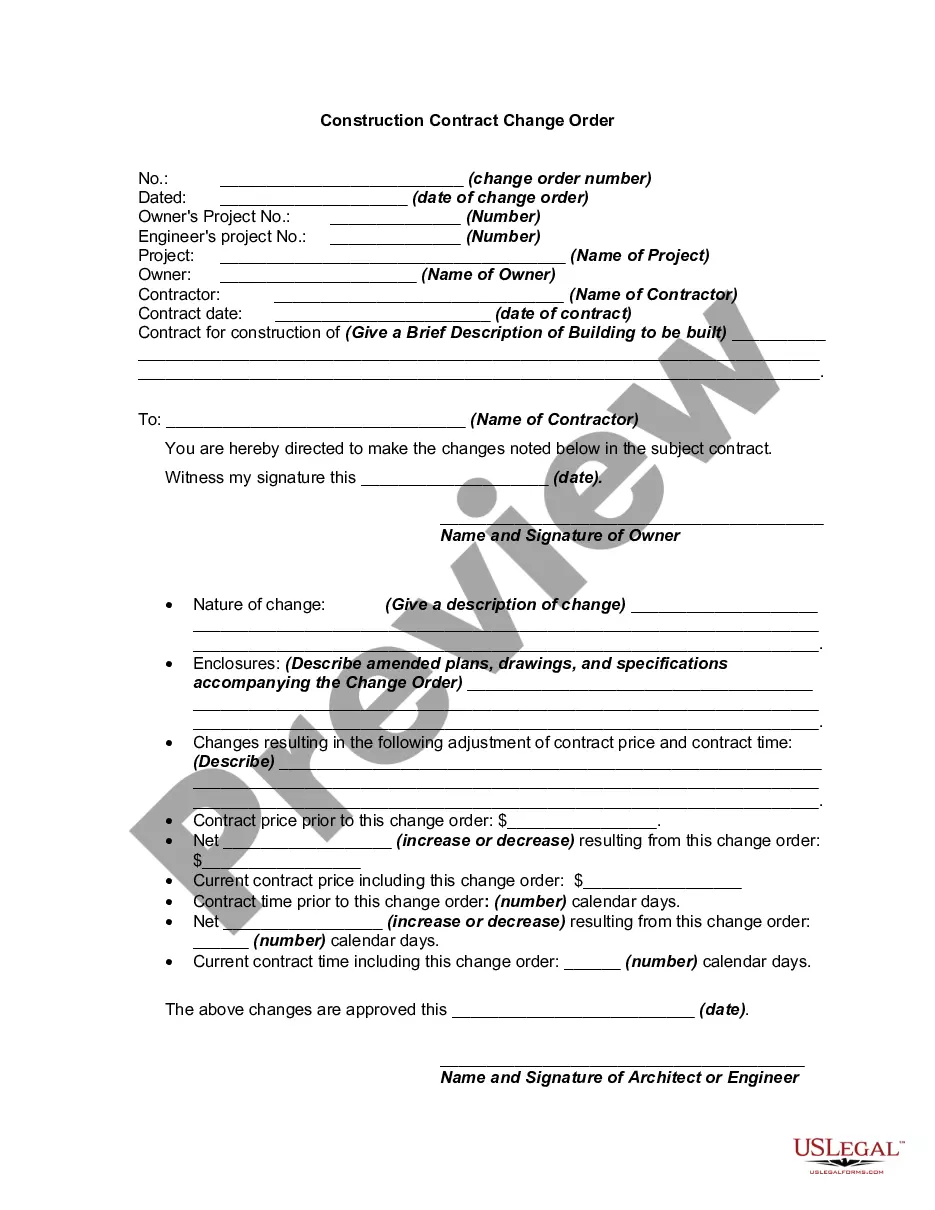
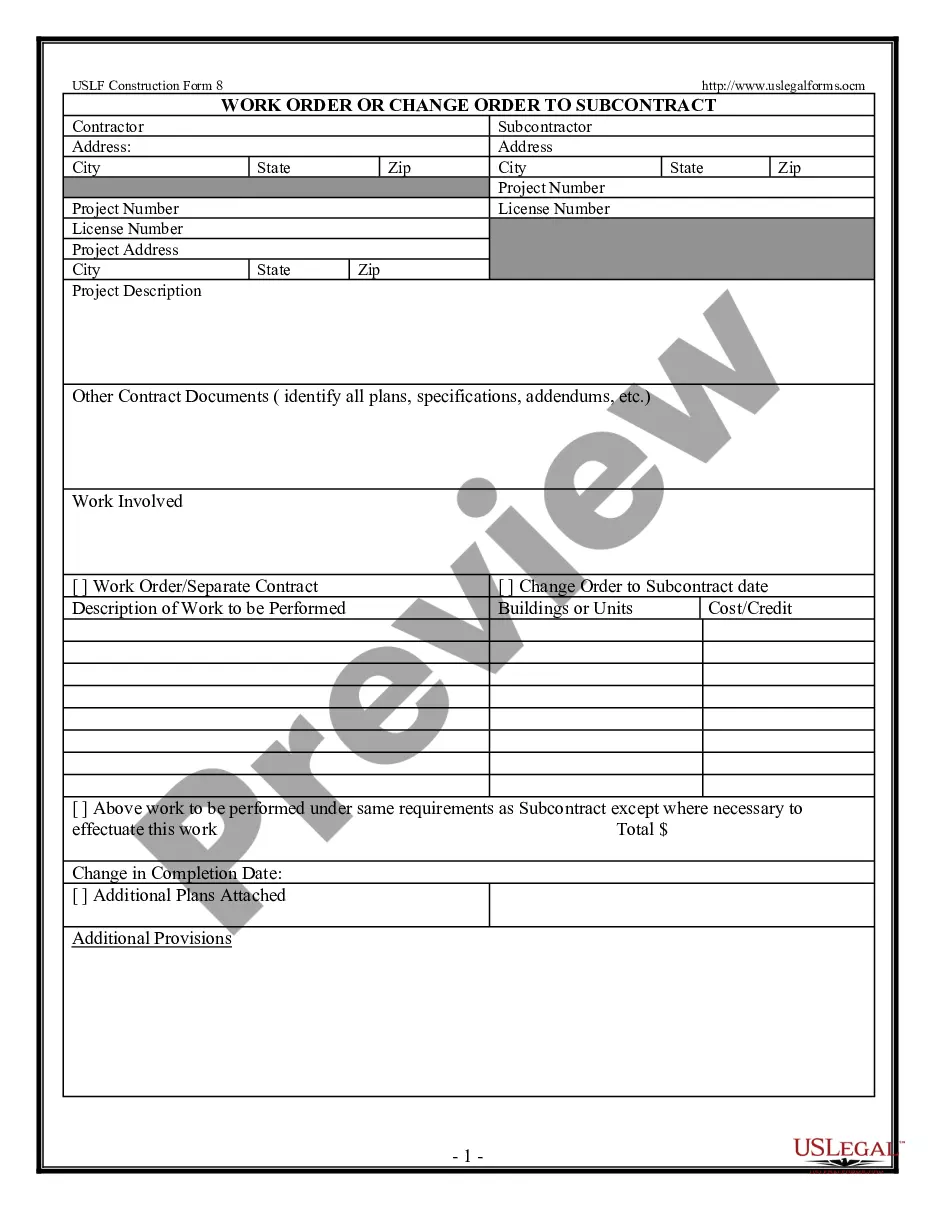
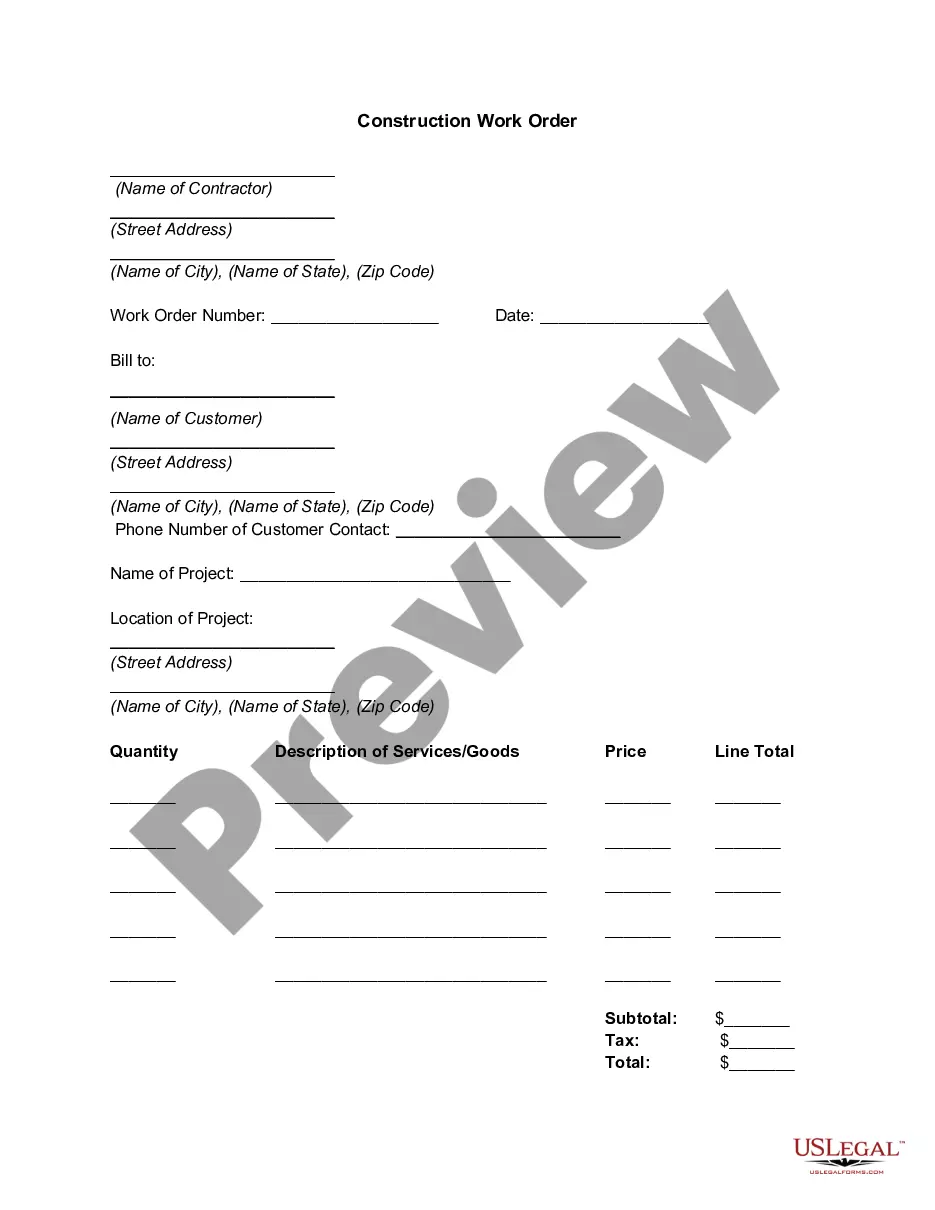
Change Order Form Template For Restaurant
Description
Get your form ready online
Our built-in tools help you complete, sign, share, and store your documents in one place.
Make edits, fill in missing information, and update formatting in US Legal Forms—just like you would in MS Word.
Download a copy, print it, send it by email, or mail it via USPS—whatever works best for your next step.
Sign and collect signatures with our SignNow integration. Send to multiple recipients, set reminders, and more. Go Premium to unlock E-Sign.
If this form requires notarization, complete it online through a secure video call—no need to meet a notary in person or wait for an appointment.
We protect your documents and personal data by following strict security and privacy standards.

Make edits, fill in missing information, and update formatting in US Legal Forms—just like you would in MS Word.

Download a copy, print it, send it by email, or mail it via USPS—whatever works best for your next step.

Sign and collect signatures with our SignNow integration. Send to multiple recipients, set reminders, and more. Go Premium to unlock E-Sign.

If this form requires notarization, complete it online through a secure video call—no need to meet a notary in person or wait for an appointment.

We protect your documents and personal data by following strict security and privacy standards.
Looking for another form?







How to fill out Change Order For Construction Or Repairs By Contractor?
The Change Order Form Template For Restaurant displayed on this page is a reusable formal document created by professional attorneys in accordance with federal and state regulations.
For over 25 years, US Legal Forms has furnished individuals, businesses, and lawyers with more than 85,000 validated, state-specific documents for any business and personal event. It’s the fastest, simplest, and most reliable method to acquire the forms you require, as the service ensures the utmost level of data security and anti-malware safeguards.
Select the format you want for your Change Order Form Template For Restaurant (PDF, Word, RTF) and download the sample to your device.
- Search for the document you require and examine it.
- Browse through the file you searched and review it or check the form description to confirm it meets your requirements. If it does not, utilize the search feature to find the correct one. Click Buy Now when you have found the template you need.
- Register and Log In.
- Choose the pricing plan that fits you and create an account. Use PayPal or a credit card to make a swift payment. If you already possess an account, Log In and verify your subscription to continue.
- Acquire the fillable template.
Form popularity
FAQ
An example of a change order is when a restaurant modifies an existing order to add additional items or change quantities. For instance, if a customer initially orders three pizzas but later decides to add a salad, a change order form can document these updates. Utilizing a change order form template for restaurant helps to streamline this process and keep all modifications organized.
Creating your own order form involves identifying the key elements you need, such as customer name, contact information, and order details. You can use a change order form template for restaurant to guide you in structuring your form effectively. This approach can save you time and ensure you capture all essential information accurately.
Change orders typically consist of three parts: the project information, the changes to the contract, and the change in cost and time for performance. Project information includes the project name and the owner's and contractor's information.
What Is Included in a Change Order? A description of the requested change and a comparison to what the original agreement contains. ... An itemized summary of all contractor and, if required, subcontractor costs resulting from the change. A tally of the total cost of the change.
6 things every change order should include Project and contact information. The change order form should include: ... Dates of the change. The change order form should include the date that you complete the change order. ... Details of the work. ... Updated schedule. ... Cost of the change. ... Updated contract value.
6 things every change order should include Project and contact information. Dates of the change. Details of the work. Updated schedule. Cost of the change. Updated contract value. Match the payment application. Get it in writing ? and save it.