Employee Work From Home Expenses
Description

Get your form ready online
Our built-in tools help you complete, sign, share, and store your documents in one place.
Make edits, fill in missing information, and update formatting in US Legal Forms—just like you would in MS Word.
Download a copy, print it, send it by email, or mail it via USPS—whatever works best for your next step.
Sign and collect signatures with our SignNow integration. Send to multiple recipients, set reminders, and more. Go Premium to unlock E-Sign.
If this form requires notarization, complete it online through a secure video call—no need to meet a notary in person or wait for an appointment.
We protect your documents and personal data by following strict security and privacy standards.

Make edits, fill in missing information, and update formatting in US Legal Forms—just like you would in MS Word.

Download a copy, print it, send it by email, or mail it via USPS—whatever works best for your next step.

Sign and collect signatures with our SignNow integration. Send to multiple recipients, set reminders, and more. Go Premium to unlock E-Sign.

If this form requires notarization, complete it online through a secure video call—no need to meet a notary in person or wait for an appointment.

We protect your documents and personal data by following strict security and privacy standards.
Looking for another form?
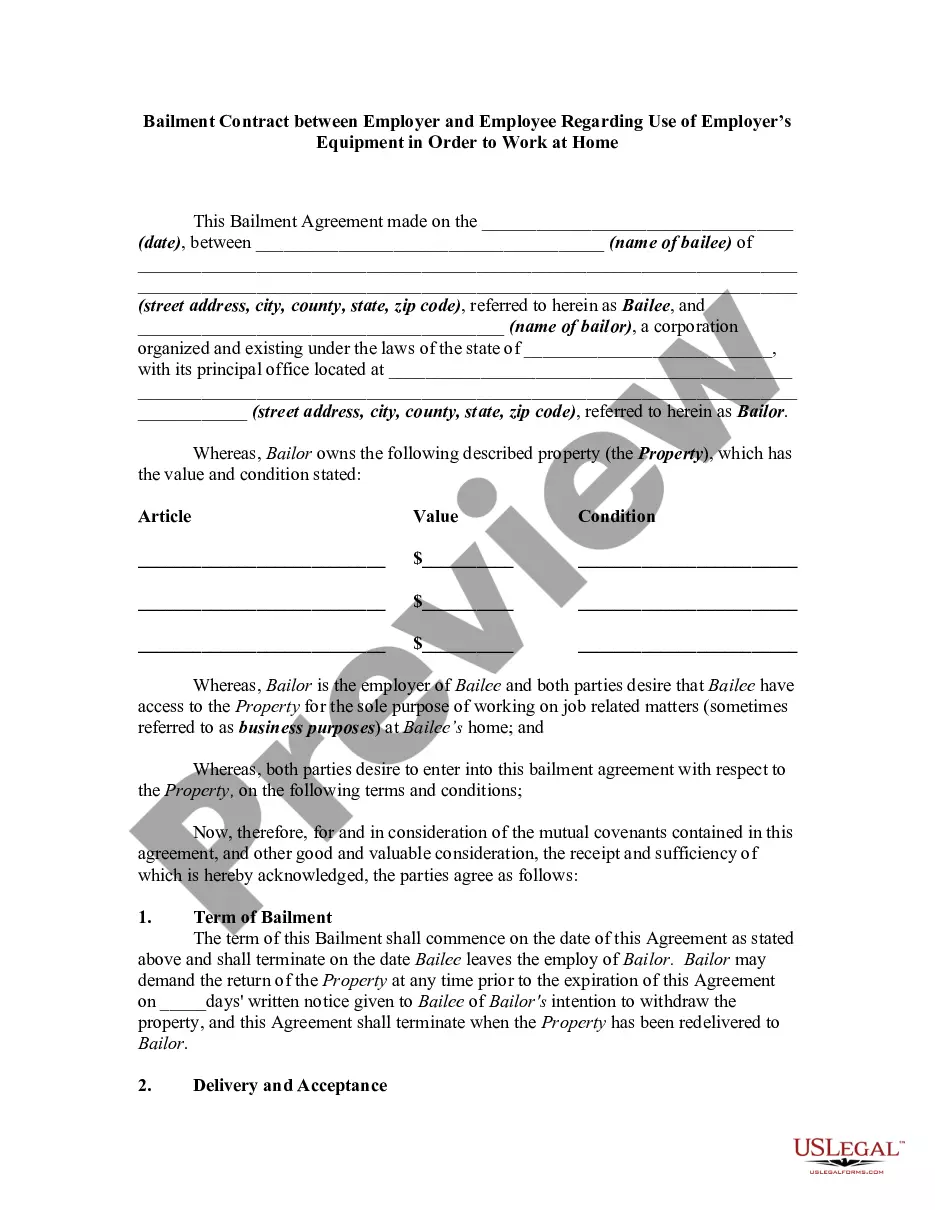
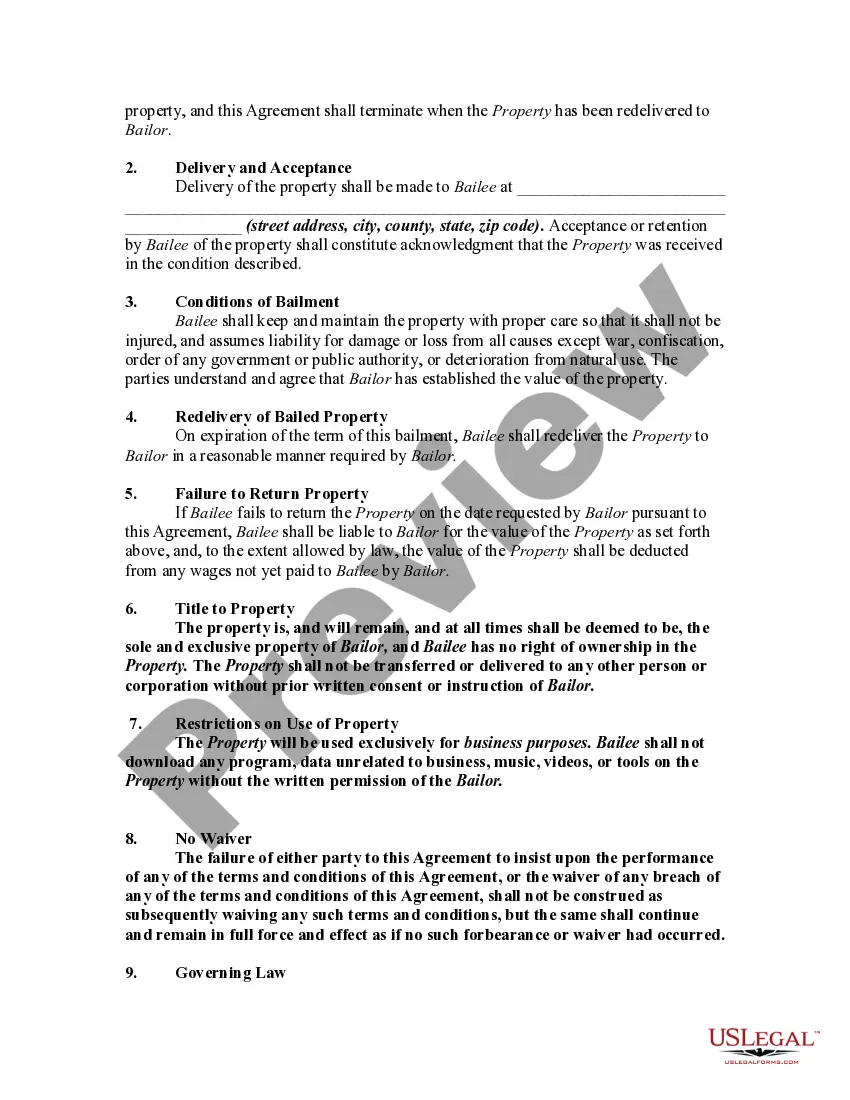
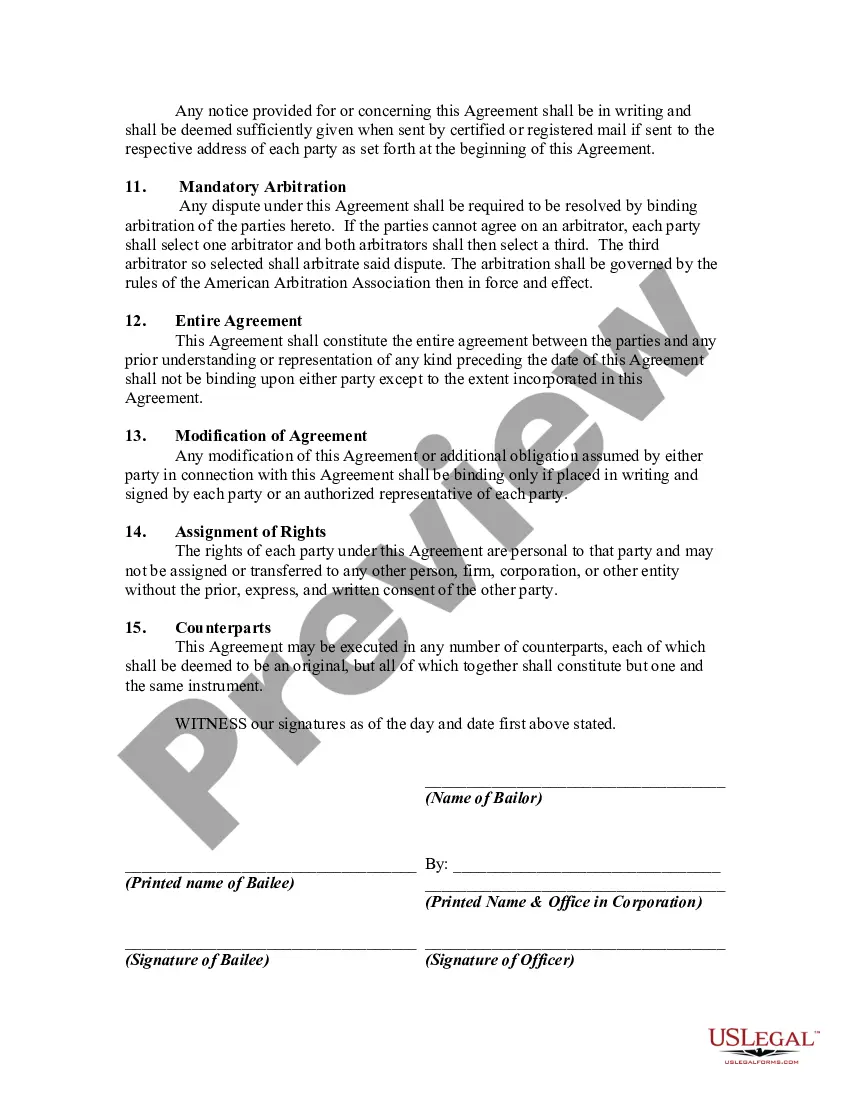
How to fill out Bailment Contract Between Employer And Employee Regarding Use Of Employer's Equipment In Order To Work At Home?
Utilizing legal document examples that adhere to federal and state guidelines is essential, and the web provides numerous alternatives to select from.
However, what is the benefit of squandering time looking for the suitable Employee Work From Home Expenses template online if the US Legal Forms digital repository has already compiled such samples in a single spot.
US Legal Forms is the premier online legal repository featuring over 85,000 customizable templates crafted by attorneys for a variety of professional and personal scenarios.
Review the template using the Preview feature or through the text outline to ensure it satisfies your requirements.
- They are easy to navigate with all documents categorized by state and intended use.
- Our experts stay informed on legislative changes, ensuring you can always trust your forms are current and compliant when obtaining an Employee Work From Home Expenses from our site.
- Acquiring an Employee Work From Home Expenses is quick and straightforward for both existing and new users.
- If you already possess an account with an active subscription, sign in and save the required document sample in your desired format.
- If you are new to our platform, adhere to the instructions below.
Form popularity
FAQ
If you choose to use the detailed method to claim your home office expenses, you will need to obtain from your employer Form T2200S or T2200 and you will need to complete Form T777S or T777 in your T1 personal income tax return.
Simplified home office deduction You can deduct $5 per square foot, up to $1,500 or 300 square feet, per year for your exclusive home office space if it's used for the full year. If you only use that space part of the time, then you prorate that amount, Tippie said.
A T2200, in other words, a Declaration of Conditions of Employment, is a form that an employer must provide to an employee when said employee's position causes them to incur expenses, potentially because the job requires them to work from home. A T220 is typically shared as a PDF to simplify the process.
The CRA has confirmed that if the employee is reimbursed for the purchase of office or computer equipment, all of which are expenses that are NOT eligible to be claimed by the employee as employment expenses, the employer should indicate ?No? for question 2 ?Did you or will you reimburse this employee for any of their ...
Which category of employment am I, and what forms do I need? If you're self-employed, record your business-use-of-home expenses on Form T2125. If you're an employee working from home, record your home expenses on Form T2200. If you're a salaried or commissioned employee, record your home expenses on Form T777.