Employee Permission to Do a Background Check
Understanding this form
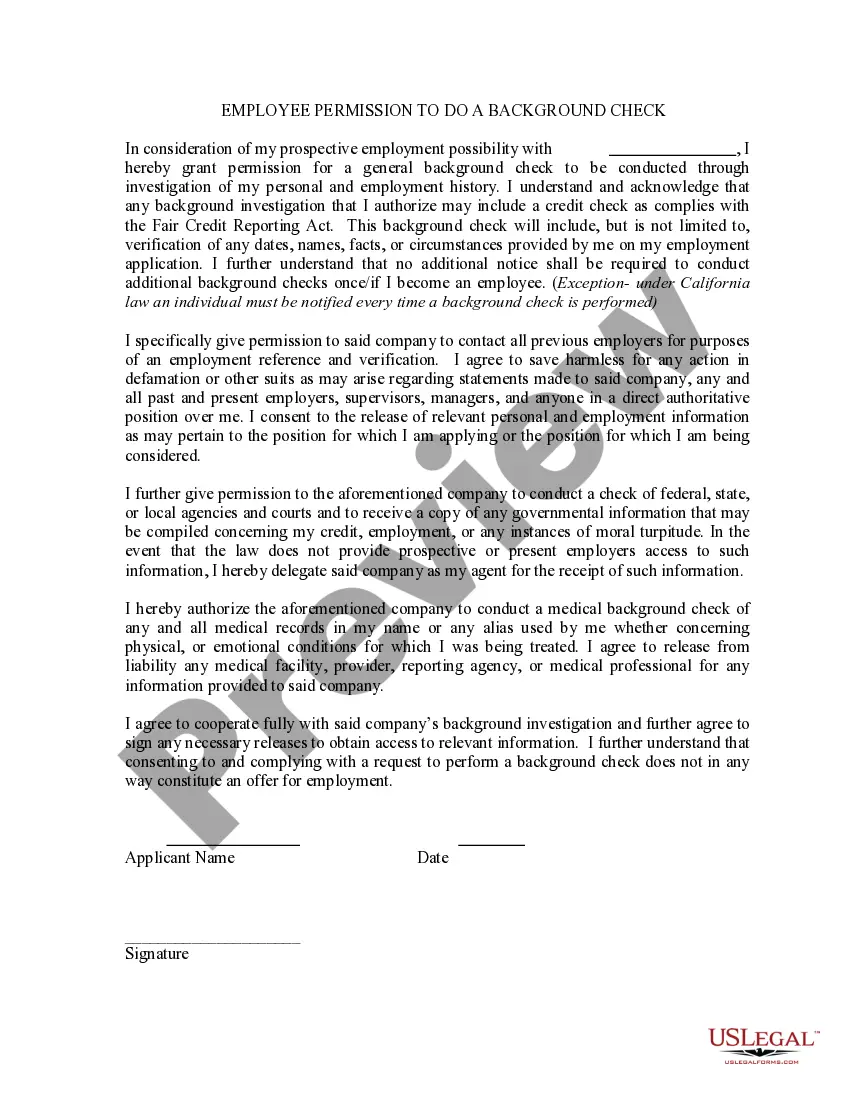
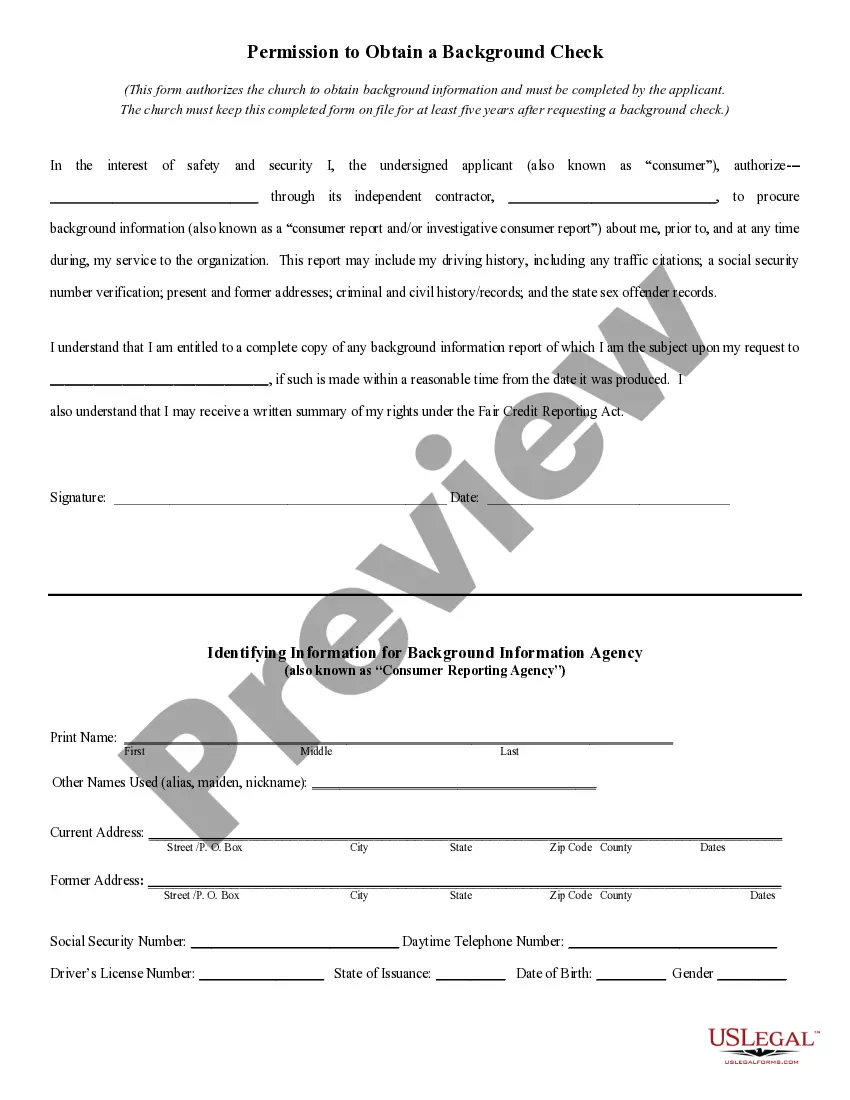
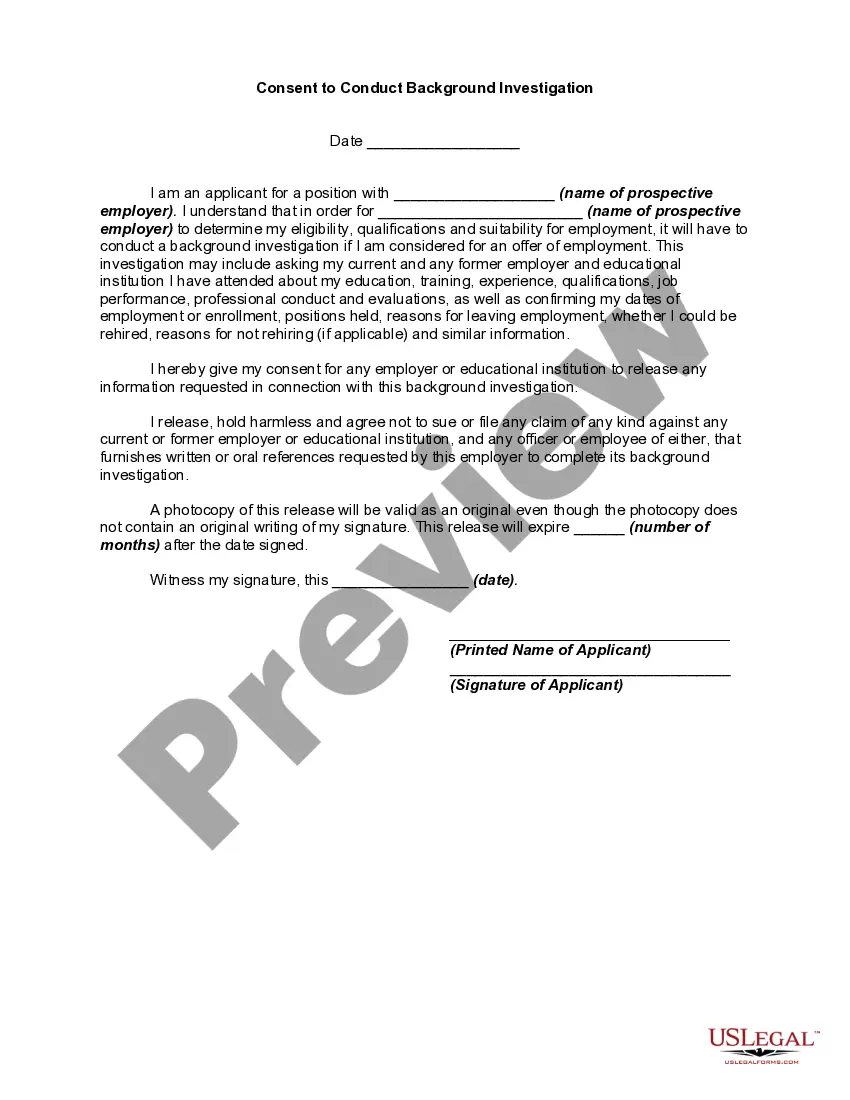
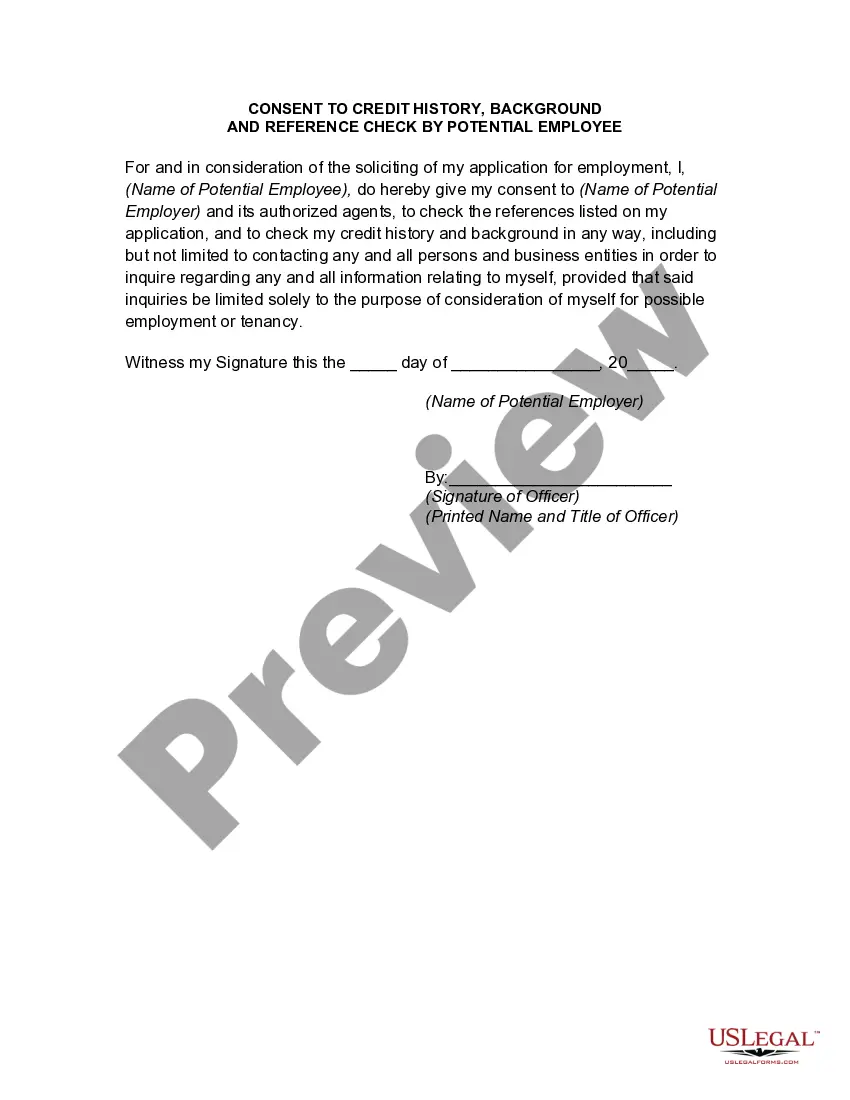
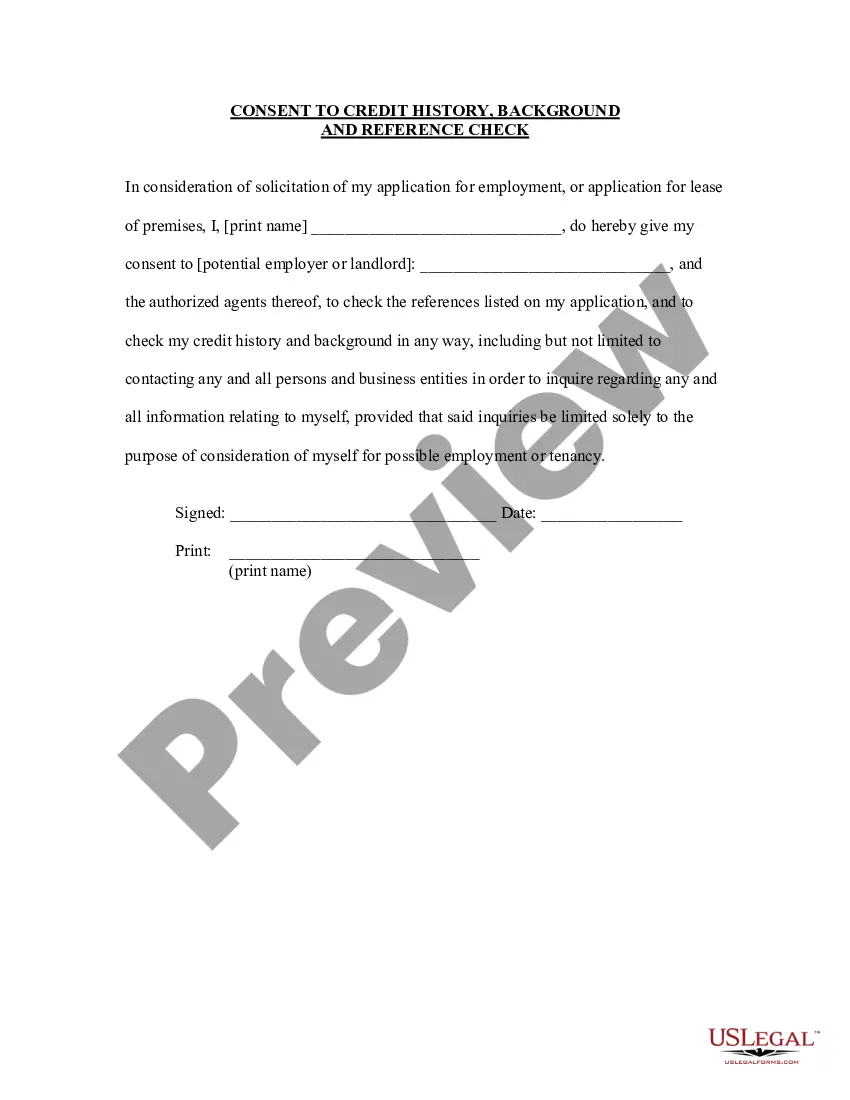
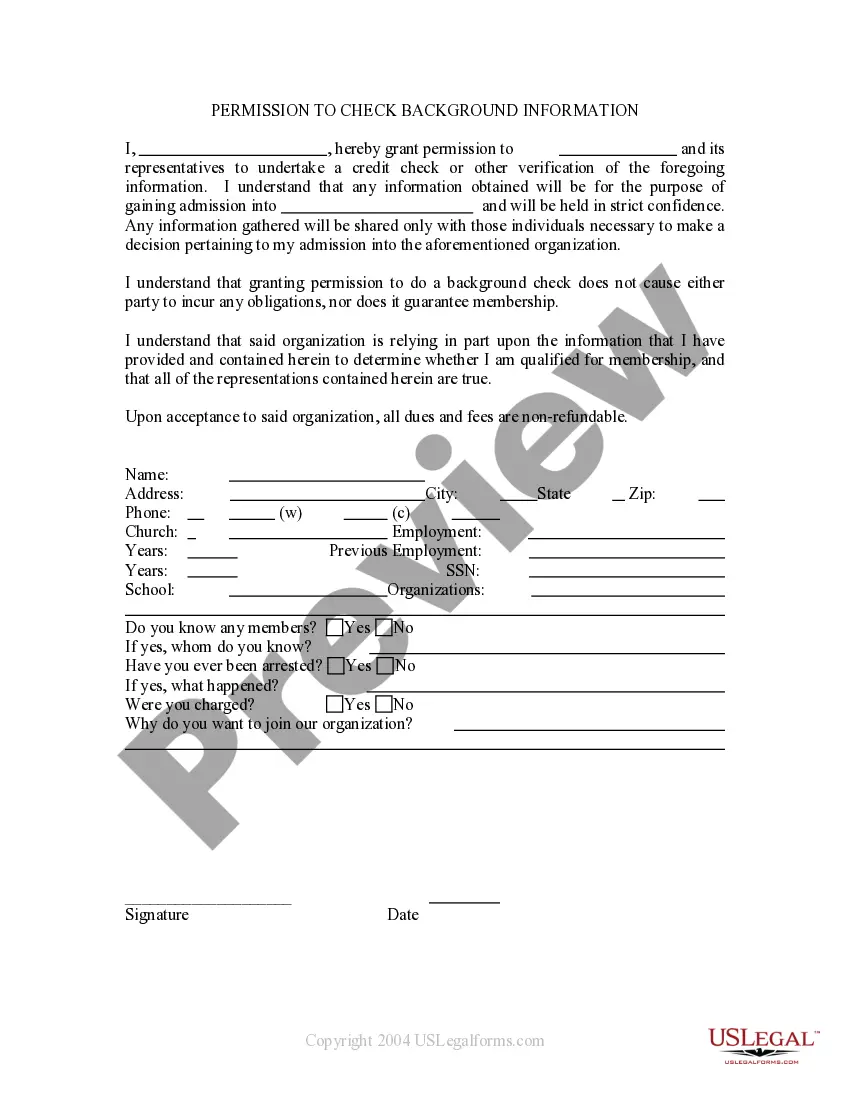
The Employee Permission to Do a Background Check form allows an employee or prospective employee to grant permission to an employer to conduct a background check. This form is essential for employers to verify the professional background and credentials of a candidate, helping to ensure a safe and trustworthy workplace. It is different from other employment forms as it specifically focuses on authorizing background checks, which may include personal, employment, and even medical information.
Form components explained
- Declaration of permission for contacting previous employers for verification and references.
- Agreement to hold harmless past employers and supervisors from any claims regarding provided information.
- Consent for access to personal and employment information pertinent to the position applied for.
- Authorization for the company to perform checks with federal, state, and local agencies.
- Permission for medical background checks related to physical or emotional health records.
- Cooperation clause requiring the employee to assist in the background investigation and sign necessary releases.
When this form is needed
This form should be used when an employer wishes to conduct a background check on an employee or job candidate as part of the hiring process. It is typically required in industries where security and trustworthiness are paramount, such as education, healthcare, and finance. Additionally, it can be used in cases when the employer needs to verify a candidate's past employment and obtain references to make informed hiring decisions.
Who should use this form
- Employers looking to conduct background checks on potential hires.
- Prospective employees who must authorize a background check for employment consideration.
- Organizations in regulated industries that require thorough checks for compliance and safety.
How to complete this form
- Clearly identify the employee or candidate's name and contact information.
- Specify the company name that will conduct the background check.
- Provide dates for the employment period and details of previous employers.
- Sign and date the form to indicate your consent.
- Complete any additional sections related to medical records if applicable.
Does this document require notarization?
This form does not typically require notarization to be legally valid. However, some jurisdictions or document types may still require it. US Legal Forms provides secure online notarization powered by Notarize, available 24/7 for added convenience.
Get your form ready online
Our built-in tools help you complete, sign, share, and store your documents in one place.
Make edits, fill in missing information, and update formatting in US Legal Forms—just like you would in MS Word.
Download a copy, print it, send it by email, or mail it via USPS—whatever works best for your next step.
Sign and collect signatures with our SignNow integration. Send to multiple recipients, set reminders, and more. Go Premium to unlock E-Sign.
If this form requires notarization, complete it online through a secure video call—no need to meet a notary in person or wait for an appointment.
We protect your documents and personal data by following strict security and privacy standards.

Make edits, fill in missing information, and update formatting in US Legal Forms—just like you would in MS Word.

Download a copy, print it, send it by email, or mail it via USPS—whatever works best for your next step.

Sign and collect signatures with our SignNow integration. Send to multiple recipients, set reminders, and more. Go Premium to unlock E-Sign.

If this form requires notarization, complete it online through a secure video call—no need to meet a notary in person or wait for an appointment.

We protect your documents and personal data by following strict security and privacy standards.
Avoid these common issues
- Not including the full name of the company conducting the check.
- Failing to properly sign and date the form.
- Leaving out details about previous employment that may be required for verification.
Benefits of using this form online
- Immediate access to a ready-made, legal form.
- Convenience of downloading and printing from any location.
- Editability to customize the information for specific needs.
Main things to remember
- The form grants permission for employers to conduct background checks.
- It includes consent for accessing personal, employment, and medical records.
- Proper completion and signing of the form are vital for its validity.
Looking for another form?



Form popularity
FAQ
Which employment screens are best for your organization? Criminal History Checks (National, Federal, County, etc.) Social Security Number Trace + Address History. Education and Employer Verification. Other Common Background Checks for Employers: How Do You Manage the Collection of All This Sensitive Information?
Online Criminal Background Checks Unverifiable background checks are not accurate. A third party screening company, with costs just a bit more than free, will not only offer results but will verify the sources and the conditional matches against the candidate.
Best choice for background checks overall - Truthfinder. Best choice for social media reports - Instant Checkmate. Best background check for fast searches - Infotracer. Best background check for first timers - BeenVerified. Best choice for basic background checks - PeopleFinders.
TruthFinder reports tend to have the most accurate and up-to-date information. The brand also has more info than BeenVerified or PeopleLooker. For example, reports include previous and current property ownership information, as well as details about sex offenders near the person's current address.
Truthfinder - Best Choice for Background Checks Overall. Instant Checkmate - Best Choice for Social Media Reports. Infotracer - Best Background Check for Fast Searches. BeenVerified - Best Background Check for First Timers. PeopleFinders - Best Choice for Basic Background Checks.
Is BeenVerified legit? BeenVerified appears to be legitimate, although there are some genuine concerns. For one, BeenVerified simply aggregates information that can be found online for free, puts the information into a report, and then charges you for the service.
You can indeed access background check services for free, but it's going to be a pain in the ass, time-consuming, and a little inaccurate. It usually requires going through public records and court records state-by-state or doing some intense Google searches.
TruthFinder reports tend to have the most accurate and up-to-date information. The brand also has more info than BeenVerified or PeopleLooker. For example, reports include previous and current property ownership information, as well as details about sex offenders near the person's current address.