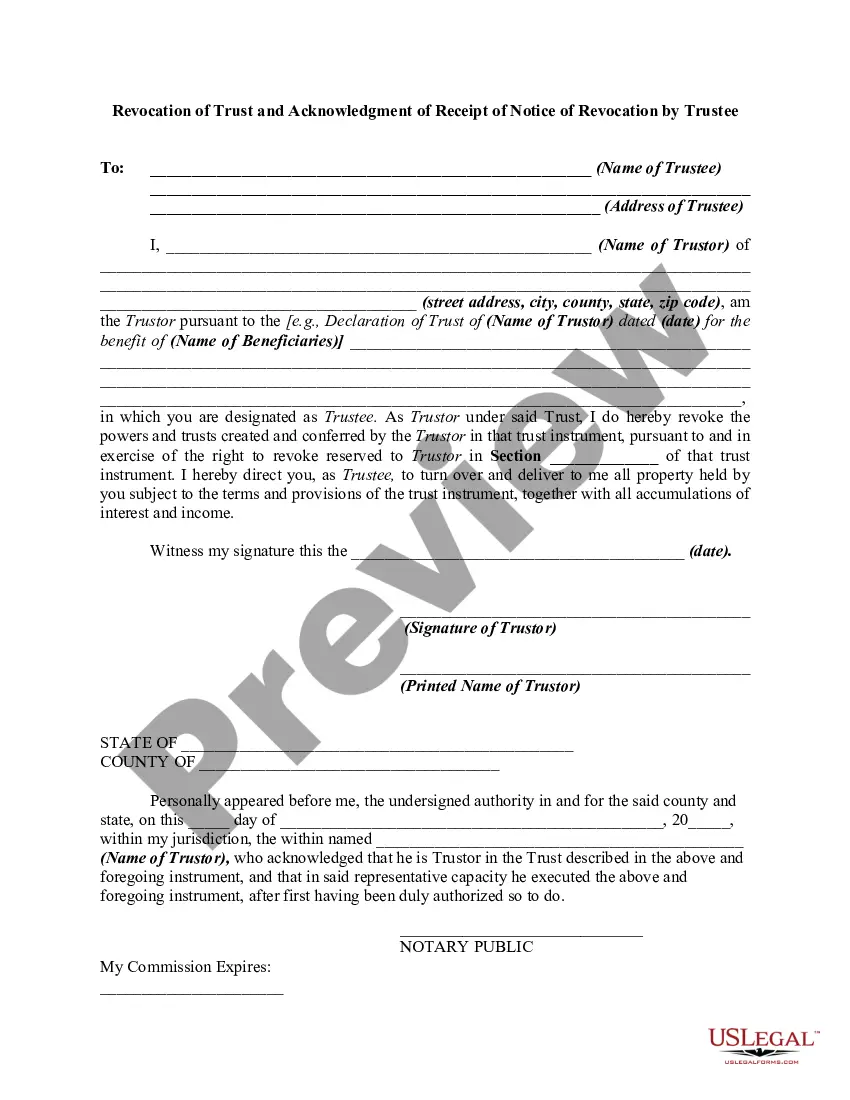
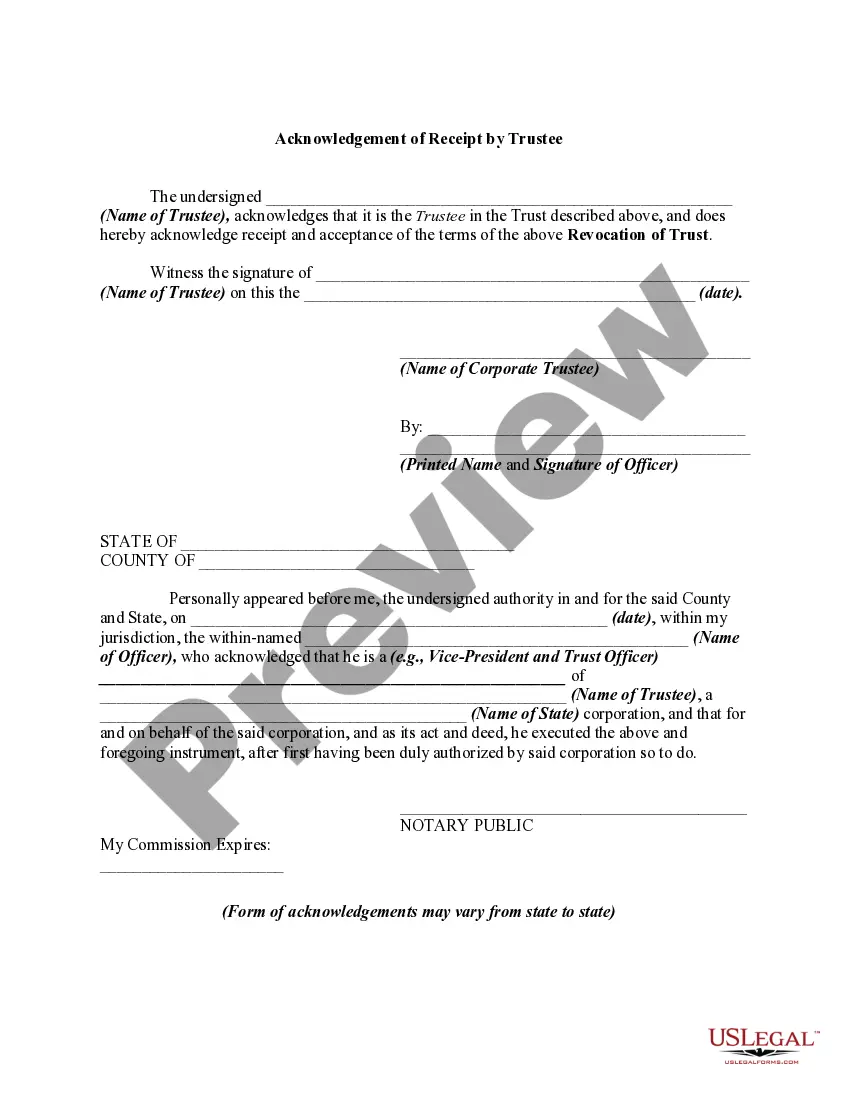
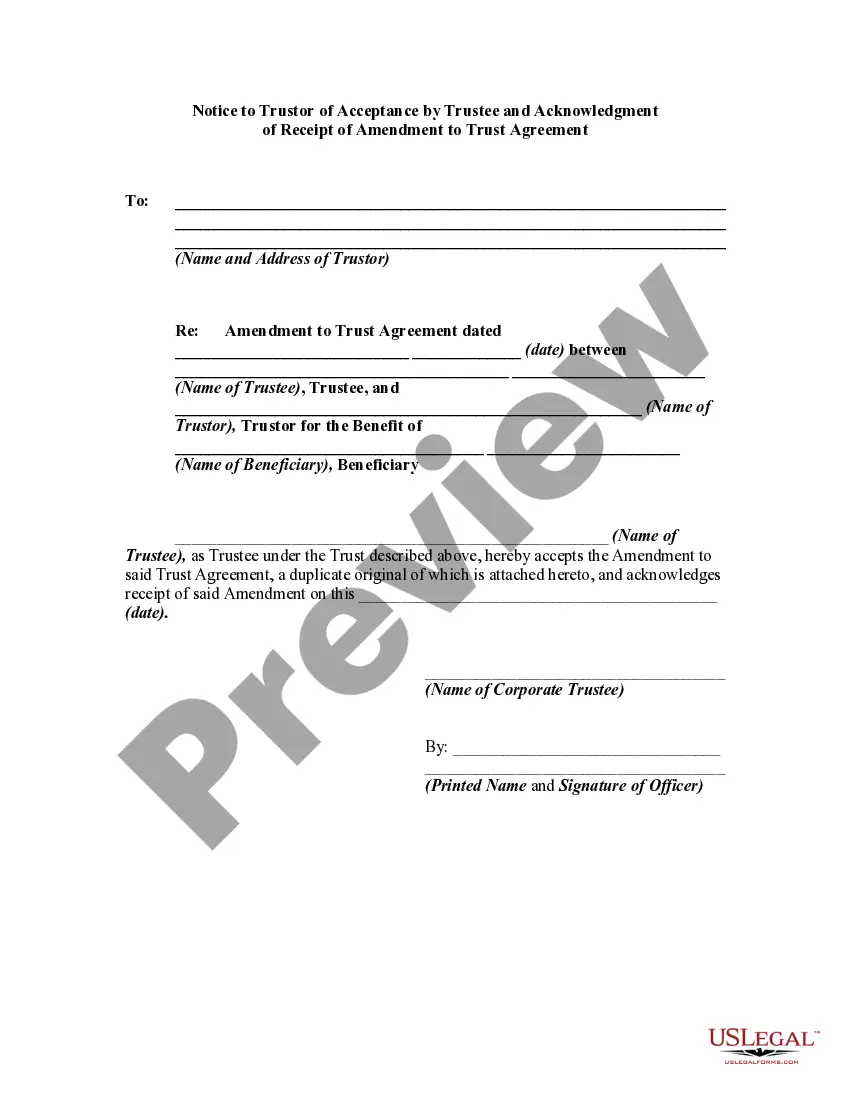
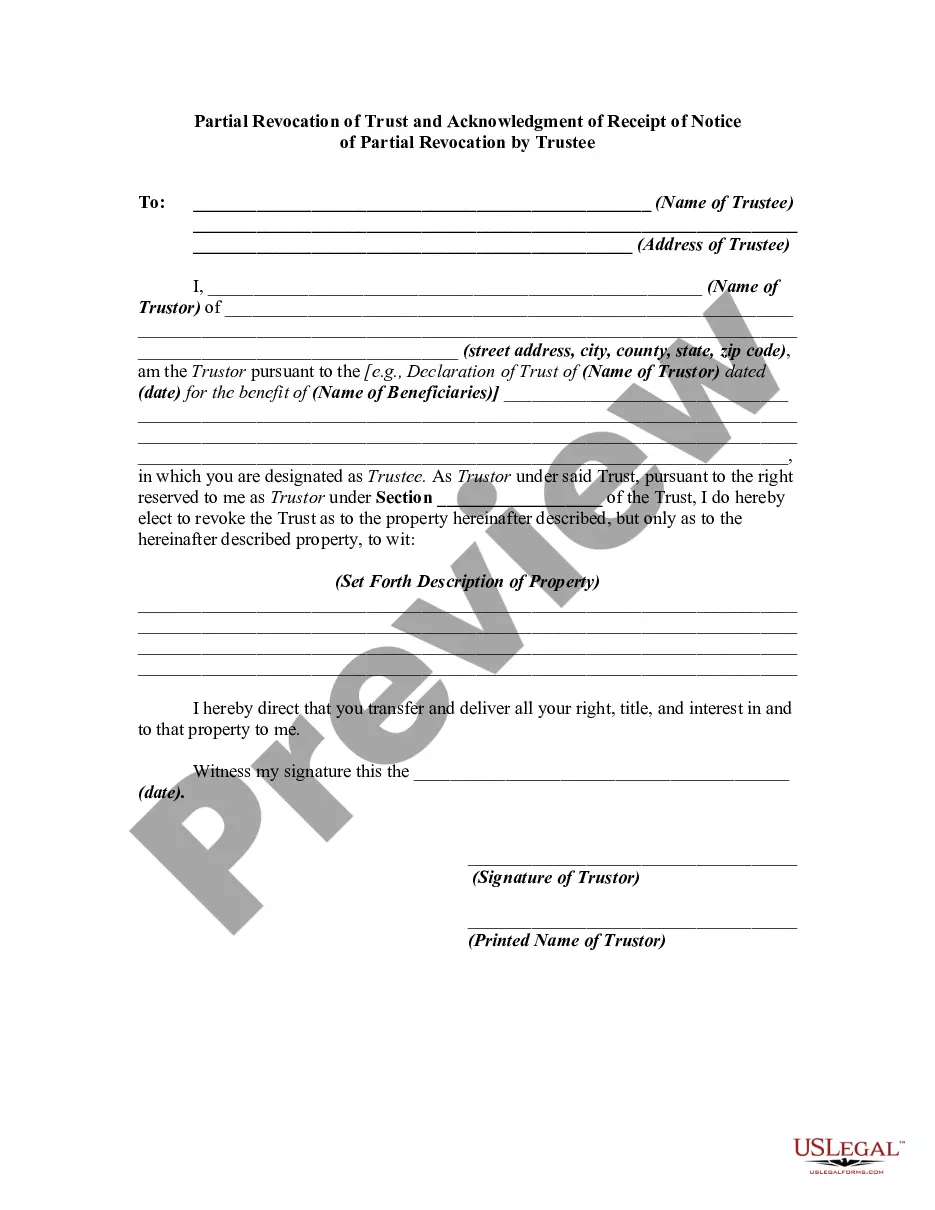
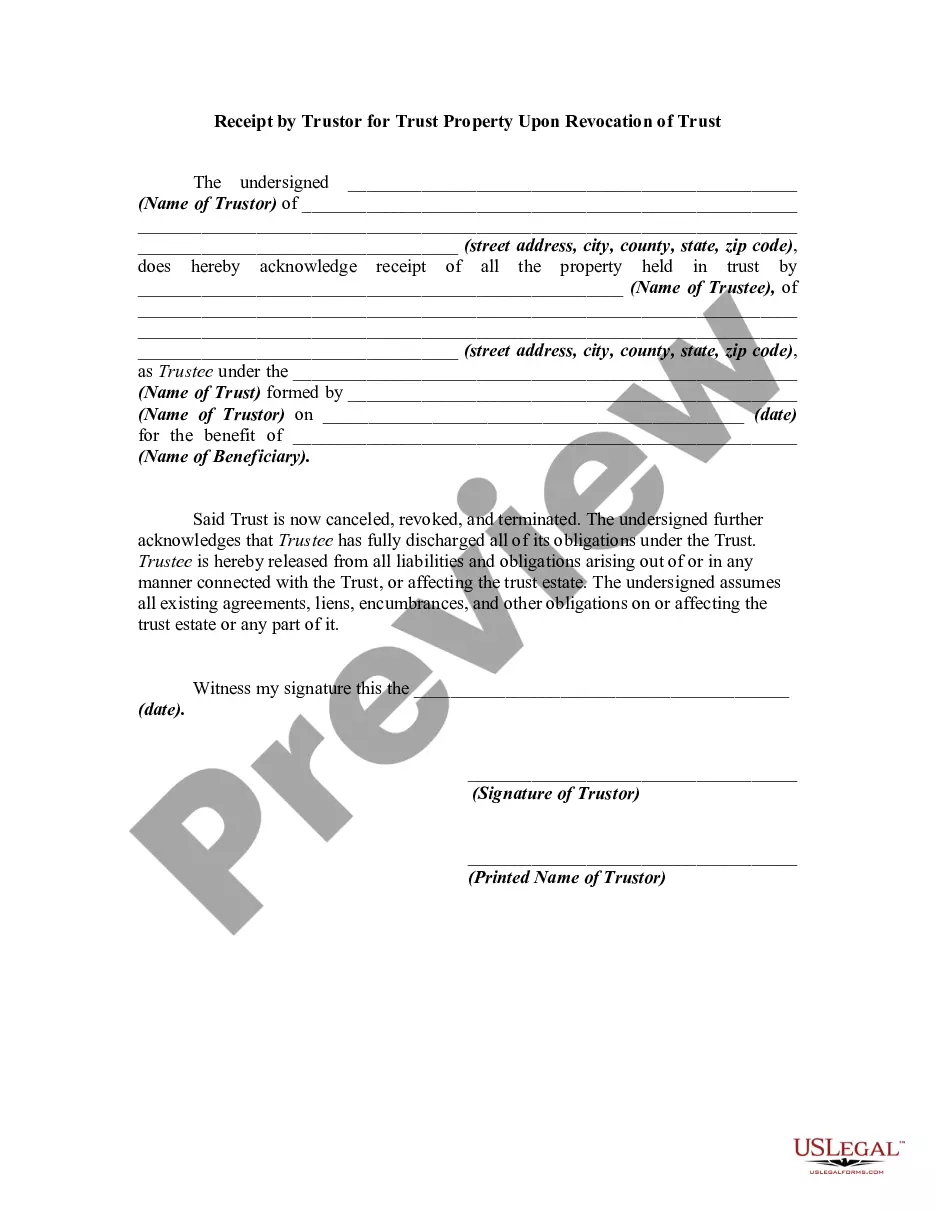
Revocation Trust Notice Format
Description
Get your form ready online
Our built-in tools help you complete, sign, share, and store your documents in one place.
Make edits, fill in missing information, and update formatting in US Legal Forms—just like you would in MS Word.
Download a copy, print it, send it by email, or mail it via USPS—whatever works best for your next step.
Sign and collect signatures with our SignNow integration. Send to multiple recipients, set reminders, and more. Go Premium to unlock E-Sign.
If this form requires notarization, complete it online through a secure video call—no need to meet a notary in person or wait for an appointment.
We protect your documents and personal data by following strict security and privacy standards.

Make edits, fill in missing information, and update formatting in US Legal Forms—just like you would in MS Word.

Download a copy, print it, send it by email, or mail it via USPS—whatever works best for your next step.

Sign and collect signatures with our SignNow integration. Send to multiple recipients, set reminders, and more. Go Premium to unlock E-Sign.

If this form requires notarization, complete it online through a secure video call—no need to meet a notary in person or wait for an appointment.

We protect your documents and personal data by following strict security and privacy standards.
Looking for another form?
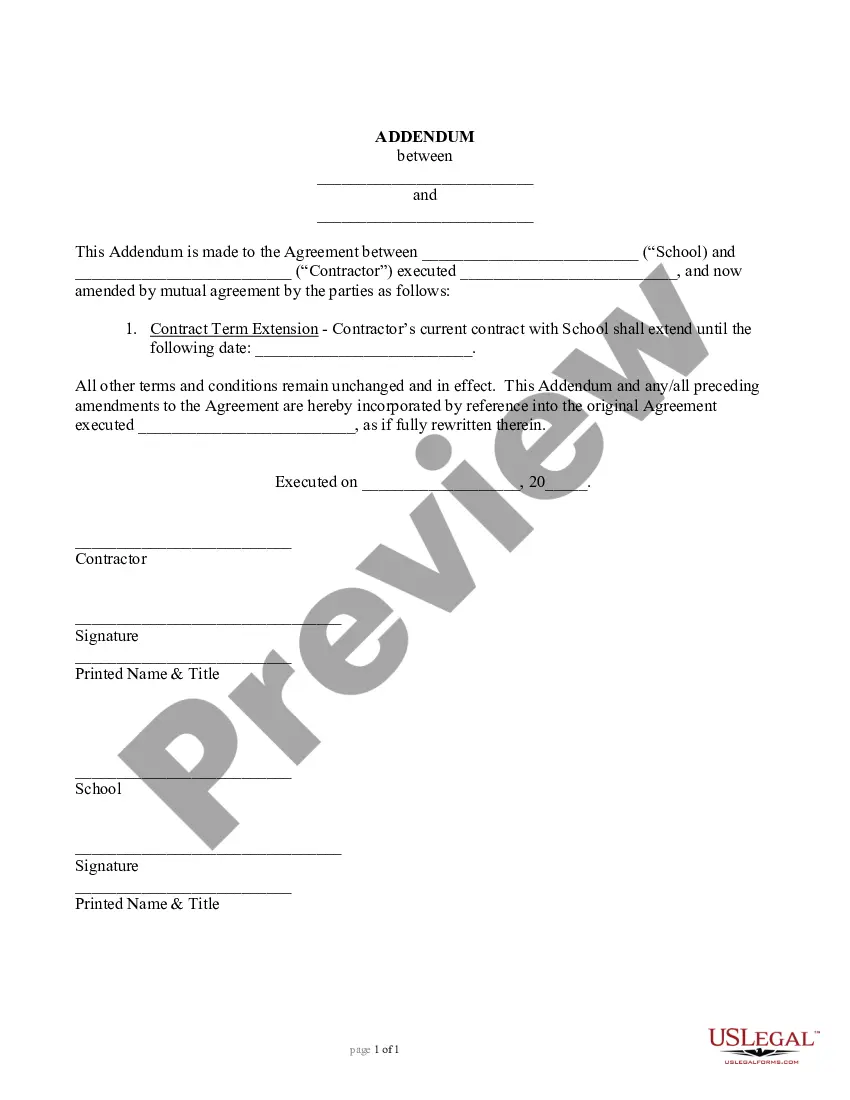




How to fill out Revocation Of Trust And Acknowledgment Of Receipt Of Notice Of Revocation By Trustee?
Whether for commercial reasons or personal matters, everyone must confront legal circumstances at some point in their life.
Filling out legal documents requires meticulous care, starting from selecting the correct form template.
With a comprehensive US Legal Forms library available, you do not need to waste time searching for the suitable template online. Utilize the library's easy navigation to find the correct template for any circumstance.
- Obtain the template you require using the search bar or catalog browsing.
- Review the form's description to ensure it fits your circumstances, state, and county.
- Click on the form's preview to examine it.
- If it is the incorrect document, return to the search feature to locate the Revocation Trust Notice Format example you need.
- Download the file when it aligns with your requirements.
- If you already possess a US Legal Forms account, simply click Log in to access previously stored documents in My documents.
- If you do not have an account yet, you can acquire the form by clicking Buy now.
- Select the appropriate pricing option.
- Fill out the account registration form.
- Choose your payment method: use a credit card or PayPal account.
- Select the document format you desire and download the Revocation Trust Notice Format.
- Once it is downloaded, you can complete the form using editing software or print it out and finish it manually.
Form popularity
FAQ
How to protect your privacy online Passwords: make them strong and secure. Don't share more information than you need to. Review your apps' permissions. Pay for things securely online. Be aware of phishing scams. Switch to a private web browser. Update your software. Use a secure connection.
Here are a few tips to ensure your personal information doesn't end up in the wrong hands. Create strong passwords. ... Don't overshare on social media. ... Use free wi-fi with caution. ... Watch out for links and attachments. ... Check to see if the site is secure. ... Consider additional protection.
The Personal Information Protection and Electronic Documents Act (PIPEDA) is the federal privacy law for private-sector organizations. It sets out the ground rules for how businesses must handle personal information in the course of their commercial activity.
Five things to do to protect yourself online Lock down your online accounts. Your password is the key to all the personal information in your account. ... Secure your home Wi-Fi network. ... Protect your computer and phone. ... Recognize attempts to steal your personal information. ... Back things up.
There are some instances where PIPEDA does not apply. Some examples include: Personal information handled by federal government organizations listed under the Privacy Act. Provincial or territorial governments and their agents.
By completely destroying the media, whether hard or electronic copy. It is a way to ensure that the information stored on it can never be recovered. This can be accomplished using a variety of methods including disintegration, incineration, pulverizing, shredding and melting.