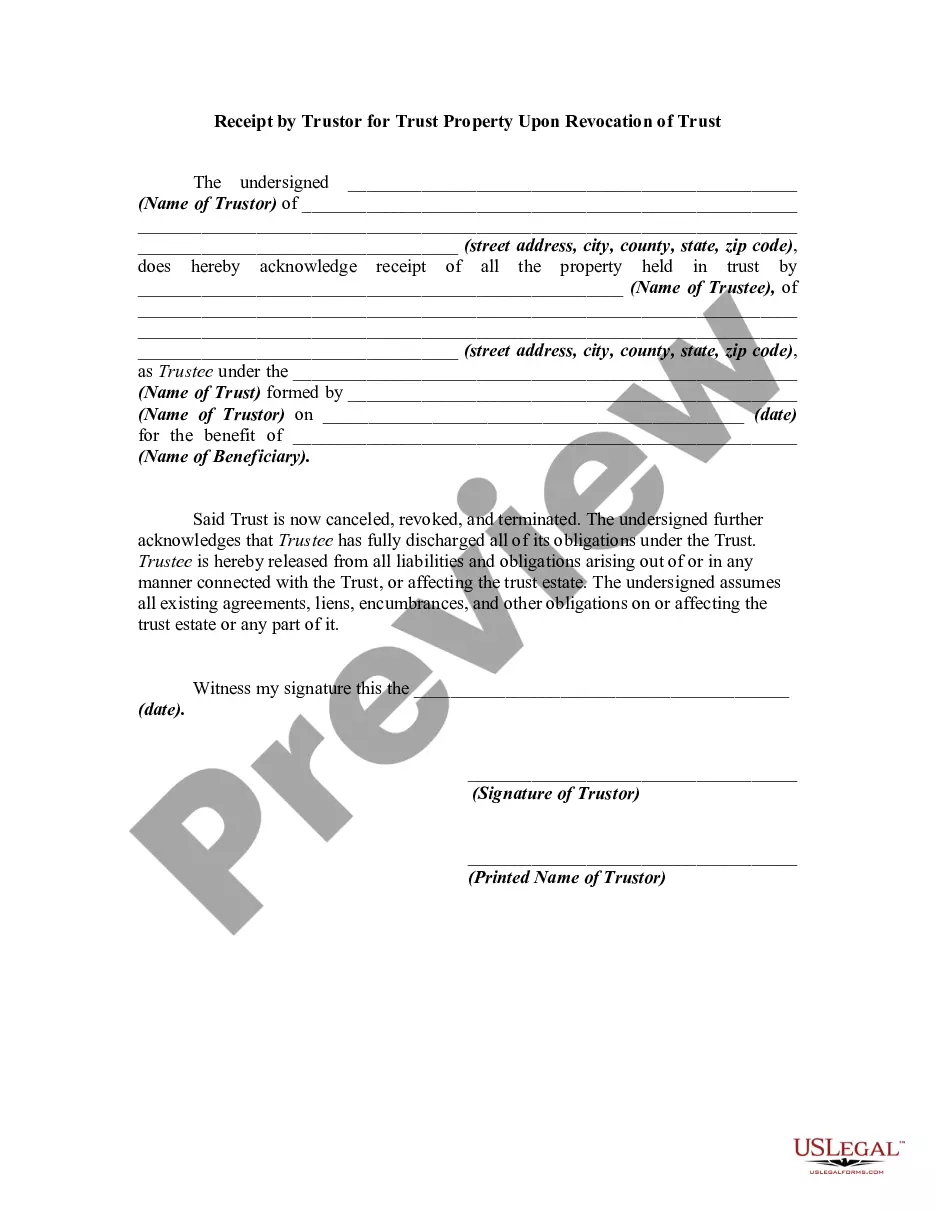
Revocation Acknowledgment Trustee With Irs
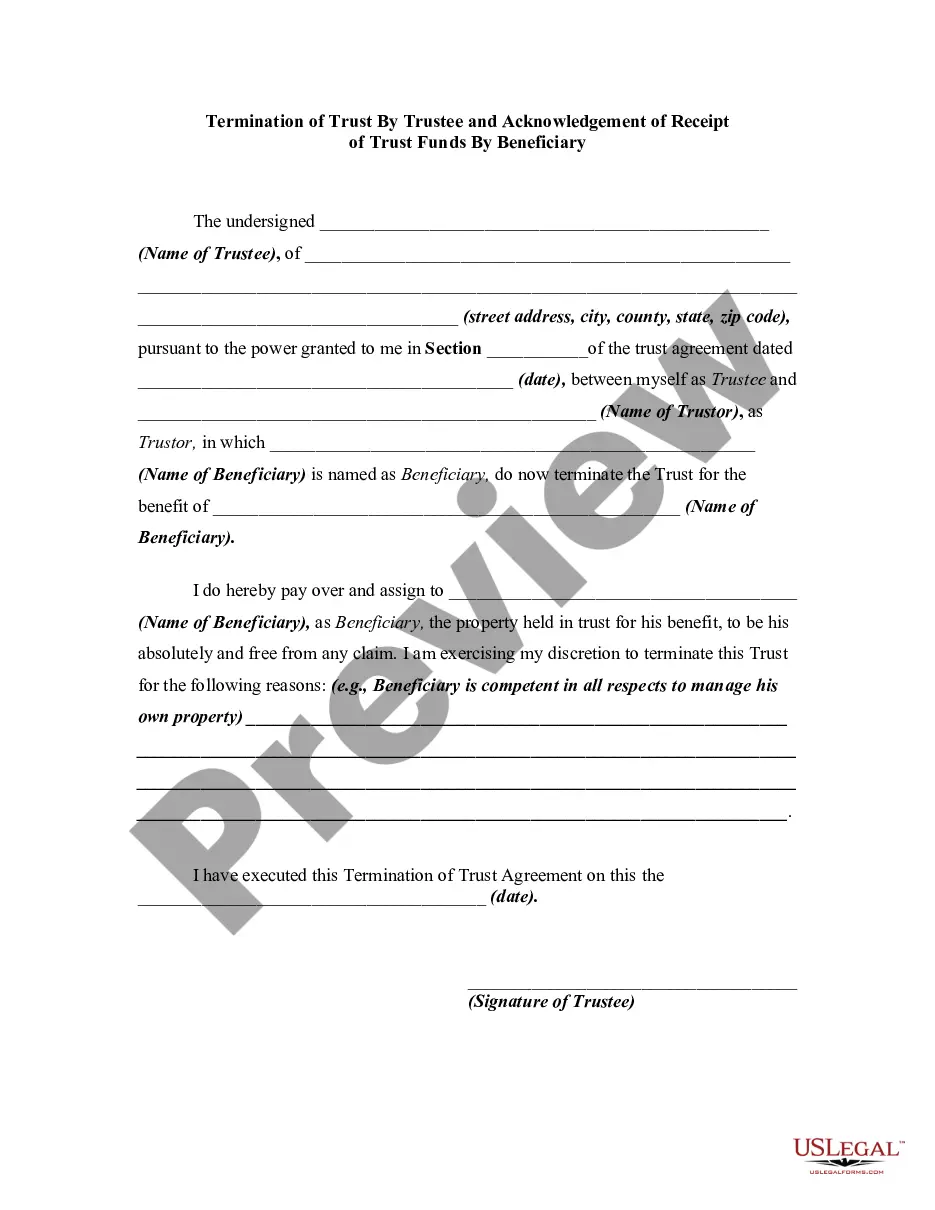
Description
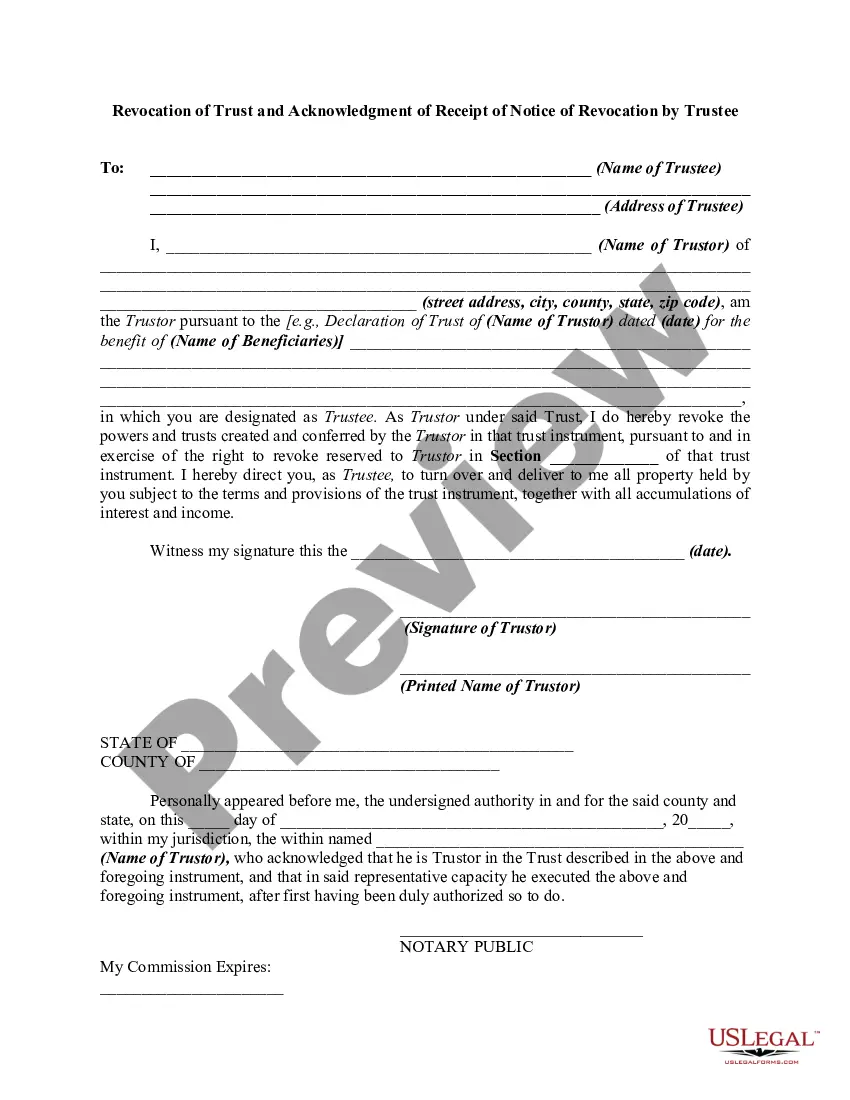
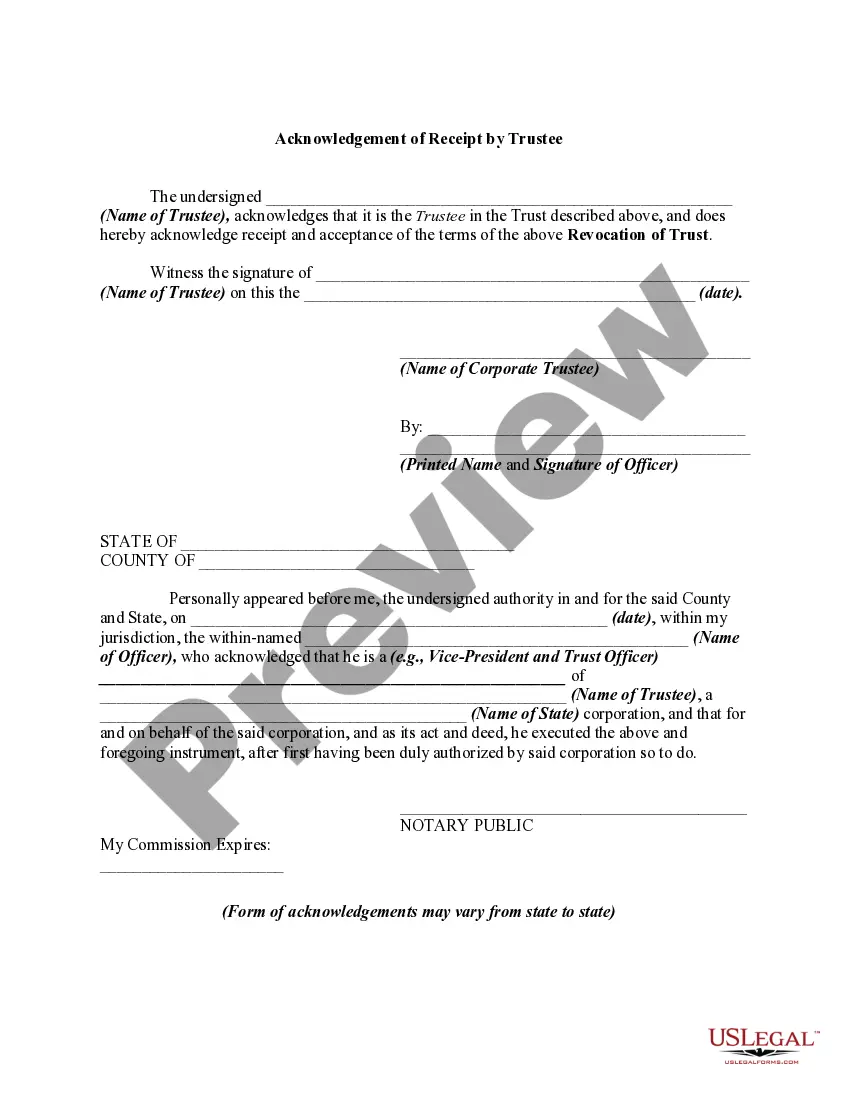
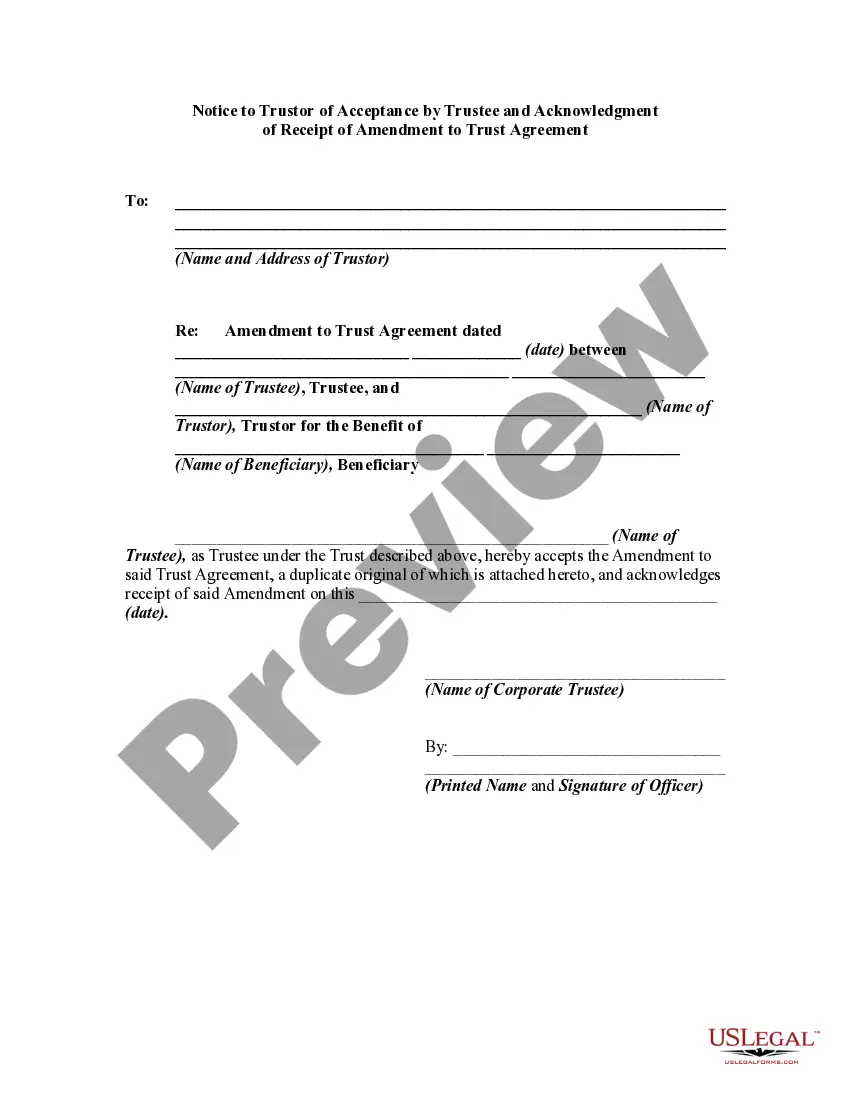
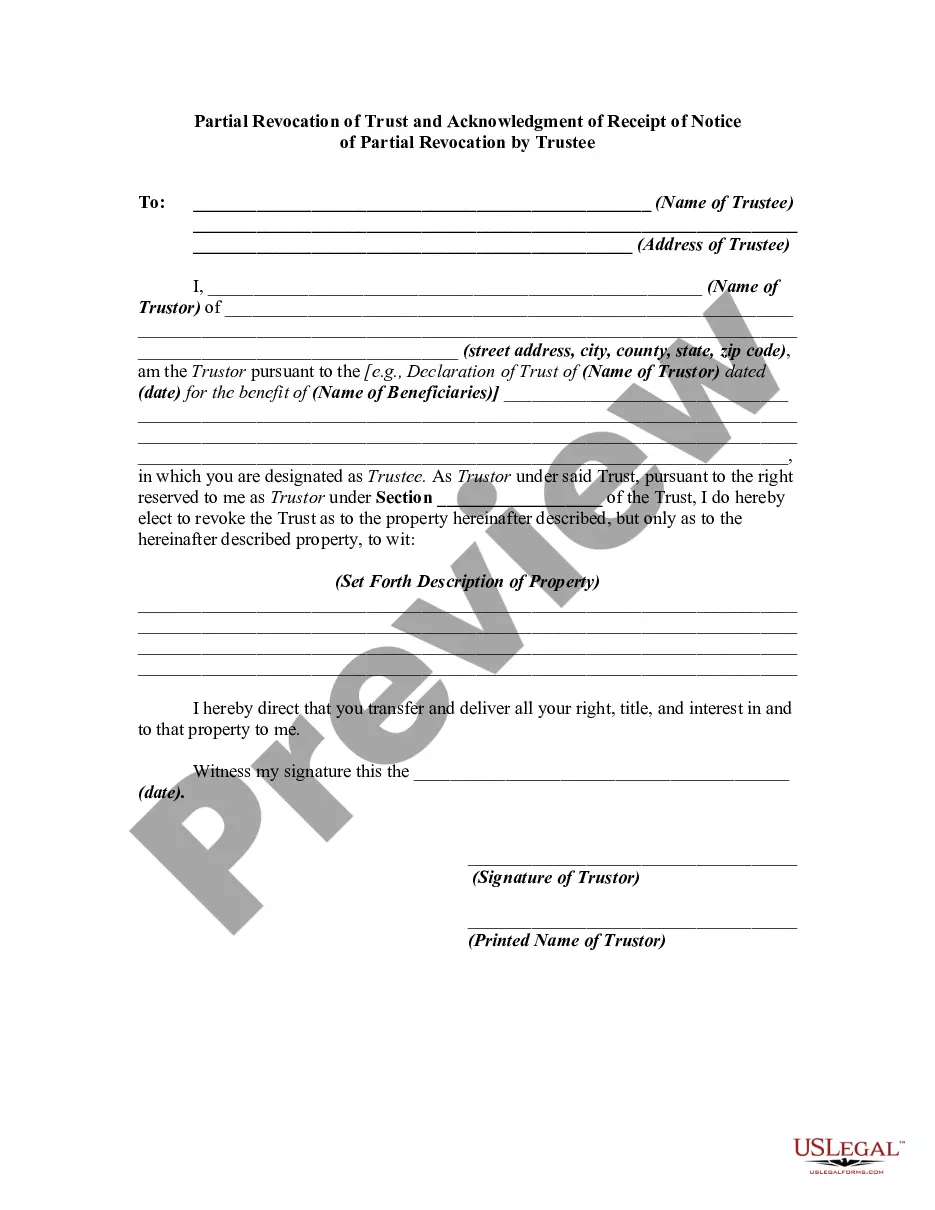
Get your form ready online
Our built-in tools help you complete, sign, share, and store your documents in one place.
Make edits, fill in missing information, and update formatting in US Legal Forms—just like you would in MS Word.
Download a copy, print it, send it by email, or mail it via USPS—whatever works best for your next step.
Sign and collect signatures with our SignNow integration. Send to multiple recipients, set reminders, and more. Go Premium to unlock E-Sign.
If this form requires notarization, complete it online through a secure video call—no need to meet a notary in person or wait for an appointment.
We protect your documents and personal data by following strict security and privacy standards.

Make edits, fill in missing information, and update formatting in US Legal Forms—just like you would in MS Word.

Download a copy, print it, send it by email, or mail it via USPS—whatever works best for your next step.

Sign and collect signatures with our SignNow integration. Send to multiple recipients, set reminders, and more. Go Premium to unlock E-Sign.

If this form requires notarization, complete it online through a secure video call—no need to meet a notary in person or wait for an appointment.

We protect your documents and personal data by following strict security and privacy standards.
Looking for another form?

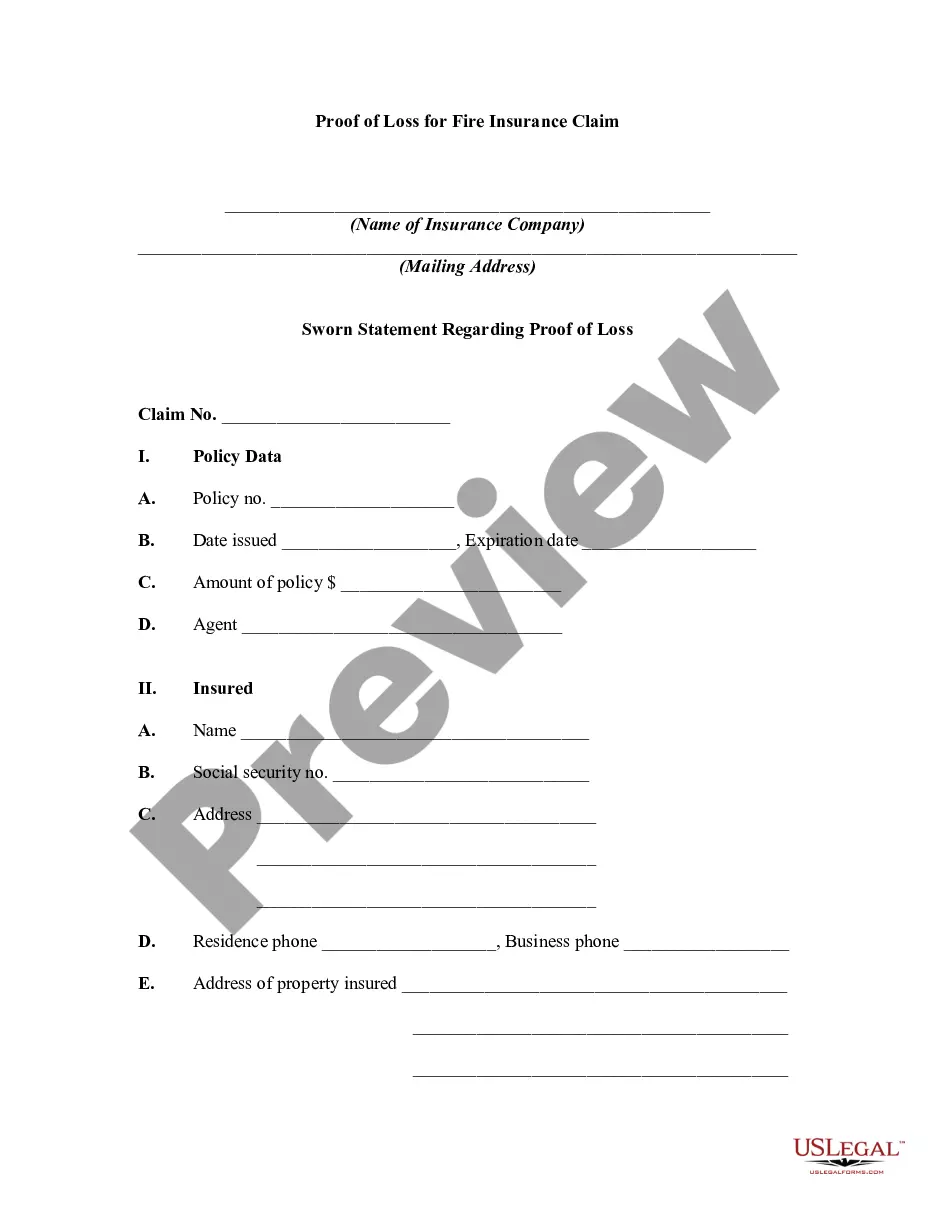






How to fill out Revocation Of Trust And Acknowledgment Of Receipt Of Notice Of Revocation By Trustee?
- If you're a returning user, log into your account and select the desired form template. Ensure your subscription is up-to-date for access.
- For new users, start by checking the form's Preview mode and description to ensure it aligns with your needs and adheres to local jurisdiction requirements.
- If necessary, utilize the Search function to find alternative templates if the first choice doesn't meet your requirements.
- Once a suitable form is identified, click the Buy Now button, select your preferred subscription plan, and register for an account to unlock full access.
- Proceed to purchase by entering your payment details via credit card or PayPal.
- After the payment is confirmed, download your form to your device for immediate use and access it anytime through the My Forms section of your profile.
In conclusion, US Legal Forms offers an extensive library and premium expert assistance to ensure you complete your legal documents accurately. Enhance your legal journey with us today!
Start your experience by visiting our website and streamline your document preparation now!
Form popularity
FAQ
The IRS Form 8832 is primarily used for revocation purposes concerning power of attorney (POA). It allows you to formally cancel the authority granted to your previously designated representative. This step is vital for safeguarding your tax matters and ensuring that you manage your affairs as needed. For a seamless experience with revocation acknowledgment trustee with IRS, explore resources available on the US Legal Forms platform.
To revoke IRS Form 2848, you must submit a written statement to the IRS indicating that you wish to revoke the power of attorney. Include your name, Social Security number, and details of the original Form 2848. This process is essential for maintaining control over who manages your tax matters. Consider using the US Legal Forms platform for templates to create a proper revocation acknowledgment trustee with IRS easily.
Filling out the IRS Form 8822-B involves providing information about your business, including the name, address, and Employer Identification Number. You need to indicate whether you are changing your address or notifying the IRS of a new responsible party. This form is crucial for ensuring accurate communication with the IRS. For assistance, you can visit the US Legal Forms platform to find templates and guidance related to Revocation acknowledgment trustee with IRS.
To get a CAF number with the IRS, you need to complete Form 2848 and submit it to the IRS within the proper guidelines. This process requires accurate information and careful attention to detail. For those dealing with topics such as revocation acknowledgment trustee with IRS, getting your CAF number without hassle is essential. US Legal Forms can provide you with necessary templates and directions to ensure smooth application.
Typically, the IRS takes about four to six weeks to issue a CAF number once your application is processed. However, times may vary based on the volume of requests and other factors. To manage your tax-related tasks promptly, especially for matters involving revocation acknowledgment trustee with IRS, it’s wise to apply for the CAF number as early as possible. Consider using US Legal Forms for tips on expediting the process.
Anyone representing another individual or entity before the IRS needs a CAF number. This includes tax professionals and attorneys handling various tax matters. If your work involves revocation acknowledgment trustee with IRS, obtaining a CAF number is vital to facilitate communication with the IRS on behalf of your client. US Legal Forms offers assistance to help users acquire their necessary CAF numbers effortlessly.
You can file Form 2848 without a CAF number, but it may lead to processing delays. The IRS prefers a CAF number for efficient handling of your power of attorney requests. If you plan to deal with matters involving revocation acknowledgment trustee with IRS, having a CAF number is advantageous. Using resources like US Legal Forms can ensure you follow the proper steps.
To obtain a CAF number for a rights issue, you need to apply through the IRS. This involves filling out Form 2848, which serves as a power of attorney. You can simplify this process by using US Legal Forms, which provides clear guidance on completing the necessary documents. Obtaining a CAF number is essential for handling tax matters, particularly in relation to revocation acknowledgment trustee with IRS.
To report a change of trustee to the IRS, you can file Form 56, which provides necessary updates regarding the fiduciary relationship. Make sure to include all relevant details and send the form to the appropriate IRS address. Keeping your information current is essential when managing revocation acknowledgment trustee with IRS matters.
Currently, Form 56 must be mailed to the IRS rather than submitted online. Be sure to provide complete information regarding the fiduciary role you hold. If you need guidance on handling the form and ensuring compliance, platforms like USLegalForms can offer helpful resources.