Trust Revocation Form Online For The Security Certificate
Description

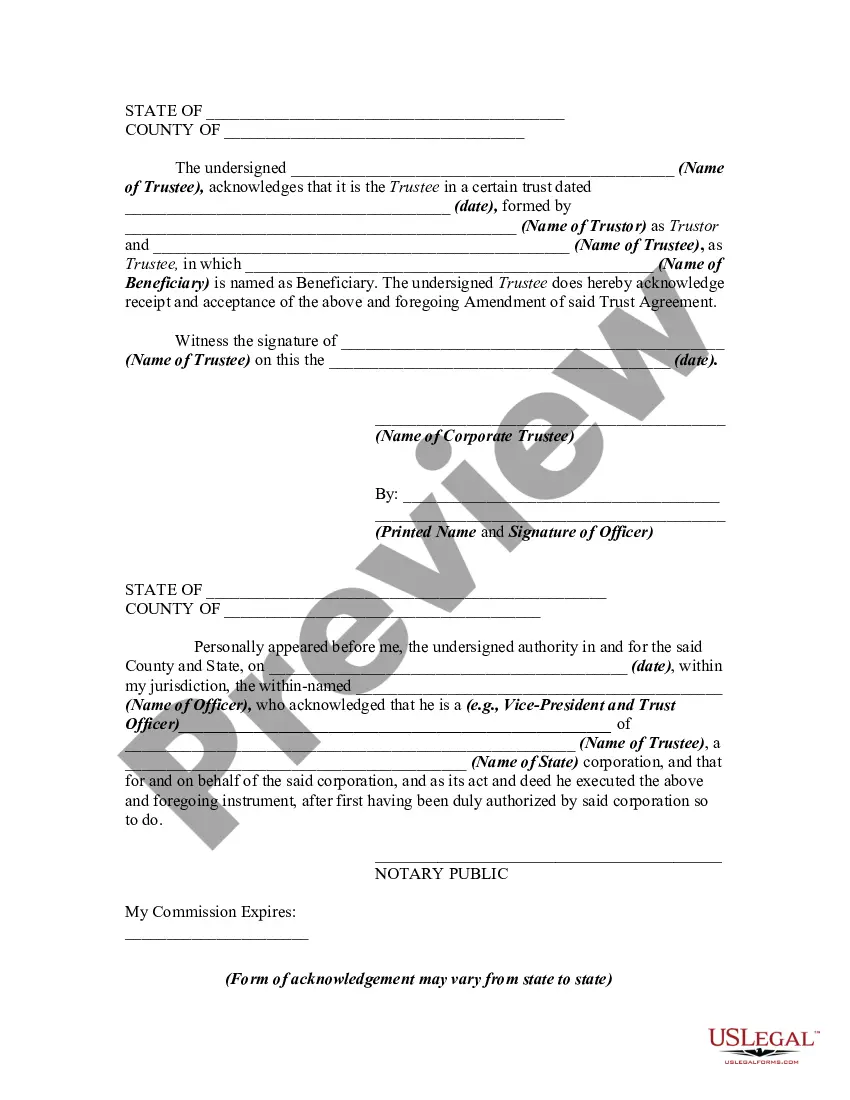


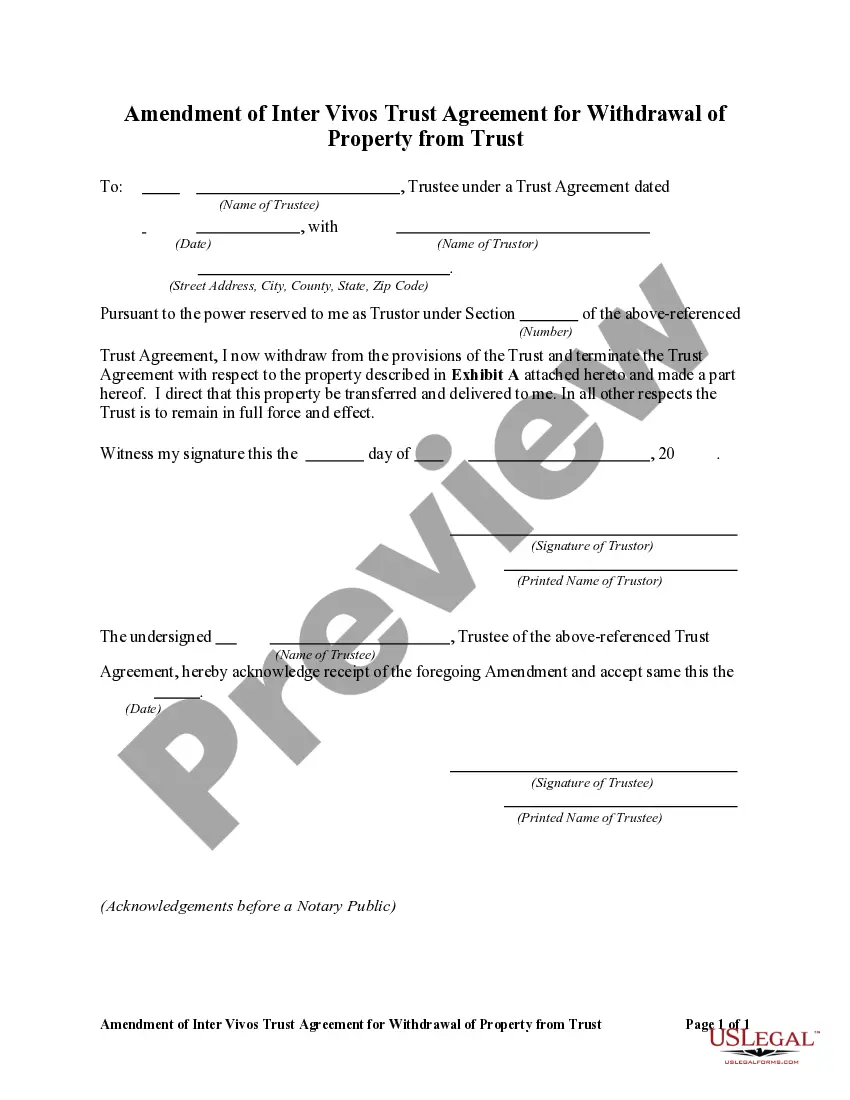
Get your form ready online
Our built-in tools help you complete, sign, share, and store your documents in one place.
Make edits, fill in missing information, and update formatting in US Legal Forms—just like you would in MS Word.
Download a copy, print it, send it by email, or mail it via USPS—whatever works best for your next step.
Sign and collect signatures with our SignNow integration. Send to multiple recipients, set reminders, and more. Go Premium to unlock E-Sign.
If this form requires notarization, complete it online through a secure video call—no need to meet a notary in person or wait for an appointment.
We protect your documents and personal data by following strict security and privacy standards.

Make edits, fill in missing information, and update formatting in US Legal Forms—just like you would in MS Word.

Download a copy, print it, send it by email, or mail it via USPS—whatever works best for your next step.

Sign and collect signatures with our SignNow integration. Send to multiple recipients, set reminders, and more. Go Premium to unlock E-Sign.

If this form requires notarization, complete it online through a secure video call—no need to meet a notary in person or wait for an appointment.

We protect your documents and personal data by following strict security and privacy standards.
Looking for another form?










How to fill out Amendment Of Trust Agreement And Revocation Of Particular Provision?
- Log in to your existing US Legal Forms account to access your downloaded documents if you are a returning user.
- If you're new to the service, start by checking the Preview mode of the trust revocation form to confirm it fits your requirements.
- Should you require a different document, utilize the Search function to locate the correct form tailored to your jurisdiction.
- Proceed to purchase the needed document by clicking the Buy Now button. You will need to create an account for access.
- Finalize your purchase by entering your payment information, either through a credit card or PayPal.
- Download the completed form to your device, ensuring that it is saved for future reference within your My Forms section.
By choosing US Legal Forms, you gain access to a vast collection of forms unmatched in variety and affordability. Expert assistance ensures your documents are completed correctly, providing peace of mind.
Start your journey towards legal clarity today! Visit US Legal Forms and access your trust revocation form online now!
Form popularity
FAQ
To fix revocation information for the security certificate, start by checking your system's network settings and certificate store. Ensure your device has access to the internet and that it can connect to the OCSP responder. If issues persist, generating a new trust revocation form online for the security certificate may be necessary, allowing for a fresh validation process. This approach provides a quick remedy to certificate-related issues.
The process of certificate revocation begins when the certificate owner identifies a need to have their certificate invalidated. The owner must submit a request to the certificate authority, detailing the reason for revocation. After validation, the CA updates the status of the certificate in its database, notifying any relevant parties. Using a trust revocation form online for the security certificate can streamline this process and ensure proper management.
In California, revocation of a trust typically does not require notarization; however, it is often recommended. Proper documentation helps ensure that the revocation is legally binding and recognized by the courts. By using a trust revocation form online for the security certificate, you can simplify this process and maintain clear records of all trust-related changes.
Several factors could lead a certificate authority to revoke a certificate. Common reasons include the loss of control over a private key, the validity of the certificate being compromised, or the information in the certificate being inaccurate. Additionally, if the certificate holder's details change, such as a change in company name or address, revocation may occur. Utilizing the trust revocation form online for the security certificate ensures you can manage your certificates effectively.
The certificate revocation process involves several steps, starting with the issuance of a revocation request by a Certificate Authority (CA). Next, the CA verifies the request to ensure legitimacy and, if confirmed, updates the Certificate Revocation List (CRL). Finally, users need to check the status of their certificates regularly to confirm if they are still valid, making the trust revocation form online for the security certificate an essential tool in this process.
To fix a certificate of revocation, you must first identify the specific reason for the revocation. After determining the cause, correct any underlying issues, such as renewing an expired certificate. Once resolved, you may need to submit a new trust revocation form online for the security certificate to restore its validity. This process helps ensure your certificates operate smoothly without interruptions.
You can maintain certificate revocation through both Certificate Revocation Lists (CRLs) and the Online Certificate Status Protocol (OCSP). CRLs publish a list of revoked certificates at regular intervals, allowing clients to check the validity of certificates. Alternatively, OCSP provides real-time verification, enabling clients to get instant status updates on certificate validity. For securely managing your trust revocation form online for the security certificate, consider using trusted platforms.
To remove a security alert certificate, you must first identify the source of the alert. Go through your system’s certificate manager and locate the certificate causing the alert. If necessary, utilize a trust revocation form online for the security certificate to document the removal process. Once confirmed, restart your browser or application to ensure changes take effect, thus improving your security environment.
If you encounter issues with revocation information for the security certificate, start by checking the certificate status through a trusted Certificate Authority. You may need to update your certificate or include a trust revocation form online for the security certificate to ensure your records are correct. Additionally, consider clearing your browser cache and checking network configurations. These steps can improve your security certificate’s validity.
Certificate revocation in network security refers to the process of invalidating a digital certificate before its scheduled expiration date. This is crucial for managing trust relationships online, as revoked certificates can compromise security. By utilizing a trust revocation form online for the security certificate, businesses can ensure they keep their systems secure and prevent unauthorized access. Regularly updating and managing certificates helps maintain a safe online presence.