Form To Dissolve Trust With Trust
Description

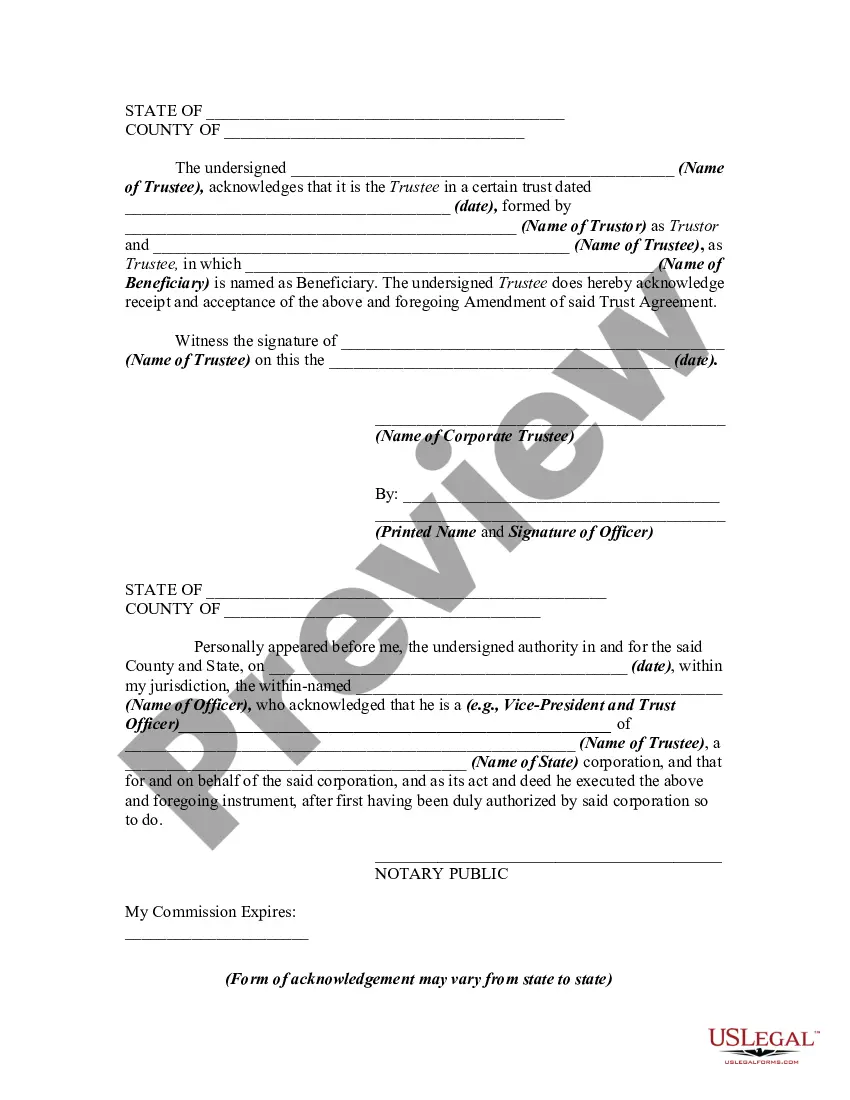


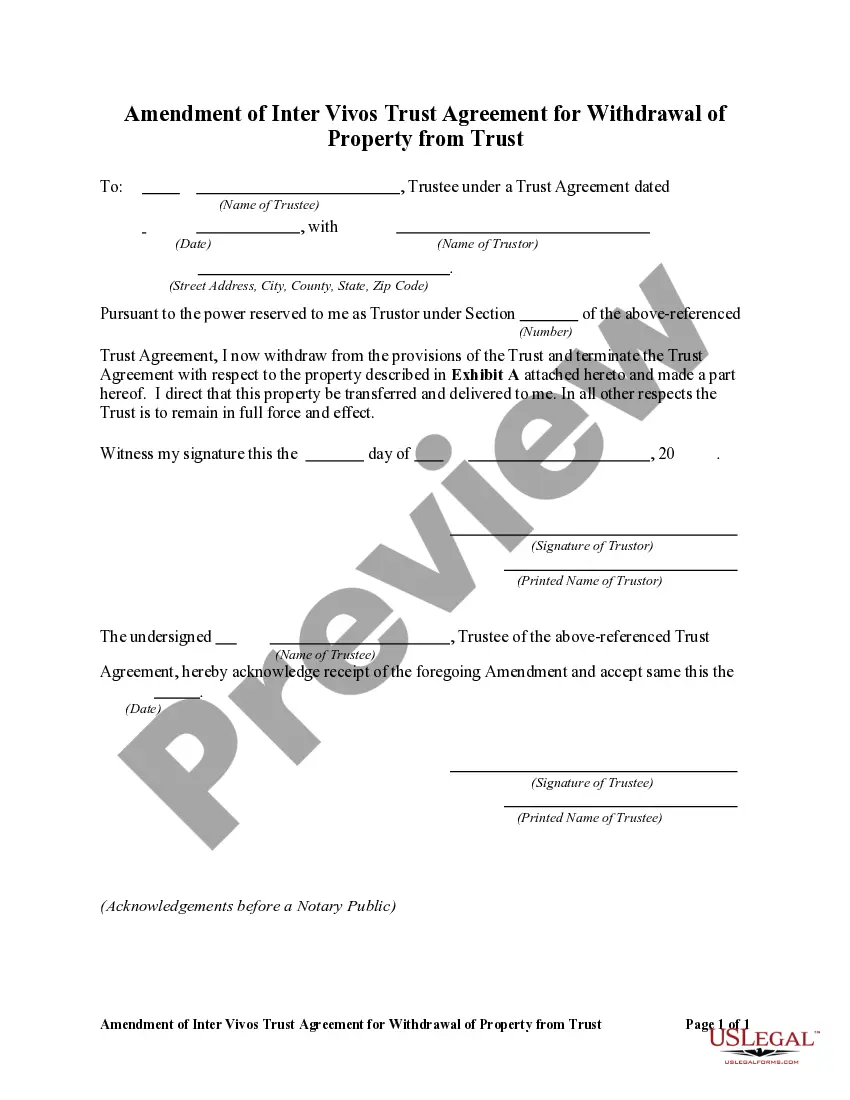
Get your form ready online
Our built-in tools help you complete, sign, share, and store your documents in one place.
Make edits, fill in missing information, and update formatting in US Legal Forms—just like you would in MS Word.
Download a copy, print it, send it by email, or mail it via USPS—whatever works best for your next step.
Sign and collect signatures with our SignNow integration. Send to multiple recipients, set reminders, and more. Go Premium to unlock E-Sign.
If this form requires notarization, complete it online through a secure video call—no need to meet a notary in person or wait for an appointment.
We protect your documents and personal data by following strict security and privacy standards.

Make edits, fill in missing information, and update formatting in US Legal Forms—just like you would in MS Word.

Download a copy, print it, send it by email, or mail it via USPS—whatever works best for your next step.

Sign and collect signatures with our SignNow integration. Send to multiple recipients, set reminders, and more. Go Premium to unlock E-Sign.

If this form requires notarization, complete it online through a secure video call—no need to meet a notary in person or wait for an appointment.

We protect your documents and personal data by following strict security and privacy standards.
Looking for another form?




How to fill out Amendment Of Trust Agreement And Revocation Of Particular Provision?
Legal administration can be perplexing, even for experienced professionals.
When you are looking for a Document To Terminate Trust With Trust and lack the time to dedicate to finding the correct and current version, the process can be stressful.
US Legal Forms addresses all your requirements, from personal to business documentation, all in one location.
Utilize sophisticated tools to complete and manage your Document To Terminate Trust With Trust.
Here are the steps to follow after downloading the document you need: Confirm it is the correct document by previewing it and reviewing its details, ensure that the template is accepted in your state or county, select Buy Now when you are ready, choose a monthly subscription plan, locate the format you desire, and Download, fill out, sign, print, and send your documents. Take advantage of the US Legal Forms online library, backed by 25 years of experience and reliability. Streamline your daily document management into a simple and user-friendly process today.
- Access a repository of articles, guides, and resources pertinent to your situation and requirements.
- Conserve time and effort searching for the documents you need, and leverage US Legal Forms’ advanced search and Preview tool to find Document To Terminate Trust With Trust and download it.
- If you have a monthly subscription, Log In to your US Legal Forms account, search for the document, and download it.
- Check your My documents tab to review the documents you have previously downloaded and organize your folders as you wish.
- If it is your first experience with US Legal Forms, create an account and gain unlimited access to all the benefits of the platform.
- A comprehensive online form repository can be a significant advantage for anyone looking to manage these matters effectively.
- US Legal Forms is a frontrunner in online legal documents, featuring over 85,000 state-specific legal templates available to you at any time.
- With US Legal Forms, you can access legal and business forms specific to your state or county.
Form popularity
FAQ
A trust might terminate because: The trust has accomplished its intended purposes. It is no longer economically feasible to have a trust. The trust has distributed all of its property and assets. The trust is revoked. The court dissolves the trust because of a dispute or illegality.
(If you are a beneficiary, you will likely need approval from the trust's founder if they still live, its trustees and all other beneficiaries.) If you have approval from all the relevant parties, you will then have to petition a court and state your reasons for dissolving the trust.
The two most common ways to terminate and/or modify an irrevocable trust is to 1) argue that there has been a change of circumstances not anticipated by the settlors at the time they created the trust (for example changes in tax law, and 2) argue that all beneficiaries consent to the proposed termination and or ...
You can dissolve a revocable trust by removing assets from the trust, and signing the proper legal document, called a trust dissolution form, which you can find online or hire a lawyer to write for you.
Trust termination may occur through a mutual agreement between the parties involved, such as the beneficiaries and the trustee. This type of termination usually requires the consent of all beneficiaries and may involve the distribution of the trust assets as agreed upon by the parties.