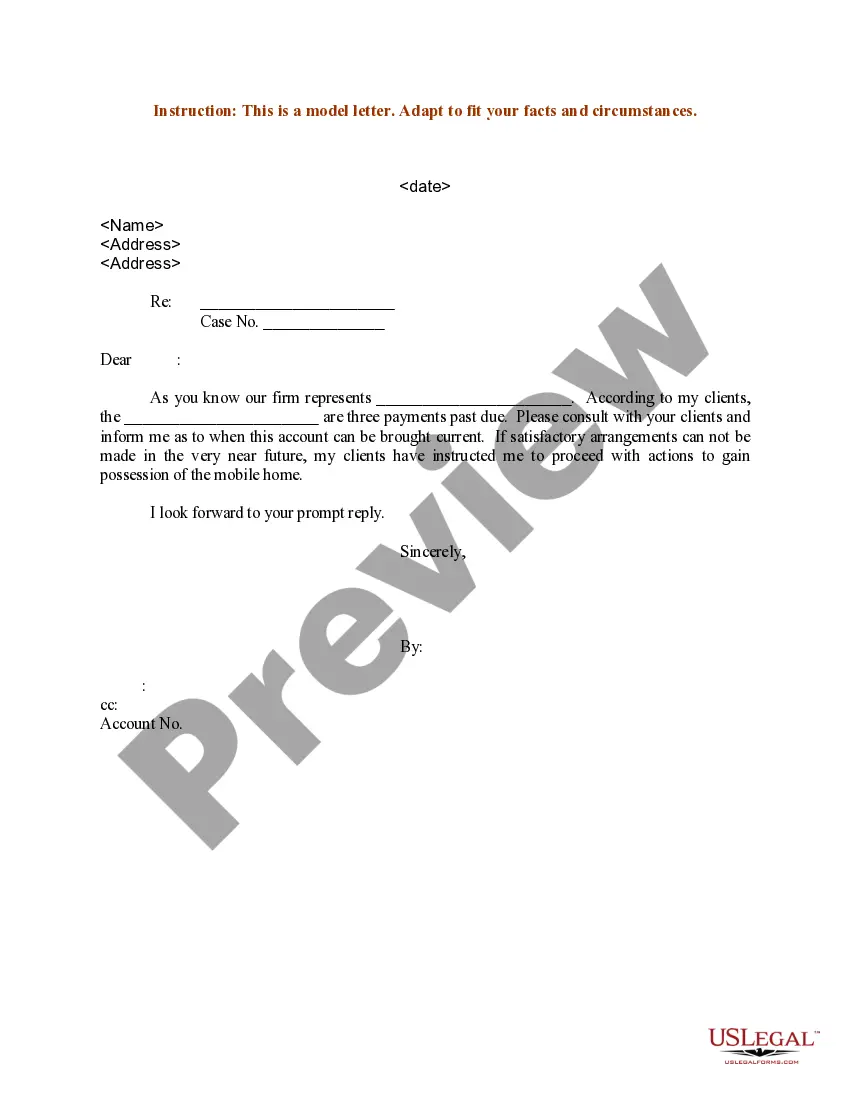
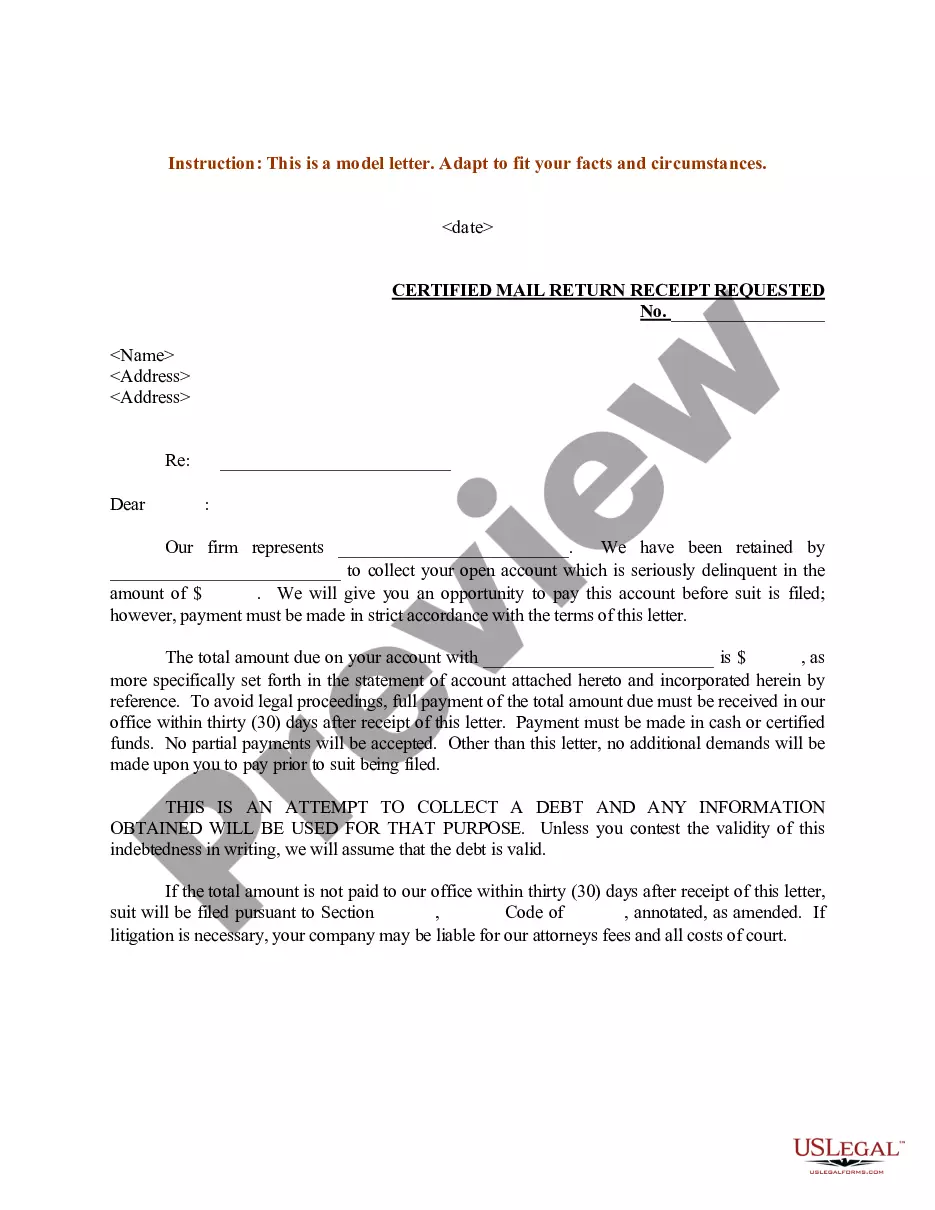
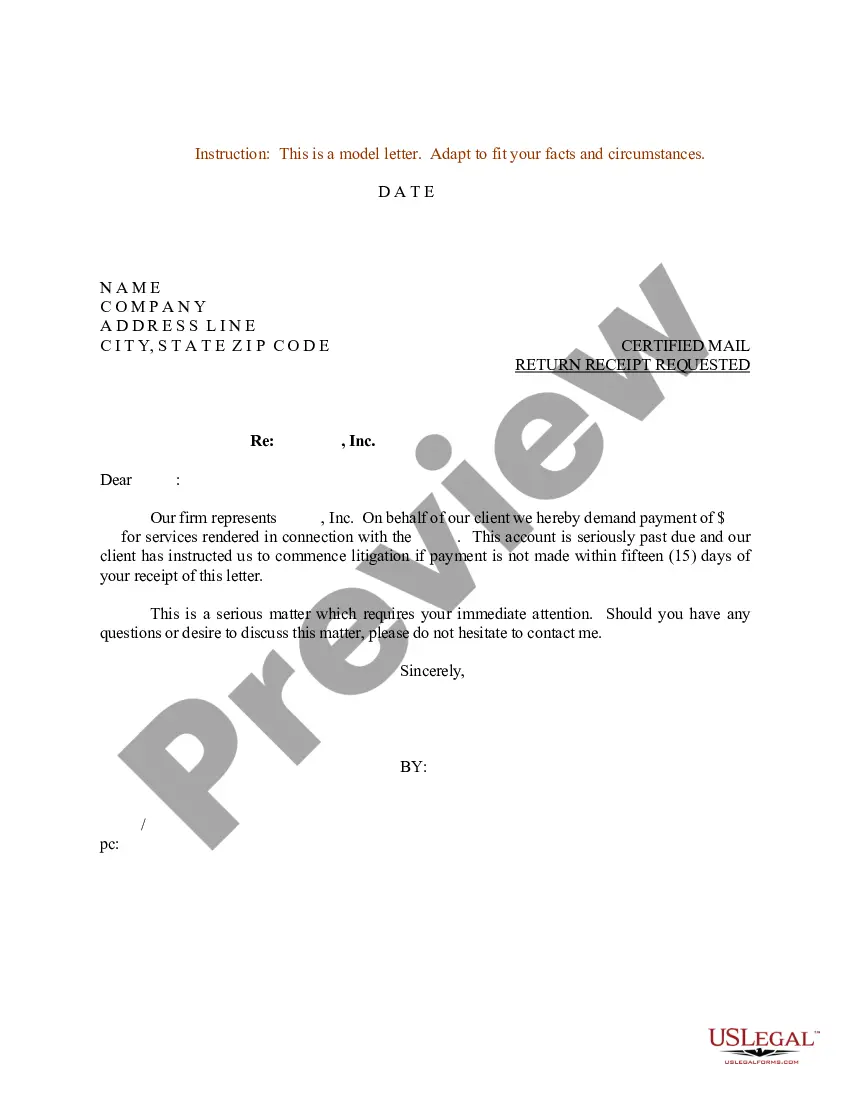
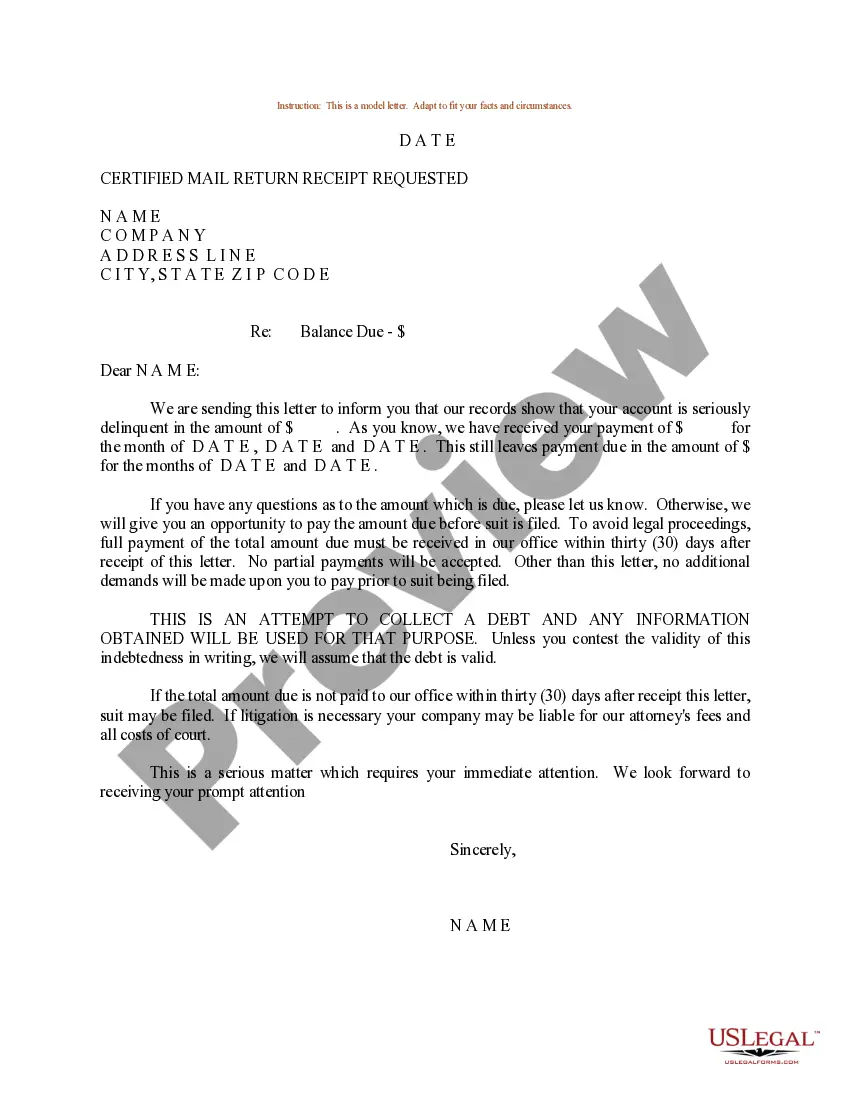
Letter Past Account Template With Lines
Description
Get your form ready online
Our built-in tools help you complete, sign, share, and store your documents in one place.
Make edits, fill in missing information, and update formatting in US Legal Forms—just like you would in MS Word.
Download a copy, print it, send it by email, or mail it via USPS—whatever works best for your next step.
Sign and collect signatures with our SignNow integration. Send to multiple recipients, set reminders, and more. Go Premium to unlock E-Sign.
If this form requires notarization, complete it online through a secure video call—no need to meet a notary in person or wait for an appointment.
We protect your documents and personal data by following strict security and privacy standards.

Make edits, fill in missing information, and update formatting in US Legal Forms—just like you would in MS Word.

Download a copy, print it, send it by email, or mail it via USPS—whatever works best for your next step.

Sign and collect signatures with our SignNow integration. Send to multiple recipients, set reminders, and more. Go Premium to unlock E-Sign.

If this form requires notarization, complete it online through a secure video call—no need to meet a notary in person or wait for an appointment.

We protect your documents and personal data by following strict security and privacy standards.
Looking for another form?




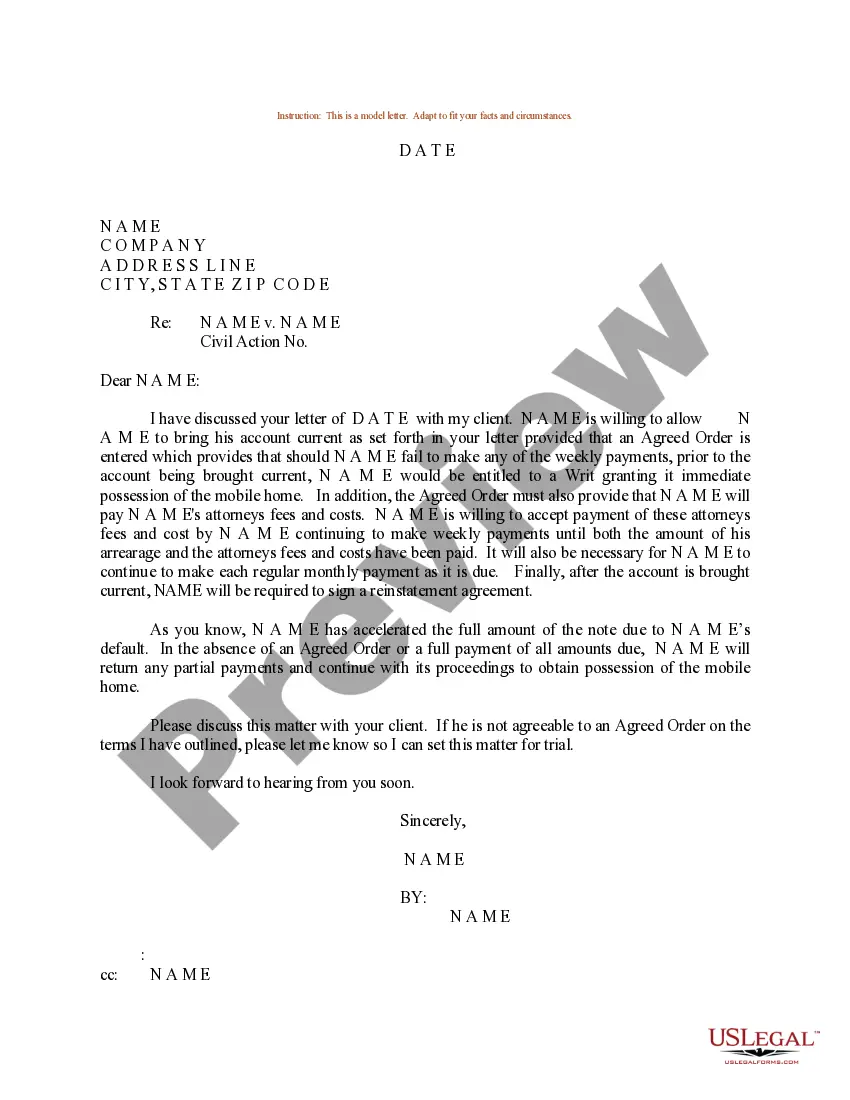
How to fill out Sample Letter For Past Due Account On Mobile Home?
How to obtain expert legal documents that adhere to your state regulations and ready the Letter Past Account Template With Lines without engaging a lawyer.
Numerous online services provide templates to address various legal matters and formalities. However, it might require time to determine which of the accessible samples meet both your requirements and legal standards.
US Legal Forms is a trustworthy service that assists you in locating official documents created in accordance with the most recent updates in state law, helping you save on legal expenses.
If you don't have an account with US Legal Forms, follow the instructions below: Review the webpage you've accessed and see if the form meets your requirements. To do this, utilize the form description and preview options if they are available. Look for another template in the header indicating your state if necessary. Press the Buy Now button once you discover the suitable document. Choose the most appropriate pricing plan, then Log In or register an account. Select the payment method (by credit card or through PayPal). Alter the file format for your Letter Past Account Template With Lines and click Download. The obtained documents are yours to keep; you can always return to them in the My documents section of your profile. Subscribe to our library and create legal documents independently like a seasoned legal professional!
- US Legal Forms is not an ordinary online directory.
- It's a compilation of over 85,000 validated templates for different business and personal circumstances.
- All documents are categorized by area and state to simplify your search and reduce hassle.
- It also integrates with robust solutions for PDF editing and electronic signatures, enabling users with a Premium subscription to conveniently complete their documents online.
- It requires minimal effort and time to secure the necessary paperwork.
- If you already possess an account, Log In and verify your subscription status.
- Download the Letter Past Account Template With Lines using the corresponding button beside the file name.
Form popularity
FAQ
This letter format is called block format, where all lines start at the left margin. It includes a greeting or salutation, followed by the body of the letter, which is not indented. This style is often preferred for its simplicity and clarity, making a letter past account template with lines an excellent choice for drafting communication.
Begin by addressing the recipient with their name, and be concise about the overdue amount and the due date. Clearly state your expectation for payment and provide payment options. A transparent tone helps maintain professionalism, and using a letter past account template with lines can guide you in keeping your message clear and structured.
To format a letter correctly, start with your address at the top, followed by the date. Next, include the recipient's address, and then write a suitable salutation. Ensure that you follow with a clear body of text and close with a signature line. Utilizing a letter past account template with lines can help maintain an organized structure.
Creating ruled lines in Word involves using the border function. You can find this under the 'Design' or 'Home' tab and choose the 'Borders' option to add horizontal lines. This method can enhance your Letter past account template with lines, providing a structured format that is easy to read.
Inserting a line in a formal letter typically requires using a word processor's tools. You can use the horizontal line feature from the 'Insert' menu or utilize the border options. This helps in segmenting content within your Letter past account template with lines, ensuring a clean and organized presentation.
To type a line in a letter, you can simply use the underscore key multiple times to create a visible line. Alternatively, you can use Word's drawing tools to insert a more standard line. This technique can be effective in your Letter past account template with lines, contributing to its professional look.
Adding a horizontal line in Word is straightforward. You can type three hyphens and press 'Enter' to create an automatic line or use the 'Shapes' feature to draw one. This tip will improve the layout of your Letter past account template with lines and make it visually appealing.
Creating a straight line for a formal letter can be done easily through your word processor. You might use the line tool, set a border style, or simply draw a line with the 'Shapes' feature. This can help highlight sections of your Letter past account template with lines, enhancing its readability.
Formatting a formal letter involves several key components. Start with your address, followed by the date, the recipient's address, and a proper salutation. Ensure you leave space for signatures if needed. Following these steps will give your Letter past account template with lines a professional appearance.
To insert a line in a formal letter, you can use the built-in tools in your word processor. Most programs offer the option to draw a line or use a border feature. Placing it correctly within your letter helps enhance clarity and organization. A well-placed line can make your Letter past account template with lines appear more polished.