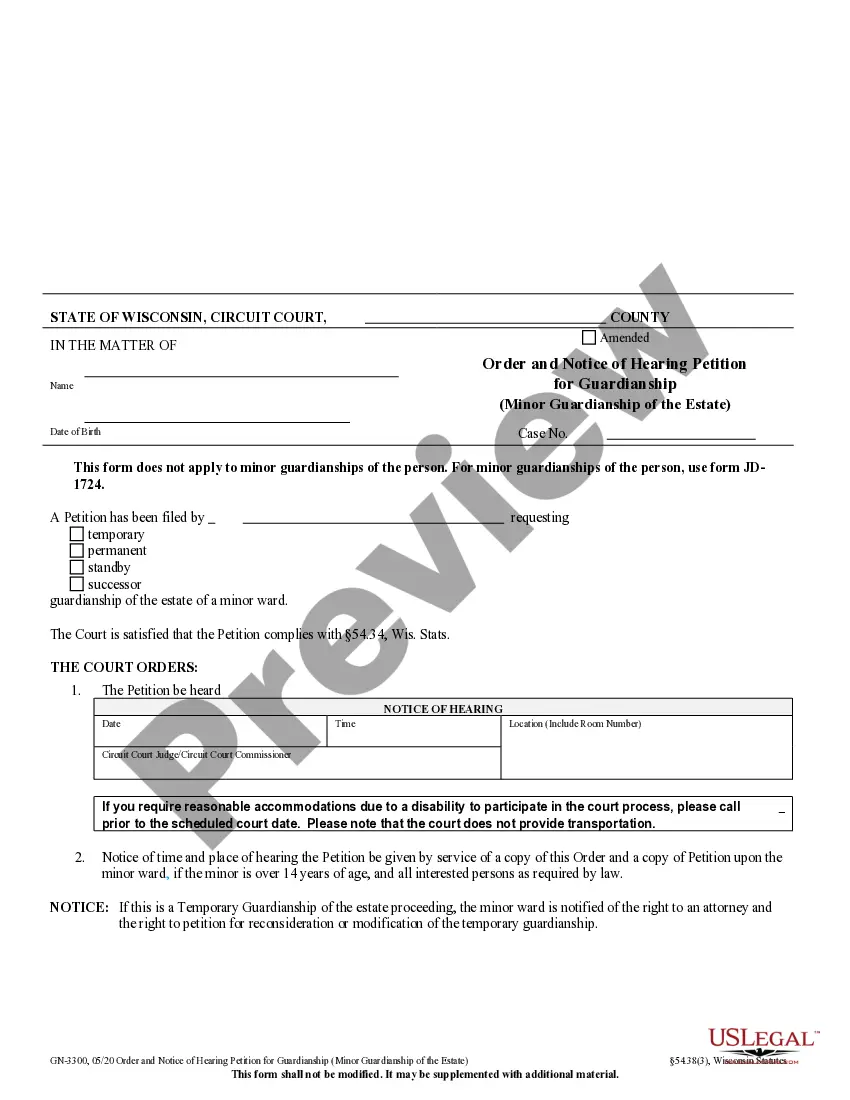
Letter: Tax Payment
What is this form?
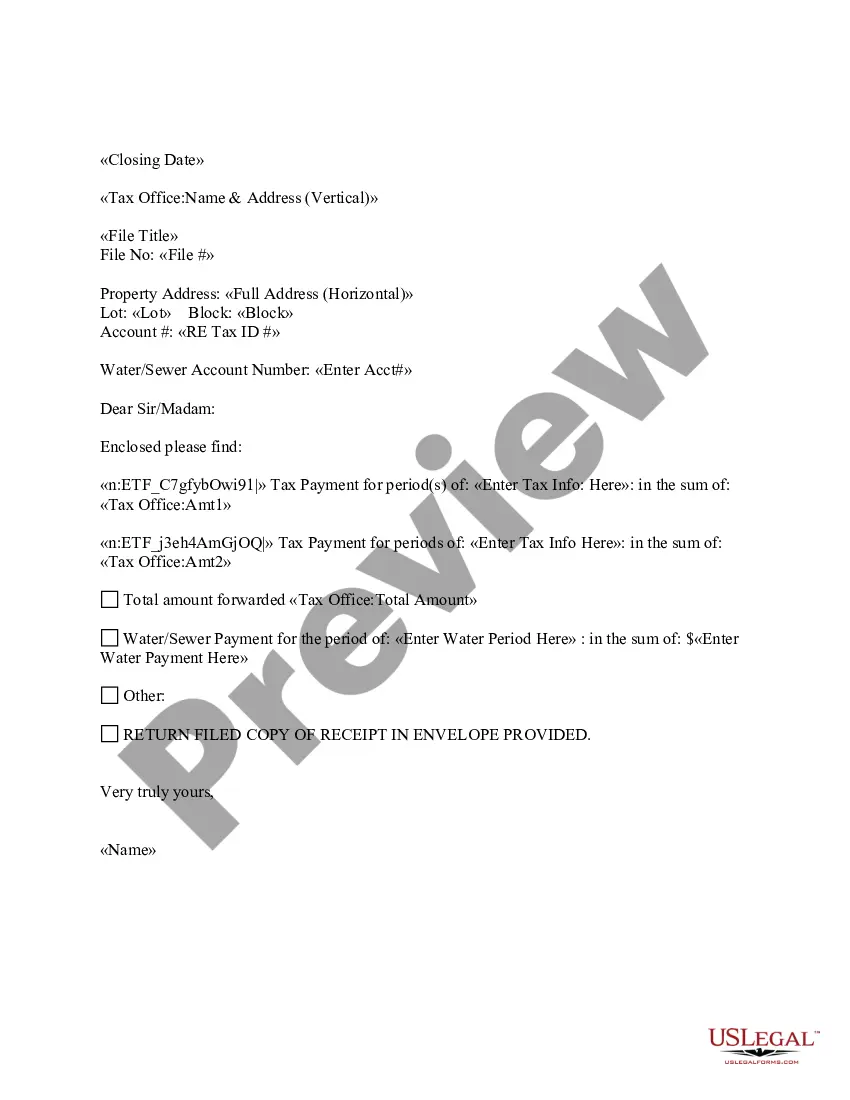
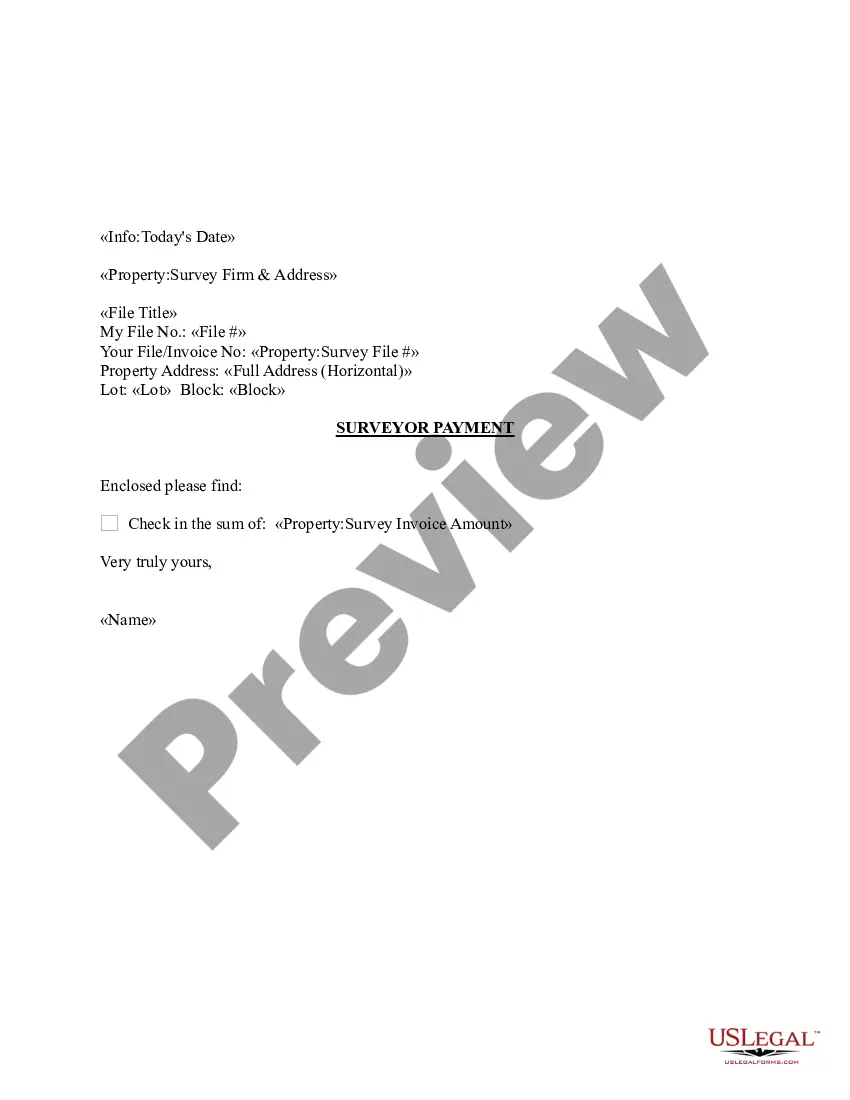
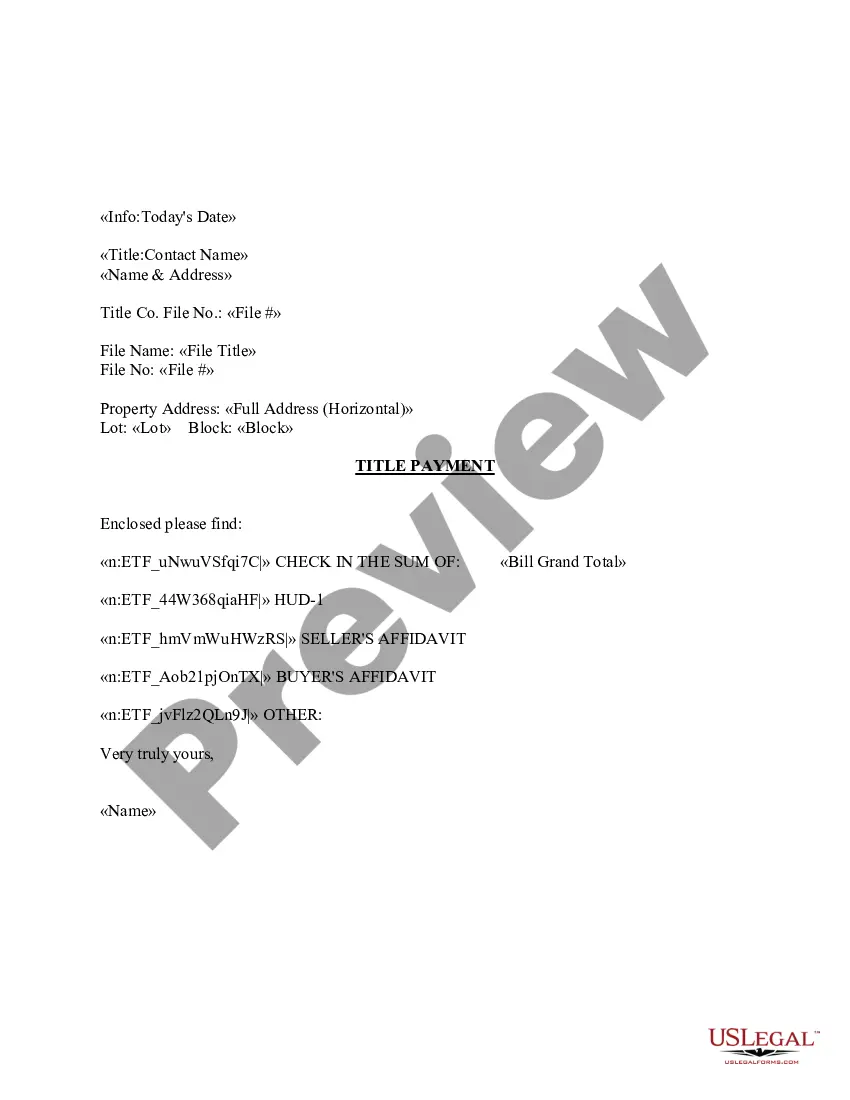
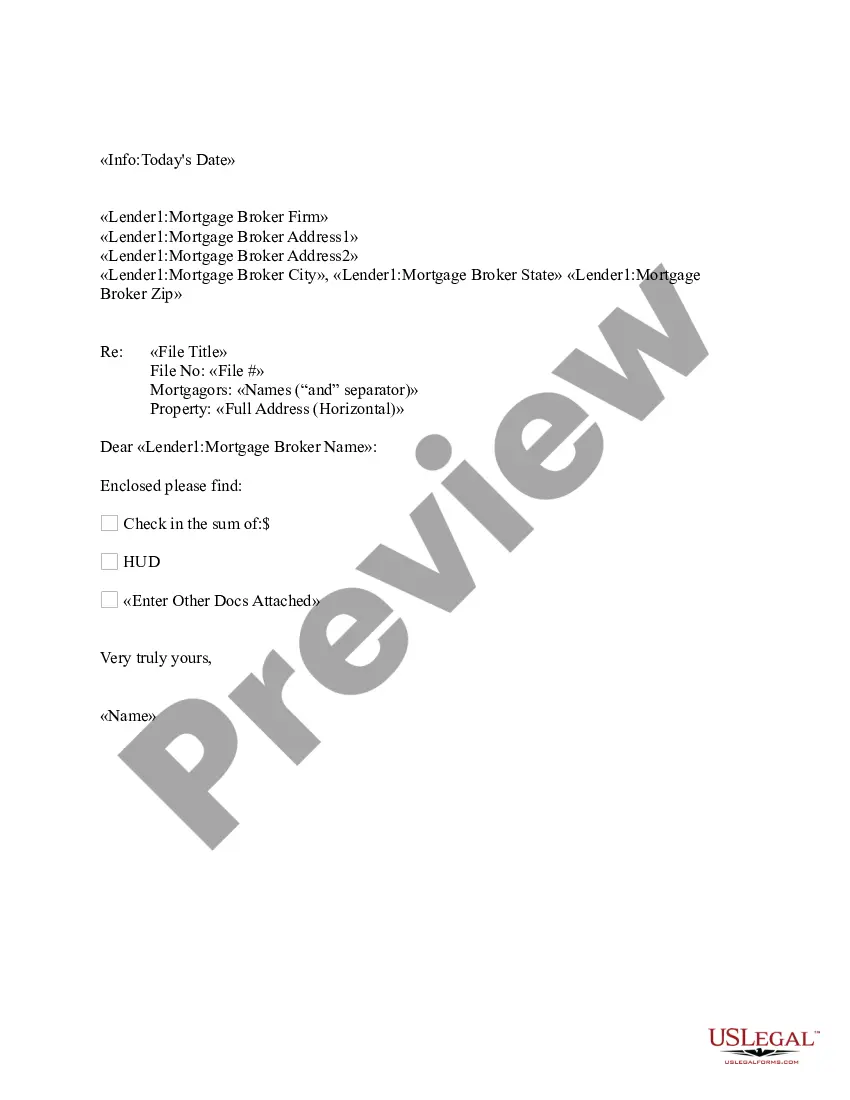
The Letter: Tax Payment is a document used to formally accompany your tax payment submission. It serves as a cover letter that specifies the payment being made, including details of the tax periods covered and the amounts. This form differs from other tax forms as it is primarily a communication tool to the tax office rather than a declaration of income or tax liability. It can be customized to fit your specific needs.
Main sections of this form
- Closing date for the payment.
- Name and address of the tax office.
- Property address requiring tax payment.
- Details of the tax payment period and associated amounts.
- Water/sewer account payment details, if applicable.
- Signature line for the payer's name and any additional notations.
When this form is needed
This form is used when you need to submit a tax payment to your local tax office. It is appropriate for various situations, such as paying property taxes, local taxes, or any other municipal tax obligations. You should use this form if you are submitting the payment by mail and wish to ensure that your payment is clearly documented and associated with the correct tax accounts.
Who can use this document
- Property owners responsible for paying property taxes.
- Individuals or businesses making tax payments to local or state tax offices.
- Anyone needing to document and provide details of their tax payments in writing.
Instructions for completing this form
- Enter the date of the payment at the top of the letter.
- Fill in the tax office name and address where the payment is to be sent.
- Provide the property address associated with the tax payment.
- Input the specific tax periods and amounts being paid.
- Include any water/sewer payment information if applicable.
- Sign the letter with your name, indicating your acceptance of the responsibility for the payment.
Does this document require notarization?
This form does not typically require notarization unless specified by local law. Always check local regulations to ensure compliance.
Get your form ready online
Our built-in tools help you complete, sign, share, and store your documents in one place.
Make edits, fill in missing information, and update formatting in US Legal Forms—just like you would in MS Word.
Download a copy, print it, send it by email, or mail it via USPS—whatever works best for your next step.
Sign and collect signatures with our SignNow integration. Send to multiple recipients, set reminders, and more. Go Premium to unlock E-Sign.
If this form requires notarization, complete it online through a secure video call—no need to meet a notary in person or wait for an appointment.
We protect your documents and personal data by following strict security and privacy standards.

Make edits, fill in missing information, and update formatting in US Legal Forms—just like you would in MS Word.

Download a copy, print it, send it by email, or mail it via USPS—whatever works best for your next step.

Sign and collect signatures with our SignNow integration. Send to multiple recipients, set reminders, and more. Go Premium to unlock E-Sign.

If this form requires notarization, complete it online through a secure video call—no need to meet a notary in person or wait for an appointment.

We protect your documents and personal data by following strict security and privacy standards.
Typical mistakes to avoid
- Failing to include all relevant account numbers associated with the payment.
- Not providing sufficient detail about the periods covered by the payment.
- Sending the payment without a cover letter, which can lead to payment mismanagement.
Advantages of online completion
- Convenient access, allowing you to complete the form from any location.
- Editable template ensures you can tailor the letter to meet your specific needs.
- Reliability in having a professionally drafted document prepared by licensed attorneys.
Looking for another form?
Form popularity
FAQ
Most IRS letters and notices are about federal tax returns or tax accounts. Each notice deals with a specific issue and includes specific instructions on what to do. A notice may reference changes to a taxpayer's account, taxes owed, a payment request or a specific issue on a tax return.
The IRS sends notices and letters when it needs to ask a question about a taxpayer's tax return, let them know about a change to their account or request a payment.
You can use your IRS Online Account to verify the details from the letter....What if I can't find my Letter 6419? Click the ?Sign in to Your Online Account? button. Click ?ID.me Create New Account? on the next page. Follow the on-screen instructions to provide information to set up the secure ID.me account.
This letter is available after June 15 for the current tax year or anytime for the prior three tax years using Get Transcript Online or Form 4506-T. Use Form 4506-T if you need a letter for older tax years.
If you accidentally disposed of Letter 6419, lost it or never got it, you can still claim the rest of your money. Your child tax credit information is available via the IRS website, but you'll need to create an online IRS account to access it.
To help taxpayers reconcile and receive 2021 CTC, the IRS is sending Letter 6419, Advance Child Tax Credit Reconciliation from late December 2021 through January 2022. Taxpayers should keep this, and any other IRS letters about advance CTC payments, with their tax records.
The IRS sent Letter 2840C to notify you that an installment agreement has been set up, and show you the payment amount, due date, and payment address. This notice also includes instructions on how to make out your checks to ensure proper credit.
The IRS sent Letter 6419 out from December 2021 through January 2022, so you should have received yours by now. But don't worry if you weren't sent a letter, didn't receive it or threw it out. You can also use the IRS' CTC Update Portal or create and check your IRS account for a record of your advance CTC payments.