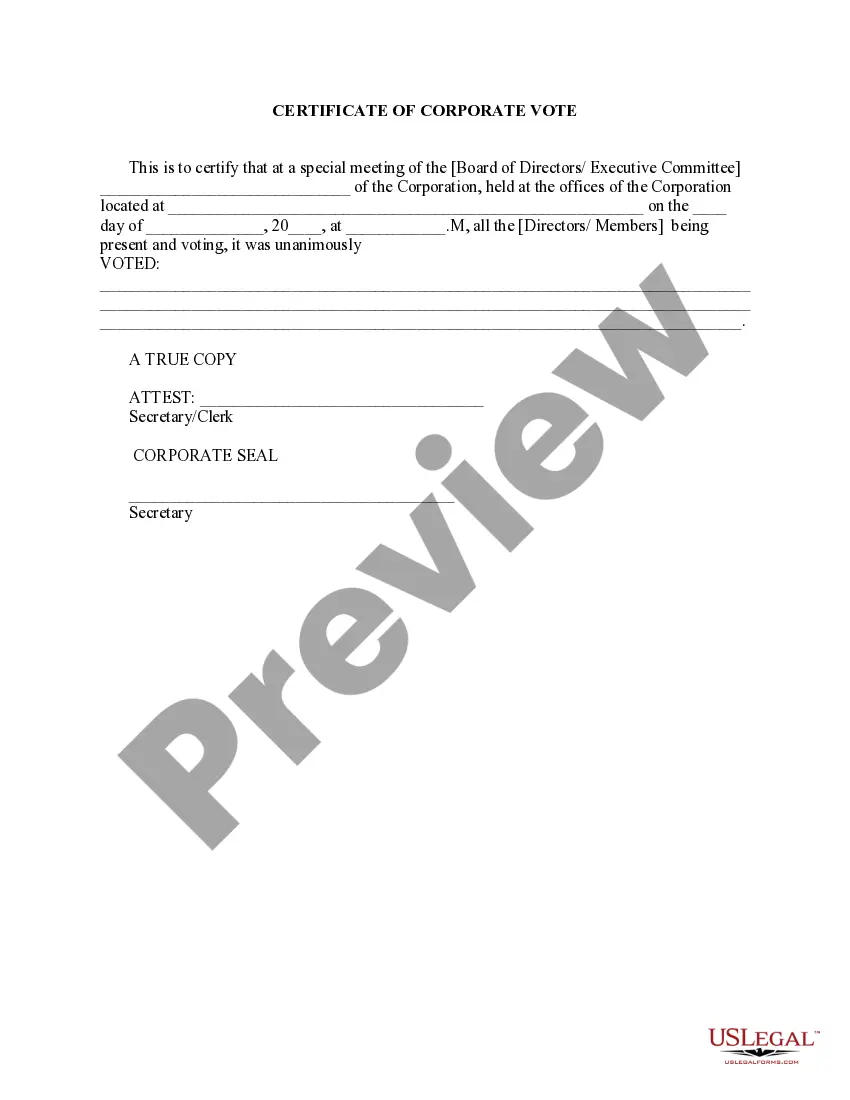
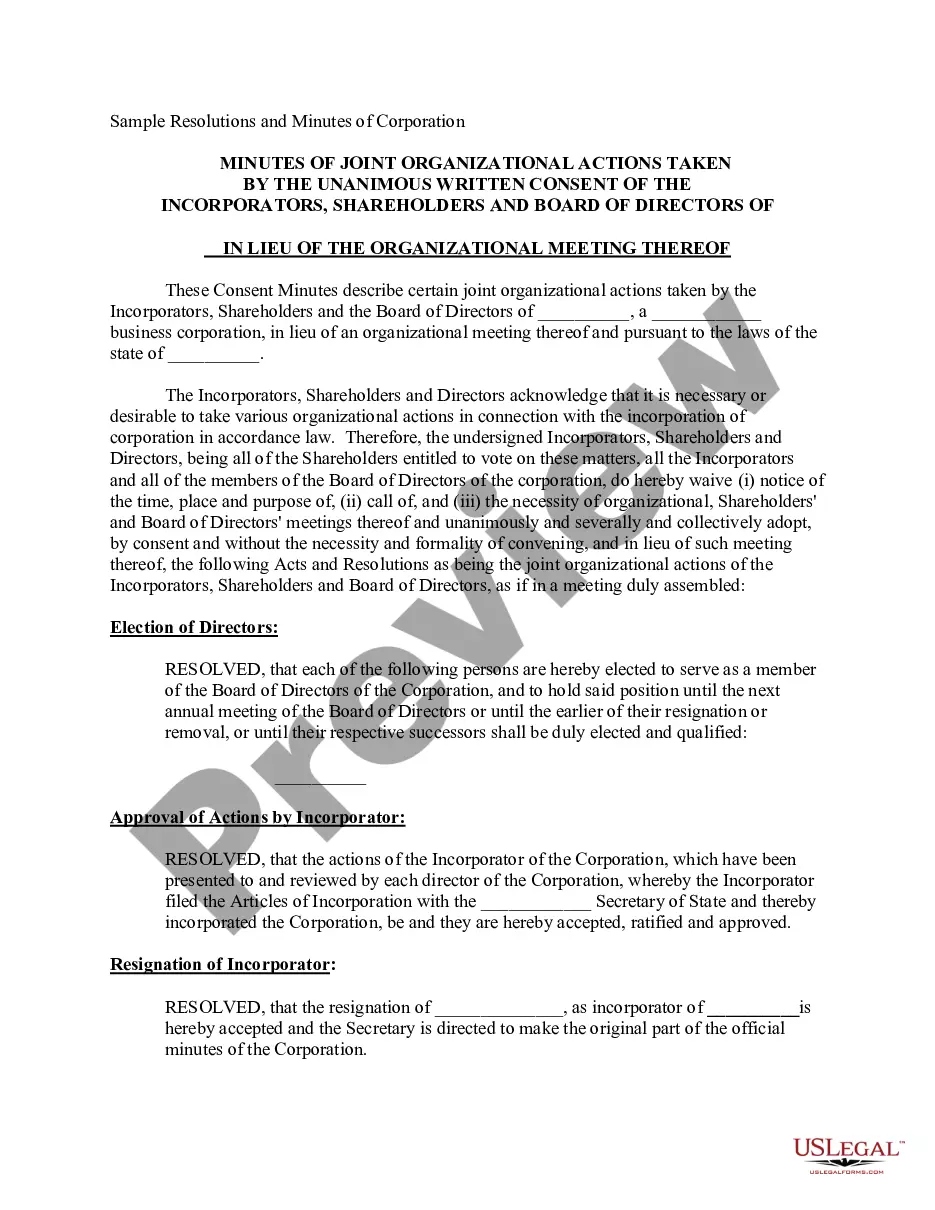
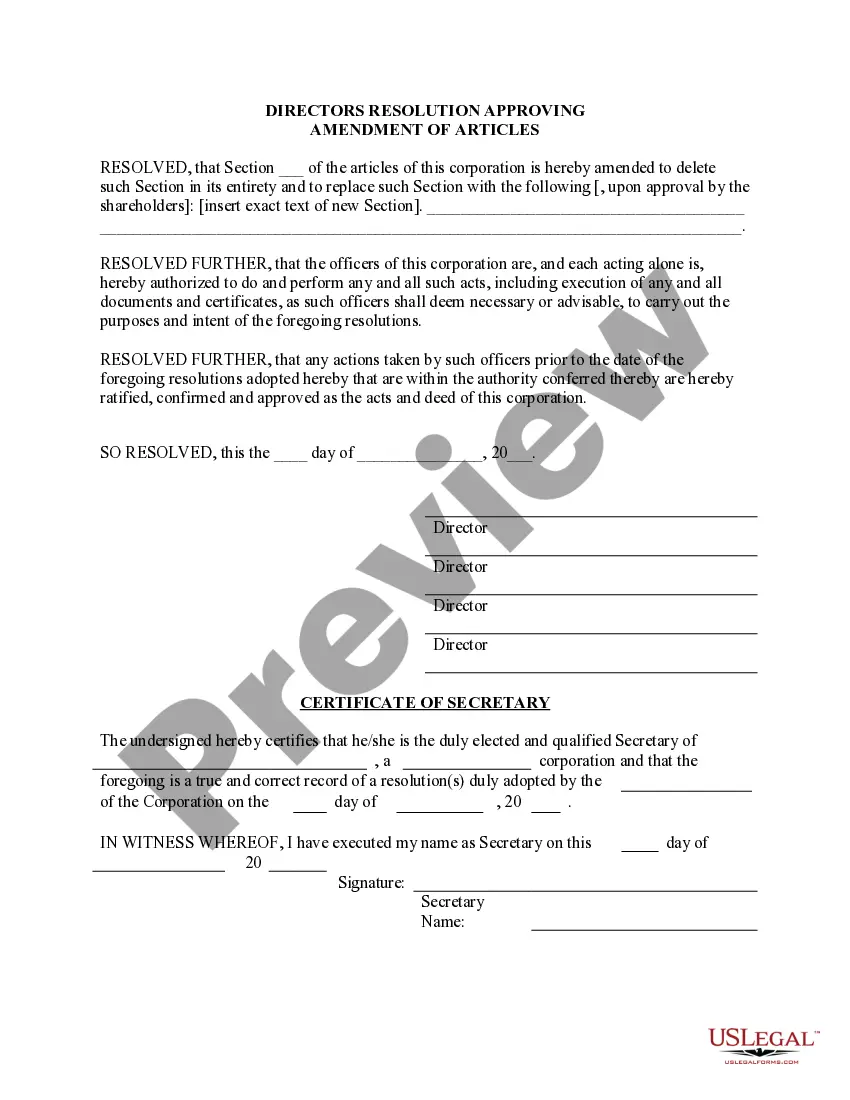
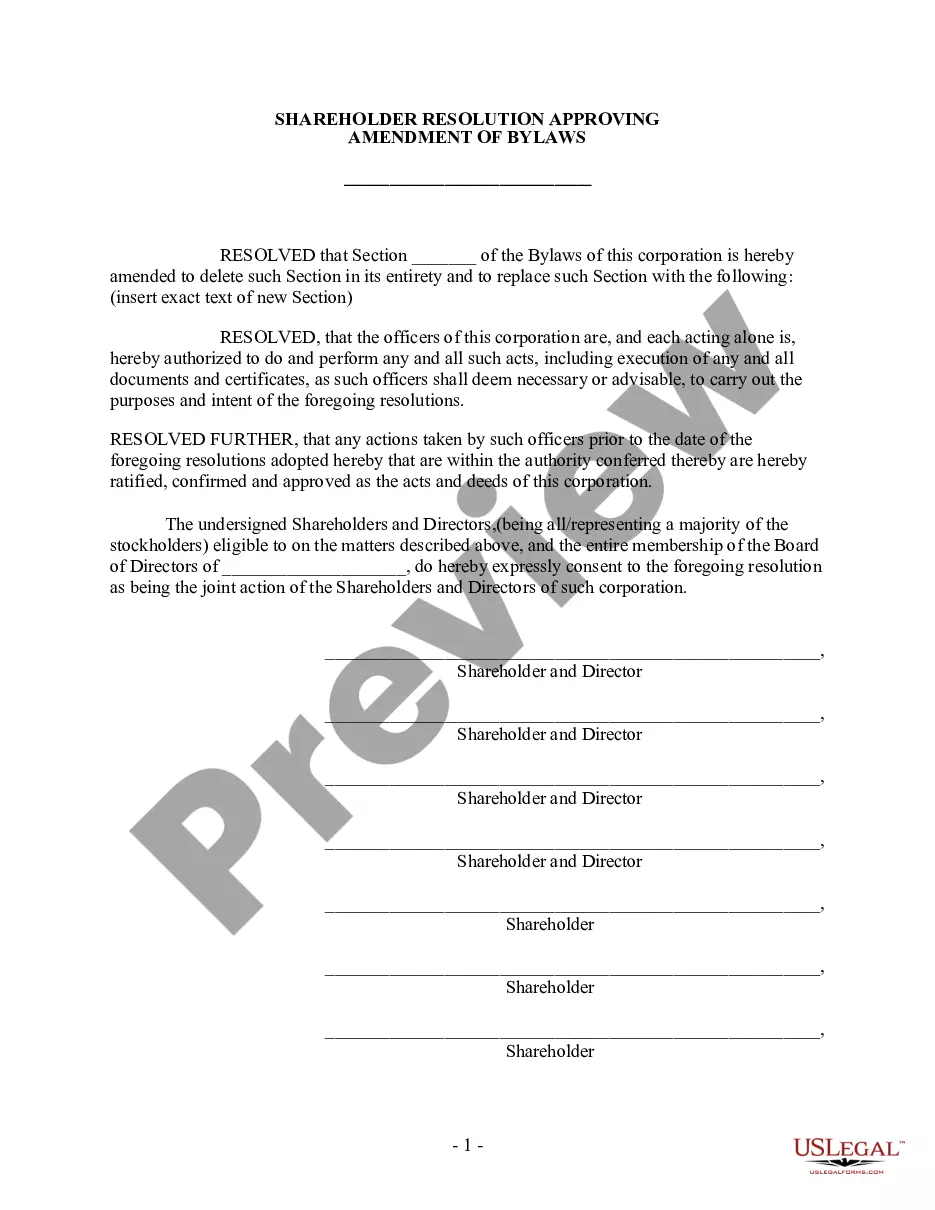
Corporate Corporation Meeting Format
Description
Get your form ready online
Our built-in tools help you complete, sign, share, and store your documents in one place.
Make edits, fill in missing information, and update formatting in US Legal Forms—just like you would in MS Word.
Download a copy, print it, send it by email, or mail it via USPS—whatever works best for your next step.
Sign and collect signatures with our SignNow integration. Send to multiple recipients, set reminders, and more. Go Premium to unlock E-Sign.
If this form requires notarization, complete it online through a secure video call—no need to meet a notary in person or wait for an appointment.
We protect your documents and personal data by following strict security and privacy standards.

Make edits, fill in missing information, and update formatting in US Legal Forms—just like you would in MS Word.

Download a copy, print it, send it by email, or mail it via USPS—whatever works best for your next step.

Sign and collect signatures with our SignNow integration. Send to multiple recipients, set reminders, and more. Go Premium to unlock E-Sign.

If this form requires notarization, complete it online through a secure video call—no need to meet a notary in person or wait for an appointment.

We protect your documents and personal data by following strict security and privacy standards.
Looking for another form?
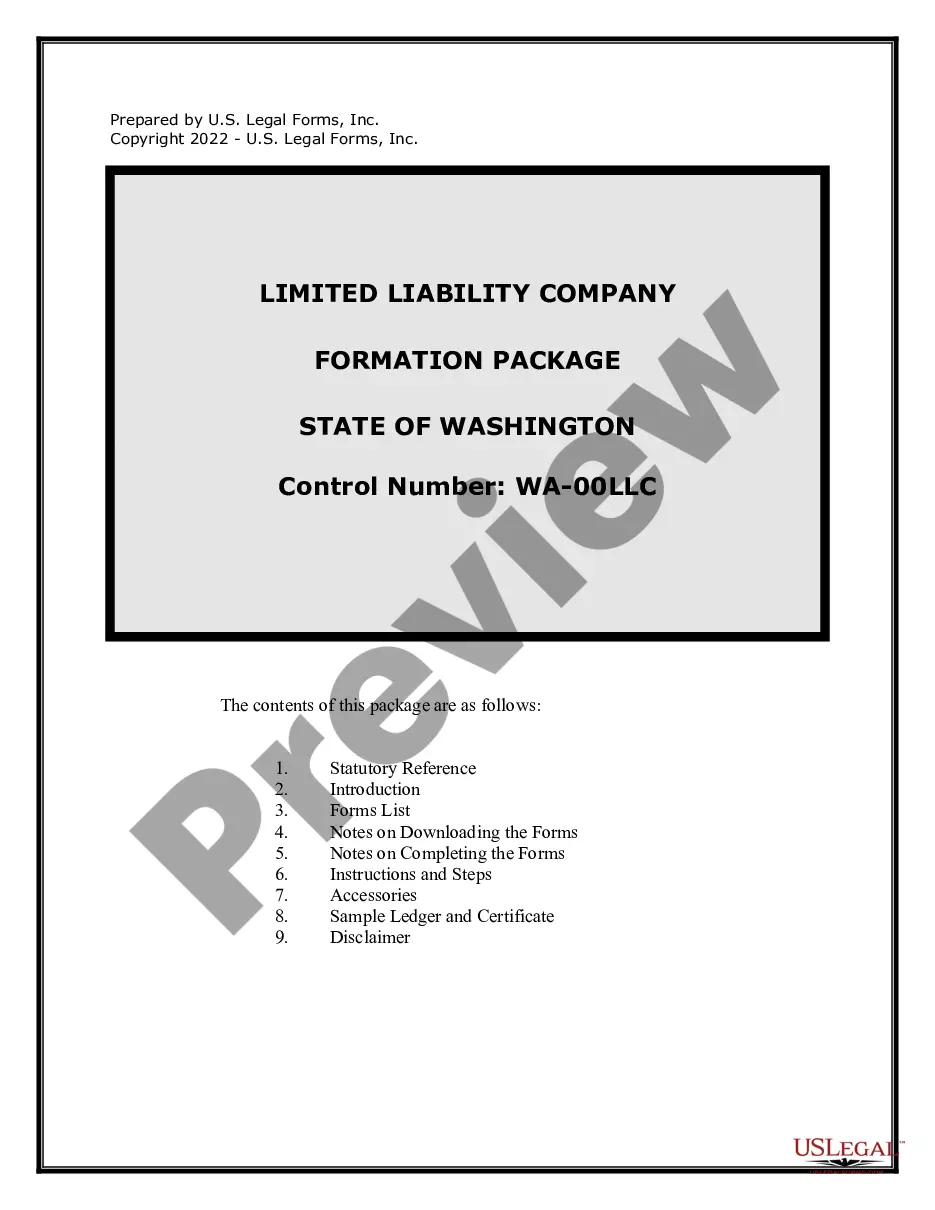

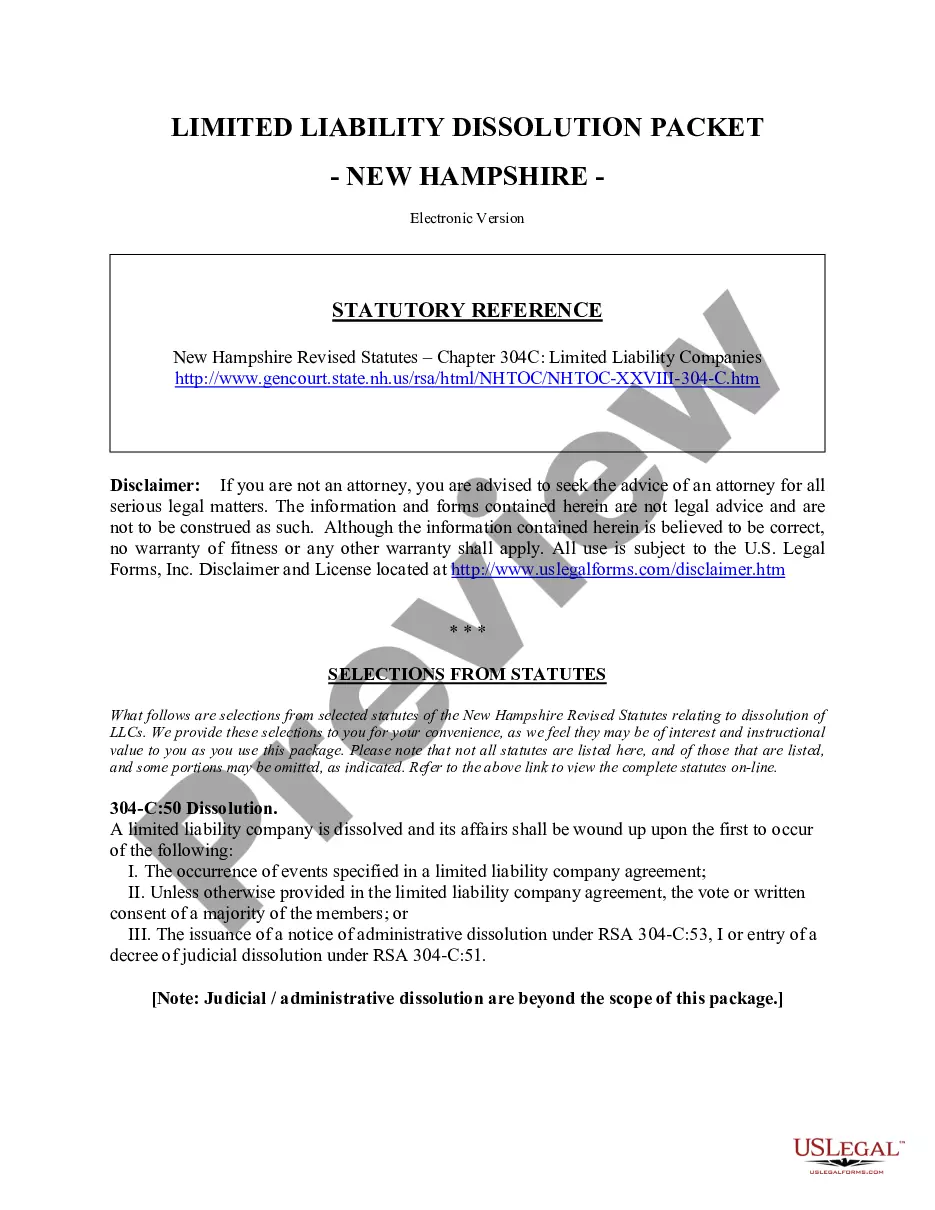
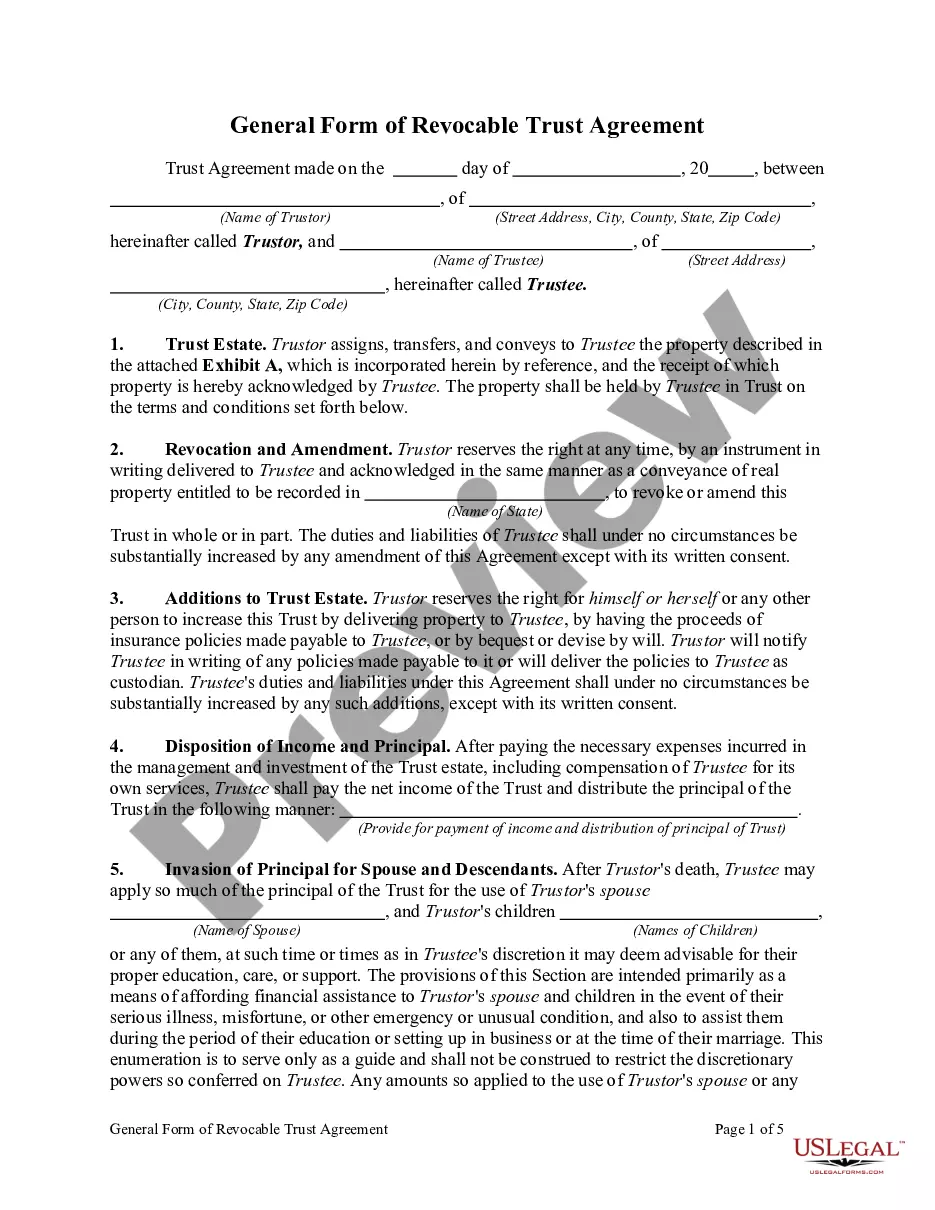
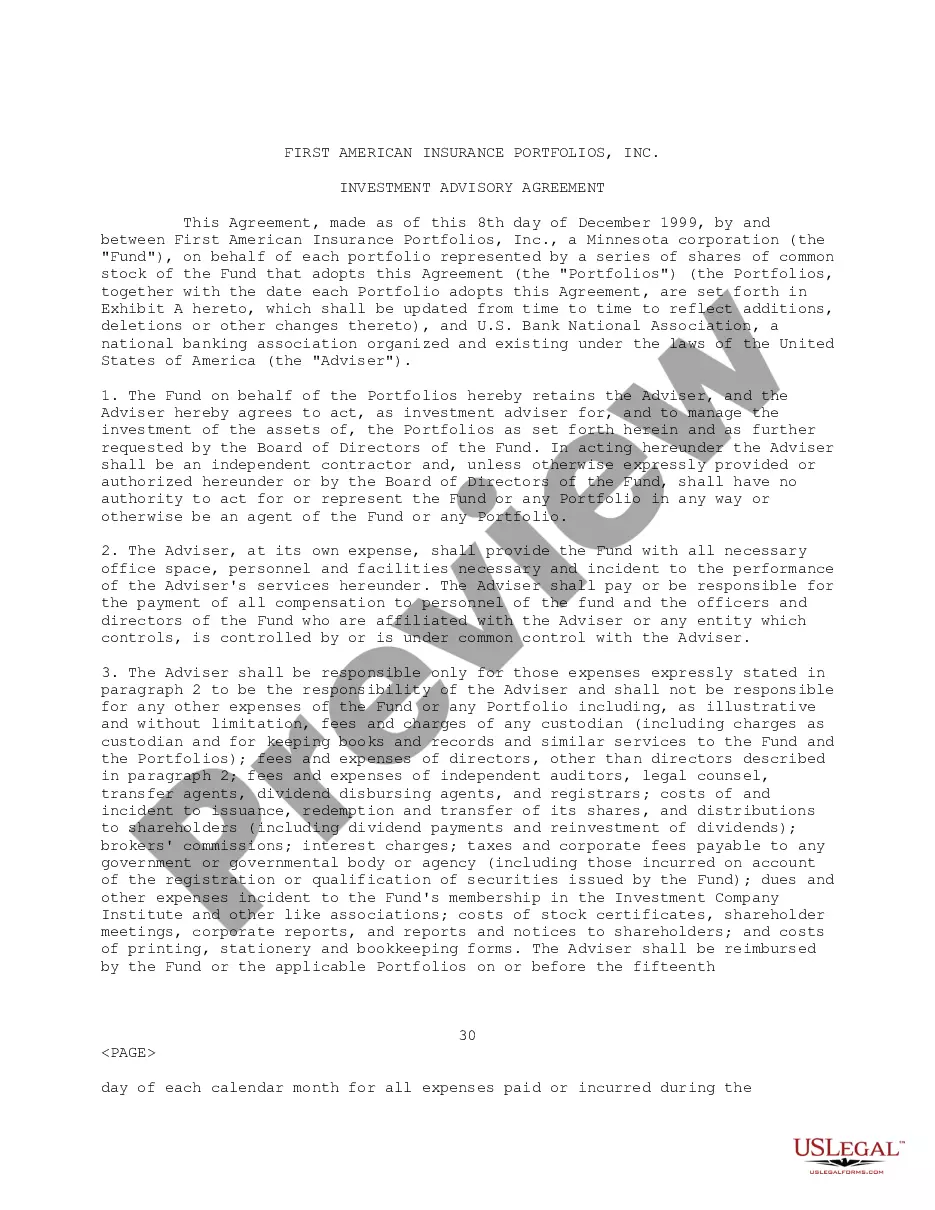
How to fill out Certificate Of Corporate Vote - Corporate Resolutions?
Regardless of whether it is for professional reasons or personal affairs, everyone must confront legal issues at some point in their lives. Completing legal documents requires meticulous focus, starting with selecting the correct form template. For example, if you select an incorrect version of a Corporate Corporation Meeting Template, it will be denied upon submission. Thus, it is vital to have a trustworthy source of legal documents like US Legal Forms.
If you need to acquire a Corporate Corporation Meeting Template sample, follow these straightforward steps.
With an extensive US Legal Forms catalog available, you do not need to waste time searching for the appropriate template online. Use the library’s user-friendly navigation to find the suitable template for any circumstance.
- Obtain the template you require by using the search box or catalog browsing.
- Review the details of the form to confirm it aligns with your circumstances, state, and locality.
- Click on the form’s preview to inspect it.
- If it is the incorrect document, return to the search feature to locate the Corporate Corporation Meeting Template sample you need.
- Download the template when it satisfies your requirements.
- If you have a US Legal Forms account, click Log in to access previously saved templates in My documents.
- If you do not have an account yet, you can acquire the form by clicking Buy now.
- Select the appropriate pricing option.
- Fill out the profile registration form.
- Choose your method of payment: you can utilize a credit card or PayPal account.
- Select the document format you desire and download the Corporate Corporation Meeting Template.
- Once it is saved, you can complete the form using editing software or print it out and fill it in manually.
Form popularity
FAQ
Following are 10 steps that can help you compose an effective meeting minutes report: Make an outline. ... Include factual information. ... Write down the purpose. ... Record decisions made. ... Add details for the next meeting. ... Be concise. ... Consider recording. ... Edit and proofread.
How to Write Corporate Minutes Date and Time of the Meeting. Start by documenting the date and time of the meeting. ... Names of Meeting Participants. Next, list the names of the attendees. ... Purpose of the Meeting. Include a statement defining the reason for the corporate meeting. ... Meeting Notes. ... Action Items.
How to Write Your Meeting Summary? Take Detailed Notes. ... Highlight Key Points or Discussions. ... Add Clear Action Items. ... Include Key Takeaways at the Bottom. ... Attached Supporting Documents (Optional) ... Add the Next Meeting Date and Time. ... Share Meeting Notes with Attendees.
How to Write a Meeting Agenda? 5 Key Steps Establish the meeting type. Not informing your team about the type of meeting they'd be attending can cause a lot of confusion. ... State the objective of the meeting. ... Identify specific meeting topics. ... Allocate time to discuss each topic. ... Include a list of necessary documents.
The minutes should include corporation details like the name of the corporation and the names of the chairperson and secretary of the meeting. The meeting place and time should also be found somewhere in the minutes, along with the names of the shareholders.