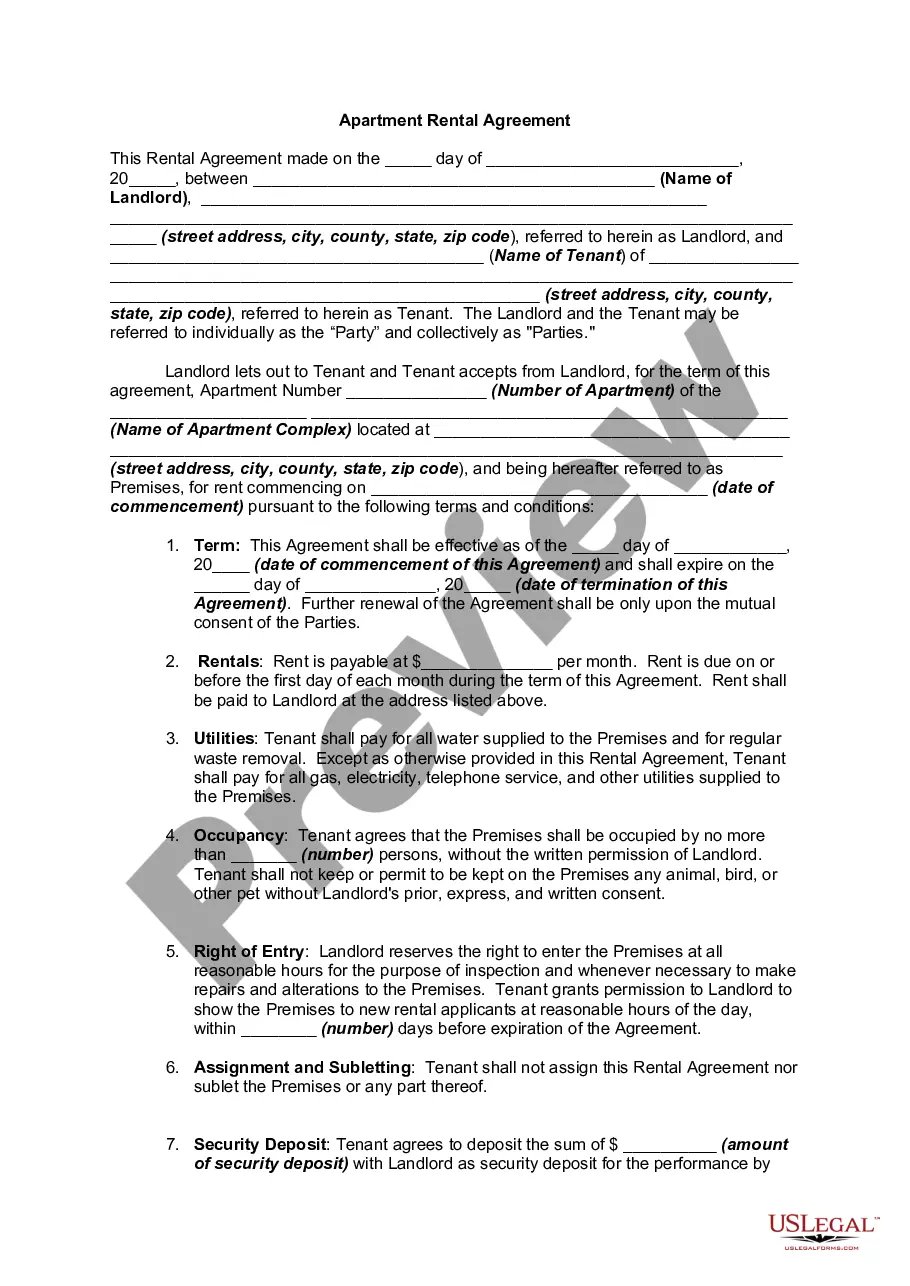
License Agreement Data For Rocket League
Description
Get your form ready online
Our built-in tools help you complete, sign, share, and store your documents in one place.
Make edits, fill in missing information, and update formatting in US Legal Forms—just like you would in MS Word.
Download a copy, print it, send it by email, or mail it via USPS—whatever works best for your next step.
Sign and collect signatures with our SignNow integration. Send to multiple recipients, set reminders, and more. Go Premium to unlock E-Sign.
If this form requires notarization, complete it online through a secure video call—no need to meet a notary in person or wait for an appointment.
We protect your documents and personal data by following strict security and privacy standards.

Make edits, fill in missing information, and update formatting in US Legal Forms—just like you would in MS Word.

Download a copy, print it, send it by email, or mail it via USPS—whatever works best for your next step.

Sign and collect signatures with our SignNow integration. Send to multiple recipients, set reminders, and more. Go Premium to unlock E-Sign.

If this form requires notarization, complete it online through a secure video call—no need to meet a notary in person or wait for an appointment.

We protect your documents and personal data by following strict security and privacy standards.
Looking for another form?










How to fill out Computer Software License Agreement And Data Base Update Agreement?
Maneuvering through the red tape of official documents and templates can be challenging, particularly when one does not engage in that professionally.
Even locating the appropriate template for a License Agreement Data For Rocket League will be labor-intensive, as it must be accurate and correct to the very last detail.
Nonetheless, you will need to invest significantly less time searching for a fitting template from a source you can trust.
Acquire the appropriate form in just a few simple steps: Enter the document name in the search field. Select the correct License Agreement Data For Rocket League among the results. Review the description of the sample or view its preview. If the template fits your needs, click Buy Now. Then choose your subscription plan. Use your email to create a secure password to register an account at US Legal Forms. Select a credit card or PayPal as your payment method. Finally, save the template document on your device in your desired format. US Legal Forms can significantly reduce the time spent on verifying whether the form you found online meets your requirements. Create an account and gain unlimited access to all the templates you need.
- US Legal Forms is a service that simplifies the task of finding the right forms online.
- US Legal Forms serves as a central hub where one can access the most recent samples of forms, review their utilization, and download these samples for completion.
- This is a repository with over 85K forms applicable in various sectors.
- While seeking a License Agreement Data For Rocket League, you won't have to question its authenticity as all forms are authenticated.
- Having an account at US Legal Forms ensures that you have all the necessary samples within your reach.
- You can store them in your history or add them to the My documents catalog.
- Access your saved forms from any device by clicking Log In on the library website.
- If you do not yet possess an account, you can always search for the template you require.
Form popularity
FAQ
To accept Rocket League's license agreement:Open Rocket League, go to the main menu, and select Extras.In Extras, scroll down and select Legal Agreements.Open the EULA, Terms of Service, or Privacy agreements.Press OK to accept the agreement.Complete this task for all three agreements.
If the terms change, you will be prompted on your first login to read and agree once again. If you do not read and agree you will see a warning message about not accepting and will not be able to play online. To read and accept: Launch Rocket League.
The license agreement usually appears when players log-in to Rocket League, so restarting the game will typically show the message again. This is a common issue with players that leave Rocket League open for an extended period. Restarting the game usually fixes the problem.
If you are facing issues accepting the license agreement or have already accepted it and are still getting an error message, then you should close your game. Once closed, launch it again but this time do not touch the controls. Let the intro as well as the cutscene play out until you are taken to the 'Title Screen'.
Why Do I Get a Message About the License Agreement?Launch Rocket League.Select Settings from the Main Menu.Select the Extras tab.Select Legal Agreements.Select and read the EULA.Select OK to accept.Select and read the Terms of Service.Select OK to accept.More items...