Report False File For Google
Description
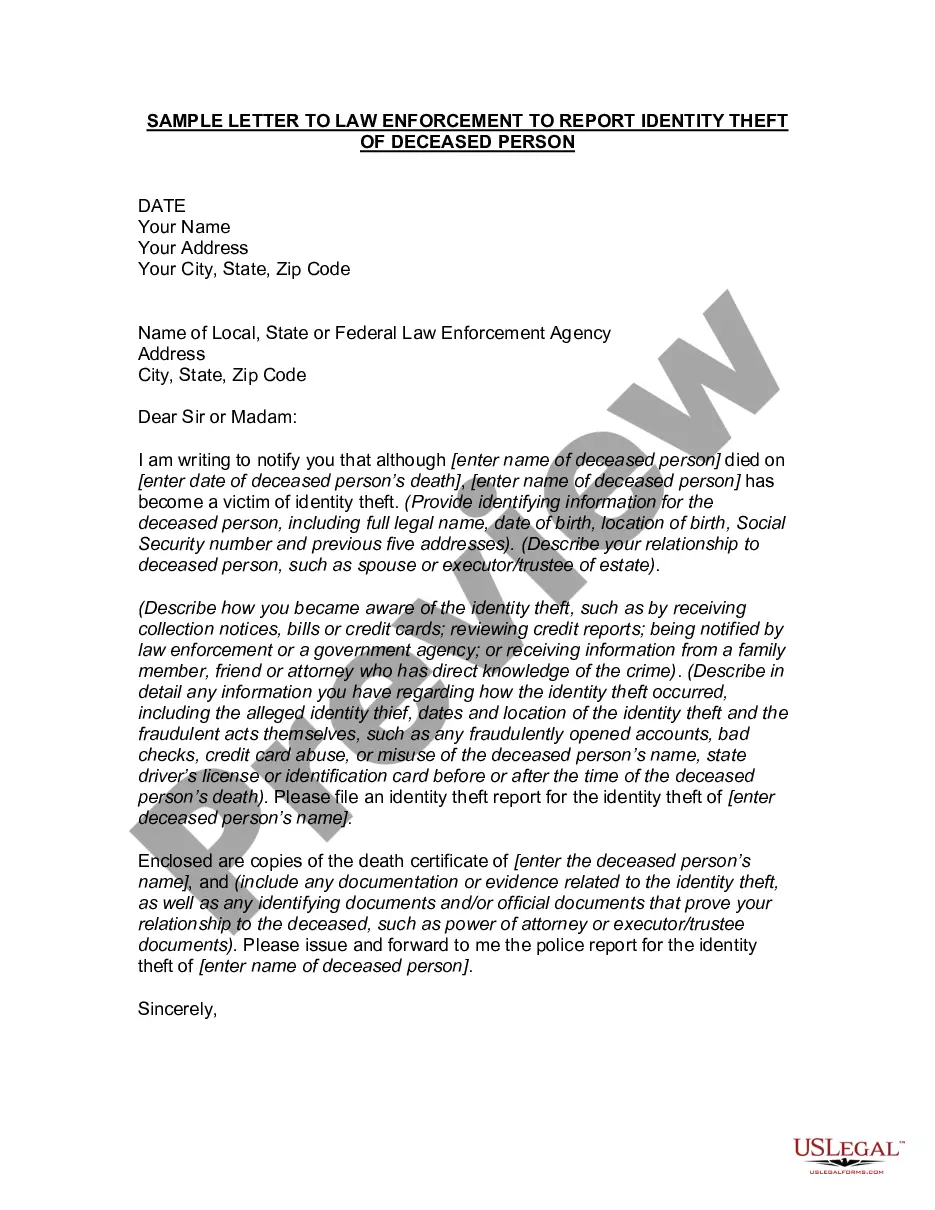
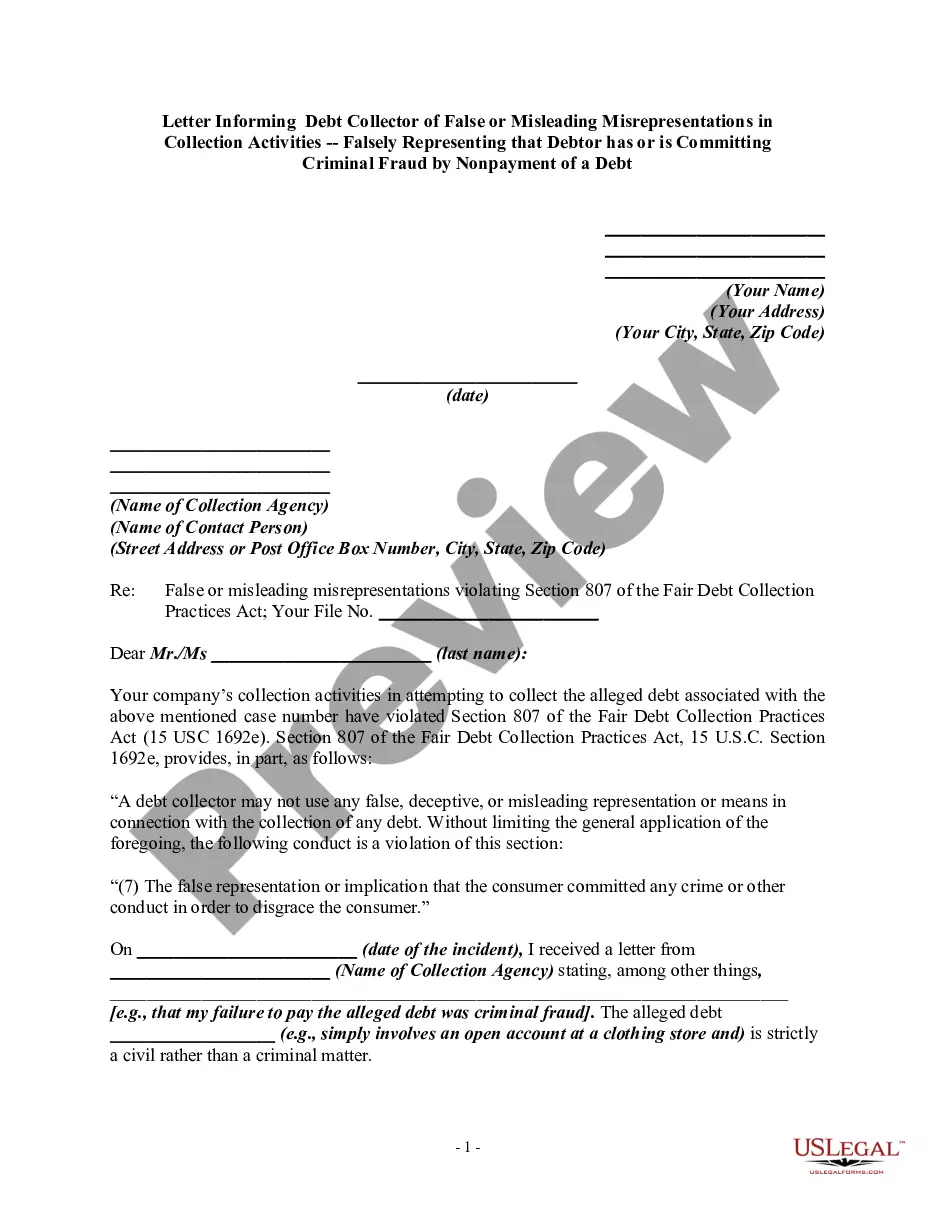





How to fill out Letter To Report False Submission Of Deceased Person's Information?
Managing legal documents and processes can be a lengthy addition to the day.
Forms like the Report False File For Google frequently require you to locate them and comprehend the optimal way to fill them out correctly.
Consequently, whether you are managing financial, legal, or personal affairs, having a comprehensive and effective online library of forms readily available will greatly assist you.
US Legal Forms is the premier online platform for legal templates, providing over 85,000 state-specific documents and a variety of resources to help you complete your paperwork effortlessly.
Is this your first experience with US Legal Forms? Register and create a free account in just a few minutes to gain access to the form library and Report False File For Google. Then, follow the steps below to complete your form.
- Explore the collection of pertinent documents available to you with just a click.
- US Legal Forms provides you with state- and county-specific forms available for download at any time.
- Safeguard your document management tasks using a high-quality service that enables you to prepare any form in a matter of minutes without any extra or undisclosed fees.
- Just Log In to your account, find Report False File For Google, and download it immediately from the My documents section.
- You can also retrieve previously saved forms.
Form popularity
FAQ
Yes, you can report false files for Google reviews that violate their policy. Google allows users to flag reviews that are not based on genuine experiences. By submitting a report, you initiate a review process where Google assesses the validity of the flagged content. Utilizing US Legal Forms can provide you with the right tools and guidance to effectively navigate this process and enhance your online reputation.
Reporting inaccurate information on Google is straightforward. Start by locating the 'Feedback' or 'Report a problem' option on the site. Fill out the form with accurate details about the inaccuracies you notice. Remember, if you encounter challenges, platforms like US Legal Forms can assist you in documenting and reporting false files for Google more effectively.
To report false information on Google, navigate to the specific page or content you wish to address. You can use the built-in report function, which is usually located at the bottom of the page. Ensure you provide detailed information about the issue you are reporting. This process is crucial if you aim to report false files for Google effectively.
Yes, Google takes reports about false files seriously. When you report false information on Google, the team reviews the submissions thoroughly. They aim to maintain accurate information and deliver trustworthy search results. Therefore, if you wish to report false files for Google, your input will likely be assessed carefully.
To remove a Google review, first, identify whether the review violates Google's policies. If it does, you can report the false file for Google directly through the Google My Business dashboard. Promptly gather evidence related to the review, such as screenshots or information that disputes its accuracy. Providing clear and concise information will increase your chances of successfully removing the review.
Uslawenforcement@google.com Custodian of Records and legal Investigations Support can be reached at: 650-253-3425.
To report a violation: On a computer, go to drive.google.com. Right-click the file you want to report. Click Report or block. > Report. . Choose the type of abuse found in the file. Each abuse type has a description to help you determine if the file has violated our policies. Click Submit Abuse Report.
Report a problem Do a search on Google. At the top left of the page, tap Menu. Send feedback. Enter a description of the issue. If you want, you can include a screenshot of the page you're looking at. Tap Send. .
Report a problem Do a search on Google. At the top right of the page, click Quick Settings. Send feedback. Enter a description of the issue. If you want, you can highlight the part of the page you want to send feedback about. Click Send.