Privacy And Confidentiality Policy
Description
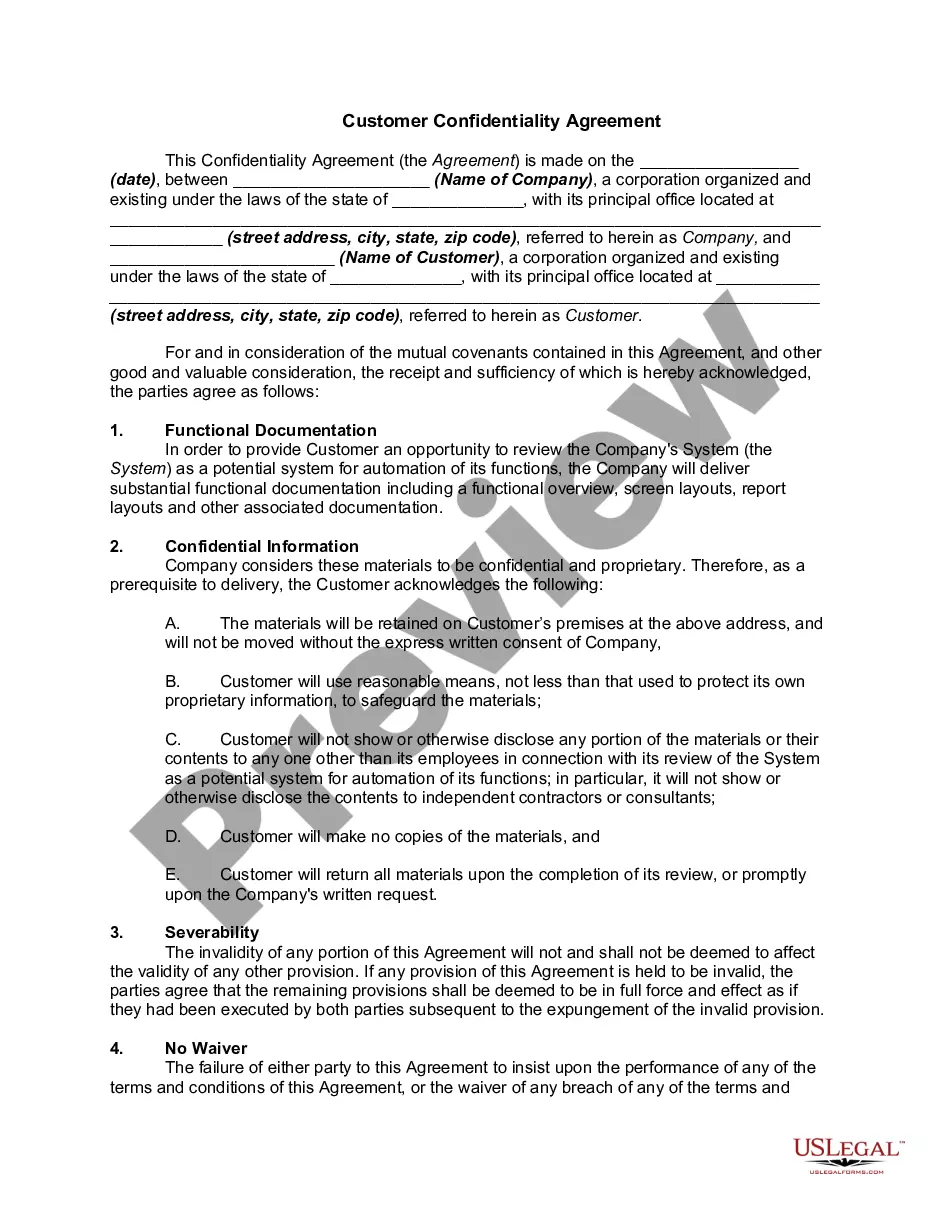
Get your form ready online
Our built-in tools help you complete, sign, share, and store your documents in one place.
Make edits, fill in missing information, and update formatting in US Legal Forms—just like you would in MS Word.
Download a copy, print it, send it by email, or mail it via USPS—whatever works best for your next step.
Sign and collect signatures with our SignNow integration. Send to multiple recipients, set reminders, and more. Go Premium to unlock E-Sign.
If this form requires notarization, complete it online through a secure video call—no need to meet a notary in person or wait for an appointment.
We protect your documents and personal data by following strict security and privacy standards.

Make edits, fill in missing information, and update formatting in US Legal Forms—just like you would in MS Word.

Download a copy, print it, send it by email, or mail it via USPS—whatever works best for your next step.

Sign and collect signatures with our SignNow integration. Send to multiple recipients, set reminders, and more. Go Premium to unlock E-Sign.

If this form requires notarization, complete it online through a secure video call—no need to meet a notary in person or wait for an appointment.

We protect your documents and personal data by following strict security and privacy standards.
Looking for another form?










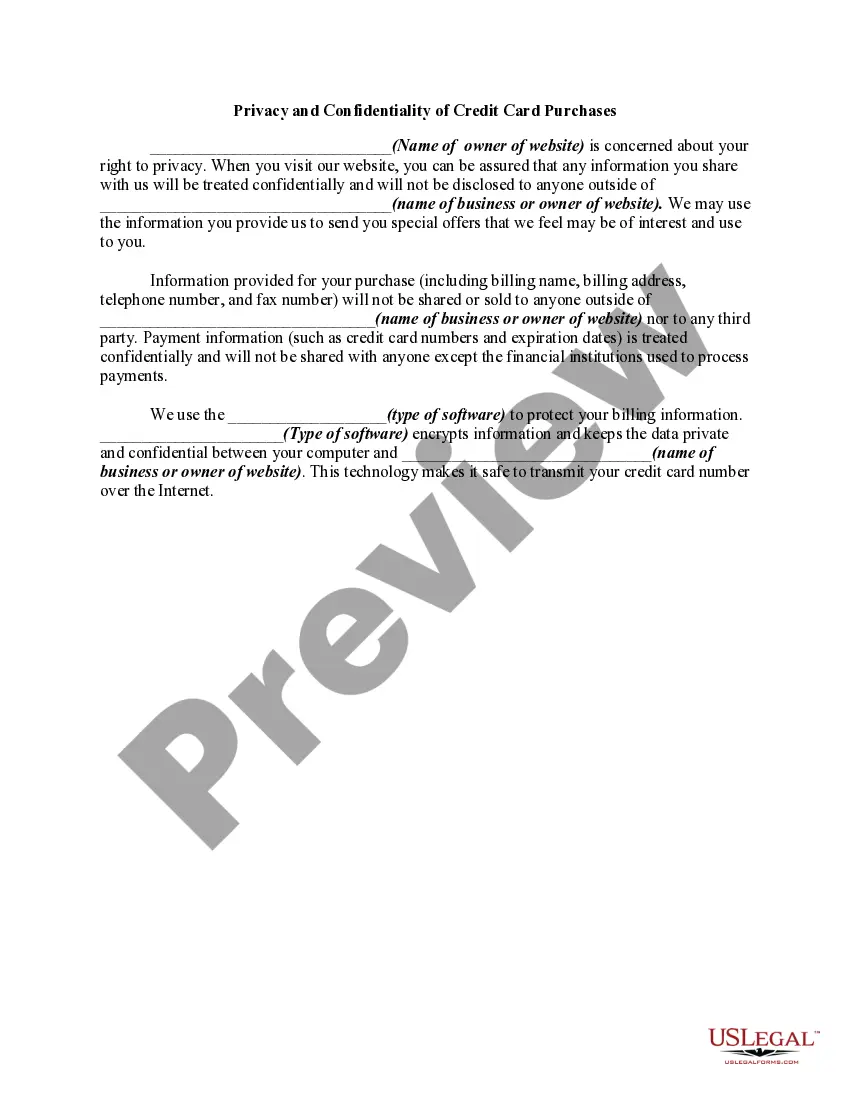
How to fill out Privacy And Confidentiality Of Credit Card Purchases?
There’s no further justification to invest time searching for legal documents to adhere to your local state laws. US Legal Forms has consolidated all of them in a single location and optimized their availability.
Our site offers over 85,000 templates for various business and personal legal situations categorized by state and usage area. All forms are expertly crafted and verified for authenticity, allowing you to feel confident in obtaining an updated Privacy And Confidentiality Policy.
If you are acquainted with our platform and currently possess an account, ensure your subscription is active prior to accessing any templates. Log In to your account, select the document, and click Download. You can also revisit all stored documents at any time by navigating to the My documents section in your profile.
You can print your form to fill it out by hand or upload the template if you prefer to utilize an online editor. Preparing official documents under federal and state laws and regulations is quick and straightforward with our library. Experience US Legal Forms now to maintain your documentation in order!
- If you’ve never used our platform before, the procedure will require additional steps to finalize.
- Here’s how new users can locate the Privacy And Confidentiality Policy in our inventory.
- Examine the page content thoroughly to confirm it includes the example you require.
- To do this, make use of the form description and preview options if available.
- Utilize the search field above to look for another template if the current one does not meet your needs.
- Click Buy Now adjacent to the template title as soon as you identify the suitable one.
- Choose the desired subscription plan and either register for a new account or Log In.
- Complete the payment for your subscription using a credit card or via PayPal to proceed.
- Select the file format for your Privacy And Confidentiality Policy and download it to your device.
Form popularity
FAQ
Describe what the other party is agreeing to.Exercising reasonable precautions against disclosure of the information.Not disclosing Confidential Information without the written consent of the Disclosing Party.Using the information only for business purposes, and only on a need to know basis.More items...?
These are the most basic elements that a privacy policy should include:Who is the site/app owner?What data is being collected?What is the Legal basis for the collection? (e.g consent, necessary for your service, legal obligation etc.)For which specific purposes are the data collected?More items...
Google's privacy policy Google is of course another great example of providing a transparent privacy policy for its users. Complying with one of the GDPR's most crucial policiesthe ability for a data subject to revoke consent of dataGoogle clearly depicts how and where a user can remove data.
Your privacy statement should be clear, direct, and easy to understand. Keep technical jargon and legal terminology to a minimum. If you decide to modify how you use personal information, you must inform your users. A company's privacy policy is only as strong as the staff that implements it.
There is no legal requirement that a lawyer be involved when writing your Privacy Policy. With the amount of resources, information and how-to guides available online today, you should be able to quite easily draft your own basic Privacy Policy. However, you may want to have a lawyer write your Privacy Policy.