Charitable Trust Online For Medical Help
Description

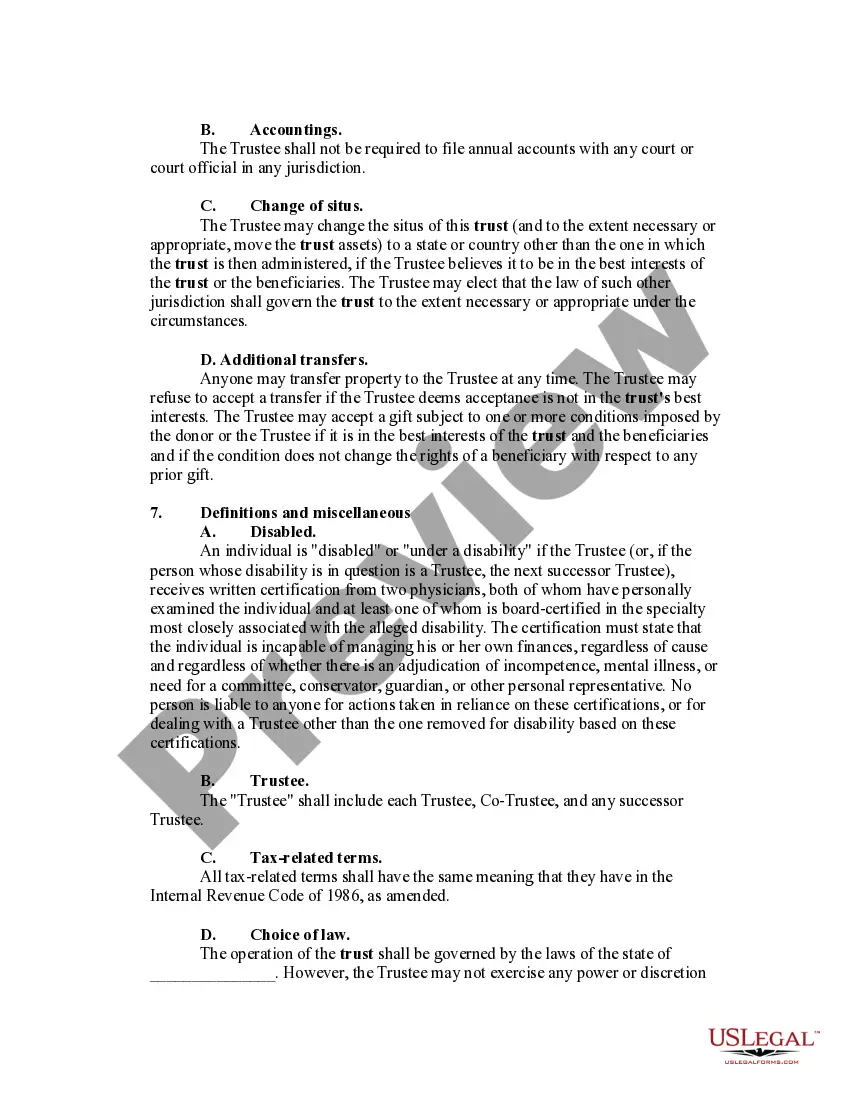
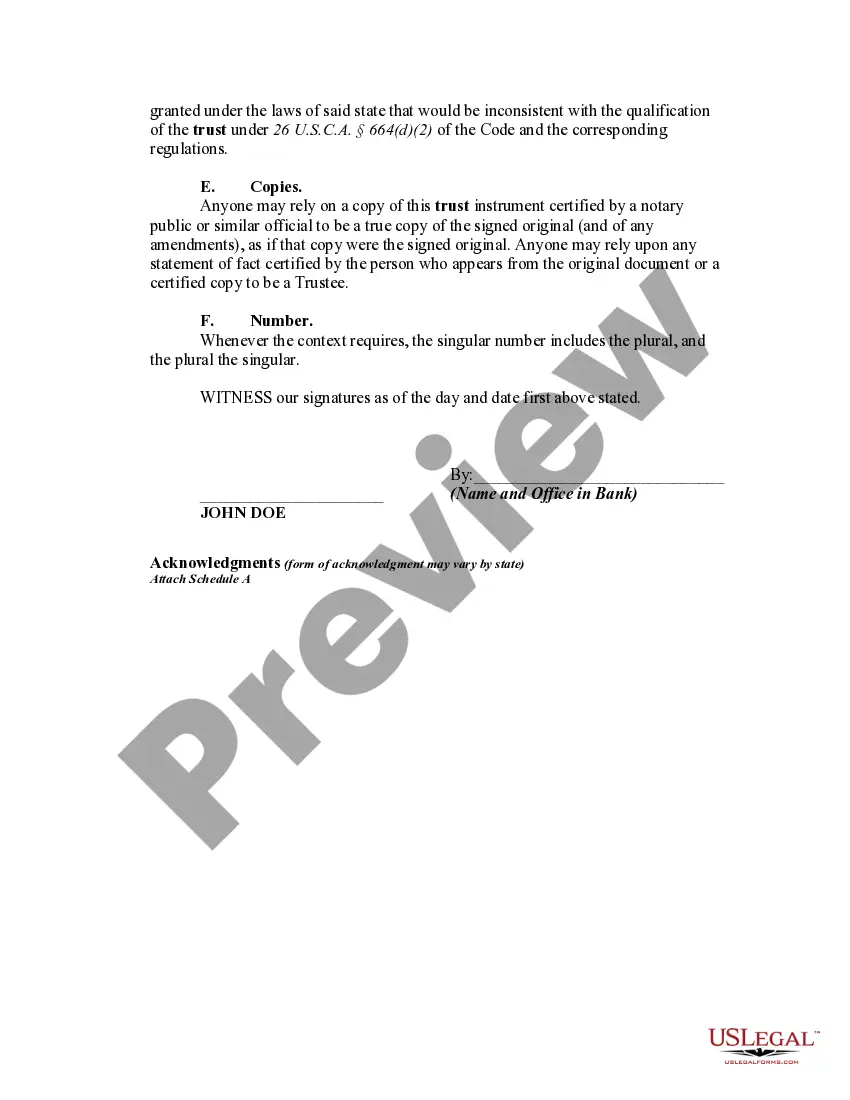
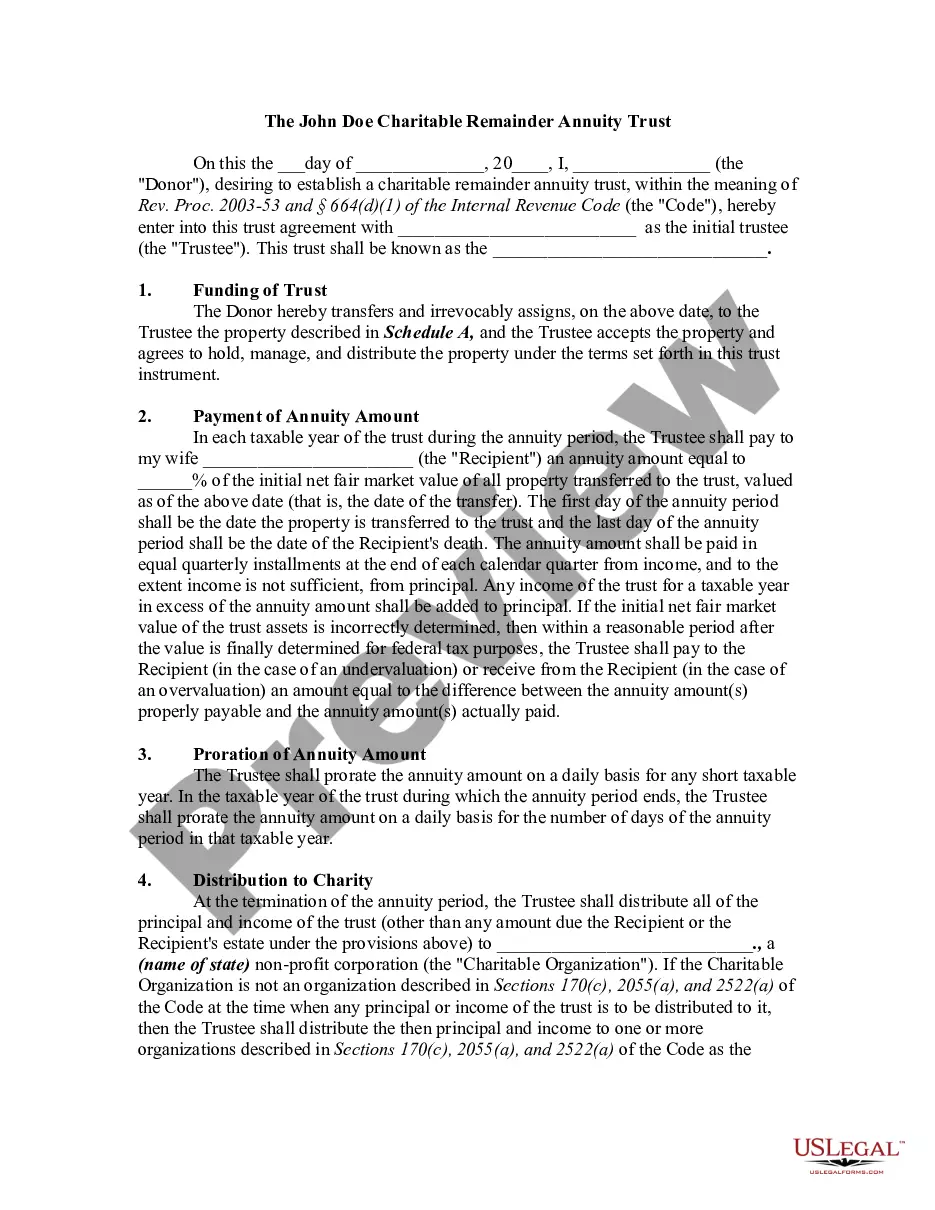




Get your form ready online
Our built-in tools help you complete, sign, share, and store your documents in one place.
Make edits, fill in missing information, and update formatting in US Legal Forms—just like you would in MS Word.
Download a copy, print it, send it by email, or mail it via USPS—whatever works best for your next step.
Sign and collect signatures with our SignNow integration. Send to multiple recipients, set reminders, and more. Go Premium to unlock E-Sign.
If this form requires notarization, complete it online through a secure video call—no need to meet a notary in person or wait for an appointment.
We protect your documents and personal data by following strict security and privacy standards.

Make edits, fill in missing information, and update formatting in US Legal Forms—just like you would in MS Word.

Download a copy, print it, send it by email, or mail it via USPS—whatever works best for your next step.

Sign and collect signatures with our SignNow integration. Send to multiple recipients, set reminders, and more. Go Premium to unlock E-Sign.

If this form requires notarization, complete it online through a secure video call—no need to meet a notary in person or wait for an appointment.

We protect your documents and personal data by following strict security and privacy standards.
Looking for another form?




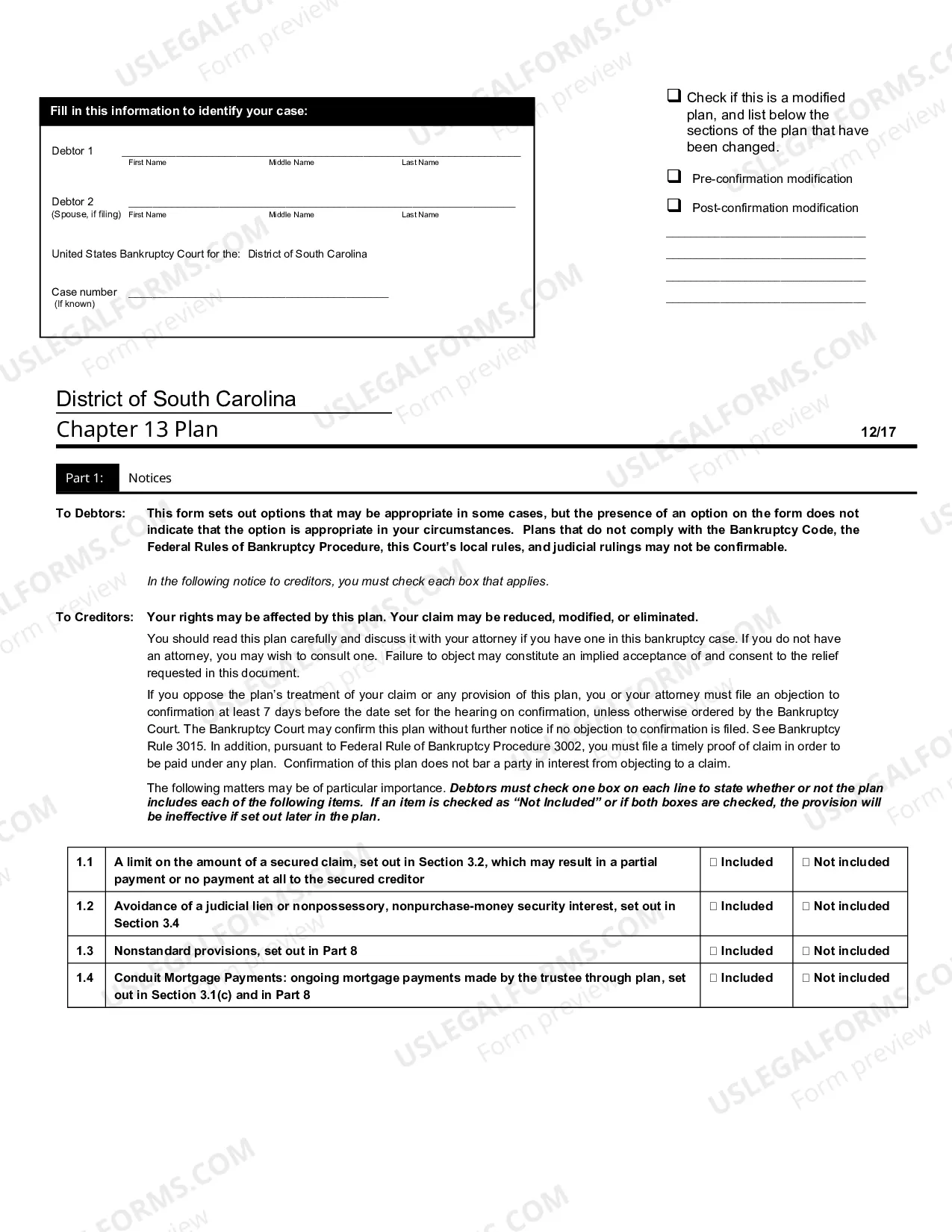




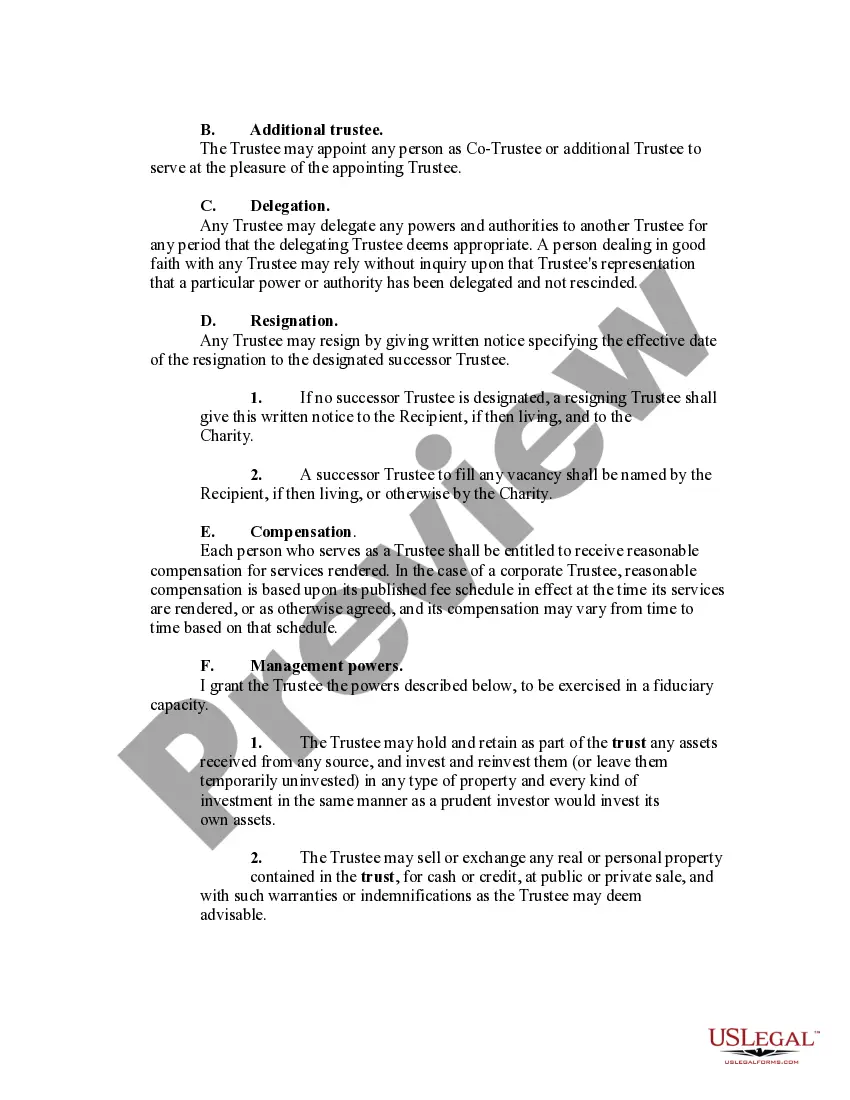
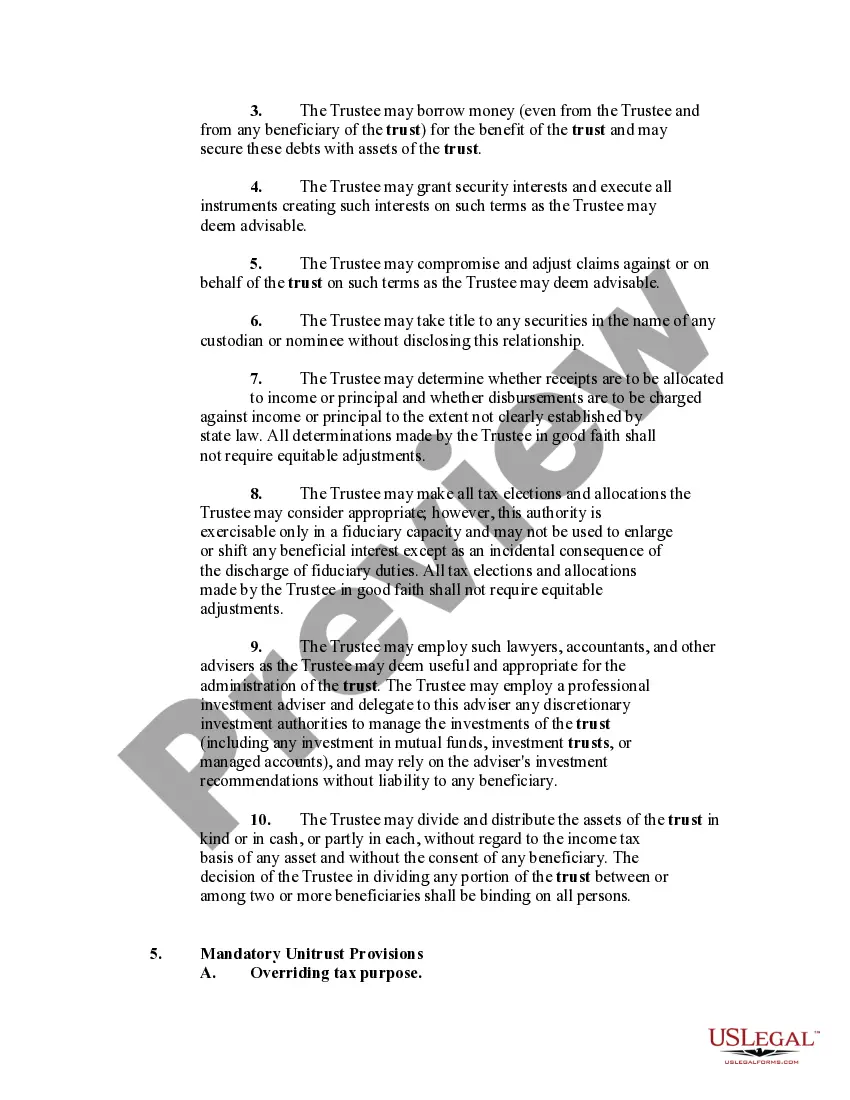
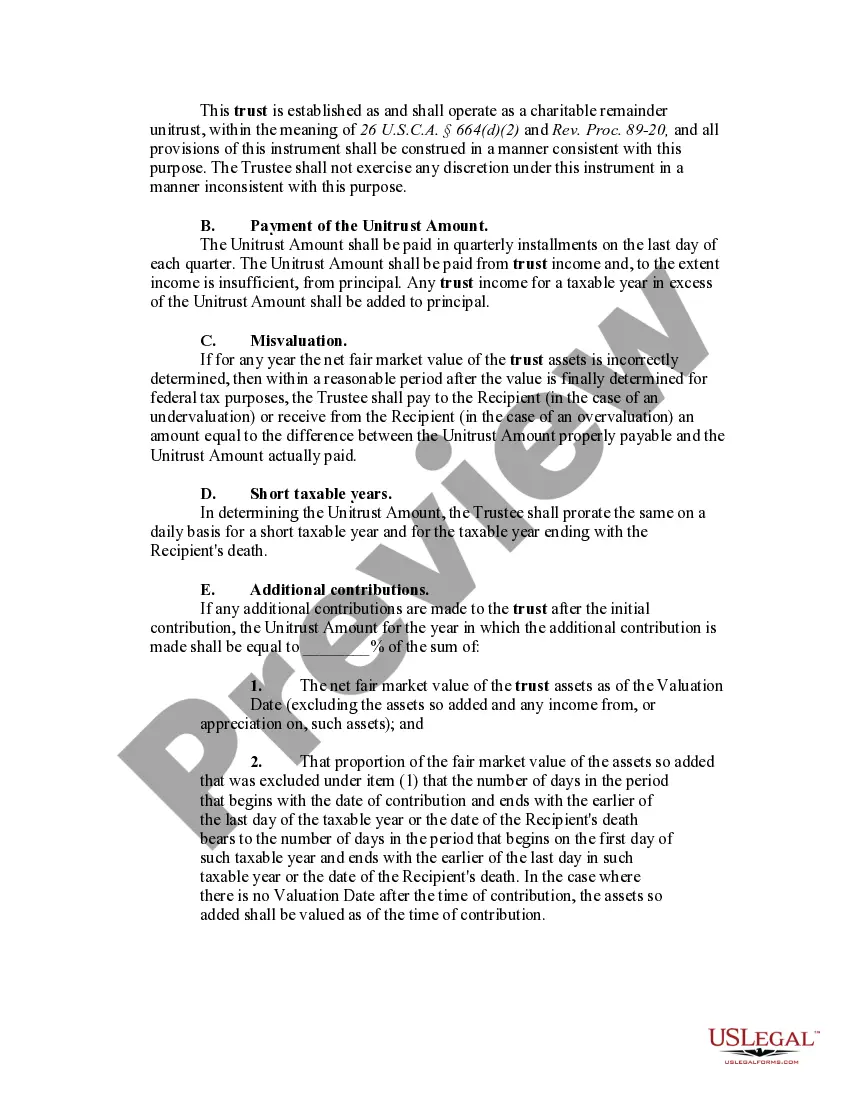
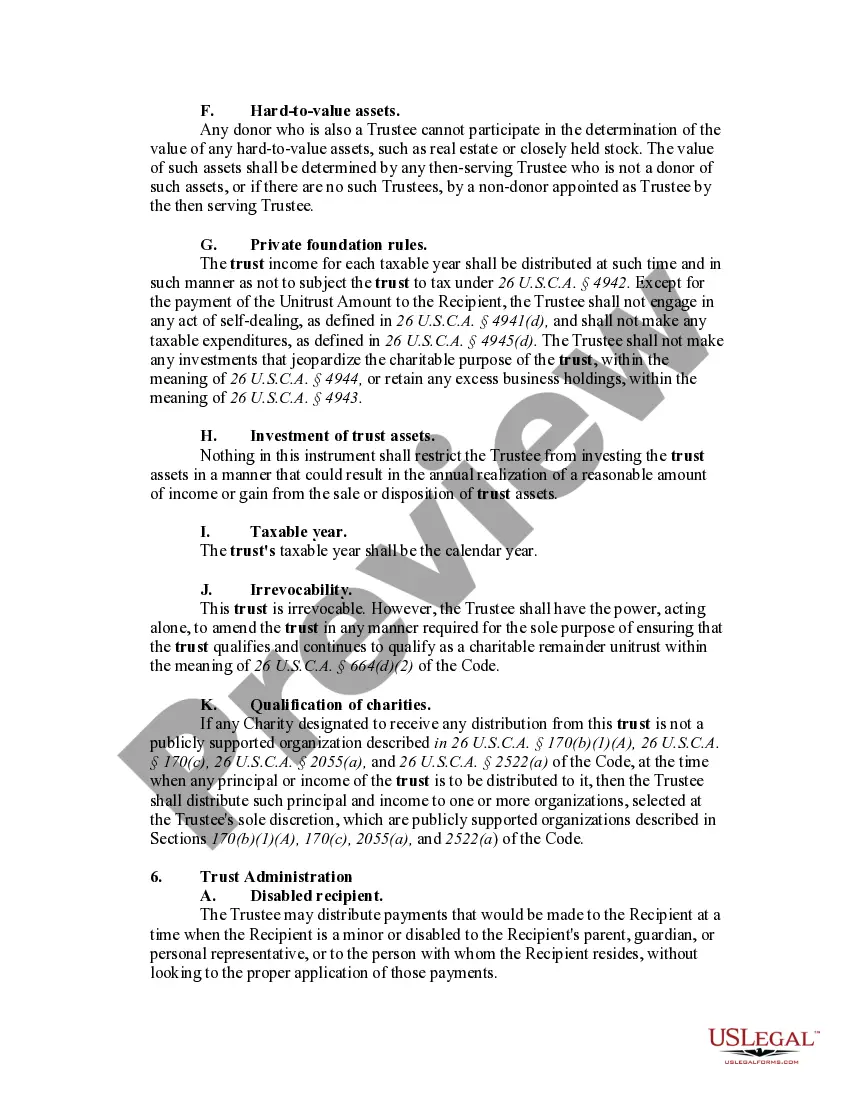
How to fill out Charitable Remainder Inter Vivos Unitrust Agreement?
It’s clear that you cannot become a legal expert instantly, nor can you determine how to swiftly draft Charitable Trust Online For Medical Assistance without possessing a specialized skill set.
Compiling legal documents is a lengthy endeavor that demands specific training and expertise. So why not entrust the formation of the Charitable Trust Online For Medical Assistance to the specialists.
With US Legal Forms, one of the most comprehensive legal template collections, you can access everything from court documents to templates for in-office correspondence.
Begin your search anew if you require any additional template.
Create a free account and select a subscription plan to purchase the template. Click Buy now. Once the transaction is completed, you can access the Charitable Trust Online For Medical Assistance, fill it out, print it, and send or mail it to the necessary individuals or organizations.
- We recognize how crucial compliance and adherence to federal and local regulations are.
- That’s why, on our site, all templates are location-specific and current.
- Here’s how you can initiate your experience on our website and obtain the document you require in just a few minutes.
- Locate the form you need using the search bar at the top of the page.
- Preview it (if this option is available) and review the accompanying description to determine whether Charitable Trust Online For Medical Assistance is what you’re looking for.
Form popularity
FAQ
How to create a charitable trust Determine what assets you want to add to the trust. Remember that your donations are irrevocable. Decide on your beneficiaries and whether you want the trust income to pay them or the organization first. ... Work with a professional to draw up a trust document.
Massachusetts charities, and non-Massachusetts charities operating or soliciting in the state, are required to Register with the AGO and submit Annual Filings (Forms PC), which must be done using the Online Charity Portal.
Benefits of a Charitable Remainder Trust Reduce or eliminate your estate taxes. Pay no capital gains tax when the asset is sold. Benefit one or more charities. Receive more income over your lifetime than if you had sold the asset yourself.
In either type of CRT (unitrust or annuity trust), the Internal Revenue Service (IRS) requires that the payout rate stated in the trust cannot be less than 5 percent or more than 50 percent of the initial fair market value of the trust's assets.
If you do decide to move forward with a charitable remainder trust, the setup can cost anywhere from $3,500 to $25,000. The price range depends on the the type of charitable trust and the complexity of your situation. Commercial real estate, for instance, may require additional steps and expenses.